How we make this list: we compare pricing pages, product documentation and public user reviews. Rankite is independent; if a vendor ever pays for a featured spot, that listing is clearly labeled Partner.
Key takeaways
- Ziflow ($199/month annual) and PageProof ($249/month flat) lead the enterprise end: campaign workflows, audit trails and security certifications.
- ReviewStudio ($15/month) and Ashore ($15/month) are the affordable picks, both with genuinely useful free tiers.
- Approval Studio's free plan plus ExpressReview from $9.99/month is the cheapest paid on-ramp in the category.
- Filestage ($199/month annual) suits SMB and mid-market teams that want a clean file-by-file review experience.
- Every tool here gives unlimited free reviewers, so clients never need a paid seat to leave feedback.
Quick comparison
| Tool | Best for | Starting price | Free plan |
|---|
 Ziflow Ziflow | Marketing teams running multi-asset campaigns at scale | $0 (free); Standard from $199 per month (billed annually) | Yes |
 PageProof PageProof | Brands that prioritize security and global data residency | $249 per month (flat, 10-user minimum) | Free trial |
 Filestage Filestage | SMB and mid-market teams wanting simple file review | $0 (free); from $199 per month (billed annually) | Yes |
 ReviewStudio ReviewStudio | Freelancers and small teams on a budget | $0 (free); Pro $15 per month | Yes |
 Approval Studio Approval Studio | Teams with many reviewers but few review cycles | $0 (free); ExpressReview from $9.99 per month | Yes |
 Ashore Ashore | High proof volume on a free or cheap plan | $0 (free); from $15 per month | Yes |
 GoProof GoProof | Adobe Creative Cloud-native review workflows | See website | Free trial |
 Pastel Pastel | Simple visual feedback on live websites | See website | Free trial |
Is your product missing or out of date?
We review this list regularly. Vendors can request a listing, send updated pricing or ask about featured placement.
The best online proofing software
#1
Ziflow
Best for: Marketing teams running multi-asset campaigns at scale
Visit ziflow.com
Starting price$0 (free); Standard from $199 per month (billed annually)
Free planYes
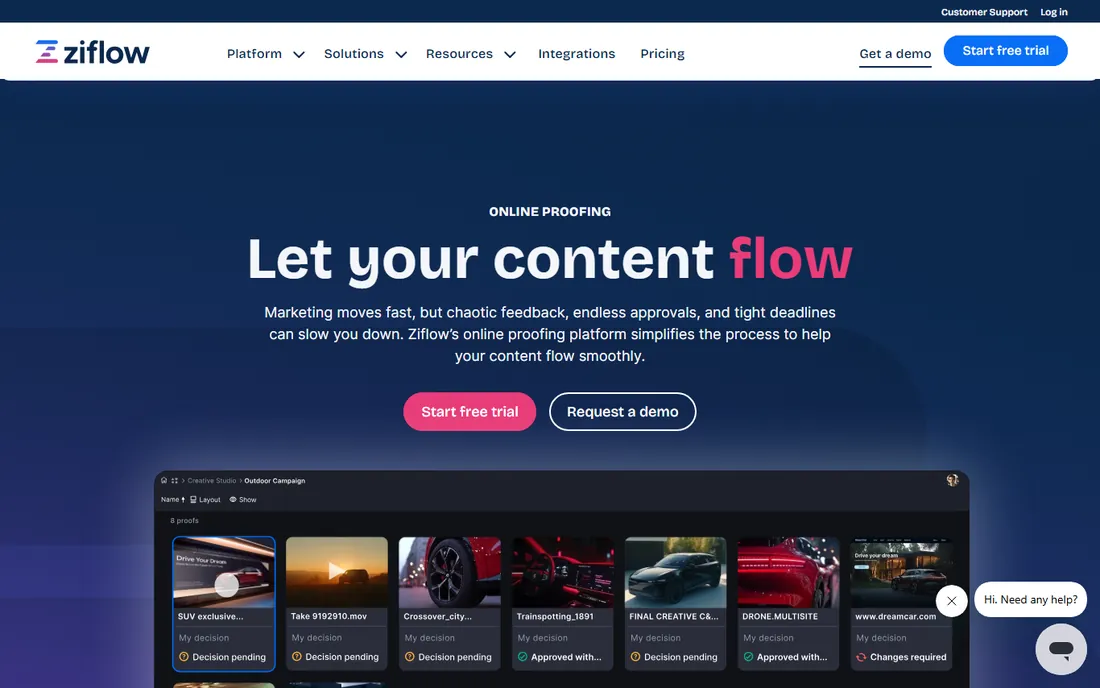
Ziflow is the dedicated enterprise proofing platform: it handles not just single files but whole campaigns, routing dozens of assets through review stages with automated workflows, version management and a full audit trail. Security credentials include SOC 2 Type II and ISO 27001, which is why regulated industries standardize on it. Pricing starts at $199 per month billed annually.
The free tier is real but narrow: unlimited proofs with 2 users and 2 GB of storage, enough to evaluate the workflow but not to run a team. Smaller teams may find the platform oversized; it earns its price when you have campaign-level review processes and compliance requirements.
Choose Ziflow when proofing is a process with stages, stakeholders and audit needs, not just comments on a file.
What we like- Native cross-asset campaign workflows
- 1,200+ file types
- SOC 2 Type II and ISO 27001
Watch out for- Enterprise pricing
- Free tier is a limited window into the platform
#2
PageProof
Best for: Brands that prioritize security and global data residency
Visit pageproof.com
Starting price$249 per month (flat, 10-user minimum)
Free planFree trial
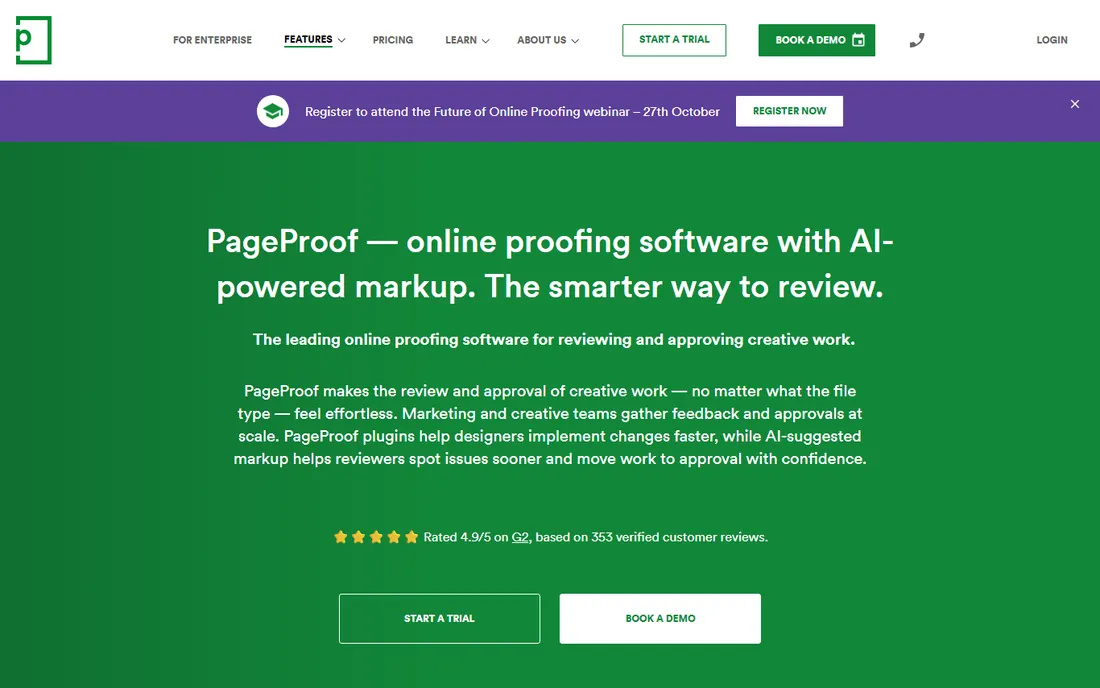
PageProof's pitch is secure, effortless proofing: fully encrypted collaboration with native integrations across design, communication and project management tools. It supports Adobe CC, Microsoft Office, web banners, movies and emails, and its ISO 27001 certification plus 18+ data residency regions appeal to global brands. Pricing is a flat $249 per month with a 10-user minimum.
The flat model has a virtue: unlimited team members can participate at no additional cost, so reviewer seats never become a budget discussion. The tradeoff is campaign structure: tags, collections and groups exist, but there is no unified cross-asset campaign workflow like Ziflow's.
It fits brands where security, encryption and residency requirements lead the buying decision.
What we like- Strong security posture
- 18+ data residency regions
- Unlimited team members at no extra cost
Watch out for- Highest flat entry price here
- No first-class campaign workflow
#3
Filestage
Best for: SMB and mid-market teams wanting simple file review
Visit filestage.io
Starting price$0 (free); from $199 per month (billed annually)
Free planYes

Filestage is the approachable middle of the market: a clean file-by-file review experience that SMB and mid-market teams adopt quickly. The free tier is team-friendly with 10 users and 2 GB of storage, though it caps at 5 files a month and lacks version comparison. Paid plans start at $199 per month billed annually.
The platform organizes work by project and reviewer group rather than unified campaigns, which suits teams reviewing assets one at a time. SSO is available on paid tiers; deeper enterprise controls like SCIM are less documented than Ziflow's or PageProof's.
Pick Filestage when you want proofing that the whole team actually uses, without enterprise ceremony.
What we like- Clean, simple review experience
- Team-friendly free tier (10 users)
- Good video review
Watch out for- Free tier capped at 5 files a month
- No version comparison on free
Starting price$0 (free); Pro $15 per month
Free planYes
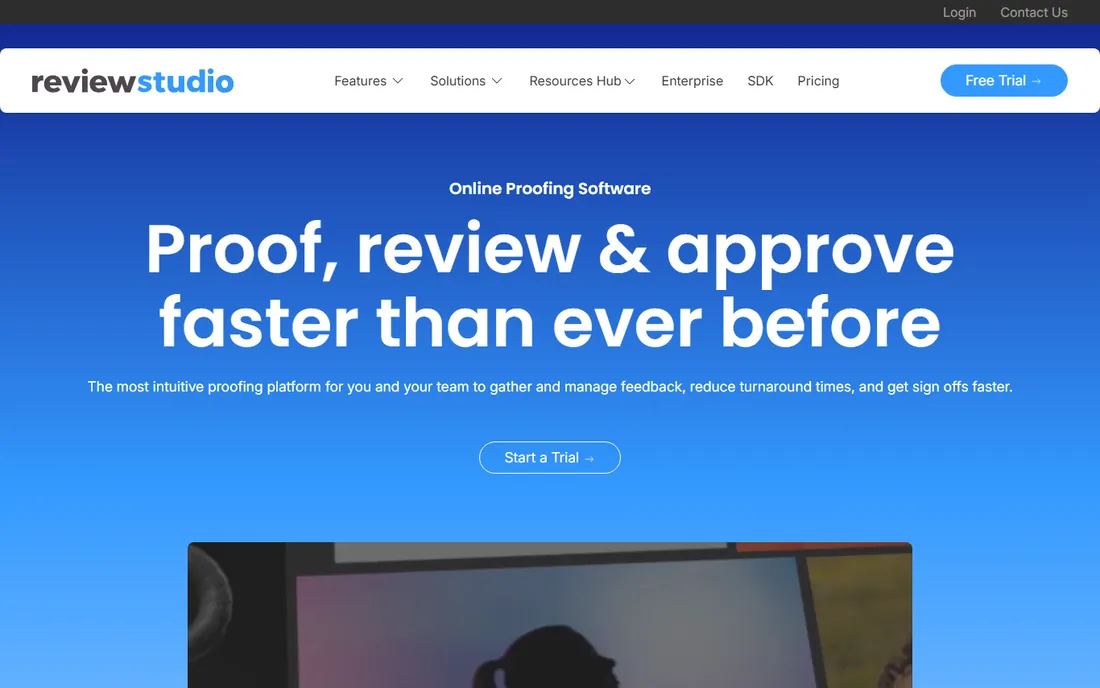
ReviewStudio's free tier is the best free deal in this category: 3 active reviews, 5 GB of storage and unlimited users, with version comparison included. The Pro plan at $15 per month adds 10 active reviews and 15 GB for individuals, scaling to Team ($56/month) and Studio ($124/month) tiers.
The experience is less polished than Ziflow or PageProof, and it is web-only with no mobile app. But for freelancers and small creative teams, the value is undeniable: real proofing workflow, live review sessions and task assignment at a fraction of enterprise prices.
It is the right pick when budget is the primary constraint and the work is image, PDF, video or web review.
What we like- Most generous free tier (3 active reviews, 5 GB, unlimited users)
- Version compare
- Live review sessions
Watch out for- Less polished than the enterprise tools
- Web only
Starting price$0 (free); ExpressReview from $9.99 per month
Free planYes
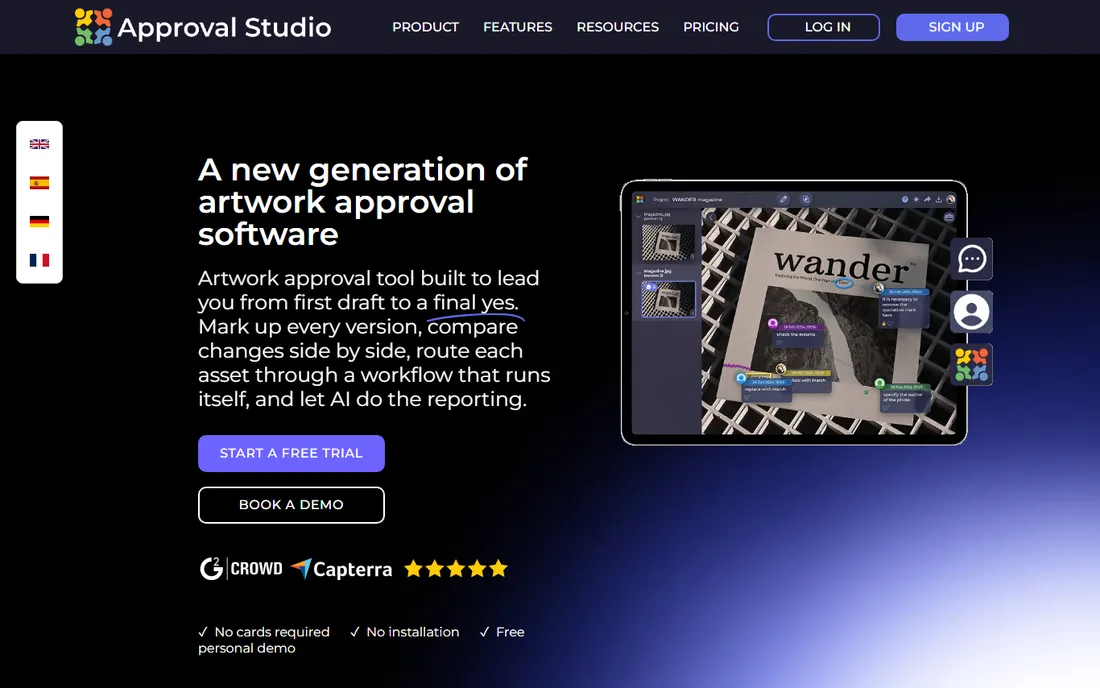
Approval Studio structures its pricing around a common pattern: lots of recurring reviewers but few review cycles per month. The free plan covers the basics, and ExpressReview from $9.99 per month is the cheapest paid on-ramp among these tools. Like the others, reviewers never need paid accounts.
It is not the deepest tool here: complex routing, campaign workflows and enterprise security go to Ziflow and PageProof. But for agencies and studios whose proofing needs are straightforward, the price-to-value ratio is excellent.
Choose it when you want the lowest possible paid cost for competent proofing.
What we like- Cheapest paid tier in the category
- Unlimited free reviewers
- Simple upgrade path
Watch out for- Feature depth lags the specialists
- Best for simpler workflows
Starting price$0 (free); from $15 per month
Free planYes
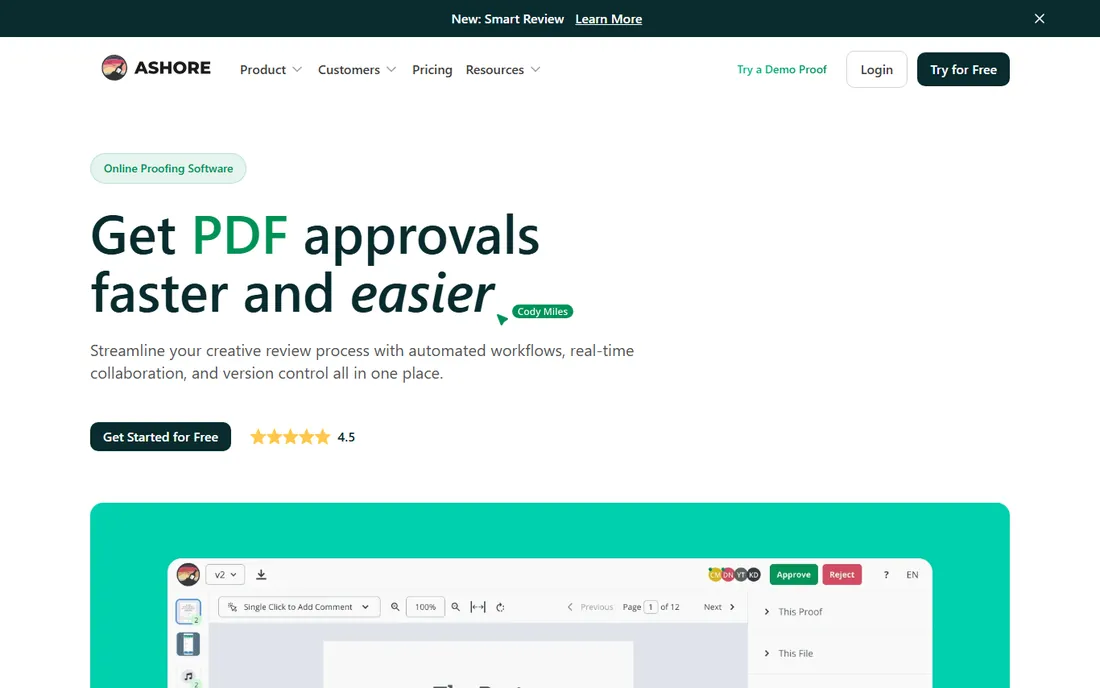
Ashore wins on free-tier volume: 30 files a month on the free plan, far more than any competitor's free offering, with support for images, PDFs, docs, HTML, video and audio. Paid plans start at $15 per month. The tradeoff is depth: everything beyond core commenting and approval is basic, and free storage is 1 GB.
For teams whose proofing is high-volume but simple (marketing teams pushing lots of assets through quick reviews), Ashore's free tier may be all they ever need. The paid tier mainly removes the volume ceiling.
It fits when you review many files and need little more than comments and approvals.
What we like- Free tier allows 30 files a month
- Simple interface
- Cheap paid start
Watch out for- Basic feature set
- Web only
- 1 GB storage on free
Starting priceSee website
Free planFree trial
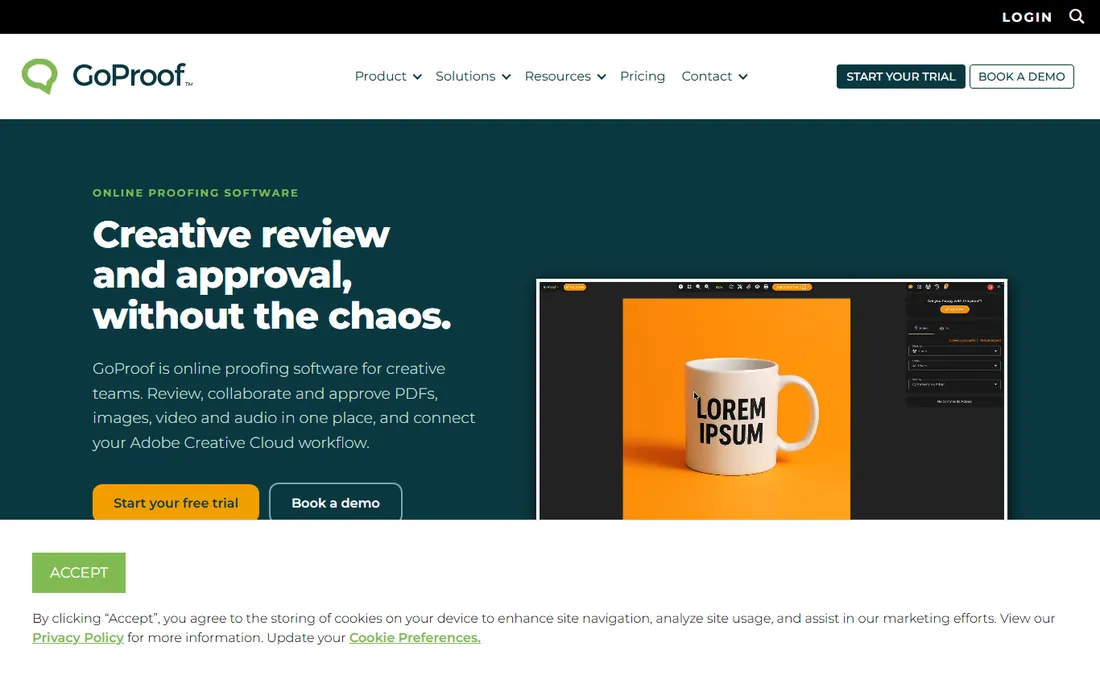
GoProof's differentiator is its Adobe Creative Cloud integration, deeper than any rival's: creatives share work for review through the GoProof extension and receive collaborator comments, @mentions and change requests back inside their Creative Cloud apps. Reviewers work in one shared space with 10+ proofing tools and custom workflows. Pricing is not published on a simple tier page, so check the vendor site.
Licensing is sender-based: chargeable licenses cover proof senders while collaborators are unlimited, and proof counts are unlimited. It is Adobe-centric by design; teams outside the Adobe ecosystem get less of the magic.
Pick GoProof when your team lives in Adobe CC and you want review feedback flowing back into the design tools.
What we like- Deepest Adobe CC integration in the category
- Comments sync back into Adobe apps
- Unlimited proofs
Watch out for- Pricing not published on a simple tier page
- Adobe-centric by design
Starting priceSee website
Free planFree trial
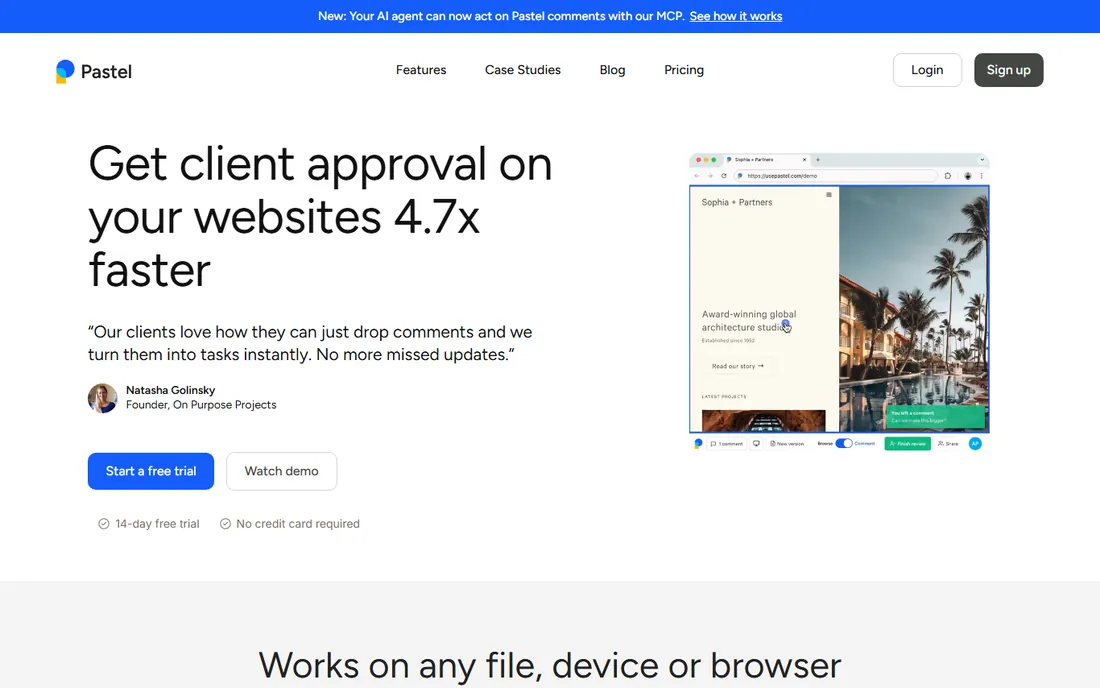
Pastel takes the simplest possible approach to website proofing: share a link, and reviewers click anywhere on the live page to leave pinned comments. No accounts, no training, no workflow configuration. For client website feedback and design QA, that simplicity is the feature.
It is narrower than the full proofing platforms: version management, routing and audit trails are not the point. Pricing is not published on a simple tier page; check the vendor site for current plans.
Use Pastel when the job is "client, look at this website and tell me what to change," nothing more.
What we like- Dead-simple website commenting
- Shareable review links
- Good for client feedback
Watch out for- Pricing not published on a simple tier page
- Narrower scope than full proofing platforms
How to run a proofing pilot
Do not buy on features; buy on workflow fit. Run a two-week pilot with one real project: invite your actual reviewers (they are free on every tool here), route it through your normal approval stages, and measure two things: how many review cycles it took versus email, and whether reviewers actually used the tool without training. The tool that shortens cycles with your least technical reviewer is the right one. Check version comparison and guest access during the pilot; those are the features that matter daily. Also confirm notification behavior: reviewers who never see the email never leave the feedback. Set the reminder cadence before the pilot starts, not after reviewers go quiet.
How we chose
We listed active, dedicated online proofing platforms with real 2026 adoption, verified against current comparisons (Ziflow's 2026 comparison, Approval Studio's free-proofing roundup, SaaS pricing pages). Pricing comes from vendor pricing pages and current third-party comparisons that read those pages; where the vendor page did not show a simple tier price, we state that. We weighted free-tier generosity, workflow depth, security credentials and Adobe integration. No hands-on testing was performed.
Frequently asked questions
What is online proofing software?
Software that lets reviewers comment directly on creative files (designs, videos, documents, websites), tracks versions and records approvals, replacing feedback scattered across email threads.
Do my clients need to pay for an account?
No. Every tool on this list gives unlimited free reviewer access; clients comment via a link without a paid seat. You pay only for your team's user licenses.
Which tool is best for video proofing?
Filestage and Ziflow have the strongest video review experiences. ReviewStudio and Ashore handle video on their affordable tiers. For frame-accurate comments, confirm time-coded commenting during your trial.
What is the cheapest option?
Approval Studio's ExpressReview from $9.99 per month. If free is the budget, ReviewStudio's free tier (3 active reviews, 5 GB) or Ashore's (30 files a month) are the best free deals.
Do these tools integrate with Adobe Creative Cloud?
GoProof has the deepest Adobe CC integration, with comments syncing back into Adobe apps. Ziflow and PageProof also offer Adobe integrations; check the specific apps you use during the trial.
How is proofing different from project management?
Project management tools (Asana, monday.com) track tasks and deadlines; proofing tools handle the review layer: markup, version comparison, approval sign-off and audit trails. Many teams use both, integrated.
Sources we checked (6)
- https://www.ziflow.com/blog/best-client-proofing-software
- https://approval.studio/blog/best-free-online-proofing-software/
- https://www.softwareworld.co/compare/pageproof-vs-ziflow/
- https://www.saasworthy.com/product/reviewstudio/pricing
- https://www.trustradius.com/compare-products/goproof-vs-webex-app
- https://slashdot.org/software/comparison/Pastel-vs-ProofStuff/
Is your product missing or out of date?
We review this list regularly. Vendors can request a listing, send updated pricing or ask about featured placement.

Shihab Mia · Founder, Rankite
Shihab has spent more than a decade helping SaaS and e-commerce brands grow through search. He writes Rankite's software buying guides from pricing pages, documentation and public user reviews. More about Shihab.