How we make this list: we compare pricing pages, product documentation and public user reviews. Rankite is independent; if a vendor ever pays for a featured spot, that listing is clearly labeled Partner.
Key takeaways
- Inkscape remains the most capable completely free vector editor: open source, professional-grade, no account and no upsell.
- Penpot is the best free choice for UI and product design teams: open source, collaborative, and free to self-host.
- Figma's free Starter plan and Lunacy (free desktop app) cover interface design without paying Adobe prices.
- For quick browser-based SVG work, SVG-Edit and Method Draw need no install and no account; Janvas gives 10 free saves before its subscription.
Quick comparison
| Tool | Best for | Starting price | Free plan |
|---|
 Inkscape Inkscape | Illustrators and designers who want a full professional editor for free | Free | Yes |
 Penpot Penpot | Product and UI design teams that want open source Figma-style collaboration | Free | Yes |
 Figma Figma | Interface designers who want the industry-standard tool free | Free (Starter plan) | Yes |
 Lunacy Lunacy | Designers who want a free native desktop app like Figma | Free | Yes |
 LibreOffice Draw LibreOffice Draw | Diagrams, flowcharts and technical drawings at no cost | Free | Yes |
 SVG-Edit SVG-Edit | Quick SVG edits with nothing to install | Free | Yes |
 Method Draw Method Draw | The simplest possible browser vector drawing | Free | Yes |
 Janvas Janvas | Trying a pro-grade browser editor before committing | Free (10 free saves, then subscription) | Limited (10 free saves) |
Is your product missing or out of date?
We review this list regularly. Vendors can request a listing, send updated pricing or ask about featured placement.
The best free vector graphics software
Vector graphics (logos, icons, illustrations that scale forever) used to mean paying for Illustrator or CorelDRAW. Not anymore. The free options below range from professional desktop editors to browser tools that open in seconds. Every one is free to use for real work; where limits exist, they are stated plainly.
#1
Inkscape
Best for: Illustrators and designers who want a full professional editor for free
Visit inkscape.org
Starting priceFree
Free planYes
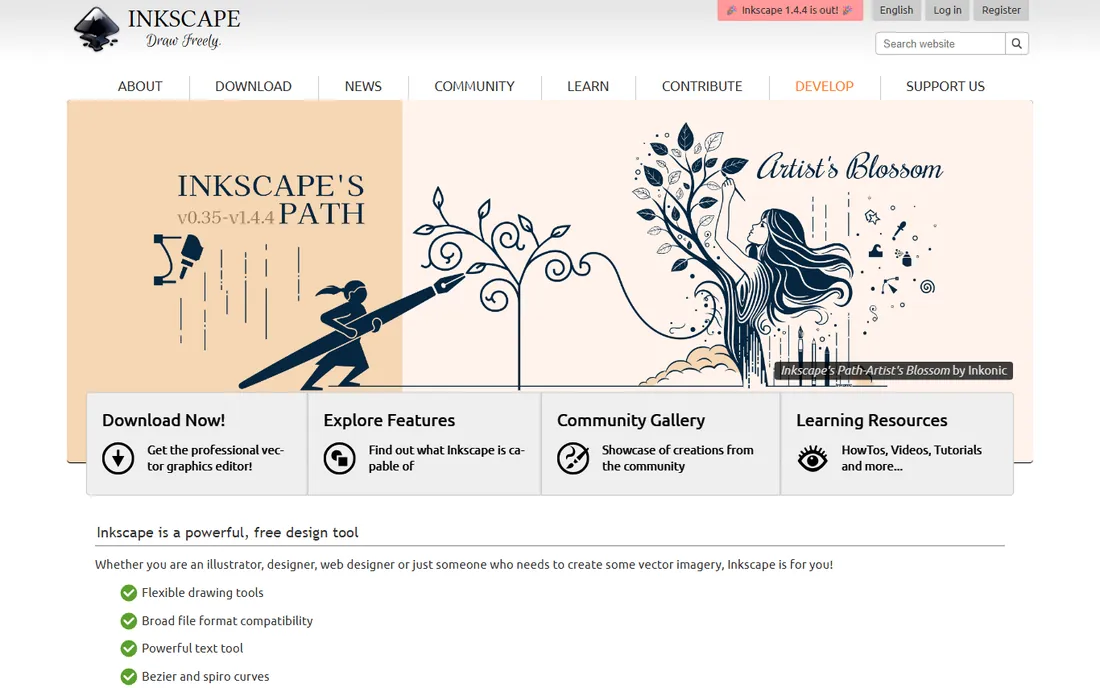
Inkscape is the answer to "what is the free Illustrator": a complete vector graphics editor that handles illustration, logo design, web graphics and diagrams. Flexible drawing tools, node editing, gradients, filters, extensions and broad file compatibility cover the vast majority of professional vector work. It is genuinely free: no trial, no premium tier, no account.
The tradeoffs are real but manageable. The UI shows its open-source roots, and print-production workflows take more effort than in Illustrator. But for screen design, logos, icons, laser cutting, vinyl cutting and general illustration, Inkscape does the job at a price no competitor can beat. The tutorial ecosystem is enormous, so the learning curve is well supported.
What we like- Professional-grade vector editing (bezier and spiro curves, powerful text tools, broad format support) with no cost, no account and no feature gates
- Open source with an active community and extensive tutorials
- Runs on Windows, Mac and Linux
Watch out for- The interface is less polished than commercial rivals
- Performance can lag on very complex documents
- Some workflows (like CMYK for print) need workarounds
#2
Penpot
Best for: Product and UI design teams that want open source Figma-style collaboration
Visit penpot.app
Starting priceFree
Free planYes
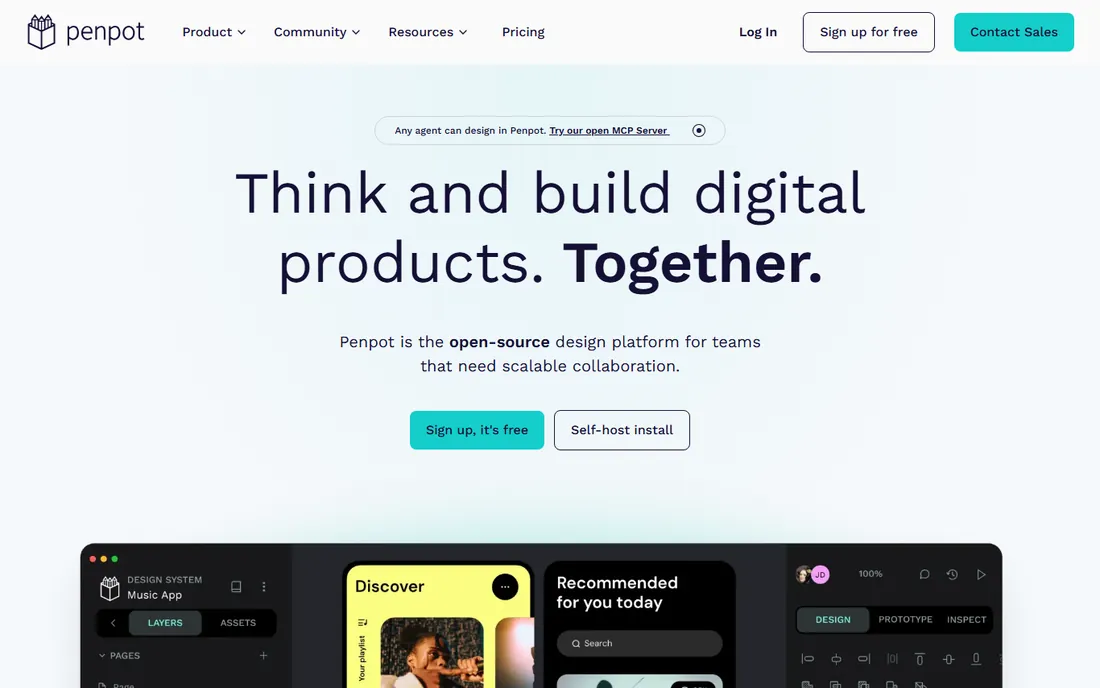
Penpot is the open-source answer to Figma: design interfaces, build design systems, prototype and hand off to developers, all in the browser, all free. Because it is built on open standards (SVG as the native format), your files are yours in a way proprietary formats never are. Teams can self-host it or use the hosted version.
For UI and product design, Penpot is the strongest free option here. The plugin and template ecosystem is still growing compared with Figma, and illustrators will still prefer Inkscape. But for a design team that wants collaboration without per-seat bills or vendor lock-in, Penpot is remarkable.
What we like- Open source and free to self-host, with no per-seat pricing
- Real-time collaboration, components, design systems and prototyping
- Open standards (SVG, CSS, HTML) with no vendor lock-in on file formats
Watch out for- The ecosystem (plugins, templates, community files) is smaller than Figma's
- Newer product with occasional rough edges
- Less suited to pure illustration than Inkscape
#3
Figma
Best for: Interface designers who want the industry-standard tool free
Visit figma.com
Starting priceFree (Starter plan)
Free planYes
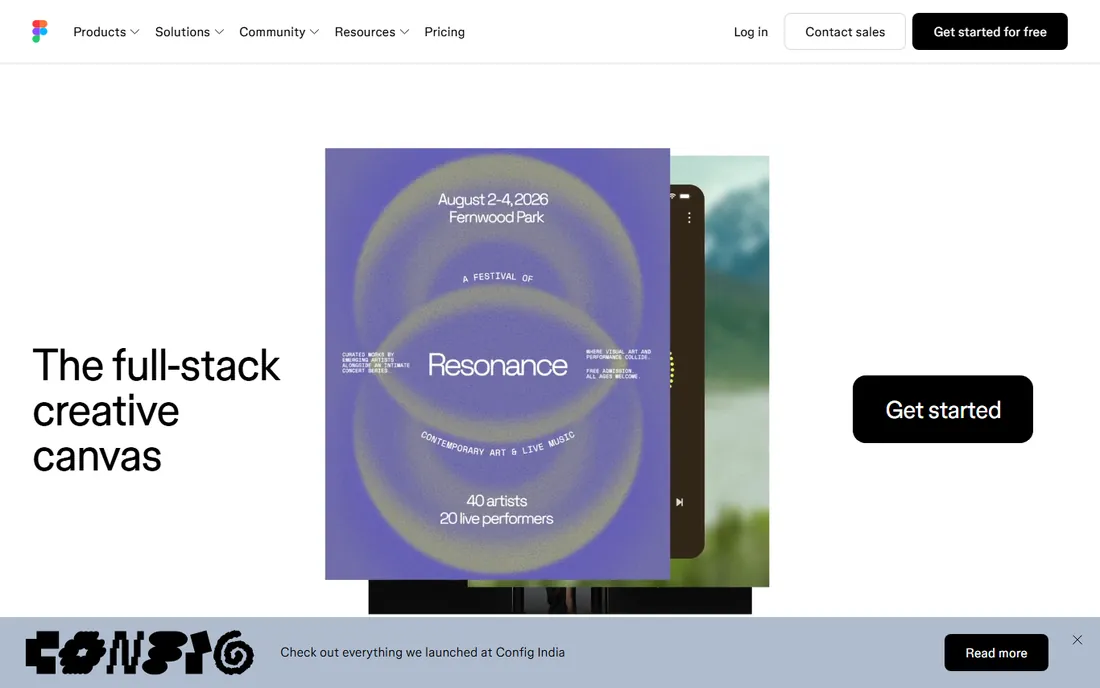
Figma's free Starter plan is generous enough for real work: design files, prototyping, components and collaboration for small teams. For interface design, web design and app design, it remains the tool most employers expect you to know, which makes the free tier doubly valuable as a learning investment. The community files alone (free UI kits, icons, templates) are worth the signup.
The limits appear as teams grow: paid plans add more projects, better version history and developer handoff features. And Figma is a UI design tool first; for illustration, logos and print work, Inkscape is the better free pick. Use Figma free for interfaces, Inkscape free for illustration, and you have covered both worlds for nothing.
What we like- The industry standard for UI design, with a free Starter plan for individuals and small teams
- Unmatched component, prototyping and collaboration features
- Enormous community with free templates and plugins
Watch out for- The free plan limits team projects and version history
- It is browser-based, so offline work is limited
- Advanced features (Dev Mode, branching) require paid seats
#4
Lunacy
Best for: Designers who want a free native desktop app like Figma
Visit icons8.com
Starting priceFree
Free planYes
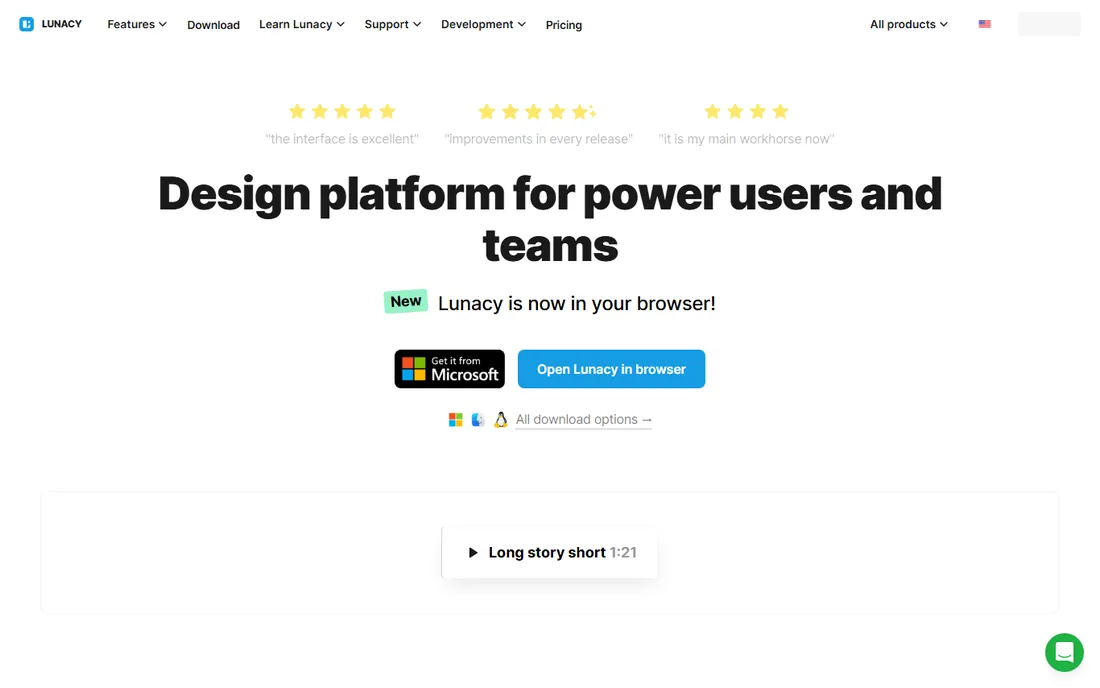
Lunacy by Icons8 is the free desktop alternative to Figma: auto layout, components, prototyping and real-time collaboration, plus the ability to import Figma files. Because it is a native app rather than a browser tab, it runs fast on modest hardware and works fully offline. The built-in Icons8 graphics library (icons, illustrations, photos) saves constant tab-switching.
It is completely free, including a full single-user license. The ecosystem is smaller than Figma's, and teams deeply invested in Figma plugins may miss them. But for a designer who wants a fast, free, offline-capable design app, Lunacy is the best-kept secret on this list.
What we like- Free native app for Windows, macOS and Linux that works offline
- Reads Figma files and converts them accurately
- Built-in free icons, illustrations and photos from Icons8
Watch out for- Smaller community and plugin ecosystem than Figma
- Collaboration features are newer
- The product evolves fast, which occasionally moves features around
#5
LibreOffice Draw
Best for: Diagrams, flowcharts and technical drawings at no cost
Visit libreoffice.org
Starting priceFree
Free planYes
LibreOffice Draw is not trying to be Illustrator: it is a vector drawing tool for diagrams, and at that job it is excellent and free. Flowcharts, network diagrams, org charts, floor plans, technical schematics: connectors, shapes, layers and dimensioning cover them all. It comes with the LibreOffice suite, so most users already have it.
Do not pick Draw for logos or illustration; pick it when the deliverable is a diagram in a document or presentation. For that specific job, it beats wrestling a general illustration tool, and the price is right.
What we like- Included free in the LibreOffice suite
- Solid for flowcharts, diagrams, floor plans and technical illustrations
- Exports to PDF and common image formats
- No account, no ads, no upsell
Watch out for- Not an illustration tool: no advanced bezier workflows or artistic brushes
- The interface is dated
- Page-based rather than artboard-based thinking
Starting priceFree
Free planYes
SVG-Edit is the fastest path from "I need to tweak this SVG" to done: open the URL, edit, save. Layers, path editing, shapes, text, gradients and a extension architecture cover most quick-turnaround vector tasks. Being open source and browser-based, it also powers embedded editors in other products.
It will not replace Inkscape for serious illustration, but for editing icons, adjusting logos, or cleaning up exported SVGs, it is the zero-friction option. Bookmark it; you will use it more than you expect.
What we like- Runs entirely in the browser with no install and no account
- Open source (MIT) with an active maintainer community
- Surprisingly capable: layers, paths, shapes, text and extensions
Watch out for- The interface is utilitarian
- Performance depends on the browser
- Not a replacement for a full desktop editor on complex work
#7
Method Draw
Best for: The simplest possible browser vector drawing
Visit method.ac
Starting priceFree
Free planYes
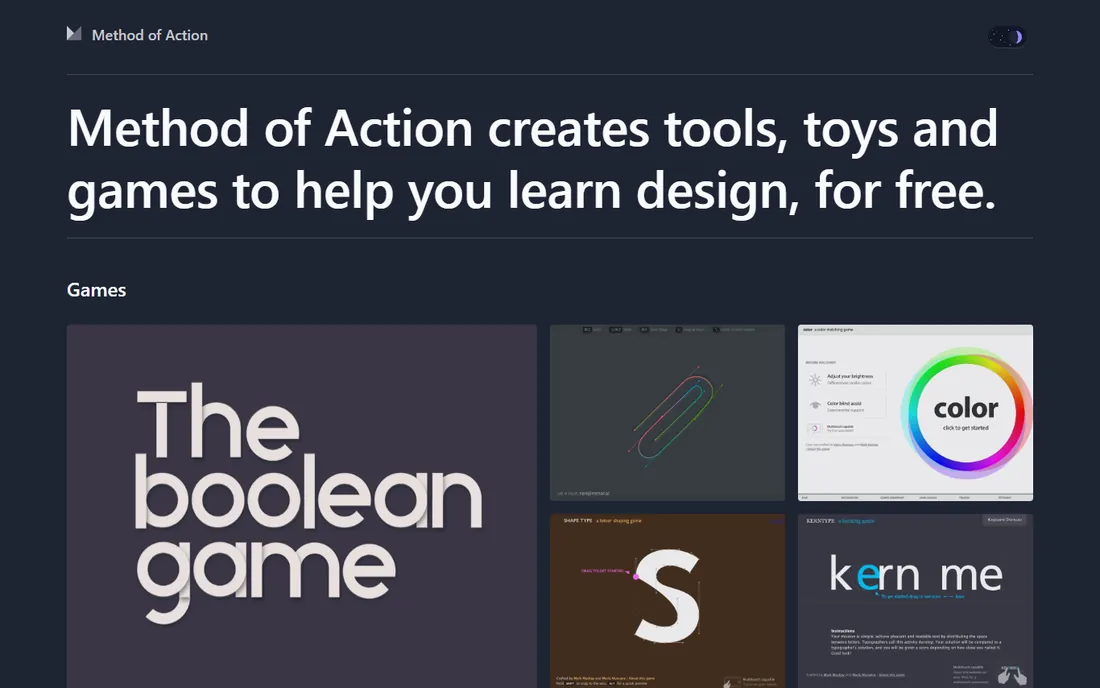
Method Draw (from Method of Action) is SVG-Edit's minimalist sibling: a clean, simple vector editor in the browser for drawing shapes, paths and text. No account, no setup, no decisions. It is the tool you send someone who has never edited a vector file before.
The simplicity is the ceiling: power users will hit its limits within an hour. But for quick diagrams, simple icons and teaching vector basics, Method Draw's lack of friction is the feature. It is also open source for the curious.
What we like- Dead simple: open and draw, no registration, no install
- Open source
- A fork of SVG-Edit stripped to the essentials, so the learning curve is near zero
Watch out for- Deliberately limited feature set
- No layers panel or advanced path operations
- Development is slow-moving
#8
Janvas
Best for: Trying a pro-grade browser editor before committing
Visit janvas.com
Starting priceFree (10 free saves, then subscription)
Free planLimited (10 free saves)
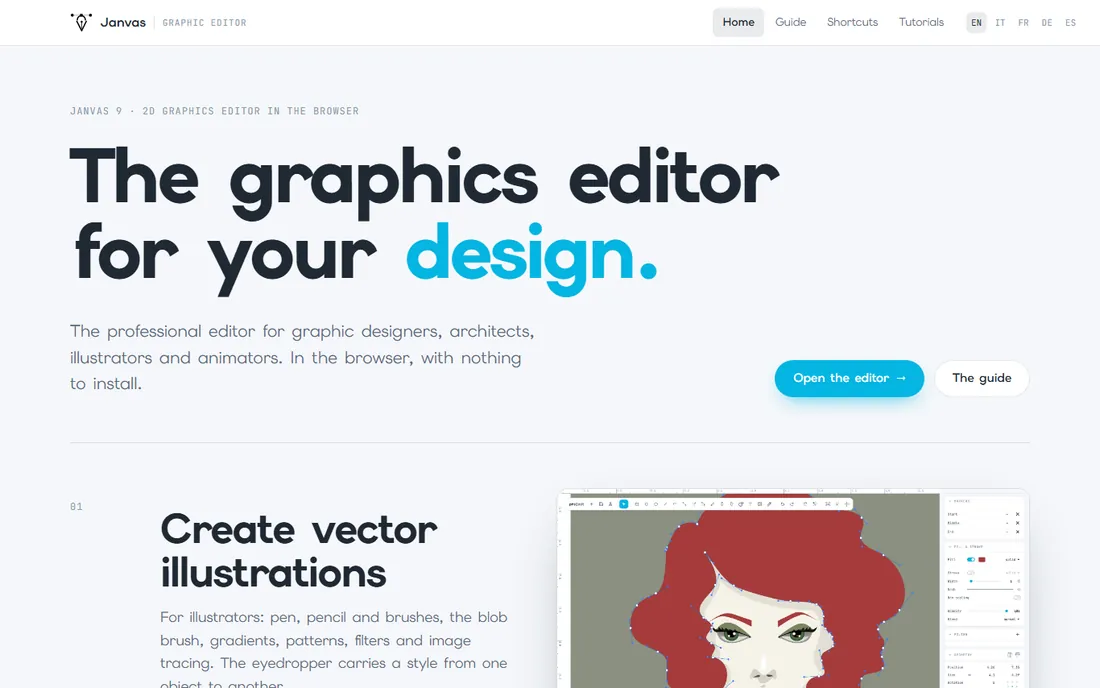
Janvas is the most powerful browser-based vector editor here: illustration tools, CAD-style dimensioning, layout features for designers, and even timeline-based vector animation exported as animated SVG. Everything runs in the browser with nothing to install, and files stay local. The catch is the meter: 10 free saves, then a subscription.
For evaluation purposes those 10 saves are plenty to judge whether Janvas fits your workflow. It is genuinely impressive software; just go in knowing the free tier is a trial in practice. If you need unlimited free work, Inkscape or Penpot are the picks.
What we like- Professional-grade browser editor: pen, brushes, gradients, image tracing, CAD tools, animated SVG export
- Files stay on your computer
- Every tool available from the start
Watch out for- Only 10 free saves before the subscription kicks in
- The subscription price is not published on the homepage
- Smaller community than the established tools
Desktop editors (Inkscape, Lunacy, LibreOffice Draw) win on power, offline work and large files. Browser editors (Penpot, Figma, SVG-Edit, Method Draw, Janvas) win on zero install, easy sharing and trying before committing. Most designers end up with one of each: Inkscape or Lunacy installed for heavy work, plus a browser tool bookmarked for quick edits. Since all of them are free, there is no reason not to run the pair that fits.
What free vector software cannot do (yet)
Honest limits: prepress and CMYK print production remain the weak spot for free tools (Inkscape manages, but commercial workflows are smoother in paid software). Very large, complex illustration files can strain free editors' performance. And while Penpot and Figma cover UI design brilliantly, nobody here matches Illustrator's full illustration-plus-print pipeline. For screen-first work (web, UI, icons, logos for digital use), the free tools are genuinely complete. For print shops with strict color workflows, budget for commercial software.
Frequently asked questions
What is the best free alternative to Adobe Illustrator?
Inkscape: a full professional vector editor, open source and free forever, covering illustration, logos, icons and diagrams. For UI design specifically, Penpot (open source) and Figma (free tier) are the Illustrator-adjacent answers.
Is Inkscape really free?
Yes. Inkscape is open source software: free to download and use for any purpose, including commercial work, with no premium tier, no account and no feature gates.
Can I use these tools for commercial work?
Yes for Inkscape, Penpot, LibreOffice Draw, SVG-Edit and Method Draw (open source licenses permit commercial use). Figma's and Lunacy's free tiers also permit commercial work within their terms. Janvas outputs are yours to use commercially.
Which free vector tool is best for beginners?
Method Draw for absolute simplicity (open and draw), SVG-Edit for slightly more capability in the browser, and Inkscape once you are ready for a full editor (its tutorial library is huge). Figma is the best beginner pick specifically for UI design.
Do free vector editors open AI and EPS files?
Inkscape opens EPS and can import PDFs; AI files (Illustrator's proprietary format) open best when saved as PDF-compatible from Illustrator. Penpot and Figma import SVGs cleanly. For legacy AI/EPS archives, Inkscape is the most capable free option.
What is the best free vector app for UI design?
Penpot if you want open source and self-hosting, Figma if you want the industry standard and its ecosystem, Lunacy if you want a free native desktop app. All three handle components, prototyping and collaboration.
How we chose
We started with the free vector graphics category as designers search it, then verified each tool's live homepage or official app site. We confirmed the free tier and its limits from the vendors' own sites, and excluded tools whose free offering had lapsed (Boxy SVG's domain is now parked; Vectr has pivoted to AI image generation). We favored tools with distinct, verifiable roles (illustration, UI design, quick SVG edits) over overlapping also-rans.
Sources we checked (8)
- https://www.inkscape.org/
- https://www.penpot.app/
- https://www.figma.com/
- https://icons8.com/lunacy
- https://www.libreoffice.org/
- https://www.svgedit.netlify.app/
- https://www.method.ac/
- https://www.janvas.com/
Is your product missing or out of date?
We review this list regularly. Vendors can request a listing, send updated pricing or ask about featured placement.

Shihab Mia · Founder, Rankite
Shihab has spent more than a decade helping SaaS and e-commerce brands grow through search. He writes Rankite's software buying guides from pricing pages, documentation and public user reviews. More about Shihab.