How we make this list: we compare pricing pages, product documentation and public user reviews. Rankite is independent; if a vendor ever pays for a featured spot, that listing is clearly labeled Partner.
Key takeaways
- Blender is free and handles modeling, animation and rendering at a professional level, which makes it the default starting point for budget-conscious teams.
- Autodesk Maya and 3ds Max remain the studio standards for film and games, but at around $2,010 per year each, they only make sense when 3D is billable work.
- Cinema 4D is the friendliest professional option, especially for motion graphics and advertising work.
- ZBrush is unmatched for digital sculpting of characters and creatures, now rental-only through Maxon.
- Tinkercad and SketchUp cover beginners and architectural visualization without the steep learning curve.
Quick comparison
| Tool | Best for | Starting price | Free plan |
|---|
 Blender Blender | Free all-round 3D suite | Free | Yes |
 Autodesk Maya Autodesk Maya | Film and game animation | $2,010 per year | Free trial |
 Cinema 4D Cinema 4D | Motion graphics and advertising | See website | Free trial |
 ZBrush ZBrush | Digital sculpting | $399 per year | Limited free iPad app |
 Autodesk 3ds Max Autodesk 3ds Max | Game art and architectural visualization | $2,010 per year | Free trial |
 Houdini Houdini | Visual effects and simulation | $299 per year (Indie) | Free Apprentice edition |
 SketchUp SketchUp | Architecture and quick 3D modeling | $399 per year (Pro) | Free trial |
 KeyShot KeyShot | Fast photorealistic rendering | See website | Free trial |
 Tinkercad Tinkercad | Beginners and 3D printing | Free | Yes |
Is your product missing or out of date?
We review this list regularly. Vendors can request a listing, send updated pricing or ask about featured placement.
The best 3D graphics software
Starting priceFree
Free planYes
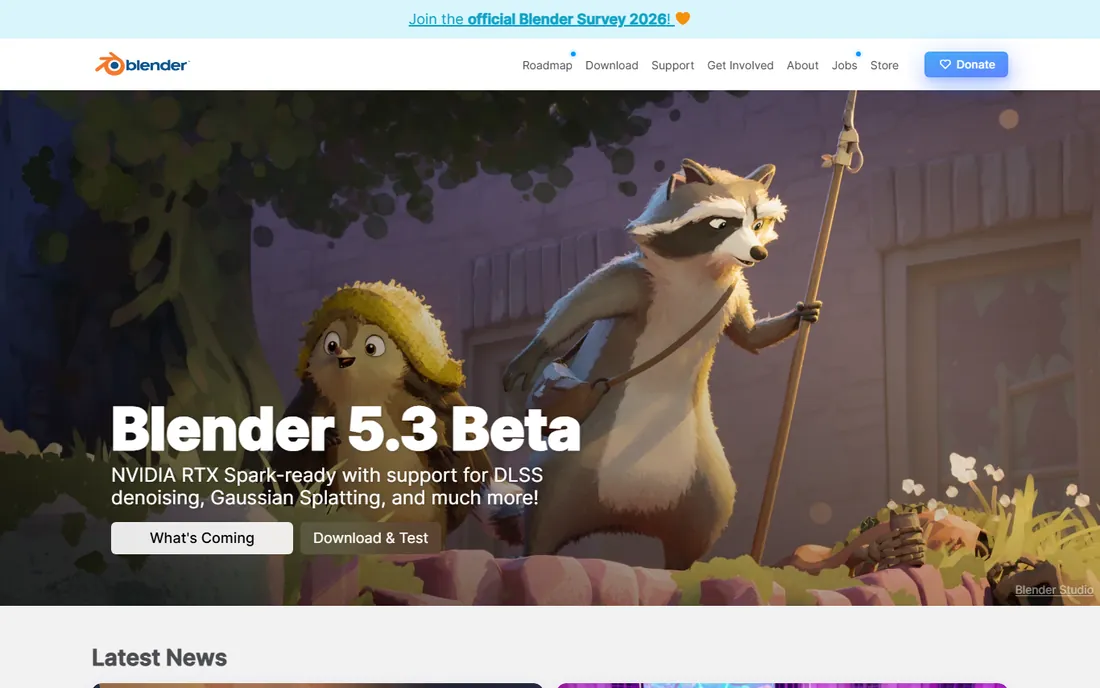
Blender is the rare free tool that competes with software costing thousands per year. Modeling, sculpting, rigging, animation, simulation, video editing and compositing all live in one application, and the Cycles render engine delivers photorealistic results that hold up in client work. Independent studios now produce entire short films and commercial projects in Blender, which would have been unthinkable a decade ago.
The tradeoff is the learning curve. Blender's interface packs enormous power into dense panels and keyboard-driven workflows, and the first month feels like drinking from a firehose. Stick with it through structured tutorials and the payoff is real: a complete 3D pipeline with no licensing costs, no seat limits and no renewal invoices. For a small business testing whether 3D work is viable, there is no better place to start.
What we like- Complete pipeline from modeling to rendering at zero cost
- Huge tutorial community
- Cycles renderer produces genuinely professional output
Watch out for- Interface overwhelms beginners
- Some studios still require Maya or Max file formats
- Support comes from the community, not a vendor
Starting price$2,010 per year
Free planFree trial
Walk into almost any film or game studio and Maya is on the workstations. Its rigging, animation and simulation tools are the reference implementation the industry built its pipelines around, and the included Arnold renderer produces the cinematic imagery you see in theaters. When clients or collaborators hand you scene files, they will usually be Maya files.
That dominance comes at a price most small businesses will feel: about $2,010 per year per seat, or $255 month to month. Autodesk also offers Flex tokens for occasional use and an Indie tier for qualifying small studios. Buy Maya when you are hiring into existing studio pipelines or billing 3D work to clients. For exploratory or occasional projects, Blender covers most of the same ground for free.
What we like- Industry standard for character animation and VFX
- Deep toolset refined over decades
- Arnold renderer included for high-end output
Watch out for- Expensive for occasional use
- Steep learning curve
- Subscription only with no perpetual license
Starting priceSee website
Free planFree trial
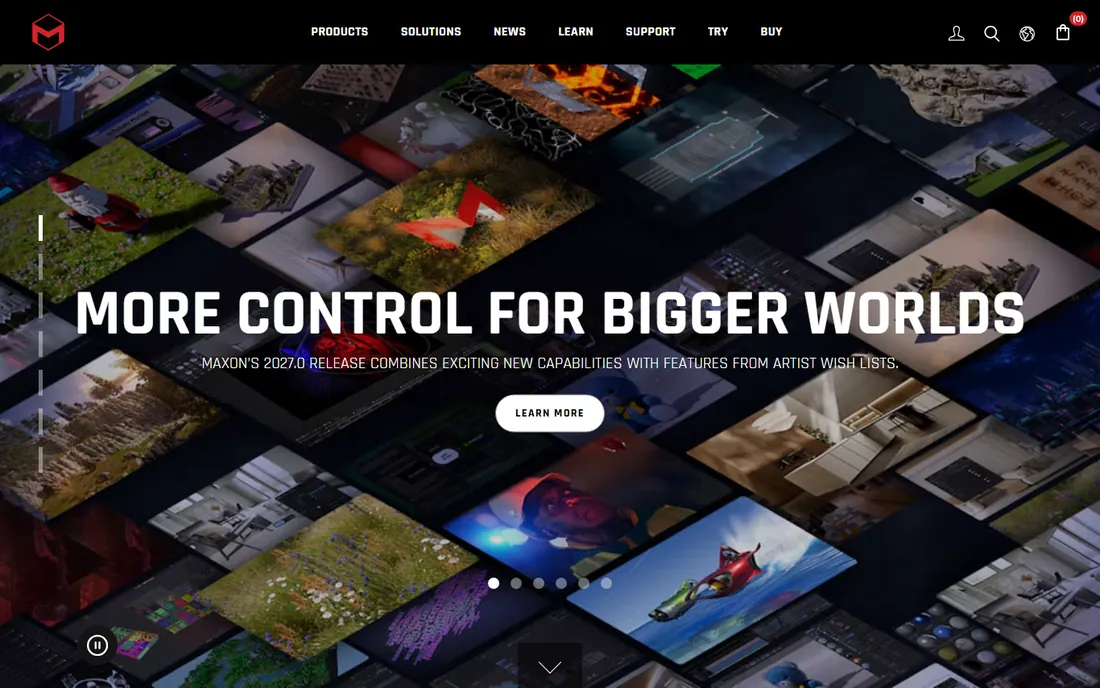
Cinema 4D built its reputation as the 3D tool motion designers actually enjoy using. The interface is logical, the learning curve is gentler than Maya or Houdini, and the integration with Adobe After Effects means broadcast graphics workflows feel native rather than bolted on. Advertising studios, title designers and product visualizers form its core audience.
Maxon sells it on subscription, with a 14-day trial to evaluate. There is also the Maxon One bundle for studios that want ZBrush and Red Giant tools alongside it. The honest limitation is character work: if your projects center on animated characters rather than moving graphics and product shots, Maya or Blender serve you better. For everything else in the motion graphics world, Cinema 4D is the comfortable professional pick.
What we like- Easiest professional 3D tool to learn
- Tight integration with After Effects
- Stable and fast for motion design work
Watch out for- Subscription only
- Character animation tools lag Maya
- Annual cost adds up for freelancers
Starting price$399 per year
Free planLimited free iPad app
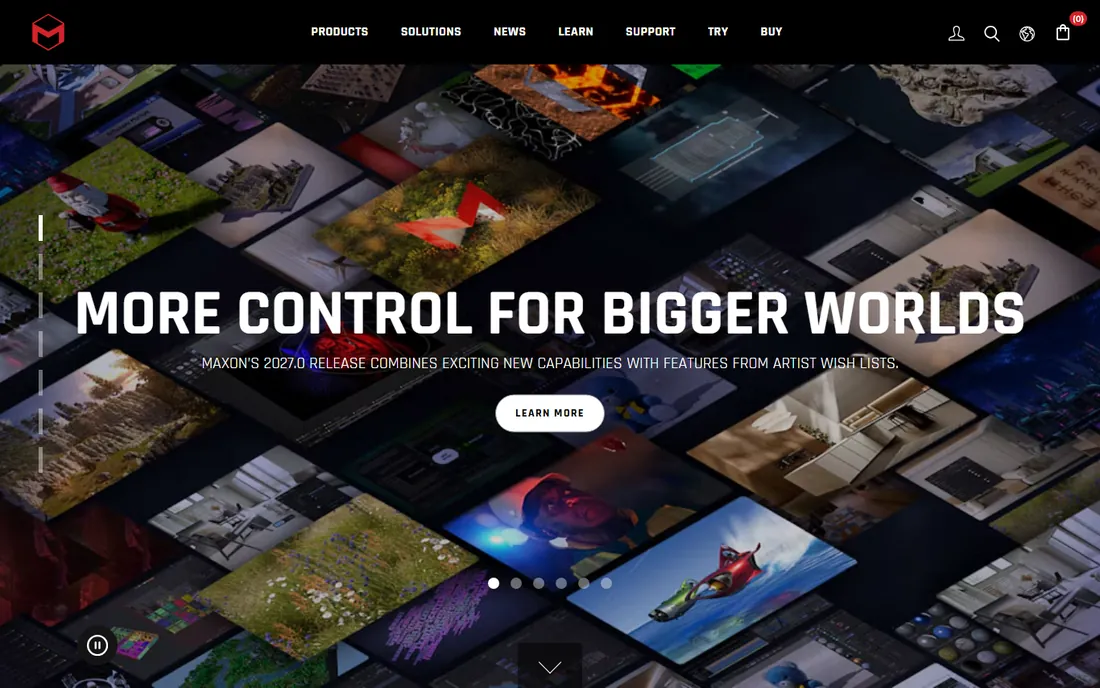
When a game studio needs a creature, a collectible company needs a character maquette, or a jeweler needs organic detail, the sculpting usually happens in ZBrush. Its brush system lets artists push and pull digital clay with a feel nothing else matches, and models with tens of millions of polygons stay workable. Under Maxon ownership it is now rental-only at $49 per month or $399 per year, with the iPad edition included.
ZBrush is a specialist, not a generalist. It sculpts brilliantly and does little else: you will still need Blender, Maya or another tool for rigging, animation and final rendering. The interface is famously unusual and demands dedicated learning time. But for organic modeling and high-detail sculpting, there is no substitute, and the free iPad base app lets you test the sculpting feel before paying.
What we like- Best-in-class sculpting brushes and detailing
- Handles multi-million polygon models
- Now includes an iPad edition
Watch out for- Rental only, no perpetual license
- Idiosyncratic interface takes real effort
- Weak at hard-surface CAD-style modeling
Starting price$2,010 per year
Free planFree trial
3ds Max has long been the game industry's modeling workhorse and a staple of architectural visualization studios. Its polygon modeling tools are fast and precise, the modifier stack encourages non-destructive experimentation, and decades of plugins cover everything from scattering vegetation to parametric architecture. Many archviz pipelines are built entirely around 3D Max plus a renderer.
Pricing mirrors Maya at roughly $2,010 per year, with an Indie option for qualifying small studios. The Windows-only limitation matters for mixed-platform teams, and younger artists increasingly learn Blender first. Choose 3ds Max when you are working in game art or visualization pipelines where it is the expected tool. Otherwise, weigh it directly against Maya and Blender for your specific output.
What we like- Strong modeling toolset for games and archviz
- Huge plugin and script ecosystem
- Deep integration with Autodesk pipelines
Watch out for- Windows only
- Same steep price as Maya
- Interface shows its age in places
Starting price$299 per year (Indie)
Free planFree Apprentice edition
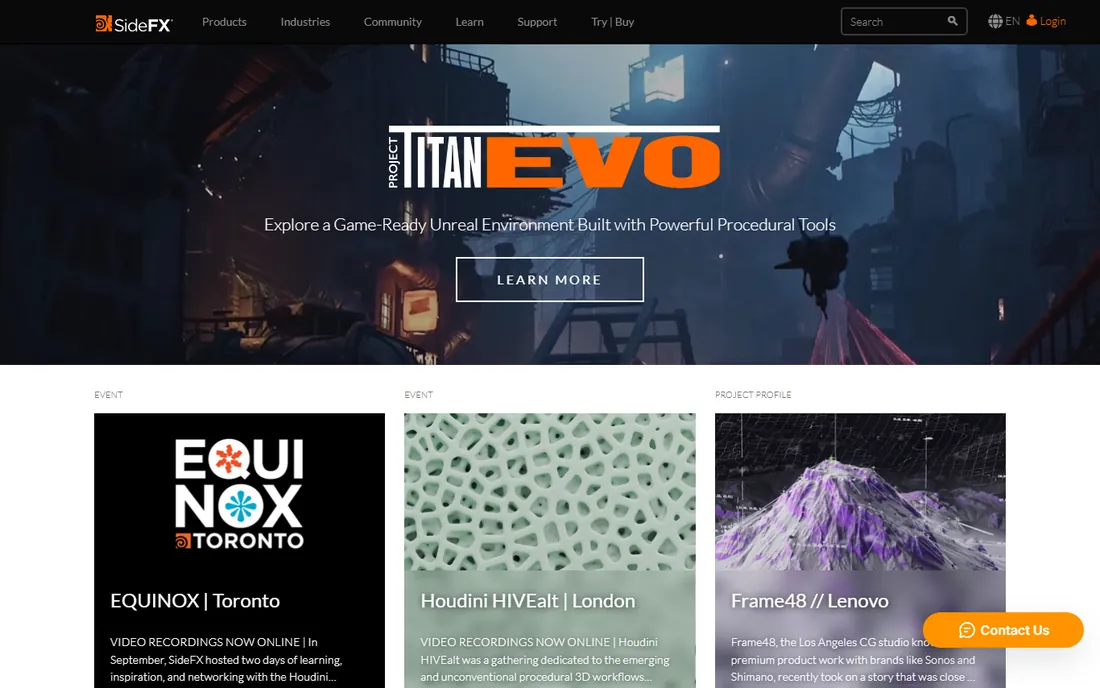
Houdini is what effects studios reach for when the shot involves destruction, smoke, water, crowds or anything else that needs to behave like the real world. Its procedural, node-based approach means a simulation built once can be art-directed endlessly, which is why it dominates high-end VFX. The Apprentice edition is free for learning, and the Indie tier at $299 per year gives small studios the full FX toolset with revenue limits.
Nothing about Houdini is casual. The learning curve is the steepest of any tool on this list, and simple modeling tasks feel slower than in Blender or Max. This is software you buy for a specific reason: simulations and procedural effects that other tools cannot do well. If that is not your work, skip it. If it is, nothing else comes close.
What we like- Unmatched procedural and simulation tools
- Node-based workflow scales to massive shots
- Indie tier is affordable for small studios
Watch out for- Steepest learning curve in 3D
- Overkill for simple modeling tasks
- FX tier costs $3,505 per year
Starting price$399 per year (Pro)
Free planFree trial
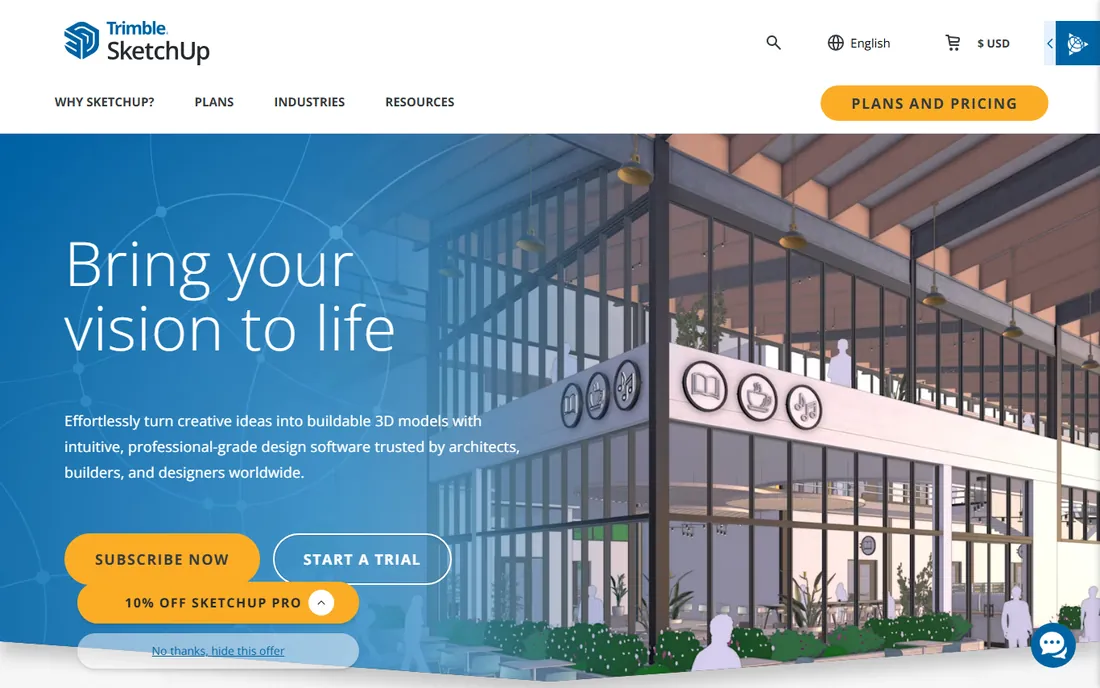
SketchUp's push-pull modeling feels less like CAD and more like sketching, which is why architects, interior designers and set builders adopt it so quickly. You can block out a building concept in an afternoon, pull furniture from the 3D Warehouse, and present something a client understands. The Pro tier at $399 per year adds the desktop app and LayOut for construction documents.
Photorealistic rendering is the gap: Pro includes only a small allowance of AI renders, so serious visualization work means the Studio tier or a third-party renderer. Organic shapes and characters are outside its comfort zone entirely. But for architectural concepting, woodworking plans and quick spatial mockups, SketchUp remains the fastest path from idea to model.
What we like- Fastest way to block out architectural concepts
- Enormous 3D Warehouse model library
- Gentle learning curve
Watch out for- Not suited to organic modeling or character work
- Rendering needs add-ons or the Studio tier
- Subscription only
Starting priceSee website
Free planFree trial
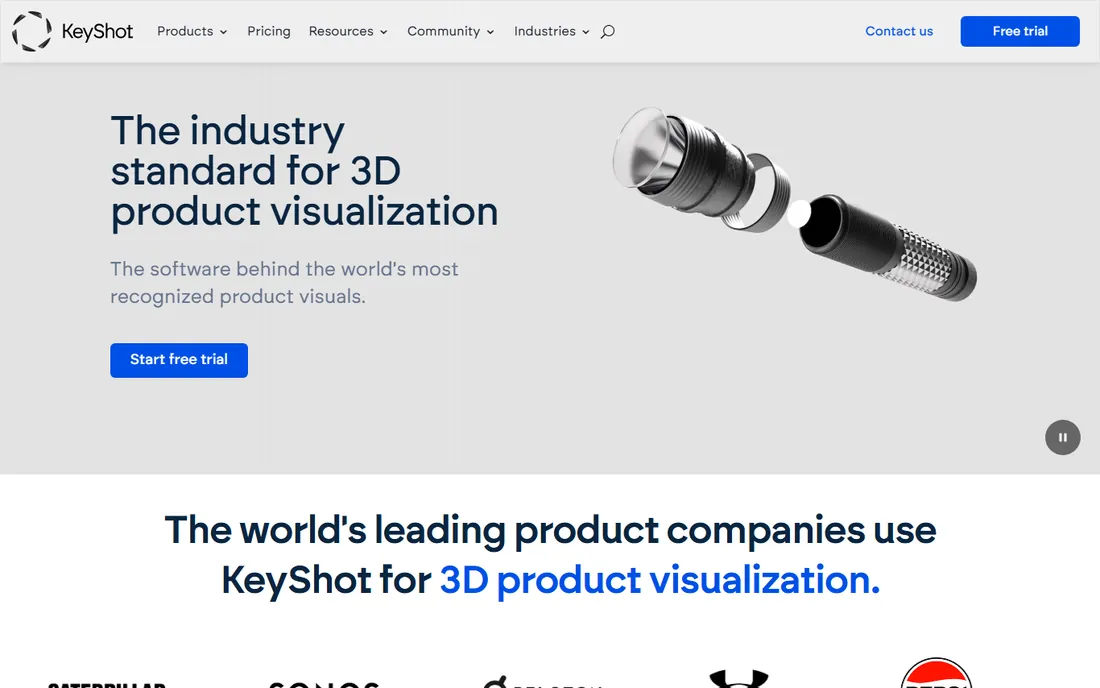
KeyShot answers a specific question: you have a 3D model, and you need a beautiful render of it today. Import the model, drag materials onto parts, adjust lighting with HDR environments, and the real-time viewport shows photographic results with almost no setup. Product designers and marketing teams use it to generate packaging shots, catalog imagery and configurator visuals without a rendering specialist.
It is a renderer, not a modeler, so it pairs with tools like SolidWorks, Rhino or Blender rather than replacing them. Pricing has moved to subscription under the KeyShot Studio branding, so check the current tiers against your needs. When the job is making existing models look spectacular with minimal fuss, KeyShot earns its keep quickly.
What we like- Drag-and-drop materials with instant visual feedback
- Minimal learning curve for stunning renders
- Strong CAD import support
Watch out for- Rendering only, not a modeler
- Pricing sits at the professional end
- Complex animations need the higher tiers
Starting priceFree
Free planYes
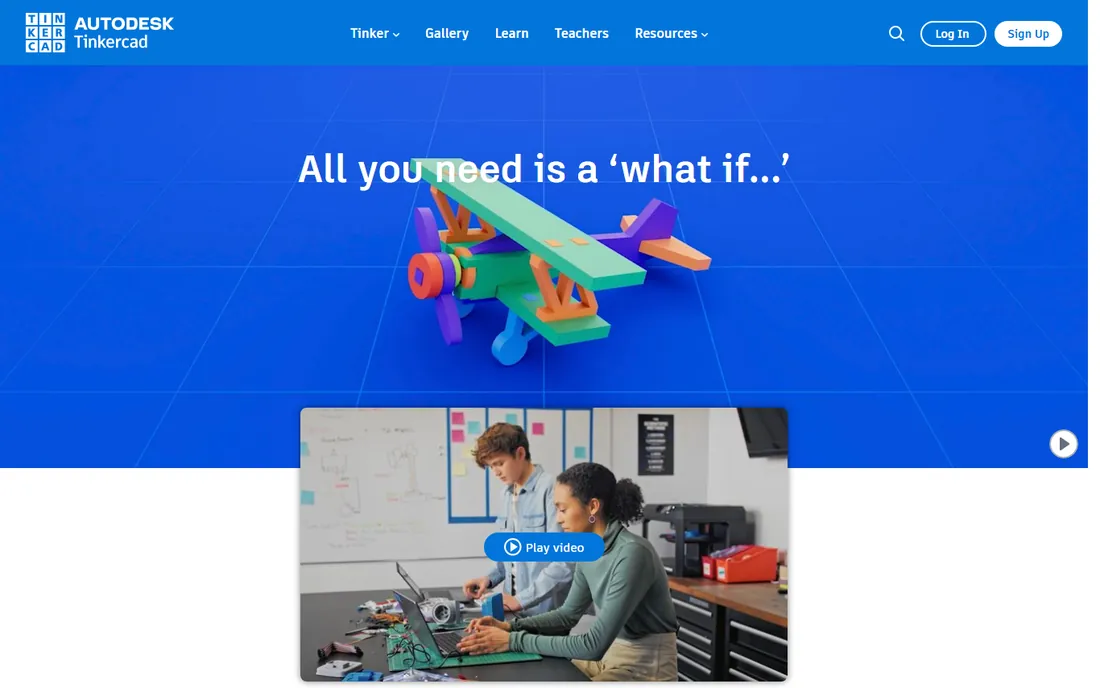
Tinkercad is where most people should start their 3D journey. Autodesk's free browser-based modeler reduces 3D to stacking and combining simple shapes, which sounds limiting until you realize how much you can build that way. It exports directly to STL for 3D printing, includes built-in lessons, and works in classrooms where installing software is not an option.
Experienced modelers will outgrow it within weeks: there are no advanced surfacing tools, no serious rendering and no offline mode. That is fine, because Tinkercad is not competing with Maya. It is competing with never starting at all. For education, hobbyist 3D printing and testing whether 3D thinking clicks for your team, it is free and genuinely good at its job.
What we like- Completely free with no paid tier
- Runs in any browser
- Perfect on-ramp for 3D printing and education
Watch out for- Too basic for professional work
- Needs an internet connection
- Limited import and export formats
How we chose
We reviewed pricing pages, documentation and feature sets for the leading 3D tools, then checked them against public reviews on G2, Capterra and CG Channel to see how working artists rate them. Every tool here is actively maintained in 2026. We covered the full price spectrum from free to studio-grade and included specialists (sculpting, rendering, simulation) alongside generalists, because the "best" 3D software depends entirely on the job. No vendor paid for placement.
How to choose 3D software for your business
Match the tool to the deliverable first. Product renders and packaging visuals point to KeyShot or Blender. Animated characters point to Maya or Blender. Motion graphics point to Cinema 4D. Simulations point to Houdini. Architectural concepts point to SketchUp. Buying a generalist when you need a specialist wastes money; buying a specialist when you need a generalist wastes time.
Then be honest about skill. Maya, Houdini and ZBrush demand months of serious learning. Blender demands weeks. SketchUp and Tinkercad demand hours. A powerful tool nobody on your team can operate is not an asset. Factor training time into the budget alongside the license cost, or hire the skill freelance for one-off projects.
Finally, check the pipeline. If collaborators send you Maya scenes, you need Maya or a reliable importer. If your output is STL files for a 3D printer, Tinkercad or Blender is enough. The cheapest tool that fits your actual workflow beats the most powerful tool that does not.
Rendering: the half of 3D nobody budgets for
Beginners focus on modeling and forget that the final image comes from rendering, which is its own discipline with its own costs. Blender includes the capable Cycles renderer for free. Maya and 3ds Max include Arnold. Cinema 4D users often add Redshift. KeyShot exists precisely because good rendering is a separate job from good modeling.
Rendering also eats hardware. A complex scene can take hours on a weak machine, which is why render farms exist. Before committing to a 3D pipeline, test-render a representative scene on your actual computers. If render times make iteration painful, budget for better GPUs or a cloud render service alongside the software license.
Frequently asked questions
Is Blender really good enough for professional work?
Yes. Studios produce commercials, short films and game assets in Blender, and its feature set covers the full pipeline. What it lacks is not capability but pipeline convention: some studios standardize on Maya or Max file formats, which can complicate collaboration. For self-contained projects, Blender is fully professional.
Should I learn 3D as a small business owner, or hire it out?
For occasional needs, hiring a freelancer is usually cheaper than the months of learning professional 3D tools require. Learning makes sense when 3D becomes recurring work, such as regular product renders for an e-commerce catalog. Start with Blender or Tinkercad to judge whether the skill is worth developing in-house.
What computer do I need for 3D software?
A dedicated GPU matters more than anything else for rendering and viewport performance. Blender, Maya and Cinema 4D all benefit enormously from a mid-range or better NVIDIA or AMD card. Tinkercad and SketchUp run fine on modest hardware since the heavy lifting happens in the browser or on simple scenes.
Can I use the free versions for commercial projects?
Blender and Tinkercad are free for commercial use with no restrictions. Houdini Apprentice is the exception: it is free but watermarks renders and forbids commercial work, so upgrade to Indie before billing clients. Always read the license terms of the tier you are actually using.
Maya vs 3ds Max: which Autodesk tool should I pick?
Maya leads in character animation and film VFX; 3ds Max leads in game art and architectural visualization. Pricing is nearly identical. If you are entering an existing pipeline, use whatever the pipeline uses. If you are starting fresh, Blender deserves a hard look before you pay for either.
Sources we checked (12)
- https://en.wikipedia.org/wiki/Blender_(software
- https://www.blender.org/about/license/
- https://superrendersfarm.com/article/how-much-does-maya-cost
- https://renderu.com/en/news/post/26782
- https://www.cgchannel.com/2025/09/maxon-releases-zbrush-2026-0-and-zbrush-for-ipad-2026-0/
- https://blog.nobledesktop.com/learn/cinema-4d/cinema-4d-cost
- https://superrendersfarm.com/article/how-much-does-houdini-cost
- https://visualizee.ai/blog/sketchup-pricing
- https://www.g2.com/products/sketchup/pricing
- https://www.g2.com/products/keyshot/reviews?filters%5Bnps_score%5D%5B%5D=4
- https://www.makeuseof.com/using-tinkercad-to-create-3d-printable-projects/
- https://www.saashub.com/compare-autodesk-tinkercad-vs-selfcad
Is your product missing or out of date?
We review this list regularly. Vendors can request a listing, send updated pricing or ask about featured placement.

Shihab Mia · Founder, Rankite
Shihab has spent more than a decade helping SaaS and e-commerce brands grow through search. He writes Rankite's software buying guides from pricing pages, documentation and public user reviews. More about Shihab.