How we make this list: we compare pricing pages, product documentation and public user reviews. Rankite is independent; if a vendor ever pays for a featured spot, that listing is clearly labeled Partner.
Key takeaways
- Looka is the strongest AI logo generator for small businesses: free to design, with a $65 one-time Premium package for vector files.
- Canva is the fastest free starting point, but SVG export and brand tools require a Pro subscription.
- Adobe Illustrator remains the professional choice when you need a truly original, trademark-ready mark.
- Tailor Brands, BrandCrowd and Wix Logo Maker bundle logos with broader brand and website tools.
- Inkscape and DesignEvo cost nothing and handle straightforward logo projects well.
Quick comparison
| Tool | Best for | Starting price | Free plan |
|---|
 Looka Looka | AI-generated logos with brand kits | $20 one-time | Free to design and preview |
 Canva Canva | Fast free logo drafts | See website | Yes |
 Adobe Illustrator Adobe Illustrator | Original professional marks | See website | Free trial (7 days) |
 Tailor Brands Tailor Brands | Logo plus business formation tools | See website | Free to design |
 BrandCrowd BrandCrowd | Template logos with brand assets | See website | Free to design |
 Wix Logo Maker Wix Logo Maker | Logos for Wix websites | See website | Free preview |
 LogoAI LogoAI | AI concepts with brand videos | See website | Free to start |
 DesignEvo DesignEvo | Free template-based logos | See website | Yes |
 Inkscape Inkscape | Freehand vector logo design | Free | Yes |
Is your product missing or out of date?
We review this list regularly. Vendors can request a listing, send updated pricing or ask about featured placement.
The best software for creating logos
Starting price$20 one-time
Free planFree to design and preview
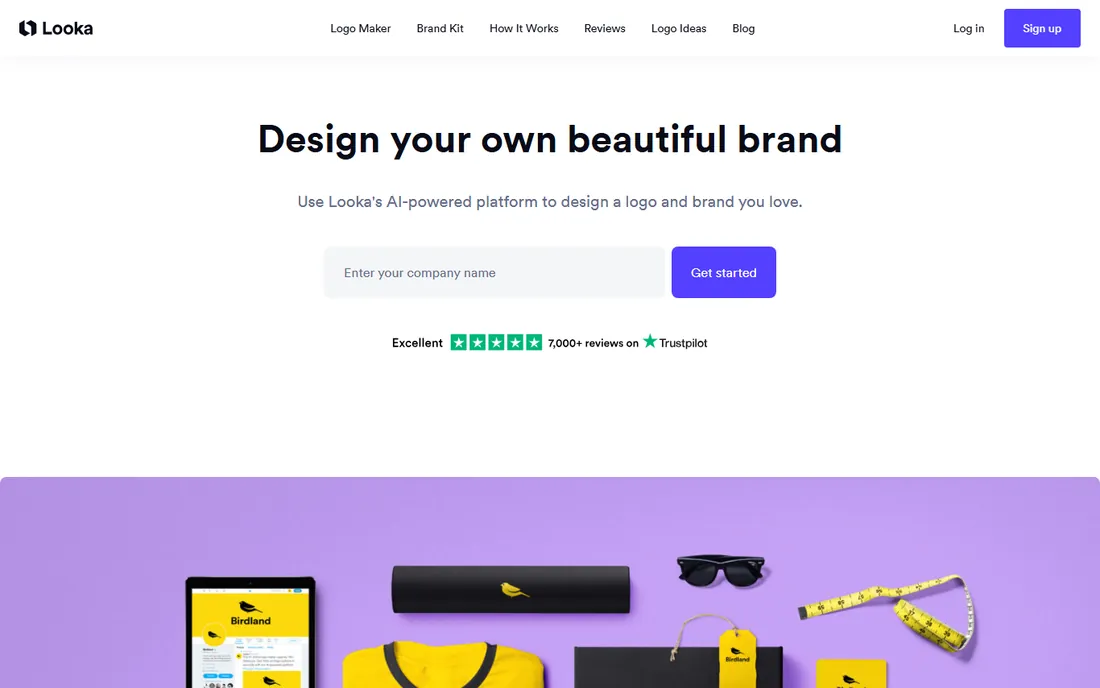
Looka (formerly Logojoy) asks about your industry, style preferences and colors, then generates dozens of logo concepts in seconds. The guided approach works well for founders who know their business but have no design vocabulary: instead of a blank canvas, you react to real options and refine from there. Designing and previewing is free, so you can explore without commitment.
The pricing catch is well documented: the $20 Basic package delivers a single PNG without transparency or vector files, which makes the $65 Premium package the real entry point for business use. Premium adds SVG, EPS, PDF and transparent PNGs plus ownership. A separate Brand Kit subscription covers business cards and social templates. Get the design right before you pay, because downloads are final.
What we like- Guided AI generation produces tailored concepts
- One-time pricing, no subscription for logos
- Premium includes SVG, EPS and PDF files
Watch out for- Basic $20 package is a single PNG with no transparency
- Icon library is shared across users
- No refunds after download
Starting priceSee website
Free planYes
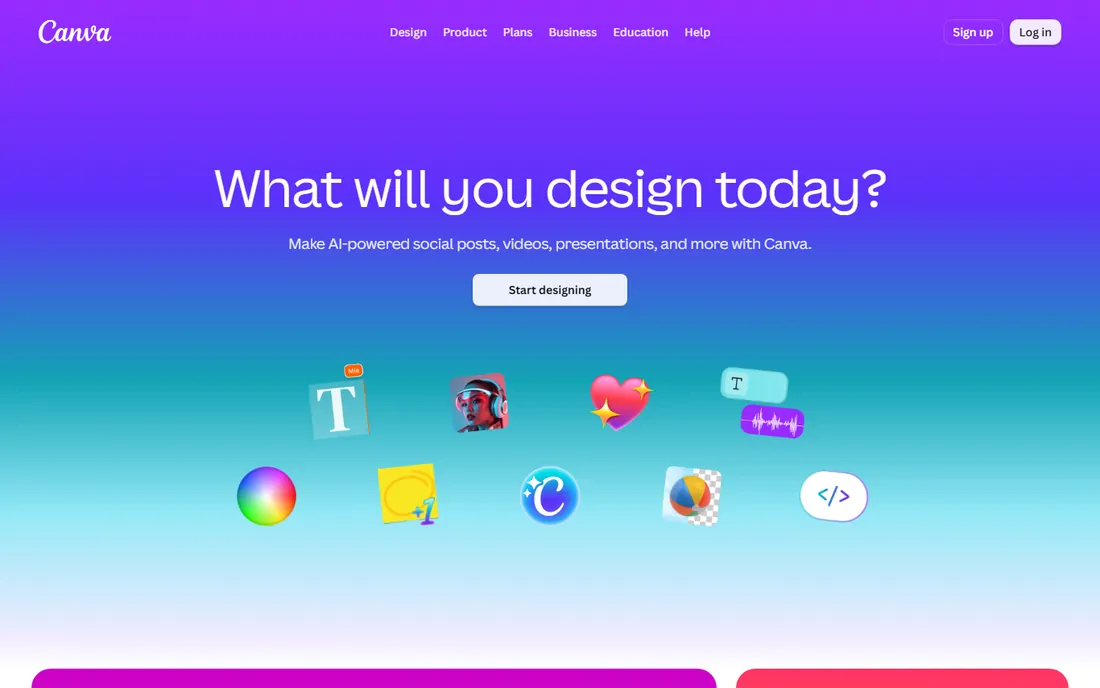
Nobody gets to a first draft faster than Canva. Thousands of logo templates organized by industry, a drag-and-drop editor everyone already knows, and instant PNG export make it the default starting point for side projects and quick mockups. If your logo needs to live alongside social posts and pitch decks you are already making in Canva, keeping everything in one platform has real workflow value.
The honest limitation is distinctiveness. Millions of users start from the same templates, and experienced designers can sometimes spot a Canva logo. Vector SVG export, transparent backgrounds and the Brand Kit sit behind the Pro subscription. Use Canva free to explore directions and validate ideas, then decide whether the result is distinctive enough to build a brand on.
What we like- Enormous template library with a familiar editor
- Free tier exports usable PNGs
- Logo flows into all your other Canva designs
Watch out for- Templates are shared by millions, so originality suffers
- SVG export needs Pro
- Free logo output may carry a watermark
Starting priceSee website
Free planFree trial (7 days)
When a logo needs to be genuinely one of a kind, defensible as a trademark and flawless at every size, Illustrator is still the tool professionals reach for. Every curve is yours to control, the typography engine is the best in the business, and the AI and PDF files it produces are what print shops and trademark filings expect. No template or AI generator matches a skilled designer working in Illustrator.
The barrier is skill, not just price. Illustrator demands real learning time, and the subscription adds up if logo work is occasional. For most small businesses, the practical path is designing the concept in a simpler tool, then hiring a designer for a final Illustrator pass when the brand matters enough to warrant it.
What we like- Unlimited creative control for truly original marks
- Industry-standard vector output printers expect
- Best typography tools available
Watch out for- Subscription only
- Steep learning curve for non-designers
- Overkill if you just need a simple wordmark
Starting priceSee website
Free planFree to design
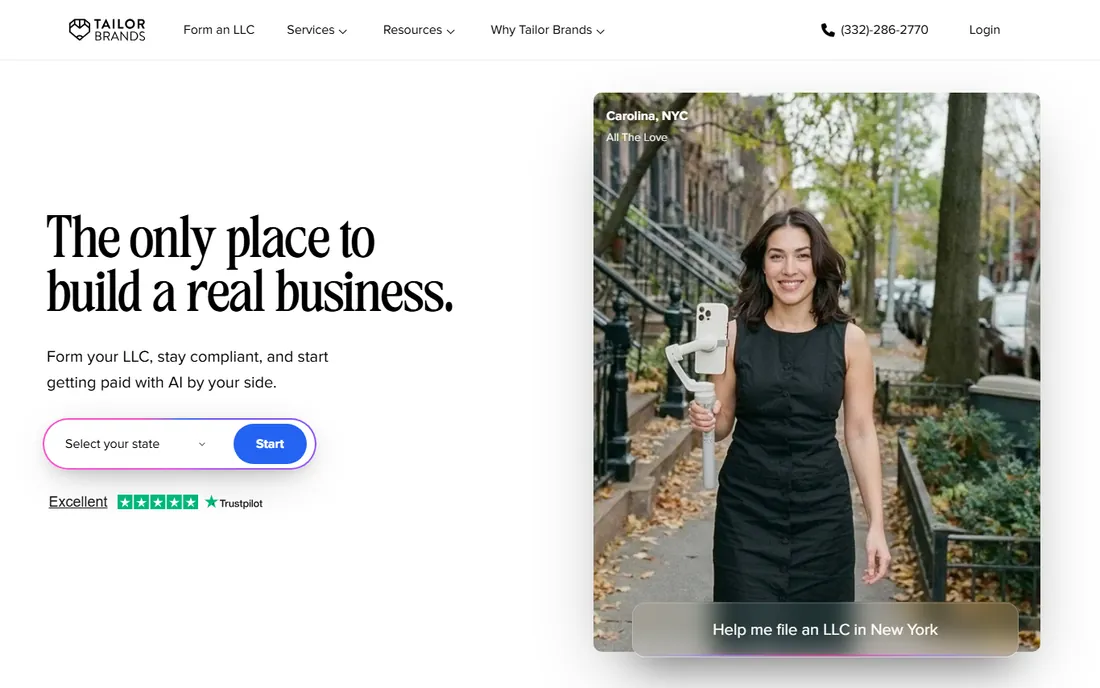
Tailor Brands positions itself as a branding platform rather than just a logo tool. Beyond the AI logo generator, it offers business formation services, branded merchandise and marketing tools, which appeals to founders setting up everything at once. The guided questionnaire keeps the process approachable for people with no design background.
Like most AI logo makers, designing is free and downloading costs money, with plans structured as subscriptions. That makes it pricier over time than one-time-purchase competitors if all you need is the logo file. It fits best when you actually want the bundled business services alongside the logo, not when the logo alone is the goal.
What we like- AI logo generation plus LLC formation and branding services
- Guided process suits non-designers
- Ongoing brand asset tools
Watch out for- Logo downloads require a paid plan
- Subscription model costs more over time
- Designs can feel formulaic
Starting priceSee website
Free planFree to design
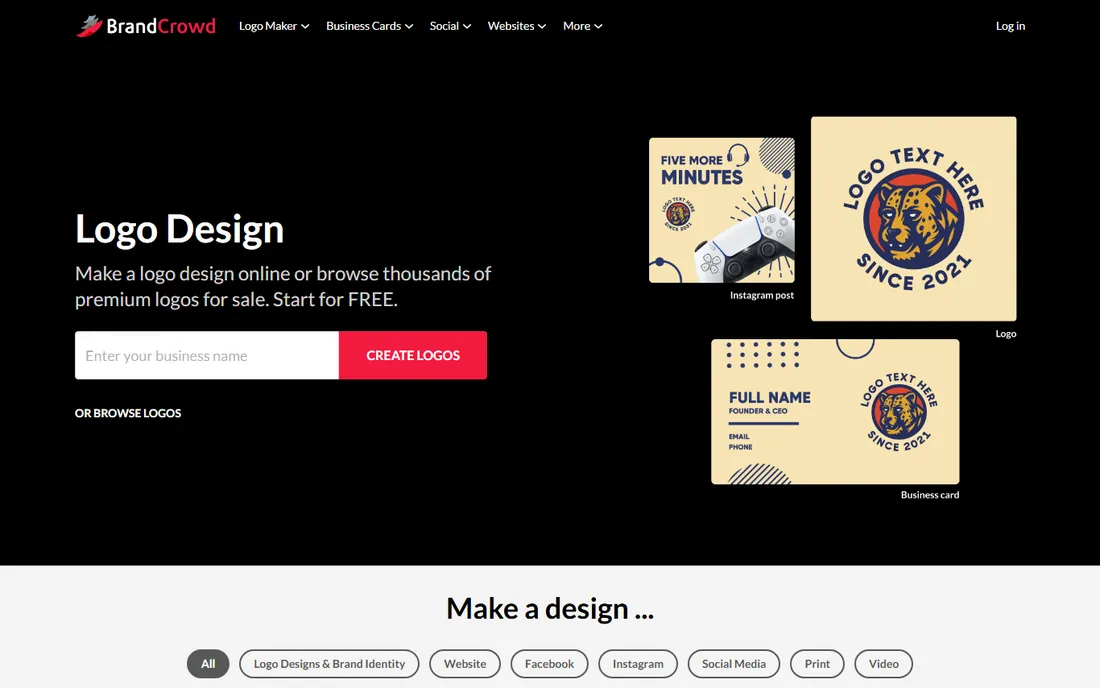
BrandCrowd's library runs to hundreds of thousands of logo templates created by designers, which you customize with your business name, colors and fonts. The template quality is generally a step above pure AI generation, and brand packages extend the logo into business cards, social media kits and other assets from the same design language.
You design for free and pay to download, with vector files reserved for higher tiers. Because templates are sold to many buyers, two businesses can end up with similar marks, so check that your pick does not already resemble a competitor. For a polished, affordable logo with matching brand materials, BrandCrowd is a solid mainstream choice.
What we like- Large library of designer-made templates
- Brand packages include social and print assets
- Strong customer ratings
Watch out for- Template-based, so exclusivity is limited
- Full vector files need a paid tier
- Upsells throughout the process
Starting priceSee website
Free planFree preview
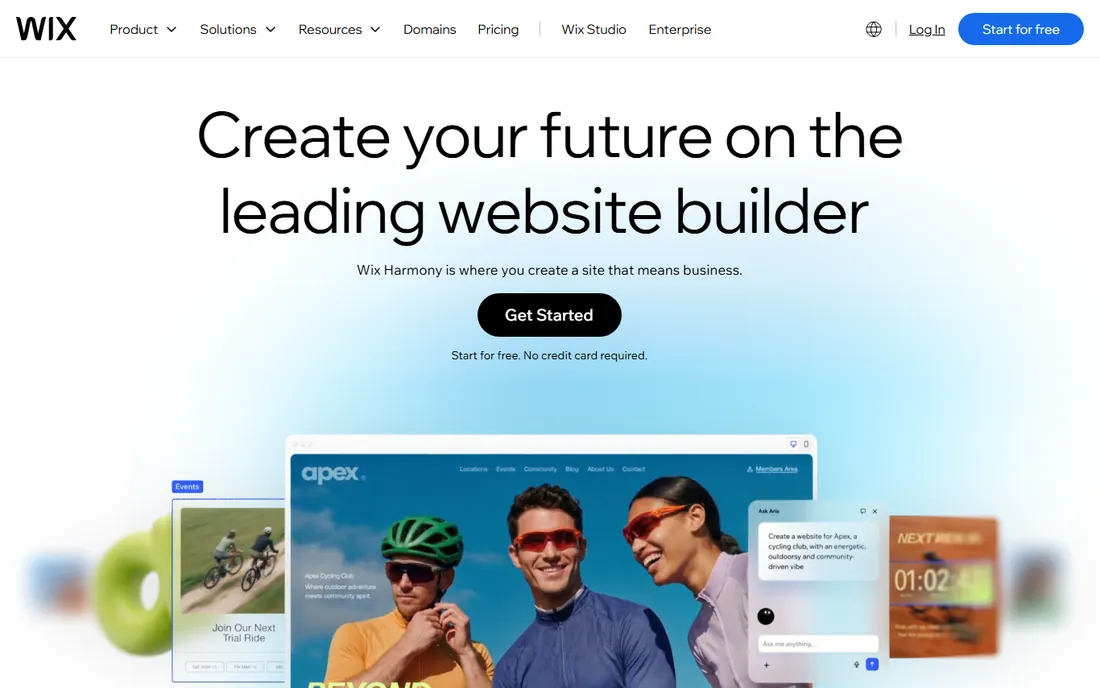
Wix Logo Maker exists for one audience: people building their brand on Wix. Answer questions about your business and style, and the AI generates logo options that flow straight into your Wix website, favicon and social profiles without any file wrangling. Inside that ecosystem, the convenience is genuine.
Outside Wix, the case collapses. Previewing is free but downloading usable files requires a paid logo package, and the designs do not travel well to non-Wix uses. If your website is on Wix and staying there, it is a reasonable bundled extra. If you might ever leave Wix, build your logo in a portable tool instead.
What we like- AI-generated options tuned to your answers
- Logo integrates directly into your Wix site
- Easy editing within the Wix ecosystem
Watch out for- Weak as a standalone choice outside Wix
- Full file downloads need a paid package
- Limited design control
Starting priceSee website
Free planFree to start
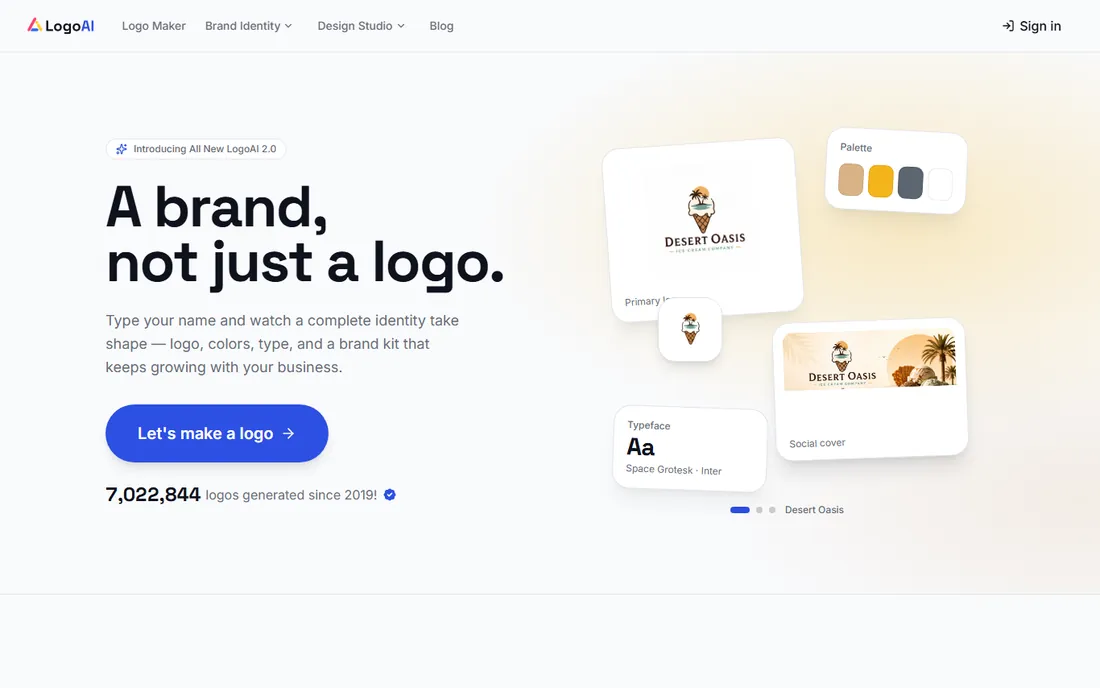
LogoAI takes the AI-generator approach further than most, running your brief through multiple models to produce genuinely varied concept directions rather than minor variations on one idea. Standout extras include logo animation and brand videos, which few competitors offer, plus a standard brand kit for colors and fonts.
As with any AI tool, the first generation is a starting point: you will still need to judge which concepts work and check the typography carefully. Full-resolution downloads sit behind paid plans. LogoAI suits founders who want to explore a wide creative range quickly and value motion assets alongside the static logo.
What we like- Multiple AI models generate varied concept directions
- Brand kit plus logo animation and brand videos
- Modern interface
Watch out for- First-round concepts need human curation
- Typography needs checking
- Paid plans required for full downloads
Starting priceSee website
Free planYes
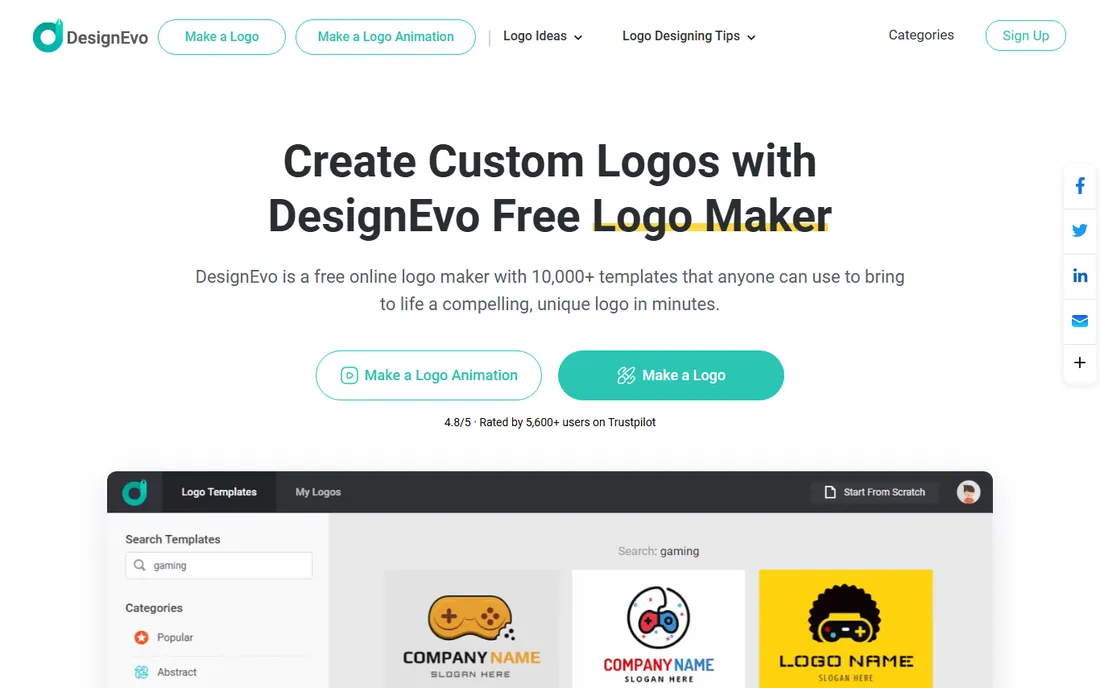
DesignEvo is the budget end of the template logo market done right. Thousands of categorized templates, a straightforward editor for text, shapes and icons, and free downloads that are actually usable make it a fine choice for projects where the logo just needs to look decent. There is no account maze and no aggressive upsell before you see results.
The tradeoffs mirror the category: your logo starts from a template others can also use, and print-ready vector files cost extra. For a blog, a side project or a minimum viable brand, the free tier is genuinely enough. Businesses planning to trademark their mark should invest in something more original.
What we like- Thousands of free templates
- Usable free downloads
- Simple editor with no learning curve
Watch out for- Template originality limits
- High-resolution and vector files are paid
- Smaller brand ecosystem than rivals
Starting priceFree
Free planYes
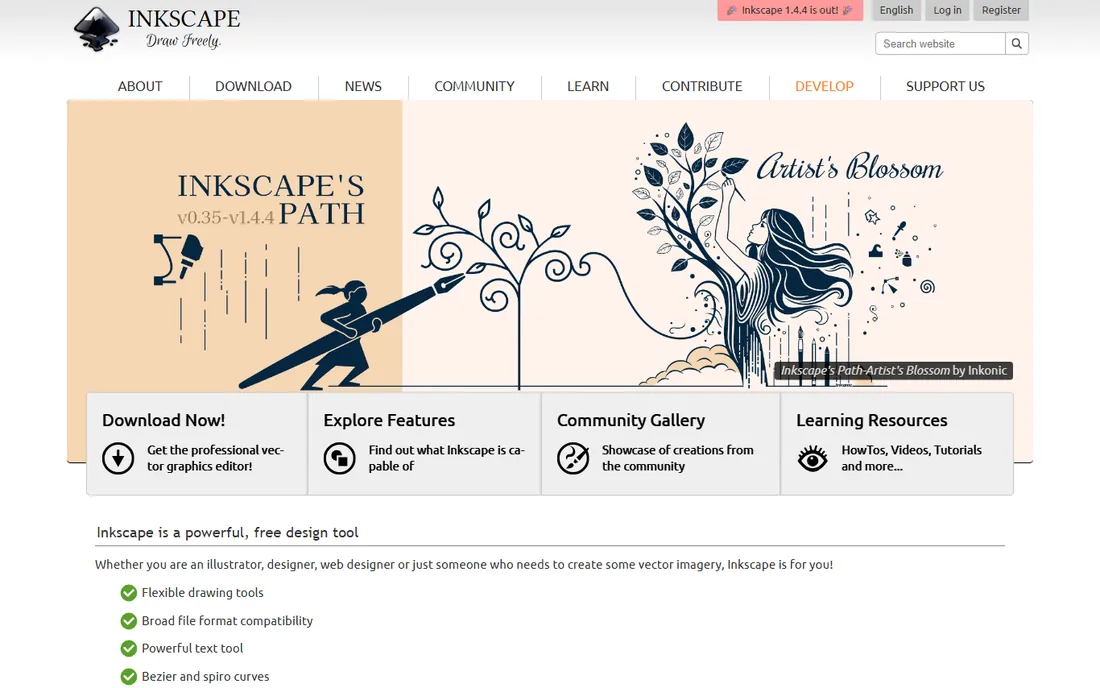
Inkscape is the free path to a truly original logo. As a full vector editor, it gives you the same fundamental capabilities as Illustrator: bezier curves, node editing, path operations and typography controls. A designer working in Inkscape can produce a mark every bit as professional as one made in paid software, and the SVG-native workflow suits web-first brands.
What it does not give you is a shortcut. There are no AI generators and no template libraries holding your hand, so you need design skill or a designer. The learning curve is real, though smaller than Illustrator's. For founders with some design ability, or teams with a designer avoiding subscription costs, Inkscape is the most capable free logo tool available.
What we like- Completely free professional vector editing
- Full creative control like Illustrator
- Native SVG workflow
Watch out for- Steep learning curve
- No AI or template assistance
- CMYK limitations for print work
What to look for when choosing logo software
Decide how original the mark needs to be. If you are trademarking it or building a serious brand, you need either Illustrator (or Inkscape) with real design work, or careful curation of AI output with clearance checks. If it is a side project or a placeholder, templates from Canva or DesignEvo are fine.
Check the file formats before you pay. A logo you cannot get as a vector SVG or EPS file will haunt you the first time you need signage, embroidery or a large print. Many cheap packages sell only PNGs; the vector upgrade is where the real price lives. Confirm transparent backgrounds too, since a logo on a colored box is useless on half your materials.
Finally, think about where the logo goes next. AI logo makers with brand kits (Looka, Tailor Brands, BrandCrowd) save real time if you need business cards and social assets immediately. Wix Logo Maker only makes sense inside Wix. A vector file from Illustrator or Inkscape goes anywhere, which is worth more than any bundle in the long run.
How we chose
We compared the leading logo tools across AI generators, template libraries and professional editors, checking current pricing pages, feature lists and public reviews on G2, Trustpilot and Reddit. Every tool here is actively available in 2026 and genuinely produces usable logos. We weighted honest pricing (what the usable files actually cost, not the teaser price) and noted where "free" ends and payment begins. No vendor paid for placement.
The trademark question nobody asks early enough
A logo from a template library or AI generator is not automatically yours in the way a custom design is. Fonts and icons in these tools are typically non-exclusive, meaning other businesses can use the same elements, and AI-generated marks can be difficult to defend as distinctive. That rarely matters for a blog or a local service business.
It matters enormously if you plan to register a trademark. Before building a brand on a generated logo, run a reverse image search on the mark and check trademark databases for conflicts in your industry. If the logo will carry real business value, the safest path remains a custom design from a professional, ideally delivered as vector files with documented ownership.
Frequently asked questions
How much should a small business spend on a logo?
It ranges from zero to a few hundred dollars for DIY tools. AI generators like Looka charge $20 to $65 one-time for usable files, Canva Pro runs a monthly subscription, and template tools are often free to try. A freelance designer typically costs several hundred to a few thousand dollars. Match the spend to how much the brand will carry.
Can I trademark a logo made with an AI logo maker?
Possibly, but it is harder than with a custom design. Template and AI tools use non-exclusive elements, and trademark offices can reject marks that lack distinctiveness. Check the tool's licensing terms for ownership rights, search existing trademarks in your class, and consider a trademark attorney before filing.
What file formats do I need for my logo?
At minimum: a transparent PNG for digital use and a vector file (SVG, EPS or PDF) for print, signage and scaling. Vector files are non-negotiable for anything physical. Most free tiers only provide PNGs, which is why the paid upgrade matters more than the sticker price suggests.
Is Canva's free logo good enough for a real business?
For digital-only use, often yes. The free tier produces clean PNGs that work on websites and social media. The gaps appear with print (no SVG on free), trademark ambitions (shared templates) and brand consistency (no Brand Kit). Many businesses start on Canva free and upgrade or redesign when the brand proves itself.
Should I design my own logo or hire a designer?
Design it yourself when the business is unproven and the budget is tight; tools like Looka and Canva exist for exactly this stage. Hire a designer when the brand carries revenue, when you need trademark protection, or when every DIY option looks generic next to competitors. A common path is DIY now, professional redesign at the first rebrand.
Sources we checked (8)
- https://hbr.org/2019/09/a-study-of-597-logos-shows-which-kind-is-most-effective?tpcc=orgsocial_edit
- https://gauravtiwari.org/logo-maker/
- https://axis-intelligence.com/best-ai-logo-maker/
- https://www.topconsumerreviews.com/best-logo-design-companies/reviews/looka.php
- https://titan.email/best-logo-makers/
- http://techbullion.com/7-best-ai-logo-generators-in-2026-features-pricing-brand-kit-comparison/
- https://en.wikipedia.org/wiki/Adobe_Illustrator
- https://mioffice.ai/blog/best-free-ai-logo-generator-2026
Is your product missing or out of date?
We review this list regularly. Vendors can request a listing, send updated pricing or ask about featured placement.

Shihab Mia · Founder, Rankite
Shihab has spent more than a decade helping SaaS and e-commerce brands grow through search. He writes Rankite's software buying guides from pricing pages, documentation and public user reviews. More about Shihab.