How we make this list: we compare pricing pages, product documentation and public user reviews. Rankite is independent; if a vendor ever pays for a featured spot, that listing is clearly labeled Partner.
Key takeaways
- Adobe Illustrator remains the industry standard for print and branding work, but the subscription adds up fast for small teams.
- Affinity is now completely free and covers vector, photo and layout in one app, which makes it the strongest value pick of 2026.
- Inkscape and Vectr cost nothing and handle everyday logo, icon and illustration work well enough for most small businesses.
- CorelDRAW Graphics Suite still leads for sign shops, engravers and print production thanks to its deep prepress toolset.
- Figma and Sketch are the right call when the output is screens and interfaces rather than print.
Quick comparison
| Tool | Best for | Starting price | Free plan |
|---|
 Adobe Illustrator Adobe Illustrator | Professional print and branding work | See website | Free trial (7 days) |
 Affinity Affinity | Best overall value in 2026 | Free | Yes |
 CorelDRAW Graphics Suite CorelDRAW Graphics Suite | Sign making and print production | $269 per year | Free trial (15 days) |
 Inkscape Inkscape | Free open-source vector editing | Free | Yes |
 Figma Figma | UI design and team collaboration | See website | Yes |
 Sketch Sketch | Mac-based interface design | See website | Free trial |
 Linearity Curve Linearity Curve | Vector illustration on Apple devices | See website | Yes |
 Vectr Vectr | Beginners and quick web graphics | Free | Yes |
 Boxy SVG Boxy SVG | Lightweight SVG editing for developers | See website | Yes |
Is your product missing or out of date?
We review this list regularly. Vendors can request a listing, send updated pricing or ask about featured placement.
The best vector drawing software
#1
Adobe Illustrator
Best for: Professional print and branding work
Visit adobe.com
Starting priceSee website
Free planFree trial (7 days)
Illustrator has defined professional vector work for decades, and that position has not really shifted. When a print shop asks for your artwork, they expect an AI or print-ready PDF exported from Illustrator, and its color management, Pantone libraries and prepress controls remain the benchmark that everything else is measured against. Recent versions added generative features such as Text to Vector Graphic, which speed up early concept work, though you will still refine everything by hand before it ships.
The honest catch is the price model. Illustrator is subscription only, and Adobe's annual-billed-monthly plans carry early-cancellation fees that surprise first-time buyers. For a studio billing client work daily, the cost disappears into overhead. For a small business that needs a logo touched up twice a year, it is a lot to pay for software that sits idle. Buy it when vector work is core to your revenue, not when it is an occasional chore.
What we like- Deepest vector toolset on the market
- Industry-standard file format clients expect
- Strong typography and print prepress controls
Watch out for- Subscription only, no perpetual license
- Can feel heavy for simple jobs
- Annual commitment with early-cancellation fees
Starting priceFree
Free planYes
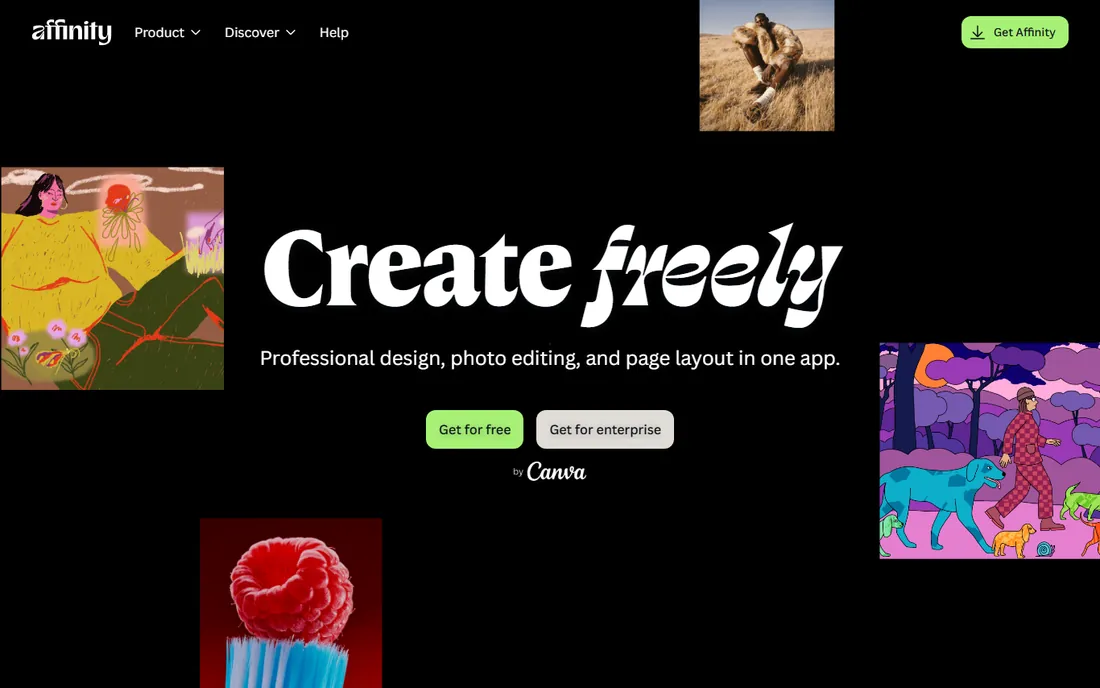
Canva's relaunch of Affinity in late 2025 changed the math for everyone shopping for design software. The old Affinity Designer, Photo and Publisher are gone as separate paid apps, replaced by a single free application with Vector, Pixel and Layout studios you switch between with one click. The core toolset that used to cost money per app is now free, with no subscription required to download or use it.
For vector drawing specifically, the Vector studio carries over the pen, node and shape tools that made Affinity Designer popular, plus GPU-accelerated rendering that keeps complex documents responsive. The tradeoffs are modest: you sign in with a free Canva account, and the newer AI tools such as generative fill sit behind Canva's paid tier. If you can live without AI generation, this is the most capable free vector editor available today, and it deserves a serious look before you pay for anything.
What we like- Professional-grade vector, photo and layout tools in one free app
- Fast performance on large files
- Opens PSD, AI, PDF and SVG files
Watch out for- Requires a free Canva account
- AI features need a paid Canva plan
- IPad version still rolling out
Starting price$269 per year
Free planFree trial (15 days)
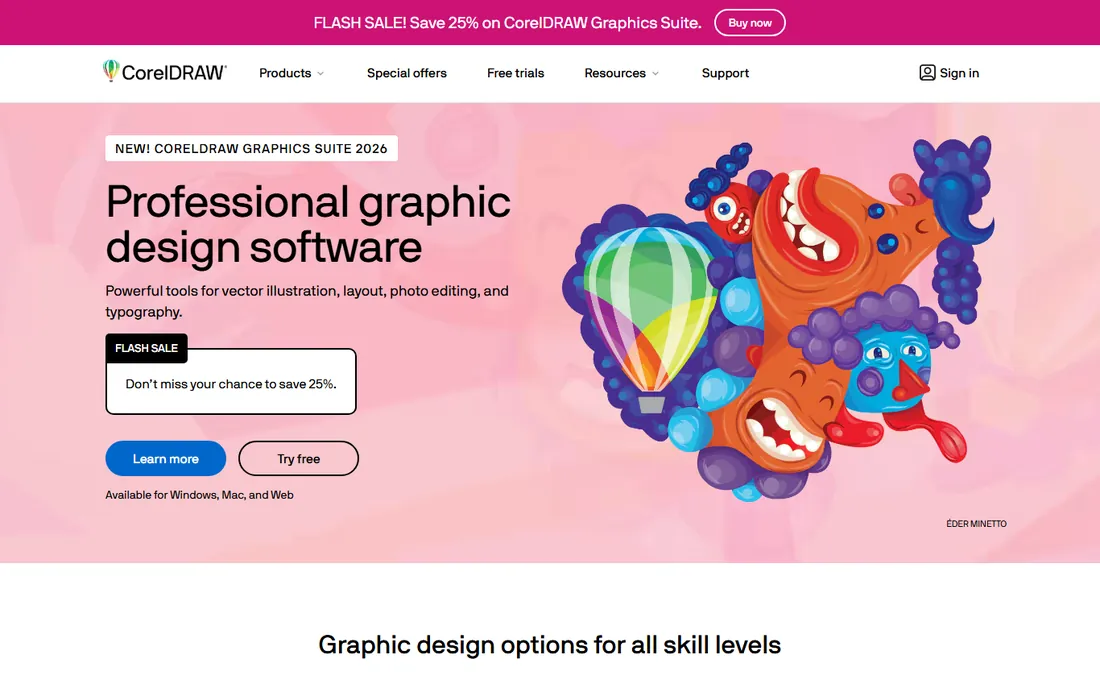
CorelDRAW has been the quiet workhorse of the sign and print industry since 1989, and version 2026 added AI-assisted image remixing and text presets to a toolset that already covered vector illustration, photo editing, page layout and font management. Where it truly separates from the pack is production art: vinyl cutting, laser engraving, screen printing and vehicle wraps are workflows CorelDRAW handles natively, with features like PowerTRACE for converting bitmaps to clean vectors.
Pricing is straightforward and vendor-published: $269 per year on subscription, or $549 as a one-time purchase if you would rather own your software. That perpetual license alone makes it attractive to shops that disliked Adobe's subscription-only turn. The 15-day trial is enough to test it against a real job. Just know the ecosystem is smaller, so finding freelancers fluent in CorelDRAW is harder than finding Illustrator users.
What we like- Superb for signage, engraving and large-format work
- One-time purchase option still available
- Strong bitmap-to-vector tracing
Watch out for- Smaller community than Adobe, so fewer tutorials
- Interface can feel dated
- MacOS version lags the Windows one in places
Starting priceFree
Free planYes
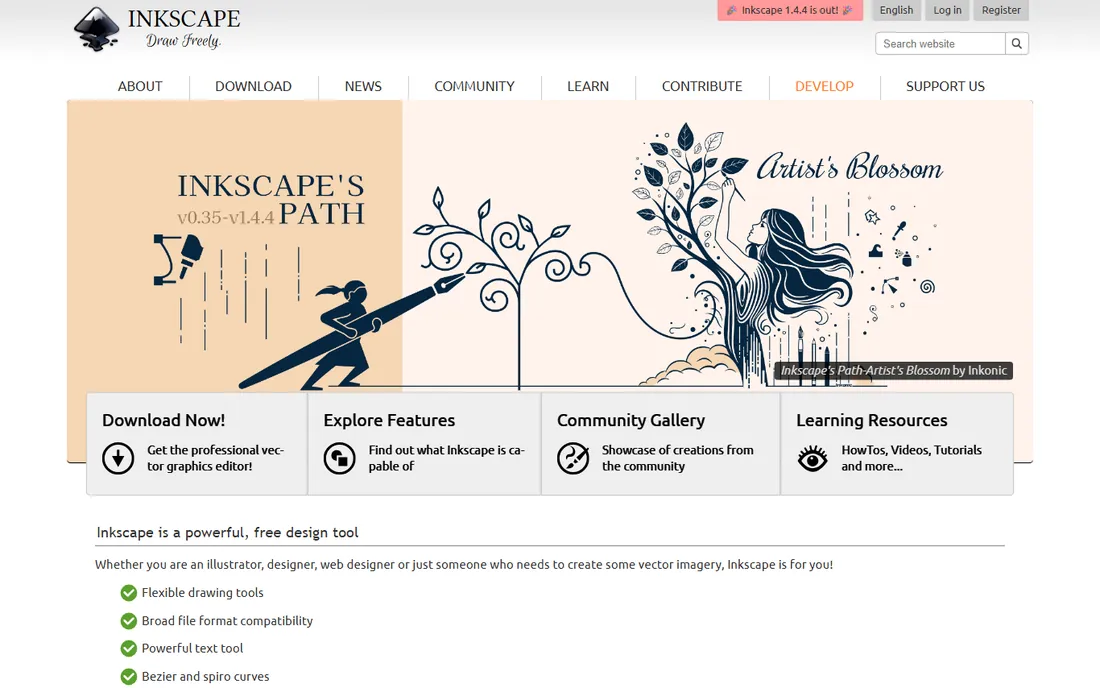
Inkscape is the answer when the budget is zero and the work still needs to look professional. As a free and open-source editor, it covers the fundamentals well: bezier drawing, node editing, boolean path operations, layers, gradients and text on paths. Its native SVG format makes it a natural fit for web graphics, icons and diagrams, and the extension ecosystem adds capabilities the core app lacks.
The limitations are real but well documented. There is no true CMYK color mode, so print designers who need exact color separations will hit a wall. Performance can drag on files with thousands of objects. For digital-first work, logos destined for the web, marketing graphics and illustrations, those caveats rarely matter. Small businesses routinely produce client-ready work in Inkscape without spending a dollar, which is remarkable for software this capable.
What we like- Completely free with no account or upsell
- Native SVG workflow ideal for web graphics
- Runs on Windows, macOS and Linux
Watch out for- No native CMYK support, which limits professional print work
- Interface feels dated
- Can slow down on very complex documents
Starting priceSee website
Free planYes
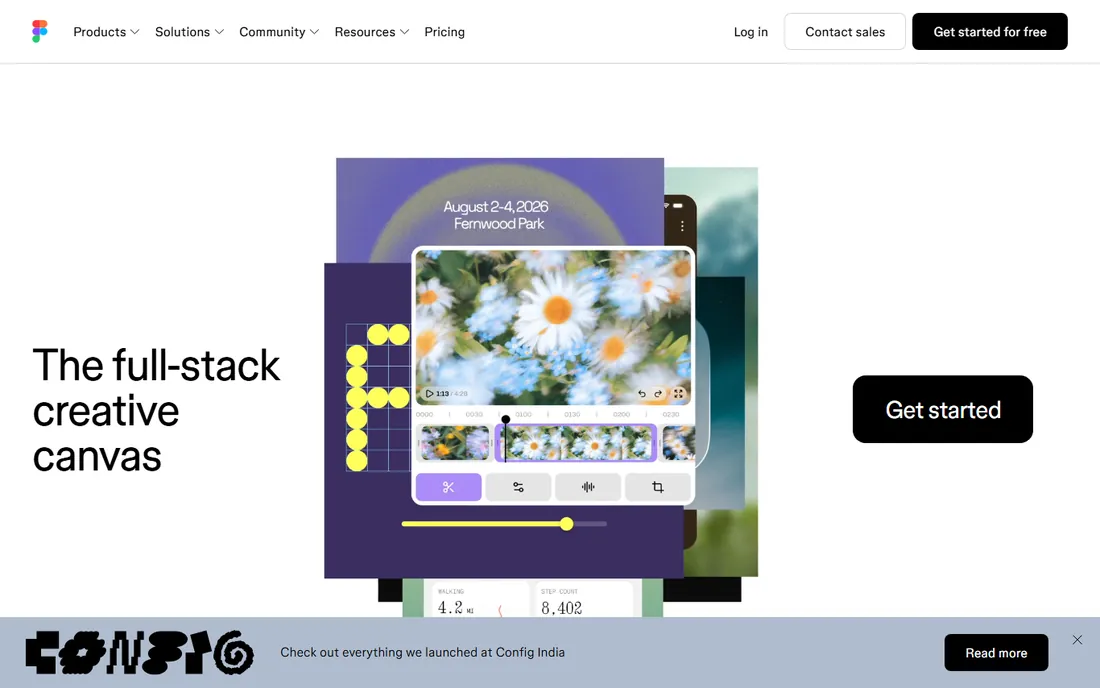
Figma earned its place in this list even though it is not a traditional illustration tool. Its vector editing handles icons, interface elements and simple illustrations capably, and its real-time multiplayer editing changed how design teams work together. For a business whose vector output is mostly web graphics, social assets and app interfaces, Figma's free Starter tier covers an impressive amount of ground.
The catch is scope. Figma has no CMYK support and no real prepress tooling, so anything destined for a printing press should be finished elsewhere. Pricing is per editor, which means costs grow linearly as your team grows, while viewers stay free. Treat Figma as a screen-design tool with solid vector chops, not as an Illustrator replacement, and it will serve you well.
What we like- Real-time collaboration that actually works
- Generous free Starter tier
- Huge plugin and template community
Watch out for- Built for screens, not print
- Needs an internet connection for full functionality
- Per-editor pricing scales quickly with team size
Starting priceSee website
Free planFree trial
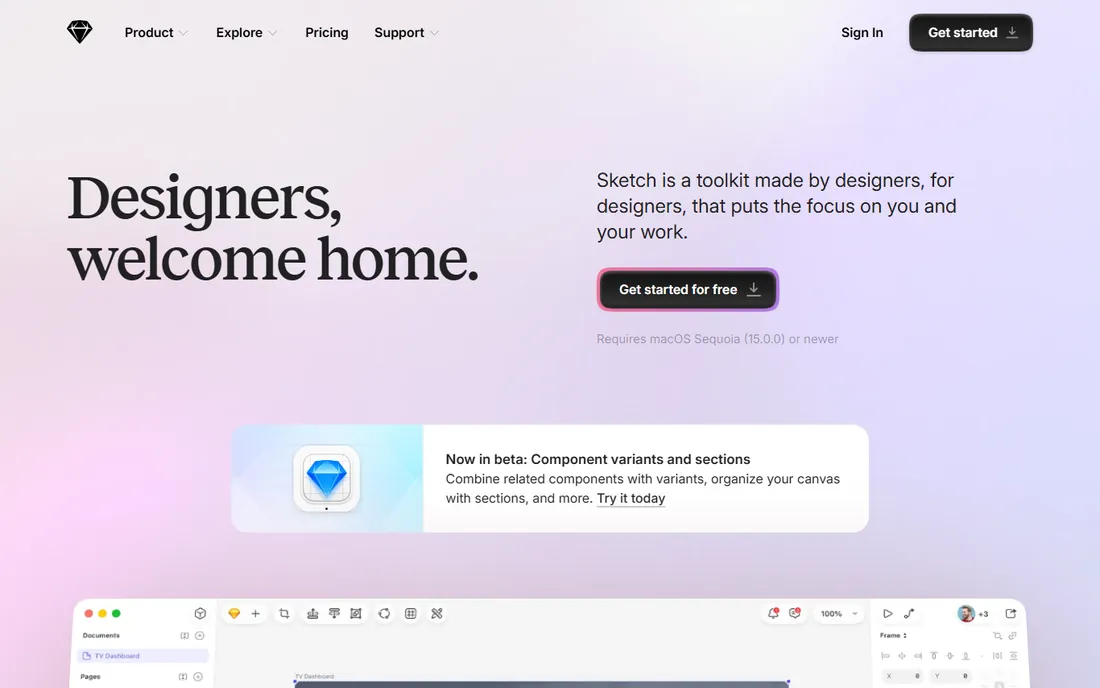
Sketch practically invented the modern UI design tool category, and on the Mac it remains fast and pleasant to use. Its symbols, shared styles and libraries make it strong for design systems, and the plugin ecosystem covers handoff to developers through integrations with tools like Zeplin. If your whole team is on Macs and your output is interfaces, Sketch is a focused, capable choice.
The macOS-only limitation is the big filter. Mixed Windows and Mac teams cannot standardize on it, and its vector illustration tools are serviceable rather than inspiring. Figma's browser-based collaboration has also pulled many teams away. Sketch still suits Mac-centric product teams that prefer a native desktop app over a browser tab, but check the current per-editor pricing against Figma before committing.
What we like- Fast native Mac app
- Excellent symbol and component system
- Mature plugin ecosystem for UI workflows
Watch out for- MacOS only, which excludes mixed-platform teams
- Vector illustration features lag dedicated tools
- Collaboration happens through the web app
Starting priceSee website
Free planYes
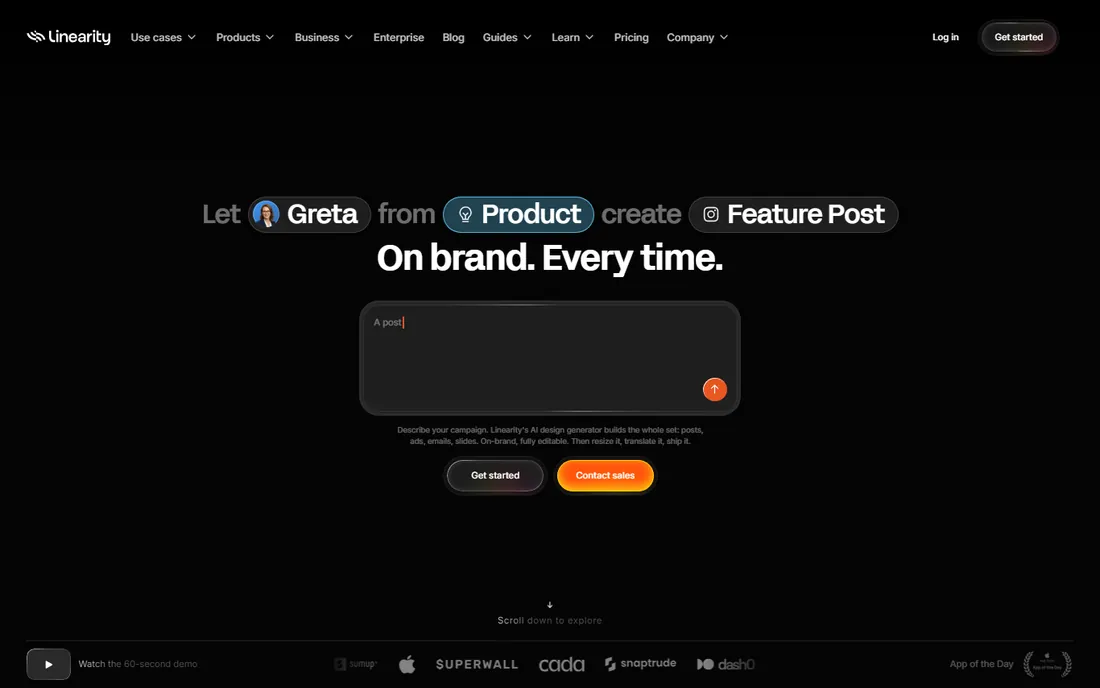
Formerly known as Vectornator, Linearity Curve is a German-built vector editor aimed squarely at Apple users. The interface is noticeably friendlier than Illustrator's, which makes it a good fit for marketers, educators and illustrators who want professional results without a month of learning curve. AI-assisted tools like Auto Trace turn rough sketches and images into editable vectors in seconds.
A free plan covers the basics, with paid tiers opening up the full feature set. The Apple-only restriction is the main thing to check: there is no Windows or Android version. Cloud sync through Linearity Cloud is now part of the workflow, which some users dislike for privacy reasons. For iPad-first illustrators especially, Curve is one of the most pleasant vector apps available.
What we like- Clean, approachable interface
- Works across Mac, iPad and iPhone
- AI Auto Trace converts sketches to vectors quickly
Watch out for- Apple platforms only
- Advanced features require a paid tier
- Smaller community means fewer learning resources
Starting priceFree
Free planYes
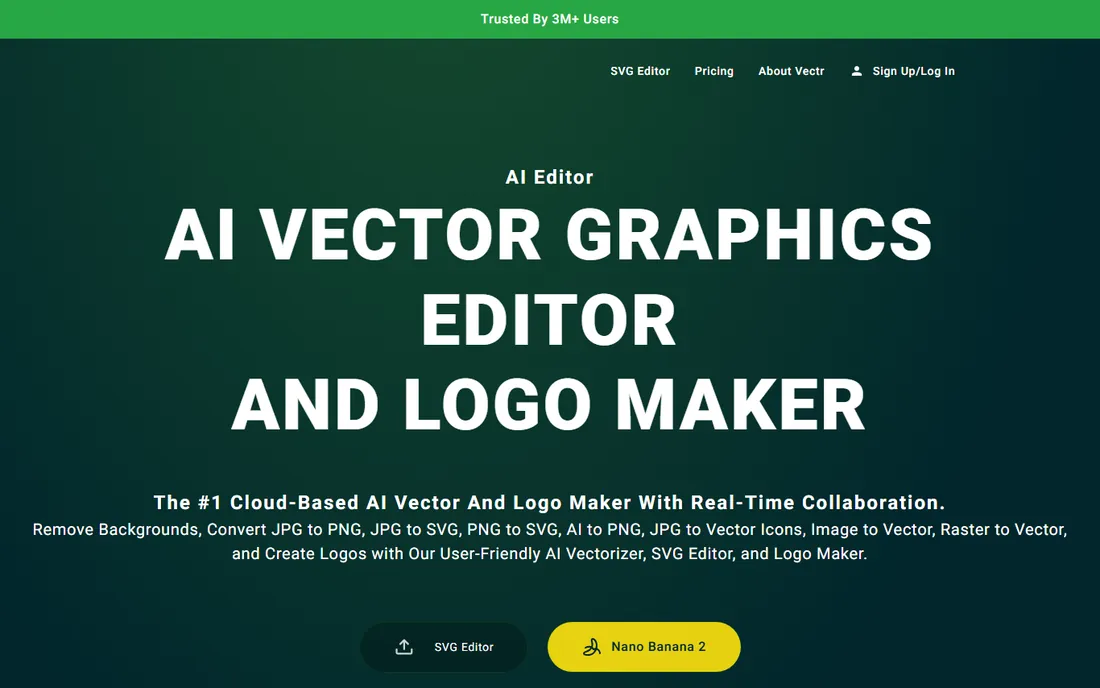
Vectr takes the opposite approach from Illustrator: instead of hundreds of tools, it offers a small set that covers the basics well. You can open it in a browser and start drawing within a minute, no install and no account required to try it. Shape tools, a pen tool, text and simple filters handle social graphics, basic logos and presentation visuals without friction.
That simplicity is also the ceiling. There is no gradient mesh, no advanced typography controls, no CMYK. Power users will outgrow it quickly. But for a small business owner who needs to resize a logo, make a simple banner or mock up an idea, Vectr removes every barrier between the idea and the finished graphic. The core editor is free, which makes it an easy recommendation for non-designers.
What we like- Free with no learning curve
- Runs in the browser with desktop apps too
- Real-time collaboration on shared documents
Watch out for- Lacks advanced features professionals expect
- Occasional performance hiccups on complex files
- Some export formats sit behind credits
Starting priceSee website
Free planYes
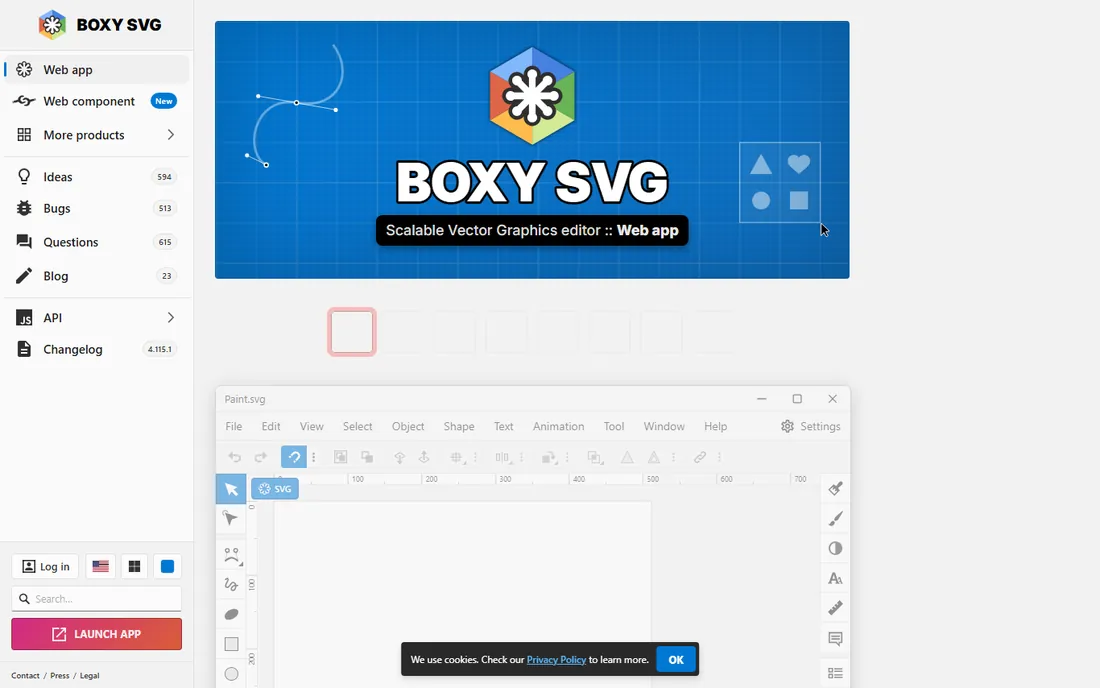
Boxy SVG is built around a single idea: editing SVG files should be simple and produce clean code. It runs as a web app and progressive web app, and its standout feature is a Chrome DevTools-style inspector that lets developers tweak SVG markup directly. For web teams that live in SVG icons and illustrations, that workflow is genuinely useful.
The premium tier costs roughly ten dollars a year, which is negligible, and the free version handles basic edits. As a general illustration tool it is thinner than Inkscape or Affinity, and precise path work on touchscreens is uncomfortable. But if your vector needs start and end with web-ready SVG files, Boxy SVG is a focused, inexpensive tool that does its one job well.
What we like- Clean SVG code output
- Built-in code inspector familiar to web developers
- Very affordable premium tier
Watch out for- Narrower toolset than full illustration apps
- Touch and mobile editing is awkward
- No native desktop-class print features
What to look for in vector drawing software
Start with output, not features. If your work ends up on paper, packaging or signage, you need CMYK color, Pantone libraries and print-ready PDF export, which narrows the field to Illustrator, CorelDRAW and Affinity. If everything you make lives on screens, any of the nine tools here can work, and collaboration features matter more than prepress controls.
Next, check the pricing model against how often you will actually open the app. Subscription tools like Illustrator and Sketch make sense when design is daily work. Perpetual licenses (CorelDRAW's one-time purchase) or free tools (Affinity, Inkscape, Vectr) win when vector work is occasional. Count your editors too: per-seat pricing looks cheap for one person and painful for ten.
Finally, weigh platform and file compatibility. A Mac-only tool is a non-starter for a Windows shop. If clients or printers expect AI or EPS files, confirm your pick exports them cleanly before you commit. A week with the free trial, working on a real project, tells you more than any feature list.
How we chose
We compared pricing pages, documentation and feature lists for the most widely used vector editors, then cross-checked against public reviews on G2, Capterra and Reddit to see where real users praise or complain. We favored tools that are actively maintained in 2026, excluded discontinued products, and made sure the list spans free, one-time purchase and subscription models. No vendor paid for placement, and we did not claim hands-on testing we did not do.
Free vs paid: where the line really sits
The free tier of vector software in 2026 is stronger than the paid tier was a decade ago. Affinity gives away a professional toolset, Inkscape matches paid editors on core drawing features, and Vectr covers casual needs entirely. Paid tools earn their money in three places: print production (Illustrator, CorelDRAW), team collaboration at scale (Figma, Sketch), and specialized workflows like sign making.
A practical rule: start free, and upgrade when a specific job demands it. If a printer rejects your file for color reasons, that is the moment to buy Illustrator or CorelDRAW. If version chaos is eating your team's time, that is the moment to pay for Figma or Sketch. Paying before you feel the pain usually means paying for features you never touch.
Frequently asked questions
Is vector drawing software different from photo editing software?
Yes. Vector editors build images from mathematical paths, so artwork scales to any size without losing sharpness. Photo editors work with pixels, which blur when enlarged. Logos, icons and illustrations belong in vector tools; photographs belong in raster editors like Photoshop or Affinity's Pixel studio.
Can I use free vector software for client work?
In most cases, yes. Inkscape, Affinity and Vectr all permit commercial use. The practical question is whether the tool fits the deliverable: web graphics and logos are fine, but print jobs requiring CMYK separations may need Illustrator or CorelDRAW. Always check the license terms of the specific version you download.
Which vector tool is easiest for a beginner?
Vectr and Linearity Curve have the gentlest learning curves, with interfaces that make sense within minutes. Inkscape is free but takes longer to learn. Illustrator is the hardest to pick up, though its tutorial library is enormous. Match the tool to how much time you can invest in learning.
Do I need a subscription, or can I buy vector software outright?
Both options exist. CorelDRAW still sells a perpetual license, and Affinity is now free outright. Adobe Illustrator and Sketch are subscription only. If you dislike subscriptions, CorelDRAW's one-time purchase and Affinity's free tier are your main alternatives at the professional end.
Can vector software open Photoshop or Illustrator files?
Most of these tools import common formats. Affinity opens PSD and AI files with good fidelity, Inkscape imports AI and EPS, and Figma imports Sketch files. Complex effects do not always survive the trip, so keep the original files and test imports with a real project before migrating a workflow.
Sources we checked (11)
- https://en.wikipedia.org/wiki/Adobe_Illustrator
- https://en.wikipedia.org/wiki/Affinity_(software
- https://en.wikipedia.org/wiki/CorelDRAW
- https://en.wikipedia.org/wiki/Figma
- https://www.corel.com/en/newsroom/news/press-releases/20260303-introducing-ai-powered-creativity-coreldraw-graphics-suite/
- https://josephnilo.com/blog/adobe-illustrator-the-ultimate-buying-guide/
- https://www.vendr.com/marketplace/sketch
- https://www.selecthub.com/vector-graphics-software/linearity-curve-vs-sketch-com/
- https://snapcraft.io/vectr
- https://colorlib.com/wp/free-svg-editor-tools/
- https://www.g2.com/products/inkscape/competitors/alternatives
Is your product missing or out of date?
We review this list regularly. Vendors can request a listing, send updated pricing or ask about featured placement.

Shihab Mia · Founder, Rankite
Shihab has spent more than a decade helping SaaS and e-commerce brands grow through search. He writes Rankite's software buying guides from pricing pages, documentation and public user reviews. More about Shihab.