How we make this list: we compare pricing pages, product documentation and public user reviews. Rankite is independent; if a vendor ever pays for a featured spot, that listing is clearly labeled Partner.
Key takeaways
- If you want mocap without hardware, DeepMotion and Plask turn ordinary video into animation for free or close to it, with paid plans from $18 to $20 a month.
- Rokoko is the friendliest path into suit-based capture, with a free Starter tier and paid plans from $10 a month, though the suit itself is a separate purchase.
- iPi Motion Capture remains the cheapest way to own a markerless system outright, with perpetual licenses starting at $195.
- Optical systems like OptiTrack and high-end inertial systems like Xsens still win on accuracy, but expect hardware budgets in the thousands and a fixed capture space.
- Every option here exports to FBX or BVH, so your choice is really about capture method, accuracy needs and budget, not file compatibility.
Quick comparison
| Tool | Best for | Starting price | Free plan |
|---|
 Rokoko Studio Rokoko Studio | Indie studios buying their first mocap suit | $10/month (Basic, billed annually) | Yes (Starter) |
 DeepMotion DeepMotion | Turning video clips into 3D animation | See website | Yes (60 credits/month) |
 Plask Plask | Fast browser-based AI mocap | $18/month (Standard, billed annually) | Yes (15 seconds/day) |
 RADiCAL RADiCAL | Markerless AI capture from video | See website | Yes (free account) |
 iPi Motion Capture iPi Motion Capture | Budget markerless capture you own outright | $195 (Express, perpetual) | Free trial (30 days) |
 Move AI Move AI | Phone-based capture without suits | See website | No |
 Xsens Animate Xsens Animate | Pro-grade inertial capture | See website | Yes (Record free) |
 OptiTrack Motive OptiTrack Motive | Studio-grade optical capture | See website | No |
 Noitom Perception Neuron Noitom Perception Neuron | Modular inertial suits on a budget | See website | Yes (software free with kits) |
 Autodesk MotionBuilder Autodesk MotionBuilder | Cleaning and retargeting mocap data | See website | Free trial (30 days) |
Is your product missing or out of date?
We review this list regularly. Vendors can request a listing, send updated pricing or ask about featured placement.
The best motion capture software
#1
Rokoko Studio
Best for: Indie studios buying their first mocap suit
Visit rokoko.com
Starting price$10/month (Basic, billed annually)
Free planYes (Starter)
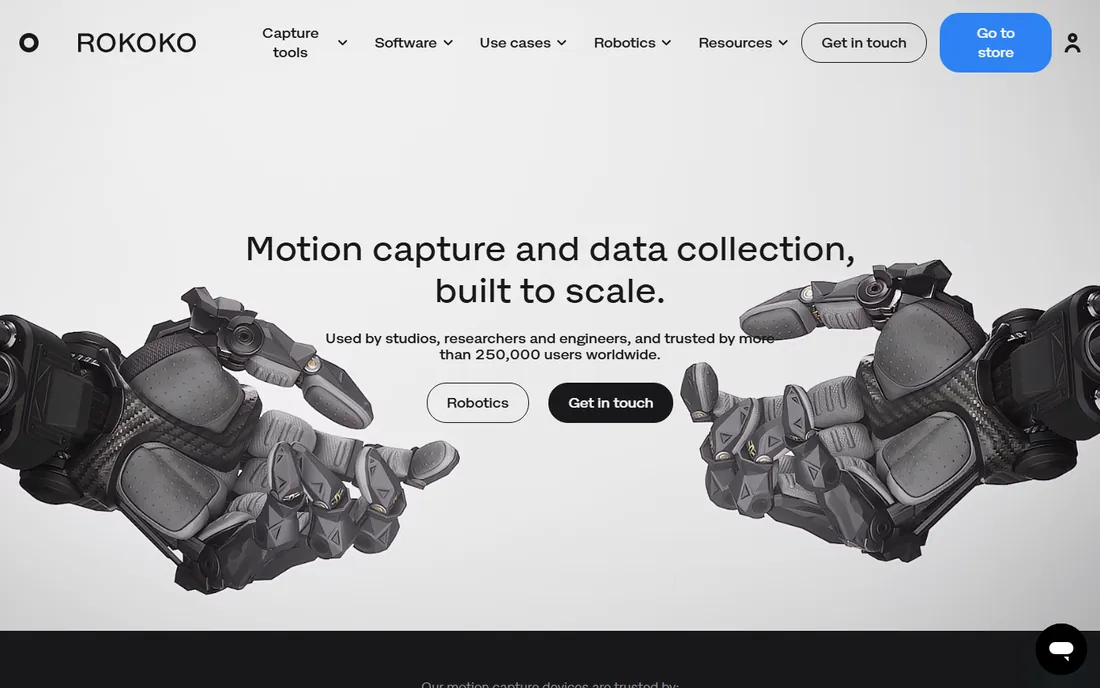
Rokoko built its reputation on one idea: a mocap suit that a small team can actually afford and set up in an afternoon. The Smartsuit Pro II pairs with Rokoko Studio, which records, cleans and live-streams data into the tools game developers already use. Calibration takes minutes, not hours, and the software runs on an ordinary laptop.
The pricing is what makes it interesting for smaller companies. A free Starter tier covers basic recording, while Basic at $10 a month (billed annually) and Plus at $20 a month add longer recordings, more actors and collaboration. The catch is the suit, which is a separate four-figure purchase, so factor that into the budget from day one. For teams that need dependable body capture without hiring a mocap stage, this is the usual first step.
What we like- Streams live into Unreal, Unity and Blender
- Simple recorder interface
- Suit and software built to work together
Watch out for- Full features need a paid plan
- Suit hardware sold separately
- Some drift on long takes
Starting priceSee website
Free planYes (60 credits/month)
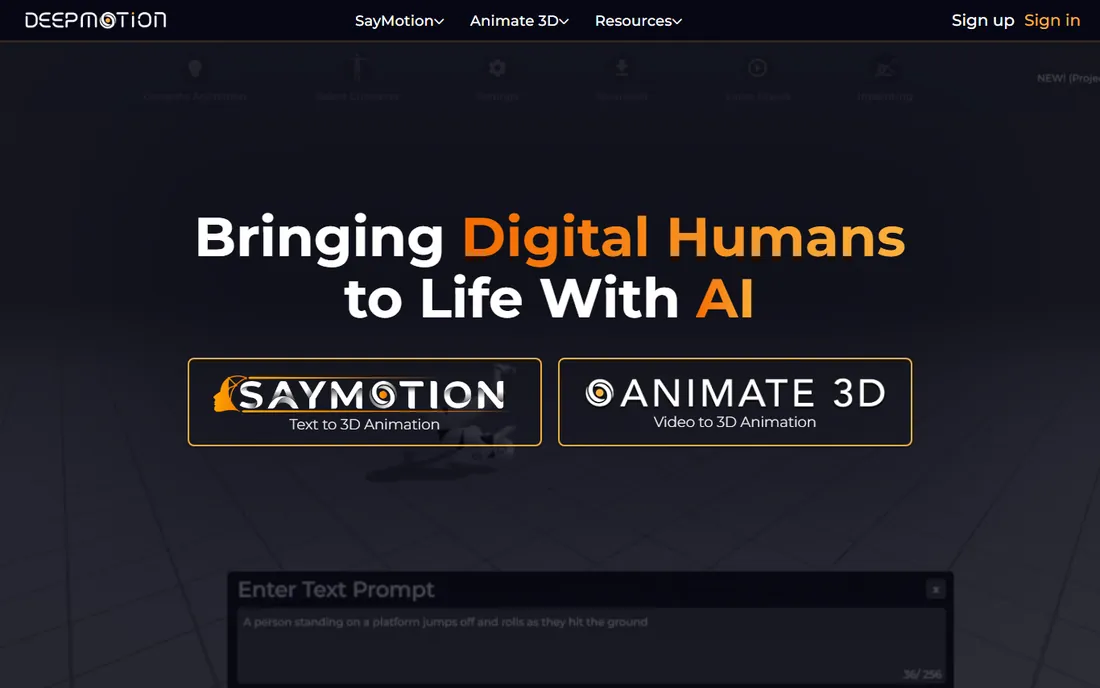
DeepMotion takes the opposite approach from Rokoko. Instead of strapping sensors to an actor, you upload a video of someone moving and its Animate 3D engine produces a rigged 3D character. For previz, background characters and quick social content, that tradeoff is often worth it.
The free tier gives 60 credits a month, which is enough to test the pipeline seriously before spending anything. Paid plans exist for heavier use, though DeepMotion keeps that pricing behind its site rather than on a public page. Expect to clean up foot contacts and fast spins by hand. If your shots are simple walks, waves and dances, the output is surprisingly usable.
What we like- No suit or special camera needed
- Works from a single video
- Generous free tier
Watch out for- Foot sliding on complex moves
- Hand and finger detail is limited
- Paid tier pricing is not public
Starting price$18/month (Standard, billed annually)
Free planYes (15 seconds/day)
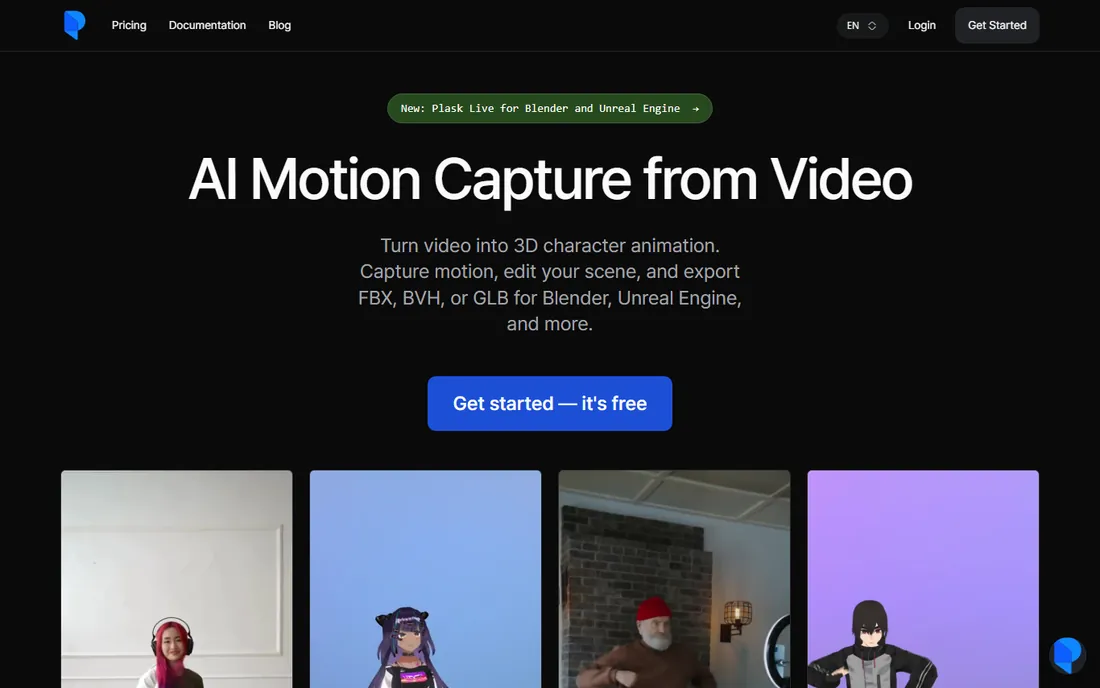
Plask lives in your browser, which changes the workflow completely. Upload a clip, get motion data and a rigged character back, then export to your DCC of choice. There is nothing to install and no hardware to calibrate, so a marketing team can go from idea to animated character in one sitting.
The free plan allows 15 seconds of capture per day, which is fine for testing but not for production. Standard at $18 a month (annual billing) and Pro at $50 a month raise the limits for teams doing regular work. Like all video-based systems, it rewards clean, well-lit footage with a clear view of the actor. Feed it shaky phone video in a dark room and you will spend the savings on cleanup.
What we like- Runs entirely in the browser
- Auto-rigging included
- Quick iteration on short clips
Watch out for- Free tier caps at 15 seconds a day
- Quality depends heavily on source footage
- Limited editing tools
Starting priceSee website
Free planYes (free account)
RADiCAL was one of the early names in AI motion capture, converting 2D video into 3D animation in the cloud. The workflow is as simple as it gets: create a free account, upload footage, download motion data. For studios that occasionally need mocap without investing in a pipeline, that simplicity still has value.
The honest caveat is direction. The company has moved toward enterprise and API customers, and public pricing has disappeared from the site. The free account still works for light use, but teams planning serious volume should contact sales and confirm the product fits before building a workflow around it. Treat it as a capable utility, not a long-term platform bet, until the roadmap is clearer.
What we like- No hardware or suits
- Fast cloud processing
- Simple upload workflow
Watch out for- Pricing not published
- Company focus has shifted toward enterprise
- Fewer updates for indie users
#5
iPi Motion Capture
Best for: Budget markerless capture you own outright
Visit ipisoft.com
Starting price$195 (Express, perpetual)
Free planFree trial (30 days)
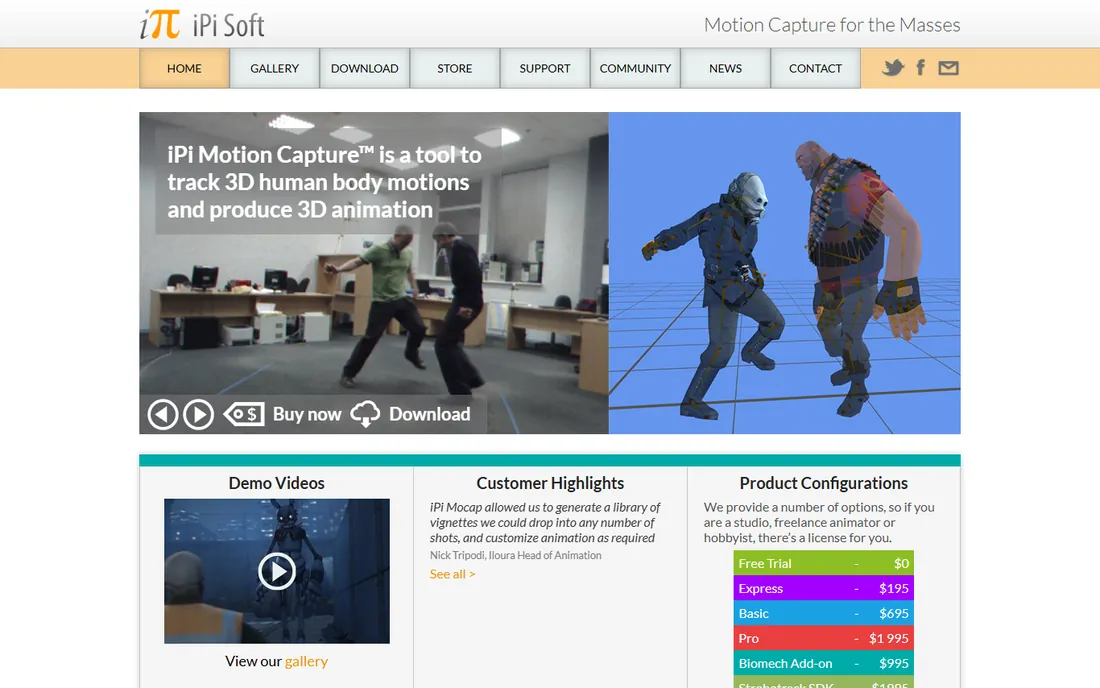
iPi is the veteran of affordable markerless mocap. It tracks actors using depth sensors like Kinect or arrays of action cameras, with no suits or markers required. The standout detail is licensing: Express costs $195 once, Basic $695 (or $345 a year), Pro $1,995 (or $995 a year). You buy it and it is yours.
The tradeoff is effort. Camera placement, calibration and lighting all affect quality, and the software expects you to learn its quirks. A 30-day trial lets you validate your camera setup before paying. For schools, hobbyists and small studios that dislike subscriptions, iPi remains the cheapest legitimate route to full-body capture.
What we like- Perpetual licenses, no subscription
- Works with depth sensors and action cameras
- 30-day trial
Watch out for- Setup is fiddly
- Camera hardware still required
- Interface shows its age
#6
Move AI
Best for: Phone-based capture without suits
Visit move.ai
Starting priceSee website
Free planNo
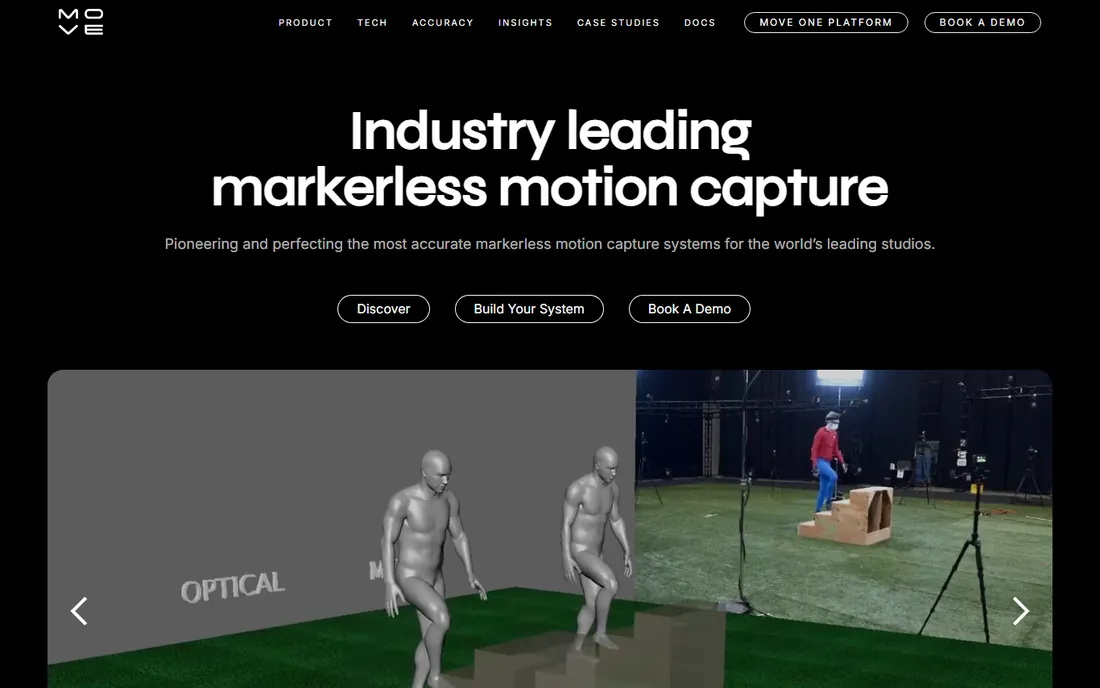
Move AI captures motion using multiple phones or cameras, then reconstructs 3D movement in the cloud. The pitch is compelling: the capture hardware is already in your pocket. For on-location shoots where hauling suits and base stations is impractical, that matters.
Like RADiCAL, Move AI has shifted toward enterprise customers, and its public pricing page has gone away. That makes it hard to recommend for a small studio planning a purchase this quarter. If you are an agency or production company with budget for a conversation with sales, the technology is genuinely impressive. Everyone else should weigh the uncertainty before committing.
What we like- Captures with ordinary smartphones
- No suits or markers
- Quick setup for small shoots
Watch out for- Pricing not published
- Enterprise pivot makes indie future unclear
- App-dependent workflow
Starting priceSee website
Free planYes (Record free)
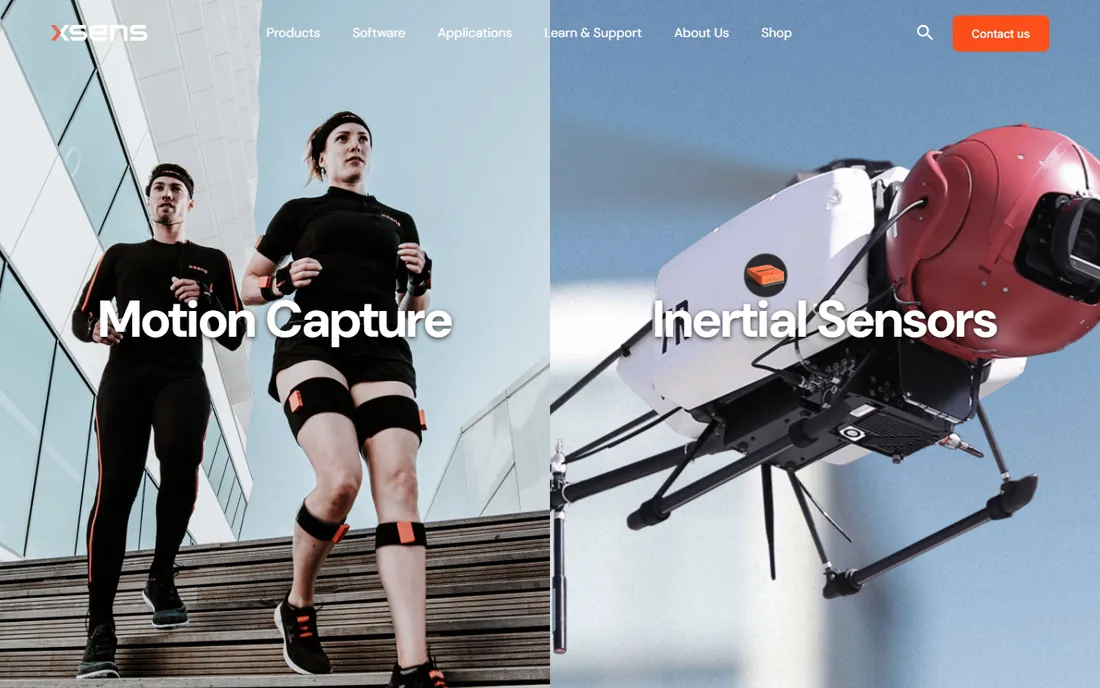
Xsens, now part of Movella, is the name professionals mention when accuracy cannot slip. Its inertial suits track full-body motion with a fidelity that cheaper systems cannot match, and Animate (formerly MVN) is the software that records, edits and streams it. Film, AAA games and biomechanics labs are the typical customers.
You can download Animate Record free to learn the workflow, but the suit hardware is a serious capital expense and pricing runs through sales. Setup is more involved than Rokoko, and you will want a dedicated operator for important shoots. When the budget exists and the client will notice bad motion, this is where productions land.
What we like- Industry-standard inertial accuracy
- Reliable full-body tracking
- Strong live-streaming integrations
Watch out for- Hardware is expensive
- Sales-led buying process
- Overkill for simple projects
Starting priceSee website
Free planNo
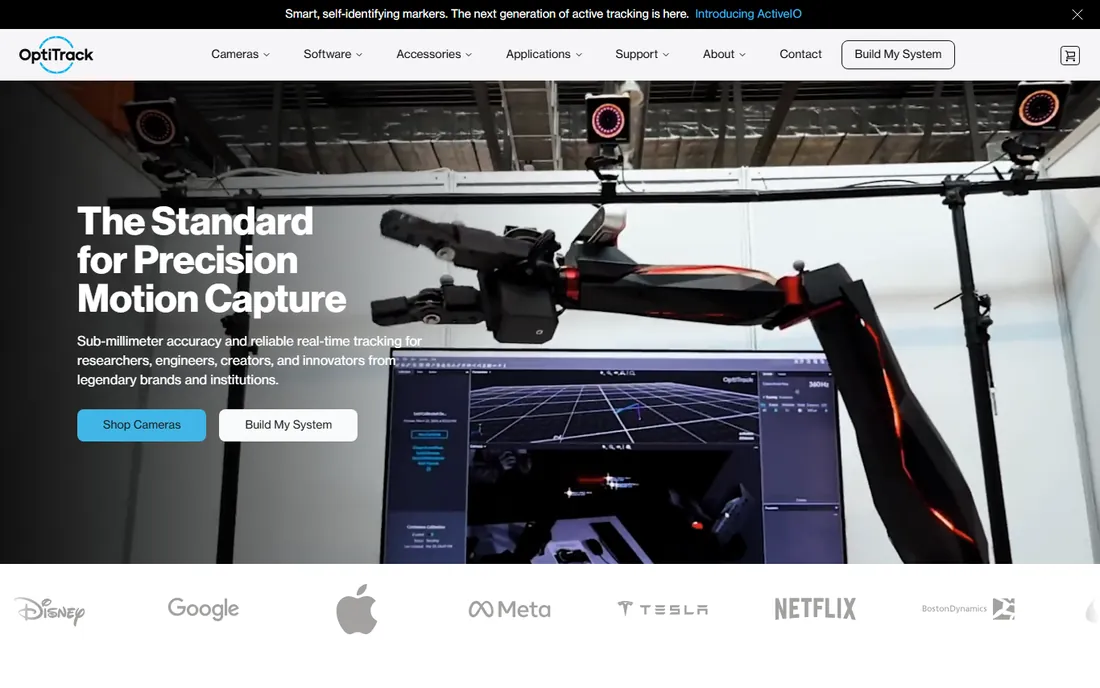
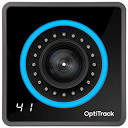
OptiTrack is the optical gold standard for buyers who can afford a permanent stage. Its cameras track reflective markers with sub-millimeter precision, and Motive software handles calibration, tracking and export. The results need the least cleanup of anything on this list.
The price of that quality is infrastructure. A useful camera count starts in the tens of thousands of dollars, and you need a dedicated room with controlled lighting. This is a facility purchase, not a software purchase, so only consider it if you are building or upgrading a real mocap stage. For everyone else, the inertial and AI options above deliver far more per dollar.
What we like- Sub-millimeter optical accuracy
- Proven in film and VR
- Handles multiple actors cleanly
Watch out for- Camera arrays cost tens of thousands
- Needs a dedicated capture volume
- Not portable
Starting priceSee website
Free planYes (software free with kits)
Perception Neuron sits between Rokoko and Xsens: a real inertial suit at a price smaller studios can reach. The Neuron sensors strap to the body and Axis Studio, which is free with the hardware kits, records and streams the data. The modular design means you can start with a smaller sensor count and expand.
Inertial suits all fight magnetic interference, and Neuron is no exception, so scout your capture space for metal and electronics. Calibration takes longer than Rokoko's, and the community is smaller, which means fewer tutorials when something goes wrong. For teams that want suit data and cannot stretch to Xsens, it is a legitimate middle path.
What we like- Axis Studio software free with hardware
- Modular neuron sensors
- Lower entry price than Xsens
Watch out for- Sensitive to magnetic interference
- Setup and calibration take practice
- Smaller support network
#10
Autodesk MotionBuilder
Best for: Cleaning and retargeting mocap data
Visit autodesk.com
Starting priceSee website
Free planFree trial (30 days)
MotionBuilder does not capture motion at all, which is exactly why it belongs on this list. Almost every professional pipeline ends here: raw capture data arrives noisy, and MotionBuilder is where animators clean curves, fix contacts and retarget motion onto final characters. If you buy any capture system above, you will likely touch this software or something like it.
It is sold by subscription through Autodesk, with a 30-day trial for evaluation. The learning curve is real, and it assumes you already think like an animator. Budget for it as part of the pipeline, not as an afterthought, because the gap between raw mocap and shippable animation is where projects quietly lose weeks.
What we like- Industry-standard mocap editing
- Powerful retargeting tools
- Deep Maya and 3ds Max integration
Watch out for- Captures nothing itself
- Subscription only
- Steep learning curve
How we chose
We started from vendor pricing pages, documentation and feature lists, then checked how each product fits companies of different sizes. We favored tools that publish clear pricing or free tiers, cover distinct capture methods (inertial suits, optical, markerless video, AI from footage), and export to standard formats like FBX and BVH. Public reviews on G2, Capterra and Reddit helped confirm where marketing claims meet reality, particularly around accuracy and cleanup time. No hands-on testing was involved; every fact here comes from the vendor's own materials or independent reviews.
How to choose the right mocap setup for your studio
Start with the capture method, because it decides everything downstream. Inertial suits (Rokoko, Xsens, Noitom) work anywhere but can drift and suffer near metal. Optical (OptiTrack) is the most accurate but chains you to a dedicated room. Video and AI systems (DeepMotion, Plask, RADiCAL, Move AI, iPi) need no wearables but produce noisier data that needs cleanup.
Match the tool to the shot
Background characters, previz and social clips rarely need suit-grade fidelity. AI video tools handle those for a fraction of the cost. Hero characters, close-ups and client-facing cinematics justify a suit or a stage session, because cleanup time on noisy data quickly costs more than better capture.
Budget beyond the software
Software prices here run from free to $20 a month, which hides the real math. Suits cost thousands, optical cameras tens of thousands, and even free AI tools bill your animator's hours in cleanup. Add a cleanup and retargeting step (MotionBuilder or Blender) to every plan, and estimate one cleanup day per minute of finished animation as a rough starting point.
Check the export path before you buy
Every tool on this list exports FBX or BVH, but confirm the details: bone naming conventions, frame rates and whether finger data survives the trip into Unreal, Unity or Blender. A 30-day trial or free tier is the cheapest way to test the full path from capture to your engine with your own footage.
The real cost of a mocap pipeline
The sticker price is the smallest line item. A realistic indie setup might be a Rokoko suit plus a Plus subscription, around a few thousand dollars in year one, plus an animator's time for cleanup. A video-AI pipeline can start near zero in software cost and still consume days of cleanup per minute of animation. An optical stage starts in the tens of thousands before software enters the picture.
Contracts matter too. Subscriptions like Rokoko Plus and Plask Pro bill annually for the best rate, so confirm you can pause or cancel if production gaps are likely. Perpetual licenses like iPi's cost more up front and nothing later, which suits studios with steady but light mocap needs. Whatever you choose, trial the entire workflow, from capture to engine, before committing money.
Frequently asked questions
What is the cheapest way to get started with motion capture?
Start with a video-based AI tool. DeepMotion's free tier (60 credits a month) and Plask's free daily allowance let you produce real 3D motion from phone footage at no cost. If you outgrow those, iPi Motion Capture at $195 perpetual is the cheapest owned system.
Do I need a mocap suit?
Only if your shots demand it. Suits give cleaner full-body data with fewer surprises, which pays off for hero characters and close-ups. For background action, previz and short social clips, AI video capture is usually enough and costs far less.
What file formats should mocap software export?
FBX and BVH are the standards, and every tool here supports at least one of them. FBX carries richer rig data into Unreal, Unity, Maya and Blender, while BVH is the simpler interchange format. Confirm finger and facial data survive export if your project needs them.
How much cleanup does AI motion capture need?
Expect meaningful cleanup on every shot: foot sliding, ground contacts and fast rotations are the usual problem areas. Budget roughly one animator day per finished minute for simple shots, more for complex choreography. Suits and optical systems cut this time but do not remove it.
Can I use motion capture with Blender?
Yes. Blender imports FBX and BVH, and tools like Rokoko Studio, Plask and DeepMotion all export formats Blender reads. Rokoko even offers a dedicated Blender live-streaming plugin. Retargeting in Blender takes some setup but is well documented.
Is a free mocap tool enough for commercial work?
Sometimes. The free tiers here are real production tools with limits, not demos. The question is volume and quality bar: if you are producing minutes of animation weekly or need broadcast-clean motion, a paid tier or suit pays for itself in saved cleanup time.
Sources we checked (10)
- https://www.rokoko.com/pricing
- https://deepmotion.com/
- https://plask.ai/
- https://getrad.co/
- https://ipisoft.com/
- https://move.ai/
- https://www.xsens.com/
- https://optitrack.com/
- https://neuronmocap.com/
- https://www.autodesk.com/
Is your product missing or out of date?
We review this list regularly. Vendors can request a listing, send updated pricing or ask about featured placement.

Shihab Mia · Founder, Rankite
Shihab has spent more than a decade helping SaaS and e-commerce brands grow through search. He writes Rankite's software buying guides from pricing pages, documentation and public user reviews. More about Shihab.