How we make this list: we compare pricing pages, product documentation and public user reviews. Rankite is independent; if a vendor ever pays for a featured spot, that listing is clearly labeled Partner.
Key takeaways
- For system-wide sound on Windows, Equalizer APO with Peace GUI is free and more capable than most paid apps; Mac users should look at SoundSource ($49) or the free eqMac.
- Boom 3D ($39.99) and FXSound (free) are the simple choices for listeners who want better sound without learning audio engineering.
- For music production, FabFilter Pro-Q 4 ($199) is the professional standard, while TDR Nova and MeldaProduction MEqualizer prove free plugins can be genuinely good.
- iZotope Ozone 12 bundles EQ into a full mastering suite, starting at $55 for Elements, which suits producers who want more than EQ alone.
- Match the tool to the job: system-wide EQs fix your listening, plugin EQs fix your mixes, and neither substitutes for the other.
Quick comparison
| Tool | Best for | Starting price | Free plan |
|---|
 Equalizer APO + Peace GUI Equalizer APO + Peace GUI | Free Windows system-wide EQ | Free | Yes |
 FabFilter Pro-Q 4 FabFilter Pro-Q 4 | Professional mixing EQ plugin | $199 (one-time) | Free trial (30 days) |
 Boom 3D Boom 3D | Simple sound boost for listeners | $39.99 (one-time) | Free trial (30 days) |
 FXSound FXSound | Free sound enhancement | Free | Yes |
 iZotope Ozone 12 iZotope Ozone 12 | Mastering suite with EQ | $55 (Elements) | Free trial (10 days) |
 TDR Nova TDR Nova | Free dynamic EQ plugin | Free (Gentleman's Edition €40) | Yes |
 SoundSource SoundSource | Mac system-wide audio control | $49 (one-time) | Free trial |
 eqMac eqMac | Free Mac system-wide EQ | Free (Pro from $1/device/month) | Yes |
 Waves Q10 Waves Q10 | Classic paragraphic EQ plugin | $34.99 (sale; list $125) | Free trial |
 MeldaProduction MEqualizer MeldaProduction MEqualizer | Free 6-band EQ plugin | See website | Yes |
Is your product missing or out of date?
We review this list regularly. Vendors can request a listing, send updated pricing or ask about featured placement.
The best eq software
Starting priceFree
Free planYes
The free Windows system-wide EQ that audio forums swear by is actually two pieces: Equalizer APO, the engine that processes all system audio, and Peace, the graphical interface that makes it usable. Together they give you unlimited EQ bands, per-device profiles and VST plugin support for exactly zero dollars.
Setup is the hurdle. Installing APO, adding Peace and configuring your output device takes twenty minutes and a tutorial, and the interface will never be described as pretty. But once running, it quietly fixes headphones, tames harsh laptop speakers and applies to every app on the system. For Windows listeners who want real control without paying, nothing else is close.
What we like- Completely free and open source
- Unlimited bands and filters
- Tiny CPU footprint
Watch out for- Windows only
- Setup confuses beginners
- Interface is utilitarian
Starting price$199 (one-time)
Free planFree trial (30 days)
Pro-Q 4 is the plugin mixing engineers reach for when the EQ matters. Its interface shows exactly what each band is doing to the spectrum in real time, every band can run as dynamic EQ that reacts to the signal, and the sound quality is beyond reproach. It runs in every major DAW on Windows and Mac.
The $199 one-time price buys it outright with free updates within the version, and the 30-day trial is fully functional. This is a tool for people who mix music, podcasts or video audio for a living or aspire to. If you just want Spotify to sound better, buy nothing and scroll back up to the system-wide options.
What we like- Best interface in the business
- Dynamic EQ per band
- Near-zero latency options
Watch out for- $199 is steep for hobbyists
- Plugin only, no system-wide use
- Overkill for casual listening
Starting price$39.99 (one-time)
Free planFree trial (30 days)
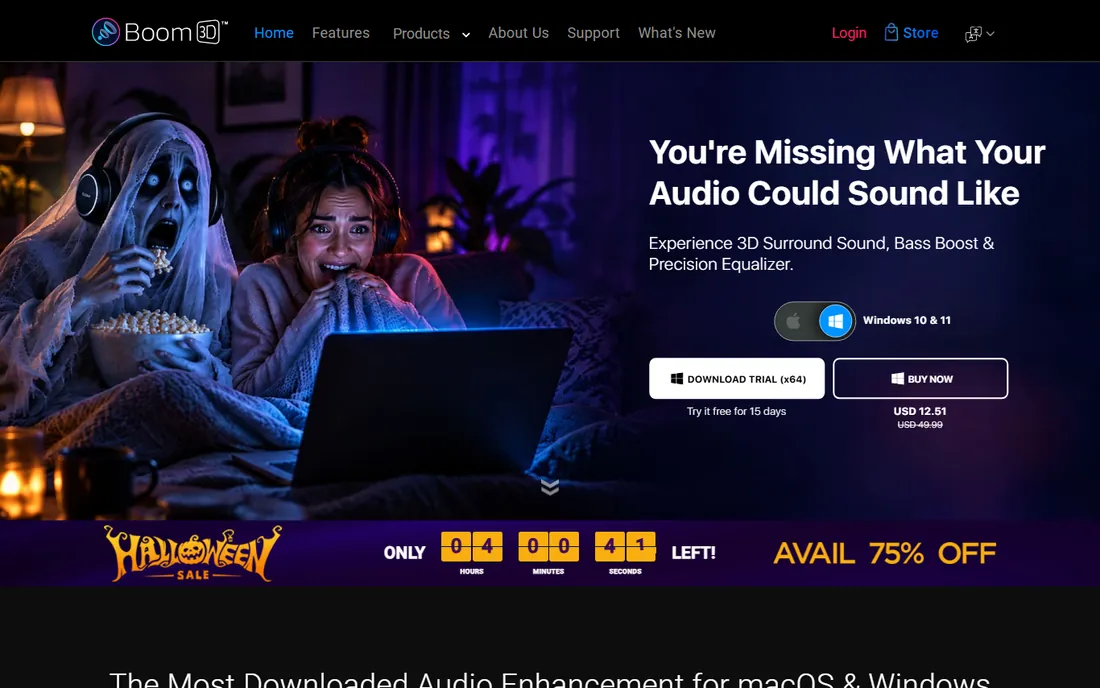
Boom 3D is for listeners, not mixers. It sits between your apps and your speakers, offering a friendly equalizer, one-click presets for music genres and movies, and a virtual surround effect that makes laptop speakers sound bigger than they are. The 30-day trial shows you exactly what it does before you pay $39.99 once.
Purists will call the processing artificial, and they are right, but most buyers want enjoyable sound, not flat reference sound. The Windows and Mac versions have feature differences worth checking before purchase. For non-technical users who want better audio in five minutes, it is the simplest paid option here.
What we like- Easy presets and 3D surround effect
- Works system-wide
- One-time purchase
Watch out for- Audiophiles find the processing heavy-handed
- Mac and Windows versions differ
- $39.99 for simple needs
Starting priceFree
Free planYes
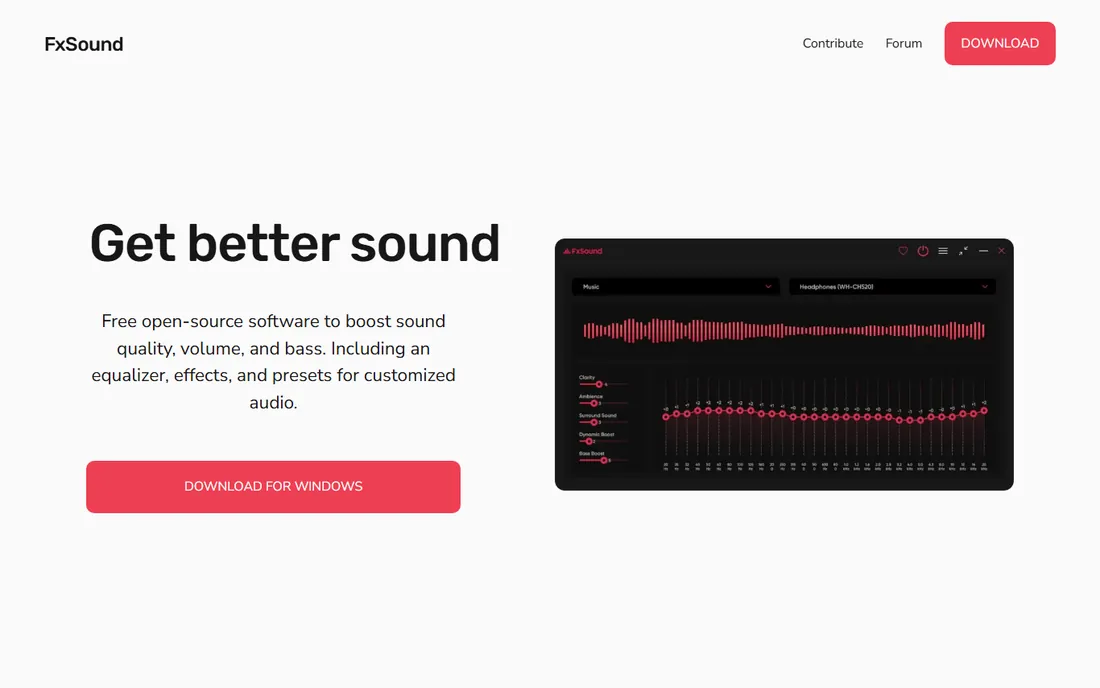
FXSound takes the opposite approach from Equalizer APO: instead of deep control, it offers instant improvement. A handful of sliders, clarity and bass controls and ready-made presets reshape your system audio with almost no learning. It went free and open source, so the price is right.
Precision is what you give up. This is broad-stroke enhancement, not surgical EQ, and Windows-only coverage leaves Mac users out. For someone who finds Equalizer APO intimidating and Boom 3D unnecessary, FXSound is the comfortable middle: install it, pick a preset, enjoy better sound.
What we like- Completely free and open source
- Simple sliders and presets
- Low effort setup
Watch out for- Less precise than a real parametric EQ
- Windows only
- Limited customization
Starting price$55 (Elements)
Free planFree trial (10 days)
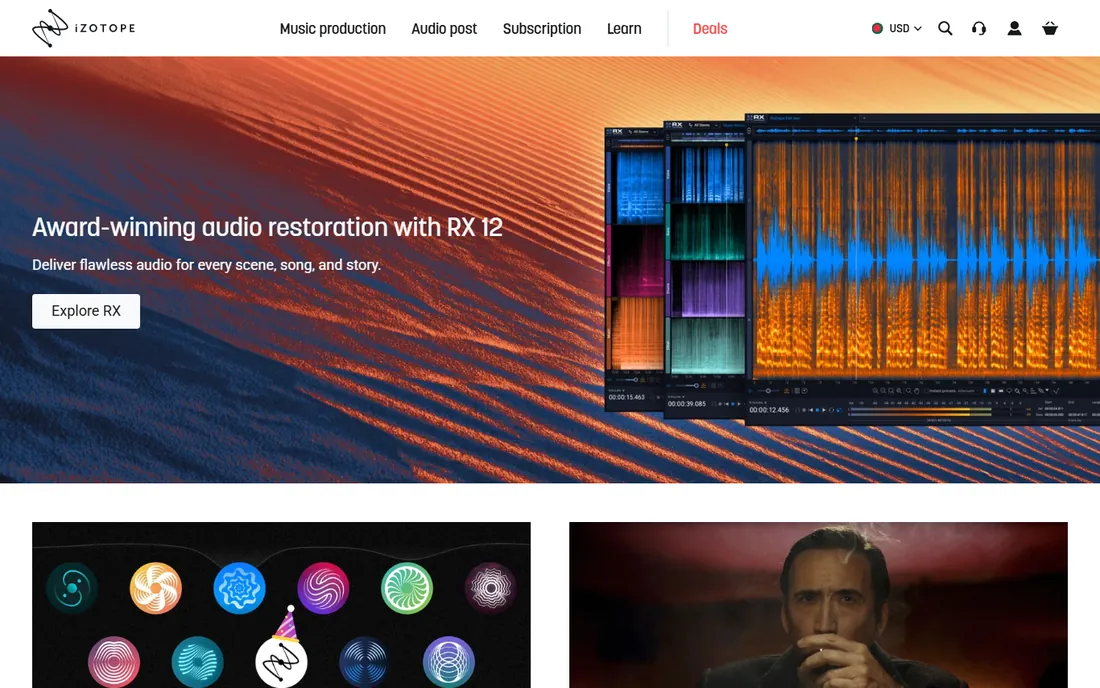
Ozone is not just an EQ, it is a complete mastering suite that happens to include an excellent equalizer. Elements at $55 gives beginners AI-assisted mastering with EQ, dynamics and imaging; Standard at $219 and Advanced at $499 add deeper modules professionals expect. If you produce music and need finished masters, the EQ is one piece of a larger answer.
Do not buy Ozone if EQ is all you need. That would be paying for a mastering chain to use one module. The 10-day trial is short, so schedule real mix time during it. For producers, though, the bundle math often beats buying separate EQ, limiter and imager plugins.
What we like- Full mastering chain beyond EQ
- AI-assisted starting points
- Three tiers for budgets
Watch out for- Much more than just an EQ
- Advanced at $499 is a serious purchase
- 10-day trial is short
Starting priceFree (Gentleman's Edition €40)
Free planYes

Nova is the rare plugin that is both free and genuinely professional. Tokyo Dawn Labs gives away a parallel dynamic equalizer whose sound quality embarrasses plugins costing ten times more, and the €40 Gentleman's Edition adds extra bands and features for those who want them. It runs in all major DAWs.
The interface packs serious functionality into a small space, which intimidates newcomers. But the free edition is not a demo; it is a complete tool used on real records. For producers on a budget, Nova plus MEqualizer below cover nearly every EQ need without spending anything.
What we like- Free edition is fully usable
- Dynamic EQ rivals paid plugins
- Clean precise sound
Watch out for- Interface is dense for beginners
- Free edition lacks some GE features
- Plugin only
Starting price$49 (one-time)
Free planFree trial
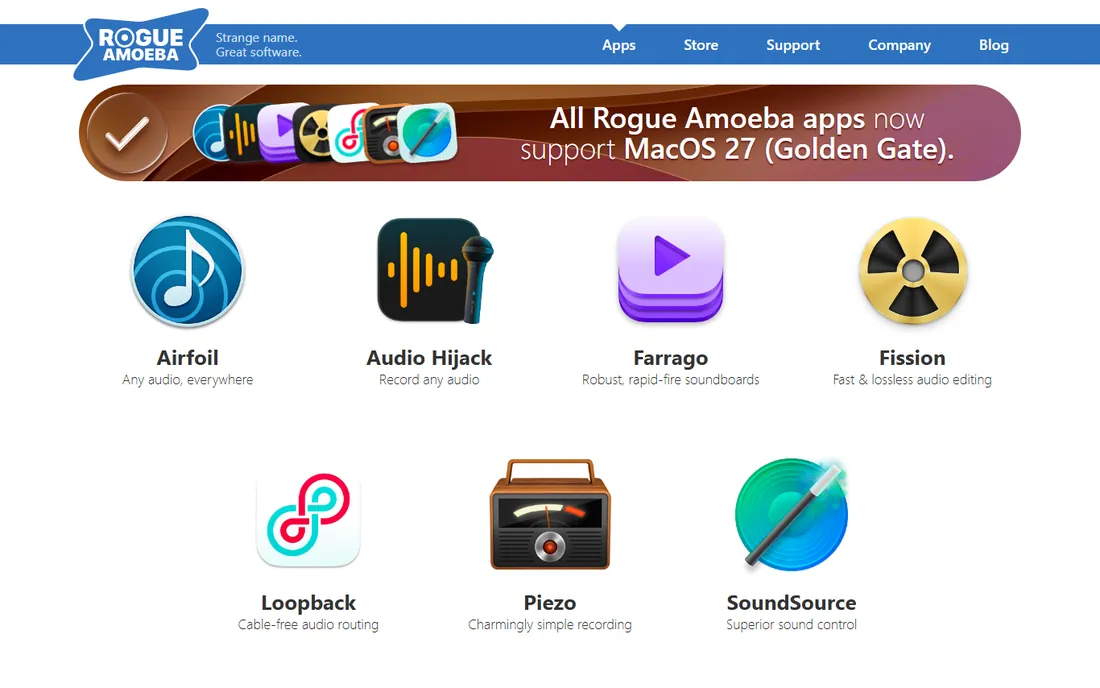
Mac users have fewer system-wide options, which is why SoundSource exists. Rogue Amoeba's utility gives you per-application volume control, output routing and a parametric EQ for any app, all in a polished menu-bar interface. It is the Mac answer to the control Windows users get from Equalizer APO.
The $49 one-time price stings slightly when Windows equivalents are free, but Mac audio routing has always cost money and SoundSource does it well. The free trial lets you confirm it solves your problem first. If you only need EQ and not per-app routing, eqMac below is the free alternative.
What we like- Per-app volume and EQ on Mac
- Clean native interface
- Trusted developer
Watch out for- Mac only
- $49 for what Windows gets free
- EQ is part of a larger tool
Starting priceFree (Pro from $1/device/month)
Free planYes
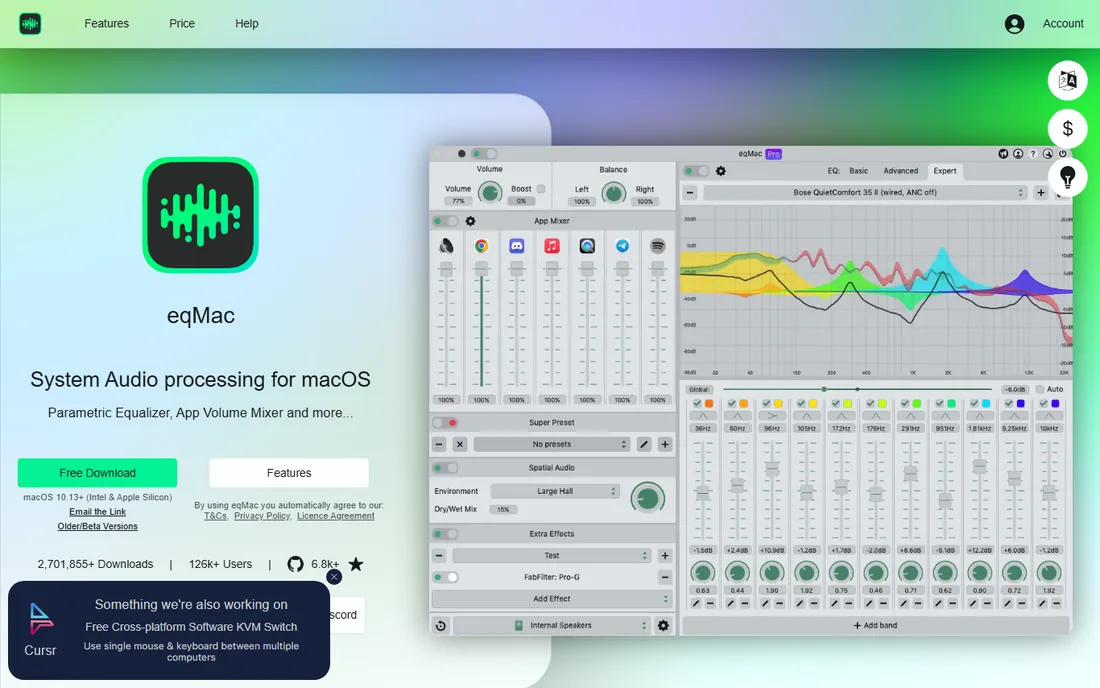
eqMac is the free Mac alternative to SoundSource's EQ side. It applies system-wide equalization with a modern interface, per-device profiles and enough bands for real headphone correction. The free tier handles the core job; Pro from $1 per device per month adds advanced features for power users.
As a younger product it has had its share of bugs, though development is active. For Mac listeners who want better headphone sound without paying $49, it is the obvious first try. If you outgrow it or need per-app routing, SoundSource is the upgrade path.
What we like- Free system-wide EQ for Mac
- Clean modern interface
- Per-device profiles
Watch out for- Advanced features need Pro
- Young product with occasional bugs
- Mac only
Starting price$34.99 (sale; list $125)
Free planFree trial
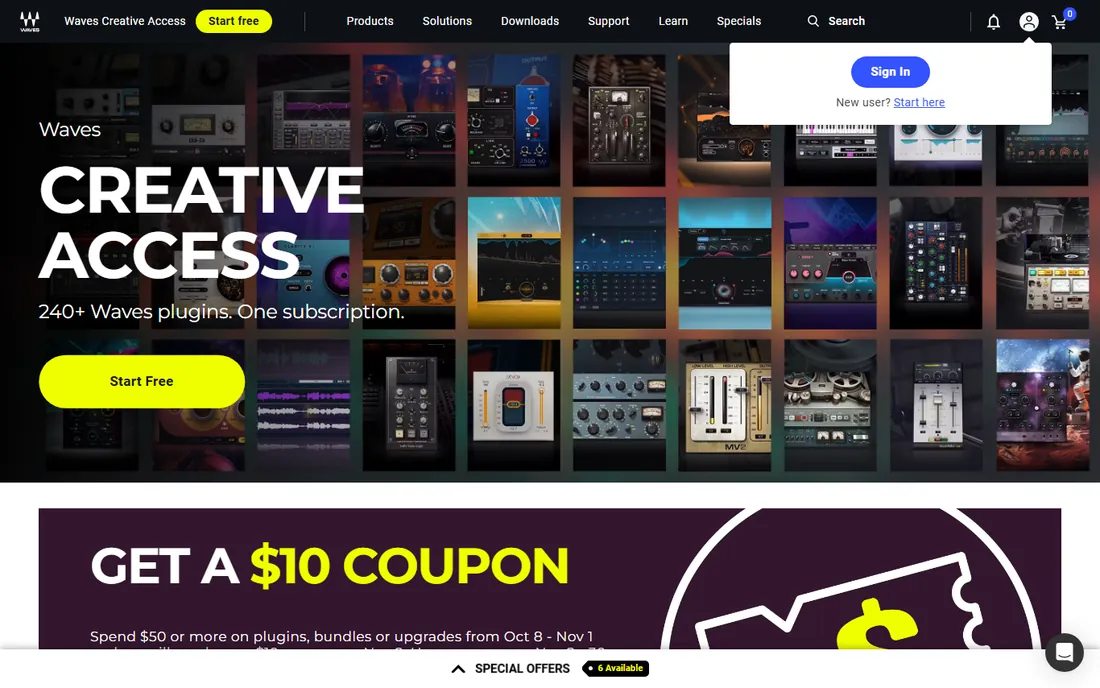
Q10 is a workhorse from the 1990s that refuses to retire. Its ten-band paragraphic EQ sounds clean and precise, uses almost no CPU, and shows up in professional sessions decades after release. Waves lists it at $125 but sells it at $34.99 or less so routinely that nobody should pay full price.
The interface looks its age, and Waves' paid update plan for version upgrades annoys long-time users. But at sale prices it is one of the cheapest ways to own a genuinely professional EQ plugin. For producers building a toolkit on sales, Q10 is a staple.
What we like- Legendary clean sound
- Very low CPU use
- Frequent deep sale pricing
Watch out for- Interface is dated
- Sale pricing trains you to never pay list
- Waves update plan costs
Starting priceSee website
Free planYes
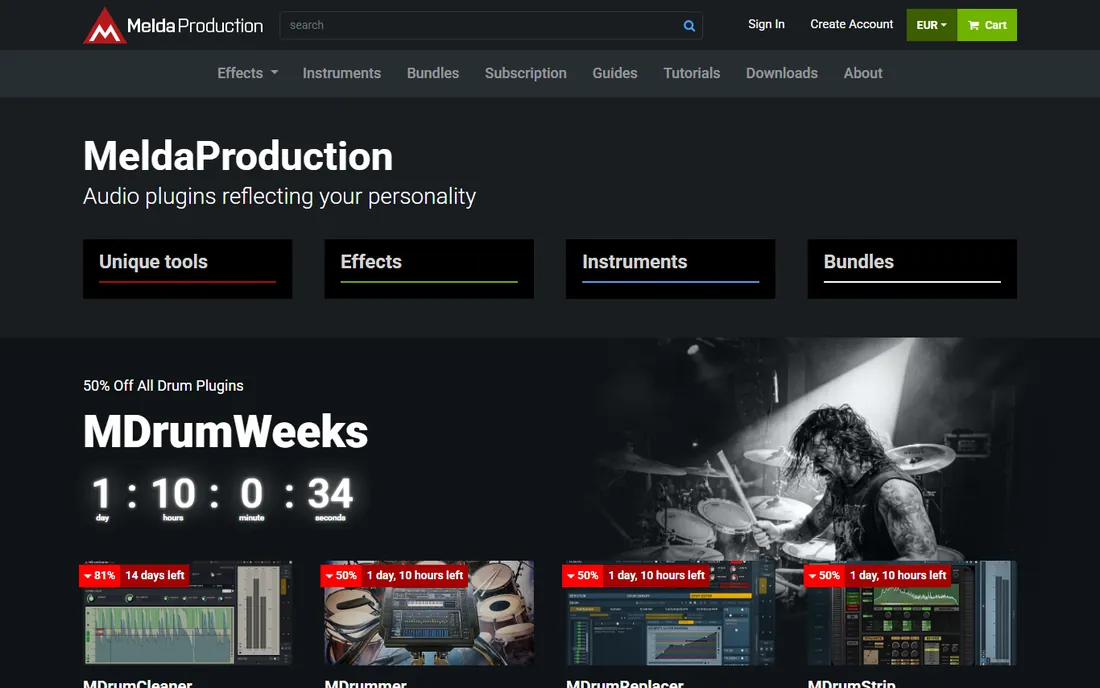
MeldaProduction gives away MEqualizer free, and it is far more capable than free usually means: six fully parametric bands, a range of filter types and Melda's resizable interface with built-in analyzers. It runs in every major DAW on Windows and Mac.
The catch is taste. Melda's utilitarian interface style either clicks with you or it does not, and the free version omits some conveniences of the paid bundle. Paired with TDR Nova, though, it gives budget producers a complete EQ toolkit for nothing. Try it before assuming free means limited.
What we like- Free with no major limits
- 6 bands with useful filter types
- Resizable modern interface
Watch out for- Melda's interface style divides opinion
- Free version lacks some premium features
- Plugin only
System-wide EQ vs plugin EQ: which do you need?
This is the decision that matters most, and it comes down to where your audio problem lives. System-wide EQs (Equalizer APO, Boom 3D, FXSound, SoundSource, eqMac) process everything your computer plays: Spotify, YouTube, Zoom calls, games. Plugin EQs (Pro-Q 4, Nova, Q10, MEqualizer, Ozone's EQ) live inside a DAW and shape individual tracks or mixes during production.
Fix your listening
If music sounds bad on your headphones or dialogue is hard to hear in videos, you need a system-wide EQ. Windows users start with Equalizer APO free; Mac users start with eqMac free. Pay for Boom 3D or SoundSource only if you want simplicity or per-app control beyond basic EQ.
Fix your mixes
If you produce music, podcasts or video and individual tracks need shaping, you need plugin EQs in your DAW. Start free with TDR Nova and MEqualizer; they cover most real work. Buy FabFilter Pro-Q 4 when clients or collaborators expect it, or when its workflow genuinely saves you hours.
Do not cross the streams
A plugin EQ cannot fix your Spotify playback, and a system-wide EQ cannot shape a vocal track in your mix. Some buyers purchase both, which is fine, but know which problem you are solving before spending.
What to check before you buy an EQ plugin
Format compatibility comes first. Confirm the plugin ships in the format your DAW needs: VST3 for most Windows DAWs, AU for Logic, AAX for Pro Tools. All the plugins here cover the common formats, but check your specific host before paying.
Latency matters for tracking. If you record through the EQ, look for zero-latency or low-latency modes; Pro-Q 4 and Q10 both offer them. For mixing only, latency is irrelevant. Trial periods are your friend: FabFilter gives 30 days, iZotope 10, Waves and SoundSource offer trials too. Use them on a real project, not a test tone.
Finally, watch the pricing games. Waves lists high and sells low, so never pay list price. One-time purchases (Pro-Q 4, Q10 at sale, SoundSource) beat subscriptions for tools you will use for years. And remember that two excellent EQs here are completely free, so the burden of proof is on any paid plugin to earn its price in your workflow.
How we chose
We researched vendor pricing pages, documentation and feature lists for EQ software that exists today, covering both system-wide equalizers and plugin EQs for music production. We included free tools alongside professional plugins because the category genuinely spans both. Public reviews on G2, Capterra and Reddit helped verify real-world performance and compatibility. No hands-on testing was involved; every fact comes from vendor materials and independent reviews.
Frequently asked questions
What is the best free EQ software?
For Windows system-wide EQ, Equalizer APO with Peace GUI is the consensus pick, completely free and very powerful. Mac users should try eqMac. For music production plugins, TDR Nova and MeldaProduction MEqualizer are both free and genuinely professional.
What is the difference between system-wide EQ and a plugin EQ?
System-wide EQ processes all audio your computer plays, fixing how Spotify, YouTube and calls sound on your speakers or headphones. A plugin EQ runs inside music production software and shapes individual tracks during mixing. They solve different problems and do not substitute for each other.
Is FabFilter Pro-Q 4 worth $199?
For working mix engineers, yes; its interface and dynamic EQ save real time on paid work. For hobbyists, probably not; TDR Nova and MEqualizer cover similar ground free. The 30-day trial lets you decide based on your own mixes.
Can EQ software fix bad headphones?
Partly. EQ can correct frequency imbalances, tame harsh treble and lift weak bass, which transforms many headphones. It cannot fix distortion, poor detail or bad fit. Measure-based presets from the headphone community give better results than guessing.
Do I need to pay for an EQ plugin?
Usually not at first. The free plugins here handle professional work, and many producers never buy an EQ. Pay when a specific workflow need appears: collaboration compatibility, a particular interface, or mastering-grade extras like Ozone's.
Will EQ software slow down my computer?
Barely. Modern EQs use minimal CPU; Equalizer APO, Q10 and Nova are all famously light. Latency only matters when recording through a plugin live, in which case use zero-latency modes. For playback and mixing, performance is a non-issue.
Sources we checked (10)
- https://sourceforge.net/projects/equalizerapo/
- https://www.fabfilter.com/
- https://www.globaldelight.com/boom3d/
- https://www.fxsound.com/
- https://www.izotope.com/
- https://www.tokyodawn.net/tdr-nova/
- https://www.rogueamoeba.com/
- https://eqmac.app/
- https://www.waves.com/
- https://www.meldaproduction.com/
Is your product missing or out of date?
We review this list regularly. Vendors can request a listing, send updated pricing or ask about featured placement.

Shihab Mia · Founder, Rankite
Shihab has spent more than a decade helping SaaS and e-commerce brands grow through search. He writes Rankite's software buying guides from pricing pages, documentation and public user reviews. More about Shihab.