How we make this list: we compare pricing pages, product documentation and public user reviews. Rankite is independent; if a vendor ever pays for a featured spot, that listing is clearly labeled Partner.
Key takeaways
- Sound design software means three different jobs: recording and mixing music (DAWs like Ableton, FL Studio, Logic), editing and repairing audio (Audition, RX, Audacity), and finding sound effects (Soundly). Most buyers need one of the three, not all.
- For podcast and video dialogue, start with Audacity (free) or Adobe Audition. Full music DAWs are overkill for cutting interviews.
- Reaper is the budget standout: a full professional DAW at a fraction of competitor prices, with an unlimited trial. The trade is a plain interface and a steeper setup.
- iZotope RX is the specialist pick for rescuing bad recordings. If you regularly deal with noisy locations or archive audio, nothing else removes problems as cleanly.
- Subscriptions dominate this category now. FL Studio's lifetime free updates and Logic Pro's one-time price are the notable exceptions worth weighing against subscription fatigue.
Quick comparison
| Tool | Best for | Starting price | Free plan |
|---|
 Avid Pro Tools Avid Pro Tools | Professional audio post-production | See website | Free trial |
 Ableton Live Ableton Live | Electronic music and live performance | See website | Free trial |
 FL Studio FL Studio | Value DAW with lifetime free updates | See website | Free trial |
 Logic Pro Logic Pro | Mac-based music creation | See website | Free trial |
 Reaper Reaper | Budget professional DAW | See website | Free trial |
 Audacity Audacity | Free audio editing | Free | Yes |
 Adobe Audition Adobe Audition | Dialogue editing in Adobe workflows | See website | Free trial |
 iZotope RX iZotope RX | Audio repair and restoration | See website | No |
 Soundly Soundly | Sound effects library and search | See website | Yes |
 Studio One Studio One | Modern all-round DAW | See website | Free trial |
Is your product missing or out of date?
We review this list regularly. Vendors can request a listing, send updated pricing or ask about featured placement.
The best sound design software
#1
Avid Pro Tools
Best for: Professional audio post-production
Visit avid.com
Starting priceSee website
Free planFree trial
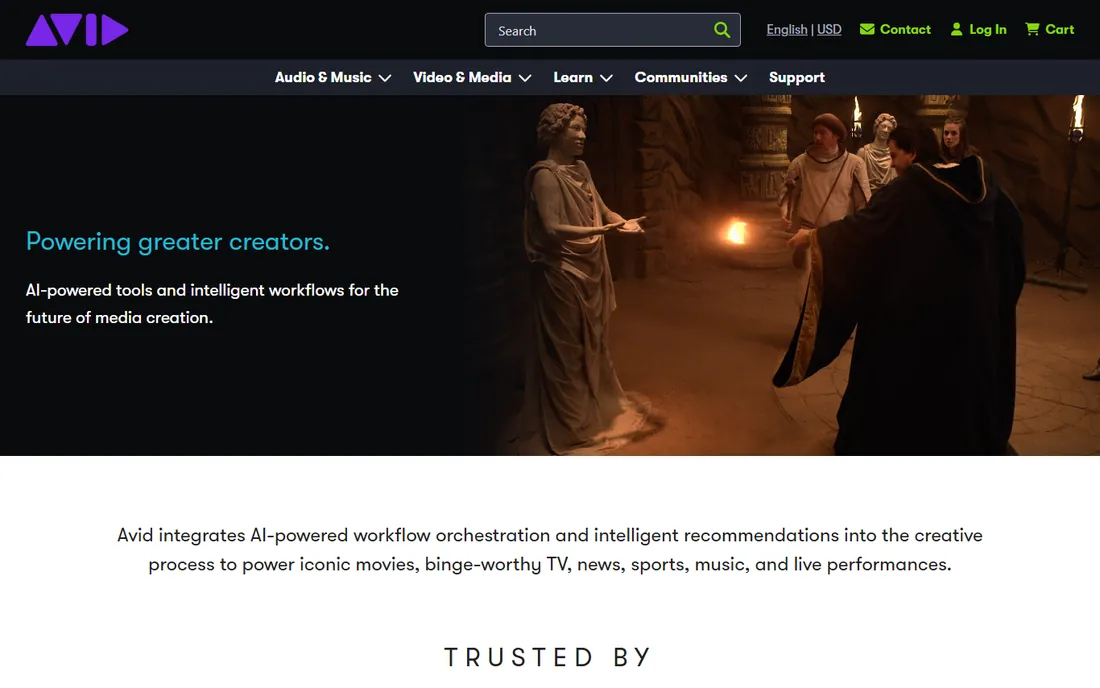
Pro Tools is the name on the door of most professional recording studios and audio post-production houses, and that matters for compatibility. Sessions move between studios, freelancers, and mix engineers in Pro Tools format, and film and television post-production runs on it. For serious sound design work, dialogue editing, ADR, Foley, and final mixing, its editing precision and hardware integration remain the benchmark.
For a small business, that pedigree comes with costs. Pro Tools is subscription-based across its tiers, it wants a proper audio interface and a strong computer, and the learning curve is real. If you are cutting a weekly podcast or cleaning up marketing videos, this is far more tool than you need. If you are building a post-production capability or hiring audio professionals, it is the standard they will expect.
What we like- Industry standard in professional studios and post houses
- Precise editing and mixing workflows
- Huge ecosystem of compatible hardware and plugins
Watch out for- Subscription pricing adds up
- Demands a capable computer and audio interface
- Overkill for simple podcast or video work
Starting priceSee website
Free planFree trial
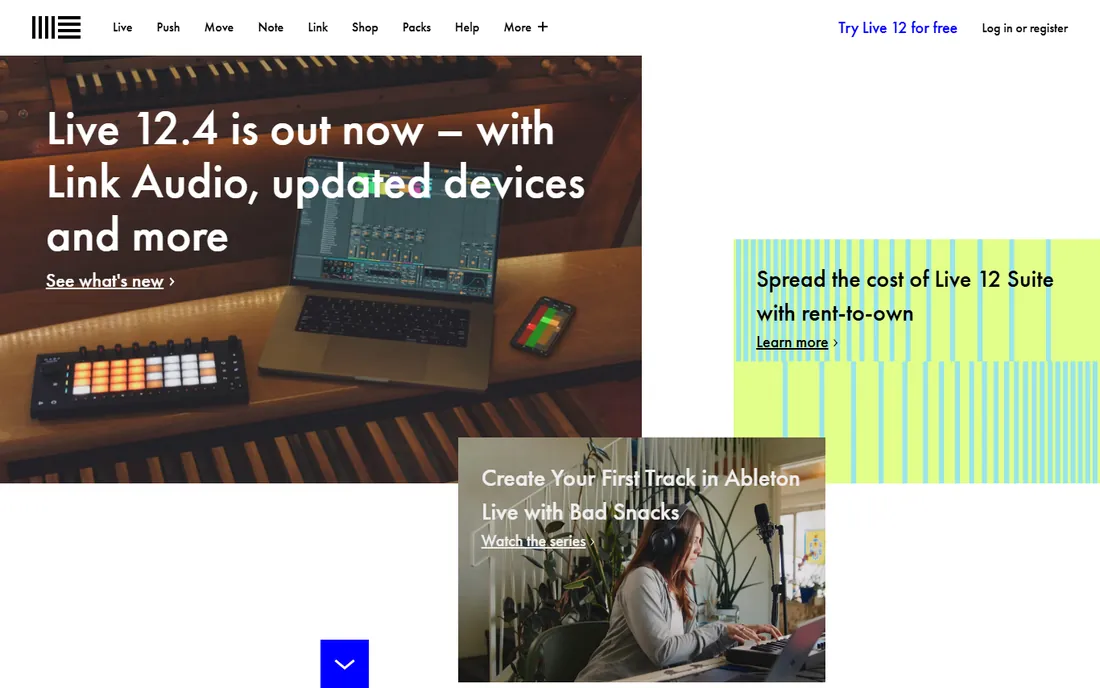
Ableton Live built its reputation on a different idea: instead of a linear timeline, you get a grid of clips you can trigger, layer, and rearrange live. That makes it the favorite of electronic producers, beatmakers, and performing artists, and a strong tool for sound design that involves layering textures, building transitions, and designing risers and impacts for video.
The three editions scale steeply in price and included instruments, so check which tier has the sounds you need. A generous trial lets you learn the workflow before paying. For music creation and creative sound design, Live is inspiring. For podcast editing or dialogue cleanup, its strengths do not apply, and a simpler editor will be faster.
What we like- Session view makes experimenting with loops and ideas fast
- Excellent built-in instruments and effects
- Doubles as a live performance instrument
Watch out for- Arrangement editing is less traditional than other DAWs
- Pricing tiers gate instruments significantly
- Not the first choice for dialogue or post work
Starting priceSee website
Free planFree trial
FL Studio's headline feature is its purchase model: buy once and get every future version free, forever. In a category moving to subscriptions, that is a genuine differentiator, and it has earned fierce loyalty from hip-hop and electronic producers. The pattern-based step sequencer and piano roll make building beats and melodies fast, and the included instruments cover most production needs.
Editions scale from a basic tier to an all-plugins bundle, so match the edition to your needs rather than defaulting to the top. The trial lets you use the full program with project saving limited until you buy. For music production on a budget with no ongoing costs, FL Studio is the value pick. For recording live instruments or dialogue-heavy work, other DAWs handle audio tracks more gracefully.
What we like- Lifetime free updates mean you never pay for upgrades
- Pattern-based workflow is fast for beats
- Strong piano roll and included instruments
Watch out for- Interface can feel cluttered
- MacOS version historically trailed Windows
- Audio recording workflow lags behind competitors
Starting priceSee website
Free planFree trial
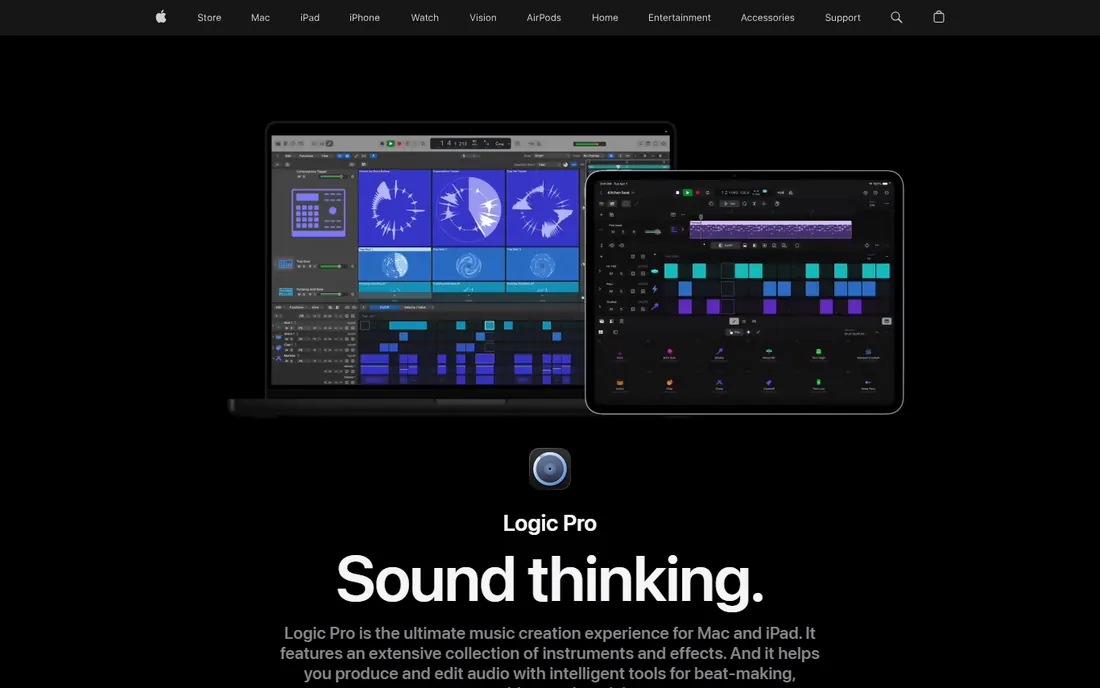
Logic Pro is the reason many musicians buy Macs. A single purchase gets you a complete professional DAW with an enormous library of instruments, loops, and effects, plus strong tools for recording, comping takes, and mixing. For songwriting, scoring, and producing finished tracks on a Mac, it is the best value in the category by a wide margin.
The catch is the platform lock: there is no Windows version, and projects do not transfer cleanly to other DAWs. The sound library is tens of gigabytes, so budget disk space. A trial is available for evaluation. If your team is Mac-based and you create music or scored content, Logic Pro is the obvious choice. If you collaborate with Windows-based studios, check compatibility first.
What we like- One-time purchase with a massive included sound library
- Polished recording, editing, and mixing workflow
- Excellent value for Mac users
Watch out for- Mac only, no Windows version
- Large library downloads eat disk space
- Less common in professional post houses than Pro Tools
Starting priceSee website
Free planFree trial
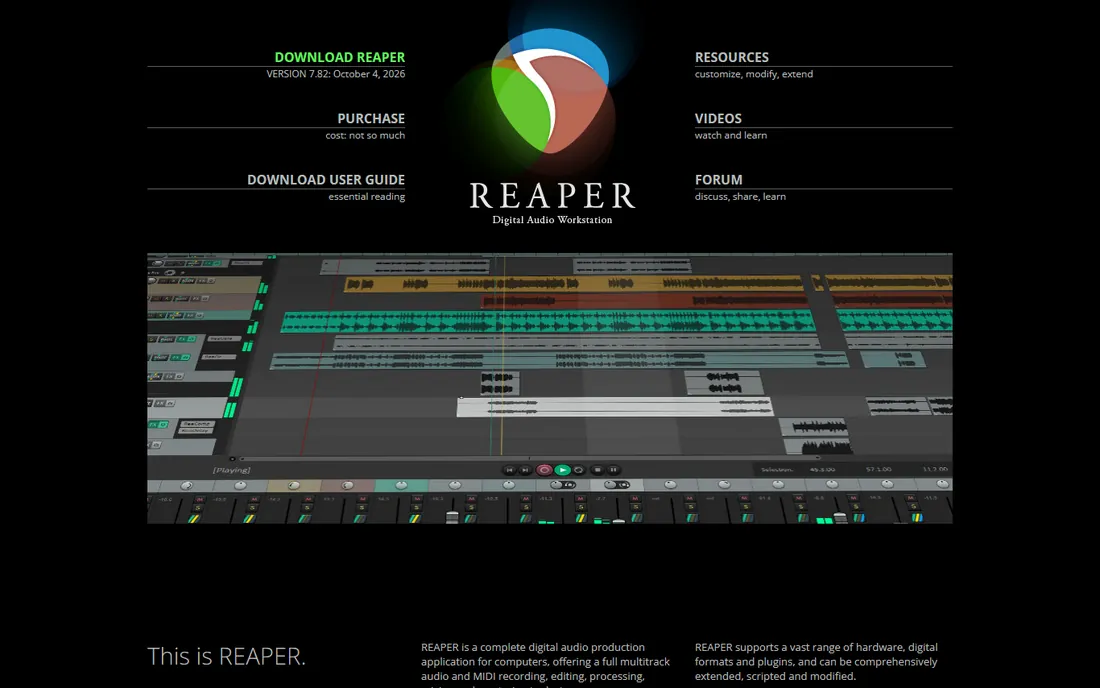
Reaper is the open secret of audio software: a complete, professional DAW with multitrack recording, MIDI, mixing, and plugin support, sold at a price far below its competitors, with an unlimited evaluation period. It runs efficiently on older computers, the installer is a few megabytes, and power users can customize nearly everything through scripts and themes.
The trade is polish. Out of the box Reaper looks utilitarian, and making it feel like home takes configuration. The included virtual instruments are functional rather than inspiring, so budget for third-party plugins if you produce music. For recording, editing, and mixing on a tight budget, podcast networks, small studios, and freelancers, Reaper delivers professional results for very little money.
What we like- Full professional feature set at a fraction of rival prices
- Tiny installer that runs on modest hardware
- Deeply customizable interface and actions
Watch out for- Plain default interface looks dated
- Setup and customization take effort
- Smaller included instrument library than competitors
Starting priceFree
Free planYes
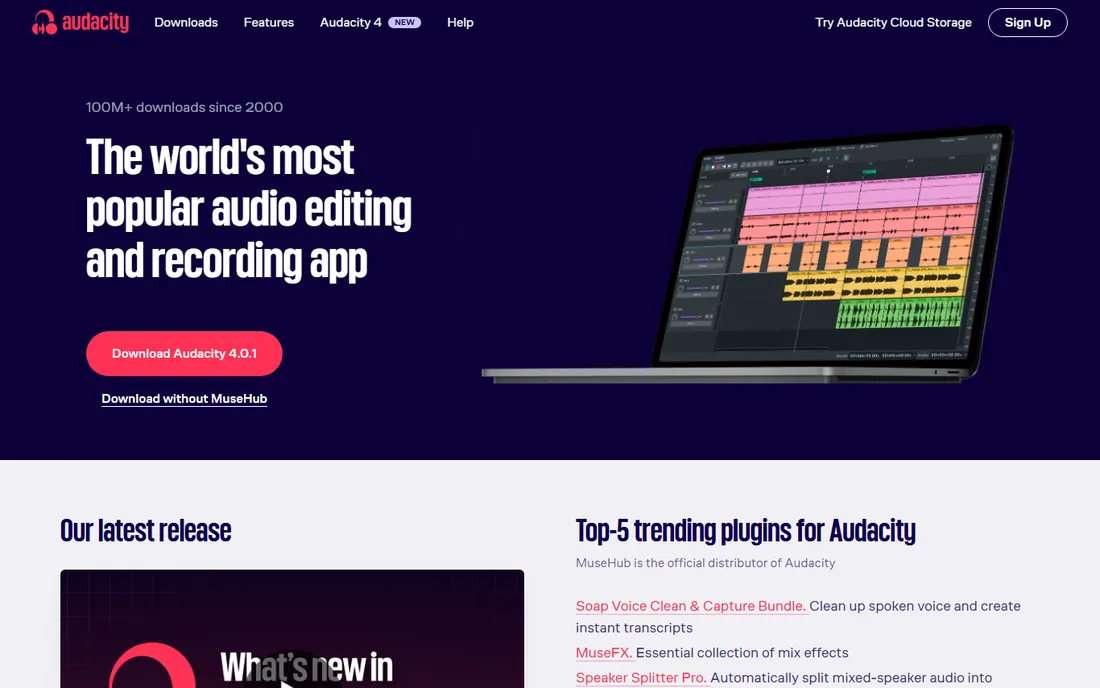
Audacity is the free audio editor millions of people start with, and for basic work it remains enough. Cut interviews, remove background noise, normalize levels, and export MP3s or WAVs without paying anything. Podcasters use it for entire productions, and video creators use it to clean dialogue before it goes back into the edit.
It is an editor, not a full DAW: there is no MIDI sequencing, the effects are basic, and edits are destructive, meaning you should keep backups of originals. For quick cleanup jobs and simple productions, that simplicity is a virtue. When your needs grow into multitrack music production or advanced restoration, graduate to Reaper, Audition, or RX. But keep Audacity installed; even professionals use it for fast one-off edits.
What we like- Completely free and open source
- Simple waveform editing anyone can learn
- Huge tutorial base for common tasks
Watch out for- Destructive editing workflow can bite beginners
- Basic effects compared to paid tools
- Interface looks dated
#7
Adobe Audition
Best for: Dialogue editing in Adobe workflows
Visit adobe.com
Starting priceSee website
Free planFree trial
Adobe Audition is the audio counterpart to Premiere Pro, and its best feature is that integration. Send a Premiere sequence to Audition, clean up dialogue, remove hums and noise, mix, and send it back, all without intermediate files. For video teams already paying for Creative Cloud, it is the natural audio editor.
As a standalone purchase it follows Adobe's subscription model with a trial. For music creation it lags behind Ableton, FL Studio, and Logic; Audition is built for editing and post, not composing. Podcast producers like its diagnostics panel, which identifies clipping, silence, and noise automatically. If your audio work serves video production, Audition fits. If music is the goal, pick a DAW instead.
What we like- Excellent waveform and multitrack editing for dialogue
- Strong noise reduction and restoration tools
- Integrates with Premiere Pro
Watch out for- Subscription-only within Creative Cloud
- Weaker for music production than dedicated DAWs
- Needs a decent computer
Starting priceSee website
Free planNo
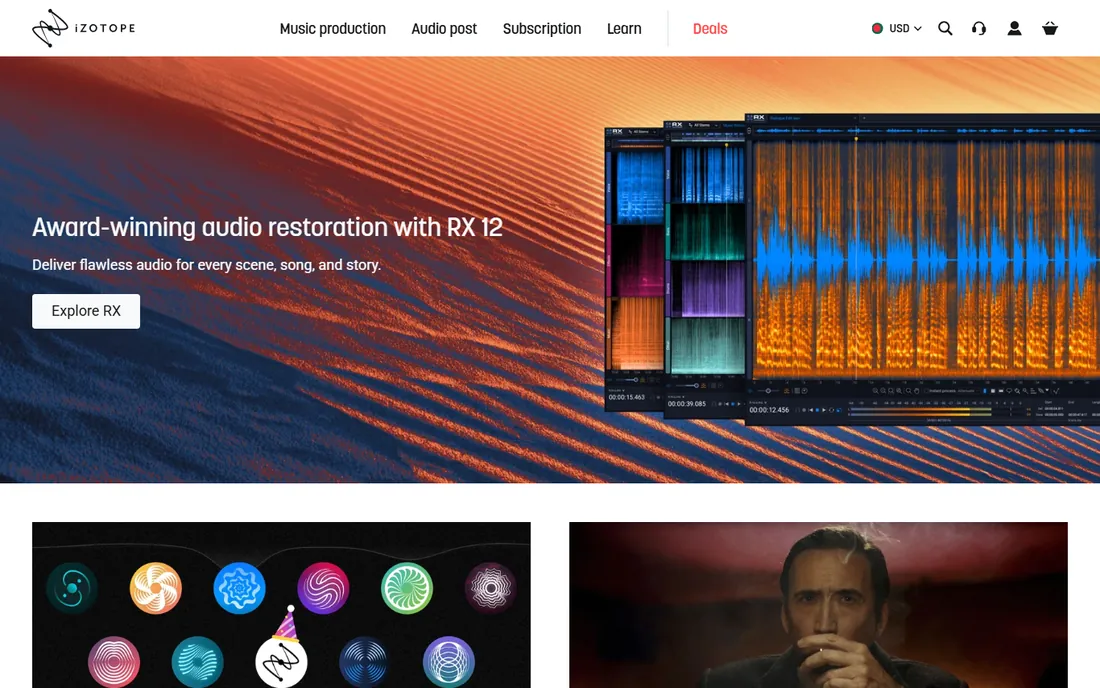
iZotope RX is the tool you reach for when a recording is damaged: air conditioner hum under an interview, clipping on a loud passage, mouth clicks in a voiceover, echo in a bad room. Its noise reduction, de-hum, de-click, and de-reverb modules fix problems that would otherwise mean re-recording, and the spectral editor lets you paint out individual sounds visually.
Editions range from an affordable Elements tier covering common fixes to Advanced suites for post houses, so most buyers do not need the top tier. There is no free version. For anyone who regularly records outside a studio, podcasters, videographers, archivists, RX pays for itself the first time it saves an irreplaceable take. It complements a DAW or editor rather than replacing one.
What we like- Best-in-class tools for removing noise, hum, clicks, and reverb
- Visual spectral editing shows problems you can hear
- Used across film, podcast, and music
Watch out for- Premium pricing for a specialist tool
- Learning curve on advanced modules
- No free tier, only paid editions
Starting priceSee website
Free planYes
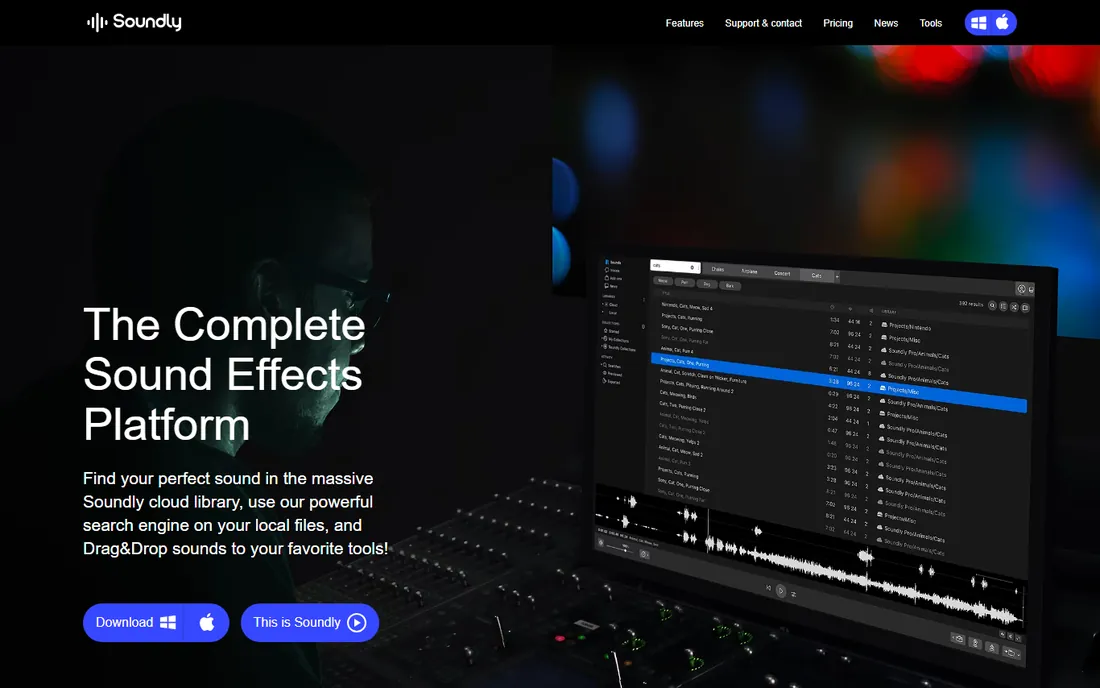
Every video, podcast, and game needs sound effects, whooshes, impacts, ambience, UI sounds, and finding the right one fast is a real workflow problem. Soundly combines a huge effects library with instant search and preview, plus plugins that drop sounds directly into your DAW or editor timeline. Teams can share libraries and maintain consistent sound palettes across projects.
The free tier allows limited searching and downloading for evaluation; paid plans open the full library and higher download allowances. It is an ongoing subscription, so weigh it against buying effects packs outright if your needs are narrow. For content teams producing regular video or audio work, the time saved finding the right sound usually justifies the cost.
What we like- Massive searchable sound effects library with fast preview
- Integrates with major DAWs and editors
- Collaboration features for teams
Watch out for- Subscription cost on top of your other audio tools
- Library depth varies by plan tier
- Needs internet for full library access
Starting priceSee website
Free planFree trial
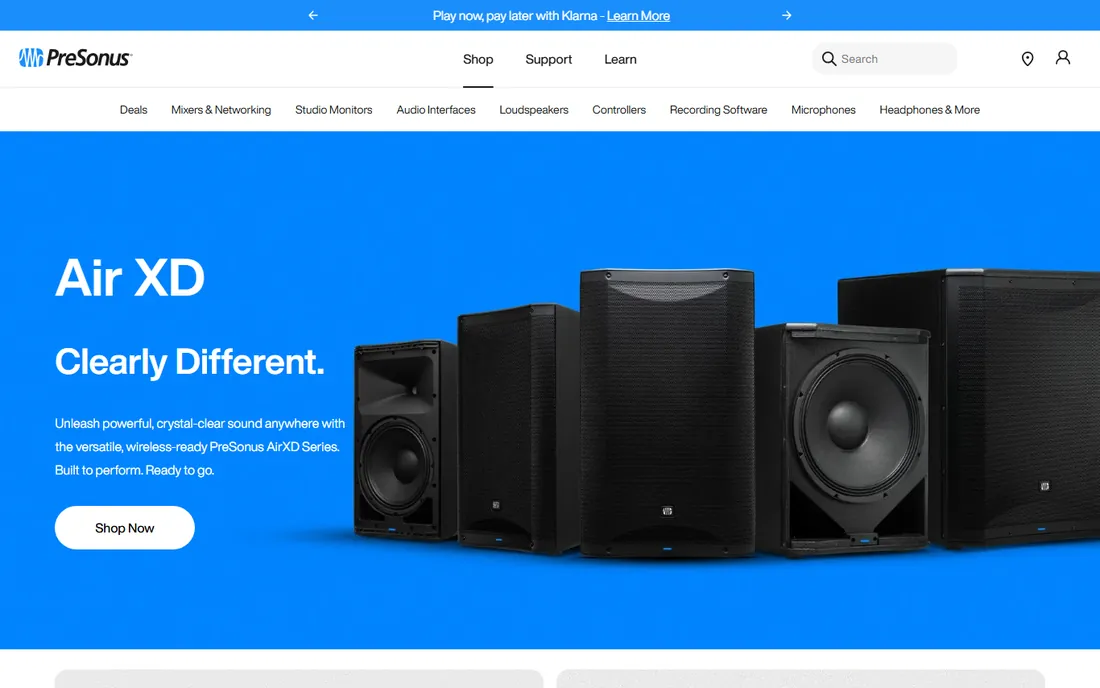
Studio One is PreSonus's modern take on the DAW, designed around drag-and-drop simplicity: drag effects onto tracks, drag loops into arrangements, drag and drop to build songs. Under that friendly surface is a complete professional tool with recording, MIDI, mixing, and even mastering and distribution features for releasing finished music.
Editions scale from a free limited version through Artist and Professional tiers, with trials available. The community is smaller than the giants, which means fewer tutorials and templates, but the software itself is mature and stable. For a beginner or a small team choosing their first serious DAW, Studio One's learnability is a genuine advantage over Reaper's configurability or Pro Tools' complexity.
What we like- Clean drag-and-drop workflow that beginners grasp quickly
- Strong built-in instruments and effects
- Integrated mastering and distribution tools
Watch out for- Smaller user community than Ableton or FL Studio
- Fewer third-party tutorials
- Plugin ecosystem less deep than Pro Tools
What to listen for before you buy
Match the tool to the job, because these products barely overlap. Cutting and cleaning spoken audio points to Audacity, Adobe Audition, or iZotope RX. Making music points to a DAW: Ableton, FL Studio, Logic, Reaper, or Studio One. Professional post-production points to Pro Tools. Needing sound effects points to Soundly. Buying a music DAW for podcast editing, or Audition for composing, wastes money and time.
Next, check the purchase model against your patience for subscriptions. This category has largely moved to subscriptions, which makes FL Studio's lifetime updates, Logic Pro's one-time price, Reaper's low price, and Audacity's free license stand out. Add up three years of any subscription before comparing it to a one-time purchase.
Then consider your computer and your collaborators. Mac-only tools exclude Windows collaborators, and professional DAWs want proper audio interfaces and fast storage. If you hire freelancers, ask what they use; delivering sessions in a format your mixer cannot open is an expensive surprise. Trials are generous across this category, so test with a real project, not a demo file, before committing.
Free versus paid: where the line sits
Free tools cover more of this category than most buyers expect. Audacity handles basic editing and cleanup. Reaper's evaluation is effectively unlimited. Studio One and several others offer genuinely useful free tiers. For podcast editing, simple video audio, and learning, you may never need to pay.
The paid line appears at three points: professional music production (where included instruments and workflow matter), rescue work (RX's repair tools have no free equal), and sound effects at scale (Soundly's library versus hunting free packs). A sensible small-team stack is often Audacity or Reaper for editing plus RX Elements for rescues, with Soundly added when effects become a regular need. That covers most business audio for a fraction of one Pro Tools subscription.
How we chose
We covered the main jobs in sound design: music production DAWs, dialogue editing and repair tools, and sound effects libraries. Every product listed is an established, currently available tool that fits the category; we excluded discontinued software and consumer-only apps. Our research access was down at publication time, so pricing could not be re-verified from vendor pages and is listed as "See website" except where the product is famously free. Check the vendor's pricing page for current plans.
Frequently asked questions
What software do professionals use for sound design?
Avid Pro Tools dominates film and television post-production, while music producers split among Ableton Live, FL Studio, and Logic Pro depending on genre and platform. iZotope RX is the standard for audio repair across industries. The professional answer depends on the job: post-production, music, or repair.
What is the best free sound design software?
Audacity for audio editing and cleanup, hands down. For a full DAW at minimal cost, Reaper's evaluation is unlimited and its license is cheap. Blender, covered in our animation guide, even includes a video editor with audio. Between Audacity and Reaper, most free workflows are covered.
Do I need Pro Tools for a podcast?
No. Pro Tools is built for professional post-production, and a podcast needs an editor, not a post house. Audacity handles most podcast editing free, Adobe Audition suits teams in the Adobe ecosystem, and Reaper covers multitrack podcast production cheaply. Spend the savings on a better microphone, which improves podcast audio more than any software.
What is the difference between a DAW and an audio editor?
A DAW (digital audio workstation) like Ableton or Logic is built for multitrack music production with MIDI, virtual instruments, and mixing. An audio editor like Audacity or Audition works directly on waveforms for cutting, cleaning, and repairing recordings. iZotope RX is a repair specialist. Podcasts and video dialogue need an editor; music needs a DAW.
Can sound design software remove background noise?
Yes. Audacity includes basic noise reduction free, Adobe Audition has stronger diagnostics and effects, and iZotope RX is the specialist with the cleanest results on difficult noise. Results depend on the noise: steady hums and hiss clean up well, while irregular background sounds like traffic or voices are much harder. Recording cleanly in the first place always beats repair.
Is a sound effects library worth paying for?
If you produce video or audio content regularly, yes. Hunting free effects packs costs time and risks inconsistent quality and unclear licensing. Soundly's subscription pays for itself in search speed and consistent licensing. For occasional use, free packs and the effects bundled with your DAW are enough.
Sources we checked (10)
- https://www.avid.com/
- https://www.ableton.com/
- https://www.image-line.com/
- https://www.apple.com/logic-pro/
- https://www.reaper.fm/
- https://www.audacityteam.org/
- https://www.adobe.com/
- https://www.izotope.com/
- https://getsoundly.com/
- https://www.presonus.com/
Is your product missing or out of date?
We review this list regularly. Vendors can request a listing, send updated pricing or ask about featured placement.

Shihab Mia · Founder, Rankite
Shihab has spent more than a decade helping SaaS and e-commerce brands grow through search. He writes Rankite's software buying guides from pricing pages, documentation and public user reviews. More about Shihab.