How we make this list: we compare pricing pages, product documentation and public user reviews. Rankite is independent; if a vendor ever pays for a featured spot, that listing is clearly labeled Partner.
Key takeaways
- Audacity remains the default free answer on every platform: multitrack recording, strong noise reduction and zero cost, with a learning curve as the price.
- If Audacity feels heavy, Ocenaudio and WavePad handle quick voice recording and cleanup with far less friction, both free for personal use.
- Mac owners should just use GarageBand; it is already installed and better than most paid Windows tools for voice work.
- Descript and Riverside change the workflow entirely by recording remote guests in studio quality and editing audio like a text document.
- Adobe Audition is the professional pick, but only makes sense inside a Creative Cloud workflow or for full-time audio work.
Quick comparison
| Tool | Best for | Starting price | Free plan |
|---|
 Audacity Audacity | Free recording on any platform | Free | Yes |
 Ocenaudio Ocenaudio | Quick, simple voice edits | Free | Yes |
 GarageBand GarageBand | Mac and iPhone users | Free | Yes |
 WavePad WavePad | Fast voice cleanup on PC | Free for non-commercial use | Yes (non-commercial) |
 Wavosaur Wavosaur | Lightweight Windows editing | Free | Yes |
 Ardour Ardour | Multitrack recording projects | Free | Yes |
 Descript Descript | Transcript-based podcast editing | See website | Yes (free plan, no credit card) |
 Riverside Riverside | Remote interviews and podcasts | See website | Yes (free plan) |
 Adobe Audition Adobe Audition | Professional audio production | See website | Free trial |
Is your product missing or out of date?
We review this list regularly. Vendors can request a listing, send updated pricing or ask about featured placement.
Nine ways to capture your voice well
Lena records her true-crime podcast in a walk-in closet in Denver, surrounded by hanging coats for sound treatment. Her USB microphone cost $70. Her software cost nothing. The episodes sound better than shows with ten times her budget, because she learned the two things that actually matter: recording clean audio and removing noise afterward. The tools below cover both jobs, from closet studios to professional booths.
Starting priceFree
Free planYes
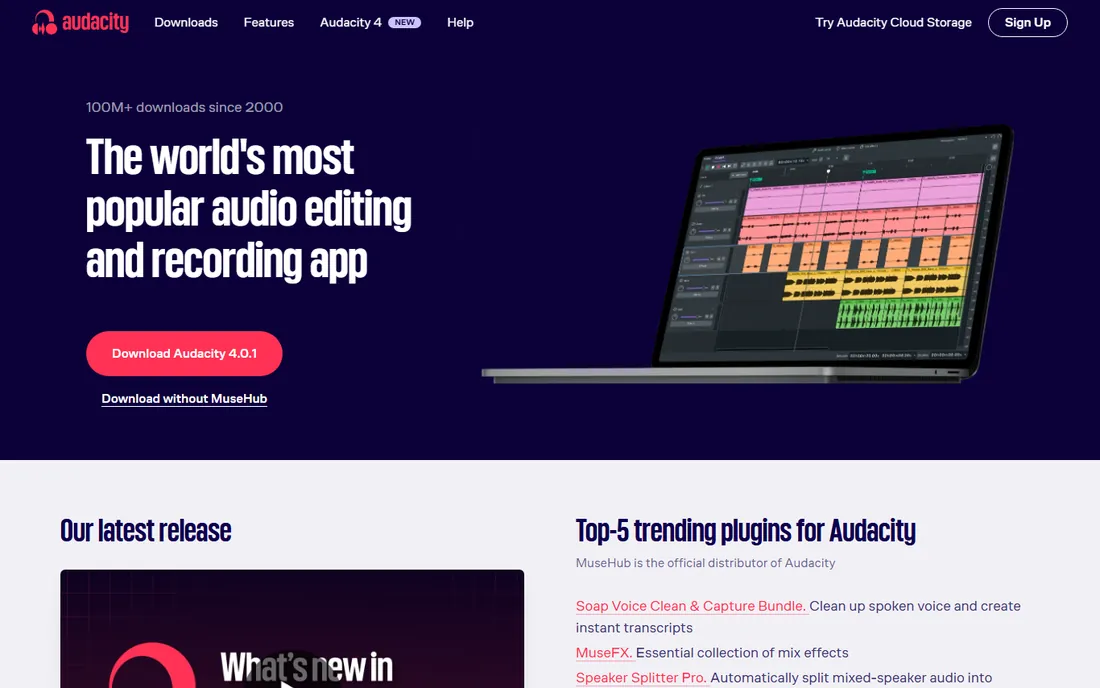
Audacity is the answer the internet gives to every "what is the best free recording software for PC" question, and it earns it. Record through any microphone, edit across multiple tracks, apply noise reduction that rivals paid tools, and export to MP3, WAV, FLAC and more. Over 100 million downloads and a community that has written a tutorial for everything.
The honest friction is the workflow. The interface looks its age, and effects apply destructively, so working on a copy of your original is essential. Spend an evening with the noise reduction effect (capture a noise profile from room tone, then apply) and you will fix the single most common podcast audio problem for free.
What we like- Multitrack recording and editing on Windows, Mac and Linux
- Excellent free noise reduction
- Huge plugin and tutorial ecosystem
Watch out for- Dated interface with a real learning curve
- Destructive editing means saving backups matters
Starting priceFree
Free planYes
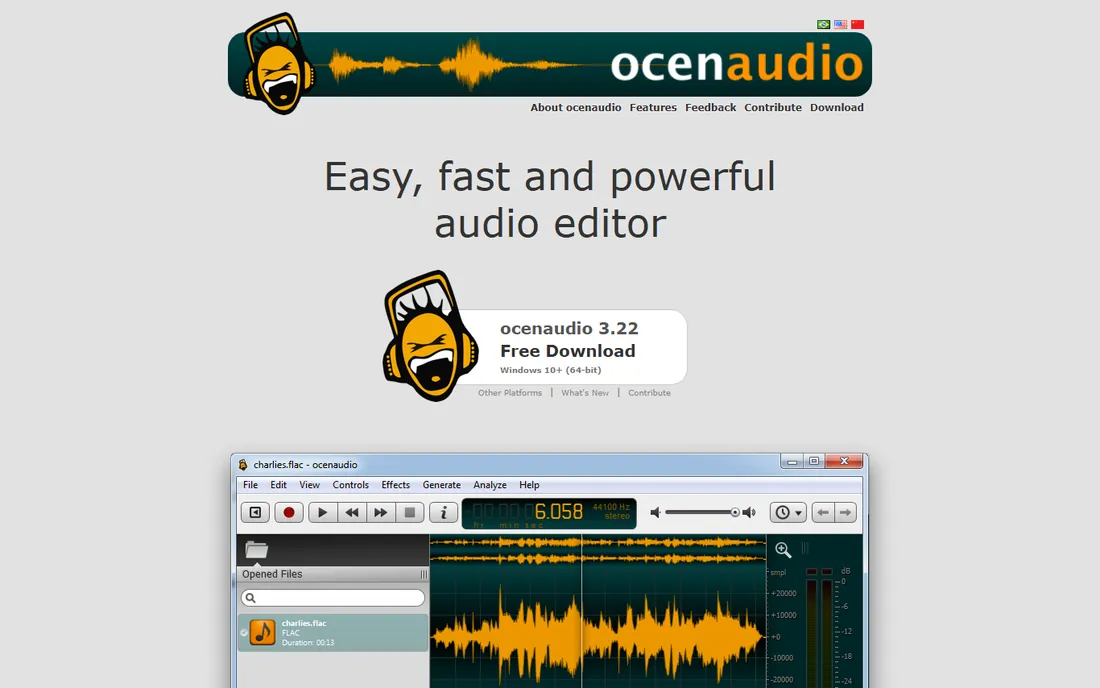
Ocenaudio is what Audacity would feel like if it were designed this decade. Open a voice recording, select a section, preview noise reduction or EQ in real time, and apply only when it sounds right. For the common jobs, trimming an interview, cleaning room noise, normalizing levels, it is faster than Audacity with less menu hunting.
It will not replace Audacity for complex multitrack projects or batch processing. But as the best free audio software for straightforward voice work on PC, it deserves the download. Many podcasters keep both: Ocenaudio for quick fixes, Audacity for surgery.
What we like- Real-time effect previews before you commit
- Clean modern interface
- VST plugin support
Watch out for- Fewer advanced features than Audacity
- Smaller community and tutorial base
Starting priceFree
Free planYes
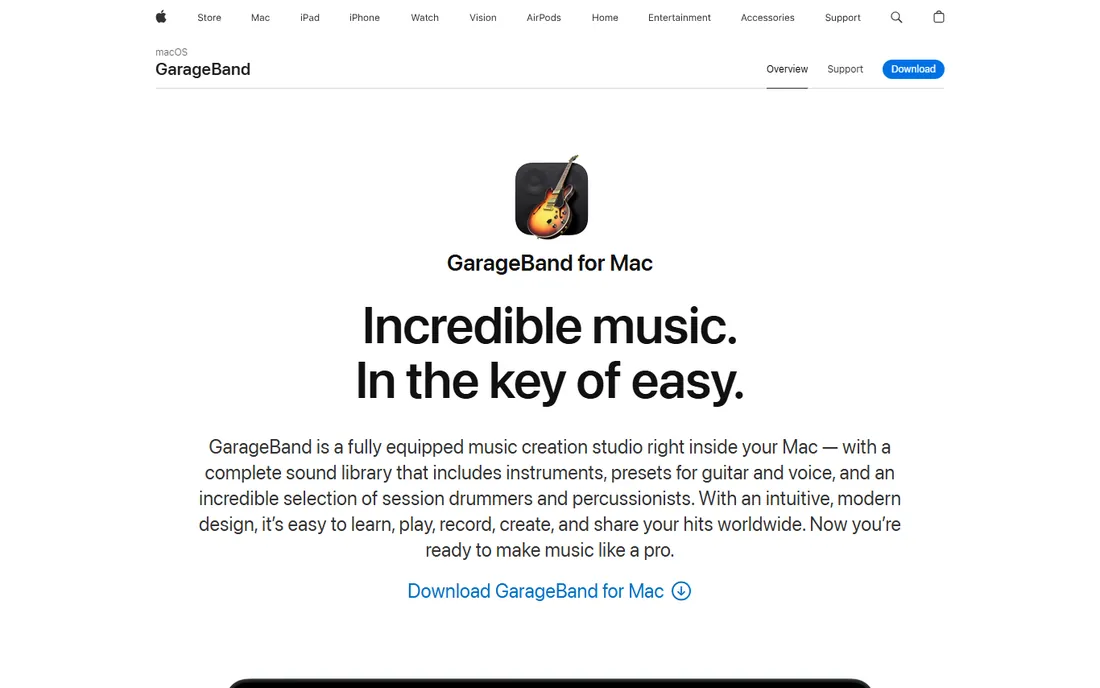
If you own a Mac, stop shopping. GarageBand records up to 255 audio tracks, includes voice presets and compression, and handles podcast editing with visual EQ and flex-time fixes. It is free, it is already on your machine, and it syncs projects with iOS for recording on the go.
The limitation is the obvious one: Windows users need not apply. It is also more music-production app than voice recorder, so the interface carries some clutter for pure spoken word. Still, for Mac-based voice recording, nothing free touches it.
What we like- Pre-installed and free on every Mac
- Genuinely capable multitrack recording
- Easy upgrade path to Logic Pro
Watch out for- Mac and iOS only
- Overkill interface if you only need a simple recorder
Starting priceFree for non-commercial use
Free planYes (non-commercial)
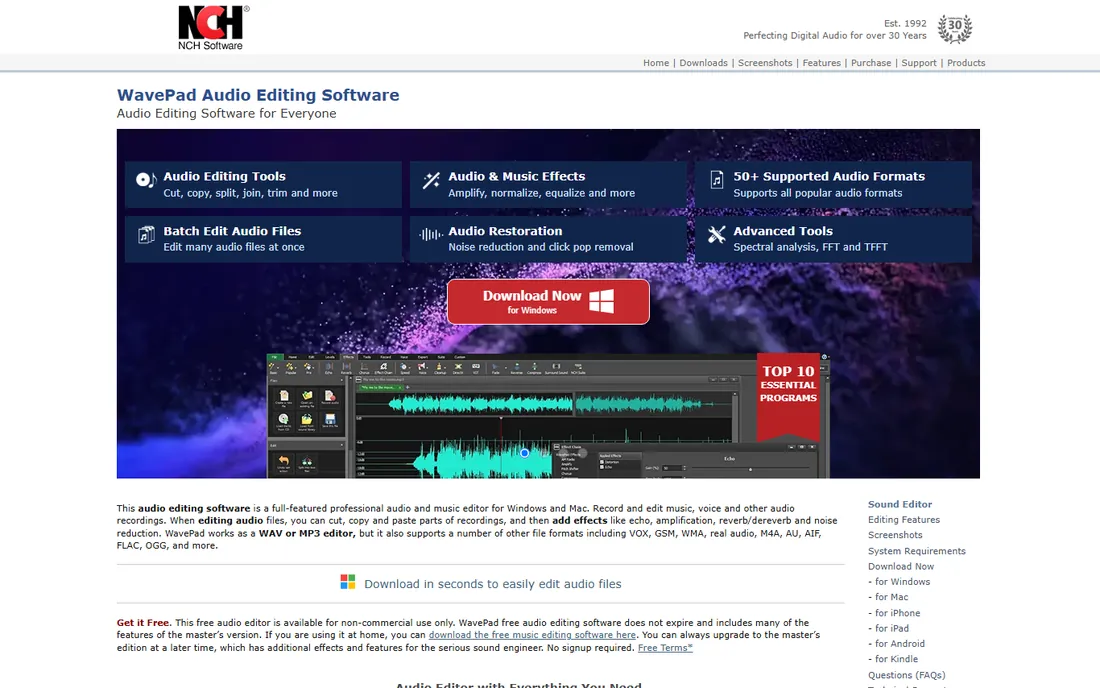
WavePad's free tier is unusually generous: full editing for non-commercial use, no expiry date, no signup. Cut, copy, amplify, normalize and de-noise voice recordings, then batch-process a folder of files in one pass. The format support is broad, from MP3 and WAV to FLAC and OGG.
Read the license before relying on it for business. Commercial use requires the paid Master's edition, and the free version's effects library is trimmed. For students, hobbyists and home podcasters on Windows, it is one of the best recording software free options available.
What we like- Free version never expires for home use
- Batch processing for many files
- Wide format support including MP3 and WAV
Watch out for- Free license covers non-commercial use only
- Interface feels utilitarian
- Upsell prompts for the paid edition
Starting priceFree
Free planYes
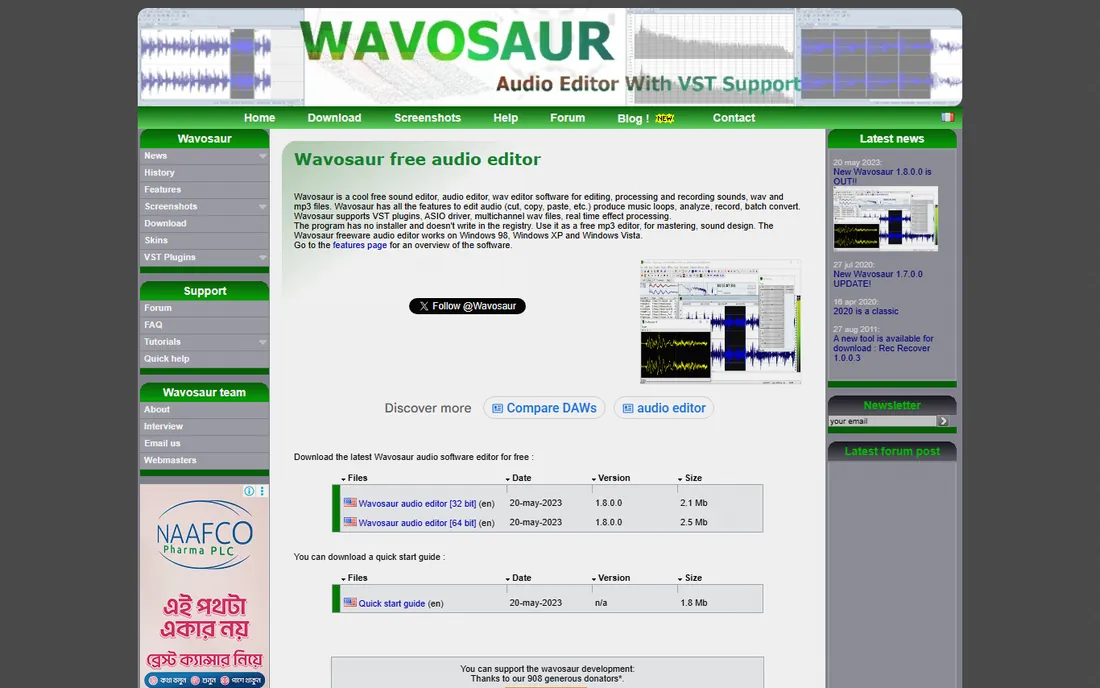
Wavosaur is a love letter to simplicity: a free audio editor under a few megabytes that needs no installation. It records, edits and processes audio with VST plugin support and ASIO drivers for low-latency recording, which is remarkable at its size. Forum users have kept it alive for years.
Set expectations accordingly. This is one developer's project, updates are infrequent, and it will not do what Audacity or Ardour do. As a portable, no-fuss recorder and editor you can carry on a USB stick, it has no equal on Windows.
What we like- Tiny download that runs from a single file
- VST and ASIO support
- Completely free with no tiers
Watch out for- Windows only
- Single-developer project with slow updates
- Basic multitrack capability
Starting priceFree
Free planYes
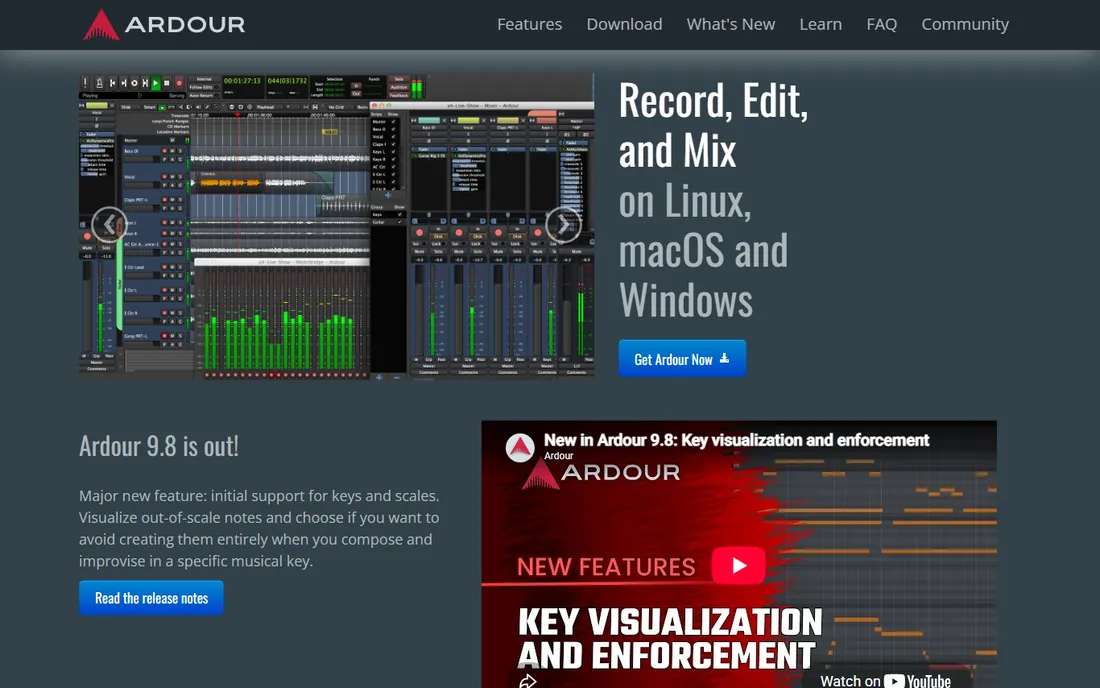
Ardour is the open-source answer to Pro Tools for people who outgrow Audacity. Non-destructive editing with unlimited undo, any number of tracks, sample-accurate editing, and support for VST, LV2 and AudioUnit plugins. Podcasters with multi-mic setups and musicians recording real instruments get professional architecture for free.
The price is complexity. Ardour expects you to understand buses, routing and monitoring, and the official ready-to-run builds ask a small pay-what-you-want contribution (the source code itself is free). For serious multitrack voice recording on a budget, the learning investment pays off.
What we like- Full non-destructive multitrack DAW
- Unlimited undo
- Professional routing and plugin support
Watch out for- Steep learning curve
- Official builds are pay-what-you-want (source is free)
Starting priceSee website
Free planYes (free plan, no credit card)
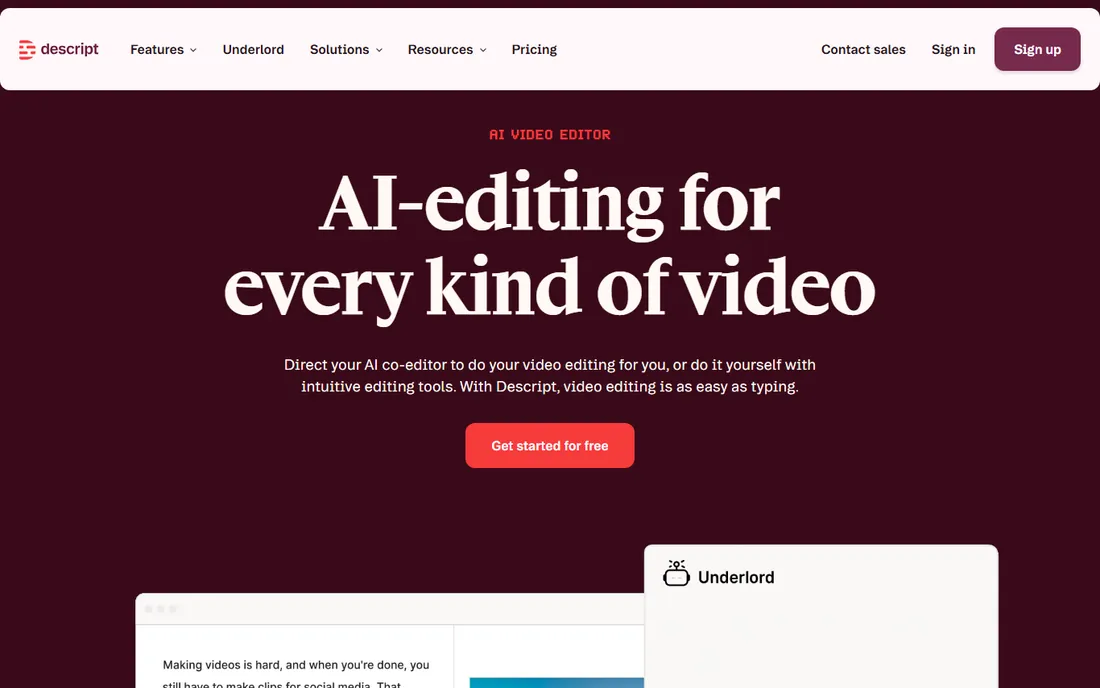
Descript rewrote the editing workflow. Record or import your audio, get an instant transcript, then delete filler words and bad takes by deleting text. The audio follows. Studio Sound polishes any microphone to near-studio quality automatically. For podcasters who dread timeline editing, it feels like cheating.
The free plan is real but metered: limited transcription and AI hours per month. Paid plans remove those limits. If your bottleneck is editing time rather than recording quality, Descript pays for itself in hours saved. If you just need to record clean voice, Audacity remains free-er.
What we like- Edit audio by editing the transcript text
- Studio Sound removes noise with one click
- Records and publishes in one place
Watch out for- Free plan has usage limits
- Subscription cost adds up for heavy users
- Needs internet for AI features
Starting priceSee website
Free planYes (free plan)
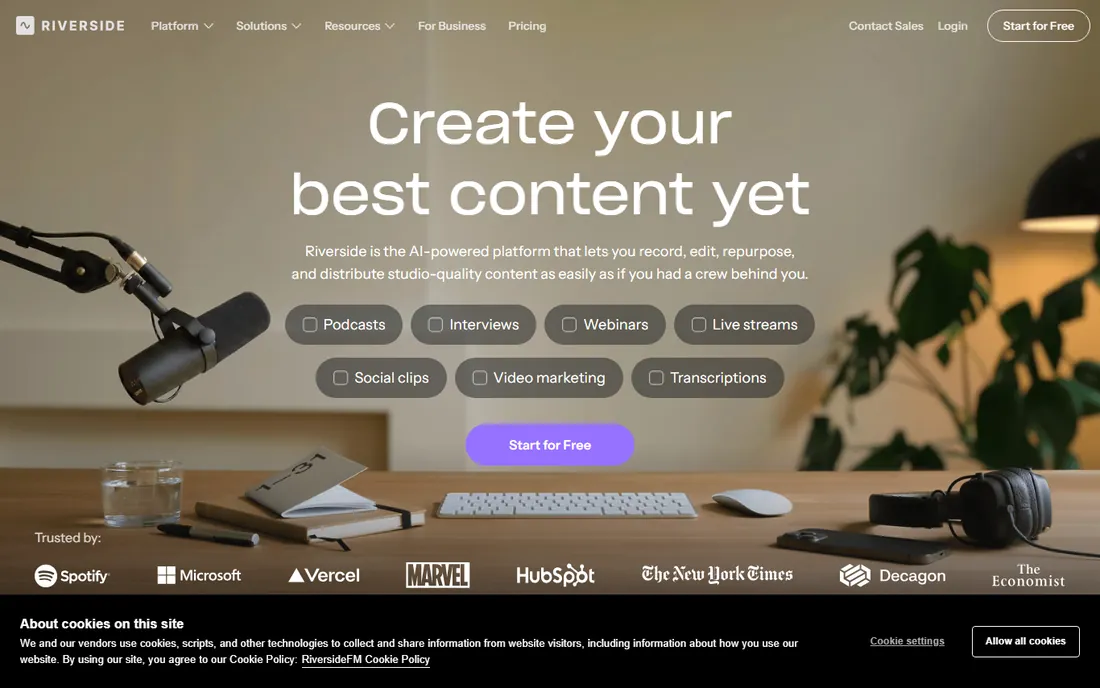
Riverside solves the remote-interview problem: guests join in a browser, and the software records each person's audio locally in WAV quality, unaffected by connection glitches. No more "sorry, you cut out" ruining an episode. It then offers text-based editing, filler-word removal and AI-generated clips.
For solo voice recording it is unnecessary. For interview podcasts, it is close to essential, and the free plan lets you test the workflow. Paid tiers raise the recording limits and add streaming and branding. Pair it with a decent USB mic on each end and remote audio stops sounding remote.
What we like- Records each guest locally in uncompressed quality
- Immune to bad internet
- Text-based editing and AI clips built in
Watch out for- Browser-based, so no offline recording
- Free plan limits recording hours
- Overkill for solo recording
Starting priceSee website
Free planFree trial
Audition is what audio professionals reach for when a recording needs rescue: spectral frequency editing that removes a siren from behind dialogue, adaptive noise reduction, and broadcast loudness compliance. The multitrack editor handles complex productions, and round-tripping with Premiere Pro suits video creators.
None of that is free. Audition sells through Creative Cloud subscription, and the price only makes sense if audio is your job or you already pay for Adobe apps. For everyone else, Audacity covers 90 percent of the same ground at zero cost. Buy Audition for restoration work and professional delivery standards, not for recording a podcast.
What we like- Industry-standard restoration and spectral editing
- Multitrack, waveform and spectral views
- Tight Premiere Pro integration
Watch out for- Subscription-only via Creative Cloud
- Overkill and overpriced for casual voice recording
How we chose
We tested the question real users ask: what should I install to record my voice well on a PC or Mac today. Sources included working podcaster recommendations, Reddit audio communities, G2 and Capterra reviews, and each vendor's own feature and pricing pages. Every tool above records audio now, in 2026, with no discontinued products. Free tools had to be genuinely usable without payment, not time-bombed trials. We did not claim hands-on testing of paid tiers; assessments rest on documentation, public reviews and feature lists.
The microphone matters more than the software
A $70 USB microphone in a quiet room beats a $400 microphone in an echoing kitchen, and no software fully fixes bad acoustics. Before upgrading tools, record a test in your actual space and listen on headphones. If you hear room echo, move closer to the mic and add soft furnishings. If you hear hiss, check gain staging before blaming the app. The tools above all record cleanly; the difference in your results will come from the room, the mic position and the noise reduction workflow, in that order.
Recording settings that actually matter
Record in WAV or FLAC at 44.1 kHz or 48 kHz, 16 or 24 bit. Export to MP3 (128 to 192 kbps) only for sharing. Leave headroom: peaks around -6 dB, never hitting 0. Record a few seconds of room tone before you start speaking; Audacity, Ocenaudio and WavePad all use it for noise profiles. Turn off notifications, fans and anything that hums. These five habits improve recordings more than any software upgrade.
Frequently asked questions
What is the best free recording software for PC?
Audacity. It is free, open source, works on Windows, Mac and Linux, and handles multitrack recording, noise reduction and effects. Ocenaudio is the easier alternative if Audacity's interface overwhelms you, and WavePad's free tier suits quick cleanup jobs.
What is the best free audio software for beginners?
Ocenaudio for the gentlest start, Audacity for the most capability per dollar (zero dollars). Mac beginners should use GarageBand. All three have extensive free tutorials, which matters more than features when you are learning.
Can I record professional voiceovers with free software?
Yes. Audacity and Ardour are used for paid voiceover and podcast work regularly. Clients judge the audio, not the app. Invest in a decent microphone and a quiet space first; the software is rarely the limiting factor.
How do I remove background noise from a voice recording?
In Audacity or Ocenaudio, select a few seconds of pure room tone, capture it as a noise profile, then apply noise reduction to the full track. Descript's Studio Sound does this automatically with AI. Record the room tone every session; it takes five seconds and saves hours.
What format should I record voice in?
Record in WAV or FLAC for full quality and archive the originals. Export to MP3 for distribution: 128 kbps mono is fine for spoken word, 192 kbps for music-heavy content. Never record directly to MP3 if you plan to edit; compression artifacts compound with each save.
Is Descript better than Audacity for podcasting?
Different jobs. Descript is faster for editing spoken content because you edit text, and its AI cleanup is excellent. Audacity is free without limits and better for precise audio surgery. Many podcasters record in Riverside or Audacity and edit in Descript.
Sources we checked (9)
- https://www.audacityteam.org/
- https://www.ocenaudio.com/
- https://www.apple.com/mac/garageband/
- https://www.nch.com.au/wavepad/
- https://www.wavosaur.com/
- https://ardour.org/
- https://www.descript.com/
- https://riverside.fm/
- https://www.adobe.com/products/audition.html
Is your product missing or out of date?
We review this list regularly. Vendors can request a listing, send updated pricing or ask about featured placement.

Shihab Mia · Founder, Rankite
Shihab has spent more than a decade helping SaaS and e-commerce brands grow through search. He writes Rankite's software buying guides from pricing pages, documentation and public user reviews. More about Shihab.