How we make this list: we compare pricing pages, product documentation and public user reviews. Rankite is independent; if a vendor ever pays for a featured spot, that listing is clearly labeled Partner.
Key takeaways
- Audacity remains the obvious starting point for anyone who needs capable, free audio editing software with no strings attached.
- Electronic producers tend to land on Ableton Live or FL Studio, and the choice usually comes down to live performance versus beat making.
- Mac users get an unusually good deal: GarageBand is free and Logic Pro costs $199.99 once, with no subscription.
- Podcast editors who already pay for Adobe Creative Cloud get strong value from Audition, while Pro Tools still rules commercial studios and post production.
- REAPER offers the most capability per dollar of any paid DAW here, with a 60-day fully functional evaluation before you spend anything.
You have a voice memo that needs cleaning up, a podcast episode with an annoying hum, or a half-finished song sitting in your head. The problem is not a lack of options. The problem is that audio software ranges from completely free to several hundred dollars, and every product page claims to be the professional choice. This guide sorts the top audio editing software into honest categories so you can match the tool to the job, not the marketing.
Quick comparison
| Tool | Best for | Starting price | Free plan |
|---|
 Audacity Audacity | free recording and editing | Free | Yes |
 Ableton Live Ableton Live | electronic producers and live performers | See website | Free trial |
 FL Studio FL Studio | beat makers and hip hop producers | See website | Free trial |
 Adobe Audition Adobe Audition | podcast editors and video producers | See website | Free trial |
 Logic Pro Logic Pro | Mac-based songwriters and producers | $199.99 (one-time) | Free trial (90 days) |
 Pro Tools Pro Tools | professional studios and post production | See website | Yes (Intro is free) |
 GarageBand GarageBand | beginners and iPhone/iPad creators | Free | Yes |
 REAPER REAPER | budget-conscious power users | See website | Free trial (60 days) |
Is your product missing or out of date?
We review this list regularly. Vendors can request a listing, send updated pricing or ask about featured placement.
The best audio software
Starting priceFree
Free planYes
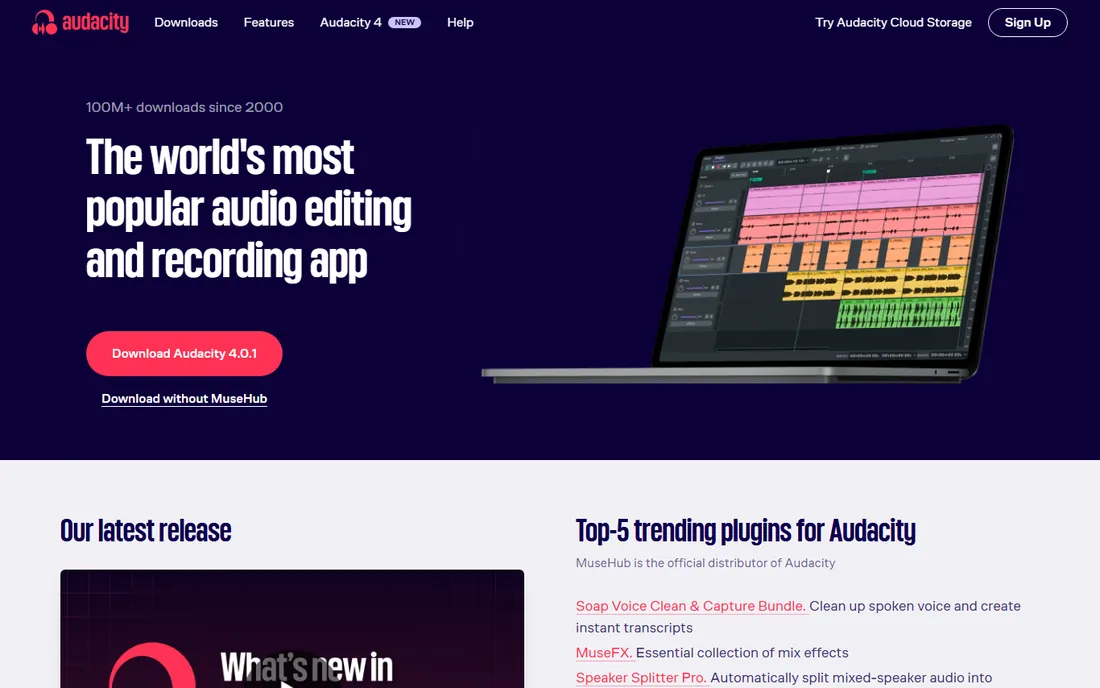
If your budget is zero, this is where the conversation starts. Audacity has been the default free audio editor since 2000, and it is now maintained under Muse Group with regular releases (version 4 arrived with a redesigned interface). For recording a podcast, cleaning up a voiceover, or converting between formats like WAV, MP3 and FLAC, it does the job without asking for a credit card.
The honest catch is scope. Audacity is an audio editor, not a full music production studio. If you want to program drums, layer virtual instruments and mix a 40-track song, you will outgrow it. But as a free way to record and edit sound, with spectrogram views and batch macros for repetitive work, nothing else at this price comes close, because the price is nothing.
What we like- Completely free and open source with no paid tier
- Runs on Windows, macOS and Linux
- Wide plugin support including VST3 and Nyquist
Watch out for- Interface looks dated next to modern DAWs
- MIDI editing is limited
- Workflow favors destructive edits
Starting priceSee website
Free planFree trial
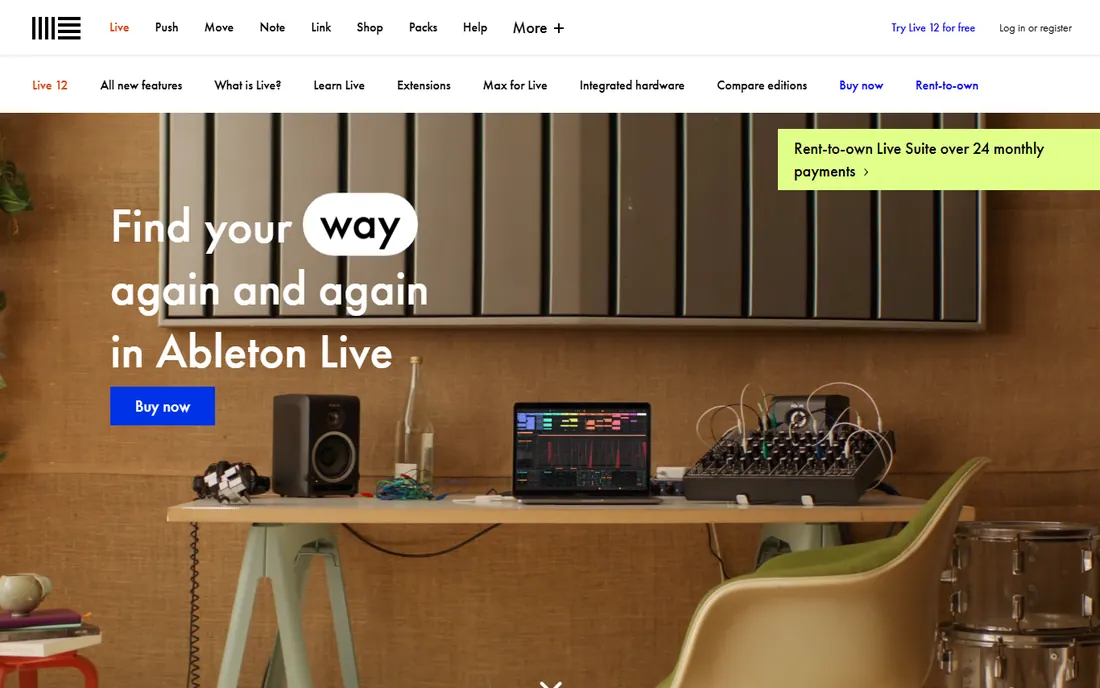
For anyone who performs with a laptop on stage, Live is almost a job requirement. Its Session View lets you launch clips and scenes in real time, which is why electronic artists and DJs built entire careers on it. In the studio, the same clip-launching workflow makes it fast for sketching ideas and trying arrangements before you commit.
Live 12 added MIDI Generators that create melodies, chords and rhythms from constraints you set, plus a sound similarity search that finds matching presets with a neural network. The three editions (Intro, Standard, Suite) scale from a modest starter to the full instrument and Max for Live package. Buyers should know that upgrades between editions cost real money, so picking the right tier up front matters more here than with subscription tools.
What we like- Session View built for live performance and improvisation
- New MIDI Generators and Transformations in Live 12
- Max for Live adds deep customization
Watch out for- Suite edition is expensive
- Arrangement View feels unusual to traditional linear editors
- Large sound libraries eat disk space
Starting priceSee website
Free planFree trial
Beat makers have a loyalty to this one that borders on tribal, and the pricing policy explains a lot of it. You pay once for an edition and every future update is free, forever. In an industry where subscriptions and paid upgrades are the norm, that single promise has carried FL Studio through two decades. The step sequencer remains the fastest way to program drums that many producers have ever used.
The trial version is genuinely useful for evaluation, though saved projects cannot be reopened until you buy. FL Cloud, the optional subscription for sounds, premium plugins and AI mastering, is separate from the DAW itself and not required. One practical note: the Fruity edition cannot record audio, so vocalists and bands should start at Producer edition or higher.
What we like- Lifetime free updates on every edition
- Famous step sequencer for fast beat making
- Over 100 native instruments and effects
Watch out for- Playlist-based workflow confuses editors used to linear timelines
- Mac version arrived years after Windows
- Edition differences are easy to misunderstand
#4
Adobe Audition
Best for: podcast editors and video producers
Visit adobe.com
Starting priceSee website
Free planFree trial
Podcasters who already pay for Creative Cloud should look here first. Audition gives you multitrack, waveform and spectral views in one program, which means you can record an interview, paint out a siren in the spectral display, and master loudness for publishing without switching apps. For video producers, the Dynamic Link workflow with Premiere Pro saves the constant exporting and re-importing that slows down audio finishing.
The trade-offs are real. There is no way to buy Audition outright, and the annual plan carries an early termination fee if you cancel after the first two weeks, so read the plan terms before committing. It is also not a music composition tool: if you need software instruments and MIDI sequencing, pair it with something else or pick a different DAW entirely.
What we like- Spectral display for surgical noise removal
- Round-trips cleanly with Premiere Pro
- Strong audio restoration and loudness tools
Watch out for- Subscription only, no perpetual license
- No virtual instruments or MIDI composition
- Overkill if you only trim voice recordings
Starting price$199.99 (one-time)
Free planFree trial (90 days)
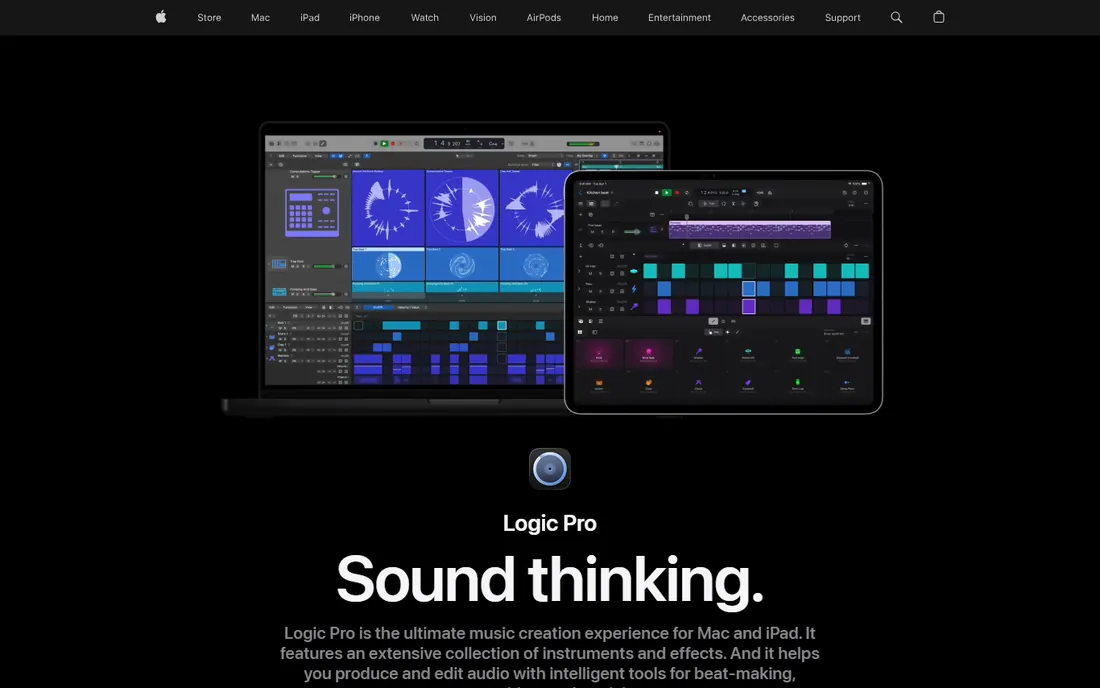
Mac owners get the strongest value proposition in this entire list. For a single payment of $199.99, Logic Pro delivers what would cost several subscriptions elsewhere: a full DAW, dozens of software instruments including the Alchemy synth, the Space Designer convolution reverb, and AI-assisted tools like Session Players that generate realistic bass, keyboard and drum parts following your chords. GarageBand projects open directly in Logic, so beginners have a free on-ramp.
Apple now also sells Logic Pro through the Apple Creator Studio subscription ($12.99 per month or $129 per year), but the standalone purchase remains available and the features are identical. The 90-day free trial is generous enough to finish real projects before deciding. The only true limitation is platform: if you ever switch to Windows, your Logic sessions do not come with you.
What we like- Massive included sound library and instruments
- One-time purchase, no subscription
- Session Players, Stem Splitter and Mastering Assistant built in
Watch out for- Mac and iPad only, no Windows version
- Sound library downloads are huge
- Apple silicon required for the newest features
#6
Pro Tools
Best for: professional studios and post production
Visit avid.com
Starting priceSee website
Free planYes (Intro is free)
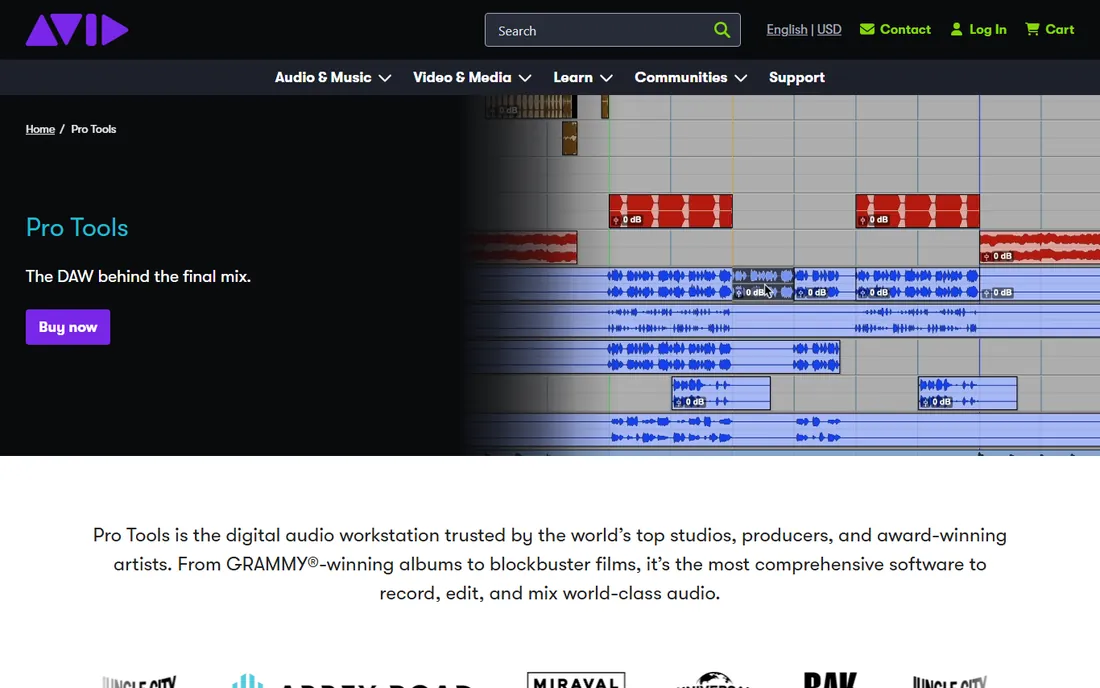
Walk into any commercial studio in Los Angeles and you will see this on the screen. Pro Tools earned its position in recording and post production, and it keeps it with session compatibility: when a mix engineer, a film dub stage and a mastering house all open the same format, collaboration gets simpler. The 32-bit float audio engine and deep automation make it the safe choice for large, demanding sessions.
Avid sells it as subscriptions and perpetual licenses, plus a free Pro Tools Intro tier for casual creators. The plugin story is the main thing to check before you buy: Pro Tools only hosts AAX plugins, so your existing VST collection will not load. For home musicians who never send sessions to a commercial facility, the premium over REAPER or Logic is hard to justify. For anyone working in film, TV or major-label music, it is still the expected tool.
What we like- The established standard in commercial studios
- Advanced automation and routing
- Native Dolby Atmos and immersive mixing
Watch out for- Subscriptions get expensive over time
- Only AAX plugins are supported
- Setup involves iLok licensing that some users dislike
Starting priceFree
Free planYes
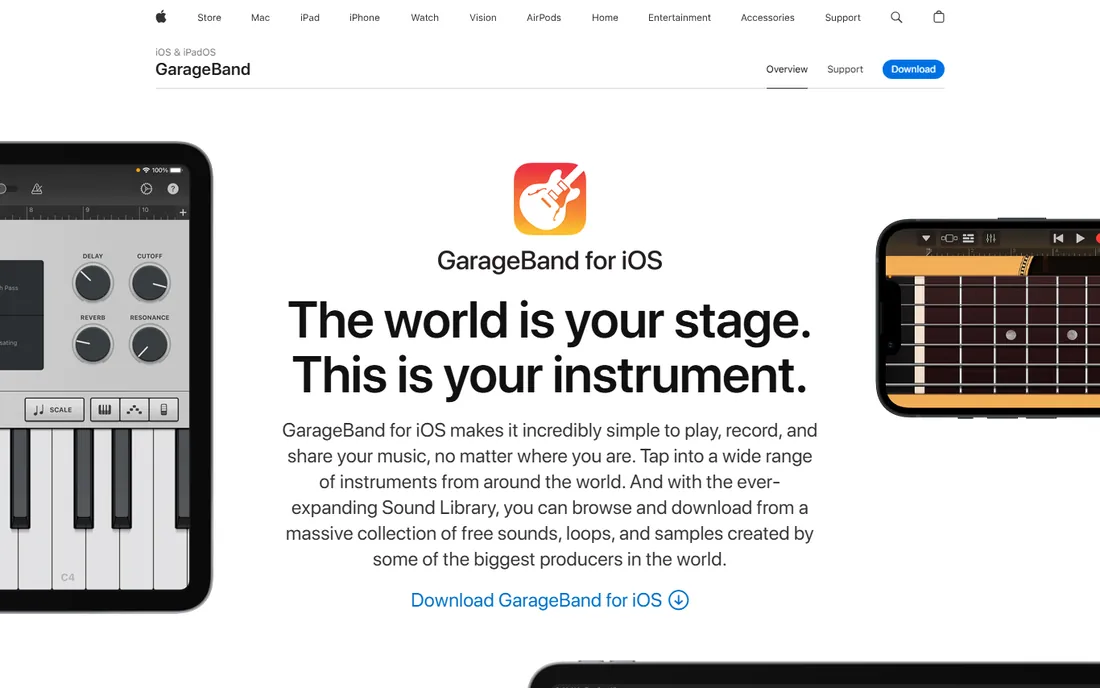
Every Mac and iPhone ships with a legitimate music studio, and many people never look past it. GarageBand includes Touch Instruments, virtual drummers that play along with your song, guitar amp modeling, and a free expanding Sound Library with producer packs. For a student recording a first song or a podcaster capturing interviews on an iPad, it removes every excuse about cost or complexity.
The ceiling arrives when your ambitions grow. The iOS version limits you to 32 tracks, and the simplified mixer hides the detailed control that Logic Pro offers. That is by design: Apple wants you to graduate to Logic, and the upgrade path is painless since projects transfer directly. As a free starting point that teaches real DAW concepts, it has no equal on its platform.
What we like- Free on every Mac, iPhone and iPad
- Live Loops make arrangement fun for non-musicians
- Projects open directly in Logic Pro
Watch out for- Apple devices only
- IOS version caps at 32 tracks
- Mixing tools are simplified
Starting priceSee website
Free planFree trial (60 days)
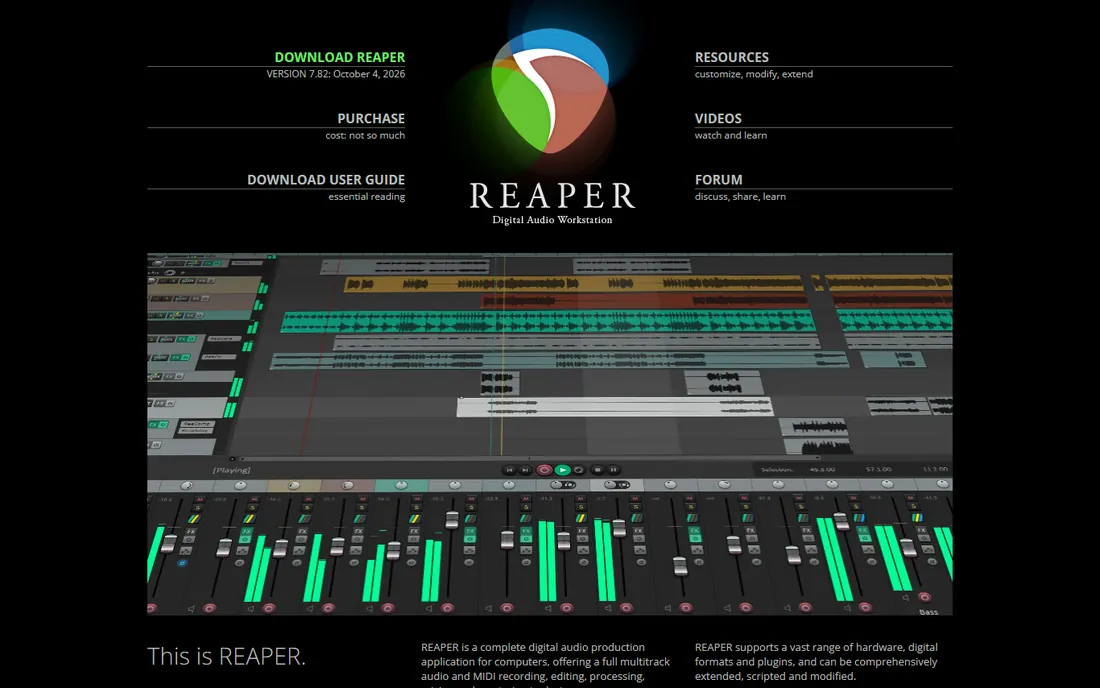
The cheapest full-featured DAW here hides behind the plainest website. REAPER, from the small company Cockos, does nearly everything the big names do: unlimited tracks, video editing, surround mixing, scripting with ReaScript, and support for VST, AU, LV2 and CLAP plugins on Windows, macOS and Linux. The installer is measured in megabytes, not gigabytes, and it runs happily on machines that choke on heavier DAWs.
The license is refreshingly simple: a discounted license for personal, educational and small-business use, and a commercial license for larger operations, with the software identical either way. The 60-day evaluation is the real, complete program, not a crippled demo. The catch is polish. Out of the box, REAPER looks utilitarian, and making it beautiful takes theme hunting and configuration. Users who enjoy tinkering consider that a feature. Everyone else should budget an afternoon for setup.
What we like- Tiny installer that runs on old hardware
- Extremely customizable interface and shortcuts
- 60-day fully functional evaluation with no registration
Watch out for- Default theme looks plain
- Bundled plugins are powerful but visually basic
- Documentation assumes technical comfort
How we chose
We started from buyer intent, not feature checklists. We looked at who actually buys audio software in 2026: podcasters, video producers, bedroom beat makers, gigging electronic artists, and commercial studios. For each tool we checked the vendor's current product and pricing pages, documentation, and public discussion on G2, Capterra and Reddit, and we weighted fit for small and mid-size buyers over enterprise credentials. We excluded products that were discontinued or folded into other apps, and we favored tools with clear pricing and an available trial or free tier. Nobody paid for placement, and we did not test the software hands-on.
What to check before you buy
Start with the job, not the brand. A podcaster needs clean recording, noise removal and loudness normalization; a beat maker needs a fast step sequencer and good drum sounds; a studio needs session compatibility with clients. Write down the three things you will do every week, then check each candidate against that list. Most buyers overbuy here, paying for post-production features they will never open.
Check the platform and the plugin formats next. Logic Pro and GarageBand are Apple-only, which is fine until you collaborate with a Windows user. Pro Tools only loads AAX plugins, while REAPER, Ableton and FL Studio host the VST and AU formats most third-party instruments use. If you own plugins already, confirm they load in your candidate before you pay.
Finally, model the total cost over three years, not the sticker price. A $199 one-time purchase beats a $25 monthly subscription by the second year. FL Studio's lifetime free updates and REAPER's low license fee make them unusually cheap over time, while subscriptions like Adobe Audition and Pro Tools keep charging as long as you use them. Factor in paid upgrades too: some DAWs charge $150 or more for each major version.
How pricing models actually work
Audio software uses every pricing model in existence, which is why the comparison table looks inconsistent. Perpetual licenses (Logic Pro, FL Studio, REAPER) charge once and let you keep the version you bought. Subscriptions (Audition, Pro Tools, Apple Creator Studio) charge monthly or yearly and stop working if you cancel. Free and open source (Audacity) costs nothing ever. Free tiers (GarageBand, Pro Tools Intro) give you a real but limited product at no cost.
Trials deserve a careful read. A fully functional timed trial, like REAPER's 60 days or Logic Pro's 90 days, lets you evaluate honestly. A feature-limited trial, like FL Studio's (no reopening saved projects), still teaches you the workflow but not the ownership experience. Before any trial ends, export a finished project and confirm the file opens where you need it. That single test prevents more buyer's remorse than any review.
Frequently asked questions
What is the best free audio editing software?
Audacity. It records and edits on Windows, Mac and Linux, supports major formats and plugins, and has no paid tier or trial clock. For music production rather than editing, GarageBand is the best free option if you own Apple hardware, and REAPER's 60-day full evaluation is the best free way to try a professional DAW.
Which audio software is best for beginners?
GarageBand for Apple users, because it is free, visual, and teaches concepts that transfer directly to Logic Pro. On Windows, Audacity covers recording and editing, while FL Studio's trial is the friendliest path into beat making. Beginners should avoid Pro Tools until they need studio compatibility.
Do I need to pay monthly for audio software?
No. Logic Pro ($199.99 once), FL Studio (one payment per edition, free updates for life), and REAPER (low one-time license) all avoid subscriptions. Audacity and GarageBand are free outright. Only Adobe Audition and Pro Tools subscriptions require ongoing payment among the tools listed here.
What is the difference between a DAW and an audio editor?
A digital audio workstation (DAW) like Ableton Live, Logic Pro or Pro Tools handles multitrack recording, MIDI instruments, mixing and mastering in one environment. An audio editor like Audacity or Adobe Audition focuses on recording, cutting, and processing audio files, often with destructive or surgical precision. Podcasters usually need an editor; musicians usually need a DAW.
Can I collaborate with someone using different audio software?
Sometimes. Stems (exported audio files per track) move between any DAWs without trouble, and most programs import and export WAV, MP3 and MIDI. Full project files rarely transfer cleanly between brands, though GarageBand projects open in Logic Pro. Agree on a stem-based workflow with collaborators before anyone starts recording.
Will my old plugins work in a new DAW?
Check the plugin format first. Most third-party instruments and effects ship as VST or AU, which REAPER, Ableton Live, FL Studio and Logic Pro all host. Pro Tools only accepts AAX, so VST plugins will not load there. Also confirm 64-bit compatibility and your operating system version against the vendor's current requirements page.
Sources we checked (9)
- https://www.audacityteam.org/
- https://www.ableton.com/live/
- https://www.image-line.com/flstudio/
- https://www.adobe.com/products/audition.html
- https://www.apple.com/logic-pro/
- https://www.apple.com/garageband/
- https://www.avid.com/pro-tools
- https://www.reaper.fm/
- https://www.reaper.fm/download.php
Is your product missing or out of date?
We review this list regularly. Vendors can request a listing, send updated pricing or ask about featured placement.

Shihab Mia · Founder, Rankite
Shihab has spent more than a decade helping SaaS and e-commerce brands grow through search. He writes Rankite's software buying guides from pricing pages, documentation and public user reviews. More about Shihab.