How we make this list: we compare pricing pages, product documentation and public user reviews. Rankite is independent; if a vendor ever pays for a featured spot, that listing is clearly labeled Partner.
Key takeaways
- Most modern PCs do not need third-party defrag software: Windows includes a built-in optimizer, and SSDs should not be defragmented at all.
- Defraggler is the best free defrag tool for everyday use, with single-file defragmentation and a portable edition.
- O&O Defrag 32 and UltraDefrag 16 are the strongest picks for power users who want deep control over how disks are reorganized.
- Condusiv DymaxIO is the only pick on this list aimed at servers and enterprise storage rather than home PCs.
Quick comparison
| Tool | Best for | Starting price | Free plan |
|---|
 Defraggler Defraggler | free defragging with file-level control | Free (Pro edition available, see website) | Yes |
 IObit Smart Defrag IObit Smart Defrag | automatic background defragging | Free (Pro edition available, see website) | Yes |
 Auslogics Disk Defrag Auslogics Disk Defrag | fast and light free defragging | Free (Ultimate edition available, see website) | Yes |
 O&O Defrag O&O Defrag | IT professionals who want full control | See website | Free trial |
 UltraDefrag UltraDefrag | free open-source defragging | Free | Yes |
 Raxco PerfectDisk Raxco PerfectDisk | preventing fragmentation before it happens | See website | Free trial |
 Glarysoft Disk Speedup Glarysoft Disk Speedup | boot-time defrag plus disk health checks | Free (Pro edition available, see website) | Yes |
 Condusiv DymaxIO Condusiv DymaxIO | servers, SQL systems, and virtualized storage | See website | Free trial |
Is your product missing or out of date?
We review this list regularly. Vendors can request a listing, send updated pricing or ask about featured placement.
The best defragmentation software
Starting priceFree (Pro edition available, see website)
Free planYes
Defraggler comes from Piriform, the company behind CCleaner, and it has been the default free recommendation for years. It handles both HDDs and SSDs (with trim-style optimization rather than classic defrag on SSDs), and it works with NTFS and FAT32 volumes. The standout feature is selective defragmentation: you can right-click a single file or folder and defrag just that, instead of waiting through a full-drive pass.
The drive map shows fragmentation status visually, and there is a free portable edition that runs from a USB stick, which makes it handy for fixing up multiple family PCs. Setup takes a couple of minutes. The honest catch is the interface, which has not changed much in years, and if you want deep scheduling or network features, the free tier runs out of road. For most home users with a mechanical drive, though, the free edition is all you need.
What we like- Defrags single files and folders
- Free portable edition
- Same safe read/write methods as Windows
Watch out for- Interface looks dated
- Advanced scheduling is limited compared with paid rivals
#2
IObit Smart Defrag
Best for: automatic background defragging
Visit iobit.com
Starting priceFree (Pro edition available, see website)
Free planYes

Smart Defrag takes the opposite approach to Defraggler: set it once and forget about it. The automatic mode kicks in when the computer is idle, so you never have to think about scheduling. Boot-time defrag handles files that are locked while Windows is running, which shortens startup times on older machines. There is also a game optimizer that defrags game files to cut load times.
The interface is modern and a little flashy, and the company has a long track record with its Advanced SystemCare suite. The annoyance is the installer, which presents additional IObit products during setup; read each screen and uncheck what you do not want. The Pro edition adds faster engines and deeper automation, but the free edition covers the core job for home users who just want their drive maintained without effort.
What we like- Runs automatically when the PC is idle
- Boot-time defrag for system files
- Game optimization mode
Watch out for- Installer bundles extra IObit offers that need unchecking
- The interface pushes upgrades
Starting priceFree (Ultimate edition available, see website)
Free planYes
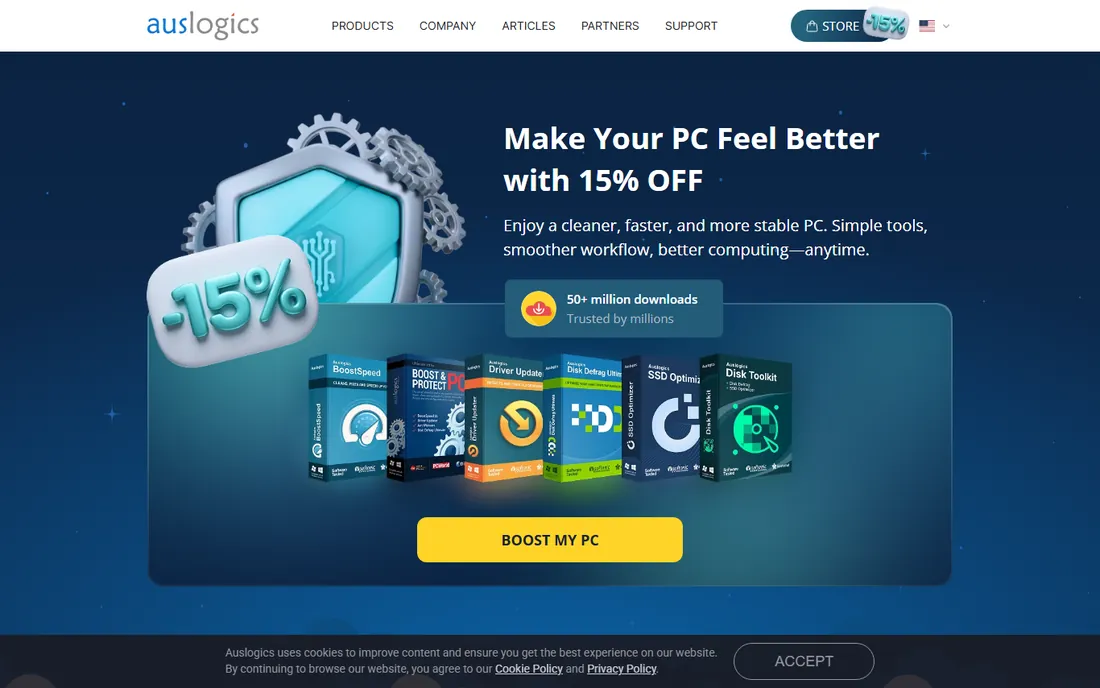
Auslogics has been shipping Disk Defrag as a free standalone tool since 2008, and its reputation rests on speed. The engine scans and reorganizes disks noticeably faster than most rivals in this category, and like Defraggler it lets you target individual files or folders when a full pass is overkill. The program is lightweight and runs fine on older hardware.
The free edition handles whole-drive defrag, scheduling, and optimization of free space. Auslogics also sells an Ultimate edition with extra optimization algorithms for buyers who want the deepest possible tune-up. For a small business with a handful of aging Windows PCs on spinning disks, the free version is a quick win: install it, run an analysis, and defrag during lunch.
What we like- Very fast scan and defrag engine
- Individual file and folder defrag
- Tiny footprint
Watch out for- Free edition nudges toward the BoostSpeed suite
- Fewer enterprise features than O&O or Raxco
Starting priceSee website
Free planFree trial
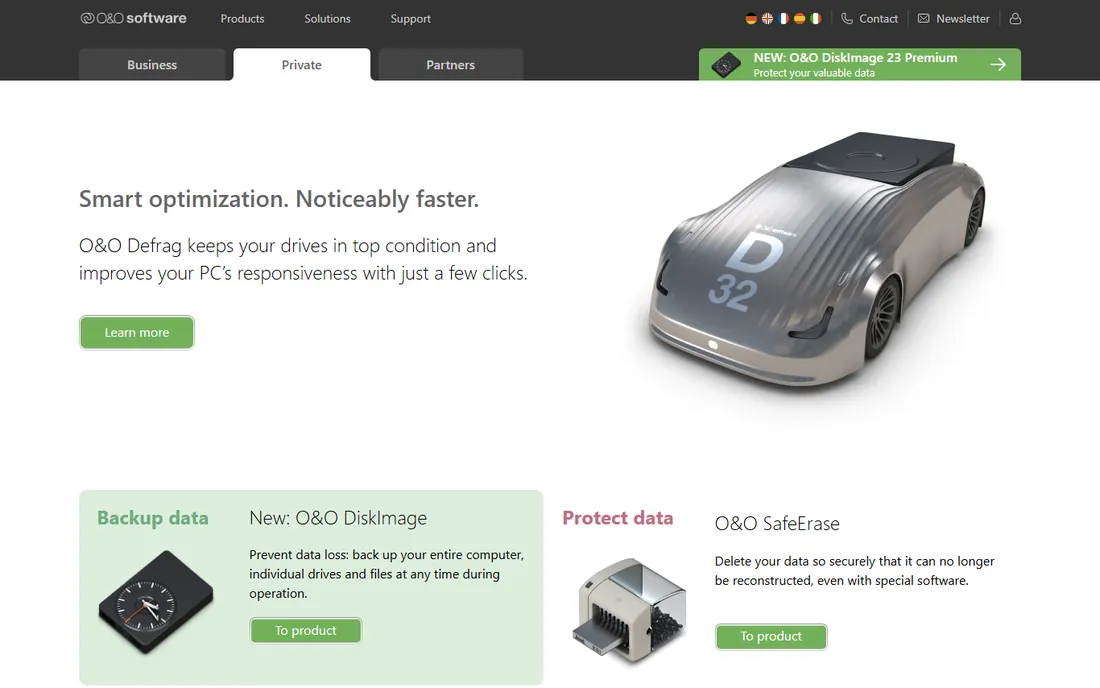
O&O Software has been building Windows tools in Berlin since 1997, and Defrag is one of its flagship products. The 32nd major version shipped in September 2026 with a redesigned interface and a new SpeedCheck feature. The real draw for professionals is the choice of optimization strategies: zone filing sorts frequently used files onto faster disk regions, and the scheduler, logging, and reporting are built for managed environments.
This is a paid product with a free trial, and the Professional edition is priced per PC while a Server edition exists for data centers. That pricing model makes it a poor fit for someone who just wants to tidy up a laptop once a month. For an IT admin managing dozens of Windows workstations with mechanical drives, the auditing and fine-grained control justify the cost.
What we like- Multiple optimization algorithms including zone filing
- Detailed scheduling and logging
- Actively developed (Defrag 32 released in 2026)
Watch out for- No free edition
- Overkill for a single home PC
Starting priceFree
Free planYes
UltraDefrag is the open-source answer in this category, and it punches above its weight. Version 16 arrived in October 2026 with improved defrag and optimization, disk health monitoring through SMART data, and a portable edition that runs from a USB stick. It defragments individual files and folders from the Windows Explorer context menu, handles locked files at boot time, and can defragment NTFS metafiles including the Master File Table.
Because it is open source, there is no installer bundling extras and no upgrade nagging. The trade-off is a plain, technical interface and community-only support. If your company policy forbids freeware with unclear data practices, an open-source tool with public code is easy to approve. For everyone else, it is the most capable fully-free defragger on this list.
What we like- Fully free with no upsell
- Portable edition and boot-time defrag
- Active development (version 16, October 2026)
Watch out for- Interface is functional rather than polished
- No commercial support on the free edition
#6
Raxco PerfectDisk
Best for: preventing fragmentation before it happens
Visit raxco.com
Starting priceSee website
Free planFree trial
PerfectDisk has been around since the early days of Windows, and its pitch is different from the rest: instead of only cleaning up fragmentation after the fact, its OptiWrite feature tries to write files in a way that prevents fragmentation from occurring. The Professional edition includes the usual scheduling and boot-time defrag features, and Raxco also offers server editions.
It is a paid product, typically sold as a multi-PC license, which suits small offices better than single home users. The software itself is reliable, but the vendor's web presence is the weakest on this list, and documentation can be hard to find. Check the current edition and system requirements against your Windows version before buying, since release cycles have slowed.
What we like- OptiWrite technology reduces future fragmentation
- Solid scheduling for unattended runs
- Long track record with businesses
Watch out for- Website and documentation feel dated
- Paid-only beyond the trial
#7
Glarysoft Disk Speedup
Best for: boot-time defrag plus disk health checks
Visit glarysoft.com
Starting priceFree (Pro edition available, see website)
Free planYes
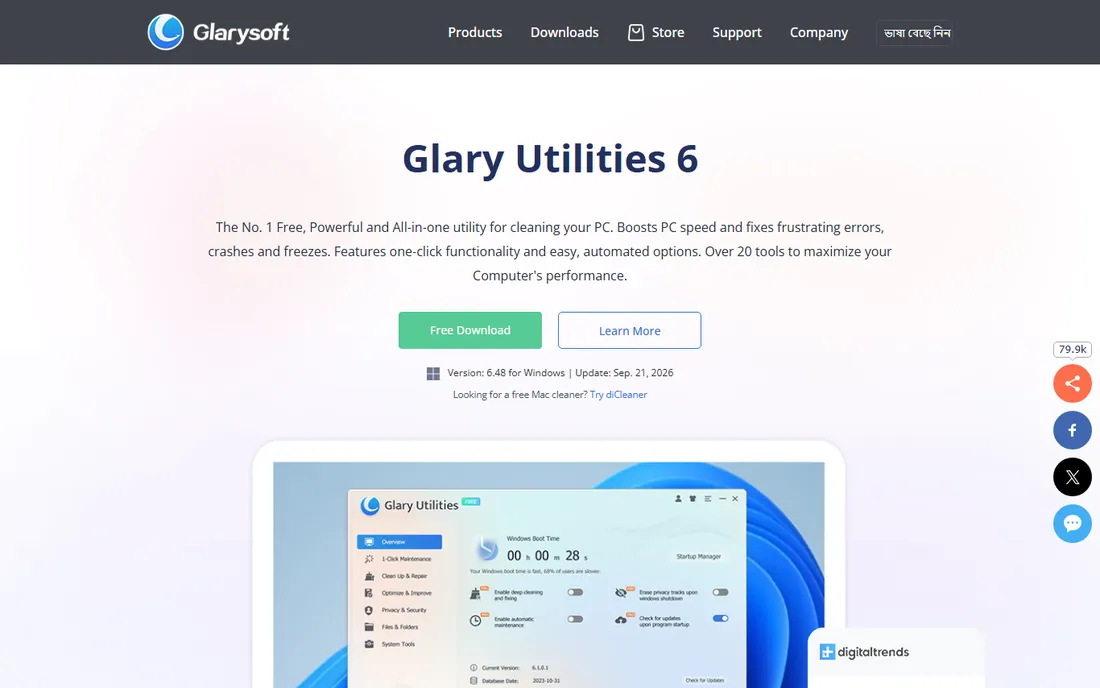
Disk Speedup is Glarysoft's standalone defrag tool, separate from its Glary Utilities suite. The free edition covers the essentials: full-drive defrag, boot-time defrag for files Windows locks during normal operation, and a disk doctor that scans for bad sectors. The interface is straightforward enough for non-technical users.
Glarysoft also bundles more advanced defrag and optimization into Glary Utilities Pro, so the standalone tool sometimes acts as a gateway to the paid suite. On its own, though, Disk Speedup is a competent free option for older PCs where slow boot times trace back to a fragmented system drive. The vendor is still shipping regular updates (Glary Utilities 6 was updated in September 2026).
What we like- Boot-time defrag for locked system files
- Integrated disk doctor checks for bad sectors
- Simple interface
Watch out for- Part of the Glary Utilities ecosystem, so some upsell
- Fewer algorithm choices than O&O
#8
Condusiv DymaxIO
Best for: servers, SQL systems, and virtualized storage
Visit condusiv.com
Starting priceSee website
Free planFree trial
DymaxIO, formerly Diskeeper, is the enterprise end of this category. Condusiv sells it on a per-machine monthly subscription aimed at IT departments running Windows servers, SQL databases, and virtual machines. The IntelliWrite driver intercepts file writes and places data to avoid fragmentation in the first place, which is why the company markets performance gains on SQL workloads rather than simple defrag speeds.
This is not a tool for home users; the pricing and feature set assume an IT buyer. If you run a small business server room or a stack of Windows VMs that suffer I/O slowdowns, DymaxIO is the serious option. Everyone else should stick with the free tools at the top of this list.
What we like- Prevents fragmentation at write time with IntelliWrite
- Proven on SQL and virtualized workloads
- Microsoft partner ecosystem
Watch out for- Enterprise pricing far beyond home use
- Not designed for casual desktop defragging
How we chose
We started with the tools people actually recommend on forums, in IT publications, and in download rankings, then checked that each product still exists and is maintained in 2026. We looked at vendor product pages, release notes, and pricing pages, plus public reviews on G2, Capterra, and Reddit for real-world performance notes. We excluded discontinued tools such as MyDefrag (formerly JkDefrag), which still appears in old roundups but has not been updated in years. Prices were taken from vendor sites where accessible; where pricing pages were blocked or unclear, we say so rather than guessing.
Before you buy: do you actually need a defragger?
Honest answer first. If your PC has an SSD as its main drive, you do not need defragmentation software. SSDs have no moving parts, so fragmenting files across the drive does not slow them down the way it slows a spinning hard disk. Defragmenting an SSD actually wears it out faster by burning through write cycles. Windows handles SSDs with its built-in TRIM command automatically.
Third-party defraggers matter in three situations: an older PC with a mechanical hard drive, a media or file server with spinning disks, and specific cases like defragmenting a single large file (a game folder or video project) without a full-drive pass. Windows also includes its own "Optimize Drives" utility, which defrags HDDs on a schedule and trims SSDs. It is basic but free and already installed. Buy a third-party tool only if you want more control than that: per-file defrag, boot-time passes, detailed reporting, or managed scheduling across many machines.
What to check before installing any defrag tool
Confirm your drive type first. Open Windows Settings, go to System, then Storage, and check whether your drive is listed as HDD or SSD. Only run classic defragmentation on HDDs.
Read the installer screens. Several free defrag tools are funded by bundled offers, extra products, or upgrade prompts. Uncheck anything you did not ask for. The open-source option on this list (UltraDefrag) avoids this entirely.
Match the tool to the machine. A free tool like Defraggler or Auslogics is plenty for one or two home PCs. Managing ten office workstations with spinning disks is where paid tools with central scheduling, like O&O Defrag or PerfectDisk, start to make sense.
The SSD question, answered plainly
This comes up in every defrag discussion, so it deserves a direct answer. Modern defrag tools know the difference between drive types and will run an SSD optimization (TRIM) instead of classic defragmentation when they detect a solid-state drive. That makes them safe to run, but it also means the core defrag feature does nothing useful on an SSD.
If all your machines run SSDs, skip this category entirely. Your money and time are better spent on a disk cleanup tool, more RAM, or simply replacing the oldest drives. Defrag software is a maintenance tool for spinning disks, and spinning disks are increasingly found only in budget desktops, NAS boxes, and servers. None of the tools here will harm an SSD when used with default settings, but none of them will speed one up either.
Frequently asked questions
Does Windows 10/11 still need defragmentation?
Only if the drive is a mechanical HDD. Windows includes a scheduled "Optimize Drives" utility that handles both defrag for HDDs and TRIM for SSDs automatically. A third-party tool adds finer control, not something Windows cannot do at all.
Is it safe to defrag an SSD?
Running a classic defrag pass on an SSD is not recommended because it consumes write cycles without improving speed. Modern tools detect SSDs and run TRIM instead. If your tool does not clearly distinguish, do not run it on an SSD.
How often should I defragment a hard drive?
For a typical HDD in daily use, once a month is enough. Windows' built-in scheduler defaults to weekly, which is fine too. Daily defragging is overkill and adds unnecessary wear to the drive.
Are free defrag tools as good as paid ones?
For home use, yes. Defraggler, Auslogics Disk Defrag, Smart Defrag, and UltraDefrag all handle the core job well. Paid tools earn their price with scheduling, reporting, boot-time options, and multi-PC management that matter to IT admins, not with dramatically faster defrag engines.
Why is MyDefrag not on this list?
MyDefrag (formerly JkDefrag) was a respected free defragger, but it has not been updated in years and is effectively discontinued. We only list tools that are maintained and available today.
Can defrag software fix a slow computer?
Sometimes, but only if the slowness comes from a fragmented mechanical hard drive. If the PC is slow because of low RAM, a full drive, background malware, or an aging CPU, defragging will not help. Check drive type and free space before assuming fragmentation is the problem.
Sources we checked (10)
- https://ccleaner.com/
- https://iobit.com/
- https://auslogics.com/
- https://oo-software.com/
- https://ultradefrag.net/
- https://www.condusiv.com
- https://www.enterprisestorageforum.com/hardware/defrag-software/
- https://slashdot.org/software/comparison/Auslogics-Disk-Defrag-vs-Smart-Defrag/
- https://www.slant.co/versus/2570/19920/~defraggler_vs_iobit-smart-defrag
- https://appmus.com/alternatives-to/auslogics-disk-defrag?platform=windows
Is your product missing or out of date?
We review this list regularly. Vendors can request a listing, send updated pricing or ask about featured placement.

Shihab Mia · Founder, Rankite
Shihab has spent more than a decade helping SaaS and e-commerce brands grow through search. He writes Rankite's software buying guides from pricing pages, documentation and public user reviews. More about Shihab.