How we make this list: we compare pricing pages, product documentation and public user reviews. Rankite is independent; if a vendor ever pays for a featured spot, that listing is clearly labeled Partner.
Key takeaways
- Disk Drill Pro ($89 one-time) is the best overall value: no subscription, covers Windows and Mac, and recovers playable video few rivals manage.
- EaseUS Data Recovery Wizard ($69.95/month) is the easiest for beginners but the priciest model; the $149.95 lifetime plan is the only sensible buy.
- Stellar Data Recovery ($59.99/year) leads on photo and video repair extras; R-Studio ($79.99 one-time) is the pro pick for RAID and damaged partitions.
- Free options are real: Recuva, PhotoRec and Wise Data Recovery cost nothing, and EaseUS gives 2GB free before you pay.
- Stop using the drive immediately after data loss; every write risks overwriting what you want back.
Quick comparison
Is your product missing or out of date?
We review this list regularly. Vendors can request a listing, send updated pricing or ask about featured placement.
The best data recovery software
The cost of the wrong data recovery software is not the $70 license. It is the wedding photos that come back corrupted, the business accounts that never come back at all, or the $1,000-plus quote from a clean-room lab because the first tool you tried made things worse. Data loss is one of the few software purchases made in a panic, and panic is when bad decisions happen.
The second cost is the free-tier trap. Most "free" recovery tools let you scan for free and charge to actually recover, or cap free recovery at 100MB when your photos total 4GB. Knowing the real free limits before you download saves the cruelest moment in this category: finding your files in the scan results and hitting a paywall. The best data recovery software for PC is the one whose free tier tells you honestly what it can do.
This list covers ten recovery tools that exist today, from one-time purchases to free open-source options, for hard drives, SSDs, external drives and memory cards.
Starting price$89 one-time (Pro)
Free planYes
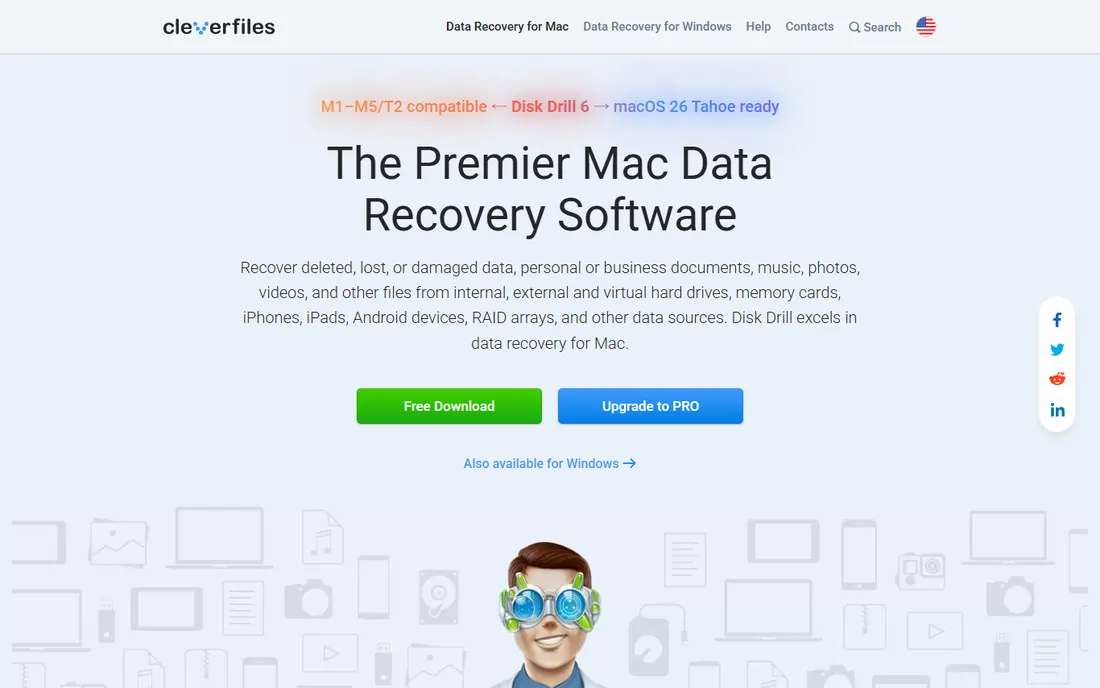
Disk Drill Pro costs $89 once, and you own the current version forever, with lifetime upgrades available for $19 more. That alone separates it from the subscription crowd. It supports three computers, includes byte-to-byte disk imaging, S.M.A.R.T. monitoring and a Recovery Vault, and it is one of the few tools that recovers fragmented video as playable files rather than corrupted fragments.
The free tier is modest: around 100MB on Windows in current builds, enough to verify the tool sees your files. For external hard drive recovery and formatted partitions, the deep scan engine is among the fastest tested. If you want one purchase that covers most scenarios without a subscription, start here.
What we like- One-time purchase, no subscription
- One license covers Windows and Mac
- Rare playable video recovery
Watch out for- Free tier limited (100-500MB)
- Separate licenses per OS is not the case but upgrades cost $19 extra
- Mac and Windows features differ slightly
Starting price$69.95 per month
Free planYes (2GB free)
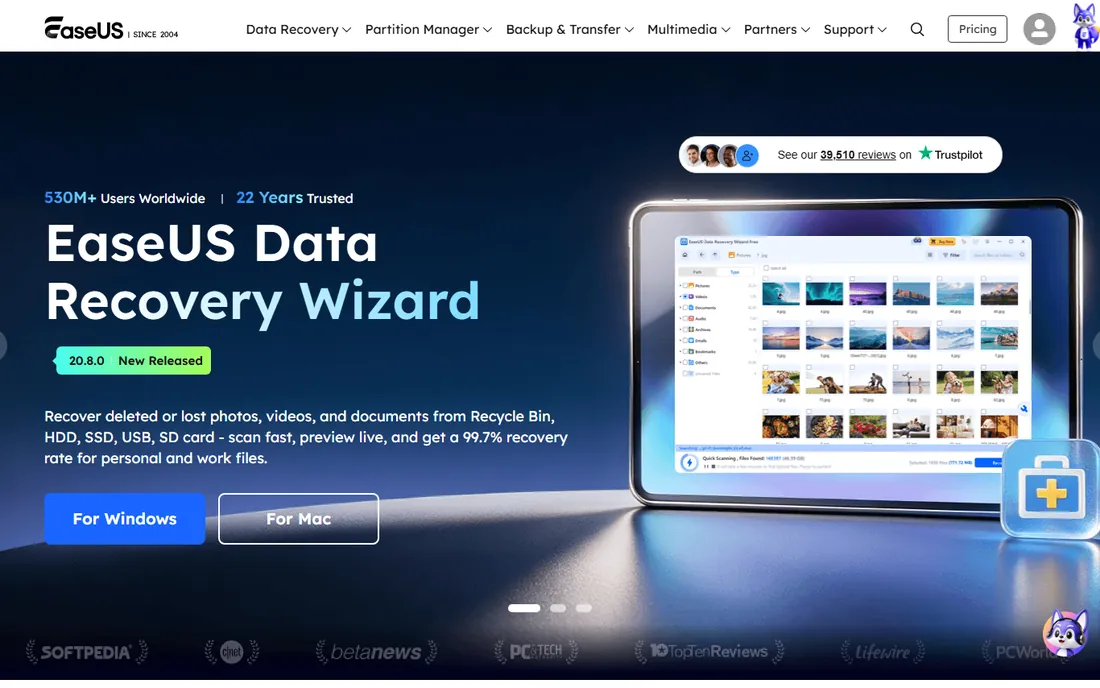
EaseUS is the tool non-technical users actually finish using: a clean wizard, clear scan progress and reliable recovery of deleted files, formatted partitions and lost partitions. The free tier allows 2GB of actual recovery, the most generous among commercial tools, which resolves many small data-loss incidents without paying anything.
The pricing is the catch. At $69.95 for a single month, it costs more for 30 days than Disk Drill costs forever. The $99.95 yearly and $149.95 lifetime plans are the only sensible buys, and even those exceed most rivals. Buy EaseUS when ease of use matters more than price, and buy the lifetime plan.
What we like- Most beginner-friendly interface
- Generous 2GB free recovery
- Solid NTFS and deleted-file recovery
Watch out for- Monthly plan is steep at $69.95
- Most expensive yearly model here
- No disk imaging tools
Starting price$59.99 per year (Standard)
Free planYes (1GB free)
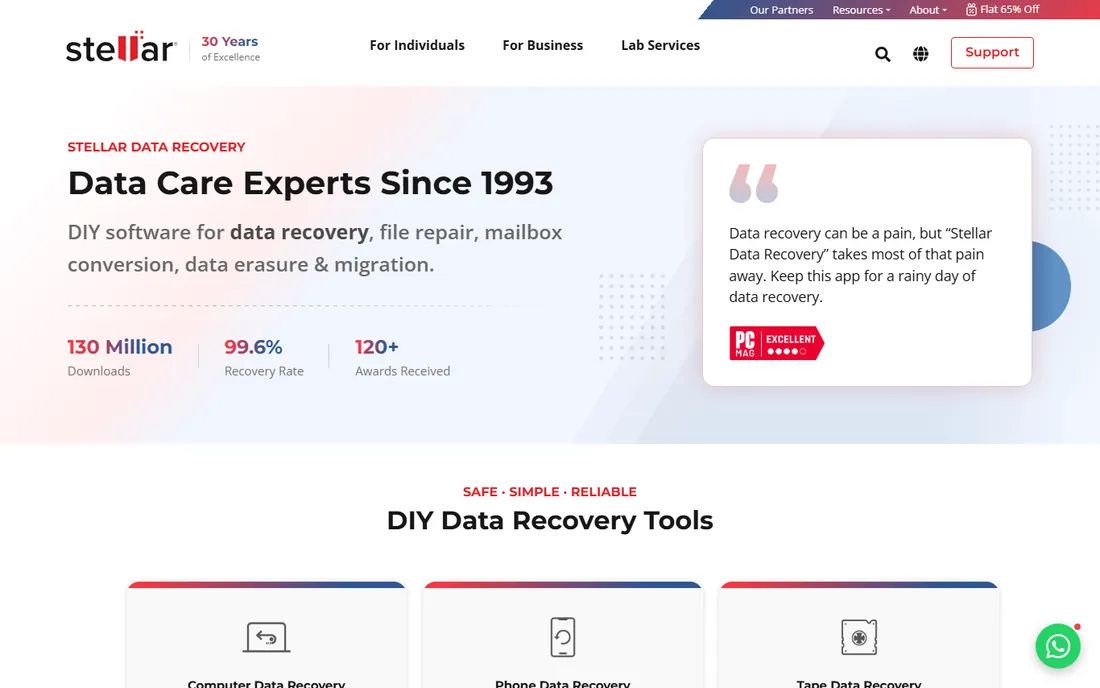
Stellar's strength is media: the Standard edition at $59.99 a year recovers photos, videos and documents with dedicated repair tools for corrupted JPEGs and video files, which matters because recovered media often needs repair to open. The free tier allows 1GB of recovery, and higher tiers add disk cloning and bootable recovery media for unbootable systems.
Scan speeds lag on large drives, and the $89.99 Pro and $149 lifetime tiers climb fast. For the best video recovery software in a polished package, particularly for photographers, Stellar earns its place. For general disk recovery, the value is mid-pack.
What we like- Photo and video repair tools built in
- 1GB free recovery
- Bootable media on higher tiers
Watch out for- Yearly model with no one-time standard option
- Slower on deep scans
- RAID support needs expensive tiers
Starting price$79.99 one-time
Free planFree trial (demo)
R-Studio is the professional's instrument: full RAID 0/1/4/5/6/10 reconstruction, a hex editor, network recovery, custom file signatures and forensic audit logs. When Stellar and EaseUS fail on damaged partitions or complex RAID, technicians reach for R-Studio. The $79.99 one-time license per OS is honest pricing for this depth.
The interface assumes you know what a partition table is, and beginners will feel lost. The demo only recovers files under a megabyte, so evaluation is limited. For IT professionals and anyone facing RAID or severely damaged media, nothing else at this price competes.
What we like- Best RAID reconstruction in the class
- Hex editor and forensic tools
- One-time $79.99 per OS
Watch out for- Dense technical interface
- Separate license per operating system
- Demo only recovers tiny files
Starting price$59.99 per month
Free planYes (100MB free)
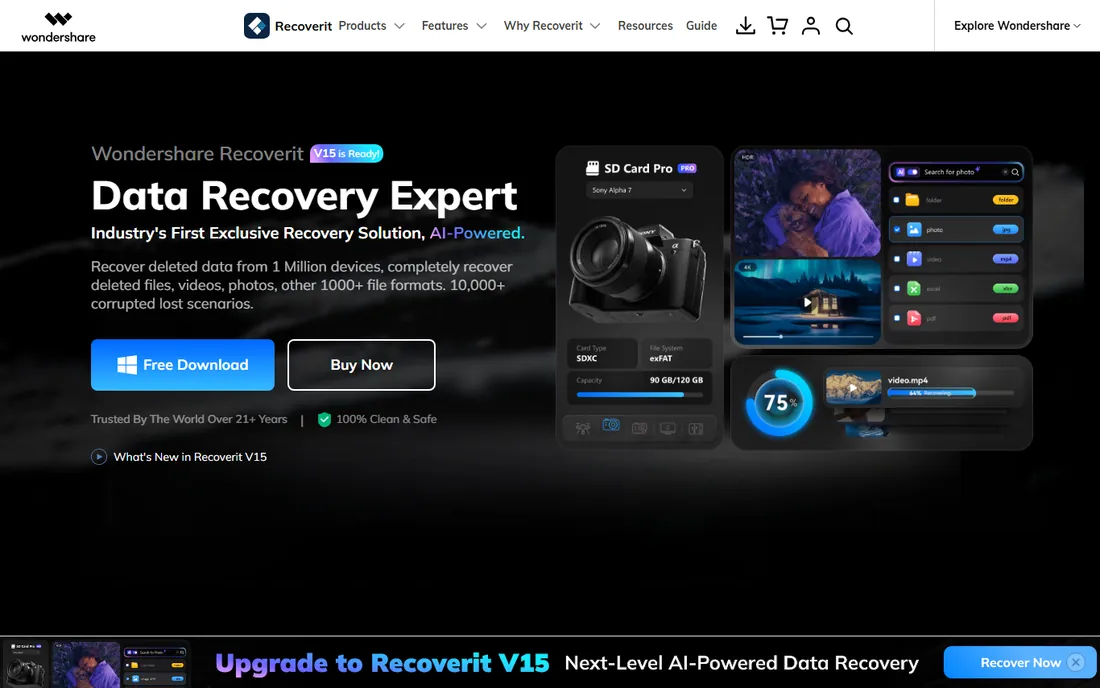
Recoverit positions itself as the media recovery specialist: advanced video recovery, corrupted video repair and support for over a thousand file formats, in a polished interface. Plans run $59.99 a month, $69.99 a year or $119.99 lifetime for Windows. For videographers recovering footage from SD cards, the video-first design shows.
The 100MB free tier is the stingiest here, barely a test. The monthly price rivals EaseUS's excess, and the bootable toolkit sits on pricier tiers. It is a capable tool priced like a premium one; the lifetime plan is the only rational purchase.
What we like- Strong video recovery and repair
- Polished interface
- Supports 1,000+ file formats
Watch out for- Only 100MB free
- Monthly pricing is steep
- Bootable toolkit costs extra
Starting price$69 per month
Free planYes (1GB free)
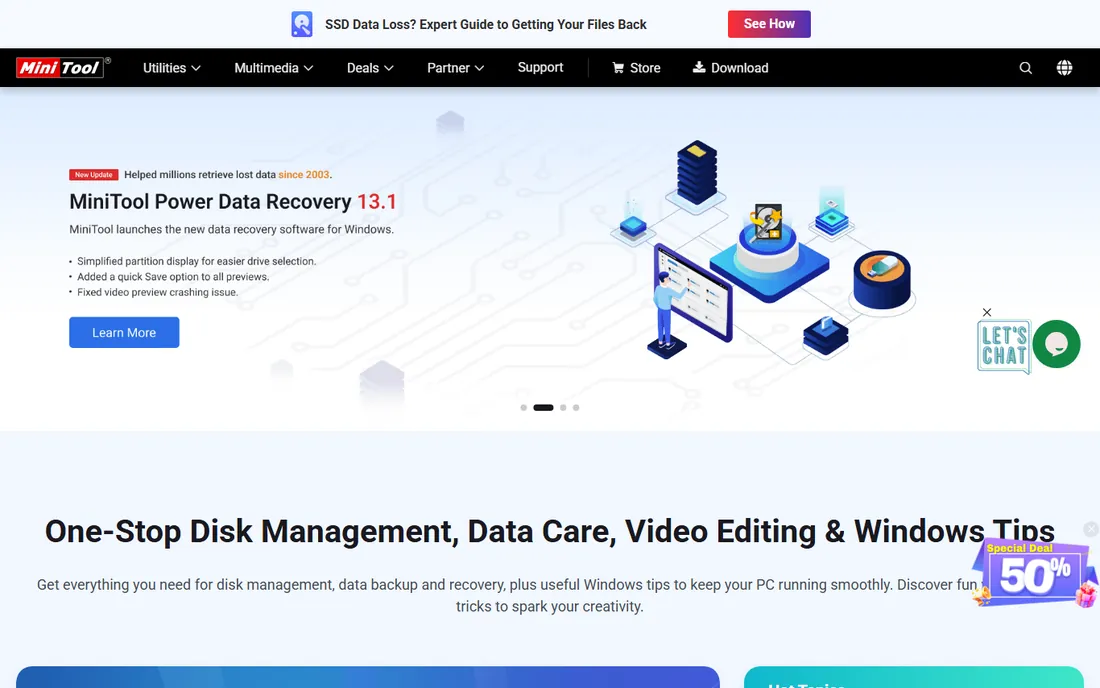
MiniTool gives Windows users honest value: 1GB of free recovery, a $69 monthly, $89 yearly or $99 lifetime plan covering up to 3 PCs, with the WinPE bootable builder included on every tier. For the best disk recovery software on a Windows budget, the lifetime plan at $99 for three computers is hard to argue with.
The interface trails Disk Drill and EaseUS in polish, and Mac users get a thinner deal. Video repair requires a separate MiniTool product. If your world is Windows and your budget is fixed, this is the pragmatic pick.
What we like- 1GB free recovery
- Lifetime plan only $99
- WinPE bootable builder on all licenses
Watch out for- Windows-focused
- Interface less refined
- Video repair is a separate product
Starting price$24.95 per year (Professional)
Free planYes
Recuva's free version is genuinely free with unlimited recovery, which no other commercial tool here matches. It is tiny, fast and simple: point it at a drive, find deleted files, recover them. The $24.95 Professional adds virtual hard drive support, automatic updates and priority support. The secure delete tool is a nice bonus.
The engine is basic. It handles recently deleted files well and badly damaged drives poorly, and it is Windows-only with an interface from another era. For quick recovery of recently deleted files at zero cost, it remains the first thing to try.
What we like- Completely free version with unlimited recovery
- Tiny and fast
- Secure delete tool included
Watch out for- Windows only
- Basic recovery engine
- Struggles with badly damaged drives
- Dated interface
Starting price$79 lifetime
Free planFree trial
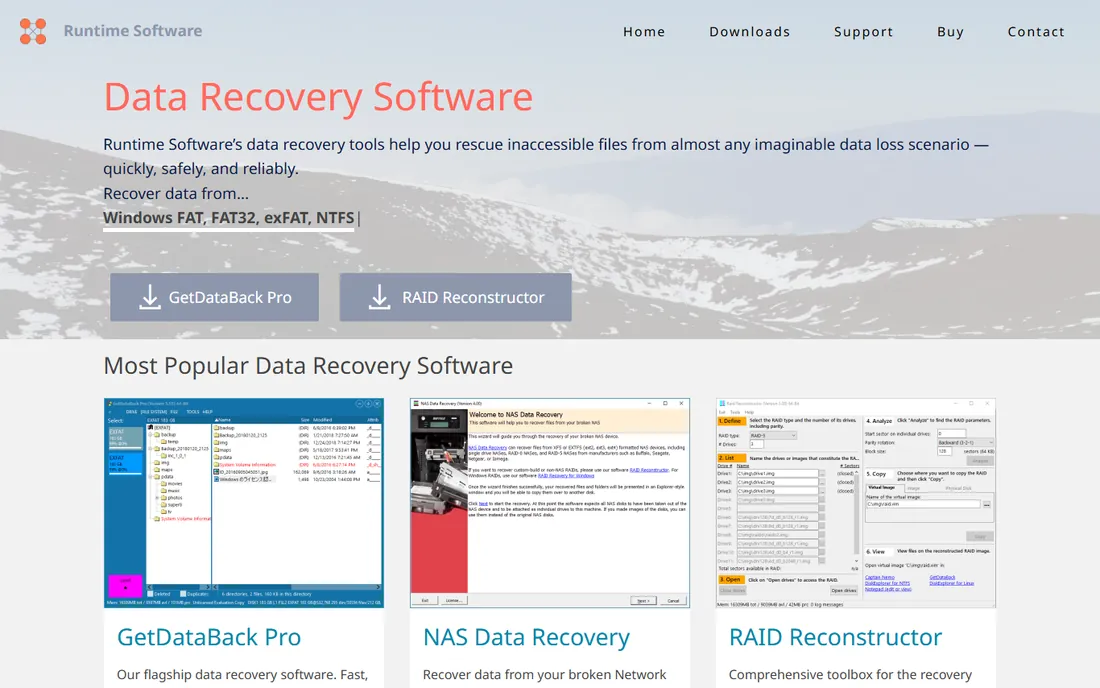
GetDataBack Pro has one legendary skill: recovering data from NTFS volumes, where it is among the fastest and most thorough tools available. The $79 lifetime license is straightforward, and the focus shows in results on formatted or corrupted Windows drives. Technicians keep it in the toolkit for exactly this scenario.
Everything else is minimal: a dated interface, Windows only, no photo repair or disk utilities. It is a specialist, not a suite. When the lost data sits on an NTFS drive and other tools struggle, this is the second opinion that often succeeds.
What we like- Outstanding NTFS recovery
- $79 lifetime license
- Very fast on NTFS volumes
Watch out for- Old-school interface
- Windows only
- Limited extras beyond recovery
Starting priceFree
Free planYes
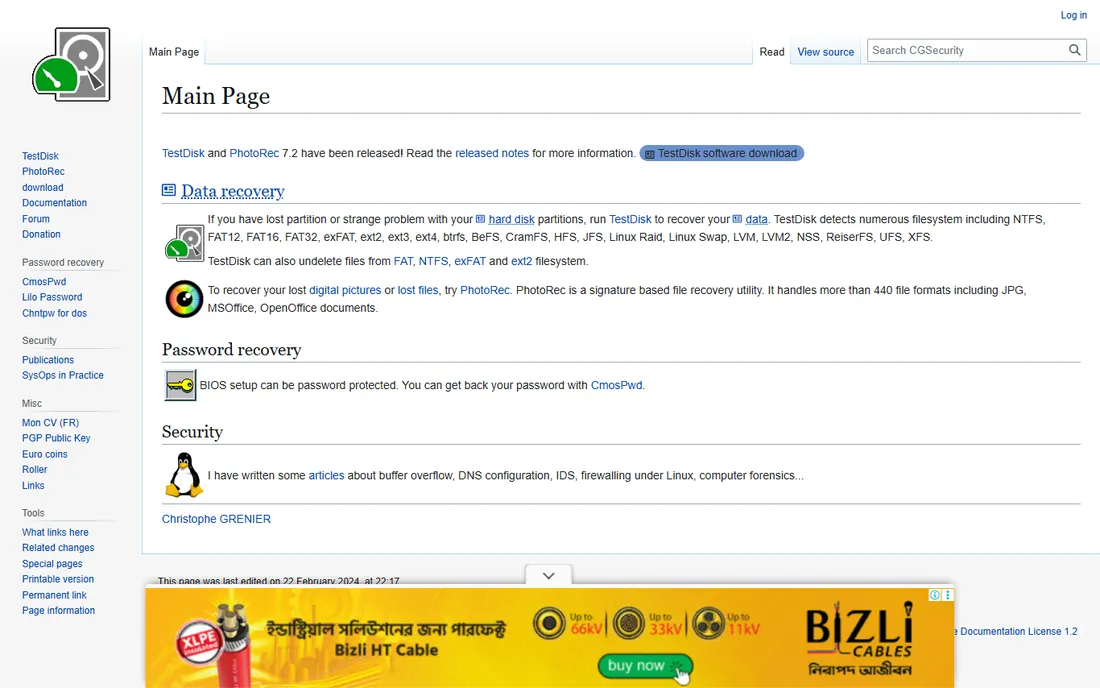
PhotoRec is the free, open-source recovery tool that has saved data for two decades: it ignores file systems and carves files by signature from any media, with the companion TestDisk rebuilding lost partitions. It costs nothing, respects your privacy completely and runs on every major OS. For the technically comfortable, it is remarkably capable.
The price is usability. The command-line interface intimidates non-technical users, recovered files lose their original names and folder structure, and scans are slow. But when commercial tools fail or budgets are zero, PhotoRec deserves its legendary reputation.
What we like- Completely free and open source
- Recovers from many file systems
- Companion TestDisk rebuilds partitions
Watch out for- Command-line interface
- Recovers files without original names
- Slow on large drives
Starting priceFree
Free planYes
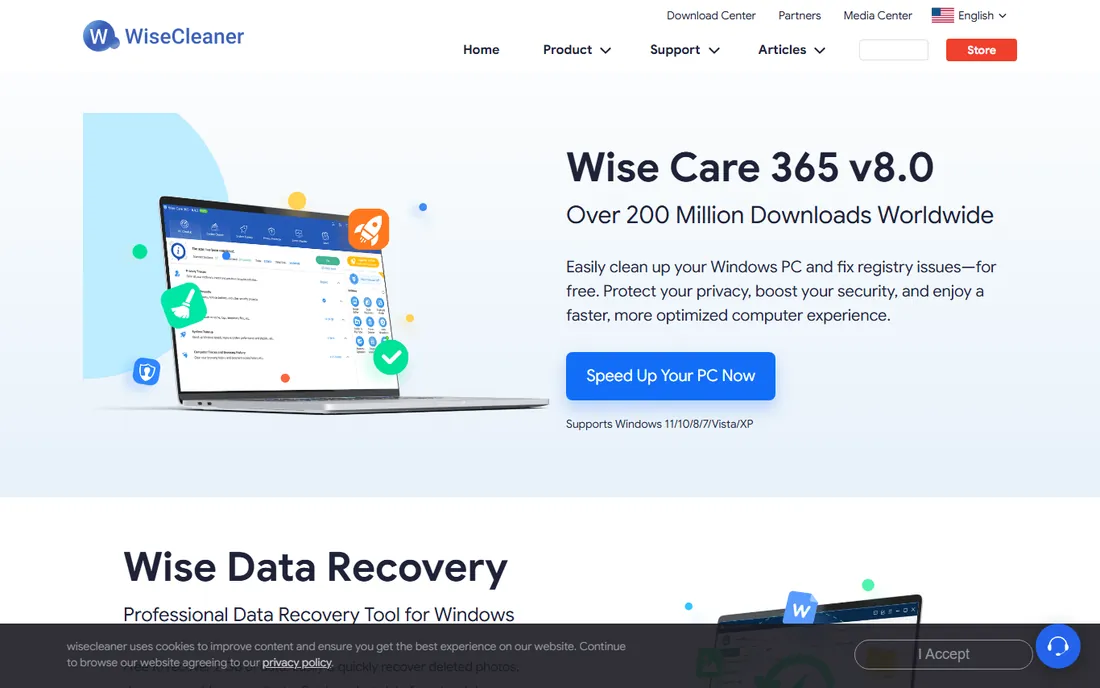
Wise Data Recovery is the lightweight free option: a simple interface, fast scans and a portable version that runs from a USB stick, which matters because you should not install recovery software on the drive you are recovering from. It handles common deletion scenarios competently at zero cost.
Depth is limited compared with the paid tools; badly damaged drives and complex cases need more. But as a free first attempt before spending money, especially run portably, it is a sensible download to keep handy.
What we like- Free with a simple interface
- Fast scans
- Portable version available
Watch out for- Basic recovery depth
- Windows only
- Fewer file systems than rivals
How this shortlist was assembled
This list was built from vendor pricing pages, feature documentation and independent review testing checked in October 2026. Only products available today with genuine data recovery capability were included, spanning commercial suites and free tools. Free recovery limits are stated because they determine what "free" actually means. No hands-on testing was performed and no vendor paid for placement.
What to check before you pay for recovery software
Stop writing to the affected drive immediately. Every new file, every software install, every scan that writes logs risks overwriting the deleted data permanently. Install the recovery tool on a different drive, recover to a different drive, and never recover files back onto the source media. This single rule matters more than which tool you choose.
Then use the free scan before you pay. Every serious tool lets you scan and preview recoverable files free; only pay when you can see your files in the results with intact previews. If the scan finds nothing, no paid license will conjure the data, and the drive likely needs a professional lab.
Matching the tool to the loss
Recently deleted files on a healthy drive need only Recuva or Wise Data Recovery. Formatted partitions and external drives need Disk Drill, EaseUS or Stellar. RAID arrays and severely damaged media need R-Studio or a lab. Photo and video recovery favors Stellar, Disk Drill and Recoverit for their repair features. Buying more tool than the situation needs wastes money; buying less wastes the data.
When to call a professional lab
Software cannot fix hardware. Clicking, grinding or beeping drives, drives not detected by BIOS, and SSDs with controller failure need a clean-room lab, typically $500 to $2,000. Running software scans on a failing drive can destroy what a lab could have saved. If the drive makes abnormal noises or disappears intermittently, stop and call a lab.
The backup lecture you need
Every data recovery purchase is a backup failure with a receipt. A $70 external drive or a $6-a-month cloud backup prevents nearly every scenario on this page. The 3-2-1 rule still stands: three copies of important data, on two different media, with one offsite. Set it up this week, while the scare is fresh.
Recovery software is the ambulance, not the hospital. It works best on recent deletions from healthy drives and worst on old overwrites and failing hardware. The tools here are excellent at their jobs, but none of them beats never needing them. Buy the recovery tool today; buy the backup drive tomorrow.
Frequently asked questions
What is the best data recovery software for PC?
Disk Drill Pro ($89 one-time) is the best overall value for most PC users, with EaseUS Data Recovery Wizard the easiest for beginners and R-Studio the pick for technical cases. All three handle NTFS, formatted drives and external media. Try the free scans first and pay only when you see your files.
Is free data recovery software actually free?
Partially. Recuva, PhotoRec and Wise Data Recovery are genuinely free. Commercial tools offer limited free recovery: EaseUS 2GB, Stellar 1GB, MiniTool 1GB, Disk Drill around 100-500MB. "Free scan, pay to recover" is the standard model; check the free recovery cap before you start.
Can data recovery software recover files from a formatted drive?
Often yes, if the format was quick and little was written afterward. The tools here scan for file signatures independent of the file system. Full formats, TRIM-enabled SSDs and encrypted drives are much harder; overwritten data is unrecoverable by any software.
What is the best external hard drive recovery software?
Disk Drill, EaseUS and Stellar all handle external drives well; connect the drive directly rather than through a hub, and recover to a different drive. For physically damaged externals making noises, skip software entirely and call a professional lab.
How much does professional data recovery cost?
Clean-room labs typically charge $500 to $2,000 depending on damage and drive type, with higher prices for RAID and rush service. Software ($25 to $150) handles logical issues; hardware failure needs the lab. Get a firm quote before authorizing work.
Does data recovery software work on SSDs?
Sometimes. SSDs with TRIM enabled erase deleted blocks quickly, which makes recovery unlikely after any delay. Act immediately, disable the drive, and scan as soon as possible. The sooner after deletion, the better the odds on any media.
Sources we checked (11)
- https://www.digitaltrends.com/computing/disk-drill-pro-review/
- https://www.digitaltrends.com/computing/easeus-data-recovery-wizard-vs-disk-drill/
- https://ratings.7datarecovery.com/easeus-data-recovery-wizard-review/
- https://ratings.7datarecovery.com/stellar-data-recovery-review/
- https://ratings.7datarecovery.com/r-studio-review/
- http://www.cleverfiles.com/howto/stellar-data-recovery-review.html
- https://www.handyrecovery.com/easeus-data-recovery-wizard-review/
- https://www.handyrecovery.com/stellar-data-recovery-alternatives/
- https://www.g2.com/products/stellar-data-recovery-for-windows/pricing
- https://www.pandorarecovery.com/recoverit-vs-minitool/
- https://www.techradar.com/reviews/minitool-power-data-recovery-v87-review
Is your product missing or out of date?
We review this list regularly. Vendors can request a listing, send updated pricing or ask about featured placement.

Shihab Mia · Founder, Rankite
Shihab has spent more than a decade helping SaaS and e-commerce brands grow through search. He writes Rankite's software buying guides from pricing pages, documentation and public user reviews. More about Shihab.
 Disk Drill
 EaseUS Data Recovery Wizard
 Stellar Data Recovery
 R-Studio
 Wondershare Recoverit
 MiniTool Power Data Recovery
 Recuva
 GetDataBack Pro
 PhotoRec
 Wise Data Recovery