How we make this list: we compare pricing pages, product documentation and public user reviews. Rankite is independent; if a vendor ever pays for a featured spot, that listing is clearly labeled Partner.
Key takeaways
- Visual Studio Code (free) remains the default for most developers thanks to its 70,000+ extension ecosystem and free GitHub Copilot tier.
- Cursor (Pro $20/month) is the AI-native IDE to beat for agent-driven development, with a credit-pool model that heavy users should budget carefully.
- Zed (free editor, AI about $10/month) is the performance pick, running natively instead of on Electron at a fraction of Cursor's AI cost.
- JetBrains IntelliJ IDEA Ultimate ($199 first year for individuals) still rules Java and Kotlin work with the deepest language intelligence available.
- Sublime Text ($80 one-time) and Nova ($99) serve developers who will pay once for speed and craftsmanship rather than rent an editor monthly.
Quick comparison
| Tool | Best for | Starting price | Free plan |
|---|
 Visual Studio Code Visual Studio Code | Developers who want the biggest ecosystem for free | Free | Yes |
 Cursor Cursor | Developers who want the most polished AI-agent coding experience | Free; Pro $20/month | Yes (Hobby plan) |
 Zed Zed | Developers who want a fast native editor with cheap AI | Free; AI about $10/month | Yes |
 GitHub Copilot GitHub Copilot | Adding AI to whatever IDE you already use | Free tier; Pro $10/month | Yes (2,000 completions/month) |
 JetBrains IntelliJ IDEA JetBrains IntelliJ IDEA | Java and Kotlin developers who want the deepest IDE intelligence | $199 per year (first year, individual use) | Free trial |
 Sublime Text Sublime Text | Developers who want the fastest editor on modest machines | $80 one-time (personal license) | Free evaluation (fully functional, occasional purchase prompts) |
 Neovim Neovim | Terminal-first developers who customize everything | Free | Yes |
 Nova Nova | Mac developers who want a native editor with publishing built in | $99 (includes one year of updates) | Free trial (30 days) |
 Replit Replit | Building and deploying apps entirely in the browser | Free; Core $20/month | Yes (Starter) |
 Trae Trae | Developers who want AI IDE features for free | Free; Pro $10/month | Yes |
Is your product missing or out of date?
We review this list regularly. Vendors can request a listing, send updated pricing or ask about featured placement.
The best coding software
What changed this year is what an editor is for. The JetBrains 2026 Developer Ecosystem Survey found 90 percent of developers now use AI coding agents weekly and 47 percent of new code is AI-generated. The IDE moved through three phases to get here: autocomplete, then chat panels, and now agentic coding, where tools like Cursor's Composer and JetBrains' Junie plan tasks, edit across many files, run tests and open pull requests while a human reviews.
Vendors reorganized around that reality in 2026. JetBrains launched Air in March as an agentic environment built around agents rather than an editor with agents bolted on. Cursor added parallel agent windows. Windsurf was acquired by Cognition and became Devin Desktop in June. The pattern across all of them: the editor survives as a tool you open when you need it, while agents do the bulk of implementation in the background or cloud.
For buyers, the split is now between editors you control and AI you rent. Traditional editors like VS Code, Zed, Sublime and Neovim cost nothing or a one-time fee; the AI layer is a separate subscription you add. AI-native tools like Cursor and Trae bundle both and meter model usage. The guide below sorts each by who it actually fits.
Starting priceFree
Free planYes
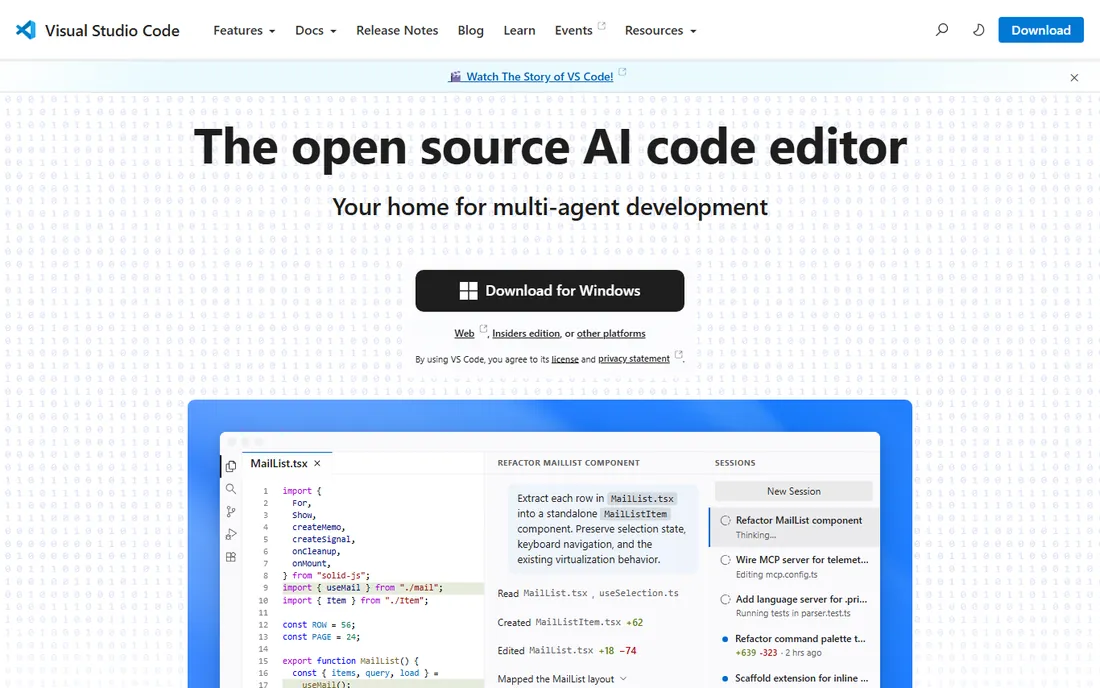
VS Code is the default answer for a reason that has nothing to do with AI: the extension marketplace. Whatever language, framework or cloud you work with, someone has built first-class support, and the remote development story (SSH, containers, WSL) is unmatched for teams whose code lives on servers. Live Share still makes real-time pair programming trivially easy.
The cost story is the cleanest here. The editor is free and open source under the MIT license, and GitHub Copilot now ships a free tier with 2,000 completions a month, with Pro at $10 for unlimited. The honest catch is weight: Electron means each window is effectively a browser instance, and side-by-side benchmarks show it using over 1GB of RAM where native editors use a fraction. On a machine with 8GB of RAM running Docker, that difference is felt. For most developers on most machines, though, the ecosystem wins.
What we like- 70,000+ extensions covering nearly everything
- Excellent remote development via SSH, containers and WSL
- GitHub Copilot drops straight in
Watch out for- Electron-based, heavy on RAM
- Default setup needs extension curation
- AI features depend on a separate subscription
#2
Cursor
Best for: Developers who want the most polished AI-agent coding experience
Visit cursor.com
Starting priceFree; Pro $20/month
Free planYes (Hobby plan)
Cursor started as a VS Code fork and became the reference AI-native IDE. The agent plans and executes across the repository, background agents run in the cloud, and you can pick models from Claude, GPT, Gemini and others rather than being locked to one provider. For cross-file refactors where the agent needs to hold the whole codebase in view, it remains the tool reviewers reach for first.
The pricing needs attention. Since mid-2025, each paid plan includes a monthly credit pool equal to its price: Pro at $20 includes about $20 of model usage, Pro+ at $60 includes about $70, Ultra at $200 includes about $400. Cursor's own guidance says daily agent users should expect $60 to $100 a month, which makes Pro the wrong benchmark for heavy use. Students get a year of Pro free. Choose Cursor if AI does a large share of your coding day; choose Copilot in VS Code if you mostly want completions.
What we like- Best-in-class agent workflows with whole-codebase context
- Model choice across frontier providers
- Cloud agents and automations
Watch out for- Credit-pool pricing punishes heavy agent users
- Daily agent work often needs Pro+ at $60
- Teams pricing climbed in 2026
#3
Zed
Best for: Developers who want a fast native editor with cheap AI
Visit zed.dev
Starting priceFree; AI about $10/month
Free planYes
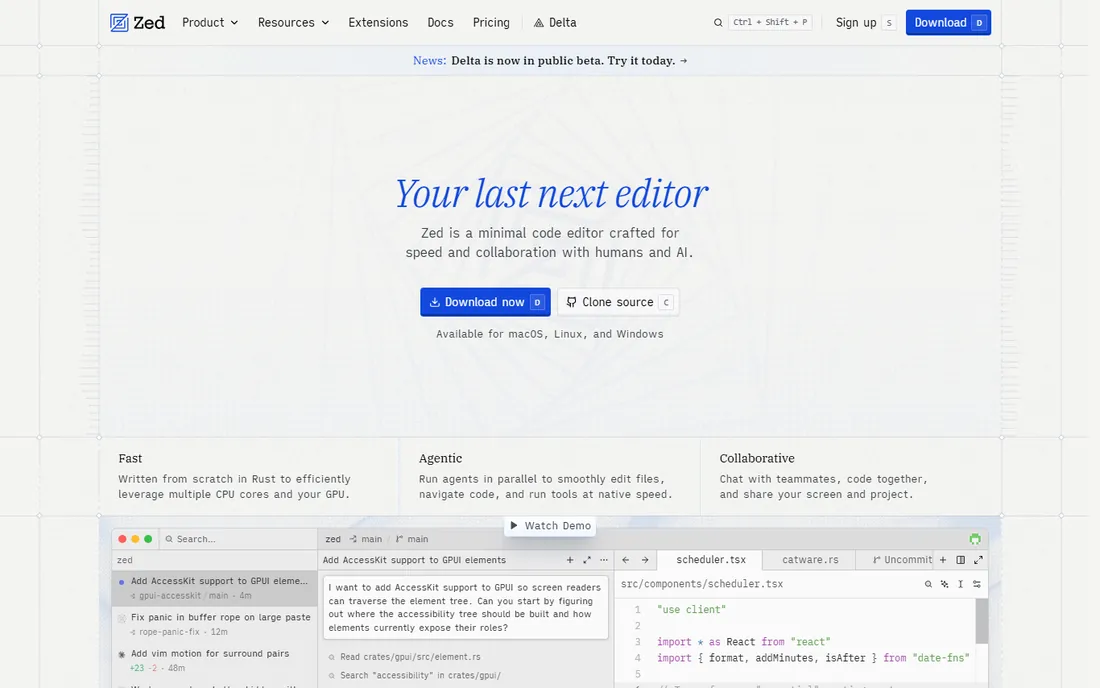
Zed's argument is physics. Built natively instead of on Electron, it opens in a fraction of a second and sips memory where VS Code and Cursor gulp it. For developers on modest hardware or anyone tired of watching an editor index, the difference is immediate and hard to give up. Real-time collaboration is native, not an extension.
The pricing gap is deliberate: the editor itself is free, and the AI add-on runs about $10 a month, a fraction of Cursor's Pro tier. Zed Industries positioned the editor as the product and AI as a value-add, the inverse of Cursor's metered-AI business model. The tradeoff is ecosystem maturity: fewer extensions, less AI depth, and occasional rough edges from a younger platform. If raw speed matters more to you than agent sophistication, Zed is the rational pick.
What we like- Native performance, starts in milliseconds
- Real-time collaboration built in
- AI add-on costs a fraction of Cursor
Watch out for- Smaller extension ecosystem
- AI depth trails Cursor
- Newer platform with less polish in places
#4
GitHub Copilot
Best for: Adding AI to whatever IDE you already use
Visit github.com
Starting priceFree tier; Pro $10/month
Free planYes (2,000 completions/month)
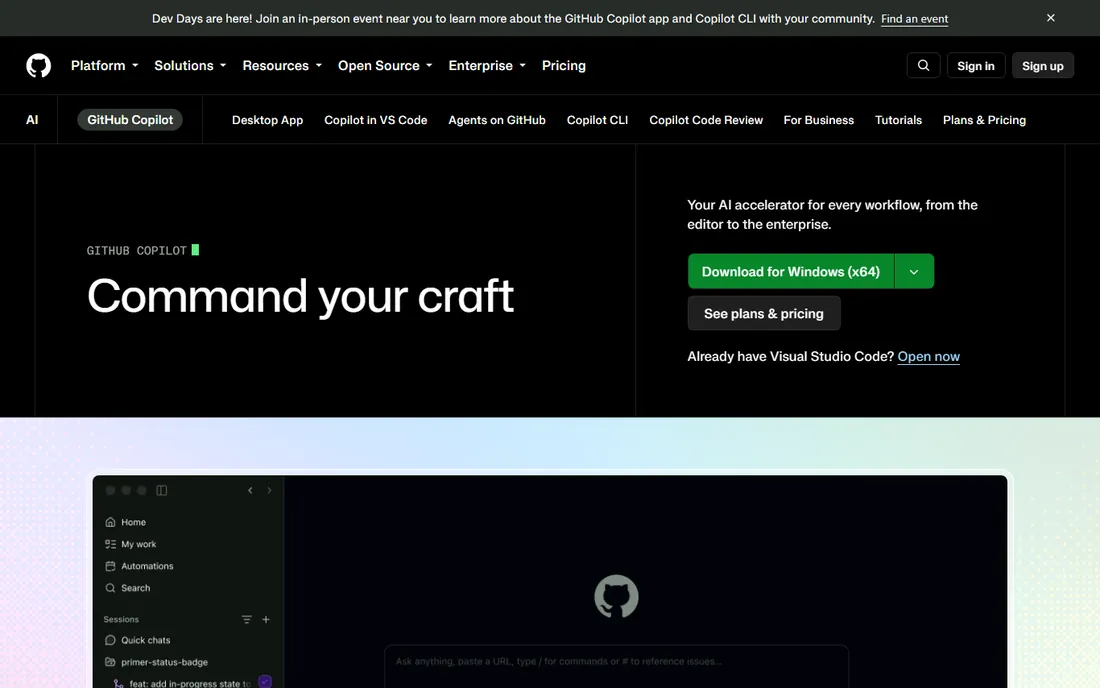
Copilot is the AI layer rather than the editor, and that is its strength. It drops into VS Code, Visual Studio, JetBrains IDEs, Neovim and Xcode, so you keep your workflow and add completions, chat and an agent mode that understands described tasks and edits multiple files. The free tier's 2,000 completions a month covers light use, and Pro at $10 a month is the cheapest serious AI coding subscription available.
Against Cursor, Copilot wins on price and IDE freedom but loses on agent depth: Cursor's whole-codebase agents handle bigger refactors better. Against doing nothing, Copilot is the easiest productivity upgrade in software. It suits developers who like their editor and just want the AI assistance, and teams that need to standardize AI tooling across different editors without forcing everyone onto one.
What we like- Works in VS Code, JetBrains, Neovim and more
- Cheapest capable AI coding subscription
- Agent mode handles scoped tasks
Watch out for- Not a full agent platform like Cursor
- Model access tiers gate frontier models
- Still needs review for subtle bugs
#5
JetBrains IntelliJ IDEA
Best for: Java and Kotlin developers who want the deepest IDE intelligence
Visit jetbrains.com
Starting price$199 per year (first year, individual use)
Free planFree trial
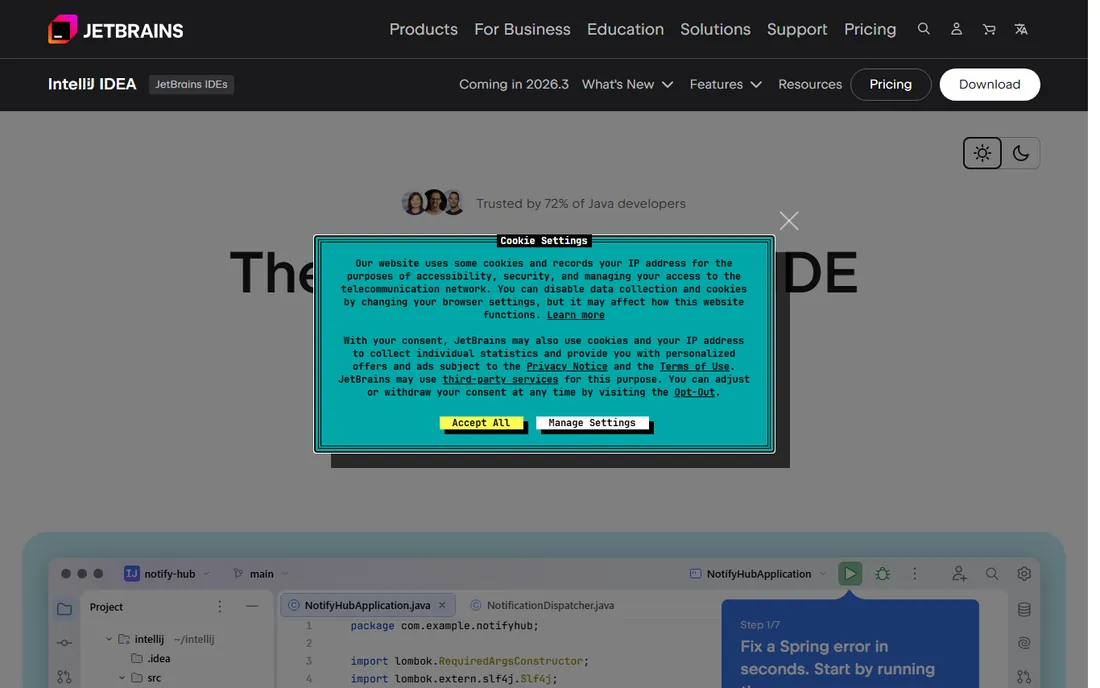
IntelliJ IDEA Ultimate remains the gold standard for JVM development. Its static analysis, refactoring tools and framework support are deeper than anything in the free-editor world, and for large Java or Kotlin codebases that depth pays for itself in avoided bugs. Individual pricing is $199 for the first year, dropping to $159 in year two and $119 from year three, and every annual subscription includes a perpetual fallback license, so you keep the last version if you stop paying.
JetBrains responded to the agent era with Junie, its coding agent, and the AI Free, Pro ($10/month) and Ultimate ($30/month) tiers, plus the Air agentic environment launched in 2026. The honest complaint is the double subscription: IDE license plus AI subscription stacks up fast next to Cursor's single $20. If you live in IntelliJ and need semantic AI that understands your codebase, the JetBrains AI Pro add-on is the natural choice. If you want affordable unlimited agent usage, Cursor wins on price.
What we like- Unmatched Java and Kotlin refactoring and analysis
- Perpetual fallback license
- JetBrains AI with Junie agent available
Watch out for- Expensive compared with free editors
- AI is a separate subscription on top
- Heavy on system resources
Starting price$80 one-time (personal license)
Free planFree evaluation (fully functional, occasional purchase prompts)
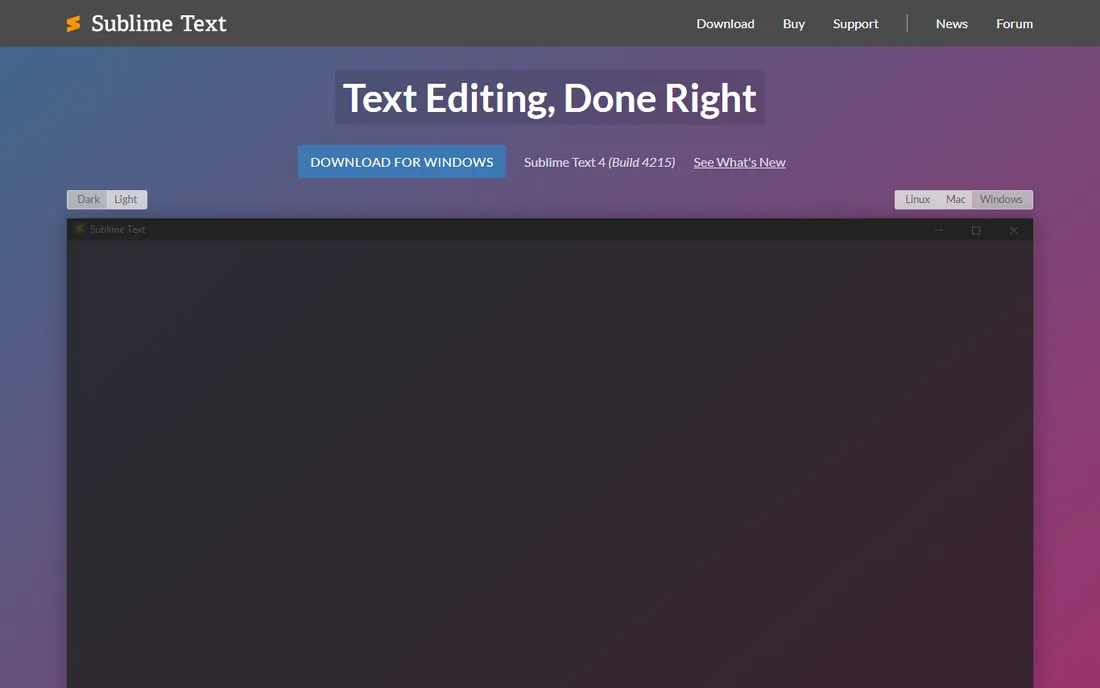
Sublime Text is the performance purist's editor. The C++ core starts in under a second and idles under 200MB of RAM, which makes it the right call on an 8GB machine running a browser, a server and Docker at once. Goto Anything navigation and multi-cursor editing remain best in class for fast text manipulation.
The pricing model is the appeal: $80 once for a personal license, no subscription, and the evaluation version is fully functional indefinitely with only occasional purchase prompts. What you give up is the modern IDE package: no built-in terminal, no native Git, no remote development, no Live Share equivalent. You assemble all of that from packages. Sublime suits developers who want a blazing text editor and are happy to build their own toolchain around it.
What we like- Near-instant startup and tiny memory footprint
- One-time payment, no subscription
- Excellent multi-cursor editing
Watch out for- Minimal out of the box, you assemble your own setup
- No native remote development
- Smaller package ecosystem
#7
Neovim
Best for: Terminal-first developers who customize everything
Visit neovim.io
Starting priceFree
Free planYes
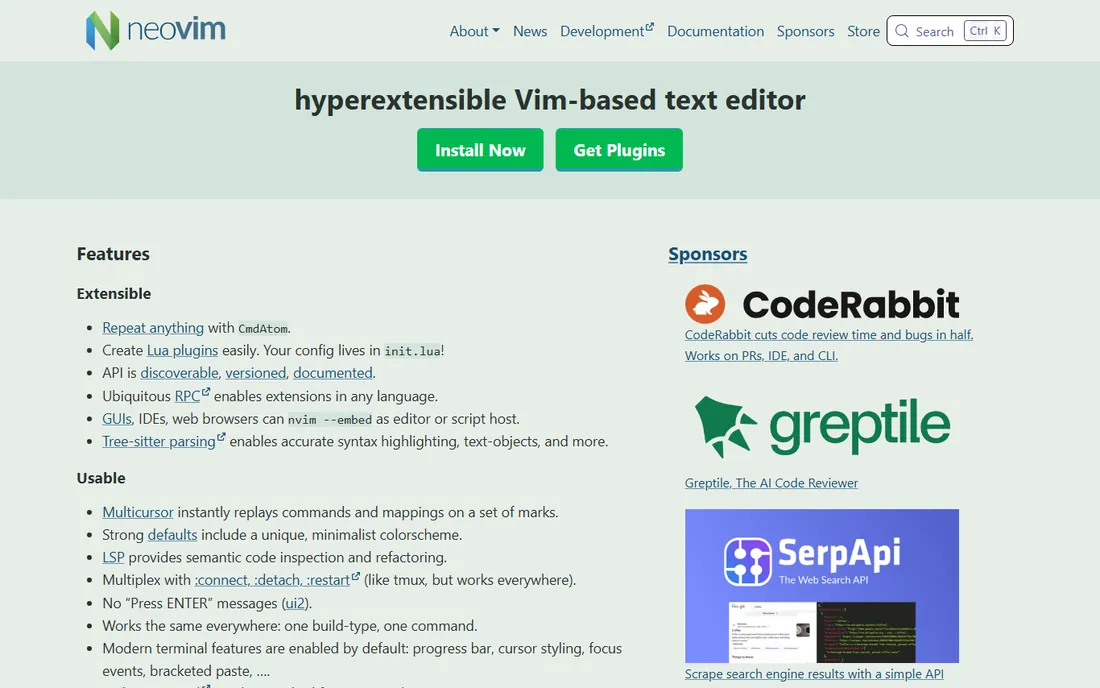
Neovim is the editor for people who live in the terminal. It starts instantly, runs over SSH on any server, and its Lua configuration system lets you build exactly the environment you want from a rich plugin ecosystem covering LSP, debugging, fuzzy finding and Git. For remote-first developers, nothing beats editing code on the machine where it runs.
The cost is time. Out of the box Neovim is a text editor, not an IDE; you assemble language servers, completions and debuggers yourself, and the modal editing model takes weeks to internalize. AI assistance arrives through plugins rather than a product, so expect DIY. The payoff is an editor that is entirely yours, costs nothing and never changes its business model. Developers who switch rarely switch back.
What we like- Completely free and open source
- Runs anywhere, including over SSH
- Deep Lua-based customization
Watch out for- Steep learning curve
- You build your own IDE from plugins
- AI integration is DIY
#8
Nova
Best for: Mac developers who want a native editor with publishing built in
Visit nova.app
Starting price$99 (includes one year of updates)
Free planFree trial (30 days)
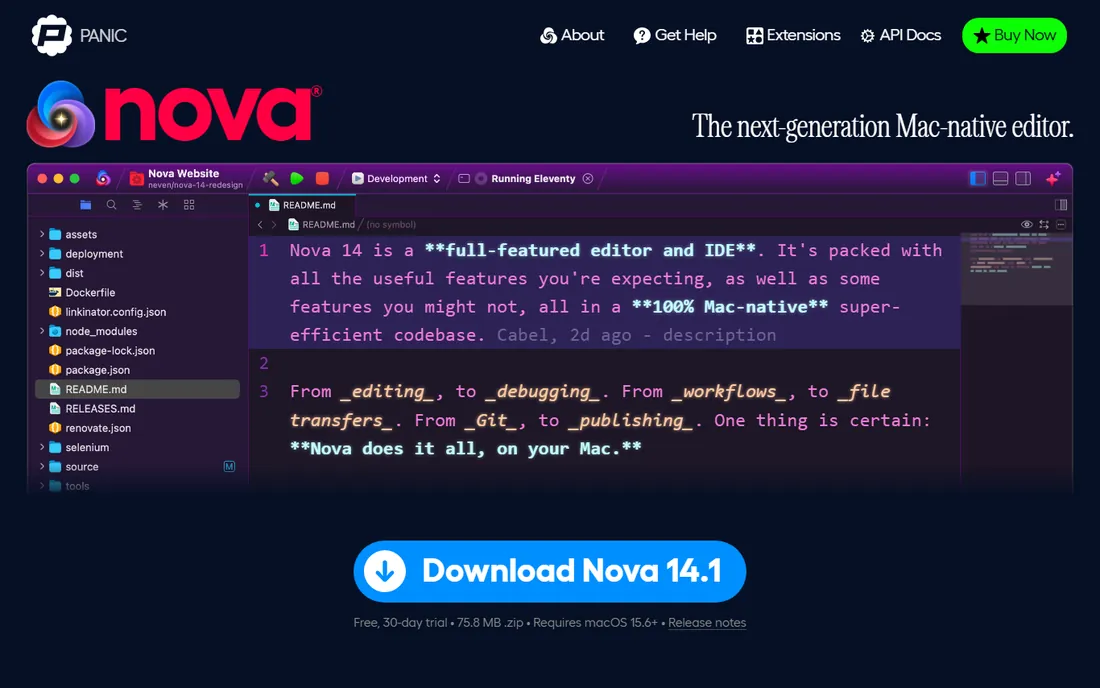
Nova is Panic's love letter to Mac web development. It is fully native, fast and carefully designed, with built-in Git, a terminal and Transmit-style remote publishing that lets you push to servers without leaving the editor. For freelance web developers deploying to shared hosting or VPS setups, that built-in publishing flow is a genuine differentiator.
The price is $99, which includes a year of updates, then $49 a year to keep receiving them, with a 30-day free trial to decide. It is macOS only, and the extension library cannot touch VS Code's 70,000. Nova suits developers who value craftsmanship and the Mac-native feel over ecosystem breadth, and who would rather pay once than subscribe. If you need Windows or Linux, it is not an option.
What we like- Beautiful native Mac experience
- Built-in Git, terminal and remote publishing
- One-time purchase model
Watch out for- MacOS only
- $49/year for updates after the first year
- Smaller extension library than VS Code
#9
Replit
Best for: Building and deploying apps entirely in the browser
Visit replit.com
Starting priceFree; Core $20/month
Free planYes (Starter)
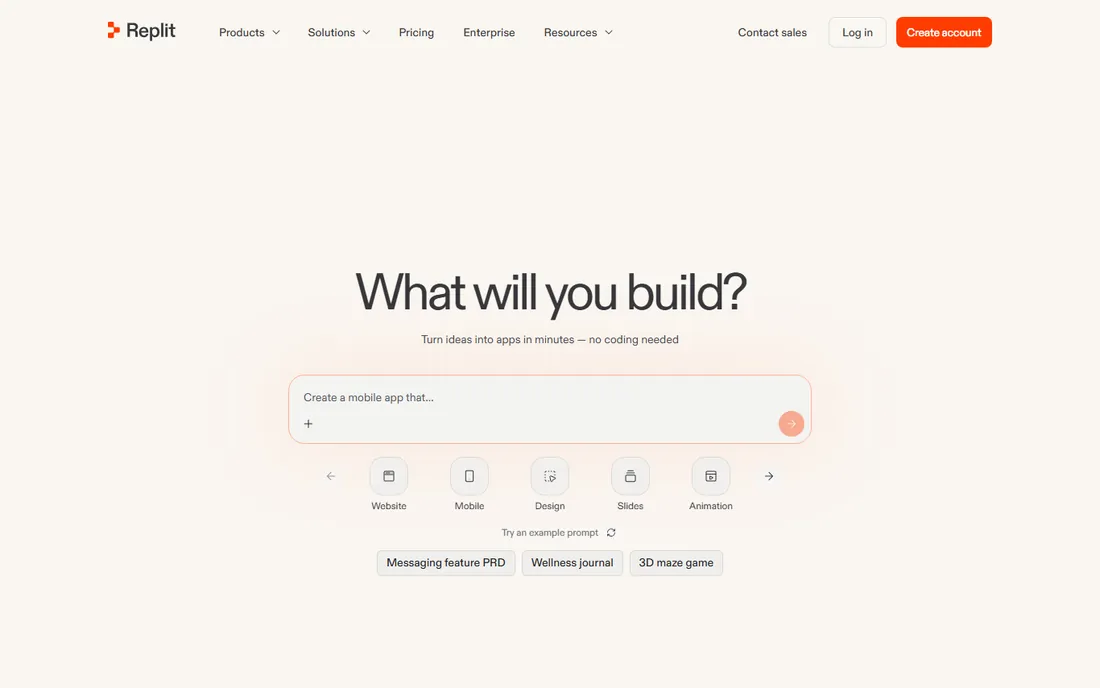
Replit collapsed the whole stack into the browser: an AI agent that builds the app, a full IDE, and deployment hosting in one account. It runs real server code across 50+ languages, handles databases and persistent processes, and publishes to .replit.app domains. For prototypes, side projects, Discord bots and data pipelines, it removes every setup step between idea and running code.
The pricing changed in February 2026 and rewards careful reading. Core is $20 a month ($18 annual) and includes $20 of usage credits; Pro is $100 with $100 of credits. The subscription buys a credit pool that agent usage, compute and deployments all draw from, and heavy building can push real bills well past the plan price. At $20 a month with hosting included, it is fair value for building one product; at scale, the credit math usually loses to owning your own infrastructure.
What we like- Full IDE, AI agent and hosting in one browser tab
- Runs 50+ languages with real server code
- No local setup
Watch out for- Credit-based pricing gets expensive at scale
- Agent can burn credits in loops
- Cost unpredictability frustrates builders
#10
Trae
Best for: Developers who want AI IDE features for free
Visit trae.ai
Starting priceFree; Pro $10/month
Free planYes

Trae is ByteDance's AI-native IDE, and its headline is the price: a genuinely free tier with access to top-tier models, with paid plans starting around $10 a month. The Builder mode breaks prompts into implementation tasks, generates multi-file diffs and asks permission before terminal commands, closely mirroring Cursor's Composer. For students, hobbyists and side projects, the value is unmatched.
The caveat is data. Prompts and code context flow through ByteDance infrastructure, and researchers have flagged telemetry behavior, so commercial teams should clear it with their security policy before installing, especially where employers restrict ByteDance software. Model routing can also be inconsistent on the free tier. Treat Trae as the unbeatable free option for personal work and a careful, policy-checked choice for anything commercial.
What we like- Free tier with frontier-model access
- Builder mode mirrors Cursor's agent
- Very low paid entry
Watch out for- ByteDance ownership raises data questions for commercial work
- No Linux support
- Model quality can be inconsistent
Which type of coding software fits you
Start from how you work. If you want one free editor that does everything and you will add AI on top, VS Code plus Copilot is the default for good reason. If AI agents do a large share of your coding, Cursor or Trae are built for that workflow, with Zed as the faster, cheaper middle ground. If you work in Java or Kotlin professionally, IntelliJ IDEA's depth is worth the license. Terminal dwellers should look at Neovim; Mac web developers at Nova; browser-only builders at Replit; and anyone on a weak machine at Sublime Text or Zed. Match the editor to your language, your hardware and how much of your day is agent-driven.
How this list was put together
No lab testing sits behind this list, and it claims none. We compared vendor pricing pages and official documentation, checked feature lists against current product pages, and cross-checked developer sentiment on Reddit, Hacker News and review sites. Prices reflect each vendor's own published plans as verified in 2026, with annual billing noted where it changes the number. Products that no longer exist as listed, like Windsurf after its acquisition by Cognition, were excluded. The shortlist mixes traditional editors and AI-native IDEs because working developers now use both, sometimes in the same day.
The real cost is the AI, not the editor
Editors have never been cheaper: five of the ten tools here are free, and the paid ones are mostly one-time purchases or modest subscriptions. The money now goes to the AI layer. Cursor's credit pool, Replit's usage credits and Copilot's seat price are where budgets actually move, and heavy agent use can cost $60 to $200 a month on top of any editor. Before committing, estimate your real agent usage: occasional completions stay cheap, while all-day agent coding belongs on a higher tier. The cheapest stack in 2026 is a free editor with a free AI tier, and it is genuinely good enough for most developers.
Frequently asked questions
Should I switch from VS Code to Cursor?
Only if AI agents do a meaningful share of your work. Cursor's agent handles cross-file refactors and background tasks better than Copilot inside VS Code, but it costs $20 a month plus credit overages while Copilot Pro is $10. If you mostly want completions and occasional chat, stay on VS Code. If you delegate whole features to an agent daily, Cursor earns its price.
Is a paid IDE worth it when VS Code is free?
For most developers, no, and that is why VS Code dominates. Paid IDEs earn their price in specific niches: IntelliJ IDEA for JVM languages, where its analysis prevents real bugs, and Nova for Mac developers who value the native experience. The free editors plus a $10 AI subscription cover the vast majority of professional work in 2026.
What is the difference between an AI editor and a coding agent?
An AI editor like Cursor puts agent capabilities inside the editing surface: chat, completions and multi-file edits in one window. A coding agent like the terminal-based tools runs autonomously, executing commands and tests on its own. The line is blurring, since editors now launch background agents, but the practical difference is where the agent lives and how much supervision it needs.
Can I use these tools for commercial work safely?
Yes, with attention to data policies. Paid plans from Cursor, GitHub and JetBrains offer privacy modes and clearer data-handling terms. Trae routes code through ByteDance infrastructure, which some employers restrict, so check your company's policy first. For regulated industries, verify SOC 2 status and zero-data-retention options before connecting private repositories.
Do I need to learn Vim or Neovim?
No, and most developers should not start there. Neovim pays off for terminal-heavy workflows and remote server work, but the learning curve is measured in weeks. VS Code or Zed with standard keybindings will make you productive immediately. Learn modal editing only if the terminal is genuinely your home.
How much should I budget for AI coding tools per month?
Light use costs $0 to $10 a month on free tiers or Copilot Pro. Regular agent-assisted development runs $20 to $60 on Cursor Pro or Pro+. Heavy all-day agent use lands at $100 to $200 on higher tiers. Start on the cheapest plan that covers your workflow and upgrade when you hit the credit wall, not before.
Sources we checked (19)
- https://code.visualstudio.com
- https://cursor.com/pricing
- https://zed.dev
- https://github.com/features/copilot
- https://www.jetbrains.com/idea/buy/
- https://www.sublimetext.com/buy
- https://neovim.dev
- https://nova.app
- https://replit.com/pricing
- https://www.trae.ai/pricing
- https://autonainews.com/jetbrains-90-of-developers-use-ai-agents-47-of-code-is-ai-generated/
- https://itsonmedia.com/blog/best-ides-software-and-ai-coding-tools/
- https://dev.to/gabrielanhaia/the-editor-first-ide-is-dead-your-next-ide-is-a-control-tower-41h1
- https://spectrumailab.com/blog/ai-coding-tools-pricing-compared-2026
- https://dev.to/rahulxsingh/cursor-pricing-in-2026-hobby-pro-pro-ultra-teams-and-enterprise-plans-explained-4b89
- https://tech-insider.org/vs-code-vs-cursor-vs-zed-2026/
- https://aialleyway.com/replit-pricing/
- https://thesoftwarescout.com/vs-code-vs-sublime-text-2026-which-code-editor-should-you-use/
- https://tms-outsource.com/blog/posts/what-is-sublime-text/
Is your product missing or out of date?
We review this list regularly. Vendors can request a listing, send updated pricing or ask about featured placement.

Shihab Mia · Founder, Rankite
Shihab has spent more than a decade helping SaaS and e-commerce brands grow through search. He writes Rankite's software buying guides from pricing pages, documentation and public user reviews. More about Shihab.