How we make this list: we compare pricing pages, product documentation and public user reviews. Rankite is independent; if a vendor ever pays for a featured spot, that listing is clearly labeled Partner.
Key takeaways
- Bubble (Starter $29/month) is the full-product builder: database, workflows and hosting in one, with the steepest learning curve to match.
- Glide ($25/month) is the fastest path from a spreadsheet to a working internal app; Adalo ($36/month) is the flat-priced pick for real native mobile apps.
- FlutterFlow ($39/month) and Draftbit ($12/month) offer code export, so you are never locked in; Bravo Studio ($22/month) turns Figma designs into native apps.
- Thunkable ($19/month) is the budget native builder; Softr and Bildr could not have prices verified on their own pages, so confirm before budgeting.
Quick comparison
| Tool | Best for | Starting price | Free plan |
|---|
 Bubble Bubble | Non-technical founders and SMBs building full products | $29/month (Starter web, billed annually; $32 billed monthly) | Yes (free plan for building; 2-week trial of paid features) |
 Glide Glide | SMB teams building internal business apps fast | $25/month (Basic) | Yes (Free $0/month with limited credits) |
 Adalo Adalo | Founders and SMBs needing native mobile apps at predictable pricing | $36/month (Starter, billed annually; monthly costs 20% more) | Yes (free forever: unlimited test apps, 500 records per app) |
 Softr Softr | SMBs building internal tools, client portals and directories on data sources | See website | See website |
 FlutterFlow FlutterFlow | SMBs and teams wanting native apps with code ownership | $39/month (Basic; annual billing saves about 25%) | Yes (Free $0: build and test, 2 projects) |
 Thunkable Thunkable | SMBs and learners building simple native mobile apps on a budget | $19/month (Accelerator, billed monthly; publishing from Builder $59/month) | Yes (3 public projects, 5 screens per project) |
 Draftbit Draftbit | Technical SMBs wanting AI speed with real code ownership | $12/month (Standard) | Yes (free forever: 5,000 one-time credits, visual editor, built-in Supabase backend) |
 Bravo Studio Bravo Studio | Designers and SMBs who design in Figma and want native apps | $22/month (Solo, billed monthly) | Yes (Starter free forever: phone preview, basic API, no store builds) |
 Bildr Bildr | Technical builders wanting visual logic depth for complex web apps | See website | See website |
Is your product missing or out of date?
We review this list regularly. Vendors can request a listing, send updated pricing or ask about featured placement.
The best no code app builder
The no-code market hit an inflection point: AI now generates the first draft of your app, and the builder you choose decides what happens next. Some platforms keep you in their walled garden forever; others hand you the source code. The right pick depends on what you are building: an internal tool for your team, a native mobile app for customers, or a full product you plan to scale. These nine builders cover the real options, with the lock-in question answered for each.
#1
Bubble
Best for: Non-technical founders and SMBs building full products
Visit bubble.io
Starting price$29/month (Starter web, billed annually; $32 billed monthly)
Free planYes (free plan for building; 2-week trial of paid features)
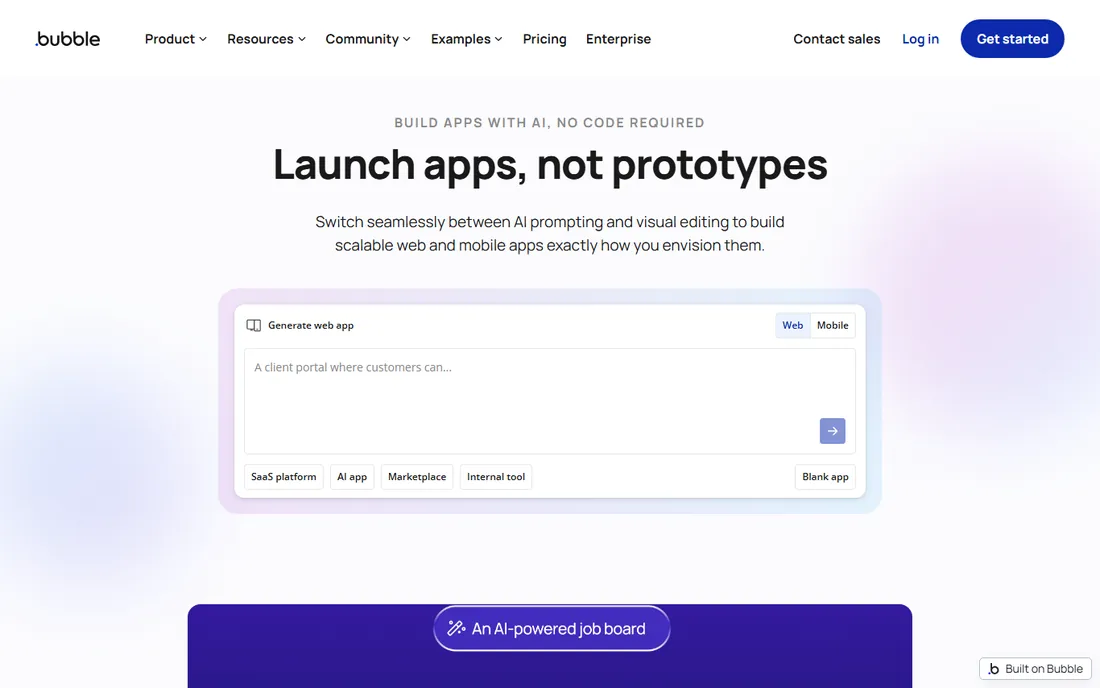
Bubble is the closest no-code comes to real software development: a visual programming environment with a real database, real workflow logic, hosting, and security, all in one subscription. The AI agent generates the first version while keeping every workflow and data type visible and editable, which matters when the AI gets something wrong. One shared backend can serve web, iOS and Android apps.
The costs are learning curve and lock-in. Bubble takes weeks to learn properly, there is no source-code export, and Workload Unit metering can surprise you as usage grows: Starter at $29/month annual covers small apps, but Growth ($119/month) and Team ($349/month) arrive fast with traction. The free plan builds and tests but cannot deploy live or use a custom domain. It fits founders building real products who accept the platform as their stack.
What we like- Full-stack visual development: database, workflows, hosting and security in one platform
- AI agent generates apps with every workflow visible and editable
- One backend serves web, iOS and Android
Watch out for- Steepest learning curve here
- No source-code export
- Usage metered via Workload Units with possible overages
Starting price$25/month (Basic)
Free planYes (Free $0/month with limited credits)
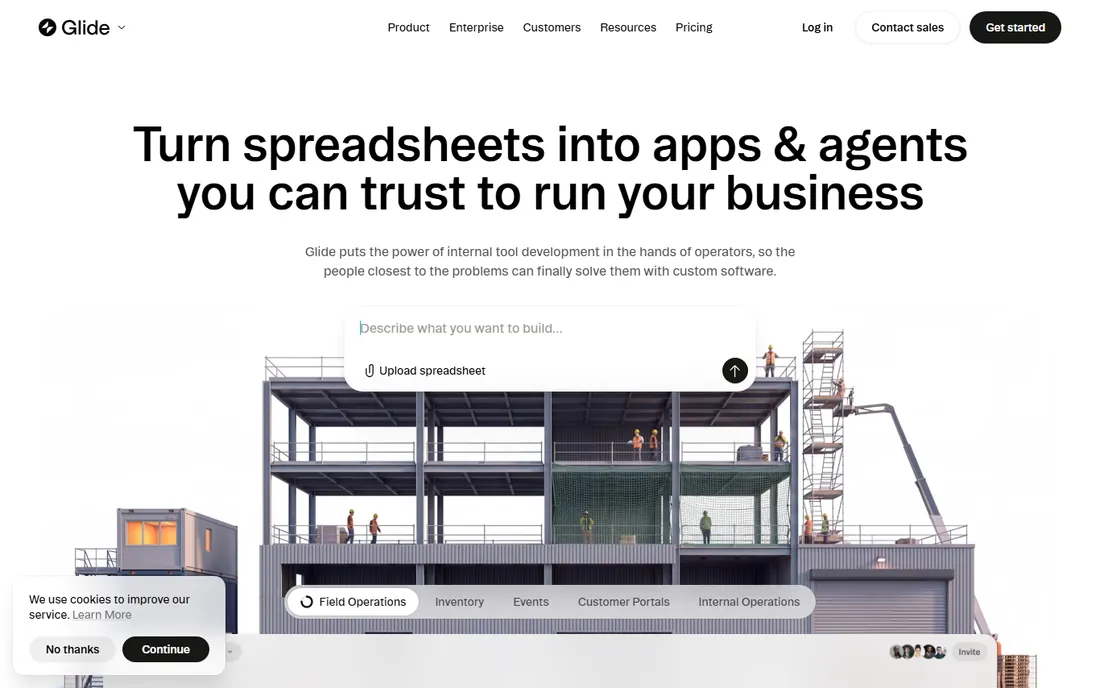
Glide wins on speed: connect a Google Sheet, Excel file or Airtable base and get a working internal app in minutes, not days. AI credits are included on every plan, even Free, and the compliance posture (SOC 2 Type 1, GDPR, CCPA, AES-256) suits business data. Plans run Basic $25/month, Plus $50, Pro $125, with Enterprise custom.
The platform split is the thing to know: GlideOS is a separate product from Glide Classic, with separate subscriptions and no migration tool. Make sure you are building on the current platform. Credit metering means heavy AI use adds cost. It fits operations teams turning spreadsheets into tools: inventory trackers, field apps, internal dashboards. For customer-facing native apps, look at Adalo or FlutterFlow.
What we like- Fastest path from a spreadsheet, prompt or file to a working app
- AI credit allowances on every plan including Free
- SOC 2 Type 1, GDPR and CCPA compliance
Watch out for- GlideOS and Glide Classic are separate products with no migration between them
- AI usage is credit-metered
#3
Adalo
Best for: Founders and SMBs needing native mobile apps at predictable pricing
Visit adalo.com
Starting price$36/month (Starter, billed annually; monthly costs 20% more)
Free planYes (free forever: unlimited test apps, 500 records per app)
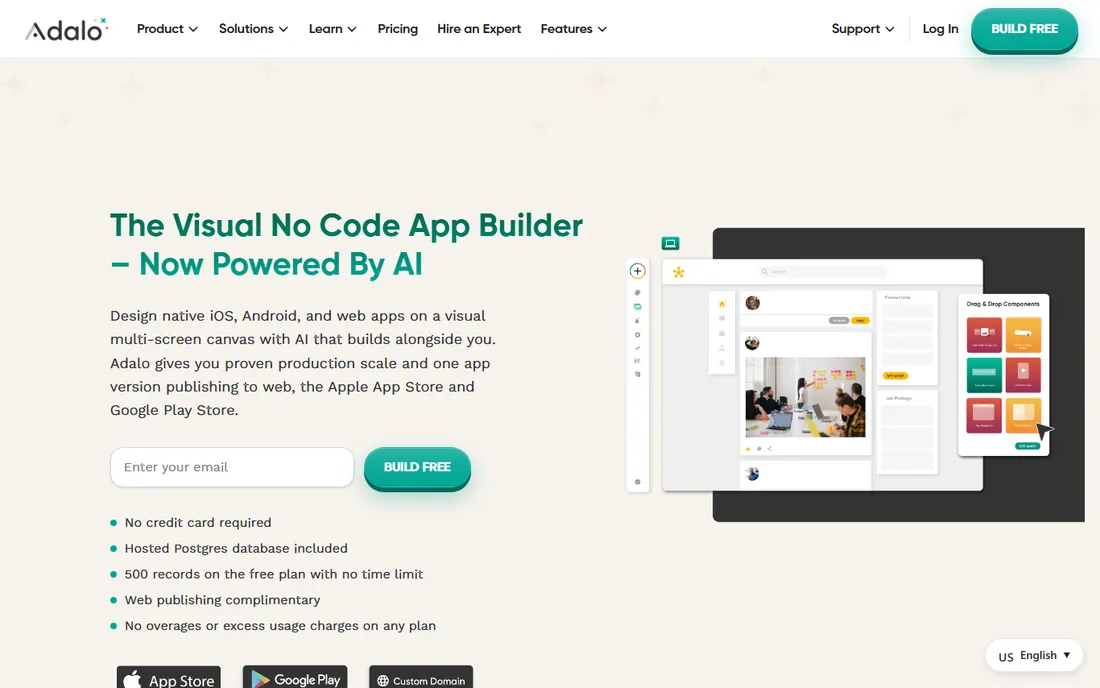
Adalo's pitch is cost certainty: flat monthly pricing with no Workload Units, no per-action metering, and no usage surprises. Build native iOS and Android apps on a drag-and-drop canvas, publish to the app stores, and run on the built-in hosted Postgres database. The AI assistant Ada is included on all plans. The free tier allows unlimited test apps with 500 records each.
The limits are apps and editors: one published app on Starter, two on Professional ($52/month), with Team at $160/month for more. You still need Apple's $99/year and Google's $25 one-time developer accounts for store publishing. It fits the founder who wants a native app with a predictable bill. If you might need the source code later, FlutterFlow or Draftbit are safer.
What we like- True native iOS and Android apps from one visual canvas
- Flat pricing with no usage or per-action charges
- Built-in hosted Postgres database with AI assistant on all plans
Watch out for- One published app on Starter (two on Professional)
- Apple and Google developer accounts still required for store publishing
#4
Softr
Best for: SMBs building internal tools, client portals and directories on data sources
Visit softr.io
Starting priceSee website
Free planSee website
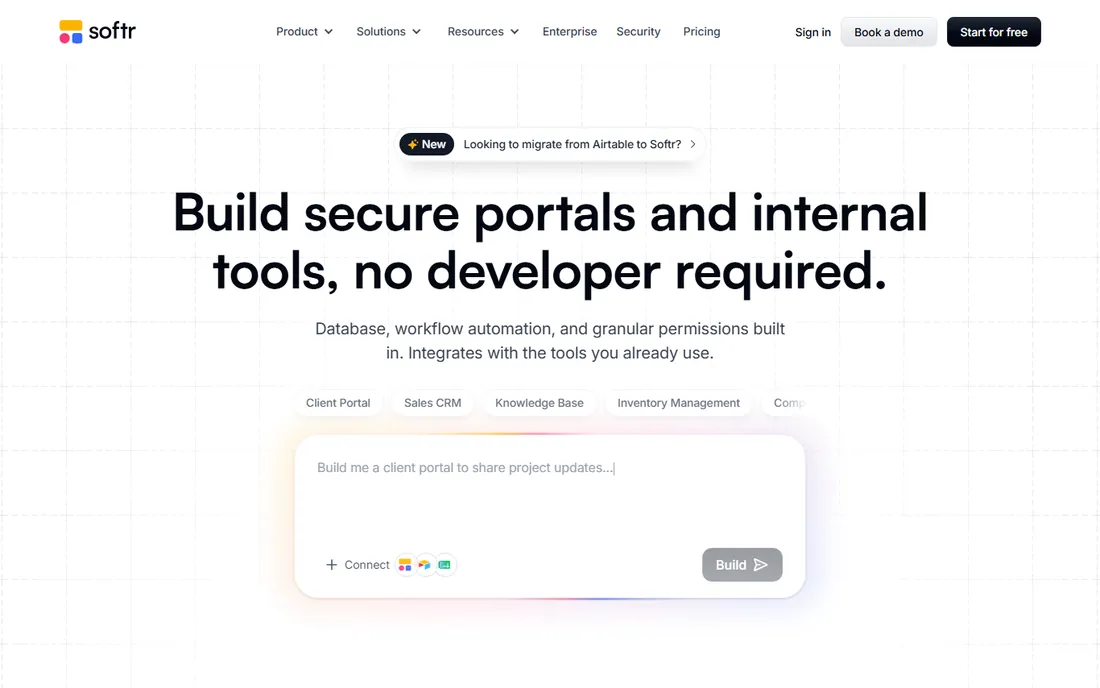
Softr turns Airtable bases and other data sources into polished web apps: client portals, internal tools, directories and membership sites, built from blocks rather than code. The Airtable integration is native and deep, which is why Airtable-heavy teams choose it over generalist builders. Workflow automation and integrations round out the package.
The commercial picture needs a visual check: the pricing page is JavaScript-rendered and exposed no dollar amounts or free-tier details in a text fetch, so confirm plans and limits on softr.io/pricing before budgeting. It is a web app builder, not a native mobile builder. It fits the Airtable-centric SMB that wants portals without developers.
What we like- Block-based builder for portals, directories and internal tools
- Native Airtable integration
- Membership sites and workflow automation included
Watch out for- Pricing not verifiable from the vendor's page text (JS-rendered)
- Focused on data-driven web apps, not native mobile
Starting price$39/month (Basic; annual billing saves about 25%)
Free planYes (Free $0: build and test, 2 projects)
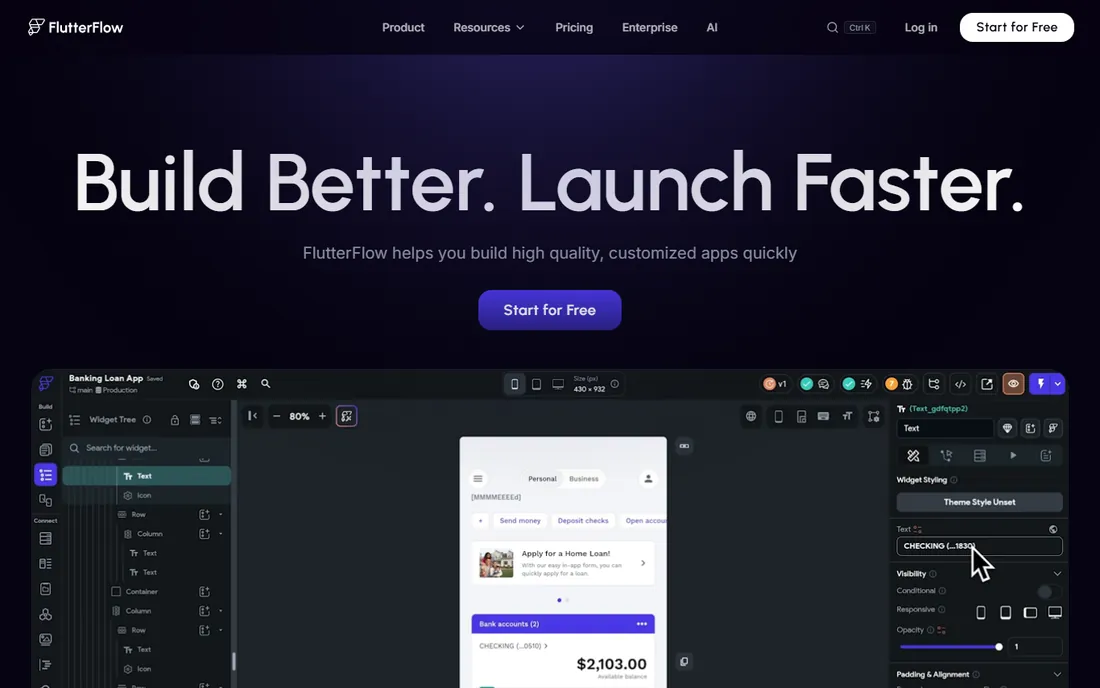
FlutterFlow's killer feature is the exit door: from the $39/month Basic plan you can download the Flutter source code or the APK, so the app is yours regardless of what happens to the platform. That changes the lock-in calculus completely. Around it sits a strong builder: 1,000-plus templates, visual logic, Firebase and Supabase integration, GitHub sync, and one-click deployment to the app stores.
The backend gap is real: you set up, secure and pay for Firebase or Supabase separately, and AI generation is metered (5 lifetime requests on Free, 50 per month on Basic). Higher tiers price per seat (Growth $80 first seat, Business $150), which adds up for teams. It fits technical teams that want visual speed today and code ownership tomorrow.
What we like- Code download and APK download from Basic: real code ownership, no lock-in
- 1,000+ prebuilt templates
- Firebase and Supabase integration with one-click store deployment
Watch out for- Requires an external backend (Firebase/Supabase) with separate setup and cost
- Per-seat pricing on higher tiers raises team costs
#6
Thunkable
Best for: SMBs and learners building simple native mobile apps on a budget
Visit thunkable.com
Starting price$19/month (Accelerator, billed monthly; publishing from Builder $59/month)
Free planYes (3 public projects, 5 screens per project)
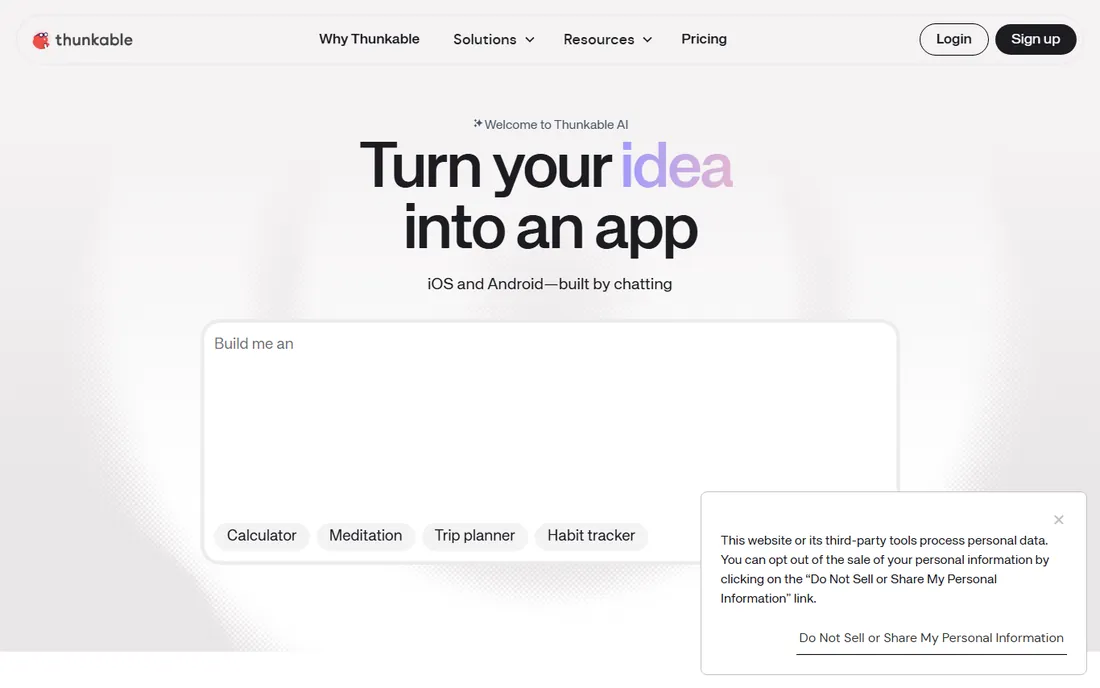
Thunkable is the budget ladder for native apps: build free (3 public projects, 5 screens each), develop at $19/month Accelerator, publish from $59/month Builder with custom branding. Live device testing while you build shortens the test loop, and AI tokens are included for generation. Firebase, Airtable and Google Sheets integrations cover the common data needs.
The ladder gets steep: one live app on Builder, unlimited only on Advanced at $189/month, and there is no code export at any tier. Downgrading to Free puts projects in read-only mode. It fits simple apps and learning projects. For a business betting on the app, Adalo's flat pricing or FlutterFlow's code export are safer long-term homes.
What we like- Drag-and-drop native builder with live device testing
- App store publishing with custom branding from Builder
- AI tokens included in plans
Watch out for- One live published app on Builder
- Unlimited publishing needs Advanced at $189/month
- No source-code export
#7
Draftbit
Best for: Technical SMBs wanting AI speed with real code ownership
Visit draftbit.com
Starting price$12/month (Standard)
Free planYes (free forever: 5,000 one-time credits, visual editor, built-in Supabase backend)
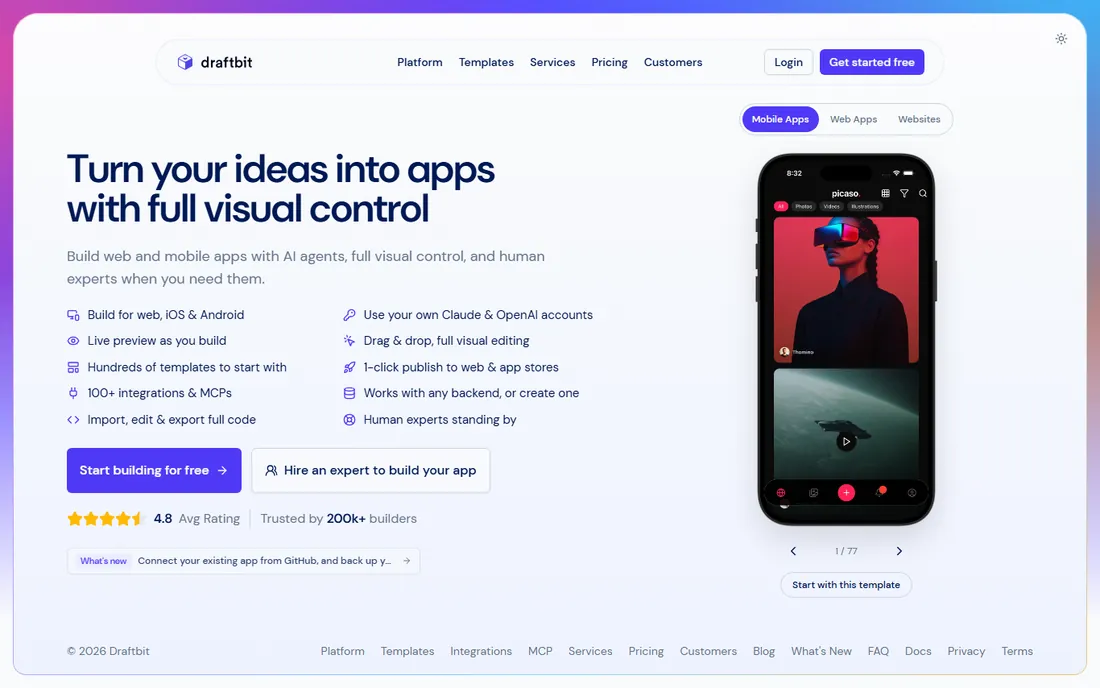
Draftbit is the cheapest code-export path in no-code: $12/month Standard with full code editing, export, and GitHub integration. The built-in Supabase backend (in beta) removes the separate-backend chore that FlutterFlow imposes, and you can plug in your own Claude or ChatGPT subscription instead of paying the platform's AI markup. Pro at $24/month adds concurrent agents and daily backups.
The credit model needs watching: AI calls cost provider price plus a Draftbit markup ($5 per 1,000 credits), so heavy AI use adds up, and concurrent sandboxes are limited. Editor seats cost extra ($8/month Standard). It fits technical builders who want AI acceleration without surrendering the codebase. Non-technical founders will find Bubble or Adalo friendlier.
What we like- Full code editing and export with GitHub integration
- Built-in Supabase backend in beta, no separate setup
- Works with your own AI subscription instead of forced markup
Watch out for- AI credits metered with markup over provider prices
- One concurrent sandbox on Free and Standard
#8
Bravo Studio
Best for: Designers and SMBs who design in Figma and want native apps
Visit bravostudio.app
Starting price$22/month (Solo, billed monthly)
Free planYes (Starter free forever: phone preview, basic API, no store builds)
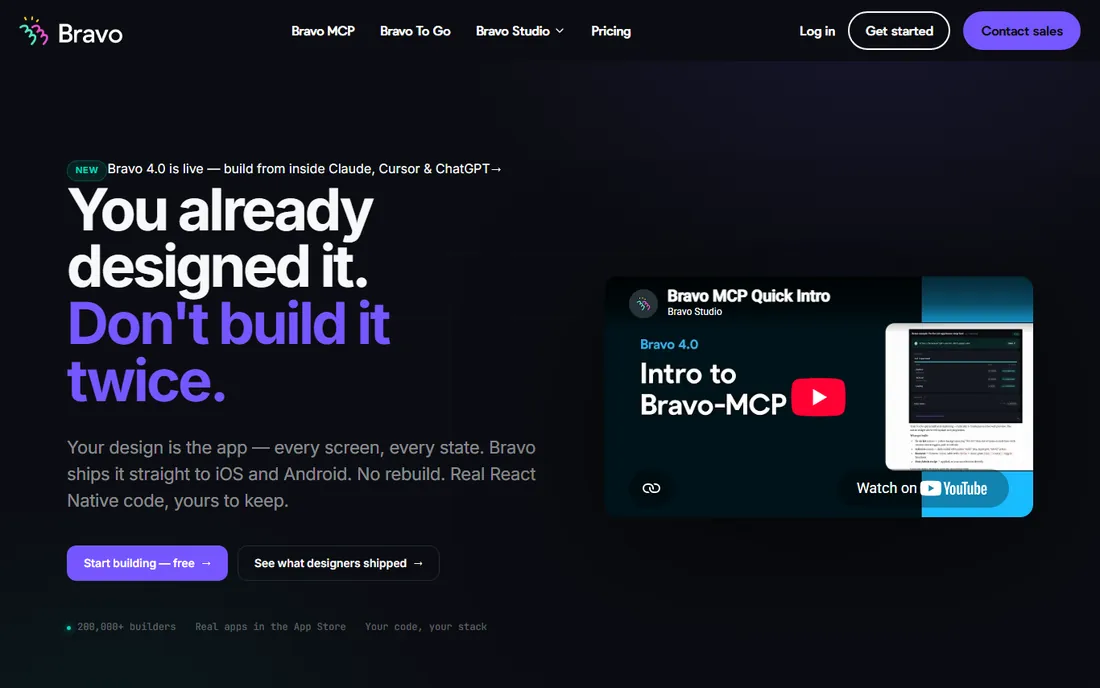
Bravo Studio starts where designers live: Figma. Design the screens, connect APIs and data, and get real native iOS and Android apps, with the React Native source available through Bravo MCP for full ownership. Solo at $22/month billed monthly allows unlimited native app builds with a 30-screen-per-app cap. The free Starter tier previews on phone indefinitely.
The workflow assumption is absolute: no Figma, no Bravo. The AI features (Stripe, push notifications, charts via Bravo MCP) are still in beta or on the roadmap, and the Solo trial is limited-time before dropping to Starter. A $999 one-time concierge build exists for hands-off delivery. It fits design-led teams shipping native apps from Figma. Everyone else should pick a builder that starts from data or prompts.
What we like- Turns Figma designs directly into native iOS and Android apps
- Own the React Native source via Bravo MCP
- Unlimited native app builds on Solo
Watch out for- 30 screens per app cap on Solo
- Requires a Figma design workflow
- AI features still maturing
#9
Bildr
Best for: Technical builders wanting visual logic depth for complex web apps
Visit bildr.com
Starting priceSee website
Free planSee website
Bildr sits between no-code and code: a visual logic builder with server-side functions, state management and reusable components that goes beyond page builders without becoming an IDE. Technical SMBs building complex web apps and internal tools get architectural clarity that Bubble's abstraction sometimes hides. Real-time collaboration suits small build teams.
The commercial picture is the problem: the vendor's pricing URL returned a 404 and no dollar amounts are verifiable on the site, so confirm plans, limits and the free tier on bildr.com before budgeting. The community is smaller than Bubble's, which matters when you get stuck. It fits technical builders who find Bubble too abstract and code too slow.
What we like- Powerful visual logic builder with advanced state management
- Reusable components close to Bubble's flexibility with more code-like structure
- Real-time collaboration
Watch out for- Steeper learning curve, built for technical users
- Pricing page not accessible
- Smaller community than Bubble
Frequently asked questions
What is the difference between no-code and low-code?
No-code builders (Glide, Adalo, Softr) target non-developers with visual tools and no code in sight. Low-code platforms (Bildr, Draftbit, FlutterFlow) assume some technical comfort and expose code, APIs and logic layers. The line blurs: Bubble is no-code with low-code depth. Choose by who will build and maintain the app, not by the label.
Can I really build a production app without code?
Yes, with the right builder and scope. Bubble powers production SaaS products; Adalo and FlutterFlow ship store-listed native apps; Glide runs internal operations. The limits appear at scale (usage metering), complexity (custom logic), and compliance (regulated industries). Prototype in no-code always; rebuild in code only when the economics demand it.
Which no-code builder lets me keep my code?
FlutterFlow (code and APK download from Basic), Draftbit (full code editing and GitHub export), and Bravo Studio (React Native source via MCP). Bubble, Adalo, Glide and Thunkable do not offer source-code export: leaving means rebuilding. If code ownership matters, shortlist the exporters first.
How much does it cost to build an app with no-code?
Builder subscriptions run $12 to $39/month at entry (Draftbit $12, Glide $25, Bubble $29, Adalo $36, FlutterFlow $39). Add app store fees (Apple $99/year, Google $25 one-time), backend costs (Firebase/Supabase on FlutterFlow), and usage overages (Bubble Workload Units, Glide AI credits). A simple published app typically costs $300 to $800 in its first year all-in.
Should I choose a mobile-first or web-first builder?
Build where your users are. Internal tools and dashboards: web-first (Bubble, Glide, Softr). Customer-facing apps used on phones: native mobile (Adalo, FlutterFlow, Thunkable, Bravo). Many products need both, which is Bubble's and FlutterFlow's argument: one backend, every platform.
How to avoid lock-in regret
The lock-in question decides more purchases than features do. Three tiers exist. Full lock-in: Bubble, Glide, Adalo, Thunkable, no code export, leaving means rebuilding. Partial exit: Bravo Studio gives you React Native source but you built in its paradigm. Real ownership: FlutterFlow and Draftbit hand you the source code. Before committing, answer one question: if this vendor doubles prices next year, what is your move? If the answer is "rebuild from scratch," negotiate annual pricing now or pick an exporter.
Second, watch usage metering, which is the quiet lock-in. Bubble's Workload Units, Glide's AI credits, and Draftbit's credit markup all scale with success: the more your app is used, the more you pay, on top of the subscription. Model your expected usage against the metering tiers before launch, not after the first overage bill. Third, own your data layer where you can: apps on your own Supabase or Firebase (FlutterFlow, Draftbit) migrate more easily than apps on a platform database.
How we chose
We started with the searches buyers actually run: best no code app builder, best app maker, and no code mobile app builder. For each candidate we checked the vendor's own pricing page first, then cross-checked plan names and prices against independent reviews and practitioner discussion, and compared builder depth, native output, code ownership and audience fit. Where a price could not be verified on the vendor's page we wrote "See website" rather than repeating estimates. The shortlist mixes full-product platforms with mobile specialists because a founder and an operations manager are not building the same app.
Sources we checked (11)
- https://manual.bubble.io/account-and-marketplace/account-and-billing/pricing-plans
- https://www.glideapps.com/pricing
- https://www.adalo.com/pricing
- https://www.softr.io/pricing
- https://flutterflow.io/pricing
- https://thunkable.com/pricing
- https://draftbit.com/pricing
- https://www.bravostudio.app/pricing
- https://www.techradar.com/pro/software-services/bildr-review
- https://www.g2.com/categories/no-code-development
- https://www.capterra.com/no-code-development-platforms-software/
Is your product missing or out of date?
We review this list regularly. Vendors can request a listing, send updated pricing or ask about featured placement.

Shihab Mia · Founder, Rankite
Shihab has spent more than a decade helping SaaS and e-commerce brands grow through search. He writes Rankite's software buying guides from pricing pages, documentation and public user reviews. More about Shihab.