How we make this list: we compare pricing pages, product documentation and public user reviews. Rankite is independent; if a vendor ever pays for a featured spot, that listing is clearly labeled Partner.
Key takeaways
- When I Work, Homebase, Sling and Connecteam cover small hourly teams, several with free tiers; Deputy is the step up for compliance-heavy multi-location operations.
- 7shifts is the restaurant specialist; Planday and Shiftbase serve hospitality and retail with labor-cost visibility built into the schedule.
- Per-user pricing ($2.50 to $9/month) looks cheap until you do the math for 50 staff: compare the monthly total, not the per-seat sticker.
- Almost nobody publishes final pricing without a signup wall in this category: confirm the live plan prices before budgeting.
Quick comparison
| Tool | Best for | Starting price | Free plan |
|---|
 When I Work When I Work | Small US-based hourly teams on a tight budget | See website | Free trial (14 days) |
 Deputy Deputy | Multi-location hourly operations needing compliance and forecasting | See website | Free trial (length not stated on plan cards) |
 Homebase Homebase | Single-location businesses getting off spreadsheets at zero cost | See website | Yes |
 7shifts 7shifts | Restaurants, from single units to multi-location groups | See website | Free trial |
 Connecteam Connecteam | Deskless teams that need scheduling alongside communication | See website | Yes (up to 10 users) |
 Sling Sling | Teams wanting free scheduling for up to 30 employees | See website | Yes (free for up to 30 employees) |
 Planday Planday | Hospitality and retail teams, especially in the Xero ecosystem | See website | No |
 Shiftbase Shiftbase | Shift-based teams wanting scheduling, absence and time tracking connected | See website | Yes (up to 10 employees) |
 ZoomShift ZoomShift | Small businesses wanting simple web-based scheduling | See website | Free trial |
Is your product missing or out of date?
We review this list regularly. Vendors can request a listing, send updated pricing or ask about featured placement.
The best shift scheduling software
It is Thursday evening, two people called in sick for the weekend, and the schedule lives in a group chat nobody can search. Shift scheduling software replaces that chaos with a shared rota: managers build shifts in minutes, staff claim open shifts from their phones, swaps get approved with a tap, and timesheets feed payroll automatically. These nine tools cover the real market for hourly teams, from free single-location apps to compliance-grade platforms.
Starting priceSee website
Free planFree trial (14 days)
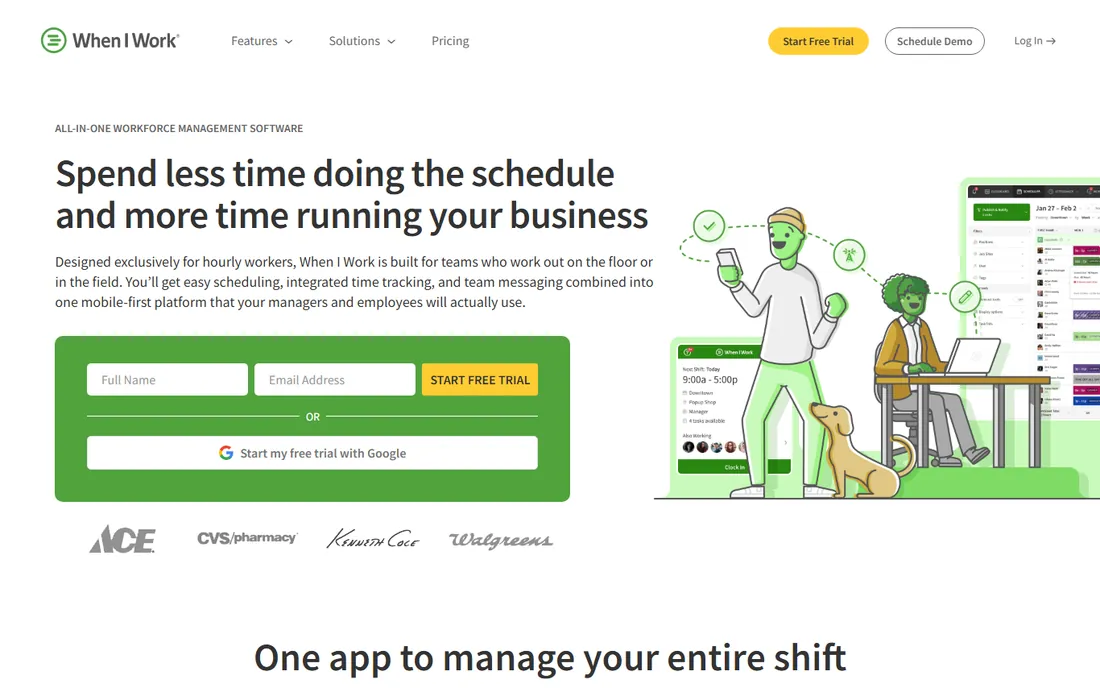
When I Work is per-user scheduling done right for small teams. Managers build the rota on the web, staff manage everything from their phones: availability, shift swaps, and claiming open shifts without the manager touching anything. A 15-person team pays one per-user rate whether it runs one location or three, which is the pitch: growth does not get punished. Third-party pricing data puts entry around $2.50 per user per month.
The gaps appear with scale. There is no free tier, so a six-person team that could ride Homebase or Sling for nothing pays here for roughly the same job. Labor-law compliance, demand forecasting and advanced analytics are thinner than Deputy's. It fits the 5-to-50-person hourly business that wants scheduling to just work. Past that, or in heavily regulated states, look upmarket.
What we like- Strong mobile app for shift swaps, availability and open-shift claims
- Per-user pricing that does not punish adding locations
- Quick setup with no implementation project
Watch out for- No free tier, so very small teams pay from day one
- Thinner compliance and forecasting than Deputy
#2
Deputy
Best for: Multi-location hourly operations needing compliance and forecasting
Visit deputy.com
Starting priceSee website
Free planFree trial (length not stated on plan cards)
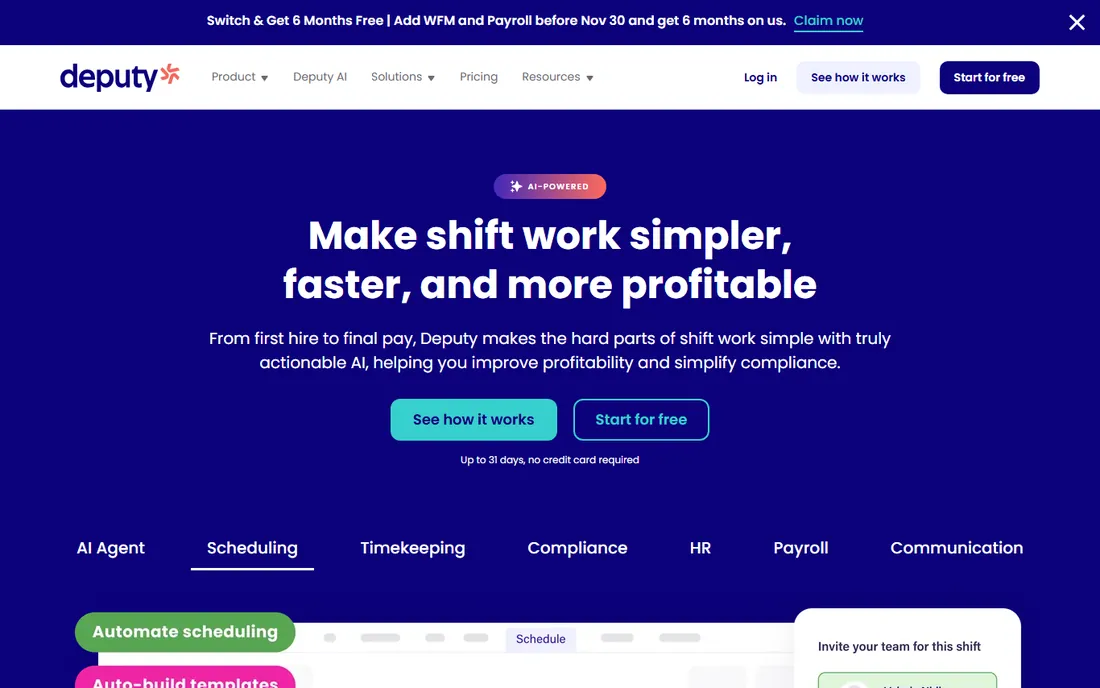
Deputy is what you graduate to when scheduling becomes a compliance question, not just a rota question. Auto-scheduling weighs historical demand, foot traffic and availability against wage budgets; the rule engine enforces mandatory breaks, rest intervals, overtime premiums and fair-workweek ordinances across states. Shift marketplaces let qualified staff claim open shifts with supervisor sign-off. Plans run Lite, Core and Pro (third-party reads of the pricing page cite $5, $6.50 and $9 per user per month on annual billing).
Below about 15 staff it is overkill: you pay for compliance machinery you do not need yet, and the $30 monthly minimum stings on monthly billing. Above that, especially with predictive scheduling laws in play, it starts paying for itself. Add-ons for HR, payroll and analytics stack on top, so price the whole bundle. Deputy fits operators who want workforce management, not just a shift calendar.
What we like- AI auto-scheduling with demand forecasting and wage budgets
- Enforces break rules, rest intervals and predictive-scheduling laws
- Biometric time clocking from the Core tier
Watch out for- No free plan and a $30 monthly minimum per invoice on monthly billing
- Per-user pricing climbs fast for large teams
Starting priceSee website
Free planYes
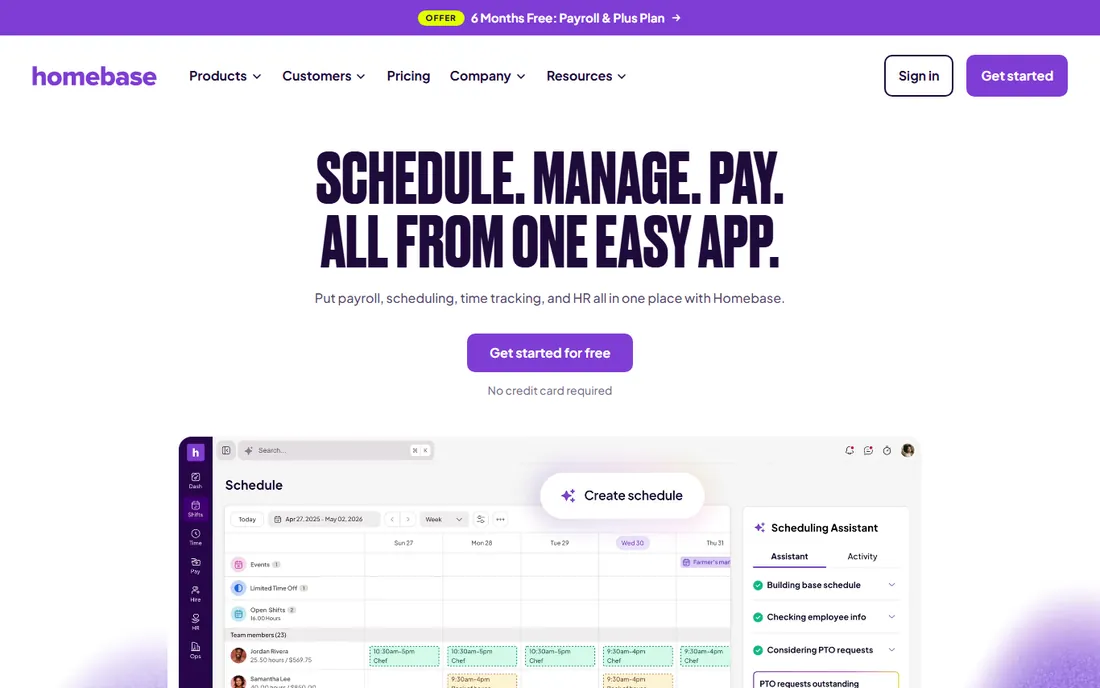
Homebase's free tier is the on-ramp for businesses still on spreadsheets: scheduling, time tracking, team messaging and hiring tools at no cost for small teams. The product is built for the single-location hourly business, cafes, salons, retail shops, where the owner does the schedule on Sunday night. Paid tiers add advanced scheduling, labor cost controls and multi-location management as the business grows.
The free tier is genuinely usable, which is rare, but growth pushes you upmarket: per-location fees and payroll add-ons accumulate. Integrations cover the usual POS and payroll suspects. If you run one location and want to stop texting the schedule, start here for free and upgrade when the limits bind.
What we like- Free tier covers scheduling for small teams
- Hiring, onboarding and time tracking in the same app
- Built for single-location hourly businesses
Watch out for- Advanced scheduling and multi-location features sit on paid tiers
- Payroll add-on costs extra
#4
7shifts
Best for: Restaurants, from single units to multi-location groups
Visit 7shifts.com
Starting priceSee website
Free planFree trial
7shifts speaks restaurant. Schedules are built around stations and dayparts, labor cost targets track against sales, and the mobile app handles the swap-and-cover chaos of a Friday night service. Per-location pricing matches how restaurant groups think about costs, and the free trial covers one location. Third-party data cites entry around $30 per location per month.
The specialization is the limit: a retail chain or clinic gets less from the restaurant-specific workflow design than from Deputy or When I Work. Multi-unit groups should model the per-location total carefully. For restaurants, though, the industry fit usually beats the generalist tools on adoption alone: staff recognize their own workflow in the app.
What we like- Built for restaurant workflows: stations, tip pooling awareness, and labor targets by daypart
- Per-location pricing suits restaurant economics
- Team communication built in
Watch out for- Per-location model gets expensive for groups with many small units
- Outside restaurants the feature set is narrower than generalist tools
#5
Connecteam
Best for: Deskless teams that need scheduling alongside communication
Visit connecteam.com
Starting priceSee website
Free planYes (up to 10 users)
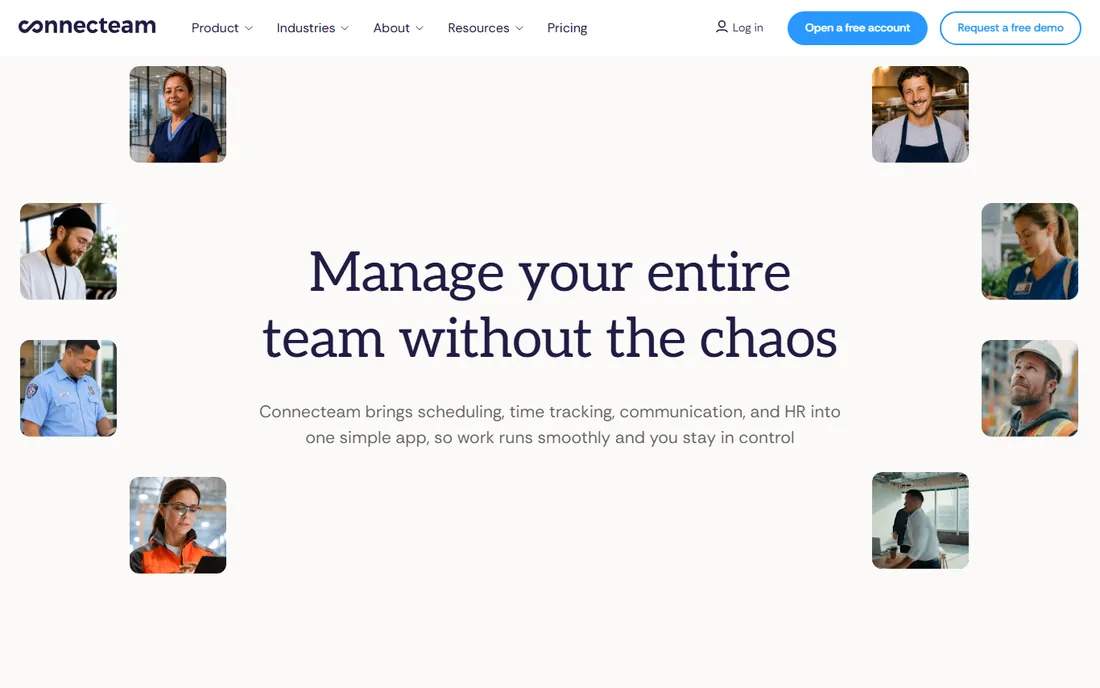
Connecteam is the all-in-one for deskless teams: scheduling sits next to team messaging, digital forms, training courses and checklists in a single mobile app. The free tier covers 10 users, and paid plans are priced per plan rather than per user (third-party data cites $29/month for 30 users), which keeps budgeting simple as headcount grows. For field services, security, cleaning and retail, one app for everything beats five logins.
Scheduling purists will find it thinner than When I Work or Deputy: no AI auto-scheduling, lighter compliance tooling. The value is consolidation. If your team needs schedules plus communication plus forms, Connecteam replaces three subscriptions. If scheduling is the whole job, buy a scheduler.
What we like- Scheduling plus team chat, forms, training and HR in one app
- Free tier for up to 10 users
- Per-plan pricing (not per-user) keeps costs predictable
Watch out for- Scheduling depth is thinner than dedicated tools
- Time tracking and advanced features need higher tiers
Starting priceSee website
Free planYes (free for up to 30 employees)
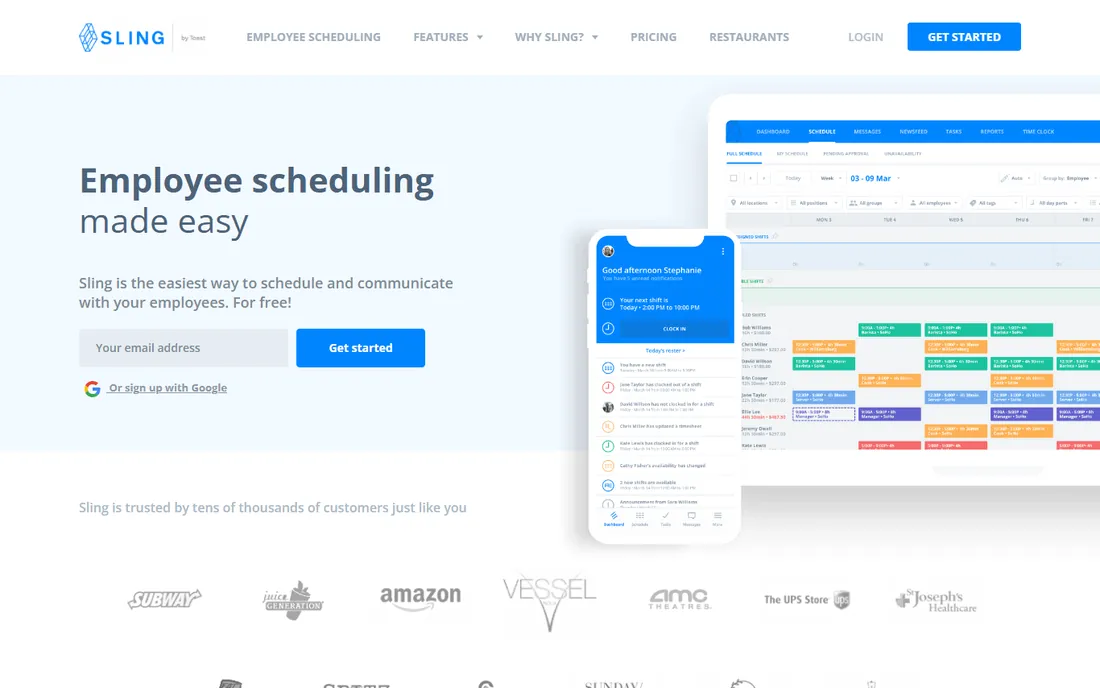
Sling's free plan is the most generous in shift scheduling: 30 employees with shift templates, swaps, time-off requests and team messaging included. A 20-person team with a zero budget gets a real scheduling system, not a demo. Paid tiers add time tracking and more (third-party data cites around $2 per user per month).
The catch is that the free tier is half a tool for most teams: without time tracking there is no clock feeding timesheets, and most hourly businesses need that eventually. Reporting is basic and integrations are thin. Still, free scheduling for 30 people is unmatched. Start free, pay when you need the clock.
What we like- Highest free headcount ceiling in the category: 30 staff with scheduling, templates, swaps and messaging
- Simple interface with no learning curve
Watch out for- Time tracking lives behind the paid plan
- Reporting and integrations are basic
#7
Planday
Best for: Hospitality and retail teams, especially in the Xero ecosystem
Visit planday.com
Starting priceSee website
Free planNo
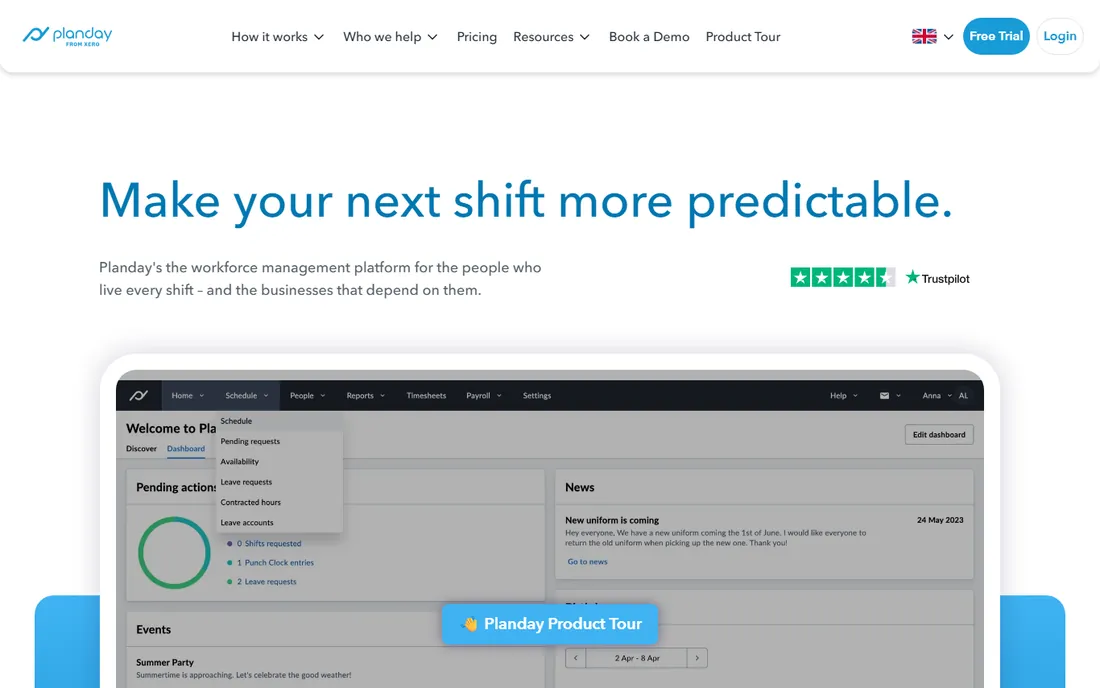
Planday serves the hospitality and retail rota with payroll-ready output: schedules, time registration and absence feed timesheets that flow into payroll, with a native Xero integration for the accounting side. Staff manage availability and swaps from the mobile app, and managers get labor cost visibility as they build. It is well established in European markets and growing in the US.
There is no free tier, and pricing is per user per month with limited public detail (third-party data cites around £2.99 per user per month in the UK). The Xero integration is the differentiator for Xero-based businesses. US buyers should confirm stateside support and payroll integration coverage before committing.
What we like- Shift planning with payroll-ready timesheets and Xero integration
- Employee app with availability and swap management
- Strong in European hospitality and retail
Watch out for- No free tier
- Per-user pricing with limited public pricing information
#8
Shiftbase
Best for: Shift-based teams wanting scheduling, absence and time tracking connected
Visit shiftbase.com
Starting priceSee website
Free planYes (up to 10 employees)
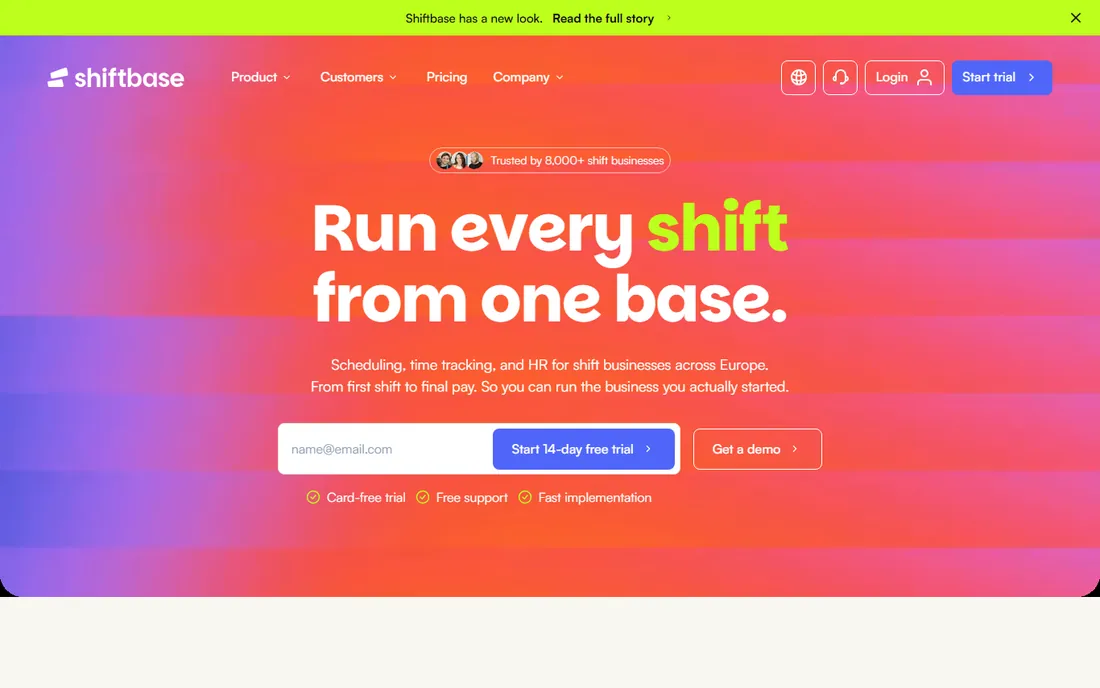
Shiftbase is built for businesses where the schedule is the operational center of gravity: hospitality, retail, production and services. Availability, leave and contract data are built into the scheduling view from the start, so the manager sees who is off and where contract limits bite before publishing. Post-publish, staff handle swaps and open shifts themselves in the mobile app. The free plan covers 10 employees; paid tiers start from a flat monthly base (third-party data cites £30/month Basic).
The Premium tier adds the interesting stuff: real-time labor cost indicators that show green, yellow or red against target percentages as you build the schedule. That is genuinely useful for margin-conscious operators. Office and hybrid teams should look elsewhere; this is shift-business software through and through.
What we like- Scheduling, time tracking and absence management in one subscription
- Availability and contract limits visible in the scheduling view
- Labor cost indicators on Premium
Watch out for- Performance and labor-cost features require Premium or above
- Built for shift businesses, not office or hybrid teams
Starting priceSee website
Free planFree trial
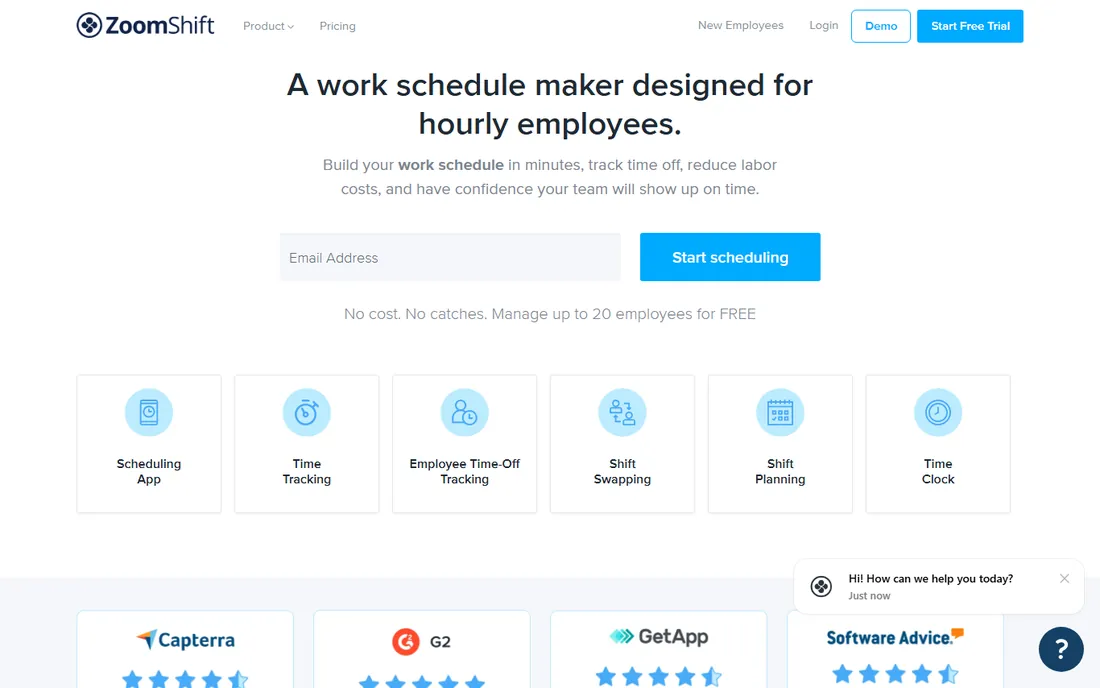
ZoomShift keeps it simple: web-based schedules, templates, drag-and-drop shift building, time-off requests and team messaging, without the workforce-management machinery of Deputy or the all-in-one sprawl of Connecteam. For a small business that finds When I Work slightly too much and Sling slightly too little, it occupies a comfortable middle.
Expectations should match the price. There is no auto-scheduling, no labor-law engine, and integrations are limited. Support and development pace reflect a smaller vendor. It fits the sub-30-person business that wants scheduling software, not a platform. Larger or regulated teams should shortlist Deputy instead.
What we like- Clean, simple scheduling without feature bloat
- Shift templates and drag-and-drop building
- Affordable positioning for small teams
Watch out for- Thinner feature set than category leaders
- Limited integrations and no advanced compliance tooling
Frequently asked questions
How much does shift scheduling software cost?
Per-user pricing typically runs $2.50 to $9 per user per month (When I Work at the low end, Deputy Pro at the high end), while per-location tools like 7shifts run around $30 per location per month. Free tiers exist: Homebase, Sling (up to 30 staff), Connecteam (up to 10) and Shiftbase (up to 10) all offer free plans. Model your headcount total, not the sticker price.
What is the difference between When I Work and Deputy?
When I Work is the simpler, cheaper scheduler for small teams: great mobile app, per-user pricing, quick setup. Deputy is the workforce platform: AI auto-scheduling, demand forecasting, and labor-law compliance for multi-location operations. Under 15 staff, When I Work usually wins; above that, or with predictive scheduling laws, Deputy earns its premium.
Do I need time tracking too, or just scheduling?
Most hourly businesses need both: the schedule says who should work, the time clock says who actually worked, and payroll needs the second one. Tools like Deputy, Homebase, Shiftbase and Planday bundle both. If you buy a scheduler without time tracking (Sling's free tier), plan for a second tool or upgrade when timesheets matter.
Can staff swap shifts themselves?
Yes, on all nine tools: employees request swaps or claim open shifts from the mobile app, and managers approve with a tap. The difference is in the guardrails: Deputy checks compliance rules and qualifications before allowing a swap, while simpler tools just need a manager's approval.
Which scheduling software is best for restaurants?
7shifts, built specifically for restaurant workflows: stations, dayparts, labor targets against sales, and per-location pricing. When I Work and Deputy both serve restaurants well as generalists. Pick 7shifts when the staff recognizes restaurant workflows in the app; pick a generalist when the business also runs non-restaurant operations.
What to check before you buy
Price the team, not the seat. A $2.50 per-user tool costs $125/month for 50 staff; a $9 tool costs $450. Add the minimums: Deputy enforces a $30 monthly minimum per invoice on monthly billing, which changes the math for tiny teams. Then check what the base plan excludes: time tracking, payroll integration, and multi-location support are the usual upsells, and the paid tier you actually need is often two steps above the entry plan.
Second, test the mobile app with your staff, not just the manager web view. Adoption lives or dies on the employee app: if swaps and availability are awkward, managers end up doing everything anyway. Third, confirm payroll integration with your actual provider before the trial ends: "integrates with payroll" can mean a real sync or a CSV export, and the difference is hours every pay period.
How we chose
We started with the searches buyers actually run: best shift scheduling software, best staff scheduling software, and employee scheduling app. For each candidate we checked the vendor's own pricing page first, then cross-checked plan names and prices against independent reviews and practitioner discussion on G2, Capterra and Reddit, and compared scheduling depth, mobile quality, compliance features and company-size fit. Where a price could not be verified on the vendor's page we wrote "See website" rather than repeating estimates. The shortlist mixes free small-team tools with compliance-grade platforms because a cafe and a hospital are not buying the same thing.
Sources we checked (7)
- https://www.shiftbase.com/blog/best-employee-scheduling-software
- https://www.guideflow.com/blog/workforce-scheduling-software
- https://advertiserreview.com/softwares/employee-scheduling/
- https://work-management.org/hr/deputy-review/
- https://shifton.com/blog/best-employee-roster-apps/
- https://www.g2.com/categories/employee-scheduling
- https://www.capterra.com/employee-scheduling-software/
Is your product missing or out of date?
We review this list regularly. Vendors can request a listing, send updated pricing or ask about featured placement.

Shihab Mia · Founder, Rankite
Shihab has spent more than a decade helping SaaS and e-commerce brands grow through search. He writes Rankite's software buying guides from pricing pages, documentation and public user reviews. More about Shihab.