How we make this list: we compare pricing pages, product documentation and public user reviews. Rankite is independent; if a vendor ever pays for a featured spot, that listing is clearly labeled Partner.
Key takeaways
- Wave is genuinely free for invoicing and core accounting, which makes it the default for freelancers who cannot justify a monthly fee.
- FreshBooks Lite ($19/month) is the best invoicing experience for service freelancers, with time tracking and client portals built in.
- QuickBooks Solopreneur ($20/month) is the tax-focused pick: quarterly estimates, mileage tracking and TurboTax integration for Schedule C filers.
- Zoho Books is free under $50K revenue, and Bonsai ($25/month) bundles contracts, proposals and taxes for freelancers who want one workflow.
Quick comparison
| Tool | Best for | Starting price | Free plan |
|---|
 FreshBooks FreshBooks | Service freelancers who live on invoicing | $19/month (Lite plan) | Free trial (30 days) |
 QuickBooks Solopreneur QuickBooks Solopreneur | US freelancers who want taxes handled | $20/month | Free trial (30 days) |
 Wave Wave | Freelancers who need real accounting for free | Free (Starter tier) | Yes |
 Bonsai Bonsai | Freelancers who want contracts, proposals and money in one place | $25/month | Free trial (14 days) |
 Xero Xero | Freelancers with international clients or growth plans | $15/month | Free trial (30 days) |
 Zoho Books Zoho Books | Free accounting for freelancers under $50K revenue | Free (for revenue under $50K) | Yes |
 HoneyBook HoneyBook | Creative freelancers managing the full client journey | $19/month (Starter plan) | Free trial (7 days) |
 Found Found | Freelancers who want banking and bookkeeping together | Free; Plus $19.99/month | Yes |
 Indy Indy | Freelancers who want one workflow for projects and money | $12/month | Free trial |
Is your product missing or out of date?
We review this list regularly. Vendors can request a listing, send updated pricing or ask about featured placement.
The best accounting software for freelancers
Freelancers need three things from accounting software: professional invoices that get paid fast, expense tracking that survives tax season, and help with quarterly estimated taxes. The tools below are picked for solo operators, not for companies with payroll and inventory. Prices are 2026 list prices for the freelancer tiers.
Starting price$19/month (Lite plan)
Free planFree trial (30 days)
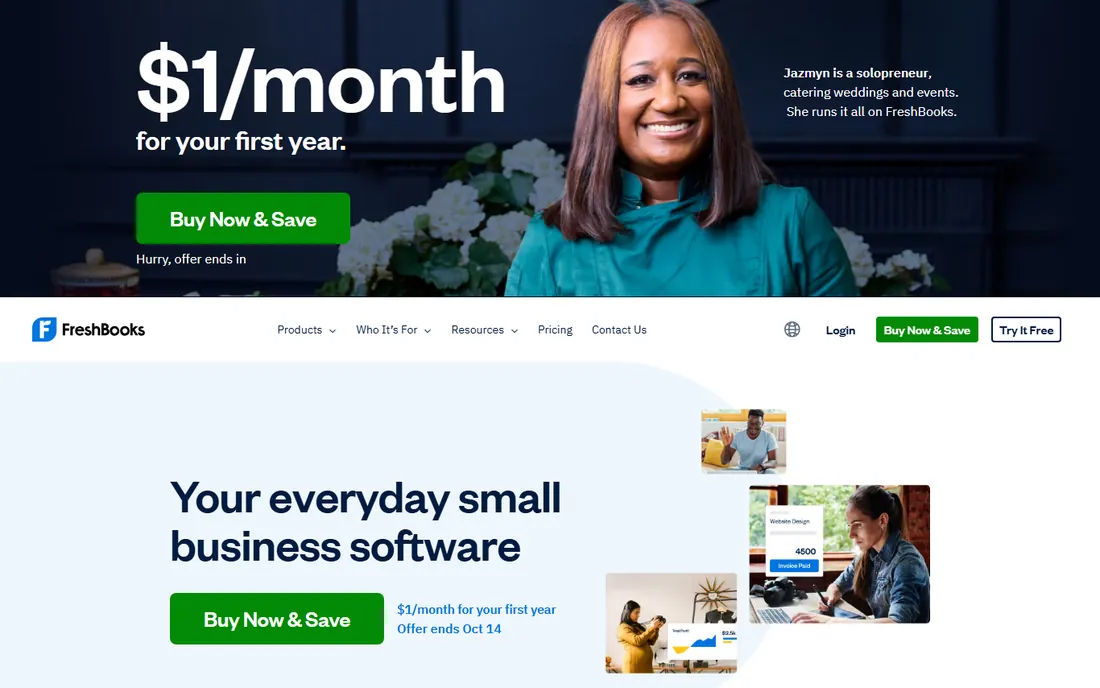
FreshBooks was designed for self-employed professionals, and the invoicing shows it: polished invoices in under two minutes, client portals, automated payment reminders and online payment options. Time tracking is built in, so hourly freelancers log hours and invoice them without retyping. Lite at $19/month covers up to 5 clients; Plus at $33/month removes the cap and adds proposals and double-entry books.
Frequent first-year discounts (Lite seen at $7.60/month) lower the entry cost. The gaps are tax-specific: no quarterly estimate calculator, so pair it with a tax tool or accountant at filing time. For freelancers whose main job is billing clients well, it is the best experience here.
What we like- The fastest invoice-to-payment workflow in the category
- Time tracking converts hours to invoices in one click
- Retainer billing and ACH at 1% capped at $10
Watch out for- Lite caps at 5 billable clients
- No native quarterly tax estimator
- Plus at $33/month needed for double-entry accounting
Starting price$20/month
Free planFree trial (30 days)
QuickBooks Solopreneur (the rebrand of QuickBooks Self-Employed) is built around the US freelancer tax workflow: it categorizes expenses for Schedule C, estimates quarterly taxes as income lands, tracks mileage automatically and hands everything to TurboTax at year end. At $20/month it is the simplest path from freelance income to filed return.
It is not real double-entry accounting, which matters if you incorporate or take a loan later. Invoicing is basic compared to FreshBooks. For side hustlers, gig workers and sole proprietors whose biggest pain is tax season, the tax automation justifies the price.
What we like- Quarterly estimated tax calculations built in
- Automatic GPS mileage tracking
- Exports cleanly to TurboTax for Schedule C filing
Watch out for- Not full double-entry accounting, so you outgrow it if you incorporate
- Can feel feature-heavy for simple invoicing
- No free tier
Starting priceFree (Starter tier)
Free planYes
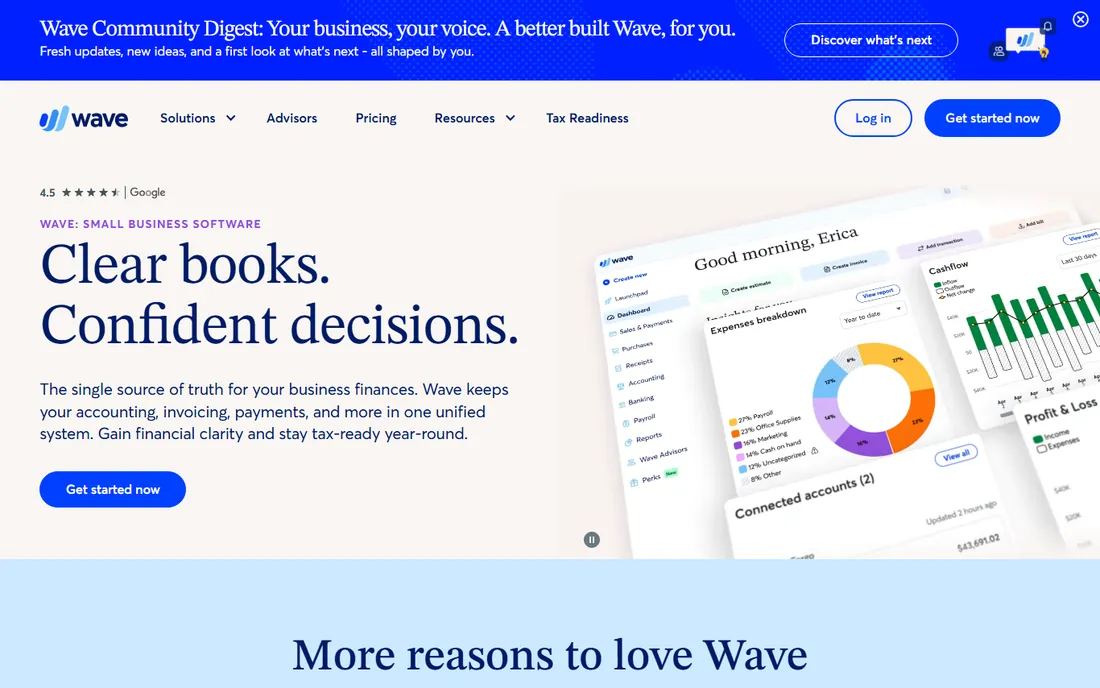
Wave's Starter tier is free indefinitely for invoicing and core accounting, which is remarkable: real double-entry books, professional invoices and expense tracking at zero cost. Payment processing and payroll are pay-as-you-go, which is how Wave makes money. Pro (reported $8-$16/month) adds bank feed automation and receipt scanning.
There is no tax estimation and reporting is thinner than FreshBooks or Xero. For bootstrapped freelancers under $50K revenue, the $0 + $0 combination of Wave for books covers nearly everything. It is the honest answer to "what is the cheapest good option."
What we like- Genuinely free invoicing and double-entry accounting with no time limit
- Clean invoices clients take seriously
- Pro at $8-$16/month adds receipt scanning when you need it
Watch out for- No quarterly tax estimator
- Fewer reports than paid tools
- Support is limited on the free tier
#4
Bonsai
Best for: Freelancers who want contracts, proposals and money in one place
Visit hellobonsai.com
Starting price$25/month
Free planFree trial (14 days)
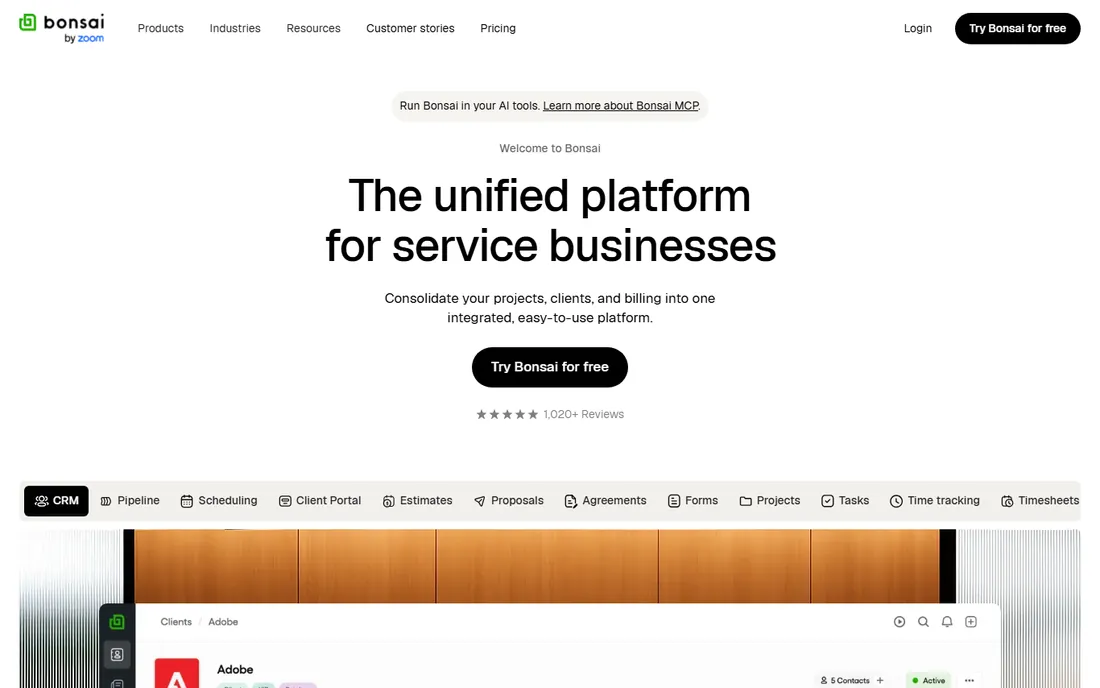
Bonsai replaces the patchwork: write the proposal, sign the contract, track time, send invoices and estimate taxes without leaving one app. At $25/month with a tax add-on for quarterly estimates, it suits freelancers who want operations and money managed together rather than best-of-breed point tools.
The accounting itself is lighter than dedicated platforms, and the price exceeds FreshBooks Lite or Wave. For freelancers who lose time juggling contracts in one tool and invoices in another, the consolidation is worth it.
What we like- Contracts, proposals, invoicing, time tracking and taxes in one workflow
- Tax add-on helps with quarterly estimates
- Built for freelancer operations end to end
Watch out for- $25/month is pricier than single-purpose tools
- Accounting depth is lighter than FreshBooks Plus or Xero
- No free tier
#5
Xero
Best for: Freelancers with international clients or growth plans
Visit xero.com
Starting price$15/month
Free planFree trial (30 days)
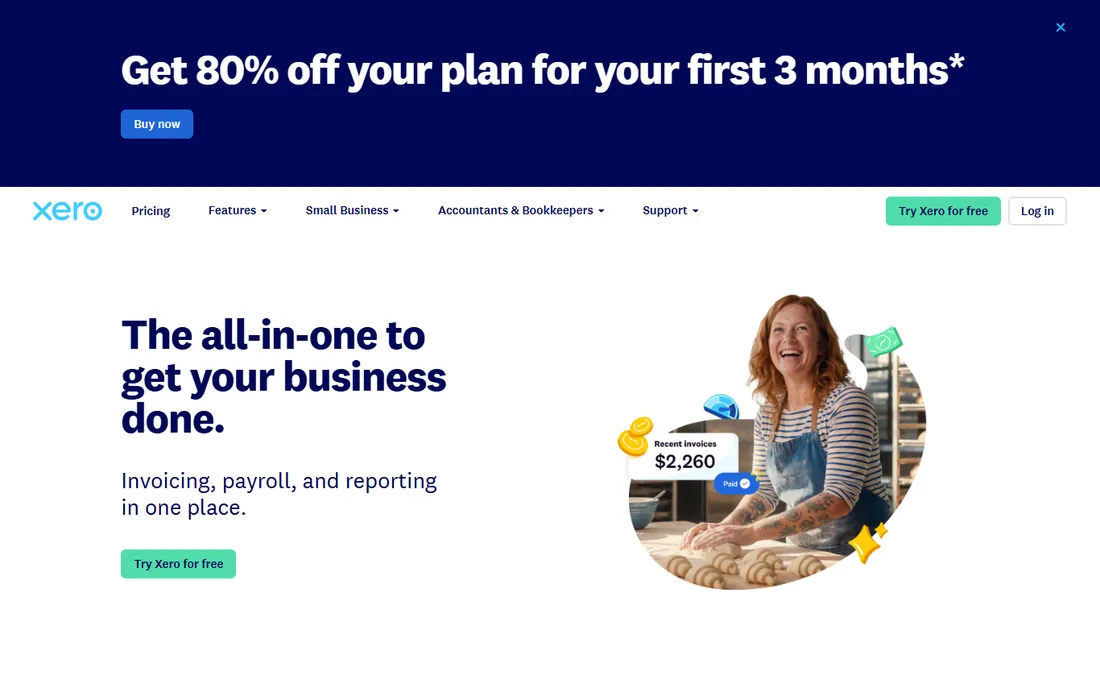
Xero is the small-business accounting standard that works for freelancers too: proper double-entry books, invoicing, expense claims and bank reconciliation from $15/month. Multi-currency support with automatic FX gains and losses makes it the pick for freelancers billing clients abroad. Hubdoc integration automates receipt capture.
The entry tier limits invoice volume, and the interface assumes more accounting comfort than FreshBooks. But starting on Xero means never migrating when the freelance practice grows into an agency. For internationally-billing freelancers, it is the professional choice.
What we like- Excellent multi-currency invoicing and FX tracking
- Reporting accountants love
- Scales from freelancer to small business without migrating
Watch out for- Slight learning curve versus FreshBooks
- $15 entry tier has invoice limits
- Overkill if you only need simple invoicing
#6
Zoho Books
Best for: Free accounting for freelancers under $50K revenue
Visit zoho.com
Starting priceFree (for revenue under $50K)
Free planYes
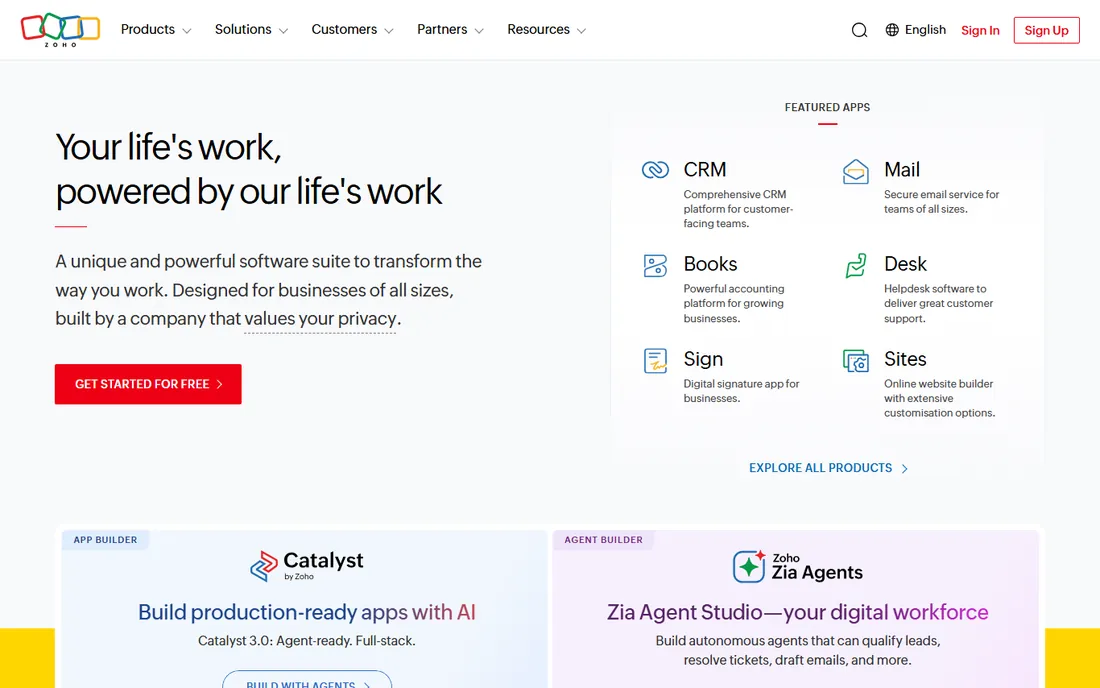
Zoho Books is free for businesses with under $50K in annual revenue, which covers most early freelancers, and it is real accounting software: invoicing, expenses, bank reconciliation and tax automation, not a lite teaser. Paid plans from around $20/month add more users and automation.
Crossing $50K means paying, and the interface trails FreshBooks for polish. For Zoho users the CRM and app integrations add value. As a free tier with genuine depth, it rivals Wave for budget freelancers who want automation included.
What we like- Free for businesses under $50K annual revenue with real automation
- Strong invoicing and expense features
- Deep integration with Zoho CRM and other Zoho apps
Watch out for- The free tier ends at $50K revenue
- Interface feels less intuitive than FreshBooks
- Best value inside the Zoho ecosystem
#7
HoneyBook
Best for: Creative freelancers managing the full client journey
Visit honeybook.com
Starting price$19/month (Starter plan)
Free planFree trial (7 days)
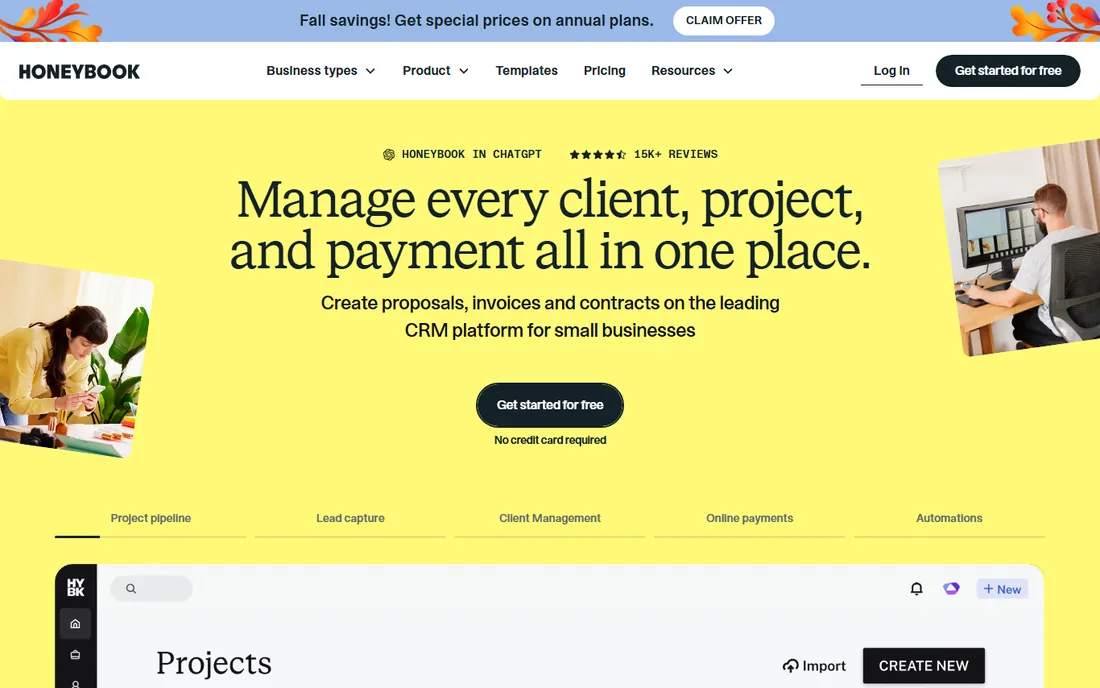
HoneyBook serves creative service businesses where the client experience wins work: proposals that look stunning, contracts signed online, invoices and payments in the same thread as the project conversation. Starter at $19/month covers the pipeline basics.
It is a client management tool with payments, not an accounting platform: tax features are absent and bookkeeping is light. Pair it with Wave or Zoho Books for the actual accounts. For photographers, designers, planners and coaches, the polished client flow justifies the combination.
What we like- Proposals, contracts, invoices and client communication in one pipeline
- Beautiful client-facing experience
- Built for creatives (photographers, designers, planners)
Watch out for- Accounting is lighter than dedicated tools
- No tax estimation
- $19 Starter has limits that push growing users up tiers
#8
Found
Best for: Freelancers who want banking and bookkeeping together
Visit found.com
Starting priceFree; Plus $19.99/month
Free planYes
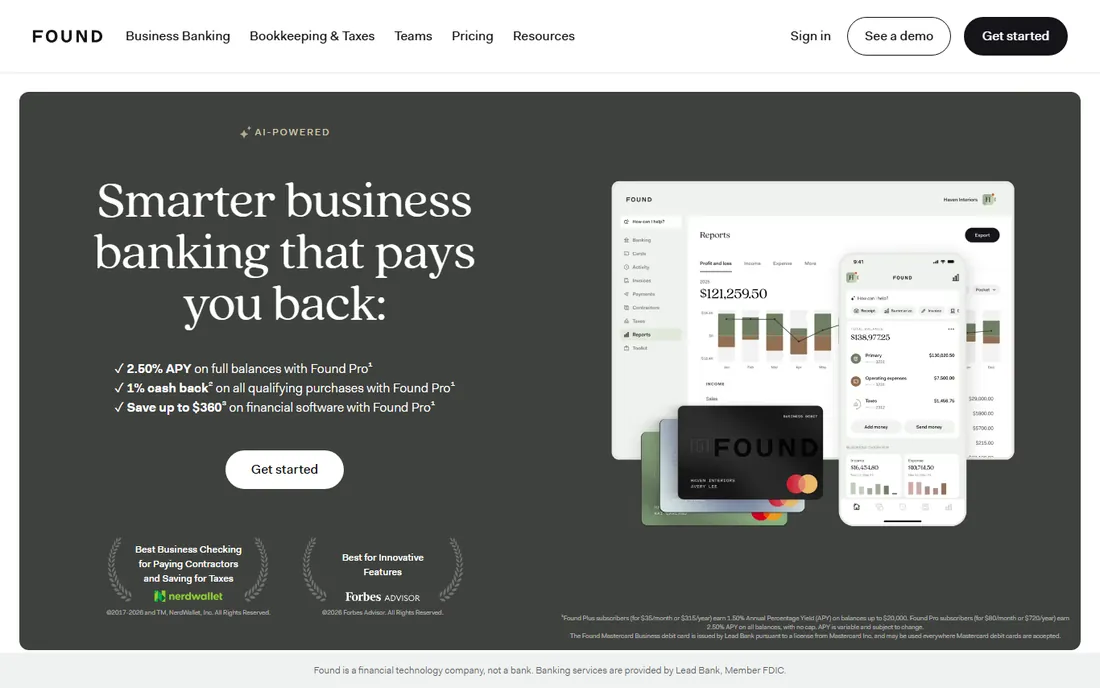
Found merges a business bank account with bookkeeping: income lands, expenses categorize automatically, and the app sets aside estimated taxes. The free tier covers banking plus basic bookkeeping; Plus at $19.99/month adds invoicing, custom categories and priority support. Quarterly tax help is built in.
The model requires keeping business money in Found, which suits freelancers who want one financial home and annoys those who prefer their existing bank. Accounting depth is lighter than Xero or FreshBooks. For freelancers who want taxes handled almost invisibly, it is the most automated option.
What we like- Business banking with automatic expense categorization and tax savings
- Quarterly tax estimates built in
- Free tier covers the essentials
Watch out for- Banking-as-accounting means your money lives in Found
- Advanced accounting features trail dedicated tools
- Plus at $19.99/month adds up
Starting price$12/month
Free planFree trial
Indy packs the freelance workflow, proposals, contracts, time tracking, invoicing, tasks and files, into one $12/month plan, the lowest all-in-one price in this list. For freelancers who want a single place to run projects and get paid, it undercuts Bonsai and HoneyBook significantly.
The trade is maturity: fewer integrations, lighter accounting and less third-party validation than the established names. For solo freelancers prioritizing simplicity and price over depth, it covers the workflow well.
What we like- $12/month is the cheapest all-in-one here
- Proposals, contracts, time tracking, invoices and task management together
- Simple interface
Watch out for- Smaller vendor with less review volume
- Accounting features are basic
- Fewer integrations than bigger platforms
How we chose
We picked accounting tools with freelancer-specific tiers or pricing that fits solo operators ($0-$30/month), excluding platforms built for multi-employee companies. We verified prices from vendor pages and 2026 freelancer accounting roundups (StarboServe, Vecosys, Accoru, all updated in 2026). We scored invoicing quality, expense capture, tax help (quarterly estimates, Schedule C, mileage) and total cost, and read public reviews for reliability patterns.
The $0 + $0 stack that covers 90% of needs
You do not need to spend $30/month as a freelancer. Wave (free) handles invoicing and double-entry books; pair it with your bank's free business checking and a spreadsheet or free tax estimator for quarterly payments. Harvest's free plan covers time tracking and invoicing for hourly work. This combination handles the core workflow until revenue justifies paid tools.
Upgrade when the pain is specific: invoicing volume justifies FreshBooks, tax anxiety justifies QuickBooks Solopreneur or Found, international clients justify Xero. Pay for the problem you have, not the suite you might need.
Three signs you have outgrown freelancer accounting: you incorporate (needing real double-entry and payroll), you hire (needing multi-user access and approvals), or your accountant asks for financial statements your tool cannot produce. QuickBooks Solopreneur and Wave Starter both have ceilings; FreshBooks Plus, Xero and QuickBooks Online are the natural next steps. Starting on a double-entry product (FreshBooks, Xero) avoids the migration entirely.
Frequently asked questions
What is the best accounting software for freelancers?
FreshBooks ($19/month) for invoicing, QuickBooks Solopreneur ($20/month) for taxes, Wave (free) for budget, Xero ($15/month) for international clients, Bonsai ($25/month) for contracts plus accounting. Match the tool to your biggest pain: billing, taxes or cost.
Is Wave really free?
Yes. Wave's Starter tier is free indefinitely for invoicing and core double-entry accounting. Wave makes money from optional payment processing and payroll. Pro ($8-$16/month reported) adds receipt scanning and automation.
What is the difference between QuickBooks Self-Employed and Solopreneur?
Solopreneur is the 2024 rebrand of Self-Employed; the product is the same, built for unincorporated US sole proprietors with Schedule C categorization, quarterly estimates and TurboTax integration. It is not full double-entry accounting.
Do freelancers need double-entry accounting?
Eventually. Once you incorporate, borrow or need proper financial statements, double-entry is required. Starting on FreshBooks, Xero or Wave (all double-entry) avoids a later migration; QuickBooks Solopreneur is the exception.
How much should a freelancer pay for accounting software?
$0 to $30/month is the realistic range: Wave free, Indy $12, Xero $15, FreshBooks $19, QuickBooks Solopreneur $20, Bonsai $25. Over $40/month usually means buying more product than a freelancer needs.
Can I deduct accounting software on my taxes?
Yes. Accounting software is a fully deductible business expense for self-employed filers in the US, typically categorized as software or office expense. (This is general information, not tax advice; confirm with your CPA.)
Sources we checked (13)
- https://www.freshbooks.com/pricing
- https://www.quickbooks.com/pricing/
- https://www.waveapps.com/pricing/
- https://www.bonsai.co/pricing
- https://www.xero.com/pricing/
- https://www.zoho.com/books/pricing/
- https://www.honeybook.com/pricing/
- https://www.found.com/pricing/
- https://www.weareindy.com/pricing/
- https://starboserve.com/accounting-software/accounting-software-freelancers/
- https://www.vecosys.com/best-accounting-software-freelancers-2026/
- https://accoru.com/blog/best-accounting-software-for-freelancers
- https://successknocks.com/best-accounting-software-for-freelancers/
Is your product missing or out of date?
We review this list regularly. Vendors can request a listing, send updated pricing or ask about featured placement.

Shihab Mia · Founder, Rankite
Shihab has spent more than a decade helping SaaS and e-commerce brands grow through search. He writes Rankite's software buying guides from pricing pages, documentation and public user reviews. More about Shihab.