How we make this list: we compare pricing pages, product documentation and public user reviews. Rankite is independent; if a vendor ever pays for a featured spot, that listing is clearly labeled Partner.
Key takeaways
- Wave and Zoho Invoice both offer genuinely free invoicing: Wave suits US freelancers, Zoho Invoice wins for international clients and multi-currency.
- FreshBooks ($23/month Lite) is the best paid all-rounder for freelancers who bill by the hour, but the 5-client cap on Lite forces most users to the $43 Plus plan fast.
- HoneyBook ($36/month monthly, $29 billed annually) replaces invoicing, contracts and proposals in one flow; best for creatives who book clients.
- Bonsai (Essentials $25/user/month monthly, $19 billed annually) bundles invoicing with proposals, contracts and US tax help, though Zoom acquired it in late 2025.
- Processing fees matter more than subscriptions: at 2.9% plus a fixed fee, card payments on $80K of revenue cost over $2,300 a year regardless of the tool.
Quick comparison
| Tool | Best for | Starting price | Free plan |
|---|
 Wave Wave | Freelancers who need professional invoicing at zero cost | Free; $19/month (Pro) | Yes |
 FreshBooks FreshBooks | Hourly freelancers who bill by tracked time | $23/month (Lite) | Free trial (30 days) |
 Zoho Invoice Zoho Invoice | Freelancers with international clients and multi-currency needs | Free | Yes |
 HoneyBook HoneyBook | Creative freelancers who book clients through proposals | $36/month (Starter) | Free trial (7 days) |
 Bonsai Bonsai | Freelancers wanting proposals, contracts, invoicing and tax help together | $25/user/month (Essentials) | Free trial (7 days) |
 Square Invoices Square Invoices | Freelancers who also take payments in person | Free; $20/month (Plus) | Yes |
 Xero Xero | Freelancers whose accountant already works in Xero | $15/month (Early) | Free trial (30 days) |
 Invoice Ninja Invoice Ninja | Technical freelancers who want open-source control | Free; $14/month (Pro) | Yes |
 Indy Indy | Solo freelancers wanting an affordable all-in-one | Free; $12/month (Pro) | Yes |
 QuickBooks Solopreneur QuickBooks Solopreneur | Freelancers who need tax-ready books behind the invoices | $20/month | Free trial |
Is your product missing or out of date?
We review this list regularly. Vendors can request a listing, send updated pricing or ask about featured placement.
The best invoicing software for freelancers
Freelancers do not need the same invoicing software as a 20-person agency. You need to send a professional invoice in minutes, get paid online without chasing, track the hours or expenses behind the bill, and know what you owe at tax time. The ten tools below cover that spectrum, from genuinely free to full client-management suites.
#1
Wave
Best for: Freelancers who need professional invoicing at zero cost
Visit waveapps.com
Starting priceFree; $19/month (Pro)
Free planYes
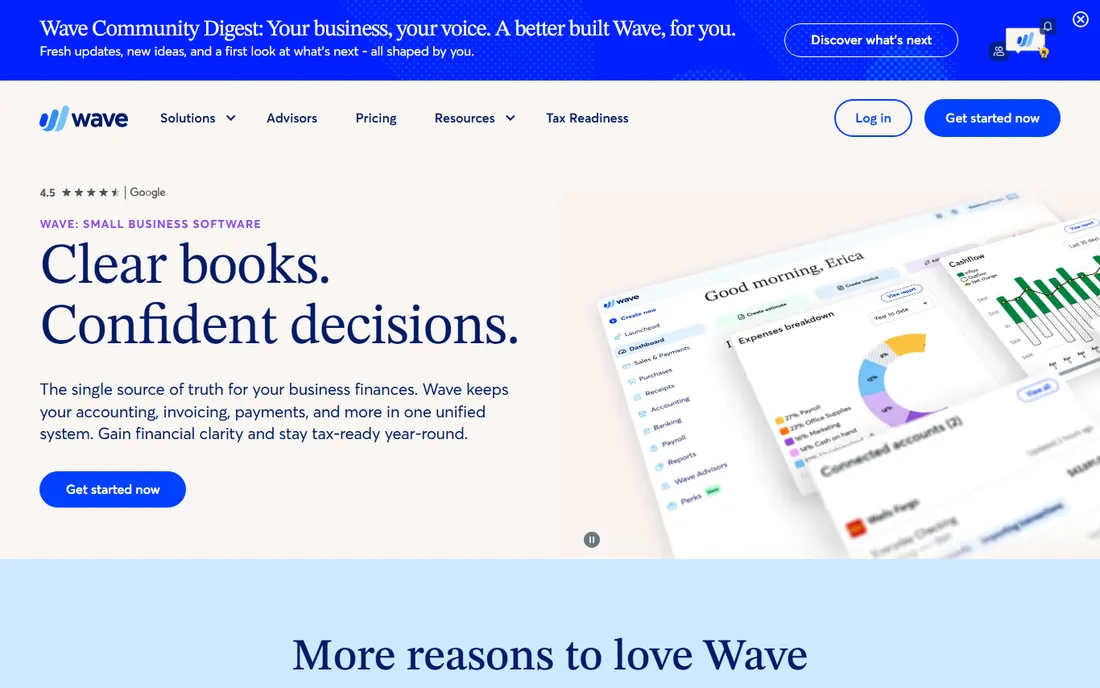
Wave is the honest free option in this category. Invoicing, accounting and receipt scanning cost nothing, with no cap on clients or invoices, which makes it the default recommendation for freelancers starting out. You can send a branded invoice with online payment links in minutes, and the books update themselves when clients pay.
The revenue model shows up in processing fees: 2.9% plus $0.60 per card transaction is noticeably higher than the $0.30 fixed fee most competitors charge. Wave also has no time tracking, so hourly freelancers need a separate tool like Toggl. Pro at $19 a month adds automated reminders and bank imports, but most solo freelancers never need it. Start free, and only consider paying when the processing fees on your volume justify a tool with lower card rates.
What we like- Invoicing and accounting are free with no client or invoice cap
- Simple enough to set up in an afternoon
- Unlimited invoices on the free plan
Watch out for- No built-in time tracking
- Card processing fee of 2.9% plus $0.60 is higher than most
- Support is limited on the free tier
Starting price$23/month (Lite)
Free planFree trial (30 days)
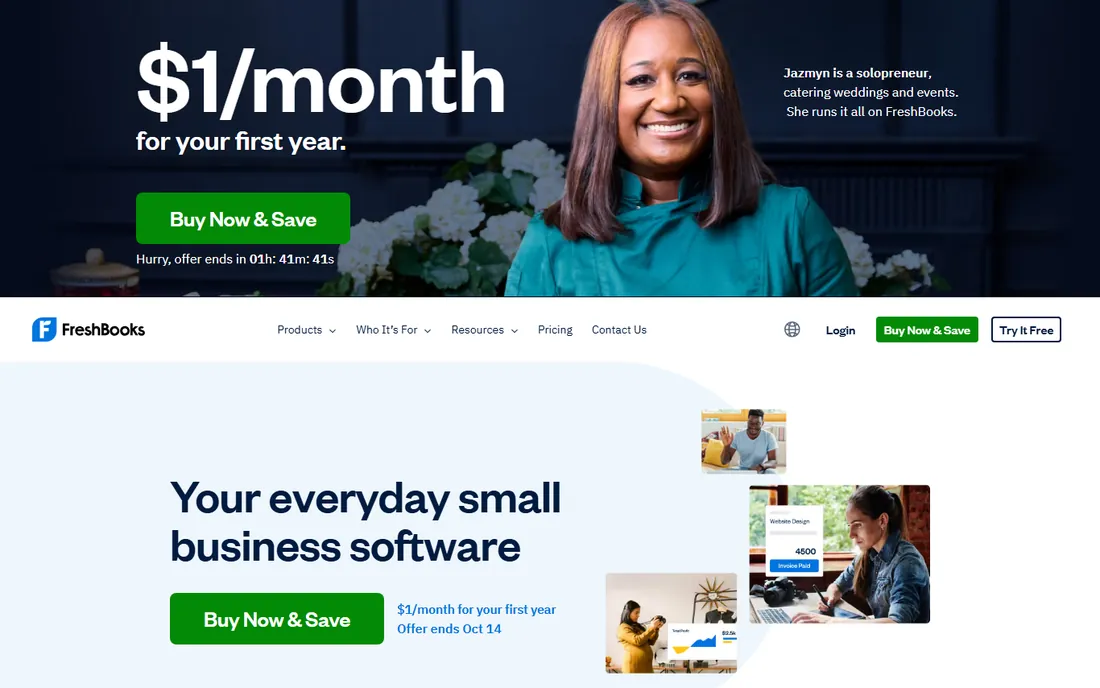
FreshBooks has been the freelancer favorite for a decade because it understands how service freelancers work: track hours against a project, convert the hours to an invoice, get paid by card or ACH, done. The 2026 pricing, confirmed on FreshBooks' own price-change page, runs Lite at $23 a month, Plus at $43 and Premium at $70, with a 30-day free trial and no card required.
The number to watch is five. Lite allows five billable clients, and that ceiling is the single most common reason freelancers upgrade; anyone with a real pipeline lands on Plus at $43 a month fast. Budget against the regular price, not the frequent 90%-off-for-three-months promos, and count the $11 per extra team member if anyone else touches the account. For hourly billing with clean books, it is still the safest paid pick.
What we like- Time tracking flows straight into invoice lines
- Polished client portal clients actually use
- Strong expense and mileage tracking
Watch out for- Lite caps at 5 billable clients, which most freelancers outgrow quickly
- No free plan
- Extra team members cost $11 each
#3
Zoho Invoice
Best for: Freelancers with international clients and multi-currency needs
Visit zoho.com
Starting priceFree
Free planYes
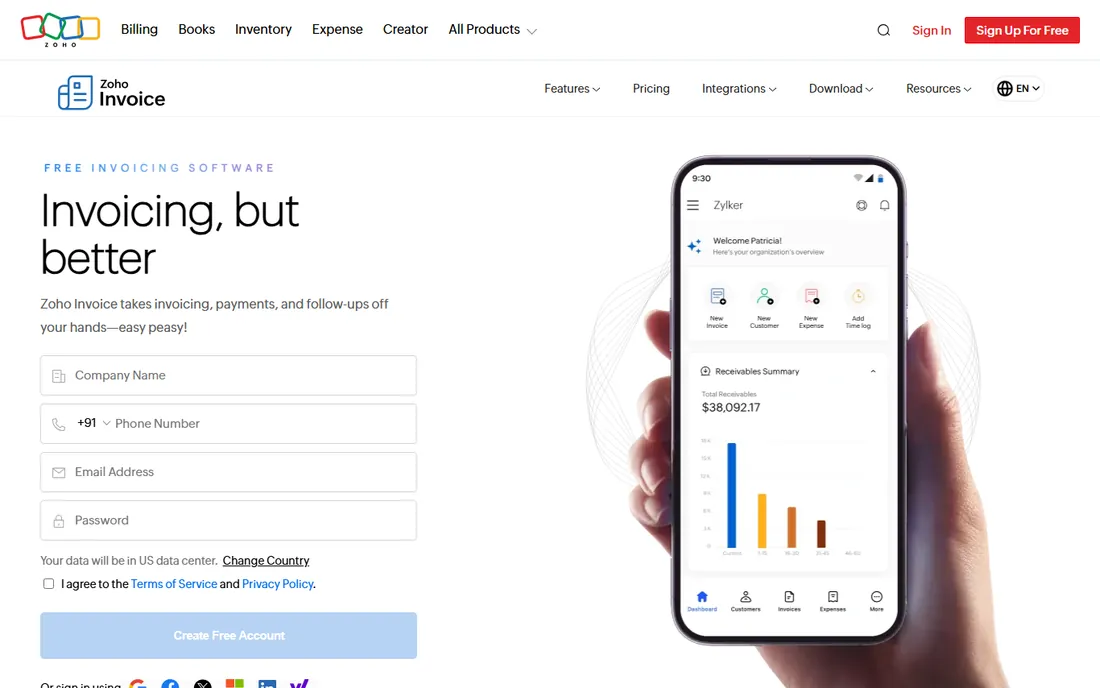
Zoho Invoice is the best free invoicing software for freelancers who bill across borders. It is genuinely free, not a trial, with unlimited invoices and clients, multi-currency support with automatic exchange rates, recurring invoice profiles and payment reminders. For a freelancer with clients in three countries, that combination beats every paid tool under $40 a month.
The catch is ecosystem gravity. Zoho Invoice is one app in a large suite, and features like deep time tracking and full accounting live in Zoho Projects and Zoho Books respectively. Used alone it is excellent; used as part of a Zoho stack it gets better. If you are already allergic to Zoho's interface style, Wave is the simpler free alternative for US-only billing.
What we like- Completely free with no invoice or client cap
- Multi-currency invoicing built in
- Recurring invoices, reminders and a client portal included
Watch out for- Works best inside the Zoho ecosystem
- Time tracking and accounting live in separate Zoho apps
- The interface feels denser than Wave
#4
HoneyBook
Best for: Creative freelancers who book clients through proposals
Visit honeybook.com
Starting price$36/month (Starter)
Free planFree trial (7 days)
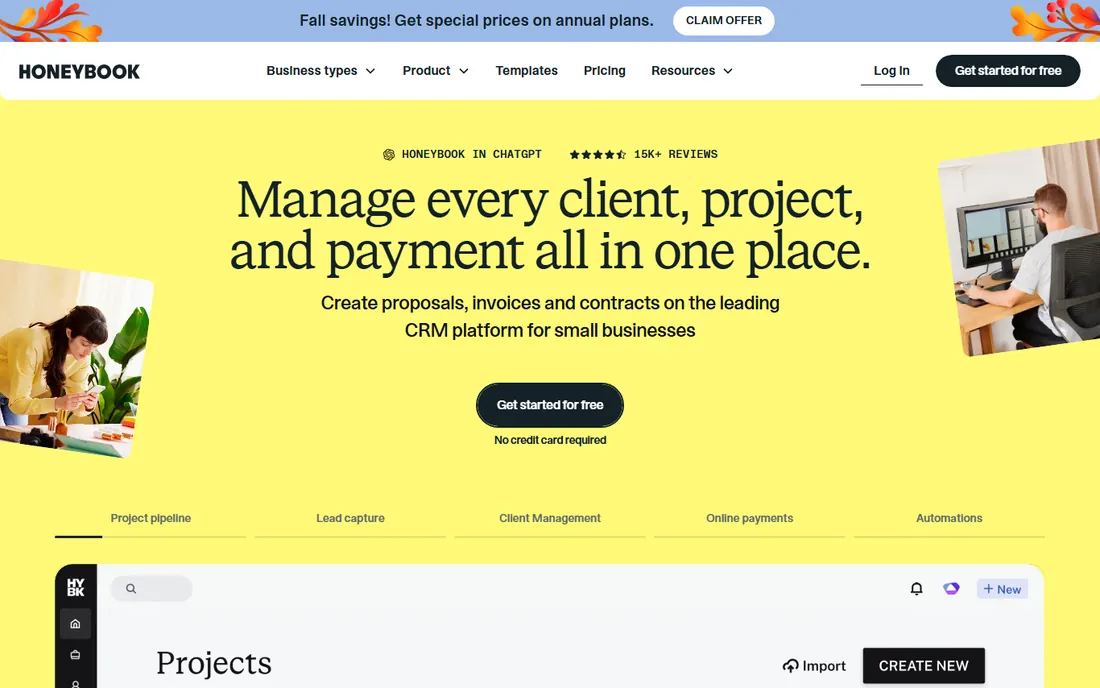
HoneyBook is not really an invoicing tool; it is a client-management platform where invoicing is one step. A photographer or designer sends a proposal, the client signs the contract, pays the deposit and receives the final invoice, all in one branded flow. Starter at $36 a month billed monthly ($29 billed annually) includes unlimited clients and projects with a 7-day free trial and no card required.
The honest math: if you only need invoices, this is overbuilt and overpriced. It earns its keep when it replaces a proposal tool, a contract tool and a scheduling tool at once. Note that automations and scheduling need Essentials at $59 a month, and card processing at 2.9% plus $0.25 applies on top of the subscription. Creatives who book project-based work will feel the value; consultants sending simple retainers will not.
What we like- Inquiry to contract to invoice in one flow
- Flat per-account pricing, not per user
- Professional templates and client portal impress clients
Watch out for- Starter at $36 a month is steep for simple invoicing
- Automations need Essentials at $59 a month
- Processing fees stack on top of the subscription
#5
Bonsai
Best for: Freelancers wanting proposals, contracts, invoicing and tax help together
Visit hellobonsai.com
Starting price$25/user/month (Essentials)
Free planFree trial (7 days)
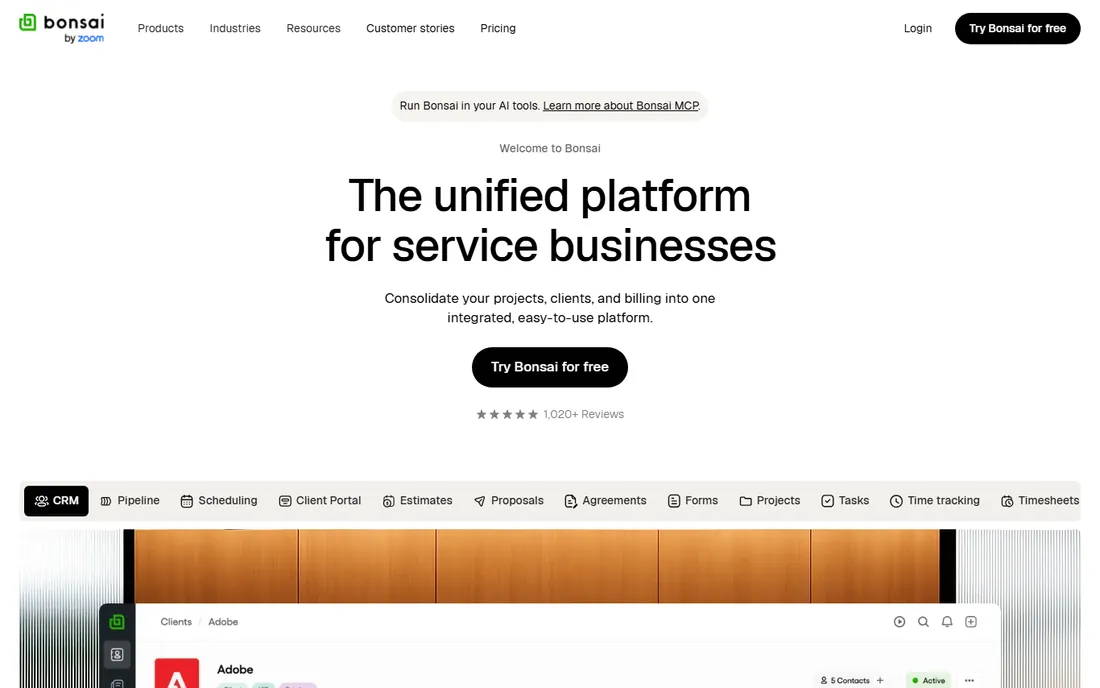
Bonsai targets the freelancer who wants one subscription instead of four: proposals, contracts, time tracking, invoicing, expenses and tax estimates in one place. Read the pricing page carefully, because the headline Basic plan at $15 a month ($9 billed annually) includes time tracking and CRM but no invoicing. The real entry point is Essentials at $25 a user a month ($19 billed annually), with a 7-day trial that requires a card.
For US freelancers, the tax module is the differentiator: quarterly tax estimates and 1099 contractor tracking that Wave and FreshBooks do not match. The concern is ownership; Zoom acquired Bonsai in November 2025, and long-term pricing and product direction are unclear. If invoicing is all you need, the bundle is hard to justify against free tools. If you want contracts and tax help in the same login, it is the strongest package here.
What we like- Proposal-to-invoice workflow with attorney-vetted contracts
- US tax estimates and 1099 exports built in
- Clean client portal
Watch out for- The cheapest plan ($15 monthly, $9 billed annually) does not include invoicing at all
- Per-user pricing punishes teams
- Zoom acquired Bonsai in November 2025, so the roadmap is uncertain
#6
Square Invoices
Best for: Freelancers who also take payments in person
Visit squareup.com
Starting priceFree; $20/month (Plus)
Free planYes
Square Invoices fits a specific freelancer: the photographer who shoots on location, the consultant who meets clients in person, the trades-adjacent creative who takes deposits. The free plan includes unlimited invoices, estimates, recurring invoices and payment links, and the same Square account processes in-person card payments at the standard Square rate.
It is a payments-first tool, not an accounting tool. Invoice templates are basic, there is no time tracking, and you will still need Wave, QuickBooks or a spreadsheet for the books. But for local service freelancers who collect deposits and final payments around real-world work, the combination of free invoicing and in-person payments in one account is genuinely convenient.
What we like- Free unlimited invoices with estimates and recurring billing
- Deposits and partial payments built in
- Same account handles in-person card payments
Watch out for- Minimal invoice customization
- No real accounting, you still need books elsewhere
- Limited multi-currency support
#7
Xero
Best for: Freelancers whose accountant already works in Xero
Visit xero.com
Starting price$15/month (Early)
Free planFree trial (30 days)
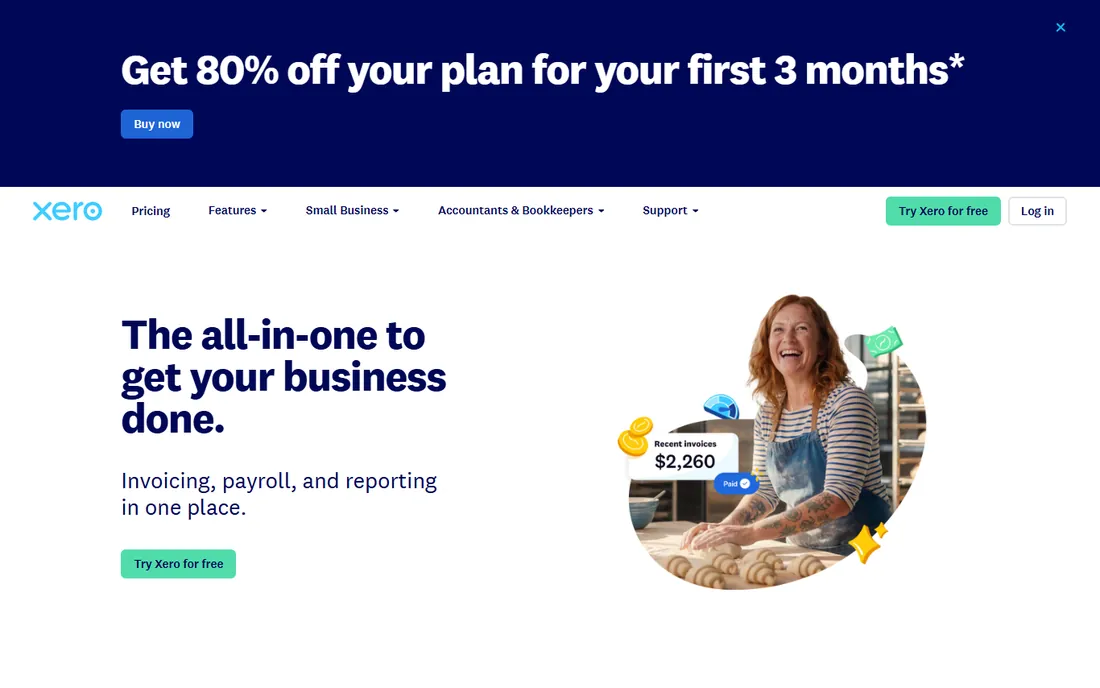
Xero is the accountant's choice, and that is the whole reason a freelancer picks it: if your CPA works in Xero, your books arrive clean and tax prep costs less. Early at $15 a month covers 20 invoices and 10 bills a month with bank reconciliation, and every plan includes unlimited users, which matters if a bookkeeper or partner needs access.
Twenty invoices a month is plenty for most freelancers but worth knowing before you commit. Xero is also a general small-business accounting tool, not a freelancer tool; there is no built-in time tracking or proposal flow. Pick it when the accounting relationship drives the decision. Pick Wave or FreshBooks when invoicing itself is the priority.
What we like- Accountants love it, which makes tax season painless
- 1,000-plus integrations
- Multi-currency on higher plans
- Unlimited users on every plan
Watch out for- Early plan caps at 20 invoices a month
- Invoicing is good but not freelancer-specialized
- No free plan
Starting priceFree; $14/month (Pro)
Free planYes
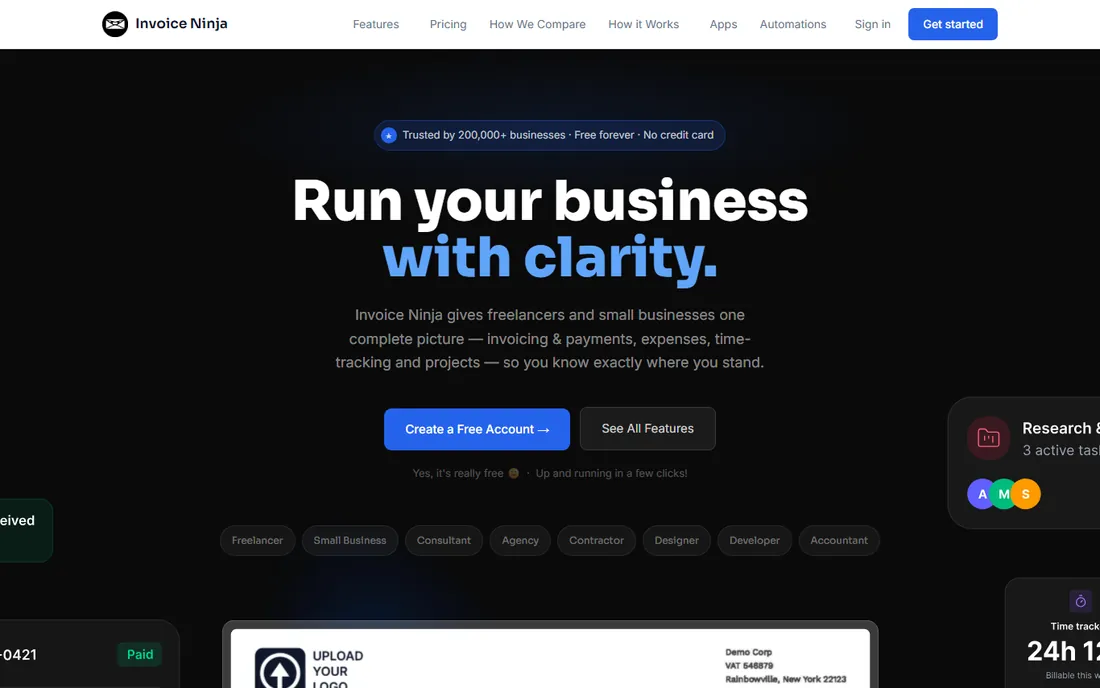
Invoice Ninja is the pick for freelancers who like owning their tools. The free plan covers invoicing, quotes, expenses and time tracking with no strict cap, and the open-source code can be self-hosted if you want your client data on your own server. It connects to more than 40 payment gateways, which matters for freelancers outside the Stripe-and-PayPal mainstream.
The trade-off is polish. The interface works but will not impress anyone, and self-hosting is genuinely a sysadmin job, not a weekend project. Pro at $14 a month adds white-labeling, more templates and priority support. For developers, agencies and privacy-minded freelancers, the control is worth the rougher edges.
What we like- Free plan with no hard invoice cap
- Self-hosting option for full data control
- 40-plus payment gateways and multi-currency
Watch out for- The interface is functional rather than polished
- Self-hosting needs server skills
- Support is community-first on free plans
Starting priceFree; $12/month (Pro)
Free planYes
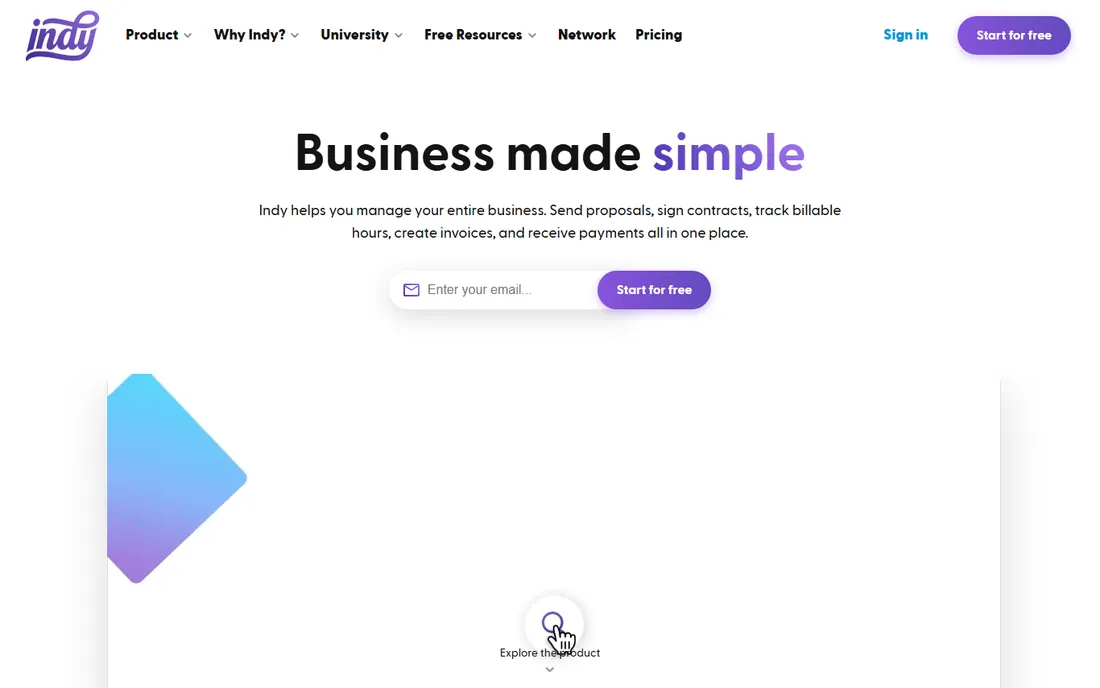
Indy is what Bonsai would look like at half the price. Pro at $12 a month bundles proposals, contracts, invoices, time tracking, forms and a lightweight CRM, with a free tier that lets you test each module before paying. For a solo freelancer who wants the all-in-one workflow without HoneyBook or Bonsai prices, it is the cheapest credible option.
The compromises are scale and ecosystem. Integrations are thinner, some features skew US-only, and there is no real accounting layer. It is a solo tool, not a team tool. If you are one person sending proposals and invoices, Indy does the job for the price of two coffees a month.
What we like- Proposals, contracts, invoicing, time tracking and tasks for $12 a month
- Modular free tier to test each tool
- Simple, modern interface
Watch out for- Smaller integration ecosystem than Bonsai or HoneyBook
- US-centric features
- No accounting depth
Starting price$20/month
Free planFree trial
QuickBooks Solopreneur (the successor to Self-Employed) exists for one reason: freelancers who dread tax season. Invoices, expenses, mileage and estimated quarterly taxes live in one place, and the books come out Schedule C ready. At $20 a month it is the most expensive pure-invoicing option here, but the accounting underneath is the point.
Do not buy it for the invoices; Wave and Zoho Invoice send invoices just as well for free. Buy it if you want the books done right without thinking about them, or if your accountant insists on QuickBooks. For everyone else, it is overkill at twice the price of FreshBooks Lite.
What we like- Invoicing feeds directly into tax-ready accounting
- Mileage and expense tracking built for Schedule C
- Trusted by accountants everywhere
Watch out for- $20 a month for features many freelancers will not use
- The interface carries the full QuickBooks complexity
- Cheaper tools invoice just as well
How we chose
We focused on tools freelancers actually use to get paid, not generic accounting software. For each tool we verified current pricing on the vendor's own pricing page or on third-party pages citing the vendor page with a 2026 check date, and we flagged where the advertised starting price does not include invoicing (Bonsai's Basic plan being the notable trap). We weighed public review patterns on G2, Capterra and Reddit for reliability and payment dependability, checked free-plan limits against real freelance workloads, and matched each tool to a freelancer type rather than ranking on feature count. We did not claim hands-on testing that did not happen, and no vendor paid for placement.
The fee math nobody shows you
The subscription is the small part of your invoicing cost. Card processing at 2.9% plus a fixed fee per transaction means a freelancer collecting $80,000 a year by card pays roughly $2,300 to $2,700 in processing fees alone, more than the annual subscription of every tool on this list. That math is nearly identical across Wave, FreshBooks, HoneyBook and Square, so do not pick a tool for its processing rate unless your volume is large.
What actually moves the number is how clients pay. ACH bank transfers typically cost around 1% capped at a few dollars, versus 2.9% for cards. If your clients will pay by bank transfer, a tool with good ACH support and low ACH fees saves real money: the same $80,000 collected by ACH costs a few hundred dollars instead of a few thousand. Push ACH on large invoices, reserve cards for small ones, and treat the subscription price as the least important line on the bill.
Free vs paid: where the upgrade actually hits
The free tools here are not demos. Wave and Zoho Invoice both run real freelance businesses at zero subscription cost, and Indy and Invoice Ninja cover the all-in-one and open-source corners for free. The honest question is what breaks first as you grow.
For Wave, it is the 2.9% plus $0.60 processing fee and the missing time tracking; at higher volumes, a paid tool with lower card fees can pay for itself. For Zoho Invoice, nothing breaks on price, but you may want Zoho Books when the accounting gets serious. For FreshBooks, the 5-client cap on Lite is the wall, and most active freelancers should budget for Plus at $43 from the start. For HoneyBook and Bonsai, the wall is workflow: you are paying for proposals, contracts and automations, so the subscription is justified only if you use them. Start free, upgrade when a specific limit costs you money or time, and never pay for features you have not needed yet.
Frequently asked questions
What is the best free invoicing software for freelancers?
Wave and Zoho Invoice are the two real answers. Wave is simpler and better for US freelancers who want free invoicing plus free accounting. Zoho Invoice is better for international freelancers because multi-currency invoicing is built into the free plan. Both are genuinely free with no invoice caps.
How much should a freelancer pay for invoicing software?
Nothing to start: Wave and Zoho Invoice are free. When you outgrow free, expect $12 to $25 a month for Indy, Invoice Ninja Pro or Bonsai Essentials, $23 to $43 for FreshBooks, and $36 to $59 for HoneyBook. Above $40 a month, you should be getting contracts, proposals or automations, not just invoices.
Is FreshBooks worth it for freelancers in 2026?
Yes, if you bill by the hour. FreshBooks' time-tracking-to-invoice flow is still the smoothest in the category. Budget for Plus at $43 a month rather than Lite at $23, because the 5-client cap on Lite catches most active freelancers within months. If you send simple flat-fee invoices, Wave does it for free.
What are the payment processing fees on freelance invoices?
Most tools charge around 2.9% plus $0.25 to $0.60 per card transaction; Wave charges 2.9% plus $0.60, which is the highest fixed fee here. ACH bank transfers cost roughly 1%, often capped at a few dollars per transaction. PayPal invoicing runs higher at 3.49% plus $0.49. On large invoices, ask clients to pay by bank transfer.
Do I need contracts as well as invoices?
If you do project work with defined deliverables, yes. A signed contract before the invoice prevents most payment disputes, and tools like HoneyBook, Bonsai and Indy bundle both. If you work on retainer with trusted long-term clients, a simple invoice from Wave or FreshBooks is enough.
Which invoicing software is best for international freelancers?
Zoho Invoice, with free multi-currency invoicing and automatic exchange rates. Xero handles multi-currency well on its Established plan but costs more. Invoice Ninja supports 40-plus payment gateways, which helps in countries where Stripe and PayPal are weak. Avoid tools with limited currency support like Square Invoices if most of your clients are abroad.
Sources we checked (13)
- https://www.waveapps.com/pricing/
- https://www.freshbooks.com/2026-faq-price-change
- https://www.zoho.com/invoice/pricing/
- https://www.honeybook.com/pricing/
- https://www.hellobonsai.com/pricing/
- https://squareup.com/us/en/invoices/
- https://www.xero.com/pricing/
- https://www.invoiceninja.com/pricing/
- https://www.weareindy.com/pricing/
- https://quickbooks.intuit.com/pricing/
- https://agiled.app/blog/best-invoicing-software-for-freelancers
- https://seojuice.com/blog/best-invoicing-billing-tools-freelancers-2026/
- https://assembly.com/blog/hello-bonsai-pricing
Is your product missing or out of date?
We review this list regularly. Vendors can request a listing, send updated pricing or ask about featured placement.

Shihab Mia · Founder, Rankite
Shihab has spent more than a decade helping SaaS and e-commerce brands grow through search. He writes Rankite's software buying guides from pricing pages, documentation and public user reviews. More about Shihab.