How we make this list: we compare pricing pages, product documentation and public user reviews. Rankite is independent; if a vendor ever pays for a featured spot, that listing is clearly labeled Partner.
Key takeaways
- Notion is the best all-rounder for teams that want notes, wikis, and project tracking in one place.
- Obsidian is the pick for personal knowledge management: free, private, and your notes stay in plain files you own.
- OneNote, Google Keep, Simplenote, and Joplin all offer genuinely free note-taking with no meaningful catch.
- Bear and Craft are the design-forward choices for Apple users, while Roam Research suits researchers who think in connections.
Quick comparison
| Tool | Best for | Starting price | Free plan |
|---|
 Notion Notion | teams combining notes, wikis, and projects | See website | Yes |
 Evernote Evernote | a searchable lifetime archive of everything | See website | Yes |
 Obsidian Obsidian | private, long-term personal knowledge management | Free | Yes |
 Microsoft OneNote Microsoft OneNote | free notebooks inside the Microsoft ecosystem | Free | Yes |
 Google Keep Google Keep | fast capture and reminders | Free | Yes |
 Bear Bear | Markdown notes on Apple devices | Free (Pro from $2.99/month) | Yes |
 Simplenote Simplenote | plain synced notes with zero fuss | Free | Yes |
 Joplin Joplin | open-source notes you fully control | Free | Yes |
 Craft Craft | beautiful docs and daily notes on Apple devices | Free (Plus plans available) | Yes |
 Roam Research Roam Research | researchers who think in linked ideas | See website | Free trial |
Is your product missing or out of date?
We review this list regularly. Vendors can request a listing, send updated pricing or ask about featured placement.
The best notes software
#1
Notion
Best for: teams combining notes, wikis, and projects
Visit notion.so
Starting priceSee website
Free planYes
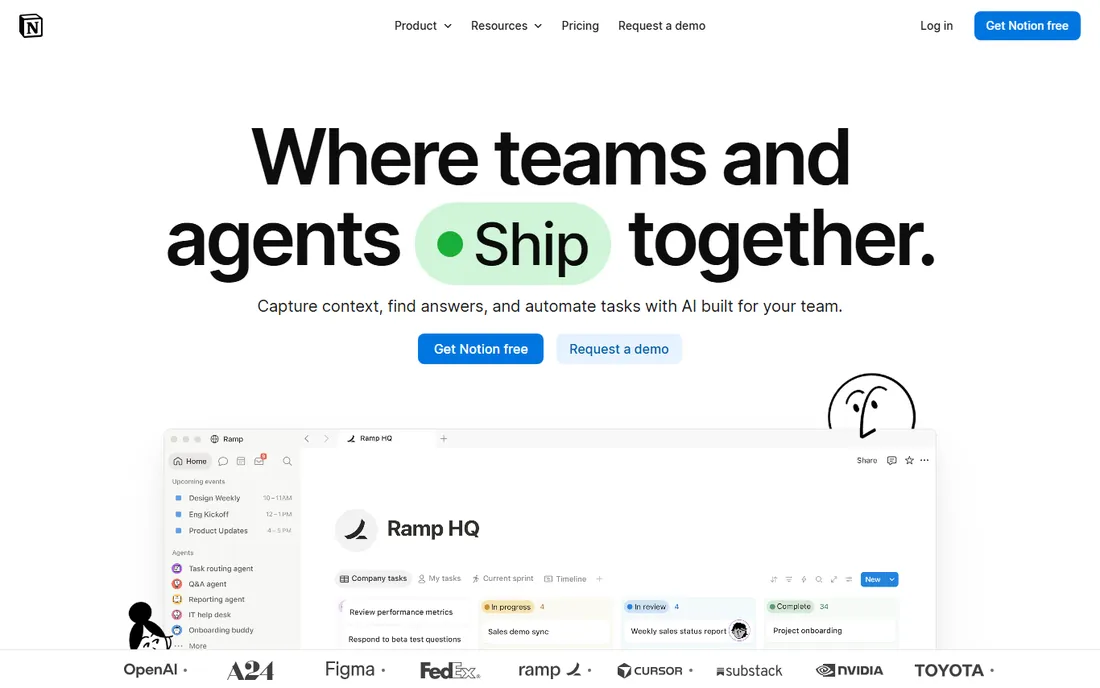
Notion turned the humble note into a database. Pages can hold text, tables, kanban boards, and calendars, which makes it the default choice for teams that want their wiki, docs, and project tracking in one place. The free tier is generous enough for personal use and small teams, and the template gallery covers everything from meeting notes to content calendars.
The trade-offs are performance and offline access. Very large workspaces can feel sluggish, and Notion assumes you are online. Pricing is per user per month with Plus and Business tiers; check the current plans page since AI add-ons have changed the packaging. For a small business that wants one workspace instead of five apps, Notion is the safest recommendation.
What we like- Flexible pages, databases, and wikis in one app
- Generous free tier
- Huge template community
Watch out for- Can feel slow on very large workspaces
- Offline support is limited
Starting priceSee website
Free planYes
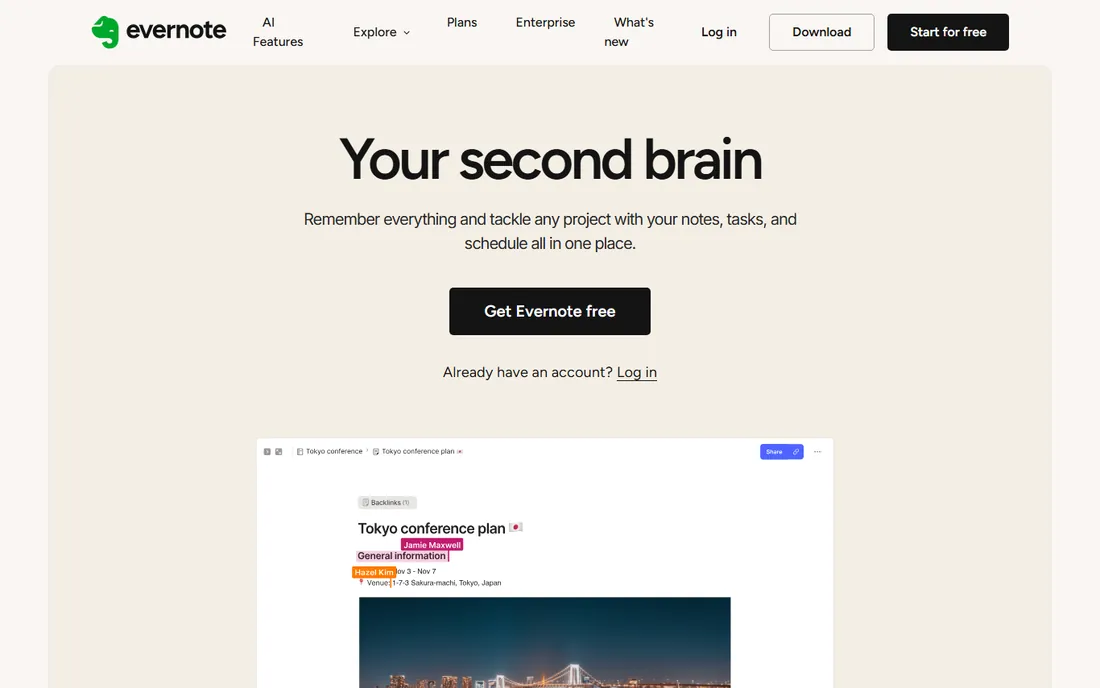
Evernote invented the modern note app, and its core strength remains capture. The web clipper saves articles cleanly, search finds text inside PDFs and photos, and two decades of development mean the sync is boring in the best way. The v11 release added AI features for summarizing and organizing notes.
The free tier has tightened over the years, with device limits that push serious users toward paid plans. Those plans cost more than Notion or Obsidian's paid add-ons. Evernote still makes sense if your priority is a permanent, searchable archive of documents, scans, and clippings rather than a team workspace. Try the free tier first and see whether the limits actually bother you.
What we like- Excellent search including text in PDFs and images
- Web clipper is still best in class
- Mature and stable
Watch out for- Free tier is limited
- Paid plans are pricier than newer rivals
#3
Obsidian
Best for: private, long-term personal knowledge management
Visit obsidian.md
Starting priceFree
Free planYes
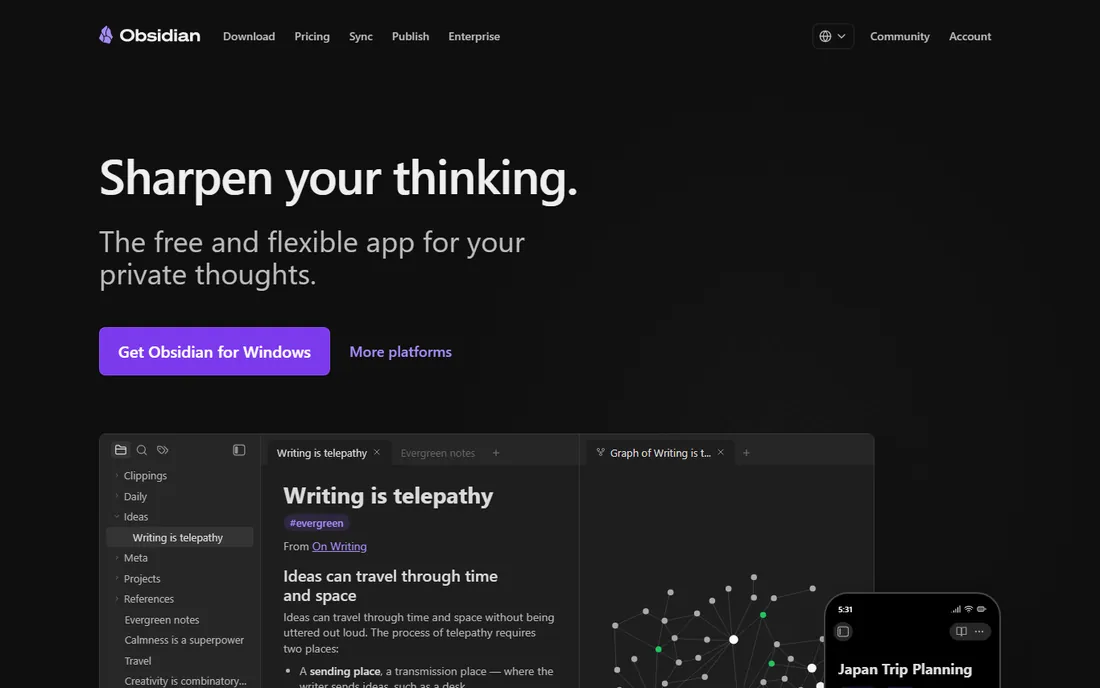
Obsidian takes the opposite philosophy to Notion: your notes live as Markdown files on your device, private by default, with no account needed. The app is free without meaningful limits. Links between notes, the interactive graph view, and a plugin ecosystem in the thousands make it the favorite of researchers, writers, and anyone building a personal knowledge base meant to last decades.
The business model is add-ons, not subscriptions. Official sync with end-to-end encryption and the Publish service for turning notes into websites cost extra; the core app stays free. There is no built-in real-time collaboration, so it is a personal tool first. If you want your notes to survive any company's business decisions, Obsidian's local-files approach is the most future-proof pick here.
What we like- Free with no account required
- Notes are plain Markdown files you own
- Thousands of community plugins
Watch out for- Sync and publishing are paid add-ons
- No real-time collaboration in the core app
#4
Microsoft OneNote
Best for: free notebooks inside the Microsoft ecosystem
Visit onenote.com
Starting priceFree
Free planYes
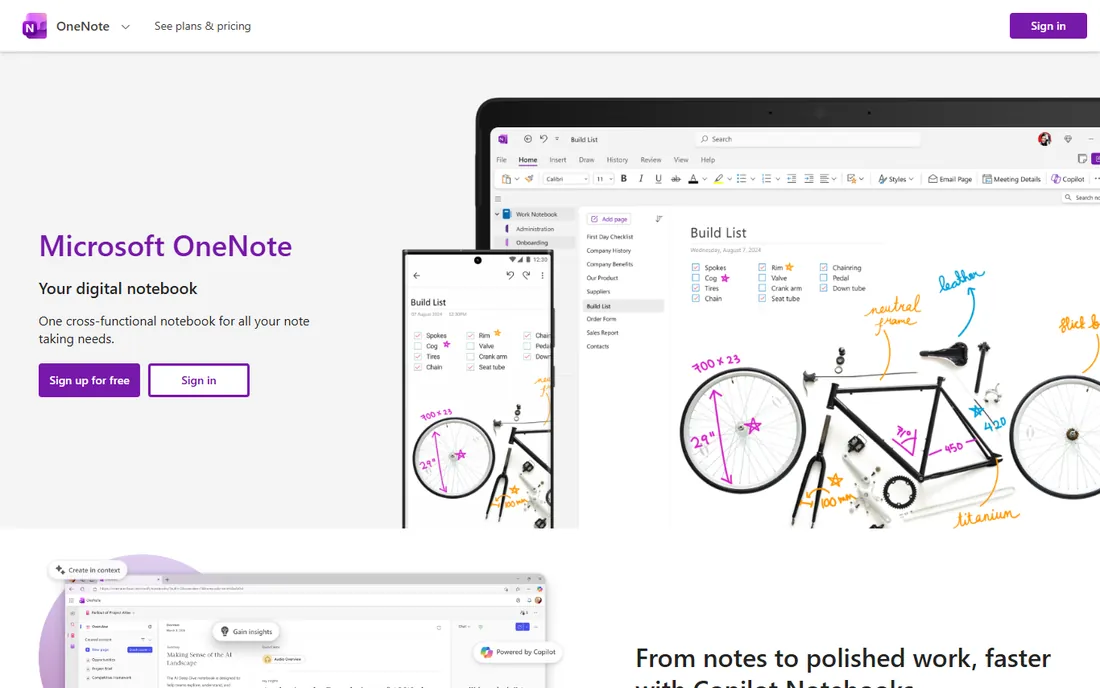
OneNote is the quiet workhorse of this list. It is free with any Microsoft account, syncs through OneDrive, and handles the full range: typed notes, handwriting, audio recordings with transcription, and web clippings. Students and Office users get a capable notebook without paying anything or installing much.
The notebook-section-page structure scales poorly; large archives become hard to navigate compared with Notion's databases or Obsidian's links. The interface also feels dated next to Craft or Bear. But for a small business already on Microsoft 365, OneNote is the path of least resistance, and its Copilot integration is now pulling it forward. Free is hard to argue with.
What we like- Completely free with a Microsoft account
- Good handwriting and drawing tools
- Solid sharing
Watch out for- Organization can get messy at scale
- Interface lags behind newer rivals
Starting priceFree
Free planYes
Google Keep is not trying to be your second brain. It is a sticky-note app: open it, type, set a reminder, done. Labels and colors provide light organization, and reminders can trigger by time or location. Integration with the rest of Google Workspace is the real draw; a Keep note can become a Docs document in one click.
Anyone with more than a few hundred notes will feel the limits. There is no folder hierarchy, formatting is minimal, and search is basic. Use Keep for capture and short-term reminders, and pair it with Docs or another tool here for anything you need to keep. It is free, instant, and already on your phone if you use Google services.
What we like- Fastest way to jot something down
- Location and time reminders
- Integrates with Google Docs and Calendar
Watch out for- Weak organization for large note collections
- No real formatting or hierarchy
Starting priceFree (Pro from $2.99/month)
Free planYes
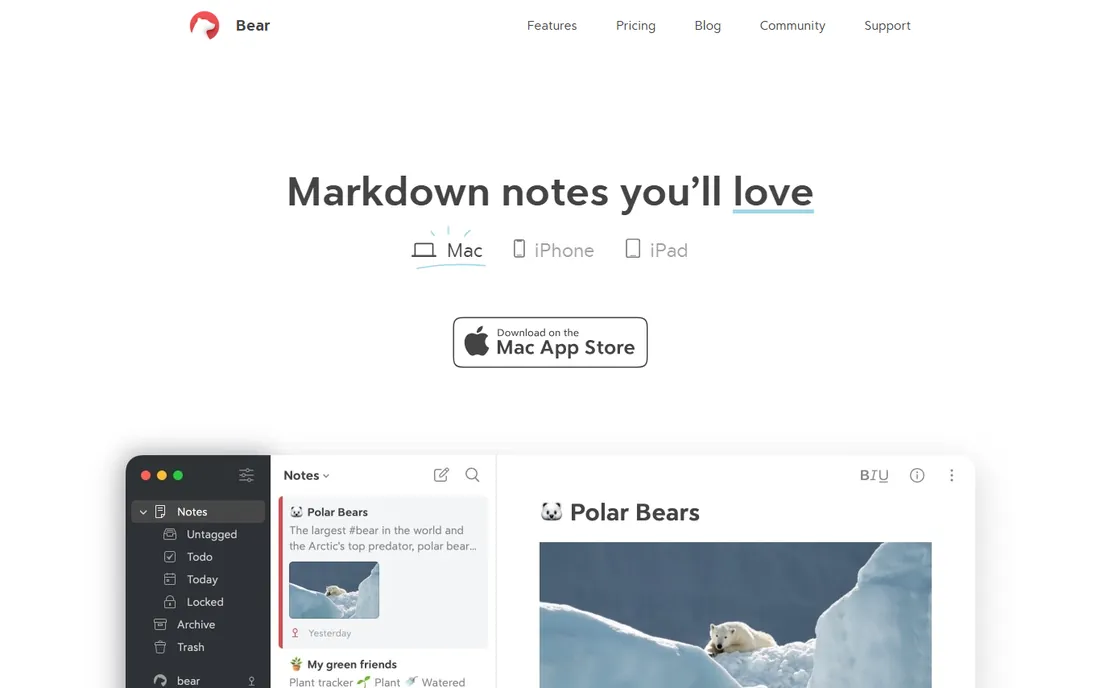
Bear is what a note app feels like when design is the priority. The Markdown editor is fast and pleasant, tags replace folders with a flexible system, and the whole app feels instant. The free tier covers the core writing experience; Bear Pro at $2.99 per month or $29.99 per year adds iCloud sync, export formats, and OCR search in images and PDFs.
The limitation is platform. Bear is Apple-only: Mac, iPhone, and iPad, with no Windows or Android apps and no web version. If your whole life is Apple hardware, that is a non-issue and Bear is the most enjoyable notes app on this list. Mixed-device households should pick something cross-platform instead.
What we like- Beautiful, fast native apps
- Tags with nested organization
- Pro is cheap ($2.99/month or $29.99/year)
Watch out for- Apple only, no Windows or Android
- Sync requires the Pro subscription
Starting priceFree
Free planYes
Simplenote does exactly what the name promises. It is a plain-text note app with instant sync across iOS, Android, Mac, Windows, Linux, and the web, and everything is free with no premium tier waiting to upsell you. Tags, search, note history, and Markdown support cover the essentials. It is maintained by Automattic, the company behind WordPress, so it is not going anywhere.
There is nothing else to say about features because there is nothing else. No notebooks, no rich text, no attachments, no collaboration beyond shared notes. That minimalism is the point. If you want notes that open instantly, sync everywhere, and never nag you about a subscription, Simplenote is the cleanest option available.
What we like- Completely free with no paid tier
- Instant sync across all platforms
- Markdown support and note history
Watch out for- No rich formatting or attachments
- Minimal features by design
Starting priceFree
Free planYes
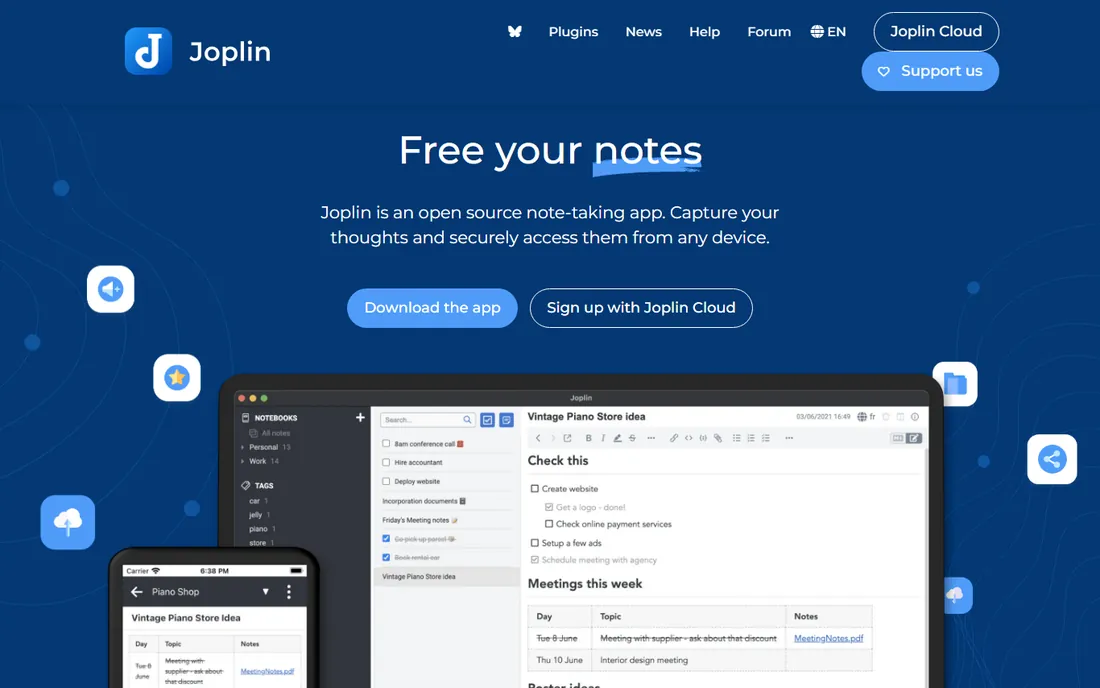
Joplin is the open-source answer to Evernote. It offers notebooks, tags, Markdown editing, a web clipper, and to-do lists, all free. Your notes can sync through Joplin Cloud, Dropbox, OneDrive, or your own server, with end-to-end encryption available. For privacy-conscious users and organizations that want data control, the open-source license is the deciding factor.
The interface is practical rather than beautiful, and setting up sync takes more steps than signing into Notion. But the feature set is genuinely complete, and the price is zero forever. If Evernote's pricing bothers you but you like its notebook model, Joplin is the migration path with the least compromise.
What we like- Free and open source
- End-to-end encrypted sync
- Web clipper and Markdown like Evernote
Watch out for- Interface is functional rather than polished
- Sync setup takes some configuration
#9
Craft
Best for: beautiful docs and daily notes on Apple devices
Visit craft.do
Starting priceFree (Plus plans available)
Free planYes
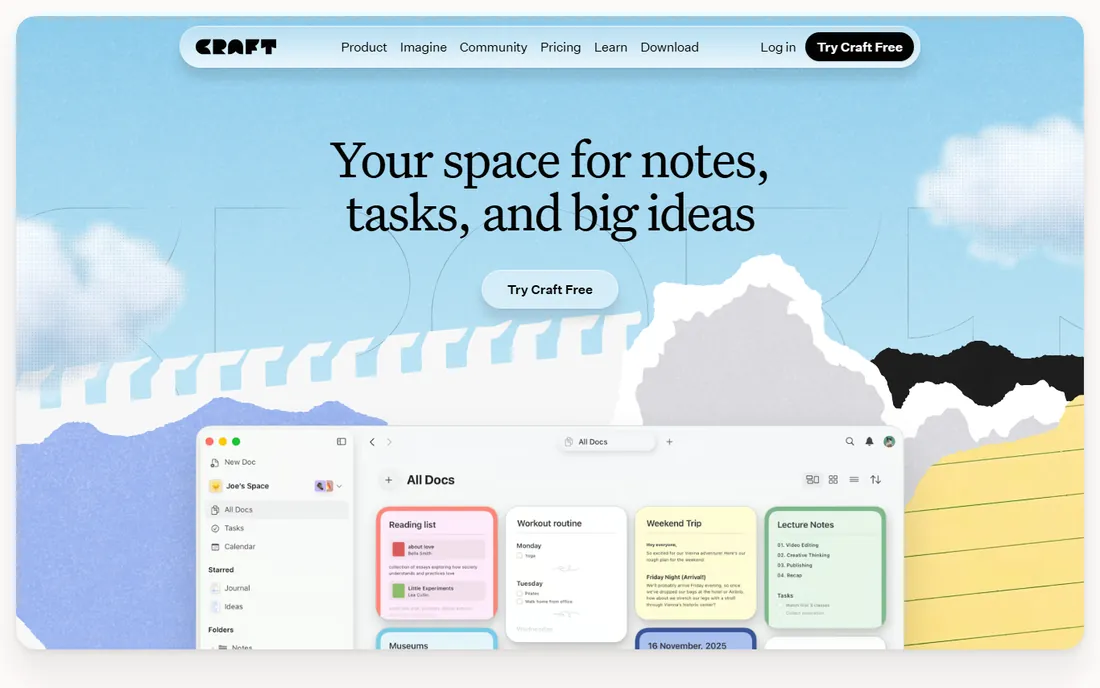
Craft sits between Bear and Notion: prettier than Notion, more structured than Bear. Documents support rich blocks, daily notes, tasks, calendars, and whiteboards, and the native apps are fast and polished. The free tier covers occasional use well, with Plus plans for daily users. It has collected design awards, and it shows.
Like Bear, Craft shines brightest on Apple devices, though web and Windows apps exist. The Plus subscription is required for heavy use and larger storage. For freelancers and small teams who want their notes to look as good as they read, Craft is the strongest Notion alternative that does not feel like a database.
What we like- Gorgeous native apps
- Daily notes, tasks, and whiteboards in one place
- Generous free tier
Watch out for- Strongest on Apple platforms
- Advanced features need the Plus plan
Starting priceSee website
Free planFree trial
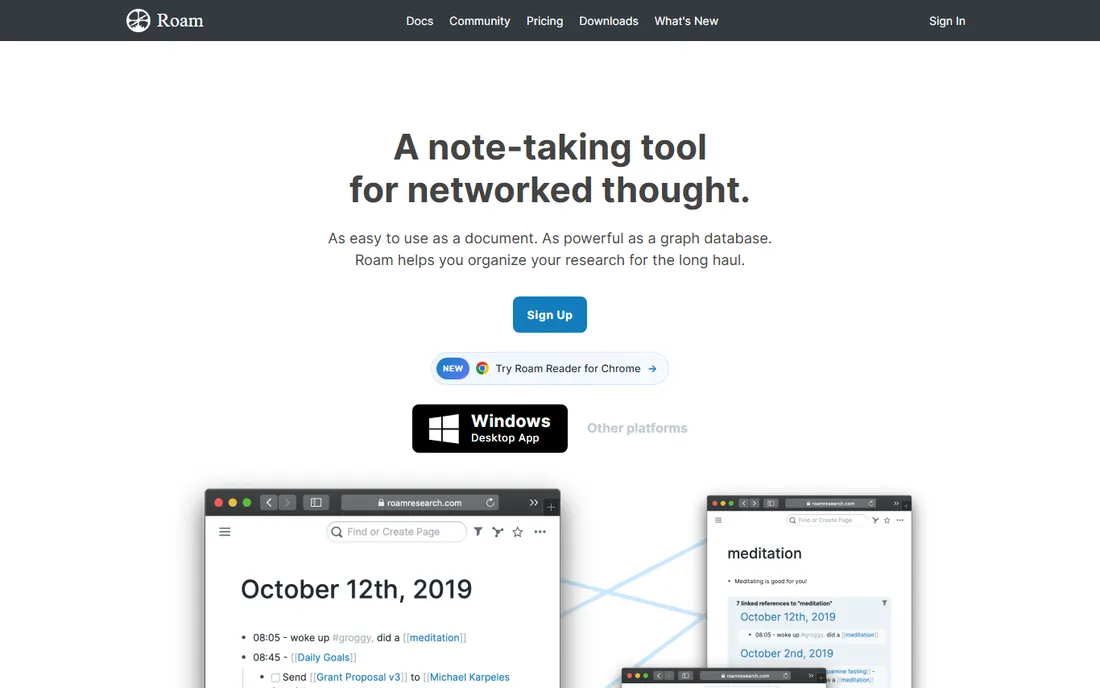
Roam Research created the "second brain" boom. Every note is made of blocks, everything links bi-directionally, and the daily-notes page turns journaling into a research database. Researchers at places like Stanford and DeepMind adopted it early, and its influence on Obsidian, Logseq, and Notion is visible everywhere.
The catch is that Roam charges a premium subscription with no permanent free tier, while Obsidian and Logseq now offer similar linking for free. Development has also been quieter than the open-source alternatives. Roam still has loyalists who prefer its block-based model and daily workflow. New users should trial it alongside Obsidian before committing to the subscription.
What we like- Bi-directional linking pioneered the networked-thought category
- Daily notes workflow
- Beloved by researchers
Watch out for- Subscription with no free tier
- Interface is idiosyncratic
- Development pace has slowed
How we chose
We looked at the note apps people actually recommend in 2026: community discussions on Reddit, reviews on G2 and Capterra, and practitioner roundups. Every tool had to be actively maintained and available today. We checked vendor homepages, pricing pages, and documentation, and tested the free-tier claims where possible. We excluded apps that are primarily to-do lists, and we left out discontinued products. Where a vendor page sat behind a login wall or could not be verified, we say so in our report rather than guessing.
Pick by how you think, not by feature count
Note apps fail when they fight your habits. Before comparing features, notice how you naturally capture ideas. If you think in documents and folders, OneNote, Evernote, or Joplin will feel familiar. If you think in links and connections, Obsidian or Roam will click. If you think in tasks and projects, Notion or Craft fit better. If you just need somewhere to put things fast, Keep or Simplenote win.
Check the exit before you enter
Ask how you get your notes out. Plain-text or Markdown export (Obsidian, Bear, Simplenote, Joplin) means you can leave any time. Proprietary formats with limited export (a risk with some database-style tools) mean you are renting your own thoughts. Export a few notes as a test before you commit a year of work to any app.
Count the real cost per person
Free tiers in this category are genuinely useful, which makes paid plans an upgrade decision rather than a requirement. When you do pay, compare per-user monthly prices against how many people actually need the paid features. A five-person team on Notion or Evernote pays real money every month; the same team on Obsidian pays nothing unless they want official sync. Match the spend to the value: collaboration and shared workspaces justify subscriptions, while personal note-taking rarely does.
The price traps in note apps
Three pricing patterns deserve a careful look. First, the free tier that shrinks: some vendors tighten device limits or storage over time, turning a free app into a paid one by degrees. Check the current limits, not the ones you remember. Second, the per-user multiplier: team tools look cheap at $8 or $10 per user until you multiply by headcount and add AI features billed separately.
Third, the sync tax. Several apps are free but charge for syncing your own notes across devices, which is close to a requirement in 2026. Obsidian's sync, Bear's Pro, and Craft's Plus all follow this model. It is fair pricing, but budget for it if you work on multiple devices. The fully free options here, Simplenote, Joplin, Google Keep, and OneNote, have no sync tax at all.
Frequently asked questions
What is the best notes software overall?
For most people and teams, Notion is the best all-rounder because it combines notes, wikis, and project tracking. For personal use, Obsidian is the strongest free pick. The right answer depends on whether you need collaboration, privacy, or simplicity most.
Is there a good free notes app with no catch?
Yes, several. Simplenote, Joplin, Google Keep, and OneNote are all free with no meaningful limits for personal use. Obsidian is free for personal use with paid optional add-ons.
Notion vs Obsidian: which should I choose?
Choose Notion if you collaborate with others or want databases, kanban boards, and wikis. Choose Obsidian if your notes are personal, you value privacy and data ownership, and you prefer plain-text files. Many people use both for different purposes.
Can I switch from Evernote to something else?
Yes. Evernote exports to standard formats, and Joplin is the closest free alternative with a similar notebook model. Notion and Obsidian both have Evernote importers. Export everything before canceling, and verify the import caught all attachments.
Do note apps work offline?
Obsidian, Bear, Joplin, and OneNote all work fully offline since notes live on your device. Notion and Roam are cloud-first with limited offline support. Google Keep caches recent notes but is designed around connectivity.
Which notes app is best for students?
OneNote is free and strong for class notes with handwriting support. Notion's free tier works well for organizing courses and projects. Obsidian suits graduate students building a long-term research library. All three cost nothing to start.
Sources we checked (10)
- https://notion.so/
- https://evernote.com
- https://obsidian.md
- https://onenote.com/
- https://keep.google.com
- https://bear.app
- https://simplenote.com/
- https://joplinapp.org
- https://craft.do/
- https://roamresearch.com
Is your product missing or out of date?
We review this list regularly. Vendors can request a listing, send updated pricing or ask about featured placement.

Shihab Mia · Founder, Rankite
Shihab has spent more than a decade helping SaaS and e-commerce brands grow through search. He writes Rankite's software buying guides from pricing pages, documentation and public user reviews. More about Shihab.