How we make this list: we compare pricing pages, product documentation and public user reviews. Rankite is independent; if a vendor ever pays for a featured spot, that listing is clearly labeled Partner.
Key takeaways
- Blender is the most capable free option overall, covering 3D, 2D grease-pencil animation, and video editing in one download.
- Pencil2D is the easiest starting point for hand-drawn frame-by-frame animation on Windows.
- OpenToonz brings genuine studio pedigree (it descends from the software used on Studio Ghibli films) at zero cost.
- Every tool here is free with no watermark on exports, which is the minimum bar for animation software worth your time.
Quick comparison
| Tool | Best for | Starting price | Free plan |
|---|
 Blender Blender | a complete free animation studio | Free | Yes |
 Pencil2D Pencil2D | first-time 2D animators | Free | Yes |
 OpenToonz OpenToonz | serious 2D animation with studio workflows | Free | Yes |
 Synfig Studio Synfig Studio | vector animation without drawing every frame | Free | Yes |
 Krita Krita | digital painters who want animation too | Free | Yes |
 TupiTube TupiTube | kids, students, and first projects | Free | Yes |
 Wick Editor Wick Editor | web-style and interactive animation | Free | Yes |
 Animation Paper Animation Paper | traditional hand-drawn pencil tests | Free (beta) | Yes |
Is your product missing or out of date?
We review this list regularly. Vendors can request a listing, send updated pricing or ask about featured placement.
The best free animation software for PC
Starting priceFree
Free planYes
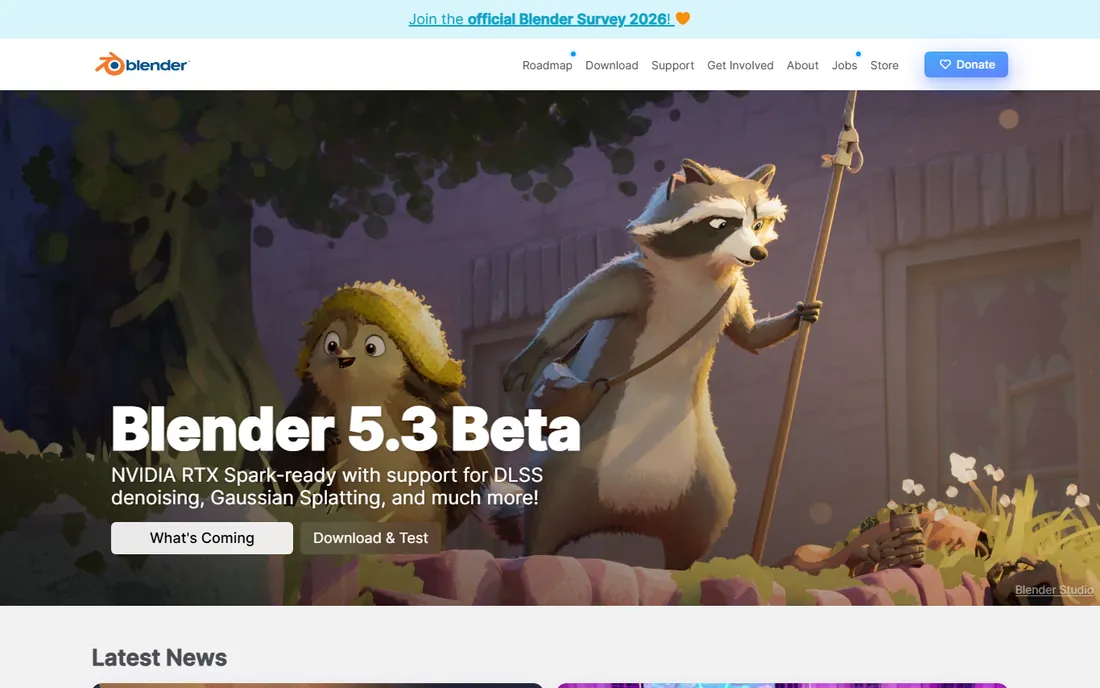
Blender is the closest thing to a complete animation studio you can download for free. For 3D, it covers modeling, sculpting, rigging, simulation, and rendering. For 2D, the Grease Pencil toolset lets you draw hand-drawn animation directly in the 3D viewport, mixing flat characters with 3D camera moves. The built-in video editor means you can cut your finished shots together without leaving the program.
The price of all that power is complexity. New users should expect to follow a structured beginner course for a few evenings before the interface stops feeling hostile. But nothing else on this list grows with you the way Blender does: the same program that handles your first bouncing-ball exercise can render a short film. For a PC user who wants one free tool with no ceiling, start here.
What we like- 3D modeling, rigging, and rendering plus 2D grease-pencil tools
- Enormous tutorial library
- Used in real productions
Watch out for- Interface overwhelms first-time users
- Overkill if you only want simple 2D clips
Starting priceFree
Free planYes
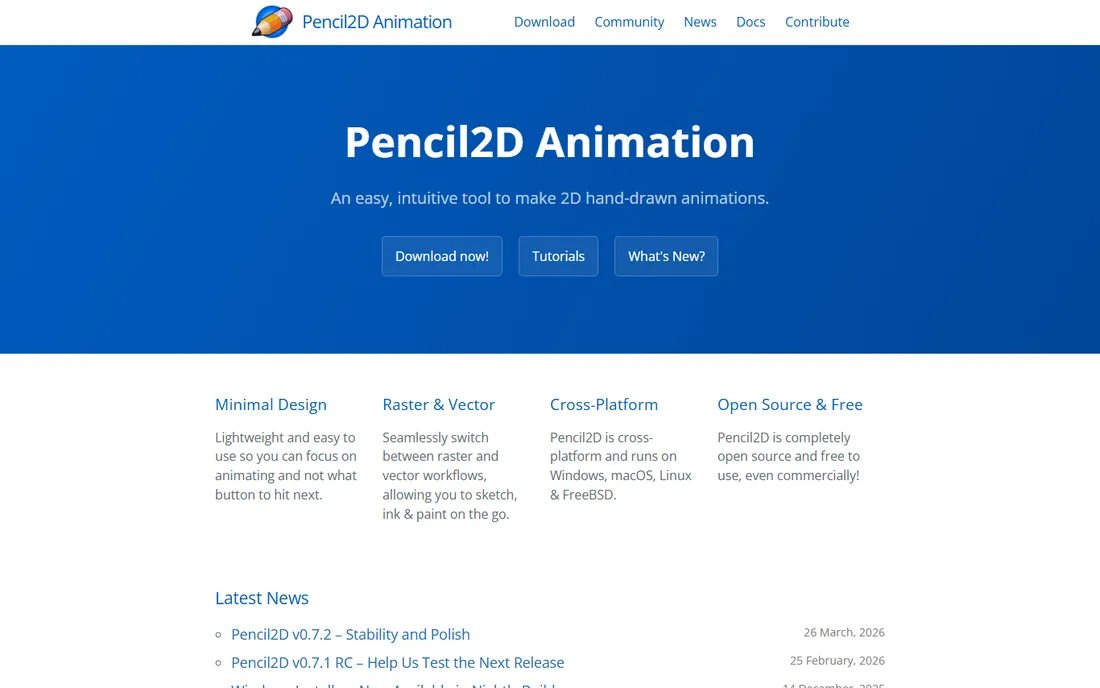
If Blender is a film studio, Pencil2D is a sketchbook. It does one thing, traditional frame-by-frame 2D animation, and it does it with the simplest interface in this category. You get bitmap and vector layers, onion skinning, a timeline, and basic audio support. That is enough to learn the fundamentals of timing, spacing, and squash-and-stretch.
Because it is lightweight and open source, it runs fine on older PCs and classroom machines. The honest limitation is scope: there is no rigging, no effects pipeline, and no framerate curve, so ambitious projects will outgrow it. Think of Pencil2D as the training wheels that come off cleanly. Learn the basics here, then move to Krita, OpenToonz, or Blender when you need more.
What we like- Minimal, intuitive interface
- Raster and vector layers
- Runs well on older hardware
Watch out for- Few advanced features
- Can slow down on long, complex projects
Starting priceFree
Free planYes
OpenToonz has the most interesting backstory in free animation software. It is based on Toonz, the 2D software that Studio Ghibli used on nearly all of its films, customized in-house over decades. The Japanese studio Dwango open-sourced it, and it is now free for anyone, including commercial use.
Under the hood you get scanning tools for paper drawings, a node-based effects system, and features built for real production pipelines. The trade-off is polish: the interface feels dated next to modern apps, and English documentation is sparse in places. For a PC user who wants to learn how professional 2D studios actually work, frame by frame and scan by scan, OpenToonz is unmatched at this price.
What we like- Professional scanning and compositing tools
- Effects SDK for custom plugins
- Free for commercial use
Watch out for- Interface shows its age
- Documentation is thinner than the big commercial tools
#4
Synfig Studio
Best for: vector animation without drawing every frame
Visit synfig.org
Starting priceFree
Free planYes
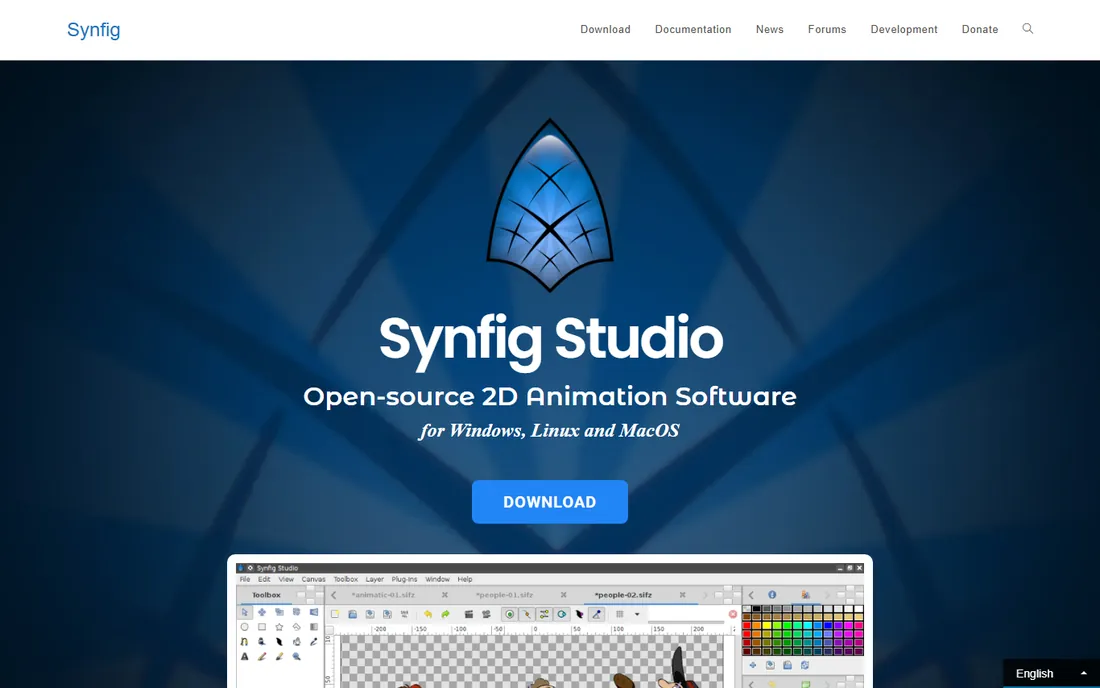
Synfig takes a different approach to 2D animation: instead of drawing every frame, you set key poses and let the software calculate the in-between frames automatically. This vector tweening workflow is a huge time saver for motion graphics, explainer videos, and cutout-style character animation. The bone system lets you rig bitmap or vector characters like puppets.
It is open source, actively developed (a new release landed in March 2026), and runs on modest hardware. The catch is the learning curve and the community size. Fewer tutorials exist than for Blender or Krita, so expect to experiment. If your animation style is clean vector graphics rather than hand-drawn frames, Synfig will save you more time than any other free tool here.
What we like- Automatic tweening between keyframes
- 50+ layer types
- Bone rigging for cutout animation
Watch out for- Smaller community and fewer tutorials
- Interface takes getting used to
Starting priceFree
Free planYes
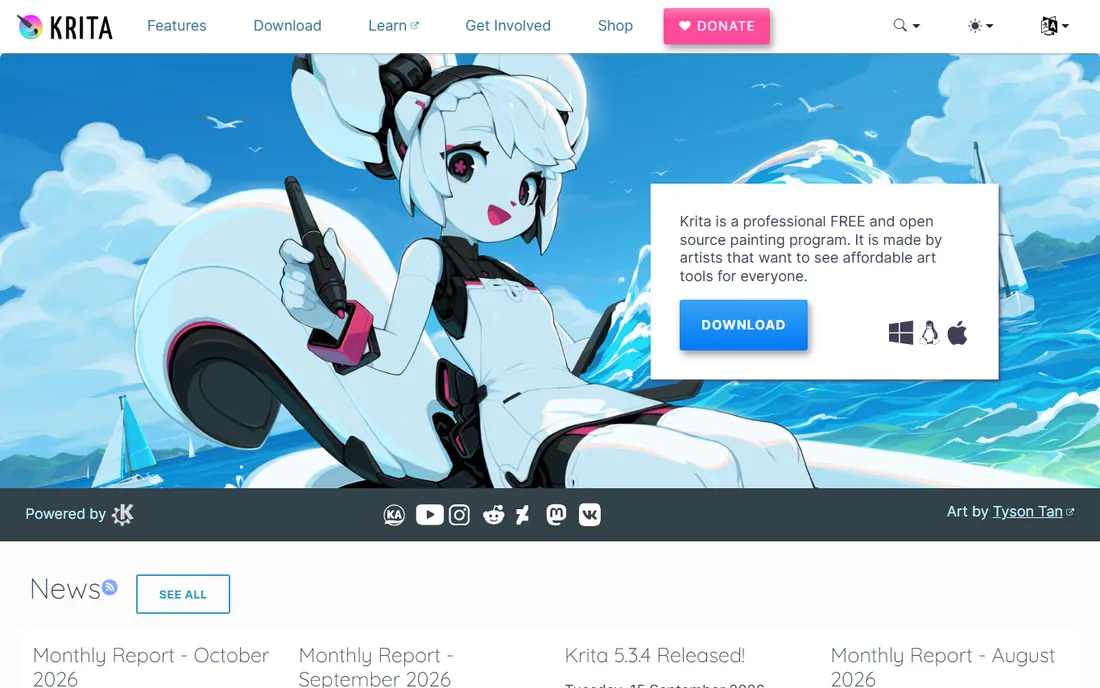
Krita is first a digital painting program and second an animation tool, and that ordering matters. If you already draw in Krita, the animation timeline, onion skinning, and export options are a natural extension of your workflow. The brush engine is genuinely professional, and the program handles storyboards, animatics, and short hand-drawn sequences well.
It is not a dedicated animation package. The timeline lacks the depth of OpenToonz or Toon Boom, and users report slowdowns on long projects with many frames. For illustrators and concept artists who animate occasionally, that trade is fine. For animation-first work, pair your Krita artwork with a dedicated tool. Either way, it is free, open source, and actively maintained, with a new release in September 2026.
What we like- Excellent brush engine and painting tools
- Frame-by-frame animation with onion skinning
- PSD support
Watch out for- Animation features are secondary to painting
- Can lag on heavy projects
Starting priceFree
Free planYes
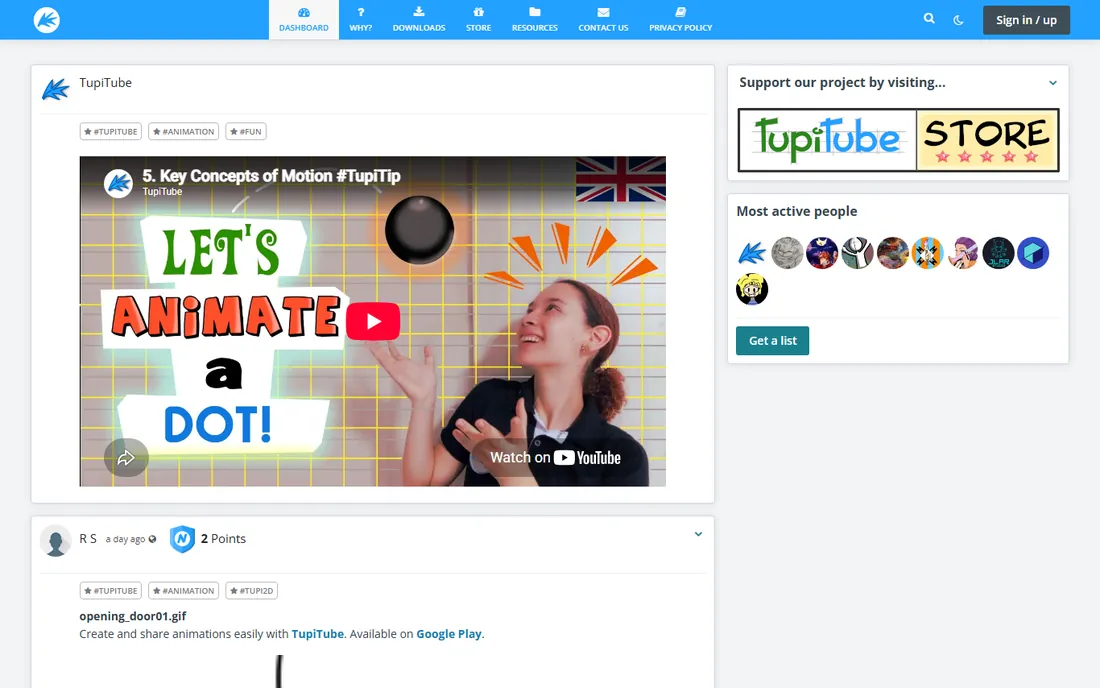
TupiTube is animation software designed for children and classrooms, which makes it the friendliest entry point on this list for young beginners. The interface strips animation down to its essentials: draw, arrange frames, play back. It runs on Windows PCs as well as mobile devices, so a school computer lab can use it without licensing headaches.
Adults will outgrow it quickly. There are no rigging tools, no effects pipeline, and nothing resembling a professional workflow. But that is not the point. For a teacher introducing a class to animation, or a parent whose kid wants to make cartoons, TupiTube's simplicity is the feature. Start here, graduate to Pencil2D, and keep climbing.
What we like- Very simple interface designed for beginners
- Runs on desktop and mobile
- Free and open source
Watch out for- Limited features for advanced work
- Aimed at young users
Starting priceFree
Free planYes
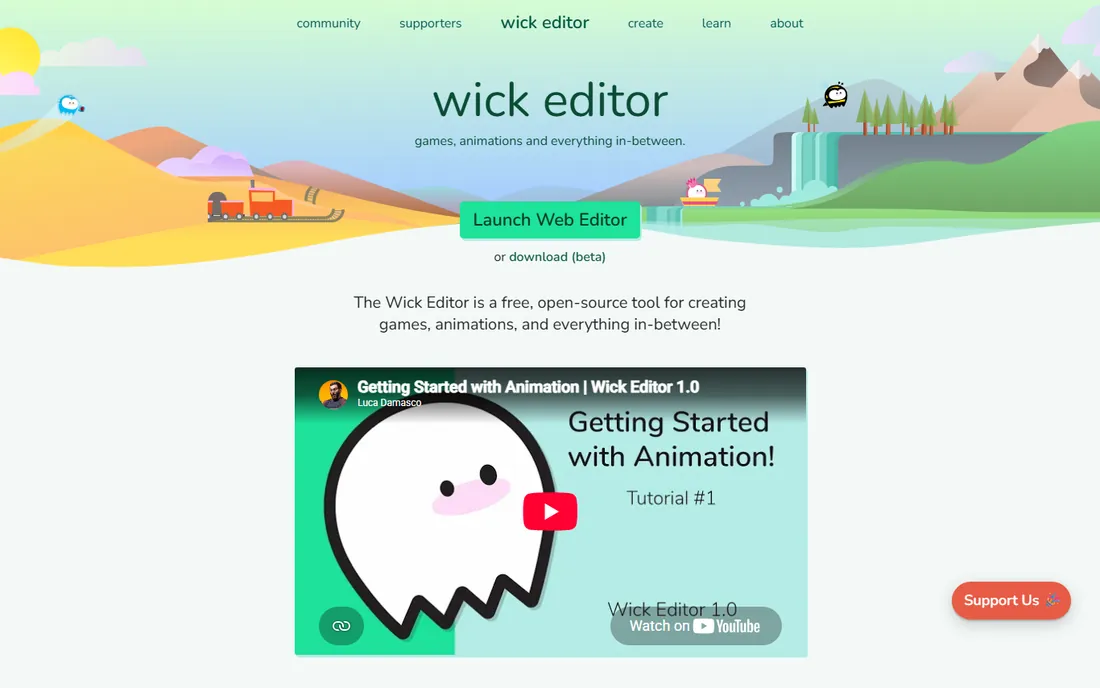
The Wick Editor is a free, open-source animation tool that runs in your web browser, which means nothing to install on the PC. It follows the Flash-era tradition of timeline animation with vector drawing tools, and it adds something none of the other free tools here offer: interactivity. You can build simple games, clickable stories, and interactive cartoons with basic scripting.
The browser is also the limitation. Very large or complex projects can feel sluggish, and you need an internet connection to load the editor (projects can be saved locally). For students learning the concepts of timeline animation, or creators making web cartoons and simple interactive pieces, Wick Editor is the fastest path from zero to a finished, shareable project.
What we like- Runs in the browser with no install
- Supports interactive projects and simple scripting
- Good tutorials
Watch out for- Browser-based, so large projects can strain
- Smaller feature set than desktop tools
Starting priceFree (beta)
Free planYes
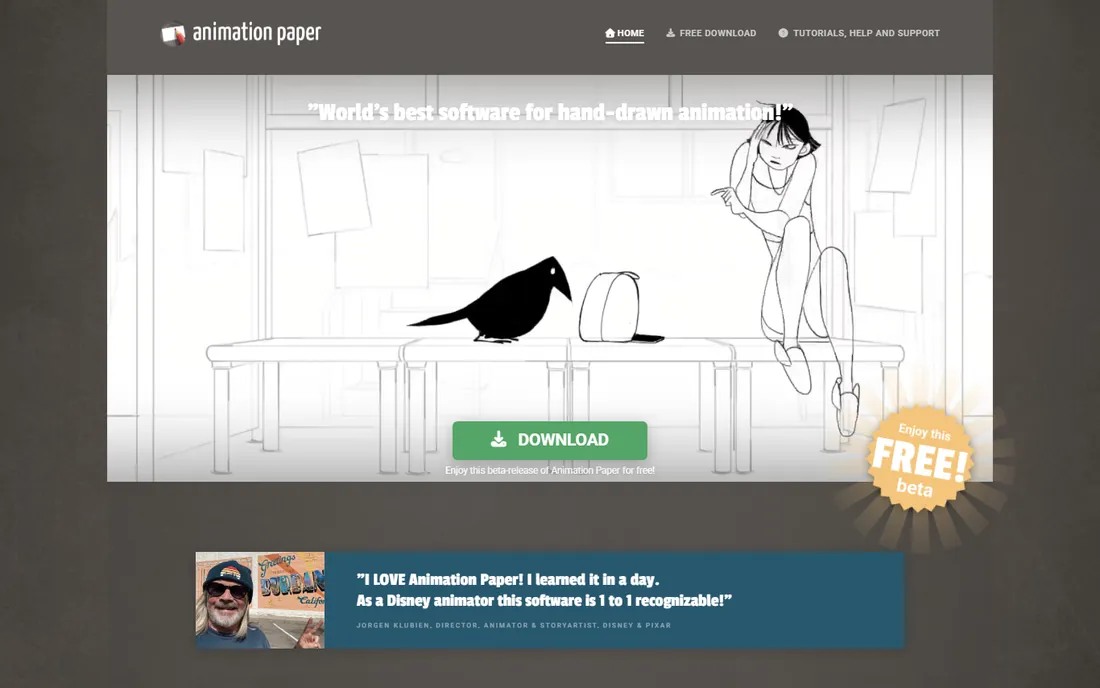
Animation Paper is built by people who love traditional hand-drawn animation, and it shows. The drawing engine is fast and responsive, the light table (onion skinning) is advanced and customizable, and the X-sheet gives you the timing control that professional 2D animators expect. It imports audio, exports MP4 and GIF, and works with all major drawing tablets.
The catch is maturity. The software is in an extended beta, currently free, with features like full color layers still rolling out. For pencil tests, rough animation, and learning traditional timing, it is already excellent. If you want the feeling of paper and pegs without the paper, this is the free tool that takes that craft most seriously.
What we like- Fast, responsive drawing engine built for animators
- X-sheet timing tools
- Praised by professional Disney animators
Watch out for- Still in beta with features like coloring still arriving
- Smaller ecosystem
How we chose
We started with the free animation tools that working artists, teachers, and reviewers recommend most often, then verified each one is genuinely free, current, and available for Windows PCs in 2026. We checked vendor homepages, release notes, and documentation, and cross-checked claims against reviews on G2, Capterra, Reddit, and specialist roundups. We excluded freemium tools with watermarks on free exports and mobile-only apps, since the topic is PC software. "Free" here means free to download and use with no watermark, not a time-limited trial.
Start with the kind of animation you want to make, not the tool with the longest feature list. For 3D animation, Blender is the only serious free answer on PC. For hand-drawn 2D, the choice splits by ambition: Pencil2D for learning the basics, Krita if you are already a digital painter, OpenToonz if you want studio-style production tools, and Animation Paper if traditional pencil-test workflow is your thing.
For vector and motion-graphics styles, Synfig's automatic tweening saves the most time. For teaching kids, TupiTube is the safe pick. For web cartoons and simple interactive projects, the Wick Editor gets you publishing fastest. Most animators end up using two or three of these for different stages: roughs in one, cleanup in another, editing in Blender or a video editor.
Check the export before you commit
"Free" has fine print worth reading. Confirm the tool exports without a watermark at the resolution you need, and check which formats it supports. MP4 and GIF cover most sharing; PNG sequences and OpenEXR matter if you plan to composite elsewhere. Also check the save format: open tools like Blender and Krita use open formats you will always be able to open, while some free tools use proprietary project files. Export a test clip from any tool before investing weeks of work in it.
The catch with free: what to check before committing
Free animation software is genuinely good in 2026, but three things still separate it from paid tools. First, support: with open-source tools, help comes from forums, Discord servers, and YouTube, not a support desk. Budget learning time accordingly. Second, pace of development: community projects release when volunteers have time, so a feature you want may arrive slowly. Check the release history on the vendor's site; active projects like Blender, Krita, and Synfig all shipped updates in 2026.
Third, pipeline compatibility. If you plan to work with others, especially studios, check what formats the tool reads and writes. Blender and Krita play well with standard formats like FBX, Alembic, and PSD. Niche tools may not. None of this means free tools are worse; it means you should pick with your actual project in mind rather than assuming the most powerful tool is the right one.
Frequently asked questions
What is the best free animation software for PC?
Blender is the most capable overall, covering 3D and 2D animation for free. For pure 2D hand-drawn work, Pencil2D is the easiest start and OpenToonz is the most professional. The right pick depends on whether you want 3D, 2D, or both.
Can I make professional animations with free software?
Yes. Blender has been used in professional short films and series, OpenToonz descends from studio software, and Krita is used by working illustrators. The software is rarely the limiting factor; skill and time are.
Do any of these put a watermark on exports?
No. Every tool on this list exports without a watermark on its free version. That was a requirement for inclusion. Be wary of freemium animation apps outside this list that stamp exports until you pay.
Which free tool is easiest for a complete beginner?
Pencil2D for hand-drawn 2D, TupiTube for kids, and the Wick Editor for simple web cartoons. Blender is the most powerful but has the steepest learning curve, so start simple and move up.
Can I use these for commercial work?
Mostly yes. Blender, Pencil2D, Synfig, Krita, TupiTube, and OpenToonz are open source and free for commercial use. Animation Paper's beta is free to use. Always check the current license on the vendor's site before selling work made with any tool.
What PC specs do I need for free animation software?
For 2D tools like Pencil2D, Krita, and OpenToonz, any modern Windows PC with 8GB of RAM is fine. Blender's 3D features benefit from a dedicated GPU and 16GB of RAM. Check each vendor's system requirements page for specifics.
Sources we checked (10)
- https://www.blender.org
- https://pencil2d.org/
- https://opentoonz.github.io
- https://synfig.org/
- https://krita.org
- https://tupitube.com/
- https://wickeditor.com/
- https://animationpaper.com/
- https://www.phaedrasolutions.com/blog/best-free-animation-software
- https://www.selecthub.com/animation-software/krita-vs-pencil2d/
Is your product missing or out of date?
We review this list regularly. Vendors can request a listing, send updated pricing or ask about featured placement.

Shihab Mia · Founder, Rankite
Shihab has spent more than a decade helping SaaS and e-commerce brands grow through search. He writes Rankite's software buying guides from pricing pages, documentation and public user reviews. More about Shihab.