How we make this list: we compare pricing pages, product documentation and public user reviews. Rankite is independent; if a vendor ever pays for a featured spot, that listing is clearly labeled Partner.
Key takeaways
- Beginners designing their first shirts should start with Canva: free, fast, and full of t-shirt templates that export cleanly.
- Affinity is now completely free and handles professional vector work, making it the best no-cost alternative to Adobe Illustrator.
- Adobe Illustrator and CorelDRAW remain the standards for print shops, thanks to color separations, Pantone support, and true vector output.
- Print-on-demand sellers can design and sell without inventory using Printify, Printful, or Placeit, which combine design tools with mockups and fulfillment.
Quick comparison
| Tool | Best for | Starting price | Free plan |
|---|
 Canva Canva | Beginners and fast designs | See website | Yes |
 Affinity Affinity | Free professional vector design | Free | Yes |
 Adobe Illustrator Adobe Illustrator | Industry-standard vector artwork | See website | Free trial (7 days) |
 CorelDRAW CorelDRAW | Print production and separations | See website | Free trial |
 Inkscape Inkscape | Free open-source vector editing | Free | Yes (free and open source) |
 Placeit Placeit | Mockups and quick POD designs | See website | Limited free templates |
 Procreate Procreate | Hand-drawn iPad artwork | See website | No |
 Printify Printify | Designing for print-on-demand sales | Free | Yes |
 Custom Ink Custom Ink | Group orders with easy design tools | Free design lab | Yes (free Design Lab) |
 Printful Printful | POD with built-in design maker | Free | Yes |
Is your product missing or out of date?
We review this list regularly. Vendors can request a listing, send updated pricing or ask about featured placement.
The best software for t-shirt design
Starting priceSee website
Free planYes
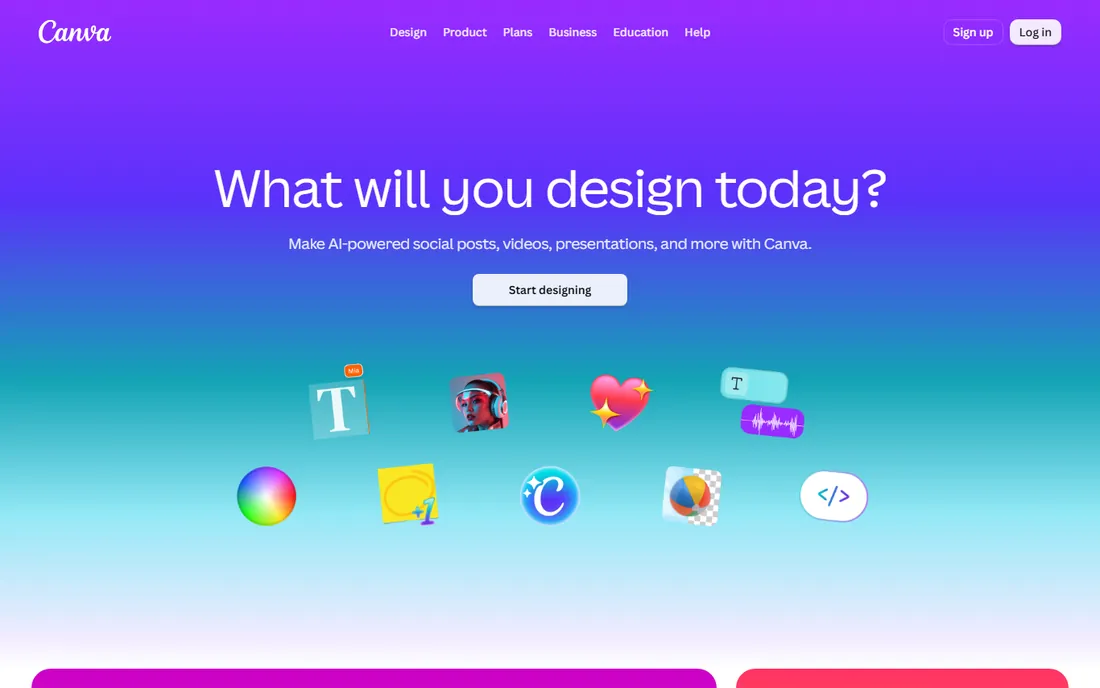
The fastest way from idea to a wearable design is Canva. Pick a t-shirt template, swap in your text and graphics, and export a print-ready file in minutes. The drag-and-drop editor needs no training, the font library is large, and the background remover cleans up graphics with one click. For a small business making its first merch run or a team designing event shirts, this is the path of least resistance.
The free plan covers a lot, but the best t-shirt templates and graphics sit behind Canva Pro, so check the pricing page if you plan to design regularly. Canva is also not a true vector editor: designs export as high-resolution images, which works for direct-to-garment printing but gives print shops less to work with than a vector file. For simple text and graphic tees, that rarely matters.
What we like- Thousands of t-shirt templates
- Drag-and-drop editor anyone can learn
- Background remover and mockup previews
Watch out for- Many top templates need Pro
- Limited vector control for print shops
Starting priceFree
Free planYes
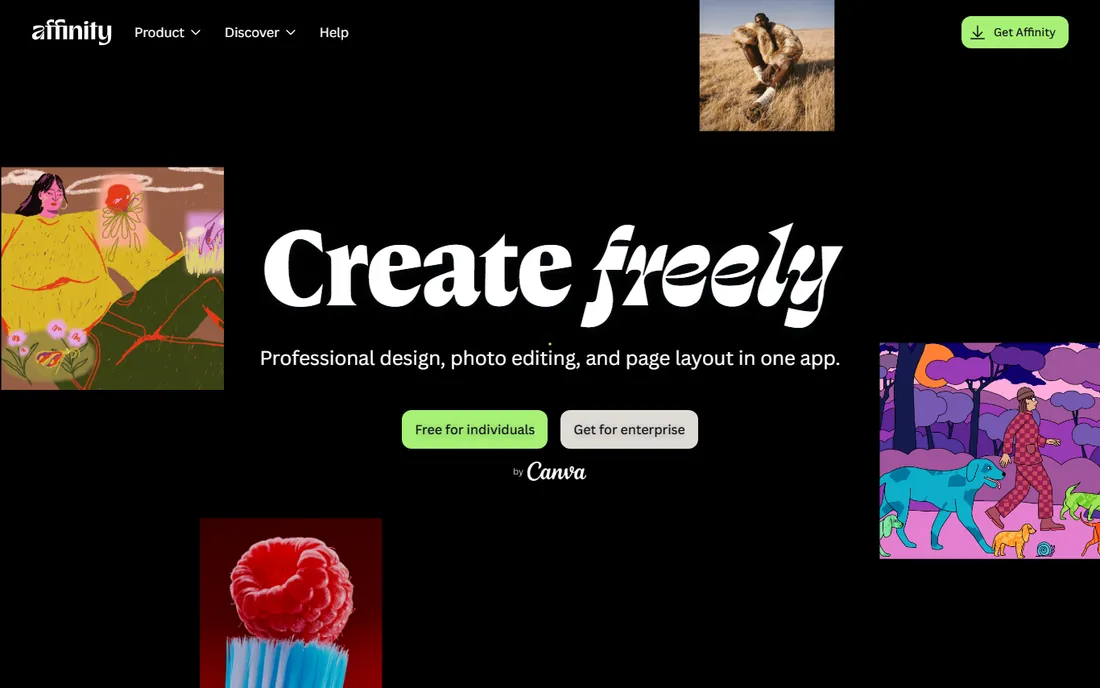
Affinity is the biggest bargain in design software right now. Since Canva acquired Serif, the unified Affinity app is completely free, with no subscription and no one-time purchase. You get professional vector illustration, raster photo editing, and page layout in a single download, plus image tracing that turns hand-drawn sketches into editable vectors. It opens PSD, AI, and PDF files without mangling them, which makes handoffs to printers painless.
The catch is the learning curve: this is professional software, and beginners will spend a few evenings learning it. AI features like generative fill require a Canva Pro subscription on top. For anyone serious about t-shirt design who refuses to pay Adobe prices, Affinity is the obvious answer in 2026.
What we like- Professional vector, raster, and layout tools in one app
- Completely free since the Canva acquisition
- Opens PSD, AI, and PDF files
Watch out for- Learning curve for beginners
- AI features need a Canva Pro subscription
#3
Adobe Illustrator
Best for: Industry-standard vector artwork
Visit adobe.com
Starting priceSee website
Free planFree trial (7 days)
When a print shop asks for "vector artwork," they mean an Illustrator file. Illustrator remains the industry standard for t-shirt design: infinitely scalable paths, precise typography controls, and color management that keeps prints matching screens. Screen printers especially value its separations and Pantone support. The ecosystem of tutorials, brushes, and templates is unmatched, so any technique you need has a walkthrough somewhere.
The subscription is the sticking point. Illustrator is sold through Adobe's Creative Cloud plans, and the monthly cost adds up fast for someone designing a few shirts a year. The interface also assumes design knowledge. If you sell designs regularly or work with professional printers, it earns its keep. For occasional projects, Affinity or Inkscape deliver 90% of the capability free.
What we like- The vector standard print shops expect
- Precise typography and path tools
- Huge tutorial and asset ecosystem
Watch out for- Subscription pricing adds up
- Overwhelming for casual designers
Starting priceSee website
Free planFree trial
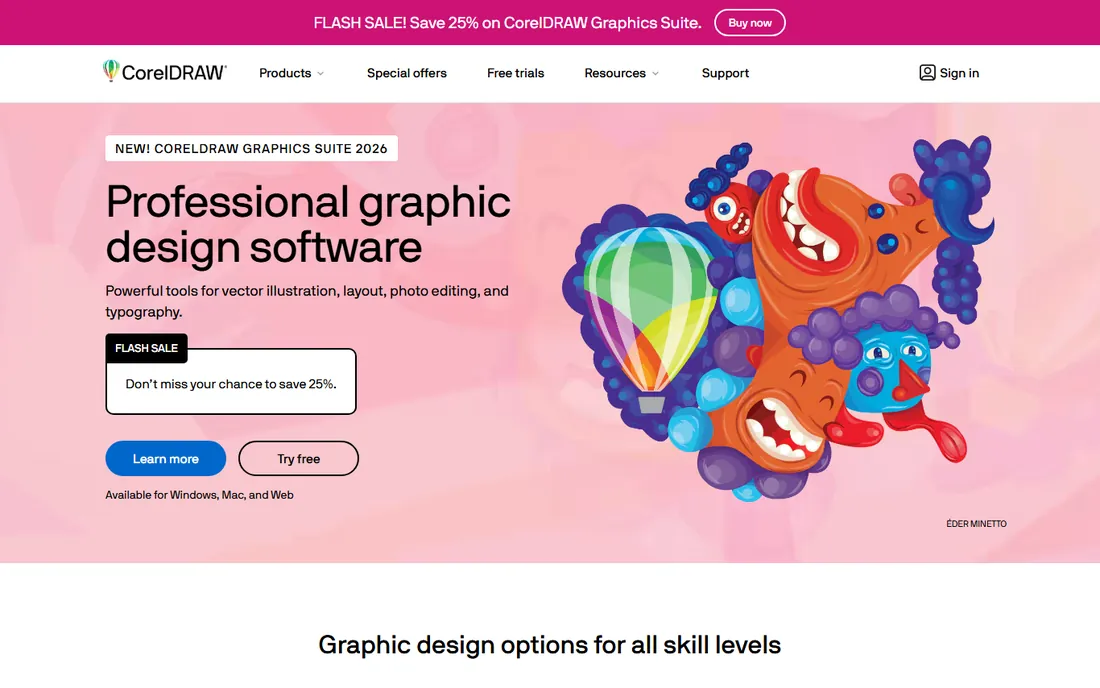
CorelDRAW has a loyal following in sign shops, screen printers, and embroidery businesses, and for good reason: it was built for production work. Color separations, PowerTRACE bitmap-to-vector conversion, Pantone libraries, and true-scale design address the practical problems that appear before ink hits fabric. Multipage documents and Print Merge handle the rest of a print shop's workflow.
Unlike Adobe, Corel still offers perpetual licenses alongside subscriptions, which appeals to businesses tired of renting software. The community is smaller than Illustrator's, so finding niche tutorials takes more digging. For a print business or a serious merch operation, CorelDRAW's production-first design is worth the evaluation; casual designers should start free elsewhere.
What we like- Built for print production with color separations and PowerTRACE
- True-scale design
- One-time purchase option
Watch out for- Smaller community than Adobe
- Subscription or upfront cost is significant
Starting priceFree
Free planYes (free and open source)
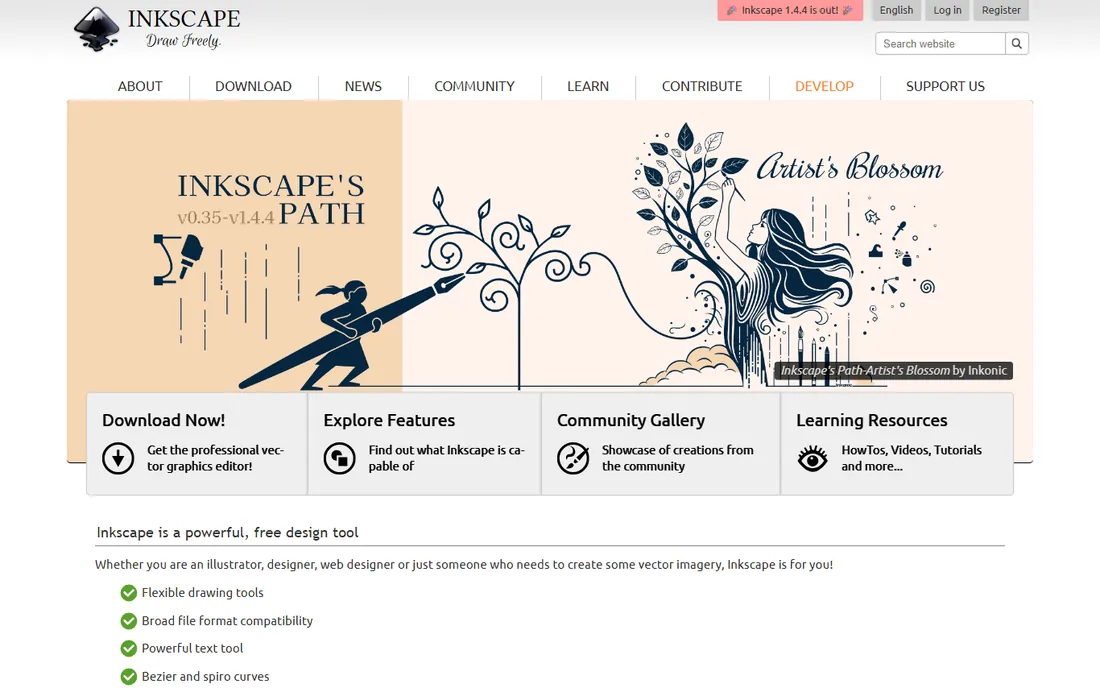
Inkscape is the free, open-source answer to Illustrator, and for t-shirt design it covers the essentials: bezier paths, text on paths, node editing, and export to SVG, PDF, and EPS formats that printers accept. Twenty years of development shows in the depth of the toolset, and extensions add everything from pattern fills to laser-cutter output.
The interface will not win beauty contests, and complex files occasionally crash the app, so save often. Beginners face a steeper climb than with Canva. But the output is genuine vector artwork, which means your designs scale from a chest logo to a back print without quality loss. For budget-conscious designers who need real vectors, Inkscape is the long-standing free pick.
What we like- Real vector editing at zero cost
- Native SVG format printers accept
- Active community and extensions
Watch out for- Interface feels dated
- Can crash on very complex files
Starting priceSee website
Free planLimited free templates
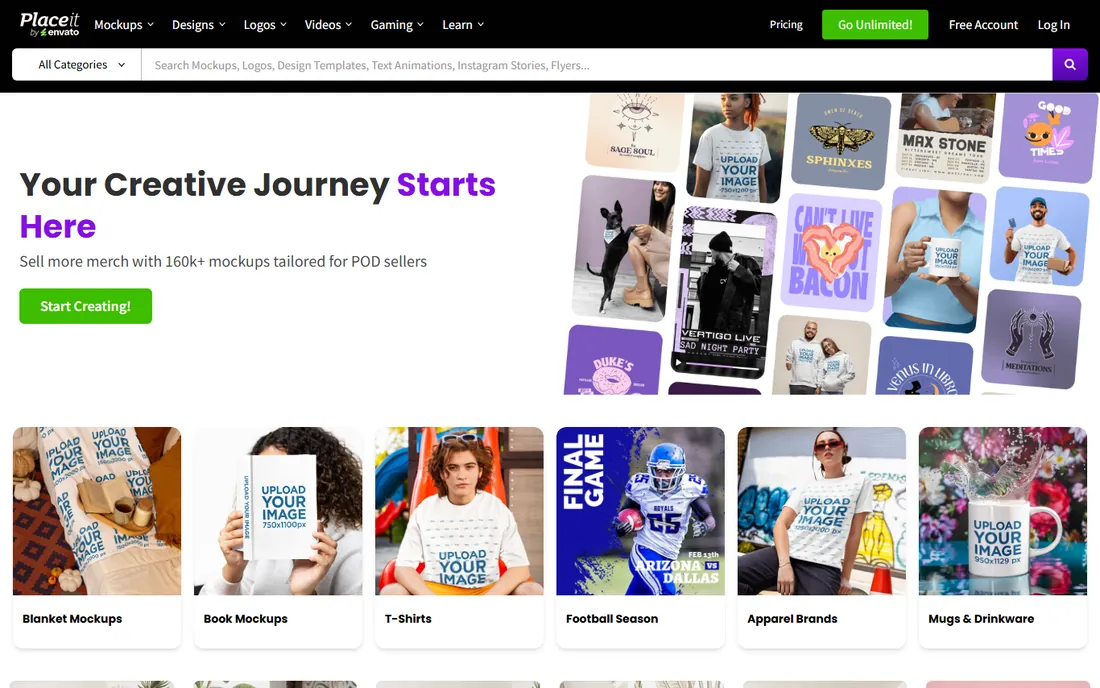
Placeit solves the other half of selling shirts: showing them. Its library of over 160,000 mockups puts your design on photographed models in seconds, which is what makes product listings convert. The browser-based designer includes t-shirt templates with text and graphics you can customize, so non-designers can produce decent listings without other software.
It is not a replacement for Illustrator or Affinity when you need original vector artwork; the design tools are template-driven. The subscription gives unlimited downloads, with some free templates to try. For print-on-demand sellers, the honest workflow is designing in a vector tool and mocking up in Placeit, and many sellers consider the subscription a cost of doing business.
What we like- 160,000+ apparel mockups
- Browser-based, no install
- T-shirt design templates included
Watch out for- Subscription needed for full library
- Not a real design tool for original artwork
Starting priceSee website
Free planNo
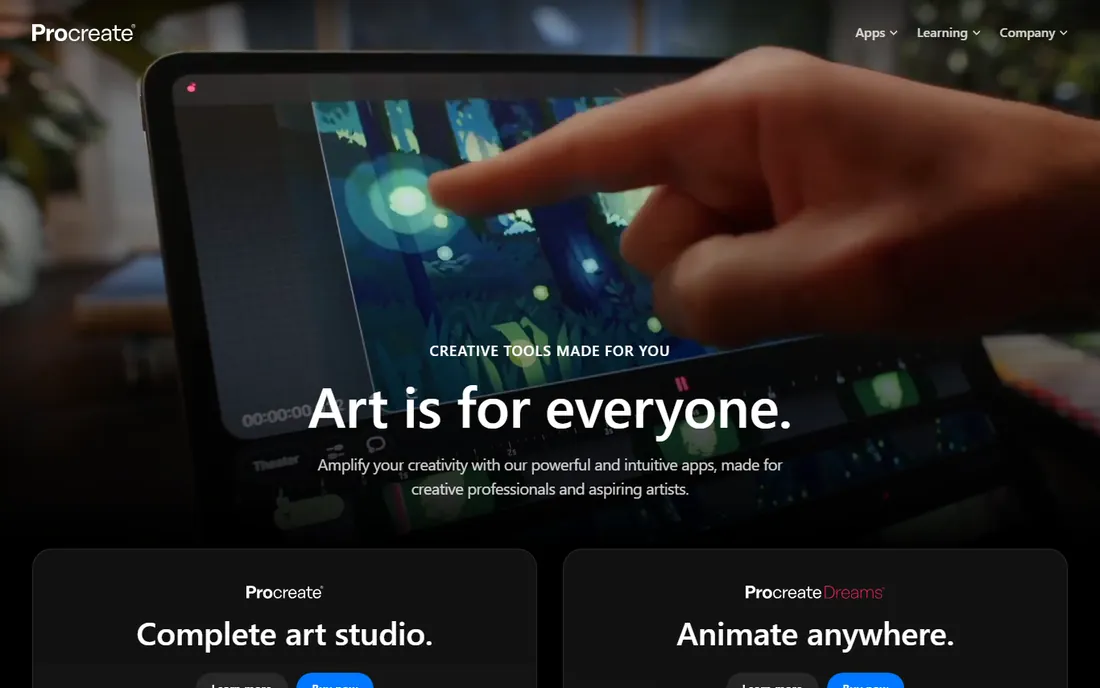
Illustrators who draw their shirt designs by hand tend to land on Procreate. The brush engine is the best on a tablet, the interface stays out of the way, and the one-time purchase means no subscription. Hand lettering, character art, and textured illustrations all start here for thousands of merch designers, and time-lapse export of your process doubles as social content.
Two limits matter. Procreate is iPad only, with a separate iPhone app, so desktop workflows need another tool. And its artwork is raster, not vector: screen printers may ask you to vectorize the design in Illustrator or Inkscape first. For direct-to-garment printing, which handles raster art well, you can often send high-resolution exports straight to the printer.
What we like- Best-in-class brushes for hand lettering and illustration
- One-time purchase
- Huge artist community
Watch out for- IPad only
- Raster artwork needs vectorizing for some print methods
Starting priceFree
Free planYes
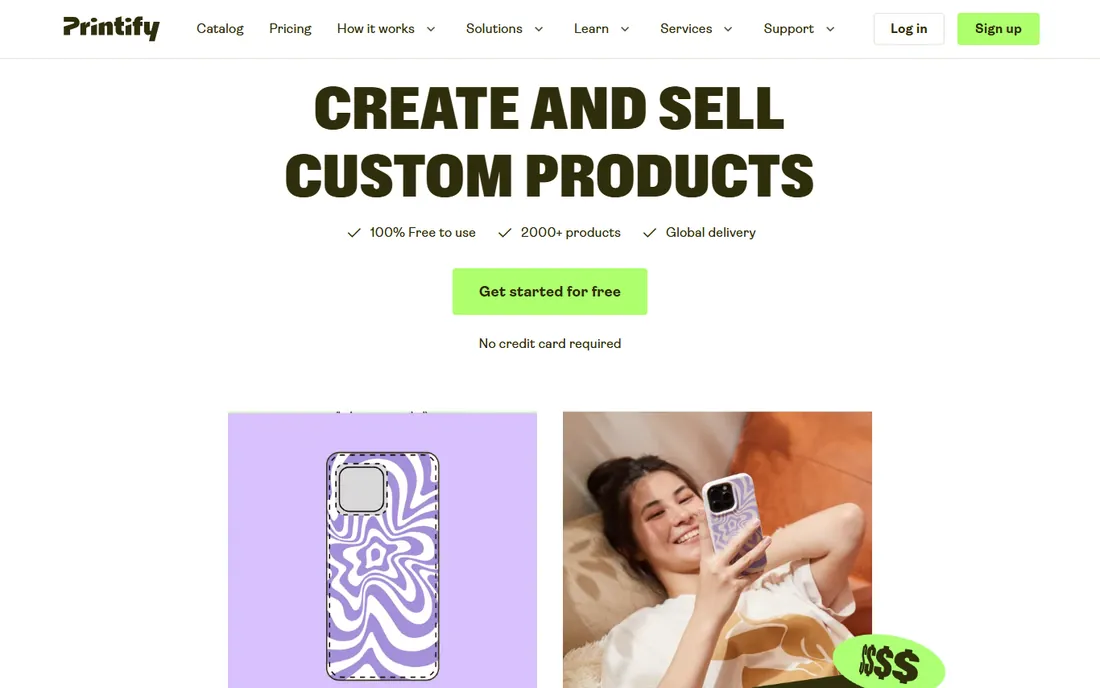
Printify is where many t-shirt businesses actually live: a print-on-demand network that is free to join, with a built-in design tool for placing artwork on shirts. You upload a design, position it on 2,000+ products, set your price, and Printify's providers print and ship when orders arrive. No inventory, no upfront costs beyond your selling platform.
The built-in designer handles text, uploaded graphics, and simple layouts, but serious artwork should be made in a vector editor first. Quality varies between print providers, so order samples before scaling a design. For testing whether a shirt idea sells, Printify's zero-cost start is unbeatable: the design either earns or it costs you nothing.
What we like- Free to use with no monthly fees
- Built-in design tool with mockup previews
- 2,000+ products from global print providers
Watch out for- Design tool is basic
- Print quality varies by provider
Starting priceFree design lab
Free planYes (free Design Lab)
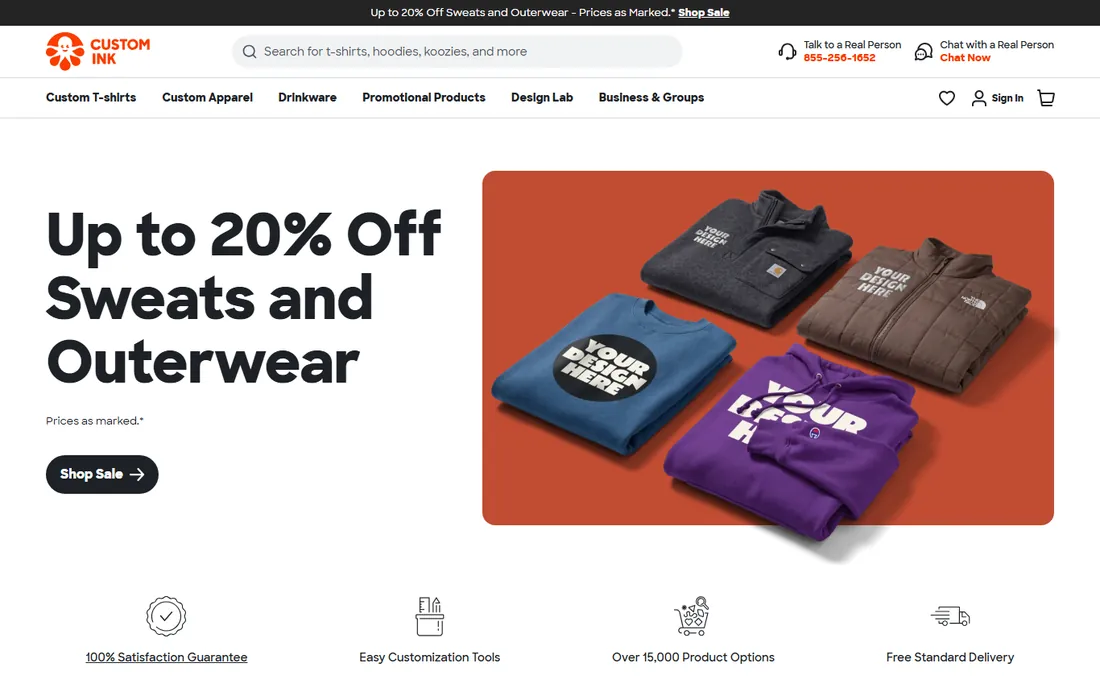
Custom Ink is the answer for team shirts, event tees, and family reunions rather than for selling merch. Its Design Lab is genuinely easy: pick a shirt, add text or clipart, upload a logo, and see the result instantly. If your artwork needs help, real designers review orders and fix issues free, which rescues many a blurry logo.
Pricing is per shirt with bulk discounts, and you are buying finished shirts, not running a store. For a business outfitting staff or a coach ordering uniforms, the combination of easy tools and human design review is the value. Sellers building a brand should look at print-on-demand instead.
What we like- Extremely easy Design Lab for non-designers
- Free design help from real artists
- Handles group sizing and ordering
Watch out for- You pay per shirt, so it is not for selling at scale
- Limited to Custom Ink's catalog
Starting priceFree
Free planYes
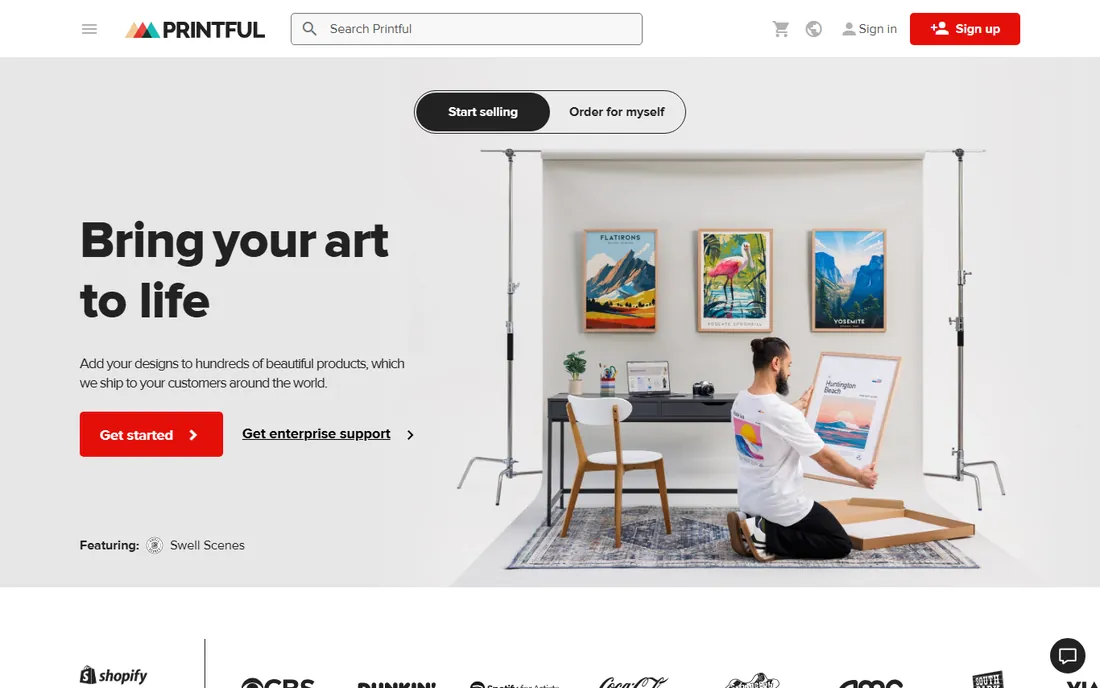
Printful pairs print-on-demand fulfillment with its own Design Maker, and its edge is consistency: unlike marketplace models, Printful produces in its own facilities, so print quality varies less. The Design Maker covers text, clipart, and uploaded designs with instant mockups, and the free mockup generator produces listing images without extra software.
Per-product costs run higher than some competitors, which squeezes margins on cheap tees. The design tools handle straightforward designs well but will not replace a vector editor for complex artwork. For a brand that wants reliable quality and is willing to pay a bit more per unit, Printful's combination of design tools and in-house production is compelling.
What we like- Free to set up with no monthly fees
- Design Maker with clipart and text tools
- In-house production with consistent quality
Watch out for- Product costs are higher than some competitors
- Design tools are simpler than desktop software
Print-ready files: what your printer actually needs
This is the detail that ruins more shirt orders than bad design. Most printers want vector files (AI, EPS, PDF, or SVG) because vectors scale to any size without losing sharpness. Raster images (PNG, JPG) work for direct-to-garment printing if they are high resolution, typically 300 DPI at full print size, with transparent backgrounds for dark shirts.
Ask your printer two questions before you design: which file formats they accept, and their preferred color mode. Screen printers often want spot colors or Pantone references; DTG printers want RGB. Designing in Illustrator, CorelDRAW, Affinity, or Inkscape gives you vectors from the start. Designing in Canva or Procreate means exporting the highest resolution possible and confirming with the printer that it will work.
How we chose
We reviewed pricing pages, documentation, and feature lists on each vendor's own site, then checked how working designers and print shops describe these tools on Reddit, G2, and print-industry publications. We included both design software (for creating artwork) and print-on-demand platforms (for designing and selling), because buyers search for both under "t-shirt design software." We excluded discontinued products and generic design tools with no apparel workflow. We did not print test shirts; the method rests on vendor documentation, published pricing, and public professional reviews.
Frequently asked questions
What is the best free software for t-shirt design?
Affinity is now completely free and offers professional vector tools, making it the strongest free pick. Inkscape is the long-standing free open-source alternative. Canva's free plan is the easiest starting point for simple text and graphic designs.
Do I need vector software for t-shirt printing?
For screen printing, yes: printers need vector files for color separations. For direct-to-garment (DTG) and print-on-demand, high-resolution raster files usually work. Ask your printer which formats they accept before you start designing.
Can I design t-shirts on my phone?
Canva's mobile app handles simple t-shirt designs well, and Procreate on iPad is excellent for hand-drawn artwork. For precise vector work, a desktop app like Affinity, Illustrator, or Inkscape is still better.
What is the difference between Printful and Printify?
Both are print-on-demand platforms, but Printful produces in its own facilities for more consistent quality, while Printify is a network of third-party print providers, often with lower per-product costs. Both are free to join and integrate with major ecommerce platforms.
How do mockups help sell t-shirts?
Mockups show your design on a photographed model or flat product shot, which converts far better than a flat graphic. Placeit specializes in mockups, and Printify and Printful generate them automatically from your designs.
Should I learn Illustrator or use Canva for merch?
If you sell designs regularly or work with screen printers, learning Illustrator or the free Affinity pays off in file quality and printer acceptance. If you make occasional simple designs for print-on-demand, Canva is faster and sufficient.
Sources we checked (12)
- https://www.canva.com/
- https://affinity.serif.com/
- https://www.adobe.com/products/illustrator/
- https://www.coreldraw.com
- https://inkscape.org/
- https://placeit.net/
- https://procreate.com/
- https://printify.com
- https://www.customink.com
- https://www.printful.com
- https://www.printful.com/uk/blog/t-shirt-design-software
- https://www.swagify.com/blog/t-shirt-design-software/
Is your product missing or out of date?
We review this list regularly. Vendors can request a listing, send updated pricing or ask about featured placement.

Shihab Mia · Founder, Rankite
Shihab has spent more than a decade helping SaaS and e-commerce brands grow through search. He writes Rankite's software buying guides from pricing pages, documentation and public user reviews. More about Shihab.