How we make this list: we compare pricing pages, product documentation and public user reviews. Rankite is independent; if a vendor ever pays for a featured spot, that listing is clearly labeled Partner.
Key takeaways
- Descript is the best starting point for most podcasters: edit audio by editing text, with plans from $16 a month and a free tier.
- Audacity remains the best free podcast editor, now in version 4, and handles recording and basic editing with no cost at all.
- Remote interview shows should look at Riverside or Podcastle, which record each guest locally in studio quality before you edit a word.
- Auphonic is the cheapest way to make any recording sound professional: automatic leveling and noise reduction from $11 a month, with 2 free hours monthly.
The best software to edit podcasts
Starting price$16/month (Hobbyist, annual billing)
Free planYes
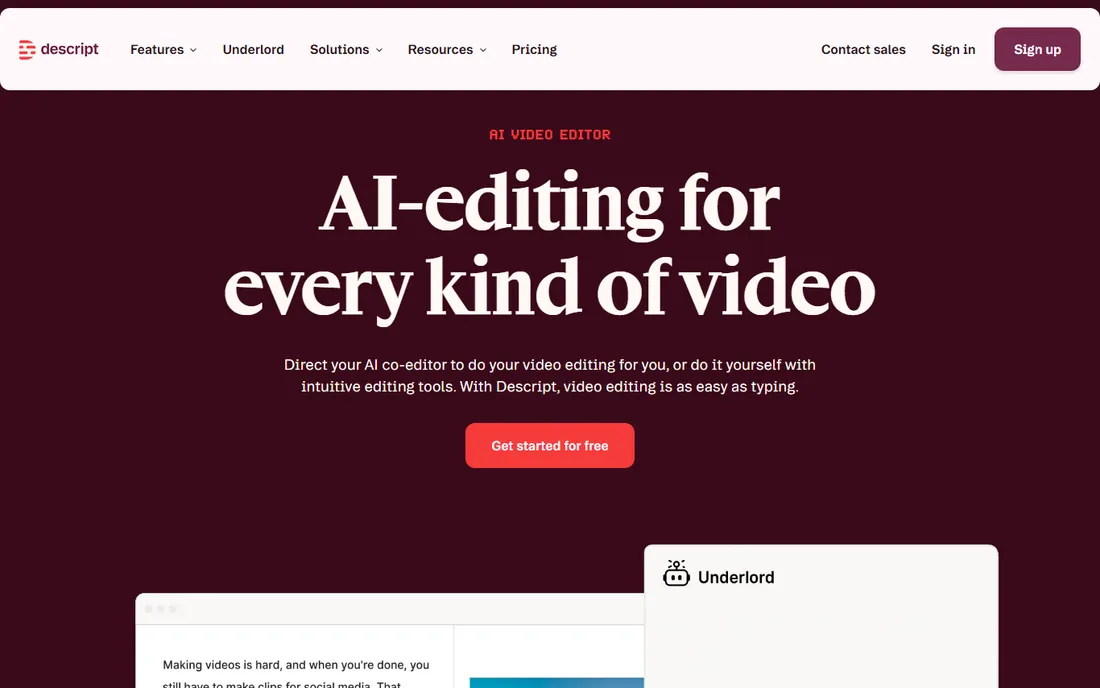
Descript changed podcast editing by making the transcript the timeline. Delete a sentence in the text and the audio is cut. Rearrange paragraphs and the episode rearranges. For hosts who think in words rather than waveforms, this is dramatically faster than traditional editing, and the learning curve is days rather than months.
The Hobbyist plan at $16 a month (annual billing) includes 10 hours of transcription and the Studio Sound feature that cleans up echoey recordings. A free tier covers one hour of transcription a month for trying the workflow. Descript also edits video podcasts, which matters as more shows publish to YouTube. If you have ever stared at a DAW timeline in despair, start here.
What we like- Transcript-based editing
- Studio Sound enhancement
- Screen recording and video editing
Watch out for- Subscription only
- Heavy AI features need good internet
- Can feel slow on long files

#2
Adobe Audition
Best for: Professional audio post-production
Visit adobe.com
Starting price$22.99/month (annual, billed monthly)
Free planFree trial (7 days)
Audition is the professional's choice for a reason: its noise reduction, spectral editing, and loudness metering are the best in the business. When a recording has air conditioner hum, mouth clicks, or wildly uneven levels, Audition can salvage what simpler editors cannot. The multitrack editor handles complex shows with music beds, ads, and multiple hosts cleanly.
At $22.99 a month as a single app, or bundled with the full Creative Cloud, it is priced for people who edit audio regularly. The 7-day trial is short, so plan a real project for the test week. Beginners should know the interface assumes audio knowledge; this is a tool you grow into, not one that holds your hand.
What we like- Industry-standard toolset
- Excellent noise reduction
- Deep Creative Cloud integration
Watch out for- Subscription only
- Steep learning curve
- Overkill for simple cuts
Starting priceFree
Free planYes
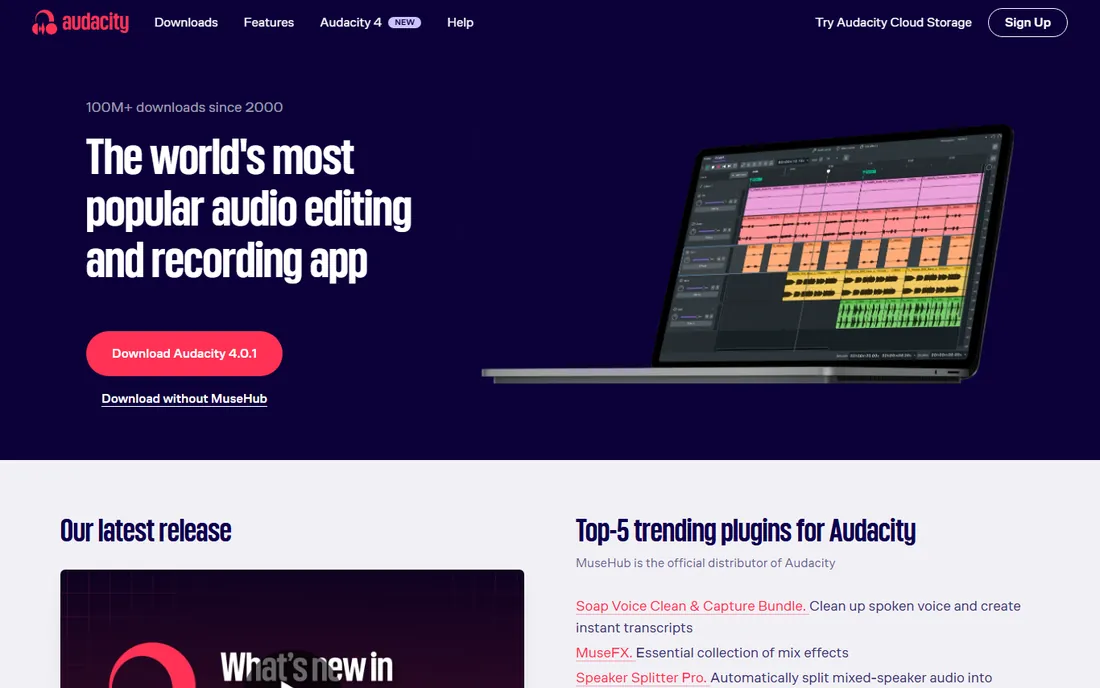
Audacity has been the default free audio editor for over two decades, and version 4 modernized the interface without breaking what works. It records, cuts, fades, normalizes, removes noise, and exports to MP3 and every other format a podcaster needs. Millions of episodes have been edited in Audacity, and yours can be too.
The tradeoffs are real but manageable. Editing is destructive, meaning effects apply permanently unless you undo, and there is no automatic loudness mastering to podcast standards. But the price is zero, the tutorials on YouTube number in the thousands, and it runs on everything. For a new podcaster spending money on a microphone instead, Audacity is the correct choice.
What we like- Completely free and open source
- Runs on Windows, Mac, and Linux
- Huge tutorial library
Watch out for- Destructive editing workflow
- Dated interface
- No built-in loudness mastering
Starting price$24/month (Pro, annual billing)
Free planYes
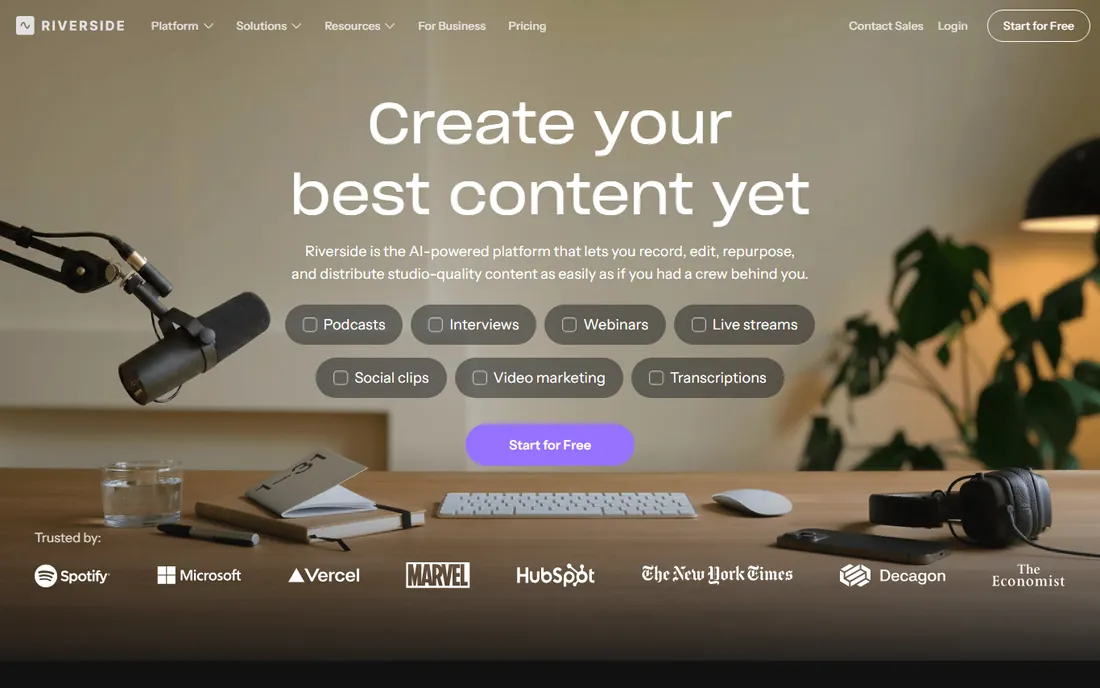
Riverside solves the biggest problem in interview podcasting: guests on bad connections. Each participant's audio and video records locally on their own device in full quality, then uploads automatically, so a glitchy call never ruins the recording. The result sounds like everyone was in the same studio.
The Pro plan at $24 a month (annual) includes generous recording hours and the text-based editor for trimming the result. A free plan covers short trials. Riverside is primarily a recording studio that added editing, so complex post-production still belongs in a DAW, but for interview shows it collapses recording and first-cut editing into one subscription.
What we like- Local recording per guest
- 4K video capture
- Text-based editing built in
Watch out for- Editing is secondary to recording
- Needs stable internet for sessions
Starting price$99/year (PRO subscription)
Free planFree trial
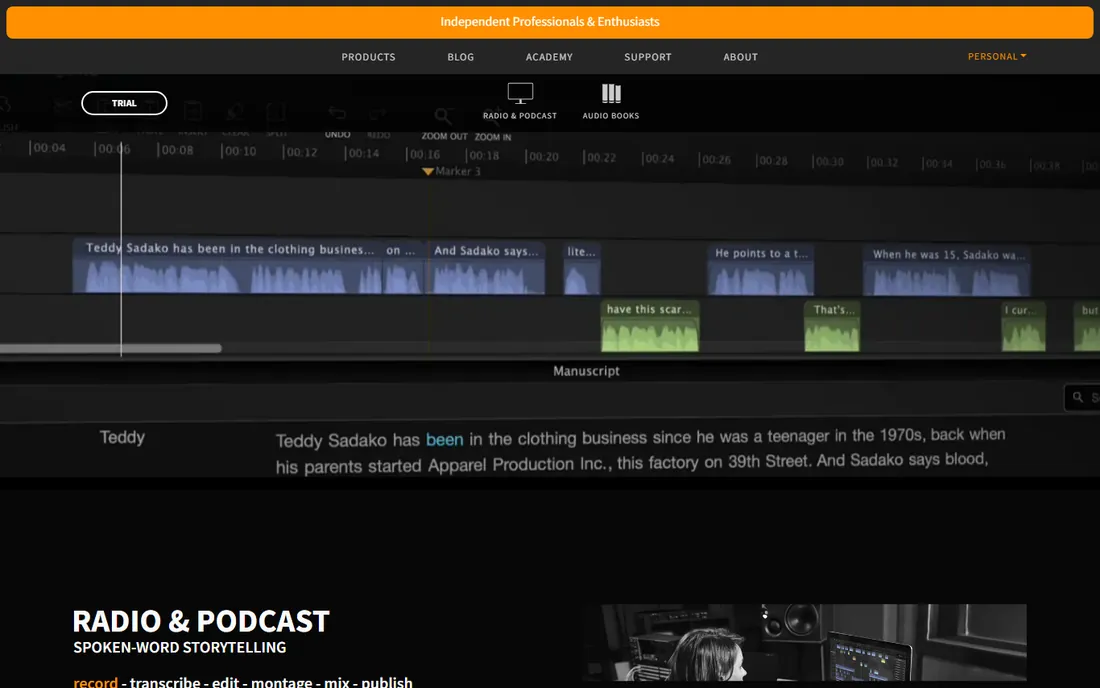
Hindenburg was built by radio people for spoken word, and every design decision reflects that. The interface strips away music-production clutter, the clipboard system makes rearranging interview segments painless, and publishing presets hit podcast loudness standards automatically. Journalists and documentary podcasters swear by it.
Hindenburg PRO costs $99 a year on subscription, with a perpetual license available for those who dislike subscriptions. A free trial lets you cut a real episode before paying. It will not replace a DAW for scoring or sound design, but for voice-first shows it is the most focused tool on this list.
What we like- Designed for voice, not music
- Automatic loudness to broadcast standards
- Simple clipboard workflow
Watch out for- Not for music production
- Smaller user community
- Mac and Windows only
Starting price$60 one-time (discounted license)
Free planFree trial (60 days, fully functional)
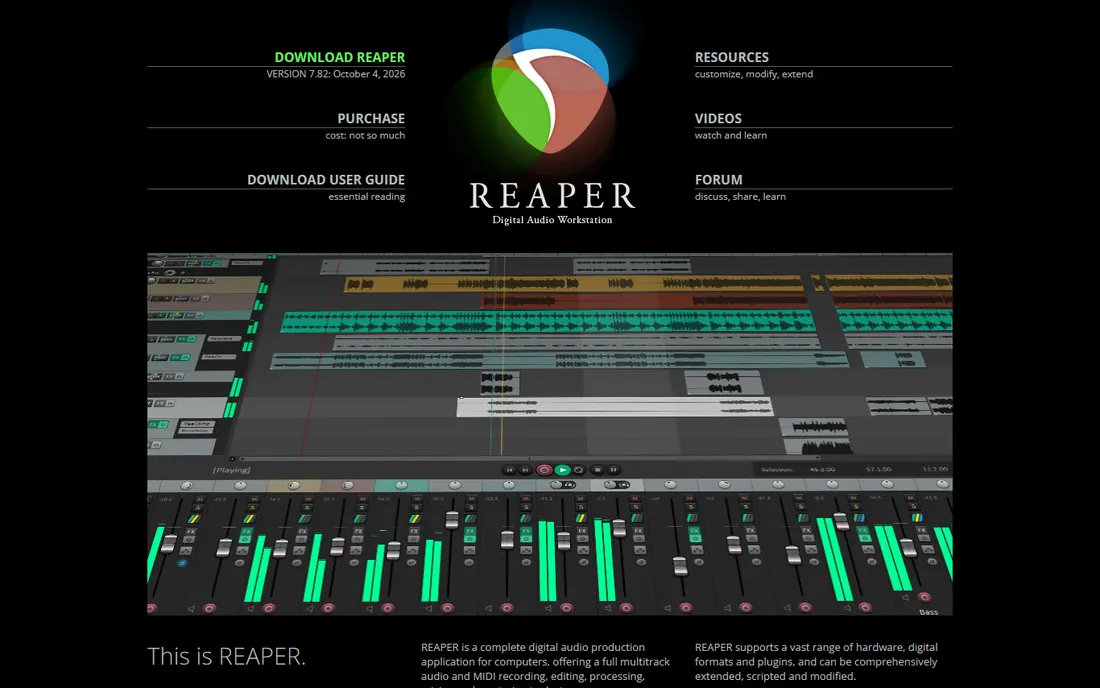
Reaper is the open secret of budget audio production: a full multitrack DAW with professional routing, effects, and scripting for a $60 one-time license. The 60-day fully functional trial is famously generous. Podcasters who outgrow Audacity but cannot justify Adobe's subscription land here and rarely leave.
The catch is that Reaper ships minimal and expects you to build your workflow: templates, loudness meters, and export presets are all DIY or community-sourced. That flexibility is the point for tinkerers and a chore for everyone else. If you enjoy setting up software once and benefiting forever, Reaper is the best value in audio.
What we like- Absurdly customizable
- Tiny and fast
- One-time price, no subscription
Watch out for- Bare-bones default setup
- Configuration takes time
- Podcast templates need building
Starting price$32/month
Free planFree trial (14 days)
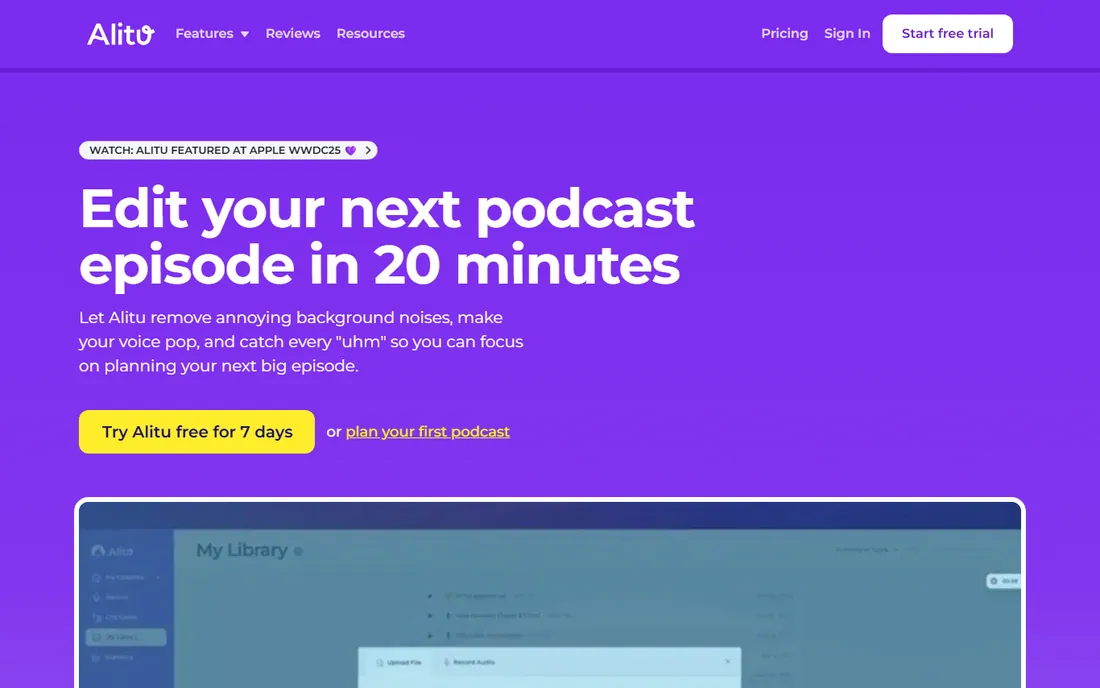
Alitu is for podcasters who want to record and move on. Upload your raw audio, and it cleans noise, levels volume, adds your intro music and ads, and assembles the finished episode. Built-in hosting with a free podcast website means some users never touch another tool. A 14-day free trial covers the full workflow including publishing.
At $32 a month it is the priciest per-episode option here for solo shows, but the math changes if you value your time or publish weekly. The tradeoff is control: complex edits, precise cuts, and creative sound design are not what Alitu is for. Think of it as hiring an affordable engineer rather than buying software.
What we like- Automates cleanup, leveling, and assembly
- Podcast hosting included
- No editing skill needed
Watch out for- Less control than manual editing
- Monthly cost adds up
- Not for complex productions
Starting price$11.99/month
Free planYes
Podcastle packs a recording studio, editor, AI enhancer, and hosting into a browser tab. Its Magic Dust feature applies noise removal and leveling in one click, and the platform includes AI text-to-speech voices and voice cloning for intros or corrections. For creators who want everything in one web app, the integration is genuinely convenient.
Pricing starts at $11.99 a month with a usable free tier, making it one of the cheapest full workflows here. Browser-based editing has limits for very long or complex episodes, and AI voice quality varies, so test with your own content. As an all-in-one for solo creators and small teams, it is hard to beat on price.
What we like- Magic Dust one-click enhancement
- AI voices and voice cloning
- No install needed
Watch out for- Browser-based limits heavy projects
- AI features vary in quality
- Credit systems on some tiers
Starting price$11/month
Free planYes (2 hours of processing per month)
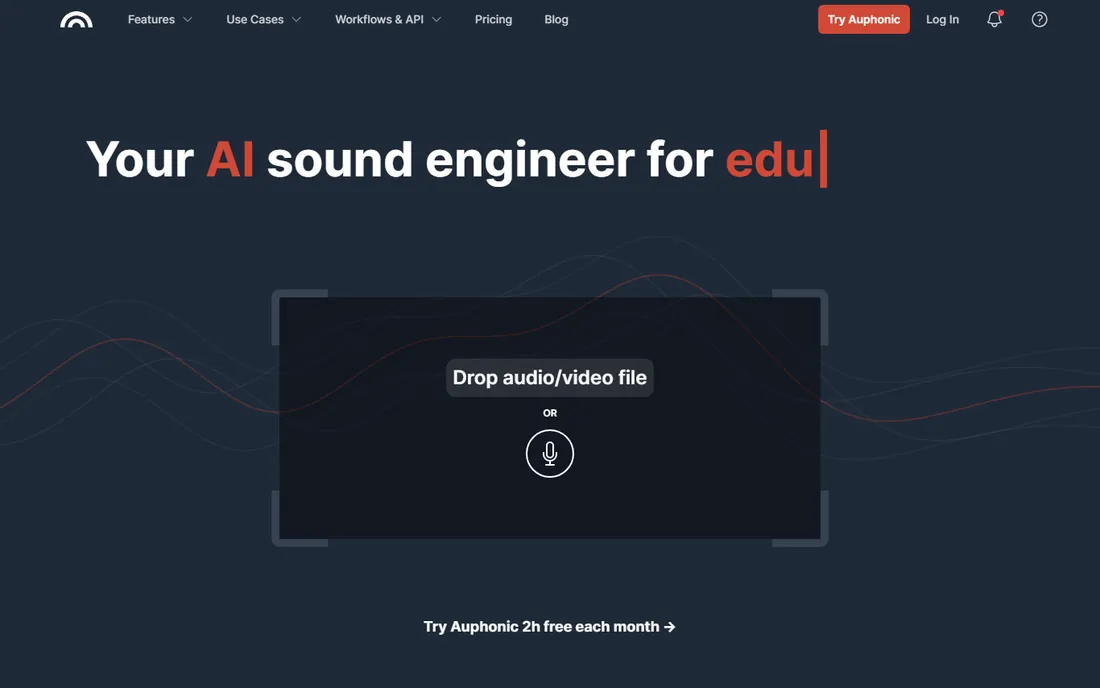
Auphonic is not an editor but a finisher, and it belongs on this list because it improves every workflow. Upload your edited episode and it applies adaptive leveling, noise and reverb reduction, filtering, and loudness normalization to podcast standards, then encodes and publishes. Multitrack productions get the same treatment with automatic ducking.
The free tier processes 2 hours a month, enough for a biweekly show, and paid plans start at $11 a month for 9 hours. Credits are based on audio duration, so costs are predictable. Pair Auphonic with Audacity or Reaper and you have a professional pipeline for almost nothing.
What we like- Excellent leveling and noise reduction
- Loudness to podcast standards
- Works alongside any editor
Watch out for- Credit-based pricing
- Not a full editor
- Free tier adds an audio jingle
Quick comparison
| Tool | Best for | Starting price | Free plan |
|---|
 Descript Descript | Editing audio by editing text | $16/month (Hobbyist, annual billing) | Yes |
| Adobe Audition | Professional audio post-production | $22.99/month (annual, billed monthly) | Free trial (7 days) |
 Audacity Audacity | Free no-frills recording and editing | Free | Yes |
 Riverside Riverside | Recording remote interviews in studio quality | $24/month (Pro, annual billing) | Yes |
 Hindenburg Hindenburg | Spoken-word editing for journalists and storytellers | $99/year (PRO subscription) | Free trial |
 Reaper Reaper | A full professional DAW for $60 | $60 one-time (discounted license) | Free trial (60 days, fully functional) |
 Alitu Alitu | Hands-off automated episode production | $32/month | Free trial (14 days) |
 Podcastle Podcastle | Browser-based recording and AI enhancement | $11.99/month | Yes |
 Auphonic Auphonic | Automatic audio post-production for any workflow | $11/month | Yes (2 hours of processing per month) |
Is your product missing or out of date?
We review this list regularly. Vendors can request a listing, send updated pricing or ask about featured placement.
How we chose
We verified each vendor's pricing on its own site and confirmed the product is actively maintained, which ruled out several once-popular podcast tools that have gone stale. Tools were selected to cover the real workflows podcasters use: text-based editing, traditional DAWs, remote recording, automated production, and finishing. We favored tools with clear free-versus-paid stories and real user communities, and we checked that AI features work as described rather than existing only in marketing copy. No vendor paid for placement.
What to check before you buy
Start with your recording setup, not the software. If you interview remote guests, Riverside or Podcastle's local recording will improve your audio more than any editor can. If you record solo in a treated room, the editor matters more, and Descript or Hindenburg will save you the most time. Software cannot fix a terrible recording environment, so budget for the microphone and the room before the subscription.
Consider the video question early. If your podcast publishes video to YouTube, you need an editor that handles video: Descript, Riverside, and Podcastle all do. Note that the best video editing software for podcasts is not the same as the best sports video editing software or cinema tools; podcast video needs captions, simple cuts, and audiograms, not slow-motion replay analysis. Do not buy a sports or film editor for a talk show.
Finally, match the tool to your publishing frequency. Weekly publishers benefit most from automation like Alitu or Auphonic, where per-episode time savings compound. Monthly or occasional publishers should favor one-time purchases (Reaper) or free tools (Audacity), since subscriptions charge you in the quiet months too.
Free vs paid: where the line actually sits
A complete free podcast pipeline exists and sounds good: record in Audacity or Riverside's free tier, finish in Auphonic's free 2 hours a month, and publish. That covers a biweekly solo or interview show at zero cost. The free tiers of Descript and Podcastle add AI features for light use.
Paying buys time and polish. Descript's $16 a month pays for itself the first time text editing saves you an hour. Auphonic's $11 a month is the cheapest professional finish available. Subscriptions make sense for weekly publishers; everyone else should weigh one-time buys like Reaper's $60 license or Hindenburg's perpetual option against months of subscription fees for episodes they have not recorded yet.
Frequently asked questions
What is the easiest podcast editing software for beginners?
Descript, because editing text is intuitive for anyone who writes. Alitu is even easier since it automates most decisions, but at a higher monthly cost. Audacity is free and capable but expects you to learn audio basics like normalization and compression.
Can I edit a podcast on my phone?
Podcastle runs in a mobile browser and handles basic recording and editing. For anything beyond trimming, a desktop editor is strongly recommended: precise cuts, loudness metering, and multitrack mixing need a real screen and mouse.
How do I make my podcast loud enough without distortion?
Master to podcast loudness standards (around -16 LUFS for stereo) using a loudness meter, then check peaks. Hindenburg and Auphonic do this automatically. In Audacity or Reaper, apply compression to even out dynamics, then normalize. The goal is consistent volume between your voice, your guest, and your ads.
Should I record and edit in the same tool?
It is convenient but not required. Riverside and Podcastle combine both, which suits interview shows. Many professionals record in one tool and edit in another: for example, recording remote guests in Riverside, then editing in Descript or Reaper, then finishing in Auphonic. Use whatever combination sounds best.
Do I need video editing software for a video podcast?
You need an editor that handles video and audio together, not a dedicated film tool. Descript, Riverside, and Podcastle edit video podcasts with captions and simple cuts. Full video suites are overkill unless your show has complex visuals.
What is the best free software to edit podcasts?
Audacity for manual editing: free, open source, and capable of professional results. Pair it with Auphonic's free tier for automatic leveling and loudness, and you have a complete pipeline at no cost. Podcastle's free tier is the best free all-in-one if you want recording included.
Sources we checked (9)
- https://www.descript.com/pricing
- https://www.adobe.com/products/audition.html
- https://www.audacityteam.org
- https://www.riverside.com
- https://hindenburg.com
- https://www.reaper.fm
- https://alitu.com
- https://podcastle.ai
- https://auphonic.com/pricing
Is your product missing or out of date?
We review this list regularly. Vendors can request a listing, send updated pricing or ask about featured placement.

Shihab Mia · Founder, Rankite
Shihab has spent more than a decade helping SaaS and e-commerce brands grow through search. He writes Rankite's software buying guides from pricing pages, documentation and public user reviews. More about Shihab.