How we make this list: we compare pricing pages, product documentation and public user reviews. Rankite is independent; if a vendor ever pays for a featured spot, that listing is clearly labeled Partner.
Key takeaways
- If your scanner's bundled software is the problem, VueScan ($29.95) replaces it entirely and revives scanners manufacturers abandoned; NAPS2 does the basics free.
- For turning paper into searchable, editable documents, ABBYY FineReader PDF ($99/year) sets the OCR accuracy standard, with Readiris PDF ($79) as the value alternative.
- PaperScan's free edition and NAPS2 cover everyday office scanning at zero cost; pay only when you need batch profiles, advanced OCR or photo restoration.
- SilverFast ($49) is the specialist pick for scanning photos, slides and negatives, not office paperwork.
- Adobe Acrobat ($19.99/month) and Tungsten Power PDF ($129 one-time) are PDF tools first, but their scan-to-searchable-PDF workflows suit offices already living in PDFs.
Quick comparison
| Tool | Best for | Starting price | Free plan |
|---|
 ABBYY FineReader PDF ABBYY FineReader PDF | Best OCR accuracy | $99/year (Standard, Windows) | Free trial |
 VueScan VueScan | Reviving old scanners | $29.95 (Standard Edition) | Free trial |
 NAPS2 NAPS2 | Free everyday scanning | Free | Yes |
 PaperScan PaperScan | Universal Windows scanning | See website | Yes (Free Edition) |
 Readiris PDF Readiris PDF | Value OCR and PDF | $79 (PDF 27 Essential) | Free trial |
 SilverFast SilverFast | Photo and film scanning | $49 (SE 9) | Free trial |
 ExactScan ExactScan | Mac document scanning | See website | No |
 Adobe Acrobat Adobe Acrobat | Scan-to-PDF workflows | $19.99/month (Pro, annual plan billed monthly) | Free trial (7 days) |
 Tungsten Power PDF Tungsten Power PDF | Perpetual-license PDF with OCR | $129 (Standard, one-time) | Free trial (15 days) |
 Foxit PDF Editor Foxit PDF Editor | Lightweight Acrobat alternative | See website | Free trial |
Is your product missing or out of date?
We review this list regularly. Vendors can request a listing, send updated pricing or ask about featured placement.
The best scanner software
Starting price$99/year (Standard, Windows)
Free planFree trial
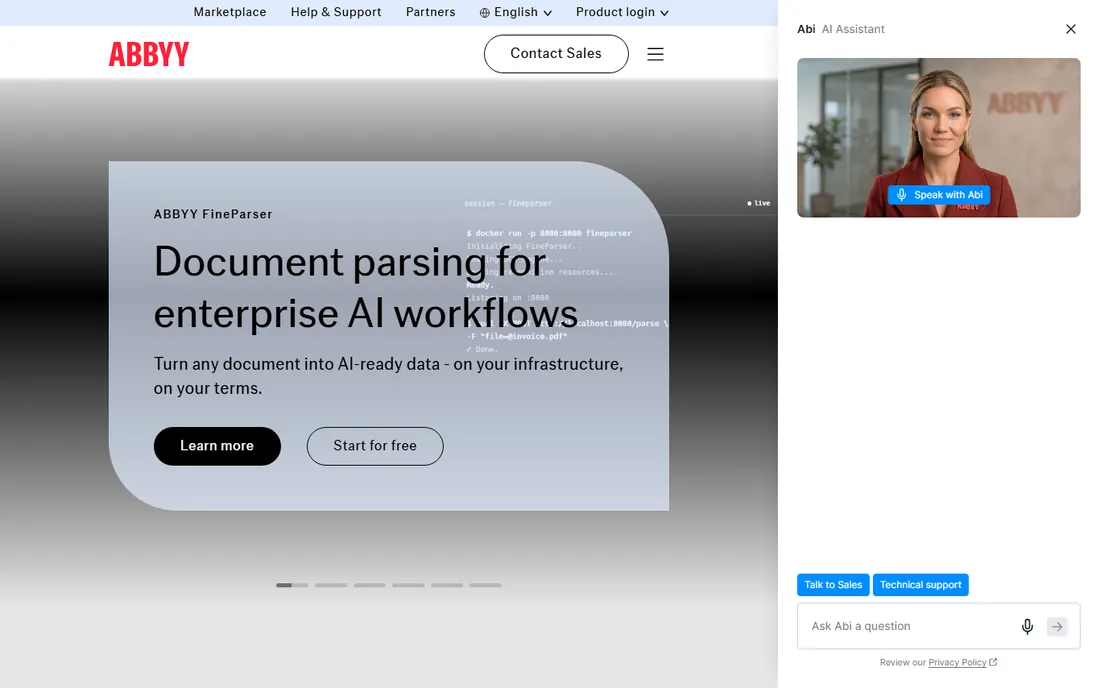
FineReader is the OCR accuracy benchmark everything else gets measured against. Its recognition engine handles difficult originals, multi-column layouts and dozens of languages with fewer errors than competitors, and the built-in PDF editor means scanned documents can be corrected and finalized in one app. Standard runs $99 a year on Windows ($69 a year on Mac), with Corporate at $165 a year for heavier needs.
The subscription model irritates buyers who remember buying FineReader once, and the interface packs in enough features to overwhelm casual users. A free trial lets you test it on your own worst documents, which is the only test that matters. For offices where OCR errors cost real money, this is the safe choice.
What we like- Class-leading OCR accuracy
- Strong PDF editing
- Handles complex layouts well
Watch out for- Subscription pricing
- Standard tier limits some features
- Interface is dense
Starting price$29.95 (Standard Edition)
Free planFree trial
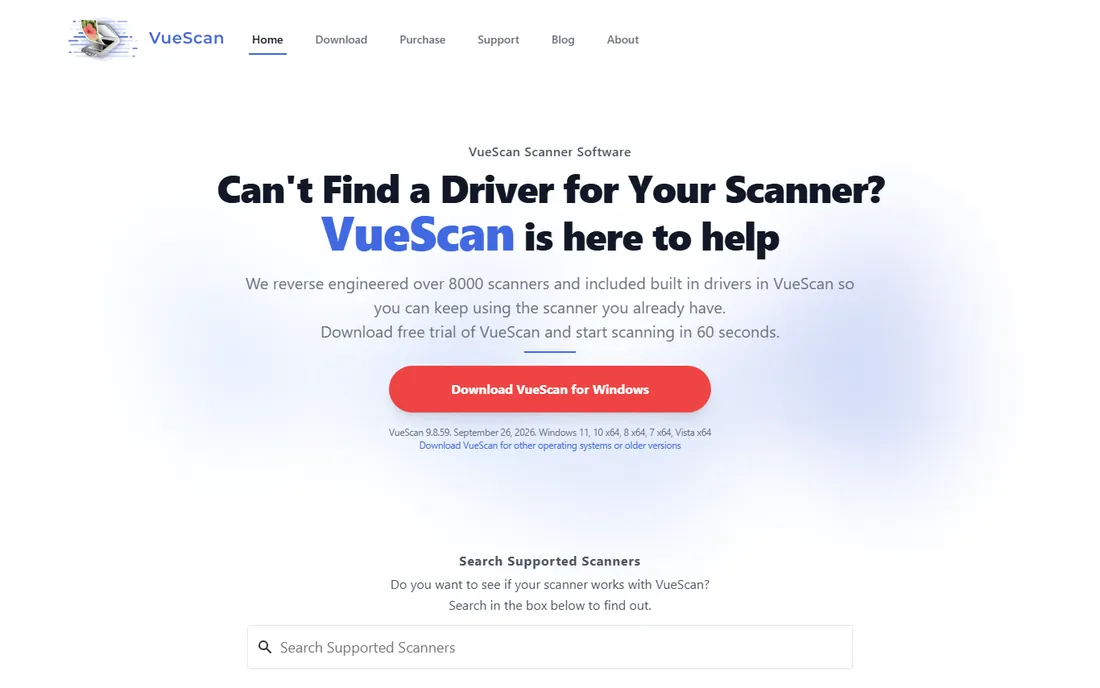
VueScan solves a different problem: perfectly good scanners that manufacturers abandoned. Hamrick reverse-engineered drivers for over 8,000 scanners from 42 manufacturers, so the flatbed gathering dust after an OS upgrade probably works again. Standard costs $29.95, Professional more, and both are refreshingly straightforward purchases.
Beyond rescue missions, VueScan is genuinely good scanning software with batch scanning, multi-page PDF output, OCR and serious film/slide tools. The interface looks like it time-traveled from 2005, and the learning curve is real. But the free trial is fully functional, so you can confirm your scanner works before paying a cent.
What we like- Supports 8,000+ scanners including abandoned models
- One purchase covers Windows, Mac and Linux
- Powerful film scanning
Watch out for- Interface is dated
- Advanced features need Professional
- Per-scanner learning curve
Starting priceFree
Free planYes
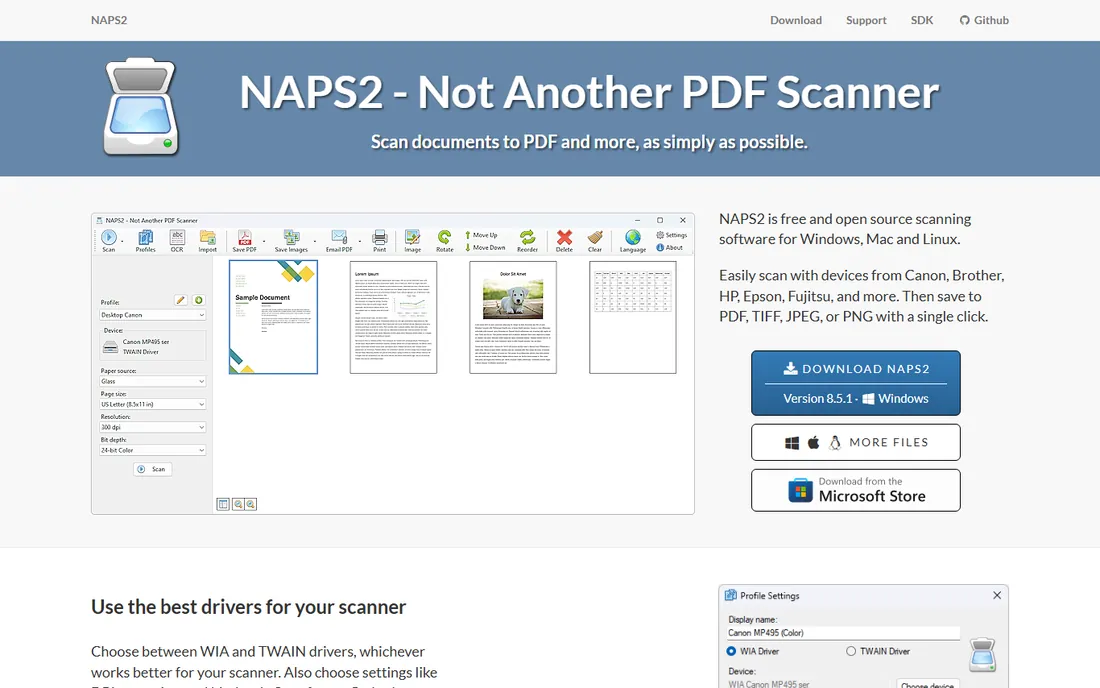
NAPS2 is the free tool IT departments actually deploy. It scans from flatbeds and document feeders over WIA or TWAIN, saves to PDF, TIFF, JPEG or PNG, and includes OCR in over a hundred languages. It runs on Windows, Mac and Linux, costs nothing for businesses or individuals, and has no ads.
Expect a functional interface and not much more. There is no fancy image cleanup, no complex batch profiles and no hand-holding. For the everyday job of turning paper into PDFs, though, it is all most offices need. Install it on every workstation and stop paying for scanning software you barely use.
What we like- Completely free and open source
- WIA and TWAIN support
- OCR in 100+ languages
Watch out for- Basic interface
- No advanced image processing
- Limited batch automation
Starting priceSee website
Free planYes (Free Edition)
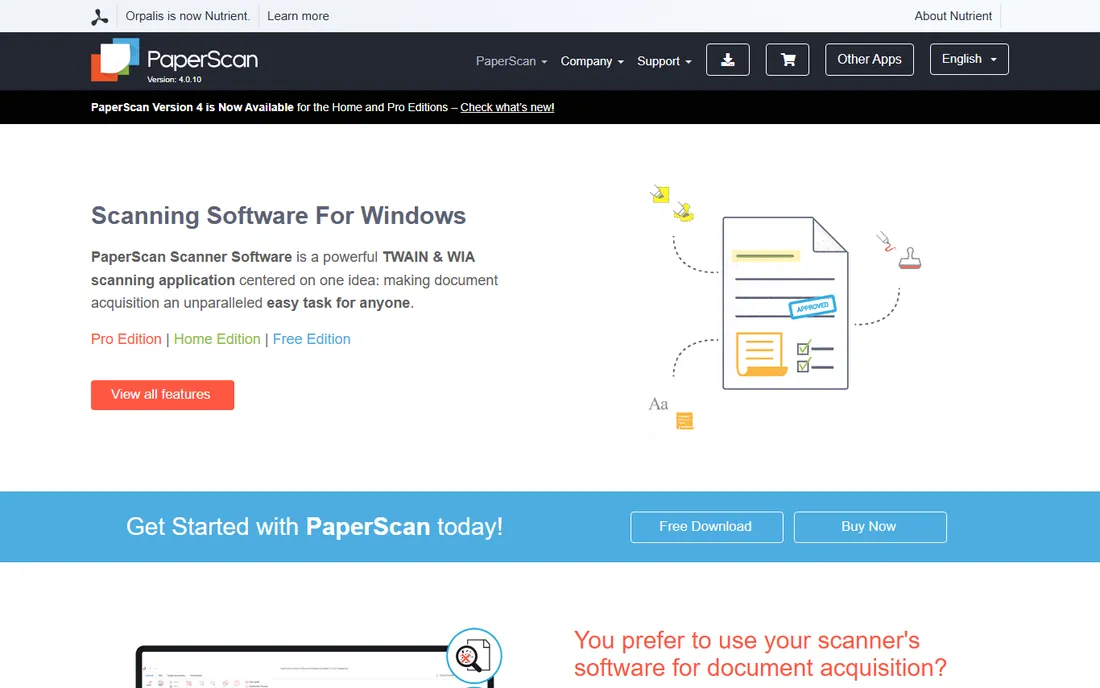
PaperScan is the universal Windows scanning app, built to drive any TWAIN or WIA scanner including network models. The free edition covers basic scanning and post-processing; Home and Professional editions add batch acquisition filters, OCR, annotations and advanced image cleanup. A 30-day trial covers the paid tiers.
The strength is flexibility: scan profiles, automatic deskew, punch-hole removal and annotation tools that turn raw scans into finished documents. Windows-only coverage is the limitation, and the interface throws a lot at new users. For Windows offices that scan daily and want more than NAPS2 offers, the paid editions earn their price.
What we like- Works with any TWAIN or WIA scanner
- Free edition available
- Strong annotation tools
Watch out for- Windows only
- Best features need paid editions
- Interface is busy
Starting price$79 (PDF 27 Essential)
Free planFree trial
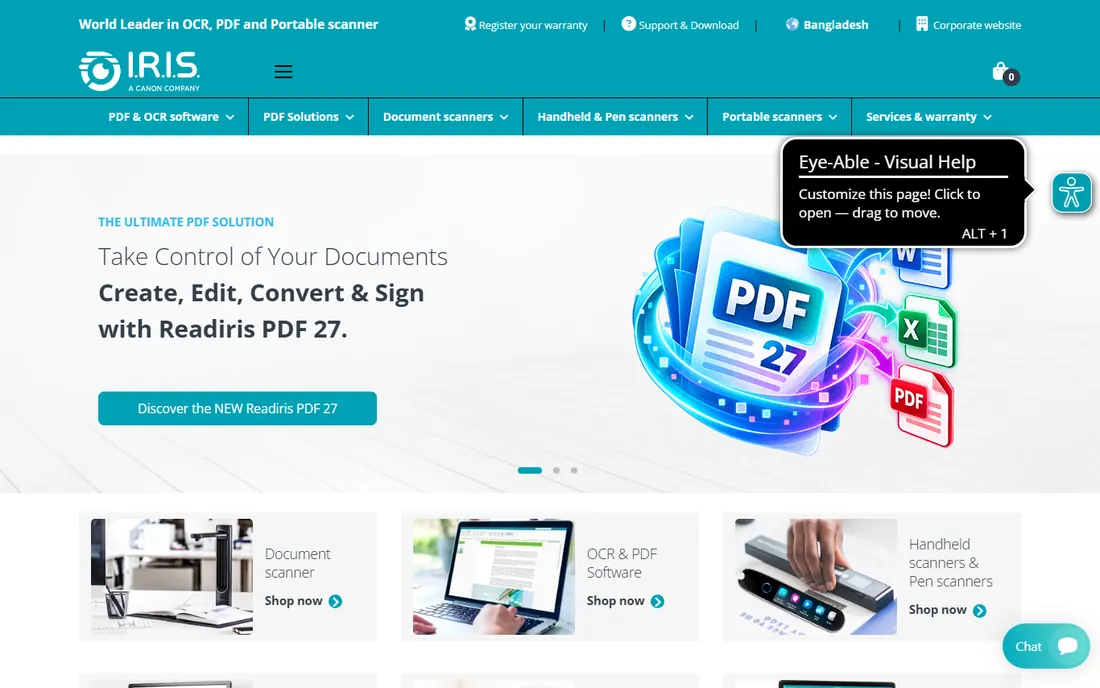
Readiris has been converting scans into editable documents for decades, and the current PDF 27 generation pairs OCR with full PDF editing. Essential costs $79 and Elite $149, which undercuts ABBYY meaningfully for comparable everyday work: scan to searchable PDF, convert to Word or Excel, and manage documents.
It does not match FineReader's accuracy on the hardest documents, and the interface feels a generation behind. But for standard office paperwork, the difference rarely matters, and the price difference does. IRIS also sells its own scanner hardware, and the software pairing is convenient if you buy into that ecosystem.
What we like- Long OCR track record
- Converts scans to Word, Excel and PDF
- Reasonable pricing
Watch out for- Interface less modern than ABBYY
- Essential tier limits features
- Smaller community
Starting price$49 (SE 9)
Free planFree trial
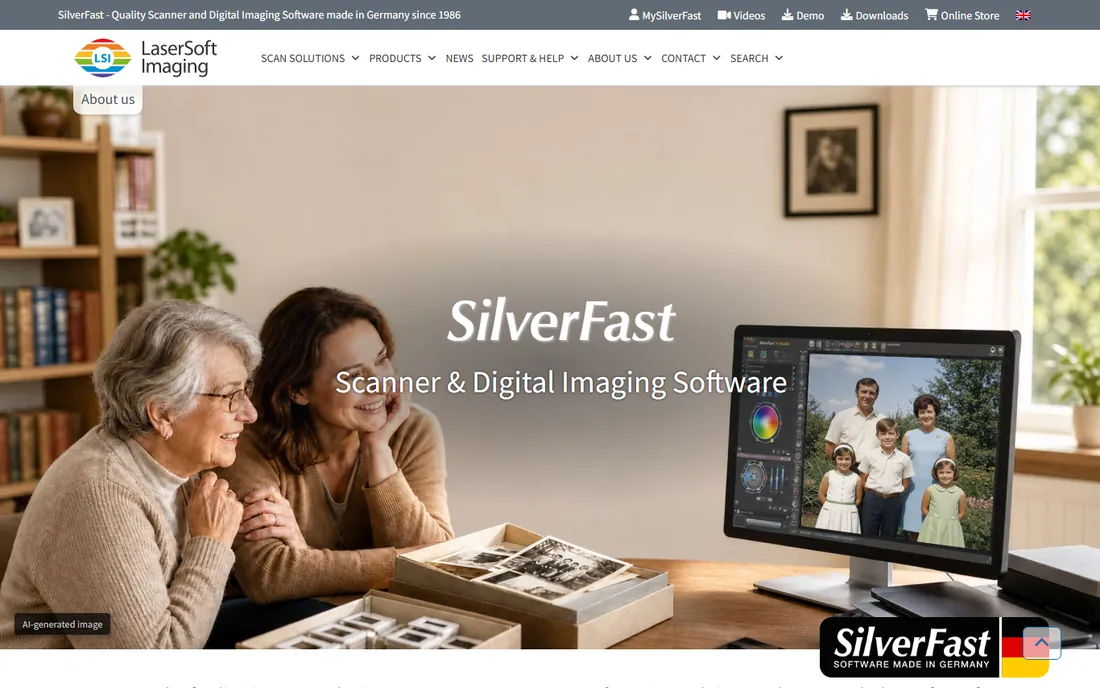
SilverFast is for photographs, not paperwork. LaserSoft's software squeezes maximum quality from flatbed and film scanners with patented multi-exposure, automatic IT8 calibration and dust/scratch removal that archivists trust. SE 9 starts at $49, SE Plus at $99 and Ai Studio at $249, with a free trial to evaluate.
The licensing model is unusual: you buy per scanner, not per computer, which gets expensive with multiple devices. And nobody should buy this for office documents; it is overkill with the wrong workflow. But for digitizing slides, negatives and prints at the best possible quality, it remains the specialist's choice.
What we like- Superb photo and slide quality
- IT8 color calibration
- Multi-exposure for film
Watch out for- Licensed per scanner
- Not for office documents
- Interface assumes expertise
Starting priceSee website
Free planNo
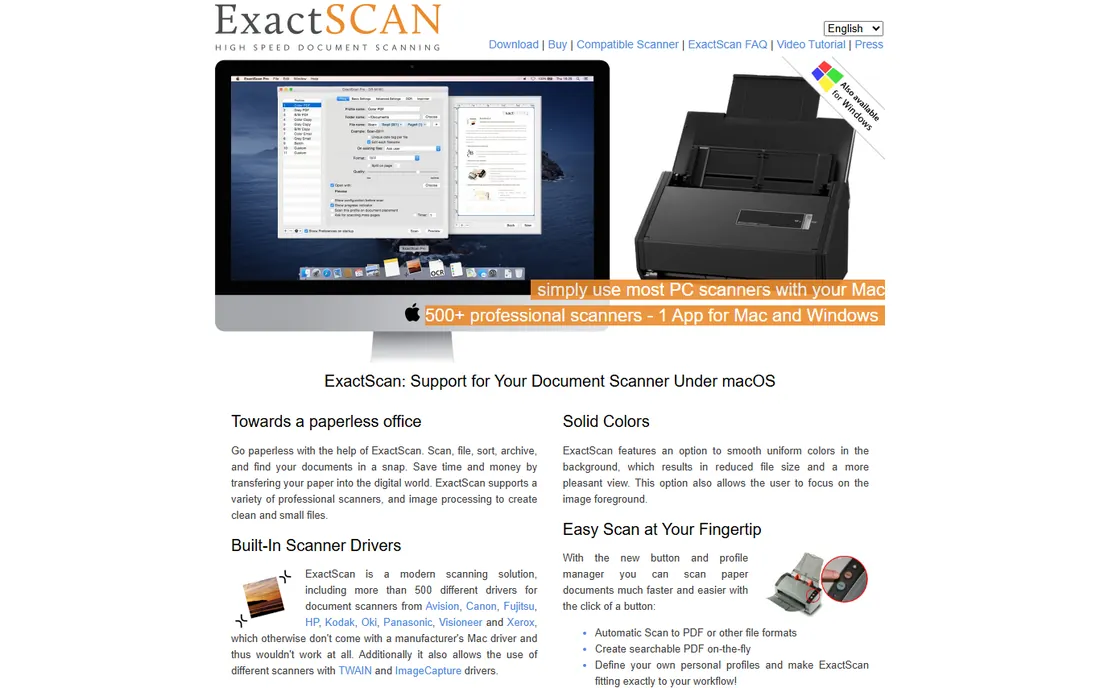
ExactScan is the Mac-only specialist for document scanners. It ships with built-in drivers for over 500 document scanners from Fujitsu, Canon, HP, Xerox and others, many of which lack proper Mac drivers from their manufacturers. For a Mac office with a sheet-fed scanner, that alone justifies it.
The Pro version adds OCR for searchable PDFs, barcode recognition and batch processing, aimed at paperless-office workflows. Mac-only is the obvious boundary, and pricing runs through the vendor rather than a public page. If your office is all-Mac and scans in volume, this is purpose-built for you.
What we like- Built-in drivers for 500+ document scanners
- Mac-native workflow
- Fast batch scanning
Watch out for- Mac only
- Pricing not published
- Pro features cost extra
Starting price$19.99/month (Pro, annual plan billed monthly)
Free planFree trial (7 days)
Acrobat is the PDF standard that happens to scan. Its scanner integration creates searchable PDFs directly, and Pro adds the OCR, redaction and document processing that offices need downstream. At $19.99 a month on the annual plan, it is priced as a PDF tool, with scanning as part of the package.
Nobody should buy Acrobat for scanning alone; VueScan or NAPS2 plus a free PDF tool would cost less. But offices already paying for Acrobat should use its scan workflow before buying dedicated scanning software. The 7-day trial is short, so test with real documents immediately.
What we like- Best PDF tools overall
- Good scan OCR in Pro
- Universal file compatibility
Watch out for- Subscription only
- Scanning is secondary to PDF editing
- 7-day trial is short
#9
Tungsten Power PDF
Best for: Perpetual-license PDF with OCR
Visit kofax.com
Starting price$129 (Standard, one-time)
Free planFree trial (15 days)
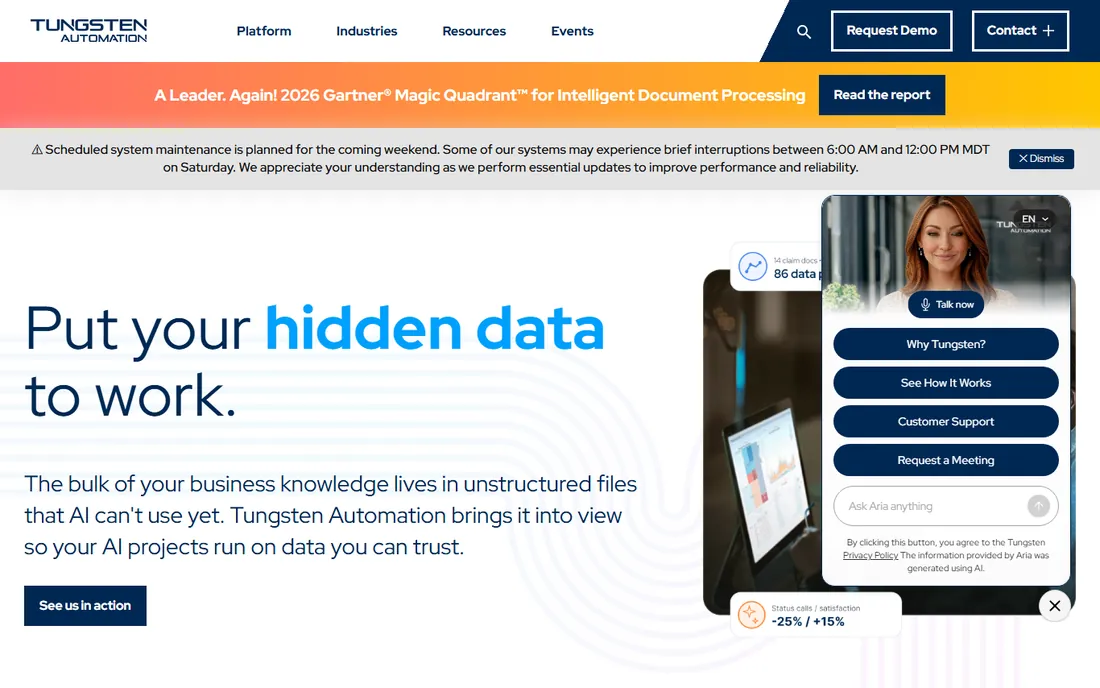
Power PDF, formerly Kofax Power PDF before the Tungsten Automation rebrand, is the perpetual-license answer to Acrobat. Standard costs $129 once and Advanced $179 once, covering PDF creation, editing, OCR and forms without a subscription. The 15-day trial needs no credit card.
It does not match Acrobat feature for feature, and the interface will not convert design snobs. But for offices that scan to PDF, OCR the results and edit forms, it handles the work at a fraction of Acrobat's long-term cost. Subscription-averse buyers should start their evaluation here.
What we like- One-time purchase, no subscription
- Strong OCR and form tools
- Familiar Office-style interface
Watch out for- Less polished than Acrobat
- Advanced tier needed for redaction
- Smaller ecosystem
#10
Foxit PDF Editor
Best for: Lightweight Acrobat alternative
Visit foxit.com
Starting priceSee website
Free planFree trial
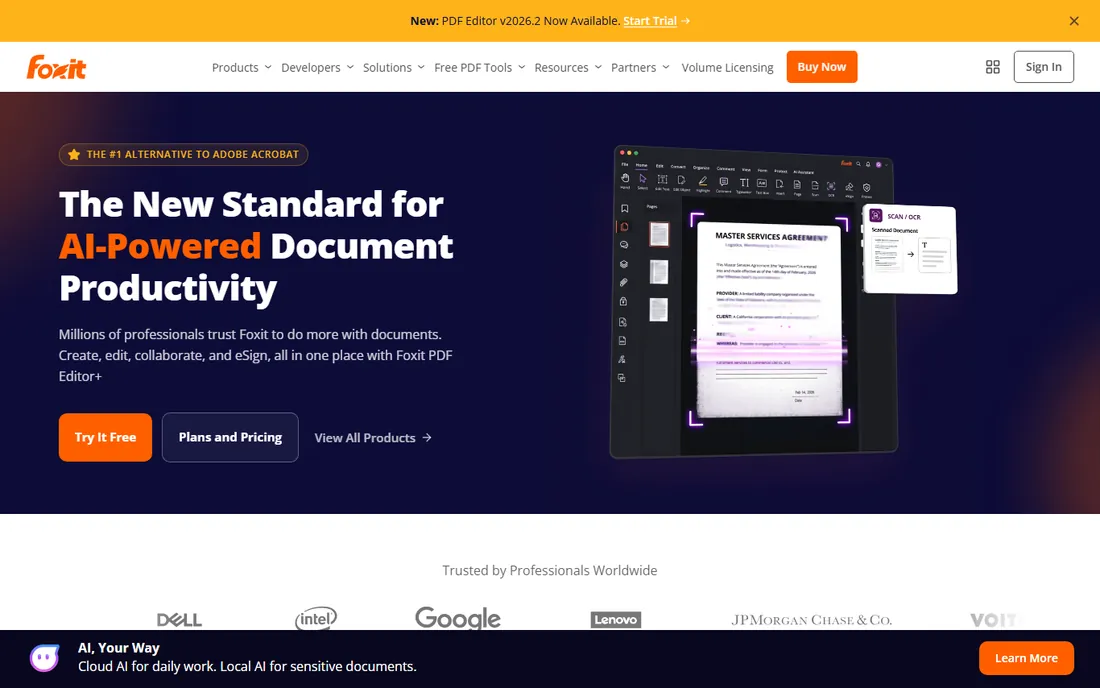
Foxit is Acrobat's longest-running rival, and its PDF Editor includes scan-to-searchable-PDF with OCR in a package that opens faster and weighs less than Adobe's. It covers the core office workflow: scan, OCR, edit, sign and share, across Windows, Mac, web and mobile.
Pricing runs through Foxit's site with several editions, so confirm the tier that includes the OCR and editing features you need. The free trial is the way to compare it directly against Acrobat and Power PDF on your own documents. For offices that find Acrobat heavy and Power PDF unfamiliar, Foxit is the middle path.
What we like- Fast and lightweight
- Good scan-to-PDF with OCR
- Broad platform support
Watch out for- Pricing varies by edition
- Interface less refined than Acrobat
- Upsells in the app
OCR accuracy: what actually affects it
OCR quality depends more on your input than on which engine you buy. A clean 300 DPI scan of a laser-printed page will OCR near-perfectly in any tool here; a skewed phone photo of a dot-matrix invoice will defeat all of them. Before blaming software, fix the source: flat pages, even lighting, 300 DPI minimum and straight alignment.
That said, engines differ on hard material. ABBYY FineReader leads on complex layouts, unusual fonts and low-quality originals, which is why it costs more. Readiris and the PDF editors handle standard office documents well. Whatever you choose, test the free trial on your ten worst pages, not your ten best. The ugly documents decide whether the purchase was worth it.
How we chose
We researched vendor pricing pages, documentation and feature lists for scanner software that exists today, covering dedicated scanning apps, OCR suites and PDF tools with real scan workflows. We favored products with clear pricing or free tiers and checked public reviews on G2, Capterra and Reddit for accuracy and reliability claims. No hands-on testing was involved; every fact comes from vendor materials and independent reviews.
Matching scanner software to your workflow
Start from the document, not the software. Offices drowning in paper need batch scanning with profiles, blank-page removal and searchable PDF output; VueScan, PaperScan and ExactScan are built for that. Offices that mostly need to edit and file PDFs should look at Acrobat, Power PDF or Foxit instead.
Old or unsupported scanners
If the manufacturer abandoned your scanner's drivers, VueScan is the first thing to try; its driver library covers thousands of orphaned models. ExactScan plays the same role for document scanners on Mac. Do not buy a new scanner until you have tested whether software can save the old one.
Photos, slides and negatives
Office scanning tools do this badly. SilverFast is the dedicated answer for photographic material, with calibration and restoration features nothing else here offers. VueScan's film tools are a capable budget alternative for casual archiving.
Going paperless on a budget
NAPS2 plus PaperScan's free edition cover scanning and basic processing for nothing. Add Readiris or FineReader only when OCR accuracy becomes the bottleneck, and add a PDF editor when scanned documents need real editing. Most small offices never need more than the free tier.
Frequently asked questions
What is the best free scanner software?
NAPS2 is the best free all-rounder: open source, no ads, scans to PDF with OCR on Windows, Mac and Linux. PaperScan's free edition is a strong Windows alternative with better post-processing. Both handle everyday office scanning without paying anything.
Do I need OCR software or just scanning software?
If you only need images of pages, scanning software is enough. If you need to search text inside scans, copy text out or convert scans to Word and Excel, you need OCR. ABBYY FineReader, Readiris and most PDF editors here include it; NAPS2 includes basic OCR free.
Can scanner software make my old scanner work again?
Often yes. VueScan includes reverse-engineered drivers for thousands of scanners whose manufacturers stopped supporting them, covering Windows, Mac and Linux. ExactScan does the same for document scanners on Mac. Try the free trial before replacing hardware.
What DPI should I scan documents at?
300 DPI is the standard for documents: high enough for accurate OCR and clean printing, small enough to keep file sizes manageable. Use higher resolutions only for photos or small originals. Black-and-white or grayscale mode keeps document scans much smaller than color.
Is a PDF editor enough for a paperless office?
For many offices, yes. Acrobat, Power PDF and Foxit all scan to searchable PDF, OCR the results and handle editing, signing and filing. Dedicated scanning software only becomes necessary with high scan volumes, batch profiles or unsupported scanners.
Should I buy perpetual or subscription scanner software?
Perpetual licenses (VueScan, Power PDF Standard, SilverFast) cost more once and nothing later, suiting stable needs. Subscriptions (ABBYY FineReader, Acrobat) include continuous updates and suit changing requirements. With capable free options available, only pay when a specific limitation forces it.
Sources we checked (10)
- https://www.abbyy.com/
- https://hamrick.com/
- https://www.naps2.com/
- https://paperscan.orpalis.com/
- https://irislink.com/
- https://silverfast.com/
- https://exactscan.com/
- https://www.adobe.com/
- https://www.kofax.com/
- https://www.foxit.com/
Is your product missing or out of date?
We review this list regularly. Vendors can request a listing, send updated pricing or ask about featured placement.

Shihab Mia · Founder, Rankite
Shihab has spent more than a decade helping SaaS and e-commerce brands grow through search. He writes Rankite's software buying guides from pricing pages, documentation and public user reviews. More about Shihab.