How we make this list: we compare pricing pages, product documentation and public user reviews. Rankite is independent; if a vendor ever pays for a featured spot, that listing is clearly labeled Partner.
Key takeaways
- Most sublimation printers ship with capable bundled software (Sawgrass Print Manager, Epson Edge Print, Roland VersaWorks 6), so check what you already own before buying anything.
- A dedicated RIP like Fiery Digital Factory 12 Sublimation Edition ($595 perpetual) pays off when color accuracy and nesting drive your margins.
- ErgoSoft TexPrint and Wasatch SoftRIP serve high-volume textile shops that need precise color control across many printers.
- Your designs still start in a design app: CorelDRAW, Illustrator, Inkscape or Canva, depending on budget and skill level.
- ICC profiles and a calibrated workflow matter more than which RIP you pick; bad color management ruins output on any software.
Quick comparison
Is your product missing or out of date?
We review this list regularly. Vendors can request a listing, send updated pricing or ask about featured placement.
The best sublimation software
Starting priceBundled with Sawgrass printers
Free planYes (bundled)
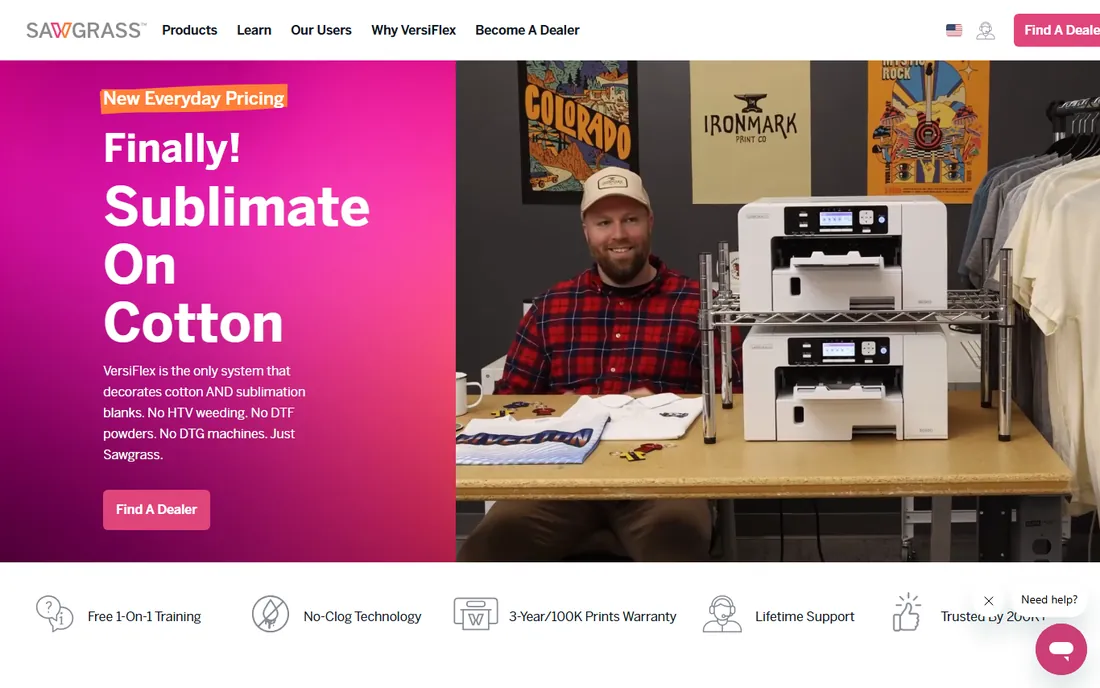
If you bought a Sawgrass printer, you already own this. Print Manager is the utility Sawgrass ships with its printers, handling color correction, print settings and job spooling without making you learn RIP concepts. For beginners pressing mugs, shirts and plaques, it removes the most intimidating part of sublimation.
CreativeStudio, Sawgrass's browser-based design tool, adds templates and graphics for users who do not design from scratch. The honest limitation is lock-in: this software only drives Sawgrass printers, and advanced layout work still belongs in a real design app. But as a starting point that just works, it is hard to beat for the price of zero.
What we like- Purpose-built for Sawgrass printers
- Color management handled for you
- Pairs with CreativeStudio templates
Watch out for- Only works with Sawgrass hardware
- Limited layout controls
- Premium features cost extra

#2
Fiery Digital Factory 12 Sublimation Edition
Best for: Shops needing a dedicated sublimation RIP
Visit fiery.com
Starting price$595 (perpetual license)
Free planFree trial (15 days)
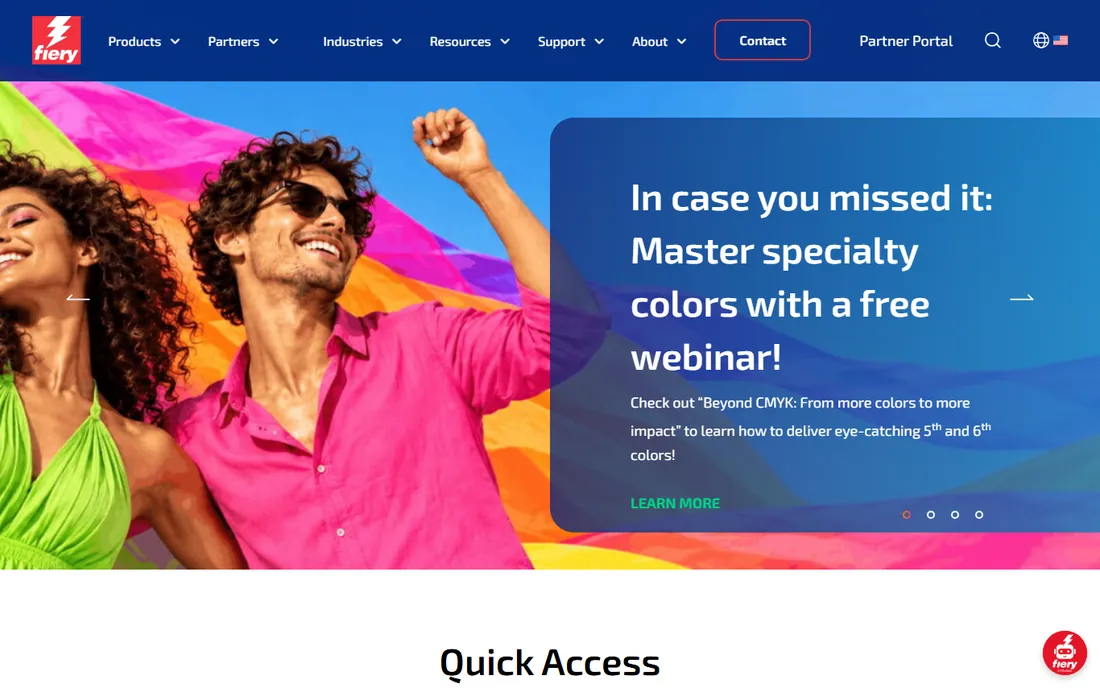
When bundled software stops being enough, shops usually land here. Digital Factory 12 Sublimation Edition (from Fiery, which acquired the CADlink product line) is a true RIP: it handles nesting, tiling, color profiling and job queuing across production printers. The 15-day trial is genuinely useful for testing it against your current workflow.
The $595 perpetual license stings for a side business, but there is no subscription, so the math improves every year you run it. Color control is the real selling point; proper ICC profiles and ink limiting can cut waste and reprints noticeably. If color complaints or layout bottlenecks are costing you jobs, this is the upgrade that fixes them.
What we like- Built specifically for sublimation
- Strong color management
- Perpetual license, no subscription
Watch out for- $595 is steep for hobbyists
- Learning curve for RIP newcomers
- Windows-focused

#3
Epson Edge Print
Best for: Epson SureColor F-series owners
Visit epson.com
Starting priceBundled with Epson printers
Free planYes (bundled)
Epson bundles Edge Print with its SureColor F-series dye-sublimation printers, and it covers the essentials: job setup, color settings matched to Epson inks and straightforward printing. Most F-series owners never need anything else for standard work like apparel and soft signage.
It is not a full production RIP. Nesting, tiling and advanced color editing are thinner than in Fiery or ErgoSoft, so high-volume shops often graduate to third-party software. But the price is right, the integration with Epson hardware is painless, and for straightforward jobs it stays out of your way.
What we like- Tuned for Epson sublimation printers
- Simple job management
- No extra cost
Watch out for- Epson hardware only
- Fewer advanced RIP features
- Limited nesting tools
Starting priceFree with Roland printers
Free planYes (bundled)
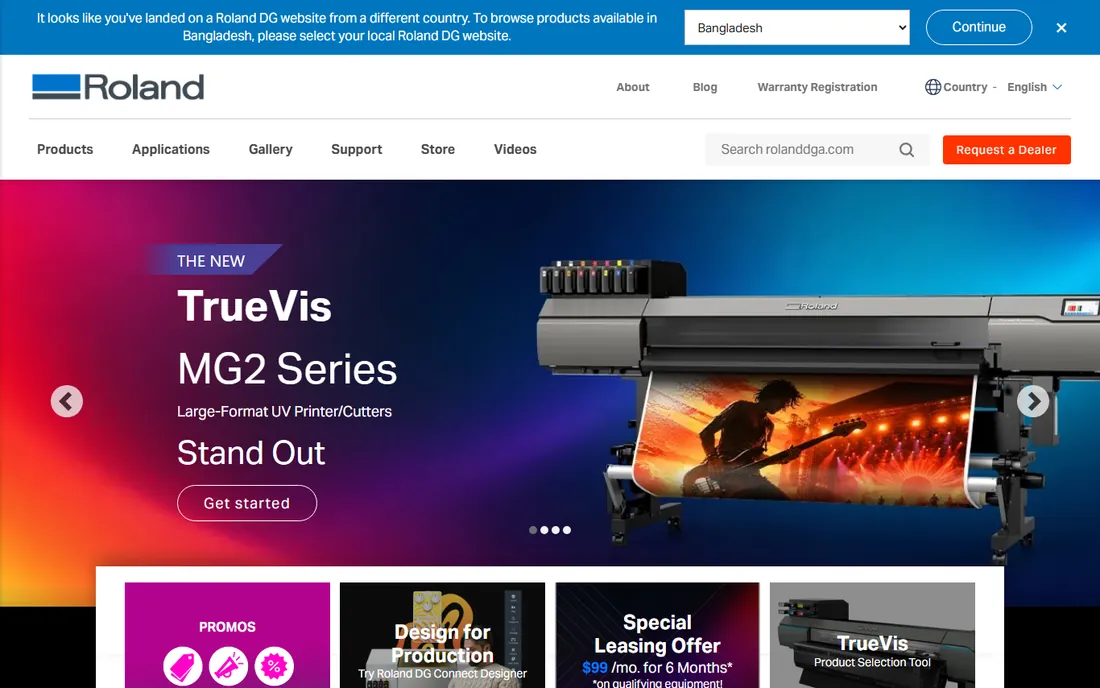
VersaWorks 6 is Roland's RIP, included free with its printers, and it is more capable than most bundled software. Job queuing, nesting and layout tools are genuinely useful in production, and it handles Roland's print-then-cut devices in one workflow, which matters for shops doing decals and heat transfers alongside sublimation.
The interface will not win design awards, and everything assumes Roland hardware on the other end. For a shop already running Roland equipment, though, it is a legitimate production tool at no added cost. Learn its queue management and hot folders before spending money on a third-party RIP.
What we like- Free with Roland printers
- Solid queue and layout tools
- Supports print-then-cut workflows
Watch out for- Roland hardware only
- Interface feels dated
- Overkill for single-printer hobby setups
Starting priceSee website
Free planFree trial
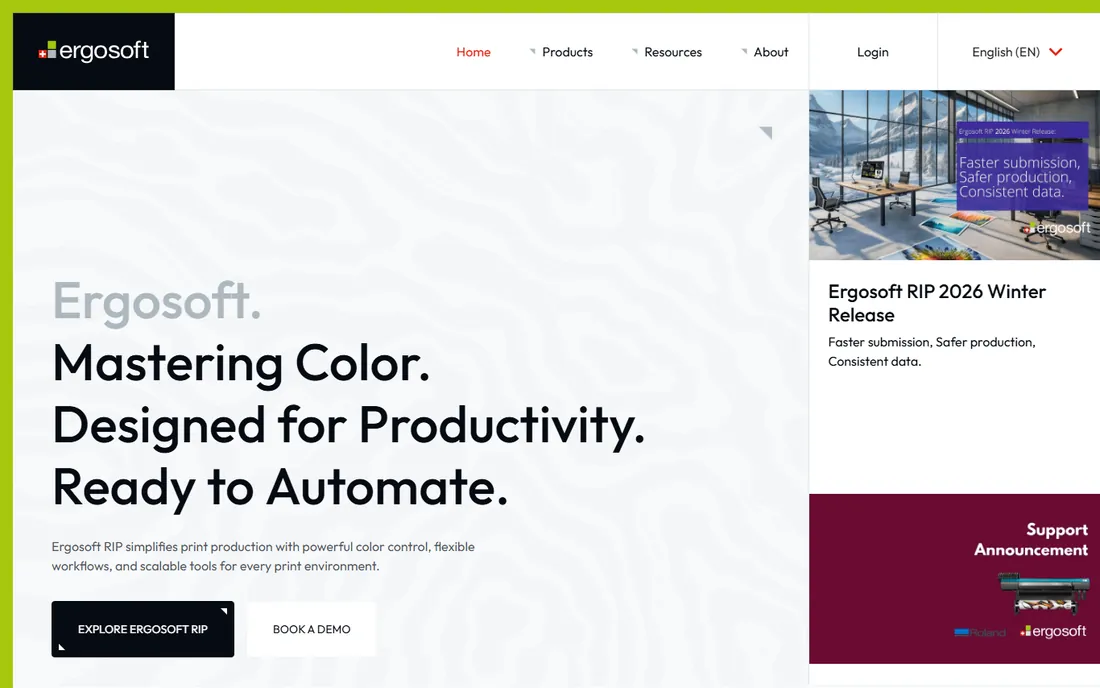
ErgoSoft lives in the industrial end of textile printing, where TexPrint drives production dye-sub printers with precise color and ink control. If you run multiple wide-format machines and color consistency across them is a contractual requirement, this is the class of software you evaluate.
That focus is also the warning. Pricing is quote-based, the feature set assumes an experienced operator, and a small shop pressing shirts will drown in options it never touches. ErgoSoft offers trials so you can confirm fit. For factories and large print service providers, it belongs on the shortlist; for everyone else, it is more software than the job needs.
What we like- Deep textile and color controls
- Multi-printer management
- Strong profiling tools
Watch out for- Pricing not published
- Aimed at industrial users
- Setup needs expertise
Starting priceSee website
Free planFree trial
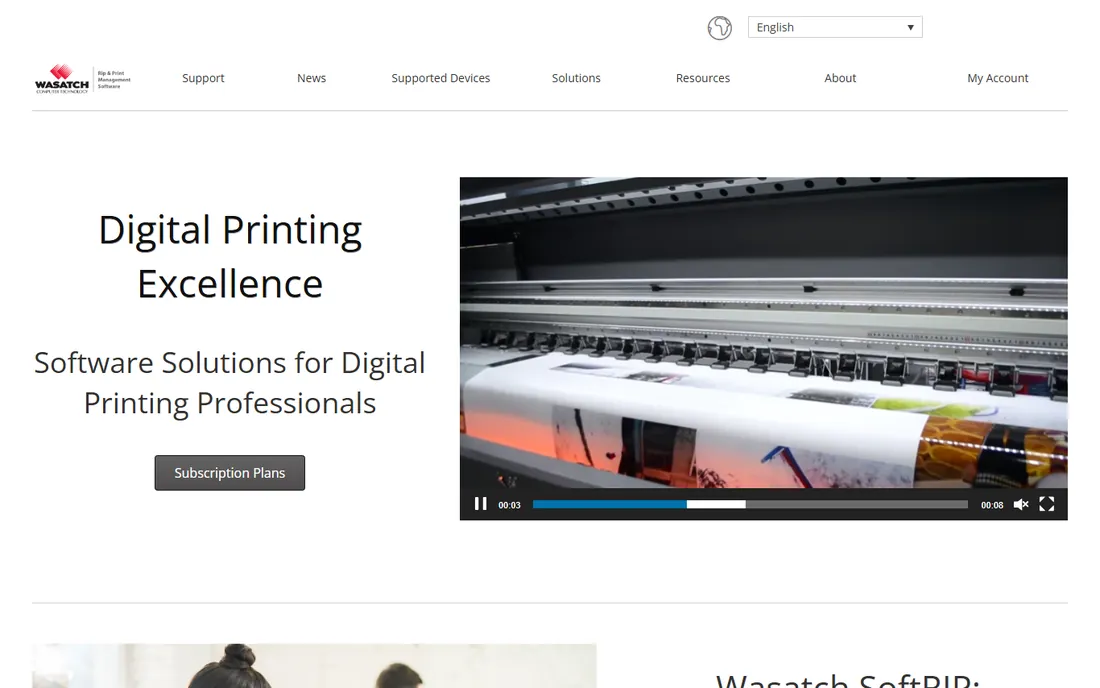
Wasatch SoftRIP is the veteran choice for shops running several printers, sometimes from different manufacturers, under one RIP. Centralized color management, job costing and queue control are its strengths, and the licensing scales from single printers to full production floors.
Like ErgoSoft, it keeps pricing behind a sales conversation, which tells you who it is for. The interface prioritizes function over beauty, and initial setup with profiling rewards patience. If your shop has outgrown one-printer-at-a-time workflows, Wasatch is worth the evaluation; a free trial lets you test it on your actual hardware first.
What we like- Drives many printer brands from one RIP
- Good cost-per-print controls
- Scalable licensing
Watch out for- Pricing not published
- Interface is utilitarian
- Setup takes time

#7
CorelDRAW Graphics Suite
Best for: Vector design for print shops
Visit corel.com
Starting price$269/year (subscription); $549 one-time
Free planFree trial (15 days)
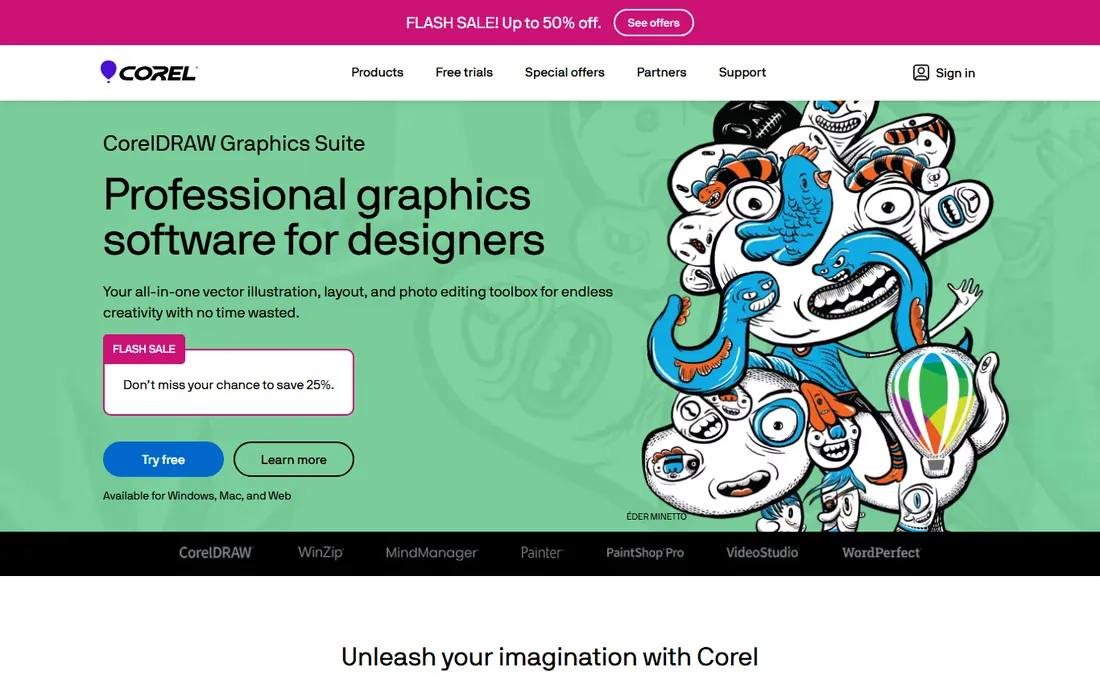
Most sublimation designs start here, not in a RIP. CorelDRAW Graphics Suite is the vector design standard in thousands of sign, apparel and print shops, with layout, tracing and text tools that map directly onto sublimation work. The $549 one-time purchase option is increasingly rare and appeals to shops that refuse subscriptions.
The 15-day trial is enough to test real client work. Corel's weak spot is ecosystem: fewer templates, plugins and freelancers than Illustrator, and the Mac version has historically trailed Windows. If your shop already thinks in Corel, though, there is no reason to switch; it outputs print-ready files every RIP on this list accepts.
What we like- One-time purchase option
- Strong vector and layout tools
- Popular with sign and print shops
Watch out for- Smaller template ecosystem than Adobe
- Mac version lags Windows
- Subscription still pushed
Starting price$22.99/month (annual plan, billed monthly)
Free planFree trial (7 days)
Illustrator is the professional default for vector design, and sublimation is no exception. Its color management, pattern tools and vast library of templates and stock assets make client work faster, and every print shop on earth can open an Illustrator file. At $22.99 a month on the annual plan, it is a real line item for a small shop.
The subscription model is the main objection, and the 7-day trial barely covers a serious evaluation, so plan your test week. For simple mug text and basic graphics, Illustrator is more tool than needed; Canva or Inkscape will do. But if you sell design services or handle complex artwork, it remains the safest choice.
What we like- Industry-standard vector tools
- Huge template and asset ecosystem
- Precise color controls
Watch out for- Subscription only
- 7-day trial is short
- Overkill for simple text designs
Starting priceFree
Free planYes
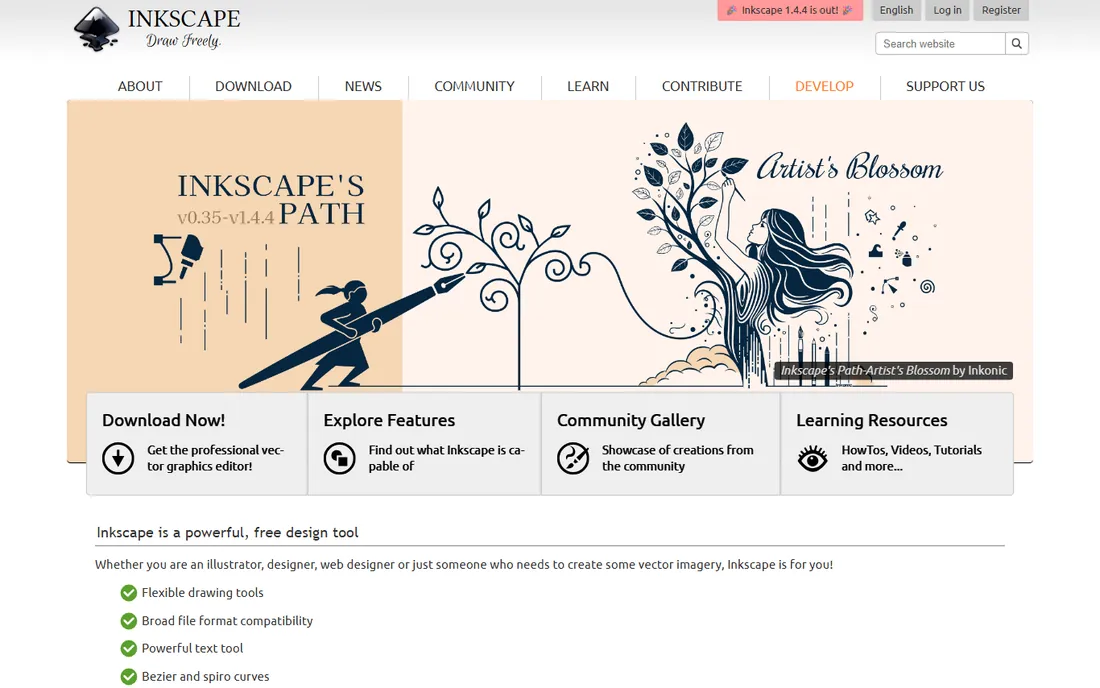
Inkscape surprises people who assume free means toy. It is a capable open-source vector editor that handles the core sublimation design tasks: text on paths, tracing bitmaps, laying out multi-design sheets and exporting PDFs your RIP can print. For a startup shop watching every dollar, it is genuinely enough.
Expect some friction. The interface is less refined than CorelDRAW or Illustrator, and you will hunt longer for tutorials on niche tasks. Save often, learn its PDF export settings, and pair it with whichever RIP or print manager your printer shipped with. Many profitable sublimation businesses run entirely on Inkscape plus bundled printer software.
What we like- Completely free and open source
- Capable vector tools
- Exports print-ready PDF and SVG
Watch out for- Interface less polished
- Smaller tutorial base
- Occasional stability quirks
Starting priceFree
Free planYes
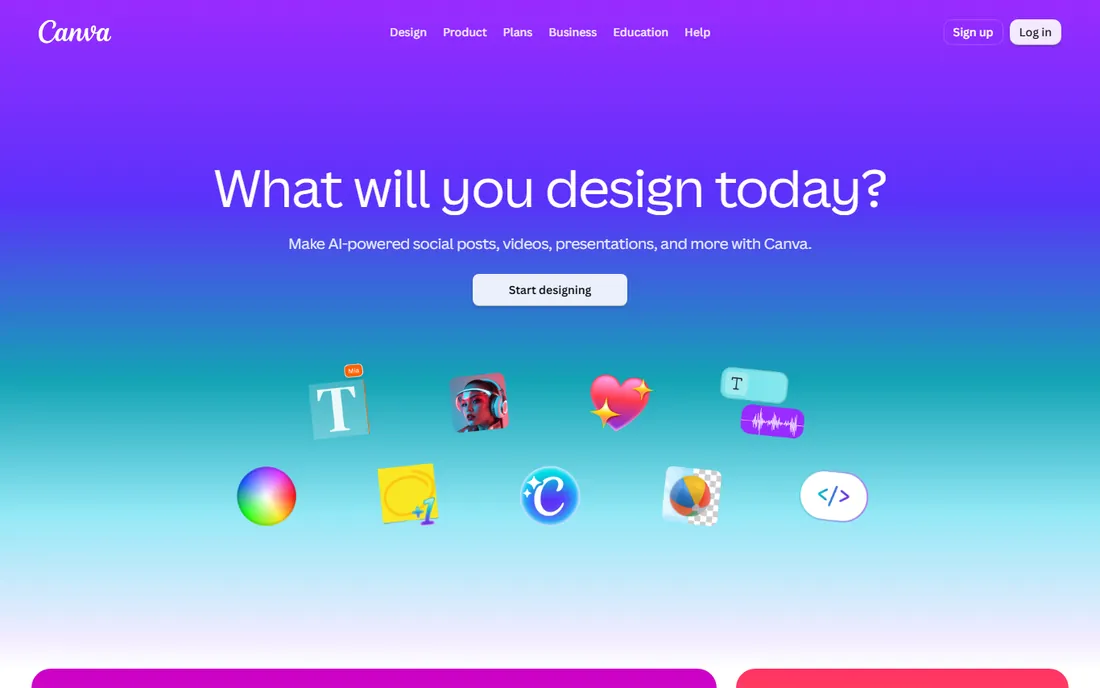
Canva is where non-designers make sellable sublimation graphics. Its templates cover mugs, shirts, tote bags and most popular substrates, and the drag-and-drop editor needs no training. The free tier handles a remarkable amount of real work.
Know its limits before you lean on it. Canva is not a precision vector tool, its color management is basic compared to Illustrator or CorelDRAW, and complex or original artwork belongs elsewhere. Use it for fast, template-driven designs and simple text graphics, then export print-ready files to your RIP. For speed on simple jobs, nothing else here is quicker.
What we like- Easiest learning curve here
- Huge template library
- Free tier is generous
Watch out for- Limited vector precision
- Color management is basic
- Not ideal for complex artwork
Sublimation software buying checklist
Start by listing what your printer already includes. Bundled tools like Sawgrass Print Manager, Epson Edge Print and VersaWorks 6 cover color management and job handling for standard work, and buying a RIP on top of them only makes sense when you can name the bottleneck: bad color, slow nesting, no queue control.
Separate design from RIP
You need both a design app and a way to print accurately, and they are different purchases. Design apps (CorelDRAW, Illustrator, Inkscape, Canva) create the artwork; RIPs and print managers (Fiery, ErgoSoft, Wasatch, bundled tools) get it onto the substrate with correct color. Budget for both sides of that equation.
Color management is the real product
A RIP earns its price through ICC profiles, ink limiting and linearization, not through its layout tools. Ask any vendor how profiling works with your specific printer and ink, and whether profiles are included or billable extras. A $595 RIP with good profiles beats a pricier one with bad profiles every time.
Mind the lock-in
Bundled software only drives its own brand of printer. That is fine until you add a second brand, at which point a universal RIP like Wasatch or ErgoSoft starts paying for itself in one managed workflow. If expansion is on your two-year plan, factor that in now.
How we chose
We researched vendor pricing pages, documentation and feature lists, focusing on software that exists today and fits real sublimation workflows: print managers, RIP software, ICC color tools and the design apps that feed them. We included bundled tools because most shops start there, alongside dedicated RIPs and design software at several price points. Public reviews on G2, Capterra and Reddit helped verify how these tools perform in production. No hands-on testing was involved; all facts come from vendor materials and independent reviews.
Do you need a RIP, or just design software?
Most beginners do not need a RIP. If you run one printer, press standard substrates and your bundled software produces accurate color, a design app is the only purchase that matters. Spend the money on artwork skills, not on RIP features you will never open.
Consider a dedicated RIP when production volume rises or color becomes a money issue. Signs you are ready: reprints from color shifts, hours lost to manual nesting, juggling files across two printers, or clients rejecting proofs. Fiery Digital Factory at $595 perpetual is the common first step; ErgoSoft and Wasatch enter the picture for multi-printer textile operations. Trial any RIP on your own printer with your own inks before buying, since profiling quality varies by combination.
Frequently asked questions
What software do I need to start sublimation printing?
A design app and whatever print software came with your printer. Start with Inkscape or Canva for design (both free) plus your bundled print manager, and only buy more software when you hit a specific limitation like poor color or slow layout.
What is a RIP and do sublimation printers need one?
A RIP (raster image processor) translates your design into precise printer instructions with advanced color management, nesting and job queuing. Hobbyists and small shops usually do fine with bundled print managers; production shops with volume or strict color needs benefit from a dedicated RIP like Fiery Digital Factory.
Which is better for sublimation design, CorelDRAW or Illustrator?
Both produce excellent print-ready files. CorelDRAW offers a $549 one-time purchase and is deeply entrenched in print shops; Illustrator has the bigger ecosystem of templates and freelancers but is subscription-only at $22.99 a month. Inkscape covers the basics free if budget is tight.
How do ICC profiles improve sublimation prints?
ICC profiles tell your software exactly how your printer, ink and substrate combination reproduces color, so what you see on screen matches the pressed result. Without a good profile, colors shift, especially reds and skin tones. Most quality problems blamed on printers are actually profile problems.
Can I use Canva for sublimation designs?
Yes for simple work. Canva's templates and easy editor suit text graphics and straightforward designs for mugs, shirts and bags. Export at high resolution and check colors on a test press. For complex vector artwork or precise color control, move up to Inkscape, CorelDRAW or Illustrator.
Is a perpetual license better than a subscription for RIP software?
It depends on your horizon. Fiery Digital Factory's $595 perpetual license costs nothing after year one, which favors established shops. Subscriptions spread the cost and include updates, which suits growing businesses. Calculate the three-year total before deciding.
Sources we checked (10)
- https://www.sawgrassink.com/
- https://www.fiery.com/
- https://www.epson.com/
- https://www.rolanddga.com/
- https://www.ergosoft.net/
- https://www.wasatch.com/
- https://www.corel.com/
- https://www.adobe.com/
- https://www.inkscape.org/
- https://www.canva.com/
Is your product missing or out of date?
We review this list regularly. Vendors can request a listing, send updated pricing or ask about featured placement.

Shihab Mia · Founder, Rankite
Shihab has spent more than a decade helping SaaS and e-commerce brands grow through search. He writes Rankite's software buying guides from pricing pages, documentation and public user reviews. More about Shihab.
 Sawgrass Print Manager
 Roland VersaWorks 6
 ErgoSoft TexPrint
 Wasatch SoftRIP
 Adobe Illustrator
 Inkscape
 Canva
Canva