How we make this list: we compare pricing pages, product documentation and public user reviews. Rankite is independent; if a vendor ever pays for a featured spot, that listing is clearly labeled Partner.
Key takeaways
- Template tools (Vyond, Animaker, Powtoon, Toonly, Doodly) get a finished cartoon-style video out in hours, starting around $15 a month, but your characters will look familiar.
- Real 2D animation software (Toon Boom Harmony, Moho Pro, Cartoon Animator 5, Adobe Animate) gives you original characters and motion, at the cost of real learning time.
- Moho Pro 14 at $399.99 one-time is the best value in serious 2D animation, with no subscription.
- Blender is completely free and handles 2D grease-pencil animation plus full 3D, if you can handle its learning curve.
- Check commercial rights and character licensing before you buy any template tool; the cheapest plan is not always cleared for client work.
Quick comparison
| Tool | Best for | Starting price | Free plan |
|---|
 Vyond Vyond | Corporate explainers | See website | Free trial (14 days) |
 Animaker Animaker | Budget explainer videos | $15/month (Basic) | Yes |
 Powtoon Powtoon | Animated presentations | $15/month (Lite) | Yes |
 Toonly Toonly | Simple cartoon explainers | See website | No |
 Doodly Doodly | Whiteboard animation | See website | No |
 Reallusion Cartoon Animator 5 Reallusion Cartoon Animator 5 | 2D character animation with real control | See website | Free trial |
 Moho Pro 14 Moho Pro 14 | Serious 2D animation on a budget | $399.99 (one-time) | Free trial (30 days) |
 Toon Boom Harmony Toon Boom Harmony | Professional 2D studios | See website | Free trial (21 days) |
 Adobe Animate Adobe Animate | Web and interactive animation | See website | Free trial (7 days) |
 Blender Blender | Free 2D and 3D animation | Free | Yes |
Is your product missing or out of date?
We review this list regularly. Vendors can request a listing, send updated pricing or ask about featured placement.
The best cartoon making software
Starting priceSee website
Free planFree trial (14 days)
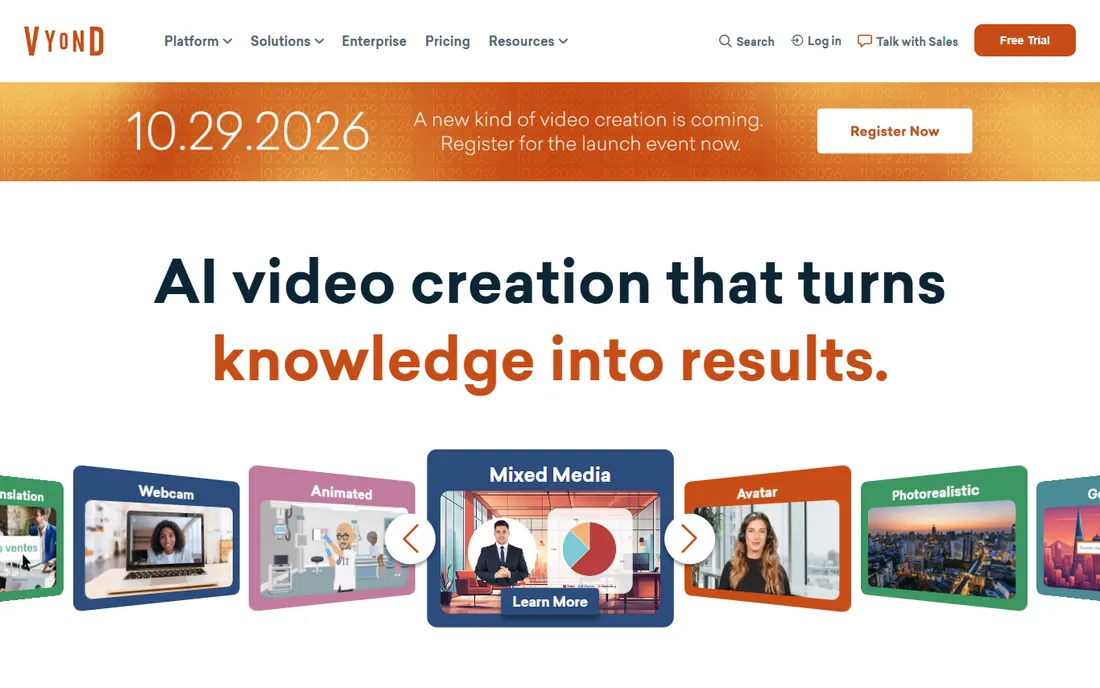
Vyond is the corporate explainer standard, the tool behind thousands of HR training videos and product walkthroughs. Its library of business characters, props and backgrounds lets a marketing manager assemble a coherent cartoon in an afternoon, no drawing skill required. Collaboration and brand kits make it workable for teams.
The tradeoff is sameness. Anyone who watches corporate video will recognize a Vyond character on sight, and customizing beyond the library takes effort. Pricing is quote-based rather than public, which usually means it is not cheap. A 14-day trial tells you quickly whether the style fits your brand or embarrasses it.
What we like- Huge business character library
- Fast scene assembly
- Team collaboration features
Watch out for- Pricing not published
- Recognizable template look
- Limited custom character options
Starting price$15/month (Basic)
Free planYes
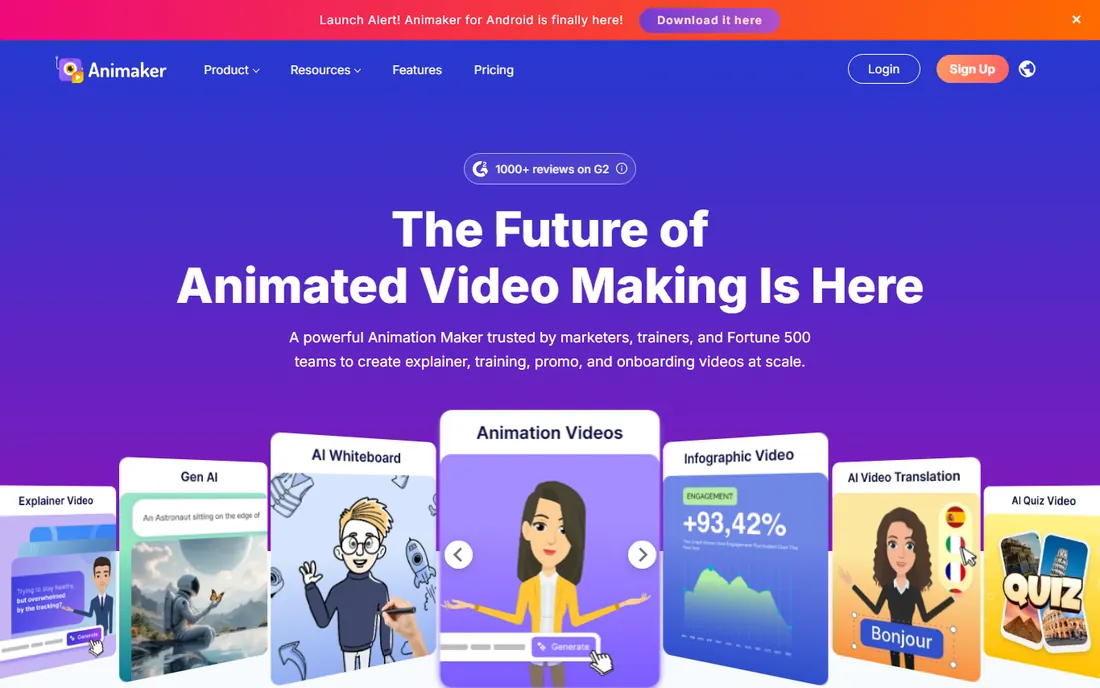
Animaker is Vyond's scrappiest competitor, covering much of the same ground with friendlier pricing. The Basic plan starts at $15 a month, and the free plan lets you build real projects before paying. Templates span explainers, infographics and social clips, so small teams can cover several content types in one subscription.
Free exports carry a watermark, and the character animation tools are simpler than dedicated 2D software, so do not expect nuanced acting. The interface packs in a lot, which overwhelms some first-timers. For the price, though, it is the most accessible route to decent-looking cartoon explainers.
What we like- Clear published pricing
- Free plan for testing
- Wide template range
Watch out for- Watermark on free exports
- Character rigging is basic
- Can feel cluttered
Starting price$15/month (Lite)
Free planYes
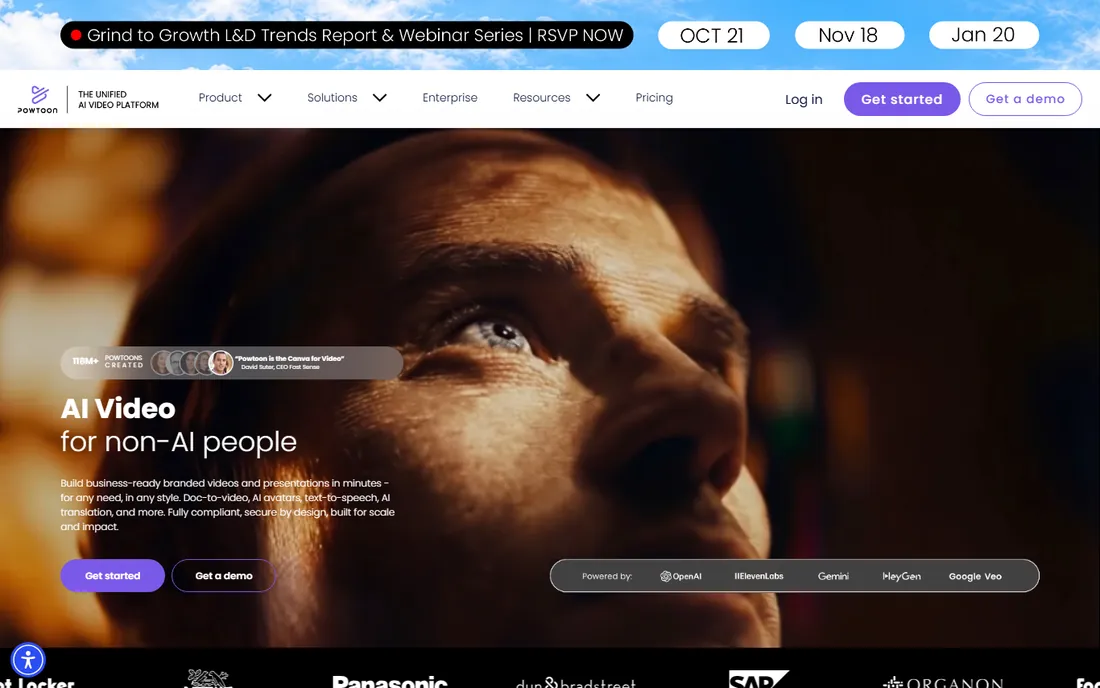
Powtoon comes from the presentation world, and it shows in the best way for business users. If your team already thinks in slides, Powtoon turns that thinking into animated videos with minimal retraining. The Lite plan at $15 a month and a usable free tier keep the entry cost low.
It is not an animator's tool. Character movement is template-driven, and lower plans cap export quality and length. For internal communications, training snippets and pitch videos, those limits rarely matter. For anything that needs to look like real animation, look further down this list.
What we like- Presentation-to-video workflow
- Gentle learning curve
- Good for internal comms
Watch out for- Animation depth is limited
- Exports capped on lower plans
- Template look
Starting priceSee website
Free planNo
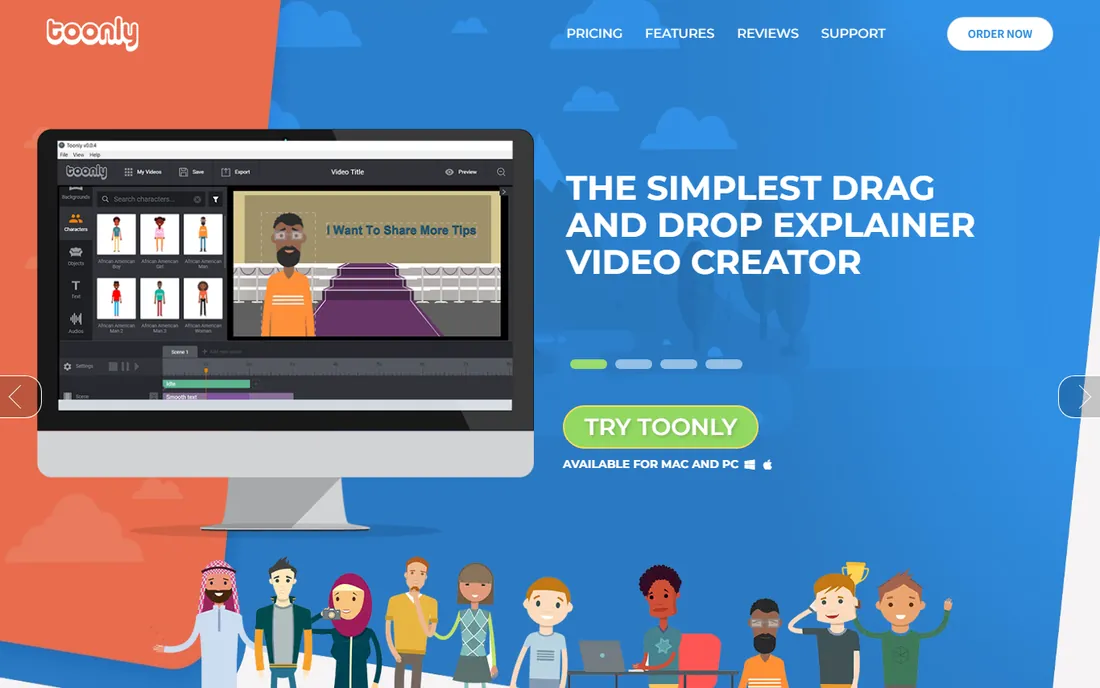
Toonly bets everything on simplicity. Its cheerful cartoon characters and drag-and-drop scenes are aimed at people who find even Animaker intimidating. You pick characters, type dialogue, arrange scenes and export. A complete beginner can finish a video the same day.
The catch is the buying model, which now runs through the Voomly Cloud bundle, so pricing is not the simple number it once was. The art style is fixed and cheerful, which suits marketing explainers and not much else. Buy it for speed and simplicity, not for creative control.
What we like- Extremely simple drag-and-drop
- Upbeat cartoon style
- One-time purchase options have existed
Watch out for- Pricing sits behind the Voomly Cloud bundle
- Limited advanced features
- Style is fixed
Starting priceSee website
Free planNo
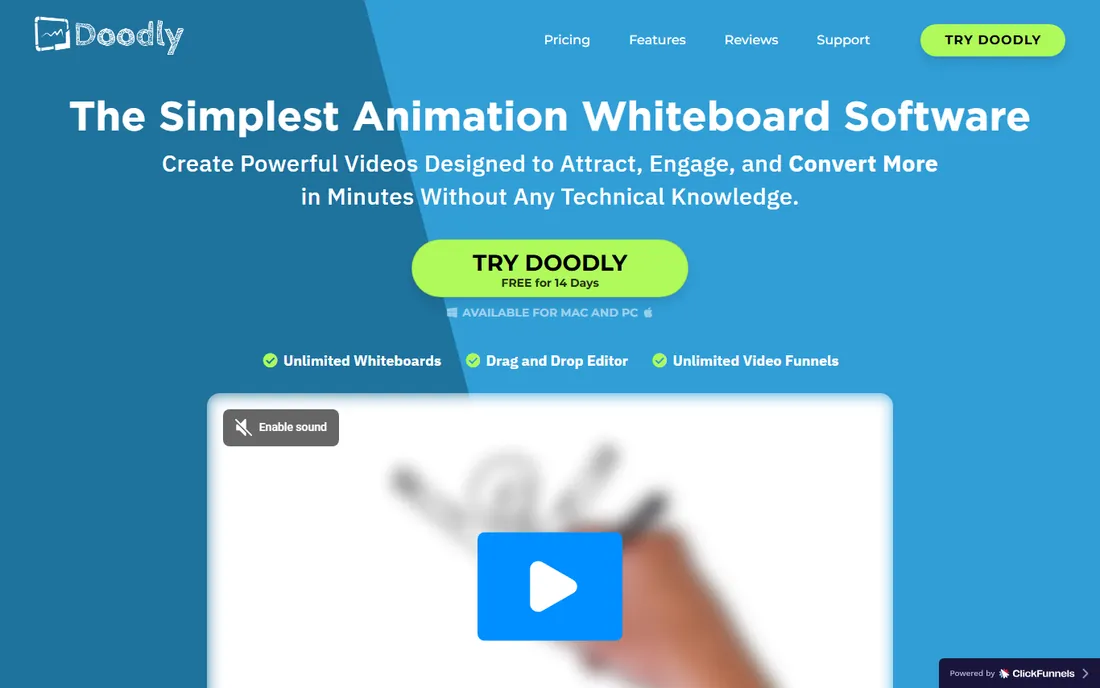
Whiteboard videos are Doodly's whole world, and it does them better than any general cartoon tool. The hand-drawn effect, the prop library and the simple voiceover sync produce the classic explainer look that still converts for courses and sales pages. If whiteboard is the style you want, start here.
It does nothing else, so do not buy it expecting cartoon characters. Like Toonly, it now sells through the Voomly Cloud bundle with pricing that is harder to pin down than it used to be. The interface feels dated but stays out of the way. One trick, done well.
What we like- Best-in-class whiteboard style
- Huge prop and hand library
- Easy voiceover sync
Watch out for- Only does whiteboard videos
- Pricing behind Voomly Cloud
- Dated interface
#6
Reallusion Cartoon Animator 5
Best for: 2D character animation with real control
Visit reallusion.com
Starting priceSee website
Free planFree trial
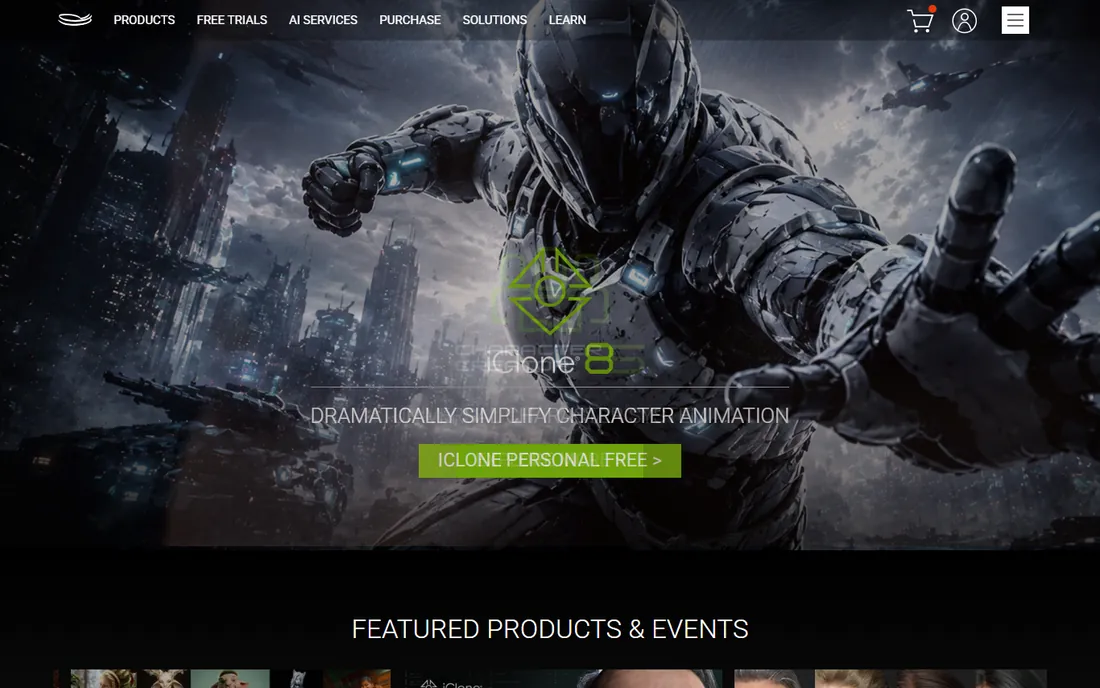
Cartoon Animator 5 is where template users graduate when they want real animation. It offers genuine 2D rigging, facial animation, motion capture from webcam and a pipeline that turns Photoshop drawings into animated characters. This is actual animation software, not a template player.
That power brings a learning curve that surprises people arriving from Vyond or Animaker. Pricing is not published on a simple page, so expect a sales conversation or bundle math. For YouTubers, educators and marketers who want original characters without learning Toon Boom, it hits a sweet spot.
What we like- Real character rigging and motion capture
- Photoshop character pipeline
- Elastic animation tools
Watch out for- Pricing not published
- Learning curve jump from template tools
- Windows-focused
Starting price$399.99 (one-time)
Free planFree trial (30 days)
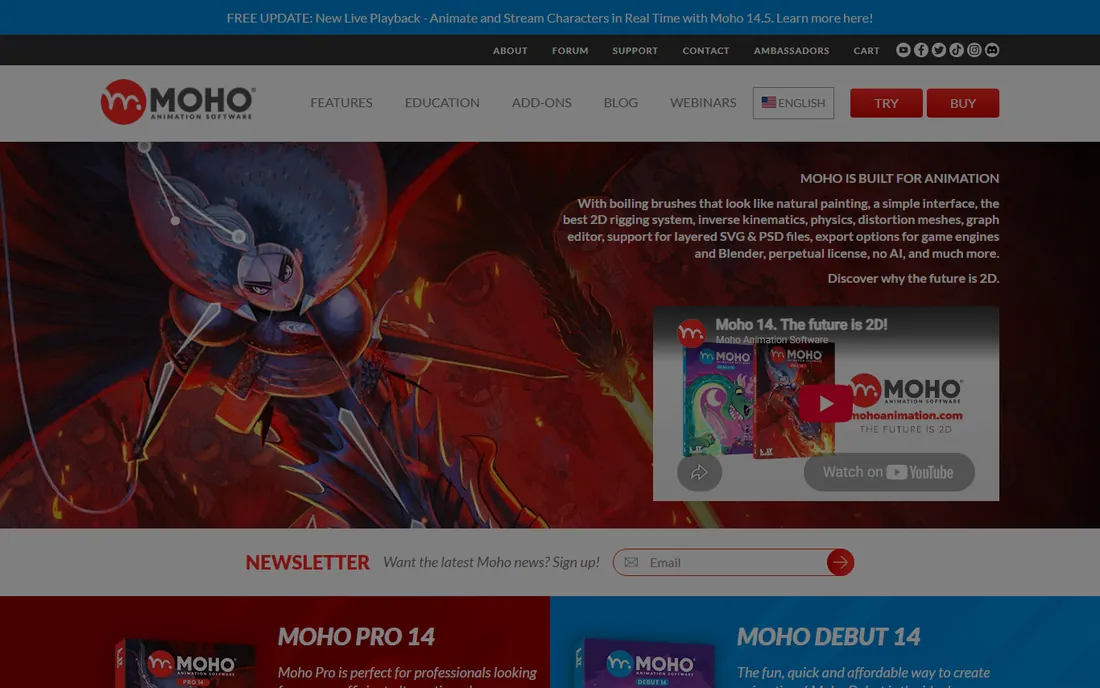
Moho is the animator's value pick. Pro 14 costs $399.99 once, and its bone-rigging system handles cut-out animation with a sophistication that embarrasses subscription tools costing more per year. Real productions have shipped with it, which is the only credential that matters.
The community is smaller than Toon Boom's or Adobe's, so tutorials and troubleshooting take more digging. The 30-day trial is generous enough to complete a real test project. If you want professional 2D animation without a subscription or a four-figure studio license, this is the rational choice.
What we like- One-time purchase, no subscription
- Powerful bone rigging
- Used on real productions
Watch out for- Smaller community than Toon Boom
- Interface takes adjustment
- Debut version is limited
Starting priceSee website
Free planFree trial (21 days)
Harmony is what professional 2D studios actually use, from broadcast series to feature work. Its drawing, rigging and compositing tools form a complete production pipeline, and its name on your software list signals serious capability to clients. Toon Boom now operates under Autodesk, which should steady its long-term future.
Everything about it assumes professional intent. Pricing is not public, the learning curve is measured in months, and buying it for simple explainer videos is like hiring a film crew for a selfie. The 21-day trial is worth taking if you are evaluating it for real production work. For everyone else, Moho or Cartoon Animator will do.
What we like- Industry-standard 2D pipeline
- Cut-out and paperless workflows
- Proven on broadcast productions
Watch out for- Pricing not published
- Steep learning curve
- Overkill for simple explainers
Starting priceSee website
Free planFree trial (7 days)
Animate is the web animator's old friend, evolved from Flash into a vector animation tool with interactive and export chops. Banner ads, web series, interactive infographics and game assets are its natural habitat, and Creative Cloud integration keeps assets flowing between Photoshop, Illustrator and Animate.
The subscription model and a short 7-day trial are the friction points. It is also less at home in broadcast 2D pipelines than Harmony or Moho. But if your cartoons live on the web and your team already pays for Creative Cloud, Animate is the path of least resistance.
What we like- Vector animation with interactivity
- Integrates with Creative Cloud
- Strong for web content
Watch out for- Subscription only
- 7-day trial is short
- Less suited to broadcast pipelines
Starting priceFree
Free planYes
Blender is free, which undersells it badly. Its grease pencil tools make it a legitimate 2D animation package, and the same download gives you modeling, rigging, rendering and compositing for 3D. Short films have been made with it. The price is zero, forever.
The learning curve is the whole story. Blender's interface assumes commitment, and beginners should budget weeks before producing anything presentable. There is no support line, only community. But for a determined creator or a studio that would rather invest in talent than licenses, it removes every financial excuse.
What we like- Completely free and open source
- Grease pencil 2D tools are genuinely good
- Full 3D pipeline included
Watch out for- Notorious learning curve
- Interface overwhelms beginners
- No official support channel
Template tools sell speed, and they deliver it, but three costs hide in the fine print. First, commercial rights: the cheapest plans on several of these tools restrict client or broadcast use, so confirm your plan covers your actual work before promising a client delivery. Second, character licensing: template characters can appear in competitors' videos too, which matters if brand distinctiveness is the point. Third, export limits: lower tiers cap resolution, length or monthly exports, and the plan that removes those caps is rarely the advertised starting price.
None of this disqualifies template tools. It just means the buying decision needs ten minutes with the licensing page, not just the pricing page. For original characters and full commercial freedom, the real animation tools further down this list have no such asterisks.
The honest question is how much originality your project needs. If the job is an explainer by Friday, a training module or a pitch video, template tools win on every axis that matters: speed, cost and required skill. Vyond, Animaker and Powtoon exist precisely for this work.
When to pick real animation software
Choose Moho, Harmony, Cartoon Animator, Animate or Blender when the characters must be yours, the motion must be nuanced, or the project is a series rather than a one-off. The learning investment is real, measured in weeks for Moho and months for Harmony, but the ceiling is incomparably higher.
Budget for the whole project
Template subscriptions run $15 a month and up, with annual billing usually discounted. Real animation software ranges from free (Blender) to $399.99 once (Moho Pro) to quote-based studio licenses (Harmony). Add voiceover, music licensing and your own time; a "cheap" explainer still costs days of labor.
Test the export before you commit
Every tool here offers a free plan or trial. Use it to produce one finished minute in your actual style, with your branding, exported at the quality you will deliver. Template tools reveal their limits fast; animation software reveals its learning curve fast. Either discovery is cheaper before you pay.
How we chose
We researched vendor pricing pages, documentation and feature lists for tools that exist today, splitting the category honestly between template-based cartoon makers and real 2D animation software. We favored products with clear pricing or free tiers and checked public reviews on G2, Capterra and Reddit for how each tool performs in actual production. No hands-on testing was involved; every fact comes from vendor materials and independent reviews.
Frequently asked questions
What is the easiest cartoon making software for beginners?
Template tools like Animaker, Powtoon and Toonly are the easiest, with drag-and-drop scenes and no drawing required. Most beginners finish a first video the same day. If you want to learn real animation, Moho Pro has the gentlest learning curve among serious tools.
Can I make cartoons for YouTube with free software?
Yes. Blender is completely free and capable of professional 2D and 3D animation, and Animaker and Powtoon have free plans for simpler template videos. Many YouTube channels run entirely on free tiers; the constraint is usually your time, not the software.
What is the difference between Vyond and Toon Boom Harmony?
Vyond is a template-based explainer tool for business videos, built for speed with pre-made characters. Harmony is professional 2D animation software used by studios for broadcast production, built for original art and nuanced motion. They solve different problems at very different prices.
Do I need drawing skills to make cartoons?
Not for template tools, which supply characters, props and scenes ready-made. Real animation software like Moho, Harmony and Blender rewards drawing ability but does not strictly require it; rigged cut-out animation can work with simple shapes. Cartoon Animator can even animate imported Photoshop characters.
Which cartoon software is best for commercial client work?
Check the license first: template tools often restrict commercial use on cheaper plans. For unrestricted commercial work, Moho Pro ($399.99 one-time), Harmony and Blender have no such asterisks. Vyond's business plans are built for commercial use but cost more.
Is a one-time purchase better than a subscription for animation software?
If you will use the tool for years, yes. Moho Pro at $399.99 once beats most subscriptions within two years. Subscriptions make sense for short projects or teams that need constant updates and collaboration features. Blender, being free, sidesteps the question entirely.
Sources we checked (10)
- https://www.vyond.com/
- https://www.animaker.com/
- https://www.powtoon.com/
- https://www.toonly.com/
- https://www.doodly.com/
- https://www.reallusion.com/
- https://www.lostmarble.com/
- https://www.toonboom.com/
- https://www.adobe.com/
- https://www.blender.org/
Is your product missing or out of date?
We review this list regularly. Vendors can request a listing, send updated pricing or ask about featured placement.

Shihab Mia · Founder, Rankite
Shihab has spent more than a decade helping SaaS and e-commerce brands grow through search. He writes Rankite's software buying guides from pricing pages, documentation and public user reviews. More about Shihab.