How we make this list: we compare pricing pages, product documentation and public user reviews. Rankite is independent; if a vendor ever pays for a featured spot, that listing is clearly labeled Partner.
Key takeaways
- YouTube Studio is free and already installed on every channel, and its data is the ground truth every other tool estimates from.
- vidIQ and TubeBuddy are the two established workflow tools, with paid plans from $19 and around $12 per month respectively, focused on titles, tags, and publishing help.
- ViewStats and NexLev specialize in finding outlier videos and niche ideas, which suits creators who plan content from data.
- Social Blade remains the quickest free way to check any public channel's stats, while Morningfame trades breadth for guided coaching at $4.90 per month.
Quick comparison
| Tool | Best for | Starting price | Free plan |
|---|
 YouTube Studio YouTube Studio | Every creator's built-in analytics | Free | Yes |
 vidIQ vidIQ | Keyword research and video SEO | $19/month (Boost, or $199/year) | Yes |
 TubeBuddy TubeBuddy | Bulk optimization and testing | ~$12/month (Pro, billed annually) | Yes |
 Social Blade Social Blade | Public channel stats and estimates | $3.99/month | Yes |
 NoxInfluencer NoxInfluencer | Influencer discovery and campaign data | $239/month | Limited (free tools only) |
 ViewStats ViewStats | Outlier video discovery | $49.99/month (Pro) | Yes (Basic) |
 Morningfame Morningfame | Guided growth for new channels | $4.90/month (Basic) | No (invite-only) |
 NexLev NexLev | Niche research and title ideas | $13/month (Lite) | Yes (limited) |
Is your product missing or out of date?
We review this list regularly. Vendors can request a listing, send updated pricing or ask about featured placement.
Every YouTube channel already ships with a free analytics suite: YouTube Studio, which Google includes with every account at no cost. It reports your watch time, traffic sources, and audience retention with complete accuracy, because the numbers come straight from the platform. The tools below exist for everything Studio does not do: researching what to make next, spying on competitors, optimizing titles and thumbnails, and tracking the wider market. The right pick depends on which of those jobs you actually need.
Starting priceFree
Free planYes
YouTube Studio is the baseline every other tool on this list is measured against. It is free, it is already in your account, and its numbers are exact because they come from YouTube itself: views, watch time, subscribers gained, traffic sources, audience retention graphs, and revenue if you are monetized. Before buying any third-party tool, learn to read Studio's retention graphs and traffic source reports, because most channel problems are visible right there.
The analytics go deeper than many creators realize. You can compare recent videos against your channel average, see exactly where viewers drop off, break down traffic by search term, suggested video, or external site, and check real-time views for the first 48 hours after publishing. The research tab even shows what your audience searches for, which is a starting point for content ideas.
What Studio will not do is look outward. There are no competitor analytics, no keyword difficulty scores, no thumbnail testing, and no bulk editing across old videos. It tells you precisely how your channel performed and stays quiet about what to publish next. Every serious creator uses it; most growing creators pair it with one research tool from this list.
What we like- Completely free with every channel
- Data comes directly from YouTube with full accuracy
- Includes content management, comments, and monetization in one place
Watch out for- No competitor research or keyword tools
- Suggestions for what to make next are limited
Starting price$19/month (Boost, or $199/year)
Free planYes
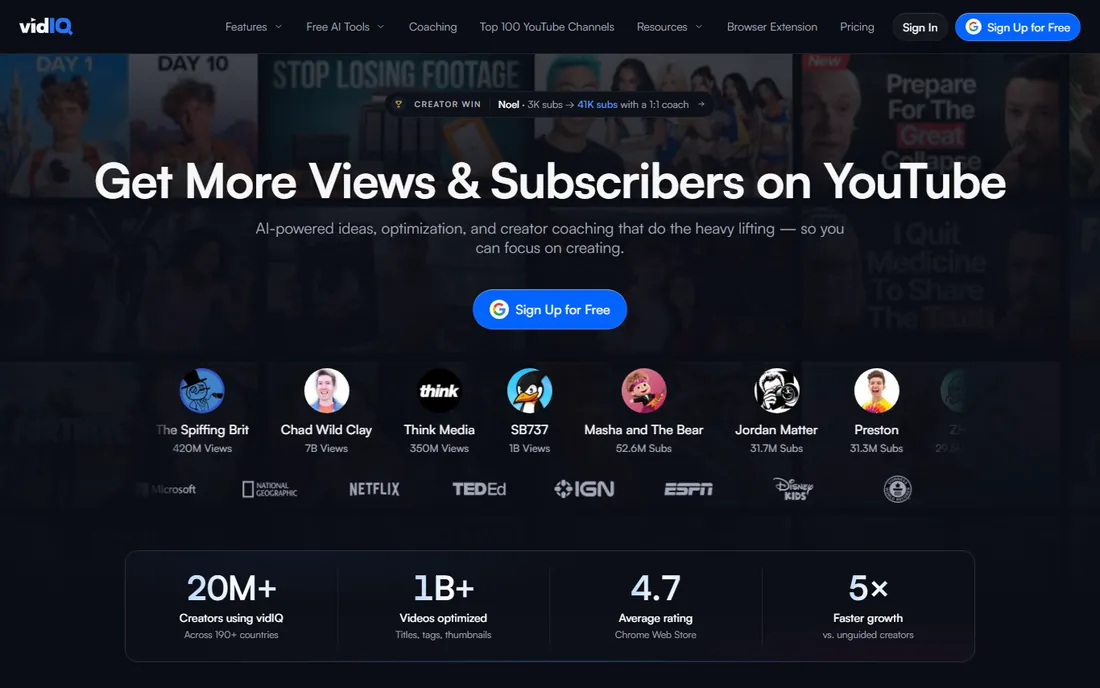
vidIQ is one of the two long-established YouTube workflow tools, and its strength is answering "what should I make" with data. The keyword research tool scores search terms by demand and competition, the trending alerts flag rising topics in your niche, and the daily ideas feature suggests video concepts matched to your channel's history. Paid plans start with Boost at $19 per month or $199 per year, and a free plan covers the basics.
The browser extension is how most users experience vidIQ: it overlays stats, scores, and suggestions directly onto YouTube pages, so research happens while you browse rather than in a separate dashboard. Channel audit tools grade your channel across publishing consistency, metadata, and engagement, then prioritize what to fix. For creators who plan content calendars from search demand, this workflow is efficient.
The free tier works for learning the ropes but gates the deeper keyword data and historical tracking that make the tool valuable. The interface also pushes upgrades persistently, which some users find tiring. vidIQ fits creators who treat YouTube as a search engine and want a systematic way to pick topics.
What we like- Keyword scores and trending alerts guide topic choice
- Browser extension puts data inside YouTube itself
- Daily video ideas tailored to your channel
Watch out for- Free plan is limited
- The upsell prompts can feel constant
Starting price~$12/month (Pro, billed annually)
Free planYes
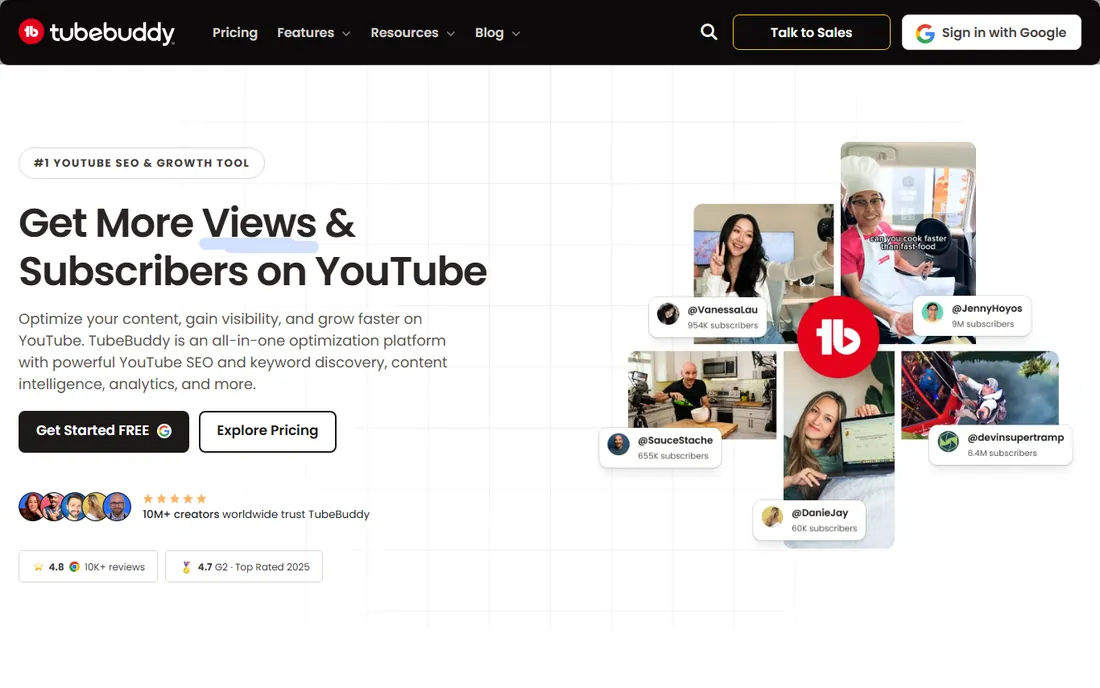
TubeBuddy is vidIQ's longtime rival, and where vidIQ leans toward research, TubeBuddy leans toward doing the work. Its standout features are operational: bulk processing that updates descriptions, cards, and end screens across dozens of old videos at once, and A/B testing that tries two titles or thumbnails and reports which one wins. For channels with large back catalogs, the bulk tools alone can justify the price. Plans start with a free tier, then Pro at around $12 per month and Legend at around $27 per month when billed annually.
The publishing checklist is the day-to-day win. It walks you through titles, tags, descriptions, chapters, and end screens before each upload, which prevents the sloppy metadata that buries good videos. The retention analyzer and search rank tracking help you see which videos hold viewers and where you rank for target terms.
The tier structure is the frustration. Meaningful features like A/B testing sit in higher plans, so the entry price buys less than it appears. The browser extension packs in so many tools that the interface can overwhelm new users. TubeBuddy suits creators with established libraries who want to optimize systematically rather than one video at a time.
What we like- Bulk tools update titles, cards, and end screens across many videos
- A/B testing for titles and thumbnails
- Strong checklist workflow for publishing
Watch out for- Feature depth varies a lot between tiers
- The interface can feel cluttered
Starting price$3.99/month
Free planYes
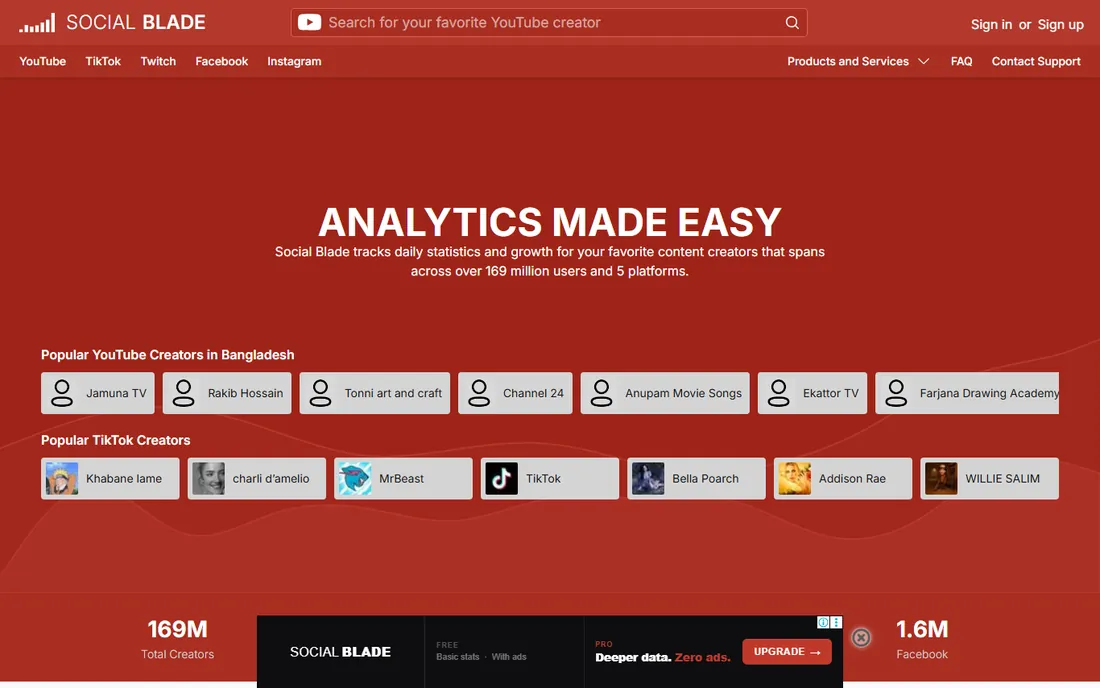
Social Blade is the quick-look tool of the YouTube world. Type in any channel name and you get subscriber counts, view totals, estimated earnings ranges, and growth graphs, free, with no account. Paid plans start at $3.99 per month and mainly remove ads while adding historical data and reporting. For competitive research at a glance, sponsorship vetting, or simple curiosity, nothing is faster.
The grade system assigns channels a letter grade based on metrics, and the rankings show where a channel stands in its country and category. That context is useful when evaluating potential collaborators or sponsors: a channel with steady growth and strong engagement grades very differently from one with inflated subscriber counts. Coverage extends to Twitch, TikTok, Instagram, and other platforms, which helps for cross-platform deals.
Treat the numbers as directional. The earnings estimates are famously wide ranges, and future projections assume current growth continues, which it rarely does. Social Blade tells you what is public about a channel, not why it performs. Use it for screening and benchmarking, then bring a deeper tool for strategy.
What we like- Free public stats for any channel
- Simple grade and ranking system
- Covers YouTube plus Twitch, TikTok, and Instagram
Watch out for- Earnings and view projections are rough estimates
- Detail depth is shallow next to paid tools
Starting price$239/month
Free planLimited (free tools only)
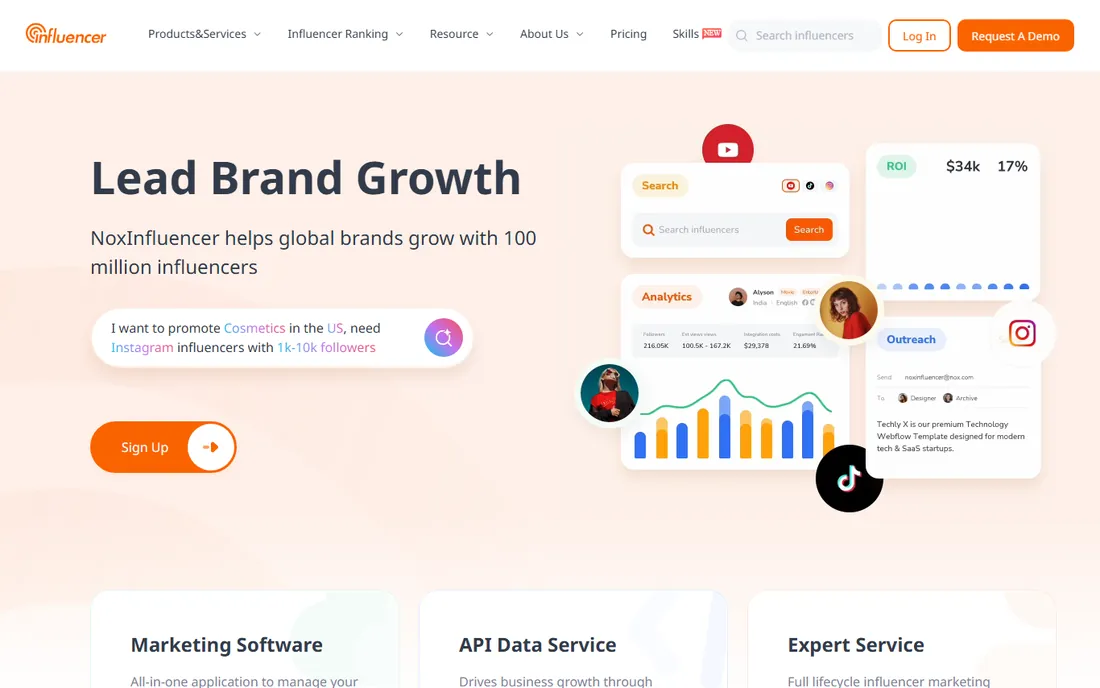
NoxInfluencer is built for the brand side of YouTube: finding creators, evaluating them, and managing sponsorship campaigns. Its database covers a large number of channels with engagement metrics, audience demographics, and estimated pricing data, which is what a marketing manager needs when shortlisting influencers. Plans start at $239 per month, with limited free tools for basic lookups.
The campaign features distinguish it from pure analytics tools: influencer discovery filters, outreach tracking, and performance reporting for sponsored content. For agencies and brands running YouTube influencer programs, that workflow consolidation matters. Multi-platform data means the same subscription can inform TikTok and Instagram decisions too.
For individual creators, the price is hard to justify and the feature set points the wrong way. You would be paying for tools designed to evaluate people like you. NoxInfluencer belongs on the shortlist of marketing teams and agencies, not on a creator's personal stack.
What we like- Large influencer database with performance metrics
- Campaign management features
- Multi-platform coverage beyond YouTube
Watch out for- Expensive for individual creators
- Overkill if you only run your own channel
Starting price$49.99/month (Pro)
Free planYes (Basic)
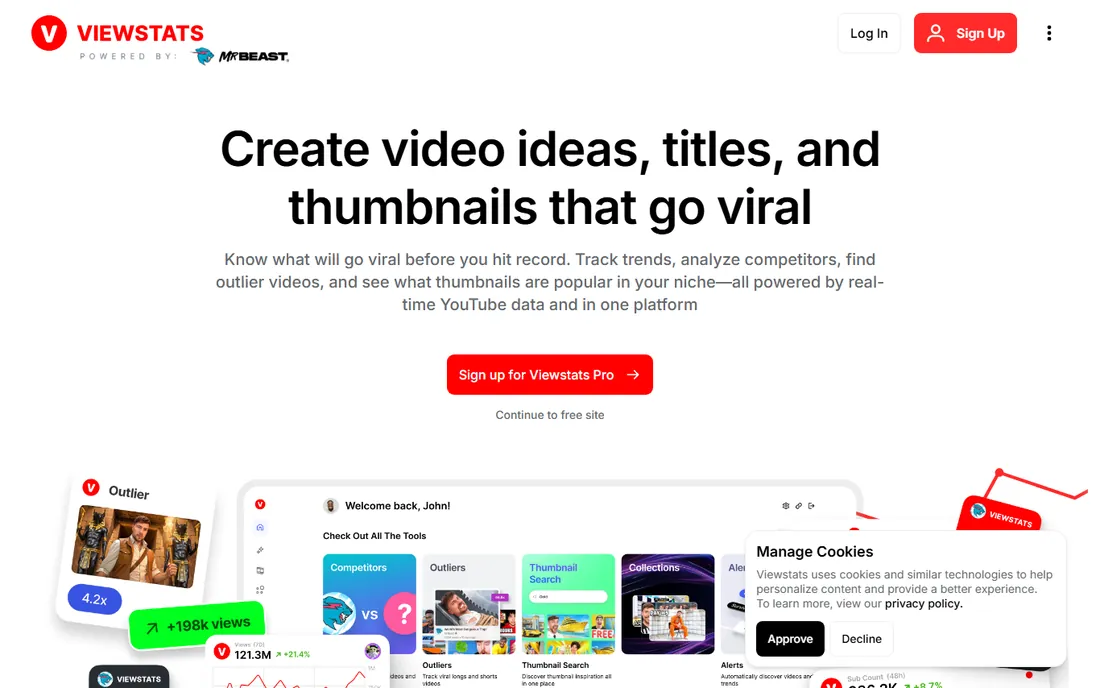
ViewStats does one thing well: find videos that are overperforming. It scans YouTube for uploads getting far more views than their channel size would predict, which is the closest thing to a data-backed content idea feed. The free Basic plan offers a taste, while Pro at $49.99 per month opens the full discovery filters and tracking. Creators who plan videos by studying what is working right now get the most from it.
The interface stays focused where competitors sprawl. Instead of audits, grades, and fifty widgets, you get outlier feeds, topic filters, and performance multiples that tell you how many times above average a video is performing. That single metric, views relative to channel size, is more useful for ideation than raw view counts, because it separates genuinely resonant topics from videos riding big subscriber bases.
The narrowness is also the limit. ViewStats will not manage your channel, optimize your metadata, or report your revenue; YouTube Studio still does that job. At $49.99 per month, Pro is a considered purchase for a solo creator. It fits best as a research add-on for creators whose bottleneck is ideas, not execution.
What we like- Surfaces outlier videos performing above channel norms
- Clean interface focused on content ideas
- Free Basic plan for casual research
Watch out for- Pro is pricey for solo creators
- Narrow focus means you still need Studio for channel analytics
Starting price$4.90/month (Basic)
Free planNo (invite-only)
Morningfame takes a different approach from every other tool here: it coaches. Instead of dumping dashboards on you, it interprets your channel's data and tells you what to do next, with explanations aimed at creators who find analytics intimidating. The keyword research is tuned for small channels, surfacing terms a new creator can actually rank for rather than the high-competition keywords the big tools push. Basic costs $4.90 per month, which is the lowest paid entry on this list.
That guidance-first design is the whole pitch. New creators often know their numbers are bad without knowing which lever to pull; Morningfame's reports connect metrics to actions in plain language. The invite-only signup keeps the community small and the support personal, though it means you may wait for access.
The trade-off is breadth. There is no bulk processing, no A/B testing, no influencer database, and the feature list is short next to vidIQ or TubeBuddy. Morningfame is for creators in their first year who want a patient teacher, not a power tool. If that is you, the price is negligible for what it offers.
What we like- Coaching-style guidance explains what each metric means
- Keyword research tuned for small channels
- Very affordable at $4.90 per month
Watch out for- Invite-only signup limits access
- Fewer features than the bigger suites
Starting price$13/month (Lite)
Free planYes (limited)
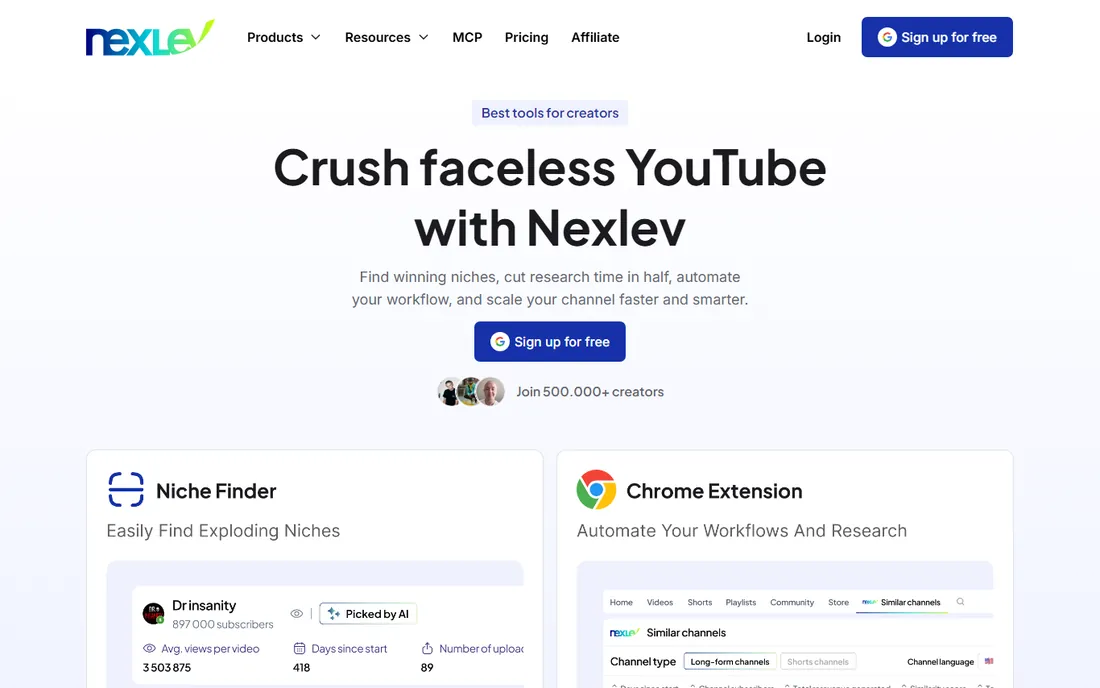
NexLev is a newer, leaner entry focused on the research job: finding niches, topics, and titles worth making videos about. The workflow is straightforward: enter a niche or competitor, get back content gaps, trending topics, and title ideas scored by opportunity. Lite starts at $13 per month, with a limited free tier for trying the core research flow.
The appeal is focus and price. Where the established suites bundle research with publishing tools, audits, and extensions, NexLev keeps the surface area small and the cost low. For a creator who already has a publishing workflow in Studio and just needs better ideas, that restraint is a feature. The title idea generator is genuinely useful for breaking out of the same five title formulas.
Being newer has costs. The user community is small, so tutorials and third-party reviews are thinner than for vidIQ or TubeBuddy. The free tier is limited enough that serious evaluation needs the paid plan. NexLev suits budget-conscious creators who want modern niche research without paying for a suite they will not use.
What we like- Niche-focused research with title and topic ideas
- Affordable Lite plan at $13 per month
- Simple workflow without bloat
Watch out for- Smaller user base means fewer tutorials and reviews
- Limited free tier
How to choose the right analytics setup
Start with the job, not the tool. If your problem is understanding your own performance, YouTube Studio already answers it for free, and no purchase improves on its accuracy. If your problem is deciding what to publish, you need a research tool: vidIQ for keyword-driven planning, ViewStats or NexLev for outlier and niche discovery, Morningfame if you want guidance with your data. If your problem is optimizing what you have published, TubeBuddy's bulk tools and A/B testing are the direct answer. If your problem is evaluating other channels for sponsorships or partnerships, Social Blade screens them free and NoxInfluencer manages the campaign.
Budget realistically for one paid tool, not three. These subscriptions overlap heavily, and two research tools will tell you similar things about the same niche. A common working setup is Studio plus one paid research or optimization tool, with Social Blade's free tier covering competitor checks. Reassess quarterly: the tool that earned its keep during a growth push may sit idle once your workflow stabilizes.
How we chose
We started with the analytics tools YouTube creators actually discuss and buy, then verified each product exists today with a working YouTube integration. Every price and plan above comes from the vendor's own pricing page, checked in October 2026, with approximate figures marked where vendors show localized or changing prices. We weighted free plan usefulness, since many creators start at zero budget, and distinguished tools that report your own data from tools that research the wider platform. We did not test products hands-on; we compared documentation, feature lists, plan limits, and public reviews.
Frequently asked questions
Do I need a paid YouTube analytics tool?
Not at first. YouTube Studio is free and gives you accurate data on your own channel, which is enough until you have an audience to analyze. Consider paying when your bottleneck becomes ideas or optimization: picking topics with data, testing thumbnails, or managing a large catalog.
Which is better, vidIQ or TubeBuddy?
They solve different problems. vidIQ is stronger for keyword research and deciding what to make, while TubeBuddy is stronger for bulk optimization and A/B testing what you have published. Many creators pick based on which bottleneck hurts more. Both offer free tiers, so you can try each before paying.
Are Social Blade's earnings estimates accurate?
Treat them as rough ranges, not figures. Social Blade estimates from public view counts using assumed ad rates, which vary enormously by niche, geography, and season. They are useful for comparing channels relative to each other and useless for knowing what anyone actually earns.
Can analytics tools get my channel banned?
Using established tools like vidIQ or TubeBuddy through official YouTube API access does not violate YouTube's terms. Problems arise with tools that automate fake views, subscribers, or engagement, which none of the tools on this list do. Stick to analytics, research, and optimization features and you are safe.
What metrics actually matter for growth?
Click-through rate and average view duration drive the recommendation system more than subscriber count. Watch where viewers drop off in Studio's retention graphs, and compare each video against your channel average rather than against viral outliers. Impressions tell you if packaging works; retention tells you if the video does.
Is Morningfame worth it if I can use Studio for free?
If you can already read Studio's reports and act on them, probably not. Morningfame's value is interpretation: it explains what the numbers mean and what to do next, aimed at creators who find raw analytics overwhelming. At $4.90 per month it is cheap, but only you know whether you need the coaching.
Sources we checked (15)
- https://studio.youtube.com/
- https://vidiq.com/
- https://tubebuddy.com/pricing/
- https://socialblade.com/
- https://www.noxinfluencer.com/
- https://www.viewstats.com/
- https://www.morningfame.com/
- https://nexlev.io/
- https://vidiq.com/compare/vidiq-vs-paloai/
- https://www.outlierkit.com/vidiq-alternatives/
- https://www.outlierkit.com/tubebuddy-vs-viewstats/
- https://www.getapp.com.au/social-blade/
- https://www.g2.com/noxinfluencer-pricing/
- https://www.timqueen.com/morningfame-review/
- https://www.tubegen.ai/nexlev-review/
Is your product missing or out of date?
We review this list regularly. Vendors can request a listing, send updated pricing or ask about featured placement.

Shihab Mia · Founder, Rankite
Shihab has spent more than a decade helping SaaS and e-commerce brands grow through search. He writes Rankite's software buying guides from pricing pages, documentation and public user reviews. More about Shihab.