How we make this list: we compare pricing pages, product documentation and public user reviews. Ratings come from G2, Capterra or Trustpilot, with the date we checked them.
Key takeaways
- BricsCAD is the closest professional swap: native DWG, familiar commands and LISP support, with a perpetual licence option AutoCAD no longer offers, from 780 dollars a year on subscription.
- DraftSight and ZWCAD cover professional 2D drafting at 299 dollars a year, roughly a seventh of AutoCAD's reported annual cost per seat.
- nanoCAD has a genuinely free tier, and FreeCAD and LibreCAD are free forever, for work where DWG fidelity demands are lighter.
- The migration test that matters is your own archive: open your ugliest production drawing, with xrefs, blocks and custom routines, in the trial before any price conversation.
Quick comparison
| Tool | Best for | Starting price | Free plan |
|---|
 BricsCAD BricsCAD | DWG professionals wanting licence choice | $780 per year | No |
 DraftSight DraftSight | Budget professional 2D drafting | $299 per year | No |
 ZWCAD ZWCAD | Low cost AutoCAD style drafting | $299 per year | No |
 nanoCAD nanoCAD | Free tier 2D CAD with paid depth | Free | Yes |
 Autodesk Fusion Autodesk Fusion | 3D product design and CAM | See website | Yes |
 SketchUp Pro SketchUp Pro | Fast 3D modelling for buildings | $399 per year | No |
 FreeCAD FreeCAD | Free parametric 3D CAD | Free | Yes |
 LibreCAD LibreCAD | Free 2D drafting | Free | Yes |
Is your product missing or out of date?
We review this list regularly. Vendors can request a listing, send updated pricing or ask about featured placement.
The best alternatives to AutoCAD
#1BricsCAD
Best for: DWG professionals wanting licence choice4.5/5 on
Capterra (18 reviews, checked Oct 2026)
Visit bricsys.com
Starting price$780 per year
Free planNo
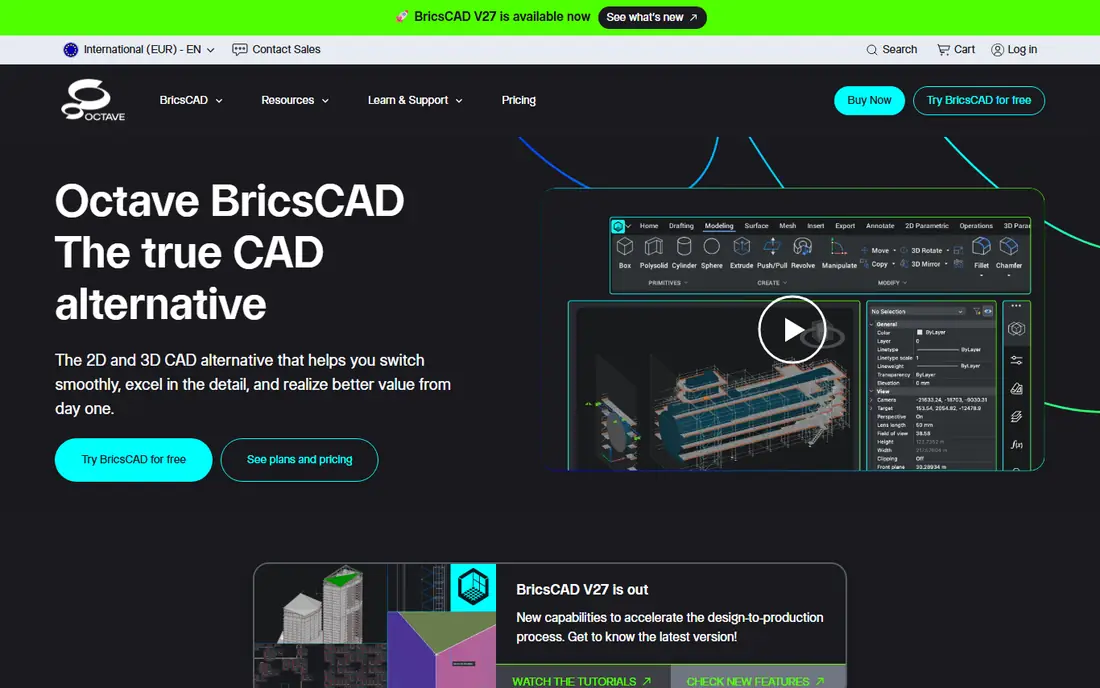
What we like- BricsCAD, from Bricsys under Hexagon, is the heavyweight alternative: native DWG drafting with the commands, blocks, xrefs and LISP routines AutoCAD users bring with them, then a ladder upward into 3D modelling, BIM and mechanical tiers on the same file format. Pro runs at 780 dollars a year on subscription in current comparisons, and perpetual licences remain available, the ownership model Autodesk abandoned. Firms migrating whole drafting teams choose it because retraining is measured in days.
Watch out for- It is the priciest alternative here, and its higher BIM and mechanical tiers close part of the gap to Autodesk. Same format does not mean identical behaviour: complex drawings with custom objects from AutoCAD toolsets need testing file by file. Its add on ecosystem and trained hiring pool are smaller than Autodesk's, which matters when a workflow depends on a niche plugin.
Starting price$299 per year
Free planNo
What we like- DraftSight, from Dassault Systemes, is professional 2D DWG drafting at 299 dollars a year for Professional, 599 for Premium with 3D tools, in an interface AutoCAD users learn in days. For plans, details, permit drawings and archive maintenance, it is honest, capable software from a vendor with the weight to maintain it. Windows and Mac versions serve mixed offices.
Watch out for- History first: DraftSight was free for years before going paid only, and some users have not forgiven it, though the current product's quality is not the issue. It is drafting, not BIM: no parametric building model coordinates your sheets. Premium's 3D is modelling support, not a mechanical CAD platform, so 3D led work belongs elsewhere on this list.
#3ZWCAD
Best for: Low cost AutoCAD style drafting4.6/5 on
G2 (353 reviews, checked Oct 2026)
Visit zwsoft.com
Starting price$299 per year
Free planNo
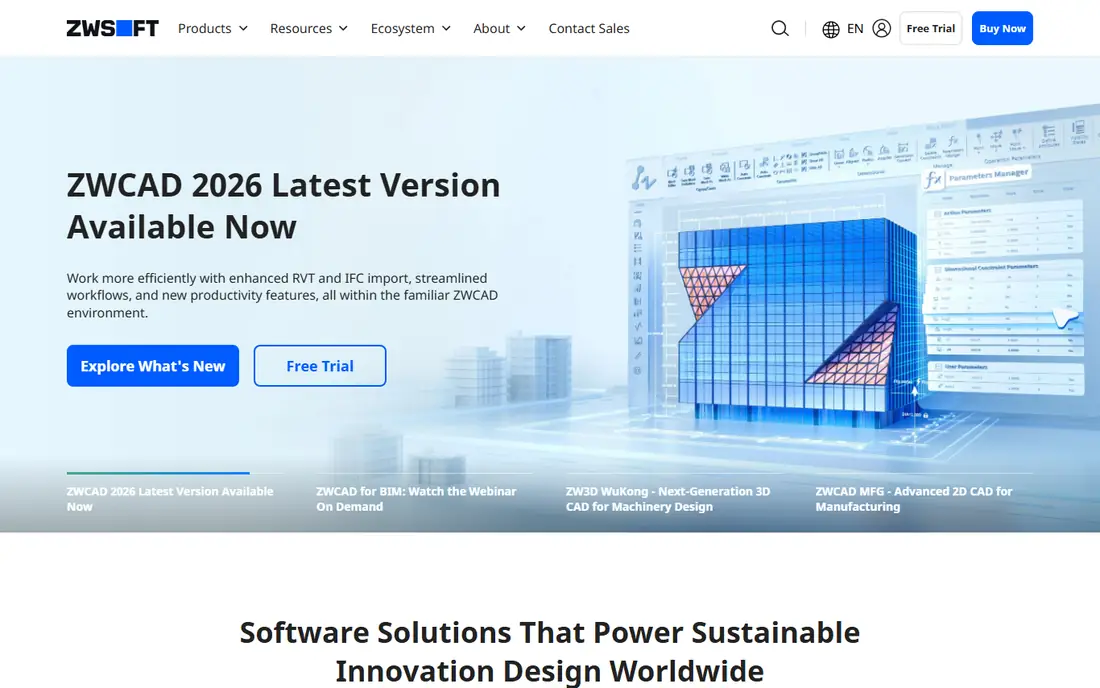
What we like- ZWCAD aims at the closest possible imitation: an interface and command set modelled on AutoCAD, DWG compatibility, API support for LISP and other customisation, at 299 dollars a year for its Flex Standard tier in current comparisons, with perpetual licences reported around 899 to 1,399 dollars. One independent comparison put its three year cost near 1,600 dollars against about 5,595 for AutoCAD. Small firms standardising seats cheaply put it on every shortlist.
Watch out for- The imitation strategy caps its ambition: innovation follows Autodesk's lead rather than setting its own. Support and community resources are thinner in Western markets, and reseller quality varies. Complex drawings and third party application compatibility need the same archive testing as every rival, with less local peer experience to consult when something odd appears.
Starting priceFree
Free planYes
What we like- NanoCAD is the only DWG familiar tool here with a genuinely free working tier: nanoCAD Free covers real 2D drafting in an AutoCAD like interface, and the paid platform, from a reported 289 dollars per user per year, adds modules for mechanical, construction and other disciplines. Budget conscious drafters and students start free and buy depth only when a job requires it. Its interface familiarity is its founding design goal.
Watch out for- The free tier is 2D and version limited compared with the current paid platform, so check what you are actually getting. Its ecosystem and English language community are smaller than the leaders'. Advanced 3D and BIM ambitions outgrow it quickly, toward BricsCAD's ladder or a true 3D tool.
#5Autodesk Fusion
Best for: 3D product design and CAM4.5/5 on
G2 (519 reviews, checked Oct 2026)
Visit autodesk.com
Starting priceSee website
Free planYes
What we like- Fusion answers a different question: parametric 3D product design with integrated CAM, simulation and rendering in the cloud, from the same vendor as AutoCAD, with a free personal tier under usage limits and startup and education programmes. Product designers who were forcing AutoCAD into 3D service find a tool actually shaped for it, and manufacturing output, toolpaths to the mill, is built in rather than bolted on. Subscription pricing runs well below AutoCAD's per seat figure.
Watch out for- It is not a DWG drafting replacement: 2D documentation exists but the drafting depth, standards tooling and archive compatibility of the DWG natives are not its purpose, and comparisons say so plainly. Cloud dependence is architectural. Professional tiers and extensions price up in Autodesk's familiar pattern, so model the configured cost.
#6SketchUp Pro
Best for: Fast 3D modelling for buildings4.5/5 on
G2 (1,326 reviews, checked Oct 2026)
Visit sketchup.com
Starting price$399 per year
Free planNo
What we like- SketchUp Pro is the fastest route from idea to presentable 3D building model: push pull modelling a new hire learns in a day, LayOut for drawing sets, and a warehouse of components and extensions, at 399 dollars a year. Architects and interior designers use it for concept and client communication work that AutoCAD does slowly and resentfully. A free web version exists for casual use outside the Pro licence.
Watch out for- It is a modeller, not a drafting or BIM platform: construction documentation depth and DWG fidelity are limited and export dependent, and serious documentation still flows to a drafting tool. Precision engineering work is not its design centre. Trimble's subscription only model carries the same ownership complaint as Autodesk's, at a lower number.
#7FreeCAD
Best for: Free parametric 3D CAD4.1/5 on
G2 (62 reviews, checked Oct 2026)
Visit freecad.org
Starting priceFree
Free planYes
What we like- FreeCAD is the open source parametric modeller: sketch based modelling, part design, assemblies through add ons, a BIM workbench, CAM paths and a Python API, free on Windows, Mac and Linux with no licence server in your future. The 1.0 release line matured it into a tool professionals genuinely use for product and building work where budgets are zero and control is everything. Your files and your toolchain stay yours permanently.
Watch out for- Polish and consistency trail the commercial tools, workbench quality varies, and DWG is not native: DXF and STEP carry the exchange load, with DWG through converters of varying fidelity. Learning resources are community shaped, excellent in places and absent in others. Firms billing by the hour price the rough edges honestly against a subscription.
Starting priceFree
Free planYes
What we like- LibreCAD is the free 2D answer: a community maintained CAD for plans, parts and schematics in DXF, light enough to run on any hardware, open source and available in many languages. For maintaining simple drawings, teaching drafting and occasional 2D work without a subscription in sight, it is sufficient and permanently free. Its simplicity is a feature: there is very little between the user and the drawing.
Watch out for- DXF is its native world, so DWG archives arrive through conversion with fidelity loss on complex files. No 3D, no BIM, limited automation and a development pace set by volunteers. It is a drafting board, not a production platform for a busy AEC office, and presenting it as one would be a disservice.
How we chose
AutoCAD itself is excluded because this article covers its alternatives. We selected CAD tools in active sale or release in October 2026 across the three real categories: DWG native drafting rivals, 3D led tools for work that is not drafting, and free options. Prices are current published or consistently reported figures with billing basis stated, and DWG compatibility is described as vendor claims requiring archive testing, because no independent certification makes one rival's claim worth more than another's. Nothing was hands on tested.
How to choose your AutoCAD alternative
Run the archive test before anything else. Take five real production files, the biggest xref nest, the drawing full of dynamic blocks, the one with the LISP routine nobody remembers writing, and the oldest file you still open, and run them through the trial of each DWG native finalist: open, edit, save, reopen, plot. The tool that survives your archive at 299 to 780 dollars a seat ends the search; the one that mangles it is expensive at any price.
Then decide the licence question with finance, not feelings: perpetual licences at BricsCAD, ZWCAD and others against subscription totals over five years, including the upgrade years you will skip. Finally, be honest about 3D: if the growth work is product design or building modelling, buying a better drafting tool solves the wrong problem, and Fusion, SketchUp or FreeCAD deserve the seat instead.
Frequently asked questions
Are these tools really compatible with DWG?
They read and write DWG, the format the industry exchanges, and for the great majority of drawings the round trip is clean. The edge cases are real: custom objects created by AutoCAD's specialist toolsets, some dynamic block behaviours and deeply nested xrefs can degrade. That is why the archive test on your own files, not the vendor's compatibility page, is the only verification that counts.
Why is AutoCAD so much more expensive?
Because it can be: AutoCAD is the standard its rivals imitate, priced per seat per year at a reported 2,095 dollars, with the trained workforce, plugin ecosystem and archive gravity that make switching costly for firms. The alternatives price against that gravity. Your firm's actual switching cost, retraining, routine conversion, archive risk, is the number that decides whether the saving is real.
Can I still buy a perpetual CAD licence?
Yes, from the rivals: BricsCAD and ZWCAD sell perpetual licences alongside subscriptions, and several smaller DWG tools do too. Autodesk and Trimble do not. Over five years a perpetual licence with skipped upgrades usually costs half to a third of the subscription path, which is the quiet arithmetic driving this whole category.
What is the best free AutoCAD alternative?
nanoCAD Free for DWG familiar 2D drafting, FreeCAD for parametric 3D, and LibreCAD for simple 2D in DXF. Each is free in a different shape, so the best one is the one whose limits, 2D only, no native DWG, community support, sit outside your actual workload.
Is AutoCAD LT a smarter answer than switching?
For pure 2D drafting inside the Autodesk world, AutoCAD LT at a reported 68 dollars a month on annual billing undercuts full AutoCAD heavily and keeps native fidelity perfect. It drops 3D, LISP and the toolsets, which is either nothing or everything depending on your routines. It belongs in every comparison as the control option, the price of staying, against which the rivals' savings and risks are measured.
Sources we checked (0)
Is your product missing or out of date?
We review this list regularly. Vendors can request a listing, send updated pricing or ask about featured placement.

Shihab Mia · Founder, Rankite
Shihab has 5+ years in B2B and SaaS SEO. He writes Rankite's software buying guides from pricing pages, documentation and public user reviews. More about Shihab.