How we make this list: we compare pricing pages, product documentation and public user reviews. Ratings come from G2, Capterra or Trustpilot, with the date we checked them.
Key takeaways
- Canva is the best overall pick, with the largest template library and a free plan that covers most social graphics.
- VistaCreate is the best pick for social templates, with 200,000-plus free templates and 170 million-plus stock assets.
- Visme is the best pick for presentations and infographics, with a free Basic plan and paid plans from $12.25 a month a person.
- Snappa is the best pick for speed, with one-click sizes for every social format and 5 million-plus free stock photos.
Quick comparison
Is your product missing or out of date?
We review this list regularly. Vendors can request a listing, send updated pricing or ask about featured placement.
The best Adobe Spark alternatives

#1Canva
Best for: Overall4.7/5 on
G2 (7,678 reviews, checked Oct 2026)
Visit canva.com
Starting priceFree
Free planYes
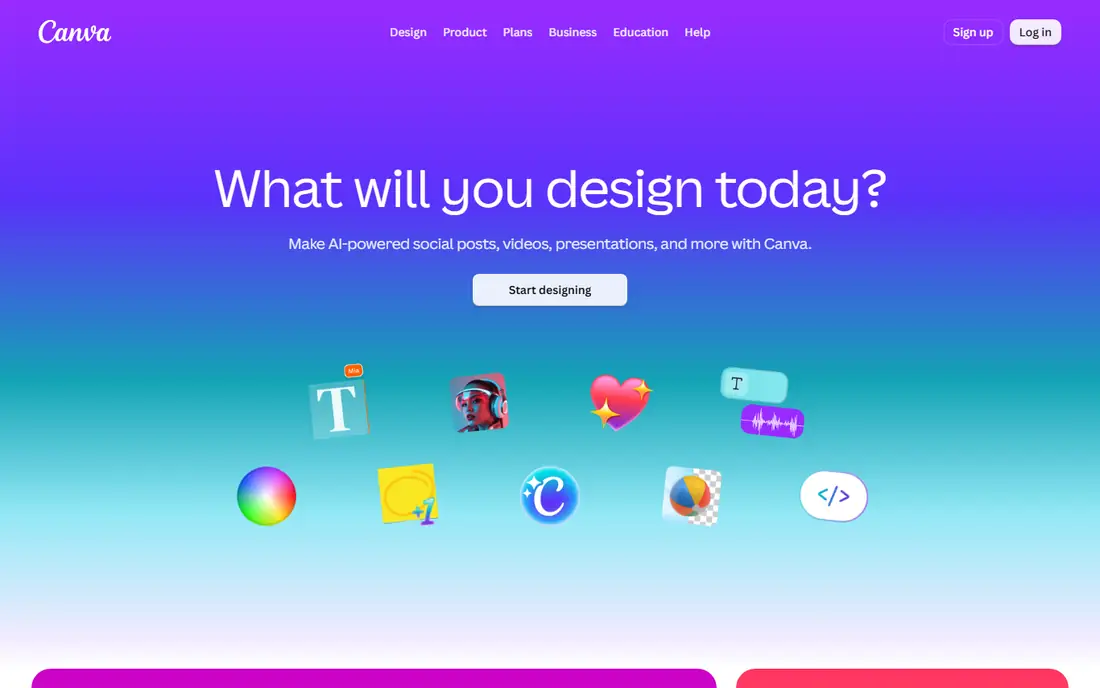
Canva is the best overall pick. Adobe Spark itself became Adobe Express, so Spark users comparing tools should also look at Express, but Canva is the closest all-round replacement, with templates for social posts, stories, videos, presentations, and print, plus a free plan that covers most everyday design work. Published comparisons list Canva Pro from around $15 a month.
The trade-off is depth: Canva's free plan limits brand controls and premium assets, and its homepage could not be fully checked in this review, showing only an unsupported-browser notice, so its listing rests on published guides and is flagged here. For most Spark users, Canva is the best pick here.
What we like- Largest template library in this list
- Free plan covers most social graphics
- Video, presentations, and print in one tool
- Huge stock library
Watch out for- Homepage check in this review showed only an unsupported-browser notice, so details rest on published guides
- Advanced features and brand controls sit on paid plans
Starting priceFree
Free planYes
VistaCreate is the best pick for social templates. Its homepage presents a free graphic design tool with thousands of free templates and built-in AI tools, with 200,000-plus professionally designed templates, a library of 170 million-plus royalty-free photos, videos, and vectors, AI-generated visuals, object removal, copy writing and refining inside layouts, brand kit and styles, animation and video, background remover, sticker maker, and team collaboration for up to 10 people.
The trade-off is Pro gating: the full stock library and one-click resize sit on VistaCreate Pro. For social teams that want the most free templates, VistaCreate is the best pick here.
What we like- Free graphic design tool with 200,000-plus free templates
- 170 million-plus photos, videos, and vectors
- Built-in AI tools
- Brand kit and styles
- Animation and video
- Background remover and sticker maker
Watch out for- Full stock library needs Pro
- Resize across formats needs Pro
- Print delivery through VistaPrint only in select formats
Starting priceFree
Free planYes
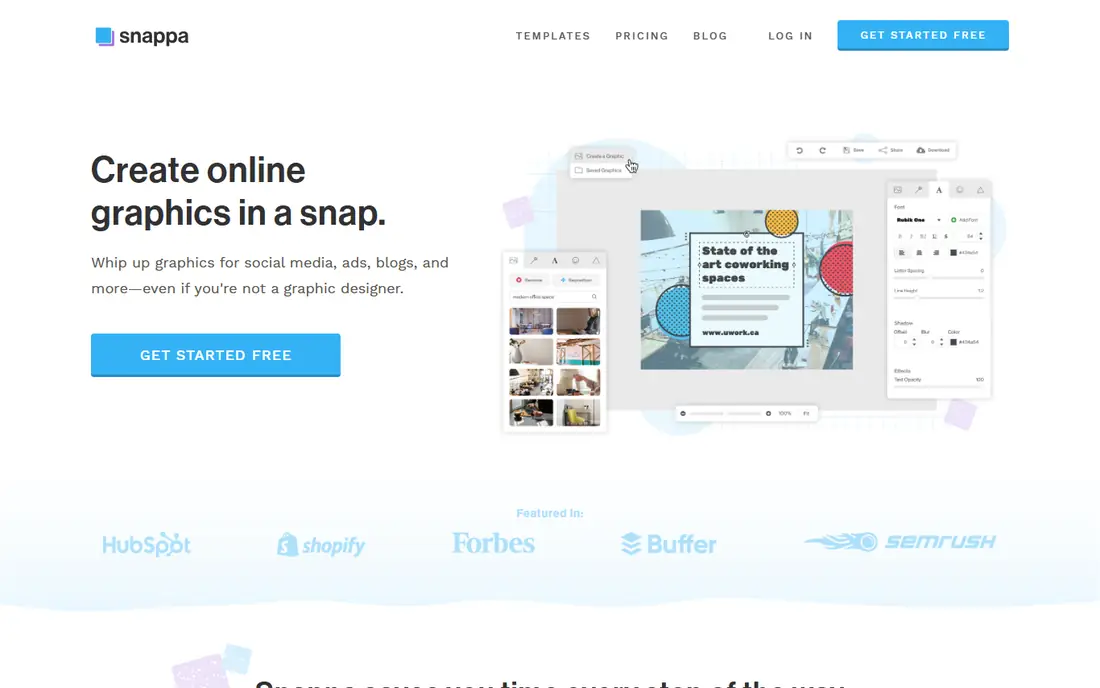
Snappa is the best pick for speed. Its homepage presents quick and easy graphic design software for social media, ads, blogs, and more, with one-click image dimensions for every format, thousands of pre-made templates, 5 million-plus free high-resolution stock photos, 200-plus fonts, 100,000-plus vectors and shapes, one-click background removal, one-click resizing across formats, and direct sharing to Facebook, Twitter, and Buffer scheduling.
The trade-off is scope: Snappa makes still graphics fast but is not a video or presentation tool. For non-designers who publish graphics daily, Snappa is the best pick here.
What we like- One-click image dimensions for social, ads, blogs, and email
- Thousands of templates
- 5 million-plus free high-resolution stock photos
- 200-plus fonts and 100,000-plus vectors
- One-click background removal and resizing
- 30 million-plus images created
Watch out for- Smaller template library than Canva or VistaCreate
- No video editor depth
- Free plan limits downloads per month per published comparisons
Starting priceFree
Free planYes
Piktochart is the best pick for infographics. Its homepage presents an AI design platform for 34 million-plus users, with Pikto AI turning prompts into infographics, reports, and presentations in seconds, plus charts, graphs, diagrams, maps, flowcharts, tables, and social graphics, and Pikto AI Studio covering image and video generation, presentations, documents, social posts, and print materials.
The trade-off is focus: Piktochart is built for data visuals and reports first, social graphics second. For teams that turn data into visuals, Piktochart is the best pick here.
What we like- AI design generator building visuals in seconds
- Infographics, reports, presentations, documents, and social graphics
- Charts, diagrams, maps, and flowcharts
- 34 million-plus users and 220 million-plus visuals created
- AI video with Sora 2 and Veo 3.1
Watch out for- Social graphics weaker than Canva or VistaCreate
- AI video credits cost extra
- Free plan limits per published comparisons

#5Easil
Best for: Brand control4.0/5 on
G2 (11 reviews, checked Oct 2026)
Visit easil.com
Starting priceFree
Free planYes
Easil is the best pick for brand control. Its homepage presents on-brand marketing for teams of any size, with drag-and-drop design from pre-designed templates, brand kit with fonts, colors, logos, and imagery, locking permissions that define which elements teammates can edit, add, or remove, a design approval workflow, collections that update text, images, and videos across linked sizes with one click, and digital plus print creation in one place.
The trade-off is scale: Easil's template library is smaller than Canva's, and its print service suits some regions better than others. For franchises and multi-location teams that must protect brand standards, Easil is the best pick here.
What we like- Drag-and-drop design with brand kit and locking permissions
- Design approval workflow
- Collections for linked sizes
- Digital and print in one place
- Free to start with Plus plan for the first 30 days
Watch out for- Smaller template library than Canva
- Print delivery focus suits Australian users best
- Paid pricing not shown on homepage in this check

#6Visme
Best for: Presentations4.5/5 on
G2 (512 reviews, checked Oct 2026)
Visit visme.co
Starting priceFree
Free planYes
Visme is the best pick for presentations and infographics. Its homepage presents an AI content system for teams, with an AI Designer that turns prompts into ready-to-use designs, thousands of templates across 50-plus content types, data visualization, brand controls, social scheduling and publishing, and collaboration with comments and asset management, trusted by 35 million-plus companies and creators. Its own FAQ states the free Basic plan includes unlimited projects, most templates, the drag-and-drop editor, and basic charts, with paid plans from $12.25 a month a person billed annually.
The trade-off is free-plan limits: the watermark and JPG, PNG, and PDF-only downloads push serious users to paid plans. For business teams making decks and reports, Visme is the best pick here.
What we like- AI-powered content platform for presentations, infographics, documents, reports, charts, social graphics, videos, and forms
- Free Basic plan with unlimited projects
- Paid from $12.25 a month a person billed annually
- 35 million-plus companies and creators
- Brand wizard from a website URL
Watch out for- Free plan adds a watermark and limits downloads to JPG, PNG, and PDF
- Brand kit and analytics need Pro or above
- Learning curve above Snappa
#7Fotor
Best for: Photo editing4.2/5 on
G2 (342 reviews, checked Oct 2026)
Visit fotor.com
Starting priceFree
Free planYes
Fotor is the best pick for photo editing. Its homepage presents a free online photo editor with batch editing, portrait retouching, background removal, object replacement, AI image generation and expansion, AI avatars, filters, collages, and millions of design assets, with desktop and mobile apps. Its own FAQ states the free plan lets anyone edit as many images as they want and export without watermarks, with Fotor Pro adding advanced features.
The trade-off is purpose: Fotor edits photos better than it builds social campaigns. For creators whose graphics start from photos, Fotor is the best pick here.
What we like- Free online photo editor with no watermarks on free exports per own FAQ
- Batch editing
- AI image generator, replace, expand, and avatars
- Filters, collages, and design assets
- Desktop and mobile apps
Watch out for- Photo editor first, design tool second
- Advanced features need Fotor Pro
- Template depth below Canva
Starting priceFree
Free planYes
Desygner is the best pick for a free all-in-one. Its homepage, now branded as automo designer, presents one platform covering design, documents, presentations, PDFs, social posts, video, whiteboards, and spreadsheets, all free, with 50 million people having made the switch, and cites an August 2026 review praising it as a replacement for Canva, Adobe, and PowerPoint.
The trade-off is the rebrand: Desygner is now automo designer, so older guides and tutorials may use the old name. For users who want the widest free feature set in one tool, Desygner is the best pick here.
What we like- Design, documents, presentations, PDFs, social posts, video, whiteboards, and spreadsheets all free per homepage
- 50 million people have made the switch per homepage
- Now branded as automo designer
Watch out for- Rebrand may confuse existing users
- Smaller template ecosystem than Canva
- Free limits not detailed on homepage in this check
How we chose
We compared these tools on template depth, free-plan limits, video and presentation support, brand controls, and price. We opened each vendor's homepage to confirm the product exists today and matches its description, except Canva, whose homepage showed only an unsupported-browser notice and is kept on published guide evidence, flagged here. We did not claim hands-on testing. Adobe Spark became Adobe Express, so Spark users should also compare Express itself, but every tool here stands as an independent alternative.
What to verify in a trial
Start by testing your most common format, since social graphics, infographics, and presentations favor different tools here. Next, check export quality and watermarks on the free plan, because free exports differ sharply across this list. Finally, confirm brand controls if your team shares designs, since Easil's locking and approval workflow beats Canva's free tier for brand protection. Also test video export on your most common format, since free video limits, watermarks, and resolution caps differ sharply across this list, and a tool that makes great still graphics may disappoint on video. Run a full week of real posts through the trial tool before switching, since daily workflow friction matters more than any single feature on a comparison page. Check template licensing for commercial use too, since free templates sometimes carry limits on paid ads or resale that only appear in the fine print. Finally, confirm mobile app quality if you design on a phone, since some tools here are desktop-first and their mobile editors lag behind. A short trial on your phone will show this faster than any feature list.
Frequently asked questions
What happened to Adobe Spark?
Adobe Spark became Adobe Express. Spark users can move to Express, or switch to any tool here for a fresh start.
Which Adobe Spark alternative is best overall?
Canva, with the largest template library and a free plan covering most social graphics. VistaCreate is close for social templates, and Visme leads for presentations.
Is there a free Adobe Spark alternative?
Yes, all eight tools here offer free plans, with Canva, VistaCreate, Snappa, Piktochart, Easil, Visme, Fotor, and Desygner all starting free, though limits vary.
Which is best for infographics?
Piktochart, built for charts, diagrams, maps, and reports, with Visme close behind for interactive infographics.
Which is best for brand control?
Easil, with locking permissions and a design approval workflow that keep non-designers on brand.
Can I make videos with these tools?
Canva, VistaCreate, Piktochart, Visme, Fotor, and Desygner all offer video features, though depth varies. Snappa and Easil focus on still graphics.
Sources we checked (8)
- https://www.canva.com
- https://create.vista.com
- https://snappa.com
- https://www.piktochart.com
- https://www.easil.com
- https://www.visme.co
- https://www.fotor.com
- https://desygner.com
Is your product missing or out of date?
We review this list regularly. Vendors can request a listing, send updated pricing or ask about featured placement.

Shihab Mia · Founder, Rankite
Shihab has 5+ years in B2B and SaaS SEO. He writes Rankite's software buying guides from pricing pages, documentation and public user reviews. More about Shihab.
 VistaCreate
 Snappa
 Piktochart
 Desygner