How we make this list: we compare pricing pages, product documentation and public user reviews. Ratings come from G2, Capterra or Trustpilot, with the date we checked them.
Key takeaways
- Adobe Express is the closest all-round Canva replacement, with a large template library, Adobe Stock assets, and Firefly AI tools.
- Visme and Piktochart stand out when the work is presentations, reports, and infographics rather than social posts alone.
- VistaCreate and Snappa offer the lowest paid entry points for small teams, with VistaCreate covering up to 10 members on one Pro price.
- Figma suits design-led teams who need components, shared libraries, and developer handoff, not just templates.
- Kittl is the pick for print-on-demand sellers, thanks to high-resolution vector exports and a commercial license on paid plans.
Quick comparison
| Tool | Best for | Starting price | Free plan |
|---|
 Adobe Express Adobe Express | All-round social and marketing design | $9.99 per month | Yes |
 Visme Visme | Presentations, reports, and infographics | $12.25 per month (billed annually) | Yes |
 VistaCreate VistaCreate | Small-team template design | $10 per month (billed annually) | Yes |
 Snappa Snappa | Fast social graphics | $10 per month (billed annually) | Yes |
 Piktochart Piktochart | Infographics and data visuals | $10 per month (billed annually) | Yes |
 Figma Figma | Product and interface design | $16 per seat per month (billed annually) | Yes |
 Kittl Kittl | Print-on-demand and branding | $14 per month (billed annually) | Yes |
 Desygner Desygner | All-in-one design and documents | See website | Yes |
 Easil Easil | Brand-controlled team design | See website | Yes |
Is your product missing or out of date?
We review this list regularly. Vendors can request a listing, send updated pricing or ask about featured placement.
The best Canva alternatives
#1Adobe Express
Best for: All-round social and marketing design4.5/5 on
G2 (855 reviews, checked Oct 2026)
Visit adobe.com
Starting price$9.99 per month
Free planYes
Adobe Express is the most direct Canva replacement for everyday design work. It covers social posts, flyers, videos, and marketing graphics from templates, with one-click tools for background removal, resizing, and cropping. Premium adds the full template and font libraries, a much larger Adobe Stock collection, brand kits, and 100 GB of storage.
Firefly AI generation is a real strength, with image generation, generative fill, and text effects built into the editor. Express also links to Photoshop and Illustrator, which helps if your team already works in Adobe apps. If you want Canva-style speed with Adobe assets and fonts, Express is the first alternative to test.
What we like- Large template and Adobe Stock library
- Firefly generative AI tools
- Brand kits and scheduling on Premium
Watch out for- Free plan limits premium templates and assets
- Collaboration is thinner than Canva
- Heavy canvases can feel slow on older machines
#2Visme
Best for: Presentations, reports, and infographics4.5/5 on
G2 (512 reviews, checked Oct 2026)
Visit visme.co
Starting price$12.25 per month (billed annually)
Free planYes
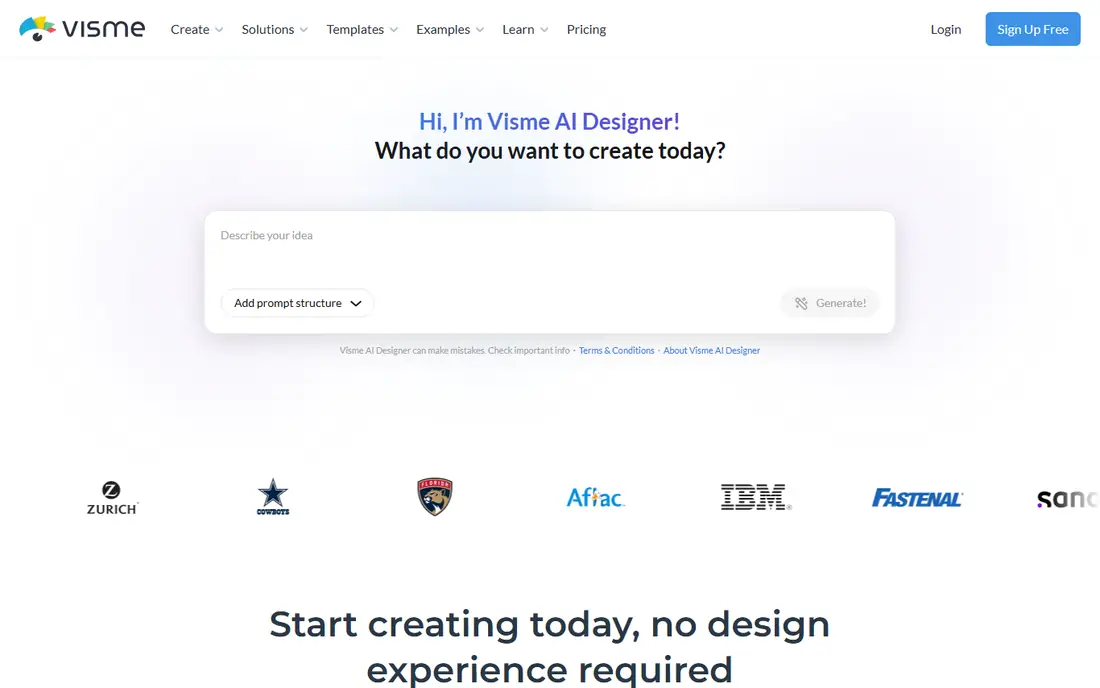
Visme goes further than a social graphics tool. It is built for presentations, infographics, reports, proposals, and documents, with interactive charts, maps, and diagrams you can style to match a brand. The AI Designer can turn a prompt into a ready-to-use design, which speeds up first drafts for decks and reports.
The free Basic plan works for learning the editor, but it adds a watermark and limits export formats. Starter removes those limits for individuals, while Pro adds brand kits, privacy controls, analytics, and PPTX, HTML5, and video exports. Teams that publish reports and decks every week will get more from Visme than from a social-only editor.
What we like- Strong presentation, report, and infographic templates
- Charts and data visuals built in
- Brand kit and analytics on Pro
Watch out for- Free plan adds a watermark and limits downloads
- Paid plans cost more than simpler template tools
- Advanced features take time to learn
Starting price$10 per month (billed annually)
Free planYes
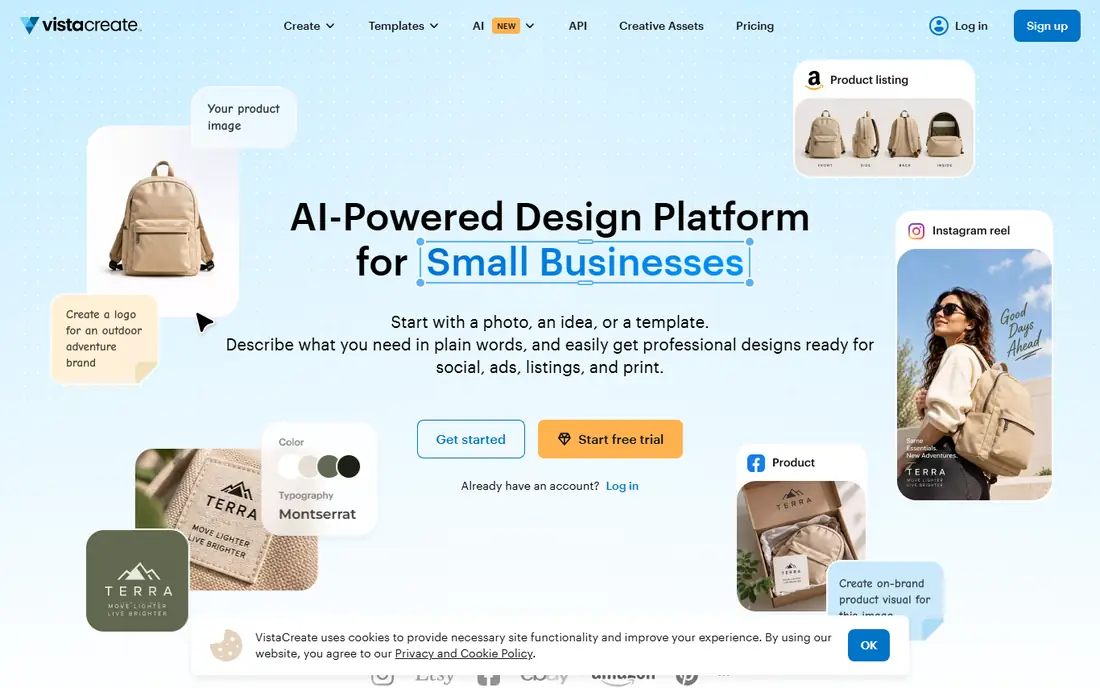
VistaCreate, formerly Crello, is a template editor with a clear value case for small teams. The free Starter plan includes over 100,000 templates and a starter brand kit, while Pro adds over 200,000 templates, a much larger stock library, AI tools, unlimited brand kits, and unlimited storage. One Pro price covers up to 10 team members, which is rare at this price.
Animation and video tools let you turn static posts into short animated content, and one-click resizing adapts a design to many formats. VistaPrint integration also helps if you order print materials. For a small business or team that needs Canva-style templates without per-seat billing, VistaCreate is hard to ignore.
What we like- Pro covers up to 10 members on one price
- Large template and stock library
- Animation, resizing, and print ordering
Watch out for- AI tools sit on Pro only
- Template library is smaller than Canva
- Video editing is basic
#4Snappa
Best for: Fast social graphics4.6/5 on
G2 (40 reviews, checked Oct 2026)
Visit snappa.com
Starting price$10 per month (billed annually)
Free planYes
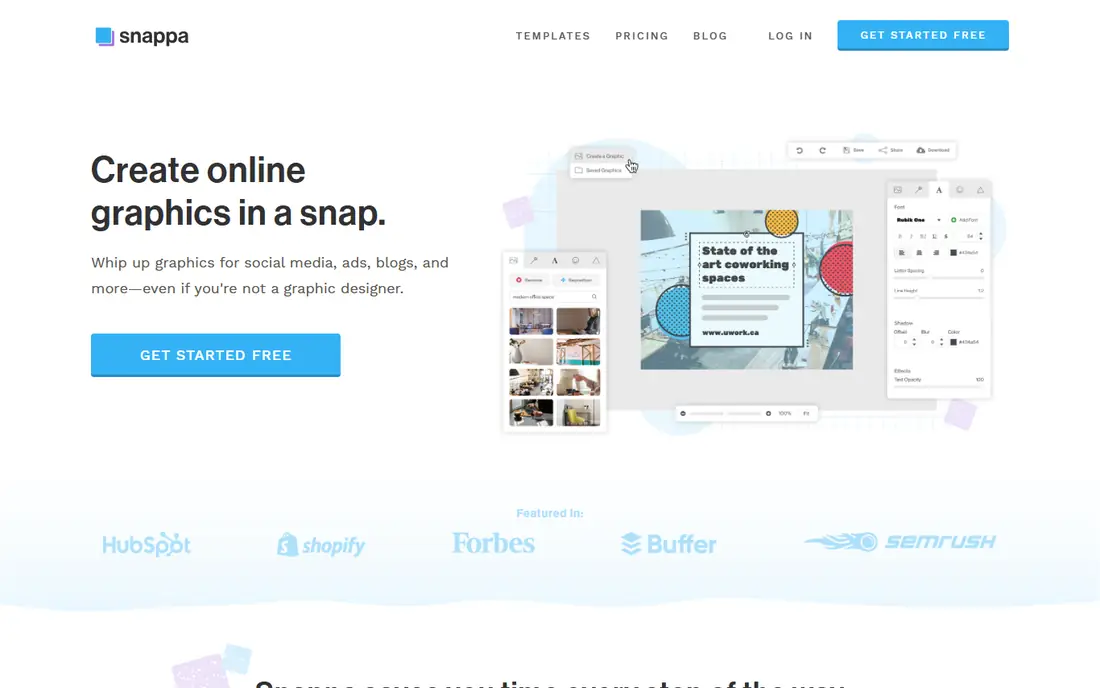
Snappa is built around one promise: a finished graphic in minutes. Preset sizes cover social posts, ads, blog images, and emails, so you never guess at dimensions. The template and stock libraries are the same on free and paid plans, which means the free plan is a fair test of the content itself.
What Pro buys is workflow, not more templates. Unlimited downloads, Buffer and social sharing, custom font uploads, and background removal are the paid upgrades. If you publish a few graphics a week and want the fastest route from idea to post, Snappa fits. If you need AI generation or documents, look at Adobe Express or Visme instead.
What we like- Very fast editor with preset sizes
- Full template and stock library on every plan
- Buffer sharing and background removal on Pro
Watch out for- Free plan allows only 3 downloads a month
- No AI generation tools
- Fewer content types than Canva
#5Piktochart
Best for: Infographics and data visuals4.4/5 on
G2 (163 reviews, checked Oct 2026)
Visit piktochart.com
Starting price$10 per month (billed annually)
Free planYes
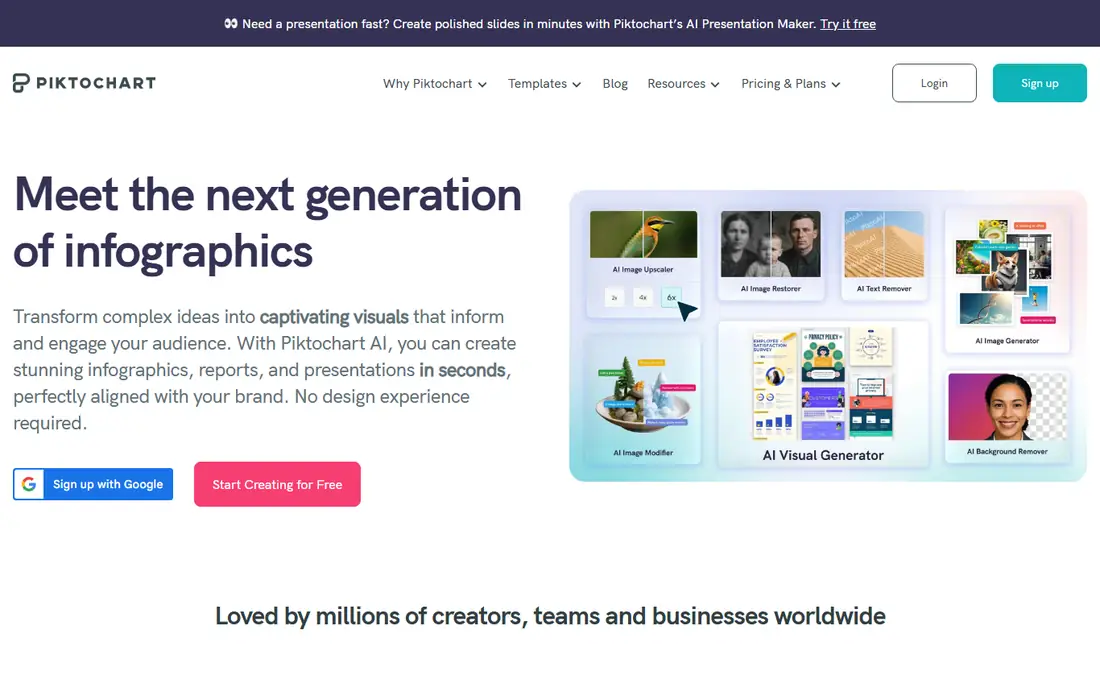
Piktochart turns data into visuals. Charts, graphs, maps, diagrams, and timelines are first-class tools here, not add-ons, and templates cover infographics, reports, presentations, and social graphics. The AI design generator can build a visual from a prompt, which helps when a report deadline is close.
The free plan is limited in a way that matters: it allows only two PNG downloads per account, so treat it as a trial of the editor rather than a working plan. Pro adds unlimited PNG downloads and more AI credits, while Business adds PDF and PowerPoint exports, a brand kit, and more storage. For data-heavy content, Piktochart earns its place over general template editors.
What we like- Strong infographic, chart, and diagram tools
- AI design and image generation
- Good for reports and presentations
Watch out for- Free plan allows only 2 PNG downloads in total
- Pro exports PNG only, PDF and PPT need Business
- No refunds on subscriptions
#6Figma
Best for: Product and interface design4.7/5 on
G2 (1,593 reviews, checked Oct 2026)
Visit figma.com
Starting price$16 per seat per month (billed annually)
Free planYes
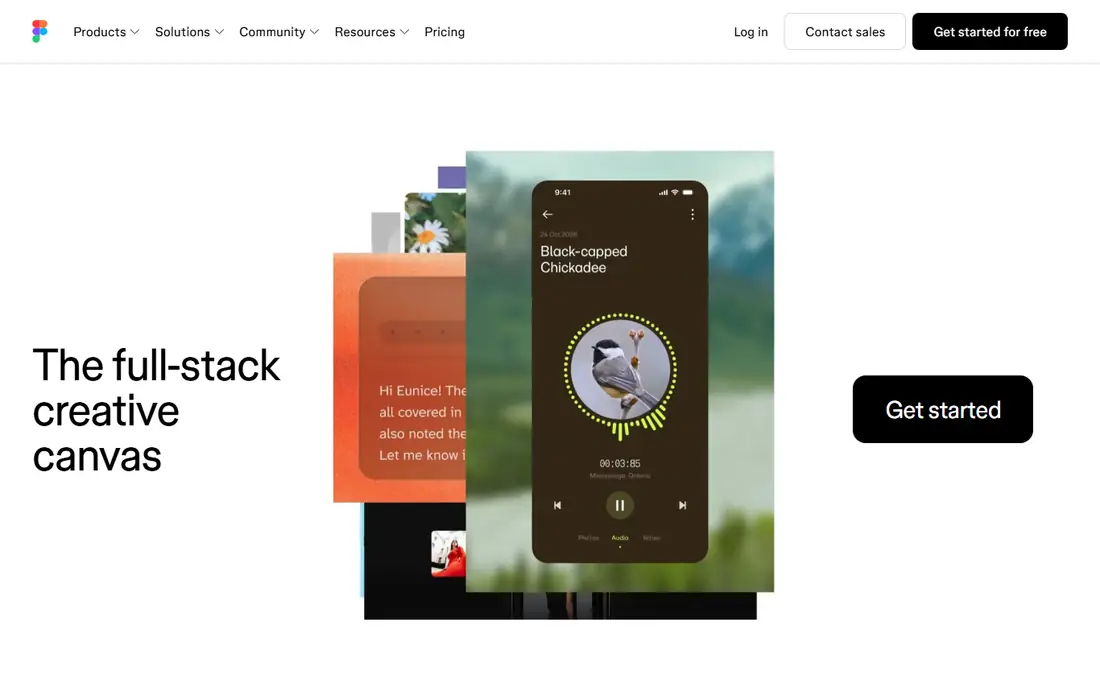
Figma is a different kind of Canva alternative. It is a collaborative design platform for interfaces, websites, and products, with components, auto layout, variables, and prototyping that template editors cannot match. Teams can build shared libraries, hand designs to developers with measurements and code, and work in the same file at the same time.
The free Starter plan covers individual work with limits on collaborative files, while Professional adds unlimited files, team libraries, and advanced developer tools. Figma Buzz and Slides also cover marketing-style content, but social template work is slower here than in Canva. Choose Figma when design quality, systems, and handoff matter more than template volume.
What we like- Components, variables, and shared libraries
- Real-time collaboration and developer handoff
- FigJam, Slides, and Sites in one workspace
Watch out for- Template design for social posts is not its strength
- Per-seat pricing adds up for large teams
- Free plan limits collaborative files
#7Kittl
Best for: Print-on-demand and branding4.7/5 on
G2 (43 reviews, checked Oct 2026)
Visit kittl.com
Starting price$14 per month (billed annually)
Free planYes
Kittl is aimed at creators with products to sell. Its editor combines templates, text effects, mockups, and AI image generation, with a focus on t-shirts, labels, packaging, and branding. Paid plans add high-resolution PNG, PDF, and SVG exports, the full content library, custom font uploads, and a commercial license for up to 500,000 copies per design.
The free plan is for learning only, with five projects, low-resolution exports, and no commercial use. Expert and Max add more AI tokens and storage rather than new editor features, so most solo sellers can stop at Pro. If you sell designs online, Kittl is a stronger fit than a general social editor.
What we like- High-resolution and vector exports on paid plans
- Commercial license for sellers
- Strong text effects, mockups, and AI generation
Watch out for- Free plan allows personal use only and low-resolution exports
- Smaller template library than Canva
- Pricing is per editor
#8Desygner
Best for: All-in-one design and documents4.6/5 on
G2 (12 reviews, checked Oct 2026)
Visit desygner.com
Starting priceSee website
Free planYes
Desygner positions itself as a single platform for design, documents, presentations, PDFs, social posts, and video. That breadth suits small businesses that want one tool for flyers, decks, PDFs, and social content instead of several subscriptions. Templates and drag-and-drop editing keep the learning curve low for non-designers.
The trade-off of breadth is depth. Brand management and approval controls are less detailed than a dedicated brand tool, and pricing should be confirmed on the vendor site before purchase. If you want Canva-style coverage with documents and PDFs included, Desygner is worth a test drive on its free plan.
What we like- Design, documents, presentations, PDFs, and video in one platform
- Large user base and template range
- Free plan covers many content types
Watch out for- Pricing details vary and should be checked at checkout
- Interface covers many tools, which can feel broad
- Brand controls are less deep than Easil
#9Easil
Best for: Brand-controlled team design4.0/5 on
G2 (11 reviews, checked Oct 2026)
Visit easil.com
Starting priceSee website
Free planYes
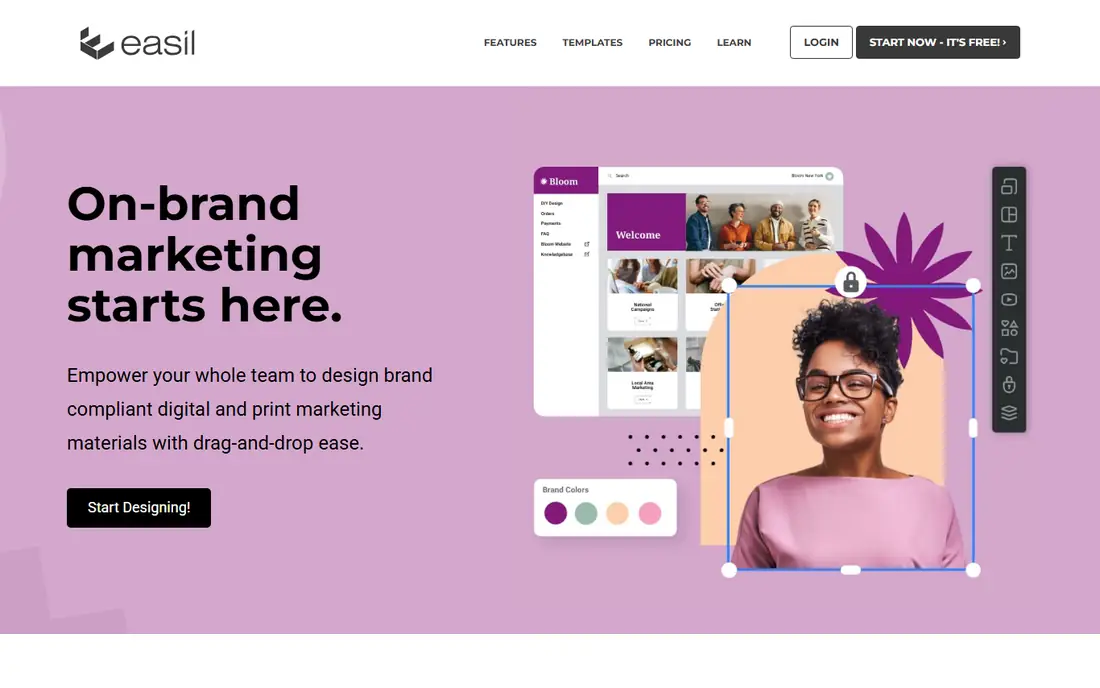
Easil is built for teams that must stay on brand. Brand managers can lock elements, set who can edit what, and require approval before a design downloads. Brand kits hold fonts, colors, logos, and imagery for each brand, and collections let teams update linked designs across sizes with one change.
Templates cover digital, social, and print marketing, and Easil also offers print fulfillment and design services for teams that need help. The free start includes a trial of the Plus plan, so test the locking and approval features with a real team before committing. For franchises, multi-location businesses, and brand-heavy teams, Easil solves a problem that template editors ignore.
What we like- Locking permissions and design approval workflow
- Brand kits for every brand and team
- Print and digital templates in one place
Watch out for- Smaller template library than Canva
- Pricing is not published as a simple list
- Less suited to solo casual design
How we chose
We compared tools on template range, brand controls, export options, collaboration, and price, with pricing checked against vendor pricing pages and help centers. Feature claims were checked against vendor product pages and public documentation. We favored tools that exist today, offer a free plan or trial, and cover the everyday design jobs Canva users actually do, from social posts to decks and reports.
We also weighed fit by team type. A solo creator, a small business, and a design-led product team need different tools, so this list mixes fast template editors, data-visual tools, and a full design platform rather than ranking one type above the others.
How to pick the right Canva alternative
Start with your main output
List the three things you design most. Social posts and ads point to Adobe Express, VistaCreate, or Snappa. Reports, decks, and infographics point to Visme or Piktochart. Product and brand work points to Figma or Kittl. Brand-controlled team content points to Easil.
Test exports and brand limits early
Make one real design on the free plan and export it in the format you need. Check for watermarks, download limits, and whether PDF, PPTX, or vector export sits on a higher plan. These limits decide the true cost more than the headline monthly price.
Count seats, not just the monthly price
Per-seat pricing changes the math for teams. VistaCreate covers up to 10 members on one Pro price, while Figma and Kittl bill per seat or per editor. Add up the annual total for your actual team size before you choose.
Frequently asked questions
What is the best free Canva alternative?
Adobe Express, VistaCreate, and Snappa all offer usable free plans, but each limits something. Adobe Express limits premium templates, VistaCreate limits AI tools to Pro, and Snappa limits free downloads to three a month. Test your real work on each free plan before paying.
Is Adobe Express better than Canva?
Adobe Express matches Canva for social and marketing design and adds Adobe Stock assets and Firefly AI tools. Canva still leads on template volume and team collaboration, so the better tool depends on whether you value Adobe assets or Canva templates more.
Which Canva alternative is best for infographics?
Piktochart is the strongest pick for infographics, with chart, map, and diagram tools built in. Visme is close behind and adds stronger presentation and report features for teams that publish both formats.
Can Figma replace Canva?
Figma can replace Canva for design-led teams that need components, libraries, and developer handoff. It is slower for quick social templates, so many teams use Figma for product design and a template editor for daily social posts.
Do these tools allow commercial use?
Most paid plans allow commercial use, but free plans often do not. Kittl free is personal use only, while Snappa includes commercial use for its stock library. Check the license terms for each tool before selling or publishing client work.
Which alternative is cheapest for a small team?
VistaCreate Pro is the cheapest team option here, since one Pro price covers up to 10 members. Snappa Team covers five users on one price, while Figma and Kittl bill per seat, so team size changes the ranking.
Sources we checked (9)
- https://www.adobe.com/express/
- https://www.visme.co
- https://create.vista.com
- https://snappa.com
- https://piktochart.com
- https://www.figma.com
- https://www.kittl.com
- https://desygner.com
- https://www.easil.com
Is your product missing or out of date?
We review this list regularly. Vendors can request a listing, send updated pricing or ask about featured placement.

Shihab Mia · Founder, Rankite
Shihab has 5+ years in B2B and SaaS SEO. He writes Rankite's software buying guides from pricing pages, documentation and public user reviews. More about Shihab.