How we make this list: we compare pricing pages, product documentation and public user reviews. Rankite is independent; if a vendor ever pays for a featured spot, that listing is clearly labeled Partner.
Key takeaways
- Best overall: Canva, ideal for anyone who wants the fastest route to a good poster: huge template library.
- Adobe Express suits creators who want Adobe-quality templates free, while PosterMyWall is the better fit for event and promo posters with print-ready downloads.
- Buyers who want everything in one subscription should look at Snappa, which pairs very fast, simple editor with broader platform features.
Quick comparison
| Tool | Best for | Starting price | Free plan |
|---|
 Canva Canva | Anyone who wants the fastest route to a good poster | See website | Yes |
 Adobe Express Adobe Express | Creators who want Adobe-quality templates free | See website | Yes |
 PosterMyWall PosterMyWall | Event and promo posters with print-ready downloads | See website | No |
 Snappa Snappa | Marketers making quick graphics without design skills | See website | Yes |
 PicMonkey PicMonkey | Photo-based posters with editing built in | See website | No |
 Desygner Desygner | Teams that want Canva-like editing plus PDF tools | See website | Yes |
 Fotor Fotor | Quick poster designs with AI photo tools | See website | Yes |
 Visme Visme | Infographic-style posters and presentations | See website | Yes |
 Pixlr Pixlr | Free browser-based photo editing for poster art | See website | Yes |
 Microsoft Designer Microsoft Designer | Microsoft 365 users who want AI design help | See website | Yes |
Is your product missing or out of date?
We review this list regularly. Vendors can request a listing, send updated pricing or ask about featured placement.
The Best Platforms for Creating Posters
#1
Canva
Best for: Anyone who wants the fastest route to a good poster
Visit canva.com
Starting priceSee website
Free planYes
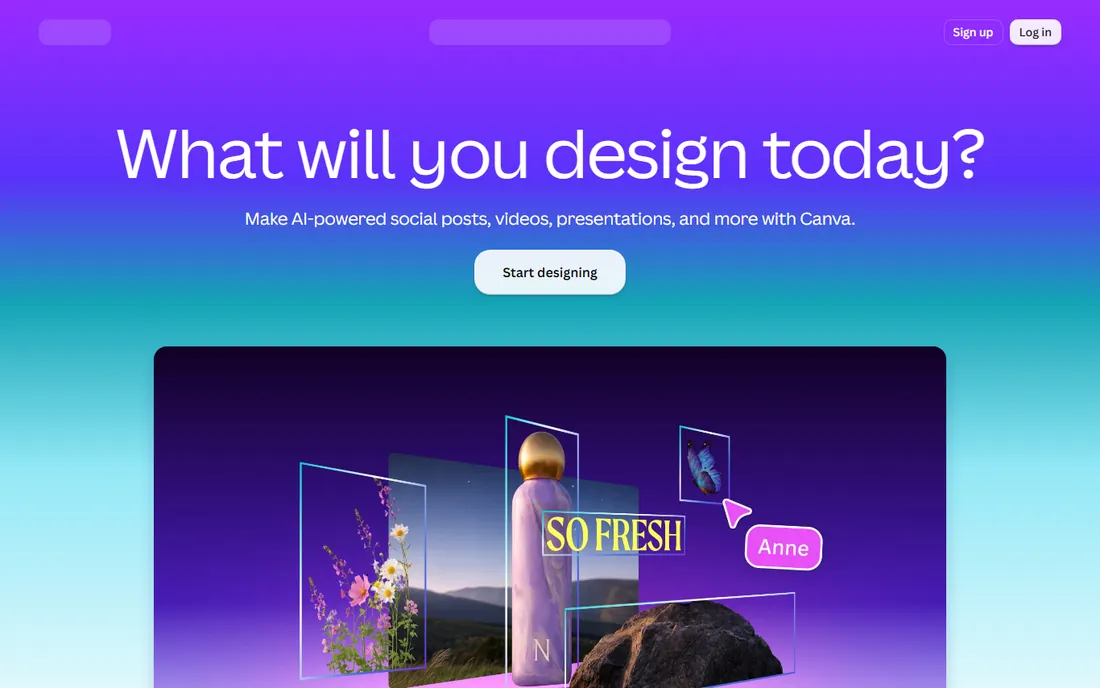
Canva is the reason poster design no longer requires a designer. Thousands of poster templates, a drag-and-drop editor anyone can learn in an hour, and a free plan that covers most casual needs. For events, promotions and announcements, it is the fastest path from idea to print.
The ecosystem keeps it sticky: brand kits, stock photos, print delivery and team collaboration all live in one account. Small businesses run their entire visual marketing here.
The trade-offs are familiarity and paywalls. Popular templates get overused, and the best stock assets need Pro. But for speed and ease, nothing in this roundup beats Canva.
What we like- Huge template library
- Easy drag-and-drop editor
- Generous free plan
Watch out for- Premium assets need a Pro subscription
- Designs can look similar across users
#2
Adobe Express
Best for: Creators who want Adobe-quality templates free
Visit adobe.com
Starting priceSee website
Free planYes
Adobe Express is Adobe's answer to Canva: quick, template-driven design with the company's font and stock libraries behind it. Poster templates look sharp, the free plan is capable, and integration with Creative Cloud suits existing Adobe users.
The Adobe Fonts access is a quiet advantage. Typography makes or breaks posters, and Express gives free users type options Canva gates behind Pro.
Advanced control lags both Canva and full Illustrator, and you need an Adobe account. But as a free, fast poster maker with genuinely good design assets, Express is strong.
What we like- Strong templates and Adobe fonts
- Adobe Stock integration
- Free plan available
Watch out for- Fewer advanced design controls
- Requires an Adobe account
Starting priceSee website
Free planNo
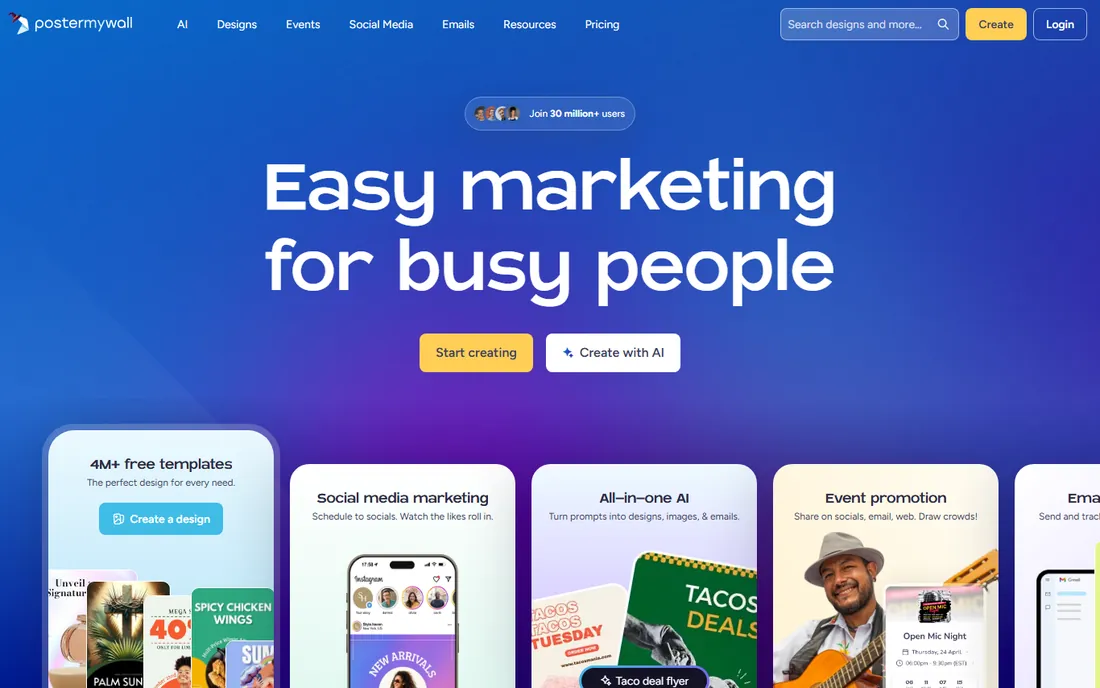
PosterMyWall is built for one format and it shows. The template library leans into event flyers, sale posters and promotional signage, with sizes and layouts tuned for print. Video poster options cover digital displays too.
For venues, retailers and event organizers, the specificity saves time. You are not adapting generic social templates; you are starting from actual poster designs.
The credit model means each download costs, and free exports carry watermarks. Heavy users should compare credit packs against Canva Pro. But for poster-first workflows, the specialization is worth it.
What we like- Poster-specific template library
- Video posters for digital signage
- Print ordering options
Watch out for- Downloads cost credits
- Free version watermarks designs
#4
Snappa
Best for: Marketers making quick graphics without design skills
Visit snappa.com
Starting priceSee website
Free planYes
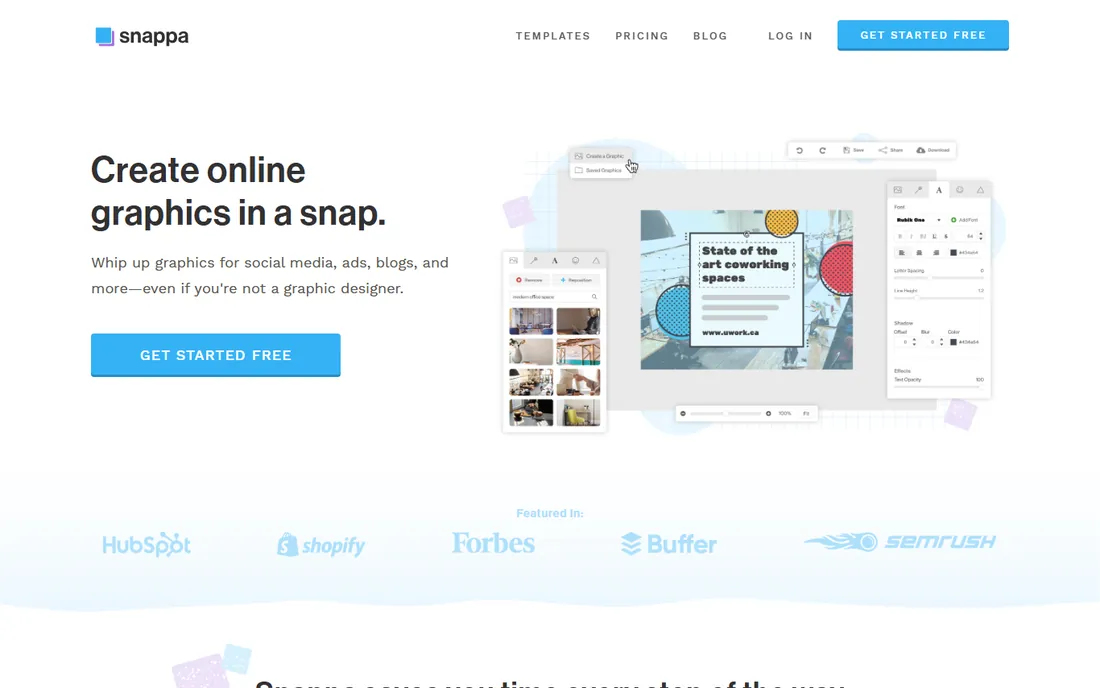
Snappa optimizes for speed above all. Pick a size, pick a template, swap the text, download: a social graphic or simple poster takes minutes. The free starter plan covers light use.
Marketers who produce daily graphics appreciate the lack of friction. There is almost nothing to learn, and preset dimensions remove the sizing guesswork.
Template depth trails Canva significantly and free downloads are capped. It is a complement for quick jobs, not a full design platform. But for sheer speed on simple graphics, Snappa delivers.
What we like- Very fast, simple editor
- Preset sizes for every channel
- Free starter plan
Watch out for- Smaller template library than Canva
- Limited free downloads
Starting priceSee website
Free planNo
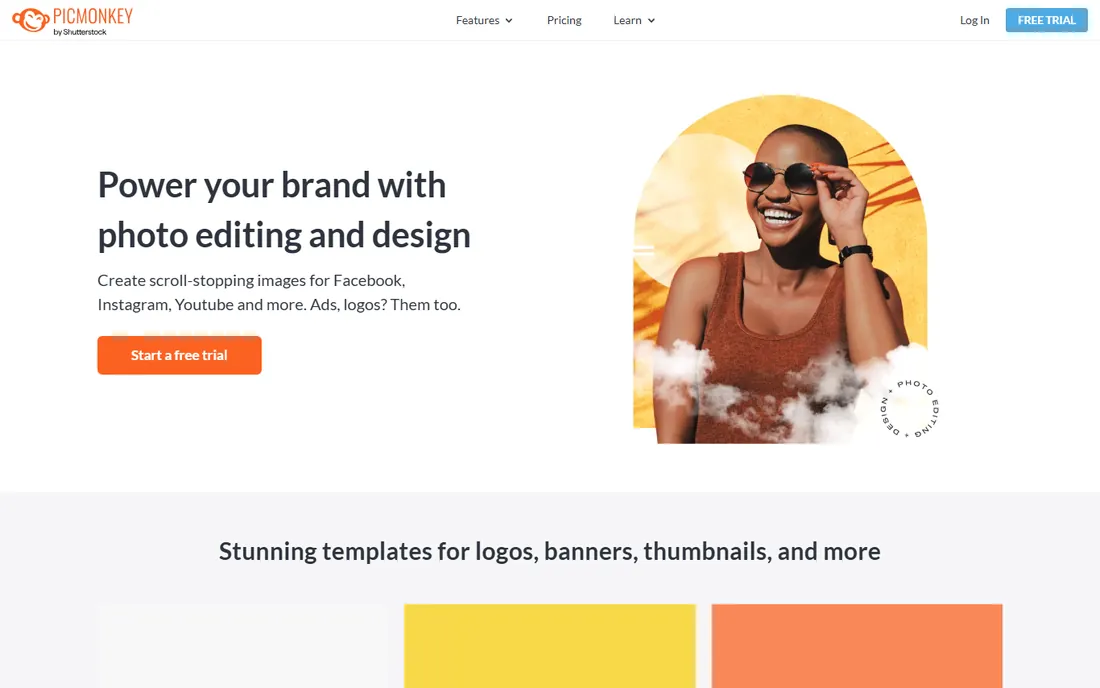
PicMonkey blends photo editing with poster templates, which suits designs built around photography. Touch-up tools, effects and text overlays live in the same editor as the templates, so photo-heavy posters come together without round-tripping through another app.
Brand kit features keep business users consistent across designs. Print-sized templates cover the common poster dimensions.
There is no free plan and pricing runs higher than Canva's, which makes the value case narrower. But for photo-centric poster work with editing included, PicMonkey is a capable pick.
What we like- Good photo editing tools
- Templates sized for print
- Brand kit features
Watch out for- No free plan
- Pricier than template-first rivals
Starting priceSee website
Free planYes
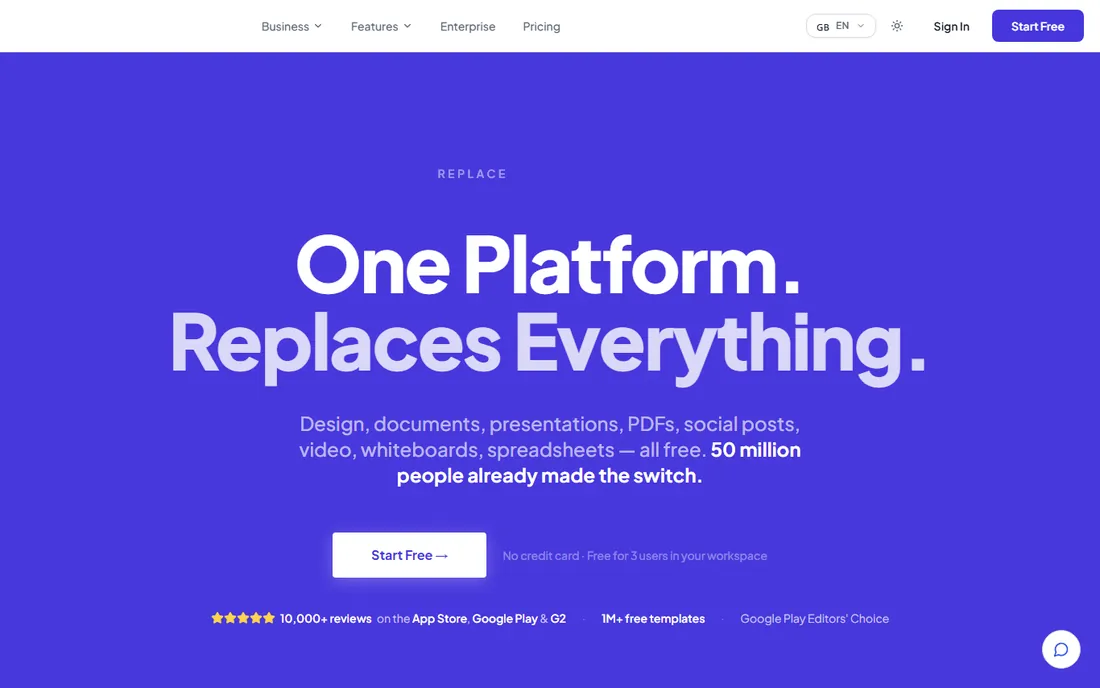
Desygner mirrors the Canva formula with a useful twist: real PDF import and editing. Marketing teams that receive print files as PDFs can tweak them directly instead of rebuilding from scratch. The free plan covers casual use.
Mobile apps are solid, which matters for teams designing on the go. The editor will feel familiar to anyone coming from Canva.
The template library is smaller and performance can stutter on complex files. It is not a Canva replacement for heavy users. But the PDF editing angle gives it a distinct reason to exist.
What we like- Free plan available
- PDF import and editing
- Good mobile apps
Watch out for- Smaller template library
- Occasional performance hiccups
Starting priceSee website
Free planYes
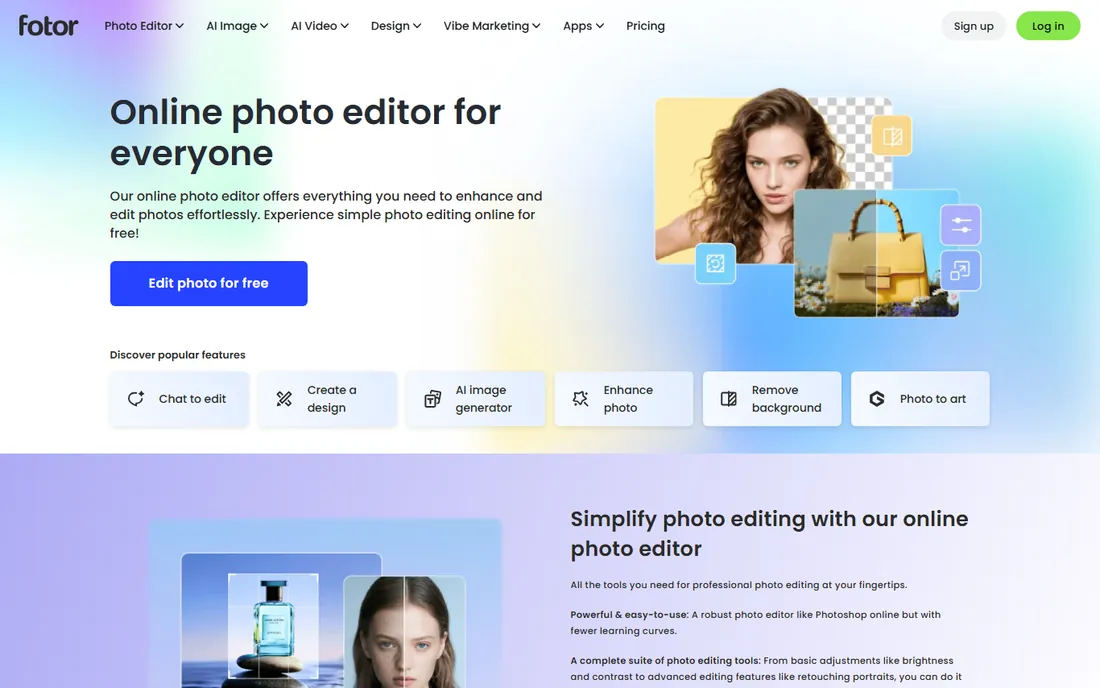
Fotor started in photo editing and that DNA shows in its poster maker. AI background removal, enhancement tools and batch editing help photo-based designs come together fast. The free plan handles basic poster work.
For sellers and marketers working with product photos, the editing-first approach beats template-first tools. Clean cutouts and quick enhancements improve simple layouts.
Free-tier ads annoy and the best features need Pro. Template design trails Canva. But as a free photo-to-poster workflow with AI help, Fotor is genuinely useful.
What we like- AI background remover and photo tools
- Batch editing
- Free plan available
Watch out for- Ads on the free tier
- Premium features locked behind paywall
#8
Visme
Best for: Infographic-style posters and presentations
Visit visme.co
Starting priceSee website
Free planYes
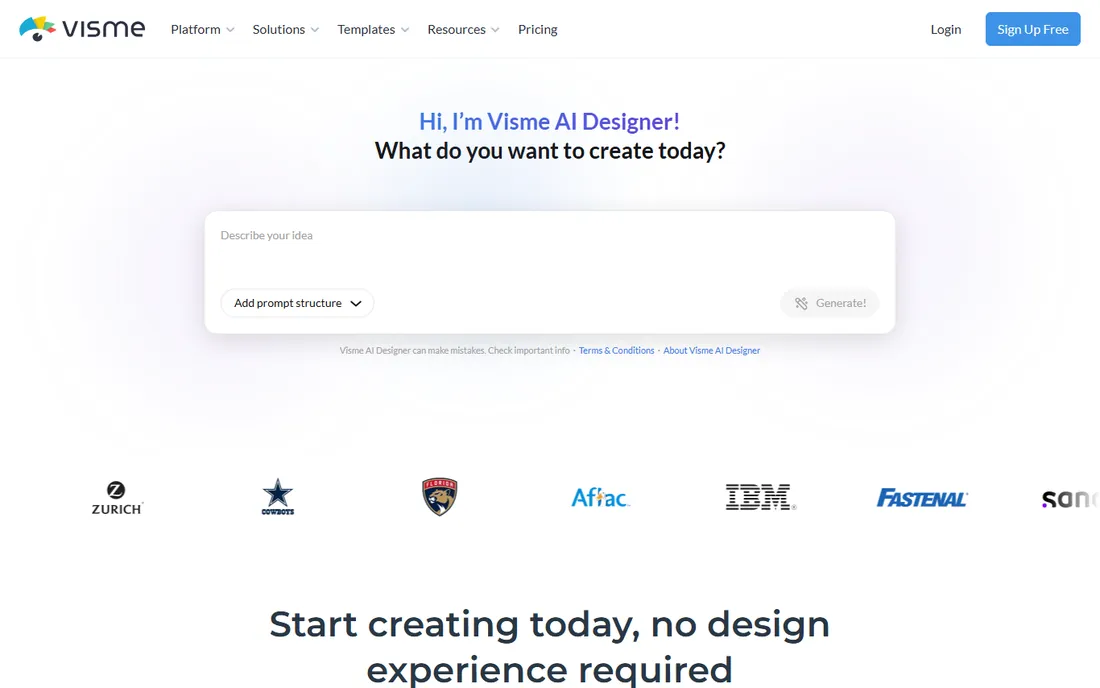
Visme sits between poster makers and presentation tools, which makes it ideal for infographic-style posters. Charts, maps and data widgets turn statistics into visuals without a designer, and brand controls keep everything on-palette. The free basic plan covers simple projects; paid plans start at $12.25 a month billed annually.
For reports, research summaries and educational posters, that data-visualization depth is unmatched in this roundup. Interactivity options suit digital display.
The learning curve is steeper than Canva and free exports are limited. But when the poster needs to communicate data, Visme is the specialist choice.
What we like- Data visualization widgets
- Brand controls
- Free basic plan
Watch out for- Learning curve for advanced features
- Export limits on free plan
#9
Pixlr
Best for: Free browser-based photo editing for poster art
Visit pixlr.com
Starting priceSee website
Free planYes
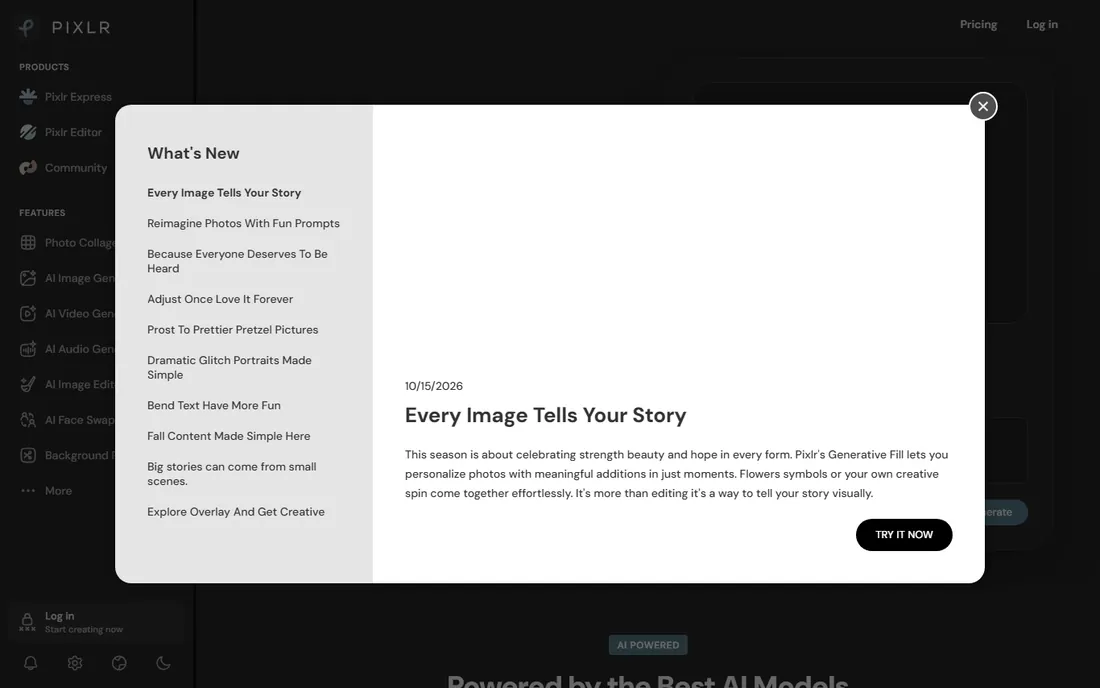
Pixlr is the closest thing to free Photoshop in a browser, and that power serves ambitious poster art. Layers, masks, blending and effects go far beyond template editors, with AI tools speeding up cutouts and enhancements. Paid plans start at just $1.99 a month.
Designers who outgrow Canva's limits but cannot justify Adobe subscriptions land here. The capability ceiling is much higher than template tools.
Beginners face a real learning curve and free-tier ads interrupt flow. It is an editor, not a template library. But for free-form poster design at zero cost, Pixlr is remarkable.
What we like- Photoshop-like tools free in browser
- No installation needed
- AI tools included
Watch out for- Ads in the free experience
- Interface can overwhelm beginners
Starting priceSee website
Free planYes
Microsoft Designer brings generative AI into everyday design: describe what you want and get poster layouts with AI-generated imagery. Integration with Microsoft 365 keeps it in the workflow of Office-centric teams, and it is free.
The AI generation is the differentiator. Instead of hunting stock photos, you generate custom visuals matched to your concept, which suits original campaign creative.
Template depth trails Canva significantly and the product is still maturing. But as a free AI-assisted designer for Microsoft households, it is an easy yes.
What we like- AI image generation built in
- Integrates with Microsoft apps
- Free to use
Watch out for- Fewer templates than Canva
- Newer product, still maturing
How we chose
To build this comparison, we reviewed each vendor's pricing page, product documentation, and feature lists, then cross-checked against public reviews on G2, Capterra, and Reddit. We compared engine coverage, reporting depth, pricing transparency, and fit for different team sizes. No vendor paid for placement, and we did not claim hands-on testing we did not do.
Choosing a poster design platform
Match the tool to your output. Event and print posters need print-ready exports and correct dimensions, which favors PosterMyWall and Canva. Photo-heavy designs need real editing, which favors Pixlr and PicMonkey. Data posters need charts, which favors Visme.
Check the true cost of downloads. Credit packs, watermarks, and Pro-gated stock assets change the economics. If you produce posters weekly, a subscription beats per-download pricing.
Test the free tier with a real project. Template quality, export resolution, and ease of use show up immediately in actual work. The best tool is the one your least design-savvy team member can use confidently.
Print versus digital poster tips
Design for the final size. A poster that looks sharp on screen can print blurry if the export resolution is too low. Export print posters at 300 DPI at full size, and confirm bleed settings with your printer.
Keep text readable at distance. Headlines should be legible from several feet away; body text belongs on handouts, not posters. When in doubt, remove words.
For digital signage, design in motion. Even subtle animation or video versions of a poster outperform static images on screens. Tools with video export give you both from one design.
Frequently asked questions
Can I print posters made in these tools?
Yes. Export at high resolution, ideally 300 DPI at your print size, and check bleed settings with your printer. Canva and PosterMyWall also offer direct print ordering.
Which tool is best for event posters?
PosterMyWall specializes in event and promotional posters with tuned templates. Canva is the flexible alternative with a bigger library. Both handle the event use case well.
Do I need design skills to use these?
No. Every tool in this guide is built for non-designers, with templates doing the heavy lifting. You bring the text and images; the layout starting points are provided.
Can I use these for commercial work?
Generally yes, but check image licensing. Stock photos and elements may have restrictions on free plans. Paid plans typically include broader commercial licenses.
What is the best free poster maker?
Canva's free plan is the most capable all-rounder. Adobe Express and Microsoft Designer are strong free alternatives, and Pixlr offers the deepest free editing for those willing to learn it.
Sources we checked (10)
- https://canva.com/
- https://www.adobe.com/express/
- https://postermywall.com/
- https://snappa.com/
- https://picmonkey.com/
- https://desygner.com
- https://www.fotor.com
- https://visme.co/
- https://pixlr.com/
- https://designer.microsoft.com
Is your product missing or out of date?
We review this list regularly. Vendors can request a listing, send updated pricing or ask about featured placement.

Shihab Mia · Founder, Rankite
Shihab has spent more than a decade helping SaaS and e-commerce brands grow through search. He writes Rankite's software buying guides from pricing pages, documentation and public user reviews. More about Shihab.