How we make this list: we compare pricing pages, product documentation and public user reviews. Rankite is independent; if a vendor ever pays for a featured spot, that listing is clearly labeled Partner.
Key takeaways
- Adobe InDesign remains the professional standard, with QuarkXPress its strongest rival for subscription-averse teams.
- Affinity Publisher is the best-value paid option for print-quality work without a subscription.
- Scribus costs nothing and handles professional print workflows, though it asks more patience.
- Canva and Marq trade deep typographic control for speed and collaboration on everyday layouts.
Quick comparison
| Tool | Best for | Starting price | Free plan |
|---|
 Adobe InDesign Adobe InDesign | Agencies, publishers and anyone producing print or interactive documents at scale | See website | Free trial |
 QuarkXPress QuarkXPress | Professional layout work with a choice of subscription or perpetual license | $314/year (subscription) | Free trial |
 Affinity Publisher Affinity Publisher | Professional print layout without a subscription fee | See website | Free trial |
 Scribus Scribus | Zero-cost professional desktop publishing on Windows, Mac and Linux | Free | Yes |
 Canva Canva | Quick brochures, flyers and social layouts made by non-designers | See website | Yes |
 VivaDesigner VivaDesigner | Cross-platform professional layout with a free edition | See website | Yes (free edition) |
 Swift Publisher Swift Publisher | Mac users who want easy desktop publishing without subscriptions | $19.99 one-time | Free trial |
 Marq Marq | Teams that need brand-consistent documents across many contributors | See website | No |
Is your product missing or out of date?
We review this list regularly. Vendors can request a listing, send updated pricing or ask about featured placement.
The best page layout software
Page layout software sits between word processors and graphic design tools: it gives you precise control over text, images and pages so brochures, magazines, books and reports look professional. Print shops speak PDF and CMYK, and the tools below do too. The real choice is about budget and workflow: subscription suites, one-time purchases, or free software.
#1
Adobe InDesign
Best for: Agencies, publishers and anyone producing print or interactive documents at scale
Visit adobe.com
Starting priceSee website
Free planFree trial
InDesign is the tool professional layout designers measure everything against. Its handling of master pages, styles, GREP formatting and prepress checks is the reason printers, publishers and agencies keep paying the subscription. Long documents like books and catalogs, where chapter numbering and cross-references must stay consistent across hundreds of pages, are where it earns its price. The book panel alone, which coordinates chapters, page numbering and indexes across files, has no equal elsewhere.
That price is the main objection. For a small business making a quarterly newsletter, InDesign is expensive and complex, and Adobe's subscription means the payments never stop. But if you send files to commercial printers or exchange documents with designers, it is the safest common language, and that ecosystem value keeps it on top.
What we like- Industry standard with unmatched typography and prepress controls
- Deep integration with Photoshop and Illustrator
- Strong long-document tools
Watch out for- Subscription-only pricing
- The learning curve is steep for beginners
- Overkill for simple flyers
#2
QuarkXPress
Best for: Professional layout work with a choice of subscription or perpetual license
Visit quark.com
Starting price$314/year (subscription)
Free planFree trial
QuarkXPress was the original desktop publishing pioneer and remains a serious alternative. Its vendor store lists a prepaid annual subscription at $314 per year or a perpetual license at $637 one-time, so teams allergic to subscriptions can buy and keep a version. Features like digital publishing, interactive eBooks and content-aware layout cover most of what InDesign does.
The ecosystem gap is real: fewer third-party plugins, fewer tutorials, and the occasional friction exchanging files with InDesign shops. On the other hand, Quark has invested in digital publishing for years, and its HTML5 export makes interactive eBooks and web publications straightforward. For independent designers and publishers who want professional output with pricing choice, it deserves a very hard look.
What we like- Mature professional feature set
- Perpetual license option for $637
- Digital publishing and HTML5 export built in
Watch out for- Smaller ecosystem than InDesign
- Fewer templates and tutorials
- File exchange with InDesign users needs conversion
Starting priceSee website
Free planFree trial
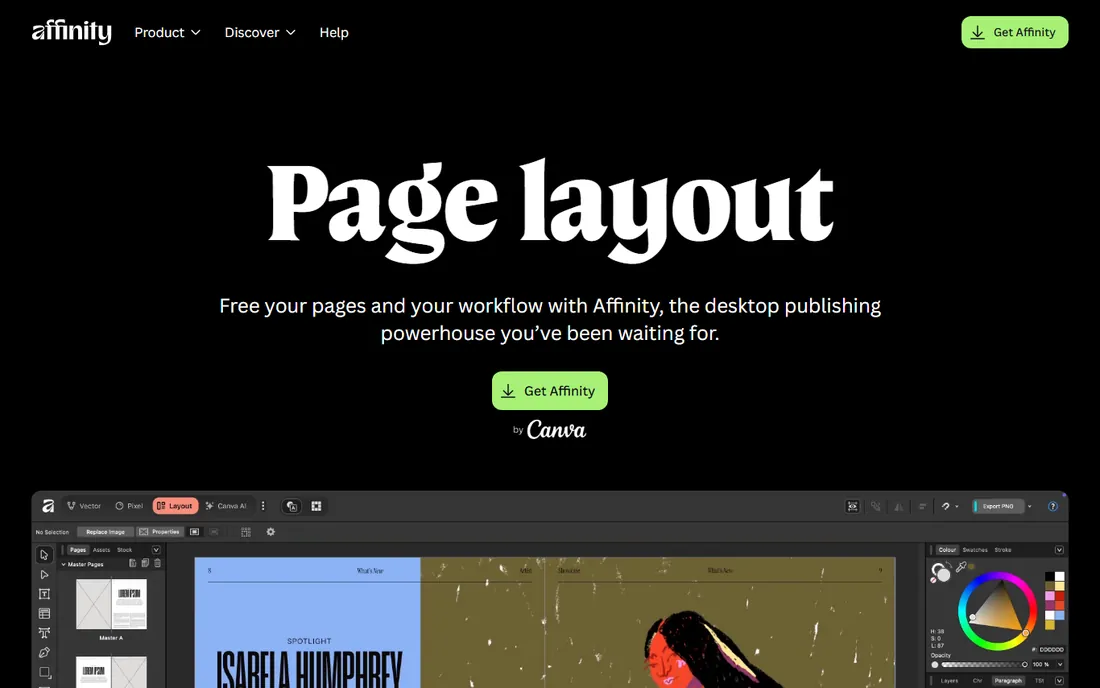
Affinity Publisher, from Serif, is the favorite of designers fleeing subscriptions. It handles CMYK output, master pages and text styles capably, and its StudioLink feature opens linked Affinity Photo and Designer documents for editing without leaving the layout. For brochures, magazines and books, it does professional work at a fraction of the cost of a year of InDesign.
It is not a full InDesign replacement for complex publishing pipelines: very long documents and specialized prepress automation are weaker, and shops that exchange InDesign files daily may find the friction annoying. For freelancers and small studios working on brochures, books and magazines, though, the value is difficult to beat, and the free trial makes the comparison easy.
What we like- One-time purchase model
- StudioLink lets you edit photos and vectors inside the layout
- Excellent typography for the price
Watch out for- Long-document features trail InDesign
- Smaller prepress community
- No subscription means waiting for paid upgrades
#4
Scribus
Best for: Zero-cost professional desktop publishing on Windows, Mac and Linux
Visit scribus.net
Starting priceFree
Free planYes
Scribus has quietly served as the free alternative to InDesign for over twenty years. It is genuinely capable of professional print work: CMYK color, ICC profiles, PDF/X export and scripting via Python. Nonprofits, schools and freelancers with no budget have produced real magazines and books with it.
The interface shows its age and the template ecosystem is thin, so expect to build designs from scratch and to consult the wiki for advanced tasks. New versions continue to add features like the planned 1.7 series, and the volunteer community keeps it improving year after year. If you need professional layout features for exactly zero dollars, nothing else comes close.
What we like- Completely free and open source
- Real CMYK color management and PDF/X export
- Runs on all major platforms
Watch out for- Dated interface
- Fewer templates
- Steeper learning curve than commercial rivals
#5
Canva
Best for: Quick brochures, flyers and social layouts made by non-designers
Visit canva.com
Starting priceSee website
Free planYes
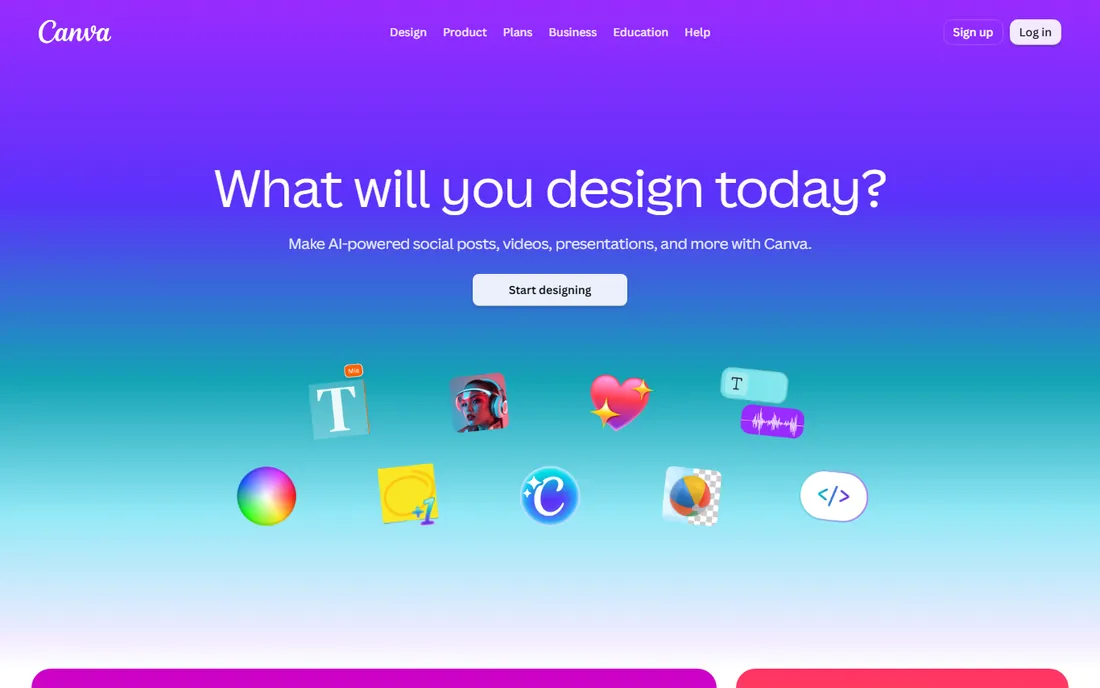
Canva is not a traditional page layout tool, but for small business materials it often replaces one. Thousands of templates for flyers, menus, proposals and presentations mean a marketer can produce something decent in an afternoon. The free plan is generous and collaboration is painless.
Serious print work exposes the limits: fine typography, bleed control and color management are rudimentary, and multi-page documents with running headers are awkward. Use Canva for speed and everyday materials, and graduate to a real layout tool for anything going to a commercial printer.
What we like- Enormous template library
- Dead simple to use
- Sharing and commenting built in
Watch out for- Limited typographic control
- Print output is basic
- Brand management needs the paid plan
#6
VivaDesigner
Best for: Cross-platform professional layout with a free edition
Visit viva.systems
Starting priceSee website
Free planYes (free edition)
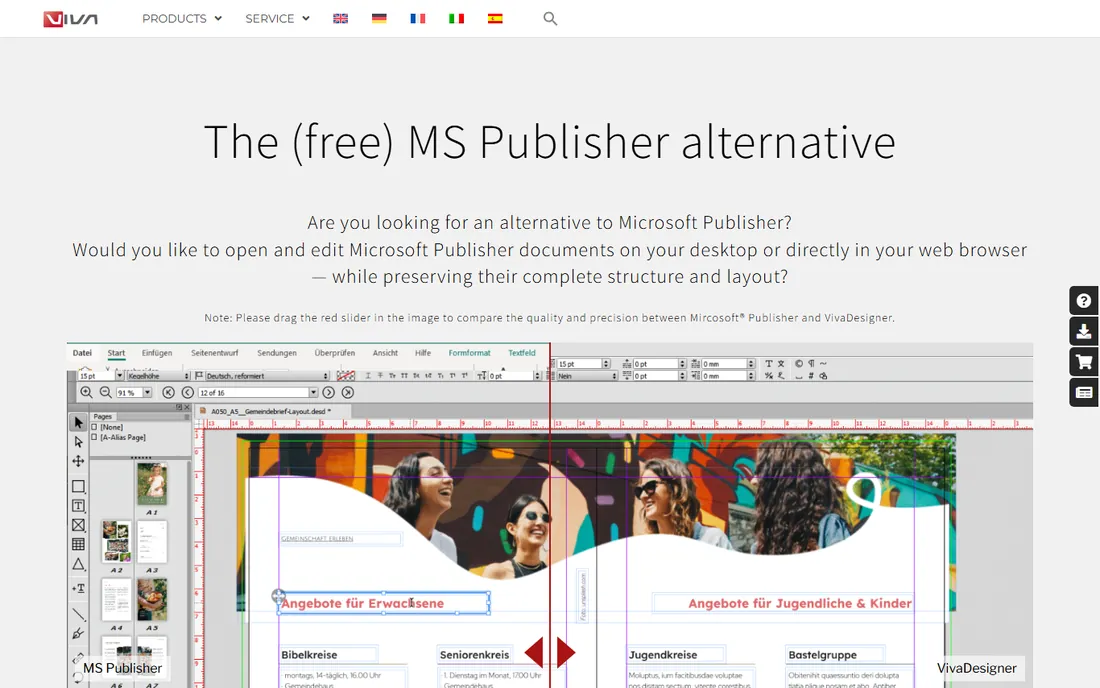
VivaDesigner is a German layout program that has spent two decades positioning itself as a friendly professional alternative to InDesign and QuarkXPress. It runs on every major desktop platform and even in a web browser, with identical file formats across them. The vendor offers a free edition alongside paid personal and commercial editions.
Recent versions added AI-assisted features like image editing and automatic translation, plus a virtual currency system for AI usage with a free monthly quota. For teams mixing Windows, Mac and Linux, or for anyone wanting professional layout with a genuinely free tier, it is worth downloading.
What we like- Runs on Windows, Mac, Linux and in web browsers
- Free edition available
- AI-assisted features in recent versions
Watch out for- Smaller user community
- English documentation can lag
- Less known to print shops
Starting price$19.99 one-time
Free planFree trial
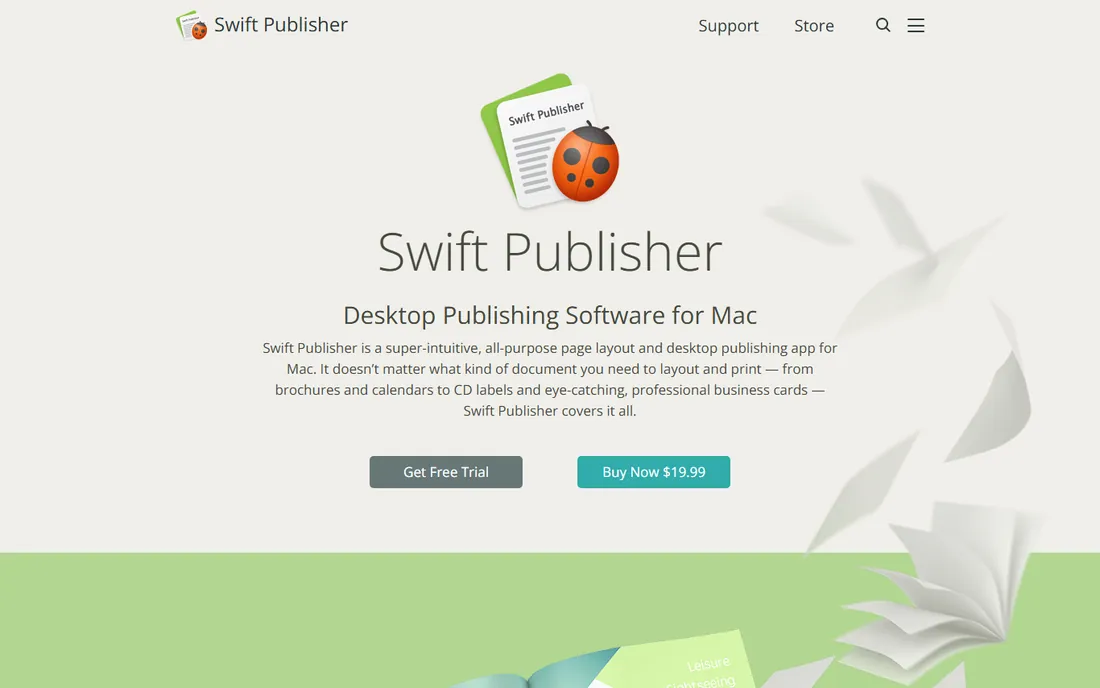
Swift Publisher from BeLight Software is the friendly Mac option: an intuitive desktop publishing app with hundreds of templates for brochures, newsletters, business cards and labels. The vendor sells it for $19.99 with a free trial, making it one of the cheapest ways to get real layout tools on a Mac.
It is aimed at home and small-business users rather than print professionals, so prepress features are limited, though PDF export covers everyday print jobs. For church bulletins, club newsletters and event flyers on a Mac, it is all most people need.
What we like- Very affordable one-time price
- 500+ templates and 2,000 clipart images
- Designed for casual users
Watch out for- Mac only
- Not a match for professional prepress
- IPad version has been long promised
#8
Marq
Best for: Teams that need brand-consistent documents across many contributors
Visit marq.com
Starting priceSee website
Free planNo
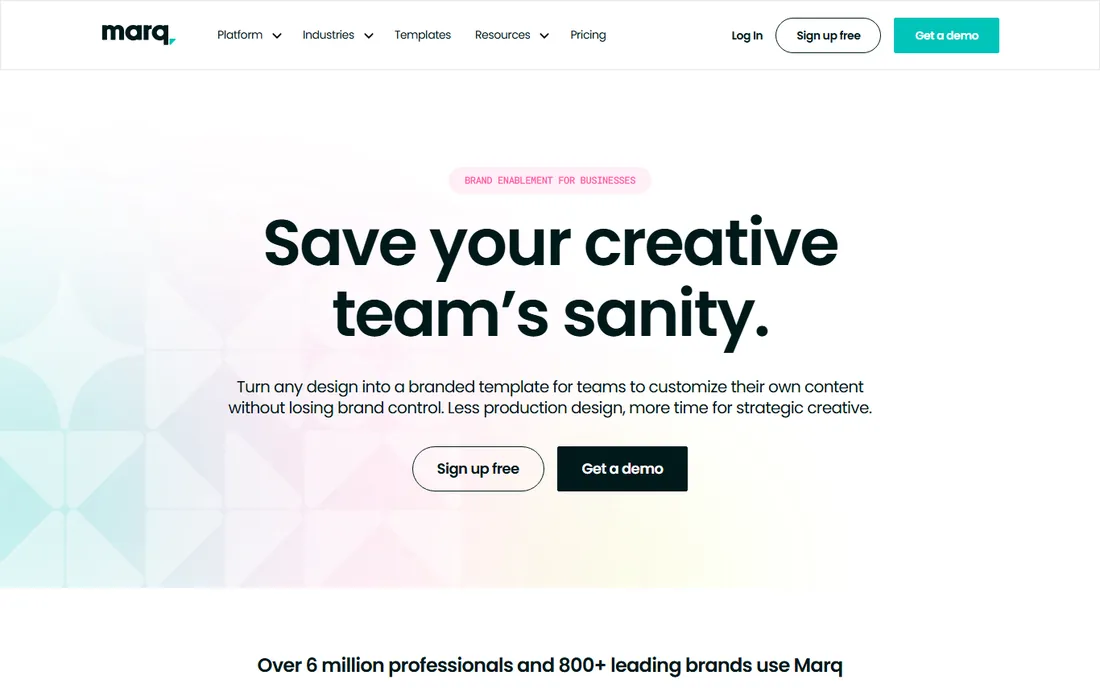
Marq (formerly Lucidpress) solves a different problem: how do you let dozens of non-designers create on-brand documents? Brand managers lock fonts, colors and logos into templates, and anyone in the company can edit text and images within those guardrails. Proposals, one-pagers and reports stay consistent without a designer touching every one.
It will not replace InDesign for print craft, and designers who need precise control will feel constrained. But for marketing teams and franchises producing large volumes of templated documents, the governance features justify it. The browser-based editor means nothing to install, and nothing for IT to maintain.
What we like- Browser-based with brand templates and asset locking
- Role-based editing for non-designers
- Approval workflows
Watch out for- Design control is limited compared to InDesign
- Per-user pricing adds up
- Needs an internet connection
Start with output: if files go to a commercial printer, choose a tool with CMYK and PDF/X support (InDesign, QuarkXPress, Affinity Publisher, Scribus, VivaDesigner). If layouts are digital-only or in-house prints, Canva, Swift Publisher or Marq are faster and cheaper.
Then consider your team's skills. Professional tools assume layout knowledge; template-driven tools assume none, and that difference decides whether your team will actually use the software you buy. Finally, price the total: subscriptions compound, so a one-time purchase from Affinity or Swift Publisher, or a free tool like Scribus, can win over several years of paying monthly.
How we chose
We selected page layout tools with established user bases and current availability, replacing Microsoft Publisher (retired in 2026) with Marq. Prices come from vendor stores where verified: QuarkXPress at $314 per year subscription (perpetual $637) from quark.com, Swift Publisher at $19.99 one-time from swiftpublisher.com. Affinity Publisher pricing was not verified from the vendor's own page, so it is marked "See website." VivaDesigner offers a free edition per the vendor's own materials. No hands-on testing was involved.
Frequently asked questions
What is page layout software?
It is software for arranging text, images and graphics across pages with precise control: brochures, magazines, books, newsletters and reports. It sits between word processors, which are text-first, and graphic design tools, which are image-first.
Can I use Canva for professional printing?
For basic jobs, yes, if you export with the right settings. For commercial offset printing with exact color and bleed requirements, a dedicated layout tool like InDesign, QuarkXPress or Affinity Publisher is safer.
Is Scribus good enough for professional work?
For many jobs, yes. Scribus supports CMYK color management and PDF/X export, which is what printers need. The interface is dated and templates are scarce, but the output quality is professional.
Should I choose a subscription or one-time purchase?
Subscriptions like InDesign's spread cost monthly and always include updates. One-time purchases like Affinity Publisher or Swift Publisher cost less over several years but require paid upgrades for new versions. QuarkXPress offers both models.
What happened to Microsoft Publisher?
Microsoft retired Publisher in 2026. Former users should migrate to Affinity Publisher or Swift Publisher for desktop layout, or to Canva or Marq for template-driven documents.
Which layout tool is best for a small business?
For most small businesses, Canva covers everyday needs and Affinity Publisher covers anything going to a printer. Only consider InDesign or QuarkXPress if you hire designers or publish regularly.
Sources we checked (5)
- https://www.quark.com/shop
- https://www.quark.com/about/blog/quarkxpress-perpetual-vs-subscription-the-real-maths
- https://www.swiftpublisher.com/
- https://www.scribus.net
- https://viva.systems/viva-presents-vivadesigner-11-1-the-worlds-first-layout-program-with-integrated-ai/
Is your product missing or out of date?
We review this list regularly. Vendors can request a listing, send updated pricing or ask about featured placement.

Shihab Mia · Founder, Rankite
Shihab has spent more than a decade helping SaaS and e-commerce brands grow through search. He writes Rankite's software buying guides from pricing pages, documentation and public user reviews. More about Shihab.