How we make this list: we compare pricing pages, product documentation and public user reviews. Rankite is independent; if a vendor ever pays for a featured spot, that listing is clearly labeled Partner.
Key takeaways
- Beginners should start with Kryptex or Cudo Miner: one-click Windows miners that pick the profitable coin for you.
- NiceHash is different from the rest: a hash power marketplace where you sell computing power instead of mining a coin directly.
- Multi-rig operations need management software: Hive OS, Minerstat and Awesome Miner monitor and control whole farms remotely.
- Most mining software is free; the money is made on pool fees, dev fees or paid tiers past a couple of rigs.
- Mining profitability lives and dies on electricity cost. No software fixes expensive power.
Quick comparison
| Tool | Best for | Starting price | Free plan |
|---|
 NiceHash NiceHash | Miners who want to sell hash power instead of mining one coin | Free (service fees on transactions) | Yes |
 Kryptex Kryptex | Windows users trying mining for the first time | Free (performance fee on earnings) | Yes |
 Cudo Miner Cudo Miner | Beginners who may scale to multiple machines | Free | Yes |
 Awesome Miner Awesome Miner | Operators running mixed ASIC and GPU farms | Free (up to 2 miners; paid tiers for more) | Yes |
 Hive OS Hive OS | Professional GPU and ASIC farm management | Free tier available (paid plans per worker) | Yes |
 Minerstat Minerstat | Miners who want monitoring and profit switching with a clean interface | Free tier available (paid plans per worker) | Yes |
 MultiMiner MultiMiner | Beginners who want an open-source GUI miner | Free (open source) | Yes |
 EasyMiner EasyMiner | Absolute first-timers on Windows or Linux | Free (open source) | Yes |
Is your product missing or out of date?
We review this list regularly. Vendors can request a listing, send updated pricing or ask about featured placement.
The best mining software
You have a gaming PC with a decent GPU sitting idle, or you are pricing out your first ASIC, and you want to know which software actually turns hardware into coins without a week of forum reading. Mining software does three jobs: it runs the mining algorithm on your hardware, connects you to a pool (or marketplace), and reports what you earned. These eight cover the real options, from beginner one-click miners to farm management platforms.
#1
NiceHash
Best for: Miners who want to sell hash power instead of mining one coin
Visit nicehash.com
Starting priceFree (service fees on transactions)
Free planYes
NiceHash is not a pool, it is a marketplace. Sellers point their hardware at NiceHash, buyers purchase that hash power to mine whatever they want, and sellers get paid in Bitcoin. The software auto-switches to the most profitable algorithm for your hardware, so you skip the research on which coin to mine this week. For GPU owners who want Bitcoin payouts without managing wallets for five altcoins, it is the simplest path.
The cost is the fee stack: service fees apply to mining and to payouts, typically a few percent end to end. NiceHash suffered a major hack in 2017 and repaid users, but the memory persists in mining forums. Treat it as convenient infrastructure with a fee, not the highest-margin option.
What we like- Hash power marketplace with automatic algorithm switching
- Paid out in Bitcoin regardless of what was mined
- Large buyer and seller liquidity
Watch out for- Fees on both buying and selling hash power
- Past security incidents linger in its reputation
- Profitability depends on marketplace demand
Starting priceFree (performance fee on earnings)
Free planYes
Kryptex is built for the curious: install it on a Windows PC, click start, and it benchmarks your hardware, picks the most profitable coin and converts earnings to Bitcoin. It runs in the background while you work, throttling when you need the GPU. Payout options include Bitcoin and, in supported regions, cash withdrawals.
The tradeoffs are scope and cost. Windows only, GPU and CPU only, and Kryptex takes its cut as a performance fee on what you earn. It will never be the choice of a serious farm. But as the lowest-friction way to answer "is my PC worth mining on," nothing beats it.
What we like- One-click setup on Windows with automatic coin selection
- Pays out in Bitcoin or cash options
- Runs quietly in the background
Watch out for- Windows only
- Takes a performance fee from earnings
- GPU mining only, no ASIC support
Starting priceFree
Free planYes
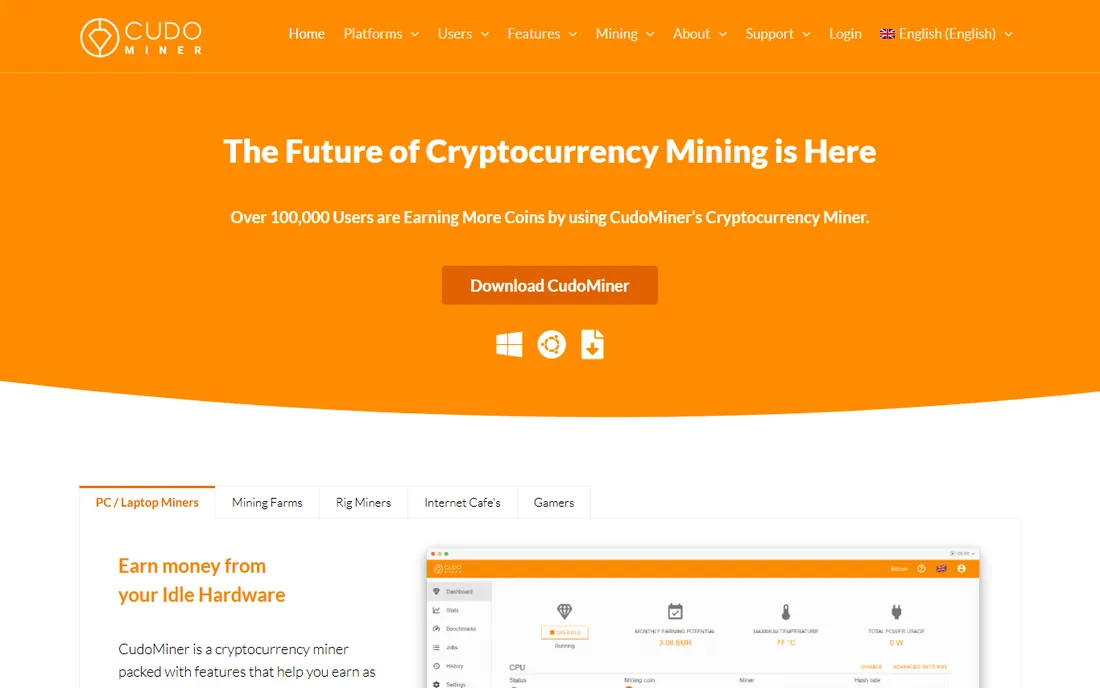
Cudo Miner starts where Kryptex does, automatic setup and profit switching on a home PC, but it has somewhere to grow: Cudo Farm lets you manage multiple rigs from one dashboard when the hobby turns serious. The interface is polished for a mining tool, with clear earnings reporting and hardware stats.
Like all automated miners, it earns its keep from your earnings via commission, so compare the effective rate against running a plain miner on a low-fee pool once you know what you are doing. Overclocking controls exist but are not as deep as dedicated tools. Good as a first miner that does not punish you for expanding.
What we like- Automated benchmarking and coin switching
- Cudo Farm adds remote management as you grow
- Clean dashboard for non-technical users
Watch out for- Takes a commission on earnings
- Advanced overclocking is basic
- Smaller community than the big pools
Starting priceFree (up to 2 miners; paid tiers for more)
Free planYes
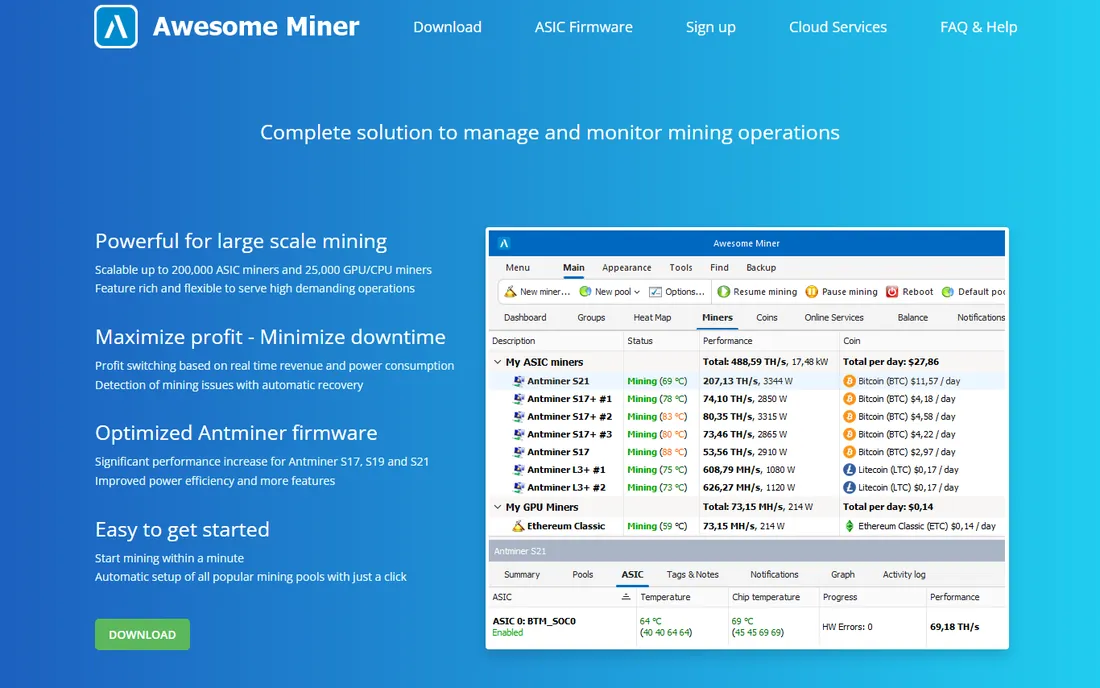
Awesome Miner is farm management software: one dashboard for mixed hardware, ASICs from multiple manufacturers alongside GPU rigs, with profit switching, temperature monitoring and remote control. It integrates with the major pools and supports automated rules, like switching coins when profitability shifts or rebooting hung miners. The free tier covers up to 2 miners, which is enough to evaluate it on a small setup.
Past that you pay per miner, so price it against Hive OS and Minerstat for your rig count. The Windows-based console feels dated next to web-first competitors, and large operations will want the paid tiers for the automation features. For mixed-hardware farms that need one pane of glass, it remains a workhorse.
What we like- Manages ASICs, GPUs, FPGAs and CPUs from one console
- Profit switching across pools
- Scales from a few rigs to hundreds
Watch out for- Windows-centric management console
- Paid tiers needed past 2 miners
- The interface shows its age
Starting priceFree tier available (paid plans per worker)
Free planYes
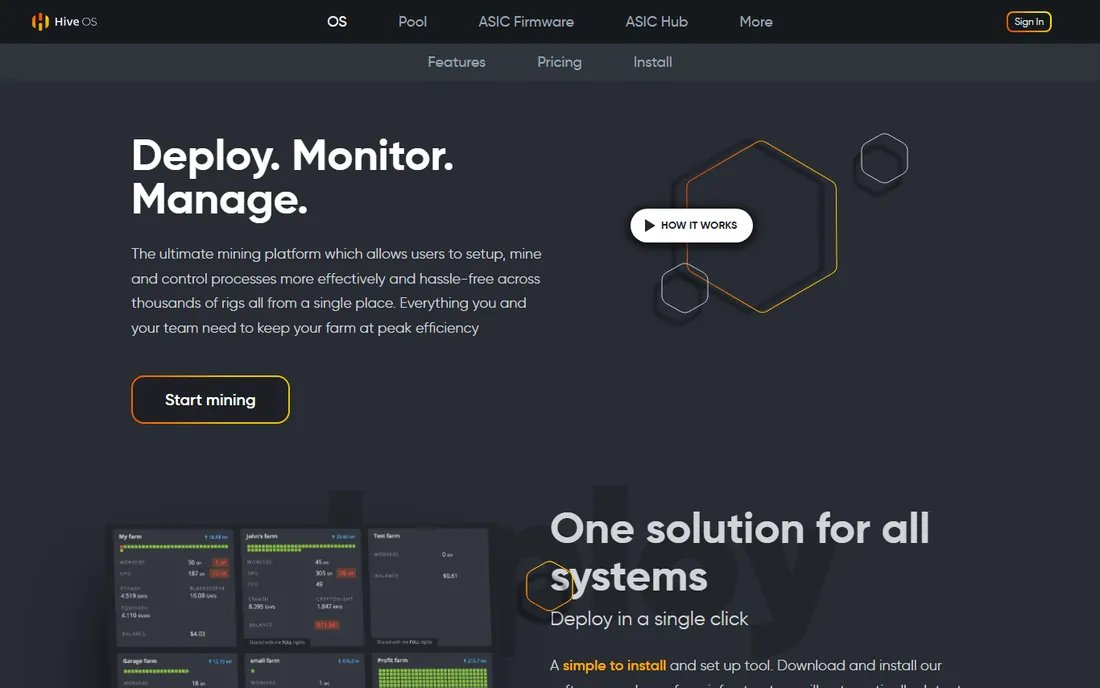
Hive OS is the standard operating system for serious GPU mining: you flash it onto rigs, and the web dashboard handles overclocking, fan curves, profit switching and monitoring across the whole farm. Bulk commands push changes to hundreds of workers at once. The community is large enough that most problems have documented fixes.
The pricing is per worker per month past the free tier, so model it against your rig count before committing; big farms negotiate or self-host alternatives. It is Linux under the hood, which is a feature for stability and a hurdle if you only know Windows. For anyone running more than a couple of rigs, Hive OS is usually the first serious tool evaluated.
What we like- Purpose-built Linux mining OS with web dashboard
- Overclocking profiles and bulk management
- Huge community and documentation
Watch out for- Per-worker pricing adds up on big farms
- Linux-based, so Windows miners look elsewhere
- The free tier has worker limits
#6
Minerstat
Best for: Miners who want monitoring and profit switching with a clean interface
Visit minerstat.com
Starting priceFree tier available (paid plans per worker)
Free planYes
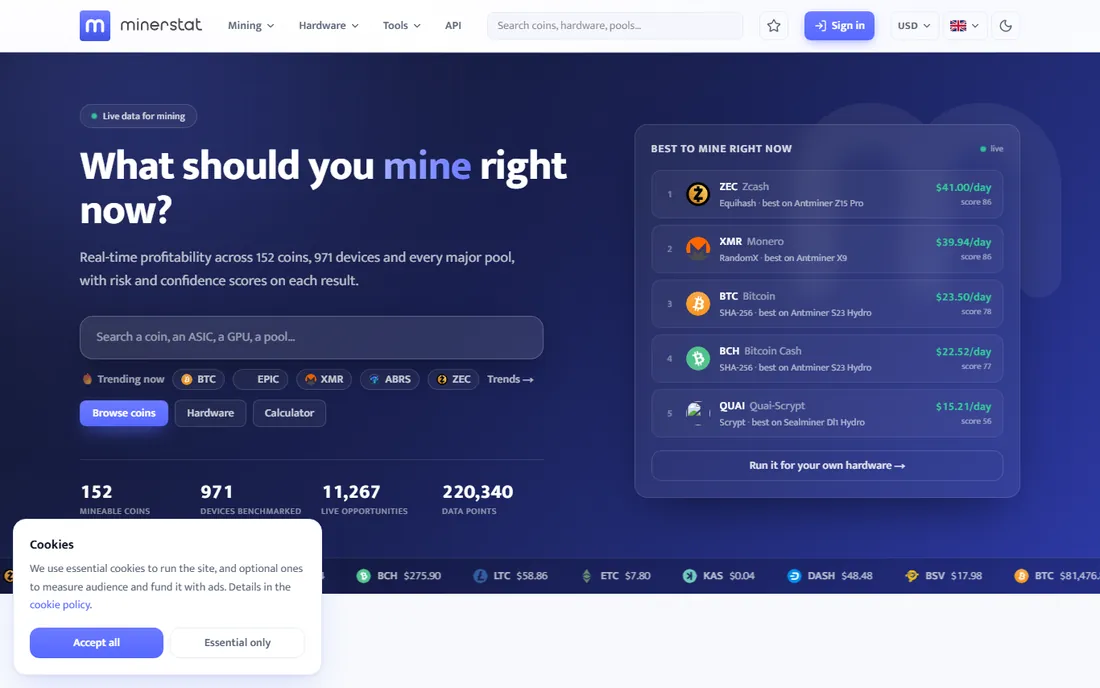
Minerstat competes directly with Hive OS on farm management: remote monitoring, overclocking, profit switching and detailed statistics from a polished web dashboard. Its alerting is a strong point, with configurable notifications for offline workers, high temperatures and hashrate drops. It supports the full hardware range, ASIC, GPU and FPGA.
Pricing follows the same per-worker model, so the Hive OS comparison comes down to interface preference and specific feature needs. The community is smaller, which matters when you need an obscure fix at 2 a.m. Worth evaluating side by side with Hive OS before standardizing a farm on either.
What we like- Clean web dashboard with strong alerting
- Profit switching across coins and pools
- Supports ASIC, GPU and FPGA
Watch out for- Per-worker pricing like Hive OS
- Advanced features need paid tiers
- Smaller community than Hive OS
Starting priceFree (open source)
Free planYes
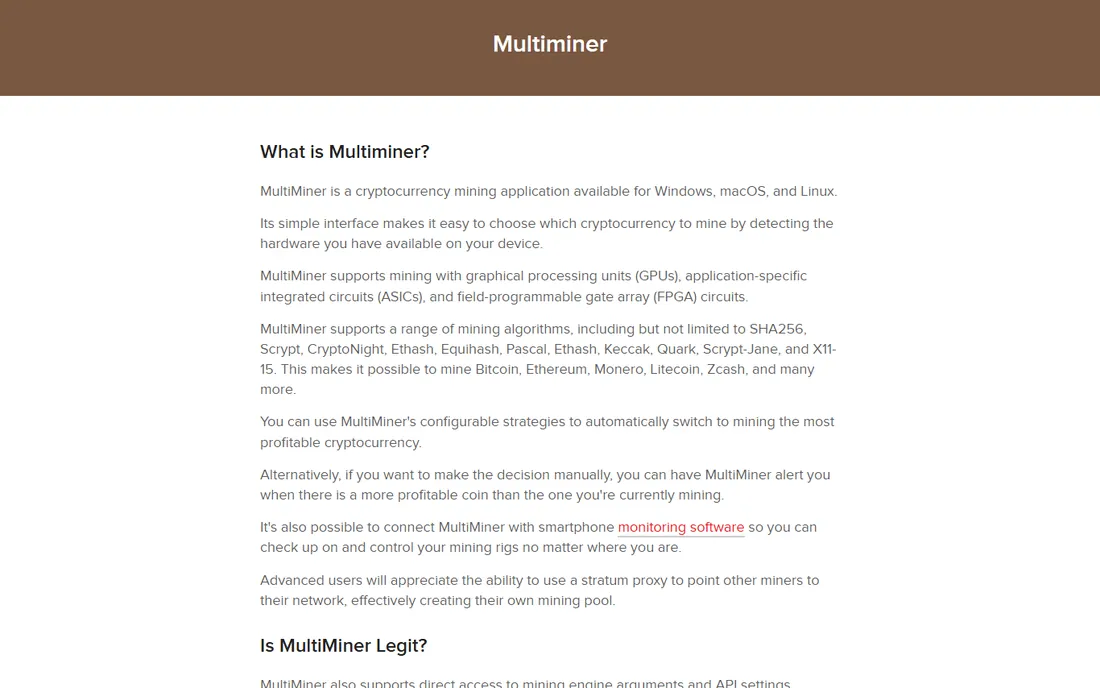
MultiMiner wraps the classic mining engines (BFGMiner and friends) in a beginner-friendly interface: it detects your hardware, suggests a coin, and starts mining with minimal configuration. Being open source and fee-free, everything you earn past pool fees is yours. Remote monitoring of multiple machines is built in.
The honest caveat is momentum: the project is mature but quiet, and the coin and algorithm list does not track the bleeding edge. For learning how mining works on a single machine without fees or accounts, it is still excellent. For chasing the most profitable new algorithm weekly, use an actively maintained tool.
What we like- Simple graphical interface over proven mining engines
- Automatic detection of hardware
- No fees beyond pool fees
Watch out for- Development has slowed
- Fewer coins and algorithms than active projects
- Basic feature set next to commercial tools
Starting priceFree (open source)
Free planYes
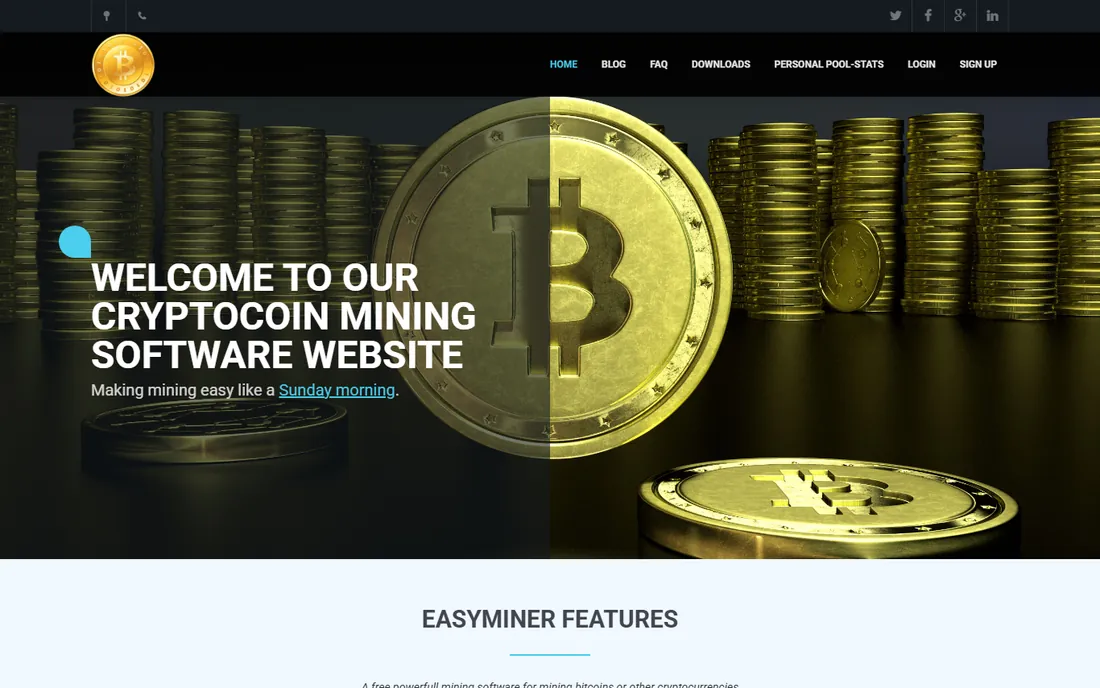
EasyMiner is the shallow end of the pool: a simple GUI miner for CPU, GPU and ASIC in solo or pool mode, free and open source. If the goal is to understand what mining software does before committing to anything, it gets you hashing in minutes with no account and no fees.
Expectations should match the simplicity. There is no profit switching, no remote management, no overclocking suite. It is a learning tool and a first step, not a platform. Graduate to Kryptex or Cudo Miner for automation, or Hive OS when hardware multiplies.
What we like- The simplest graphical start in mining
- Solo and pool modes
- No cost and no account needed
Watch out for- Very basic, no farm features
- Interface is minimal
- Not suited to anything beyond a first experiment
The profitability reality check
Mining software does not determine whether you make money; electricity and hardware do. Before installing anything, calculate: your hardware's hashrate, the network difficulty, the coin price, and your electricity rate per kWh. Online mining calculators do this math in seconds. If the number is negative at your power rate, no software changes that.
Fees stack up quietly: pool fees (1 to 2 percent is typical), software commissions on automated miners, payout fees, and per-worker subscriptions on farm platforms. A "free" miner taking a 5 percent commission can cost more than a paid tool with a 1 percent pool fee. Run the full-fee math for your setup, not just the sticker price.
What to check before you mine
Check your hardware's real profitability first with a calculator, using your actual electricity rate. Check thermals: mining loads hardware 24/7, so cooling and fan noise matter, especially in a home. Check your power supply's capacity and the wiring; sustained full load is different from gaming sessions.
Check the payout terms: minimum payout thresholds, payout fees and supported wallets or exchanges. Check pool versus marketplace: pools pay for your contributed work on one coin, marketplaces like NiceHash pay in Bitcoin for your hash power. And check local rules: some regions restrict mining or price electricity for it differently.
How we chose
We started with the searches miners use: best mining software, best crypto mining software and best Bitcoin mining software. For each candidate we checked the vendor's own site for current availability and pricing, read recent mining community discussion, and compared hardware support, fees and ease of use. Where pricing details could not be confirmed on the vendor's page, we wrote "See website".
Frequently asked questions
Is crypto mining still profitable in 2026?
Sometimes, for some hardware at some electricity rates. ASICs on cheap power can profit; GPU mining on residential electricity often does not. Run a mining calculator with your exact hardware and power rate before buying anything. Never buy hardware on the assumption that prices will rise to make it profitable.
What is the easiest mining software for beginners?
Kryptex or Cudo Miner on Windows: install, click start, get paid in Bitcoin. EasyMiner is the simplest open-source option. All three skip the manual pool and wallet configuration that trips up first-timers.
Do I need a mining pool?
Almost always yes. Solo mining with consumer hardware will essentially never find a block on major coins. Pools combine many miners' power and split rewards. NiceHash is the alternative: sell your hash power on its marketplace instead of joining a pool.
Can I mine on a laptop?
Technically yes, practically no. Laptops throttle under sustained load, overheat, and the earnings rarely cover the wear on the machine. A desktop GPU is the minimum sensible starting point, and even then, check profitability first.
What fees should I expect?
Pool fees of 1 to 2 percent are standard. Automated miners may take a commission on earnings instead of or in addition to pool fees. Farm platforms charge per worker per month past their free tiers. Add payout and exchange fees when converting to cash.
Sources we checked (8)
- https://nicehash.com
- https://kryptex.com
- https://cudominer.com
- https://awesomeminer.com
- https://hiveos.farm
- https://minerstat.com
- https://multiminerapp.com
- https://easyminer.net
Is your product missing or out of date?
We review this list regularly. Vendors can request a listing, send updated pricing or ask about featured placement.

Shihab Mia · Founder, Rankite
Shihab has spent more than a decade helping SaaS and e-commerce brands grow through search. He writes Rankite's software buying guides from pricing pages, documentation and public user reviews. More about Shihab.