How we make this list: we compare pricing pages, product documentation and public user reviews. Rankite is independent; if a vendor ever pays for a featured spot, that listing is clearly labeled Partner.
Key takeaways
- Accountants should buy the partner version, not the standard plan: Gusto Pro, OnPay's accountant program and Patriot's partner tier add multi-client dashboards the retail plans lack.
- If your clients are tiny, Patriot Full Service ($37/month + $5 per worker) and SurePayroll ($29/month + $7 per employee) keep per-client costs low enough to bundle into your fee.
- QuickBooks Payroll only makes sense when the client already runs QuickBooks Online; the accounting subscription stacks on top of the $50/month + $6.50 per employee Core price.
- ADP Run and Paychex Flex hide pricing behind sales reps, which makes them hard to quote inside a fixed-fee client engagement.
The best payroll software for accountants
Running payroll for one company is a product decision. Running it for twenty clients is a practice decision, and the math is different. You need one login that sees every client, per-client pricing you can mark up or pass through, and a vendor that answers the phone when a client's filing goes sideways in April. These eight platforms all court accountants specifically, with partner programs, firm dashboards and multi-client workflows.

#1
Gusto
Best for: Firms that want a modern partner program with a real dashboard
Visit gusto.com
Starting price$49/month + $6/employee/month (Simple plan)
Free planNo (no free trial advertised)
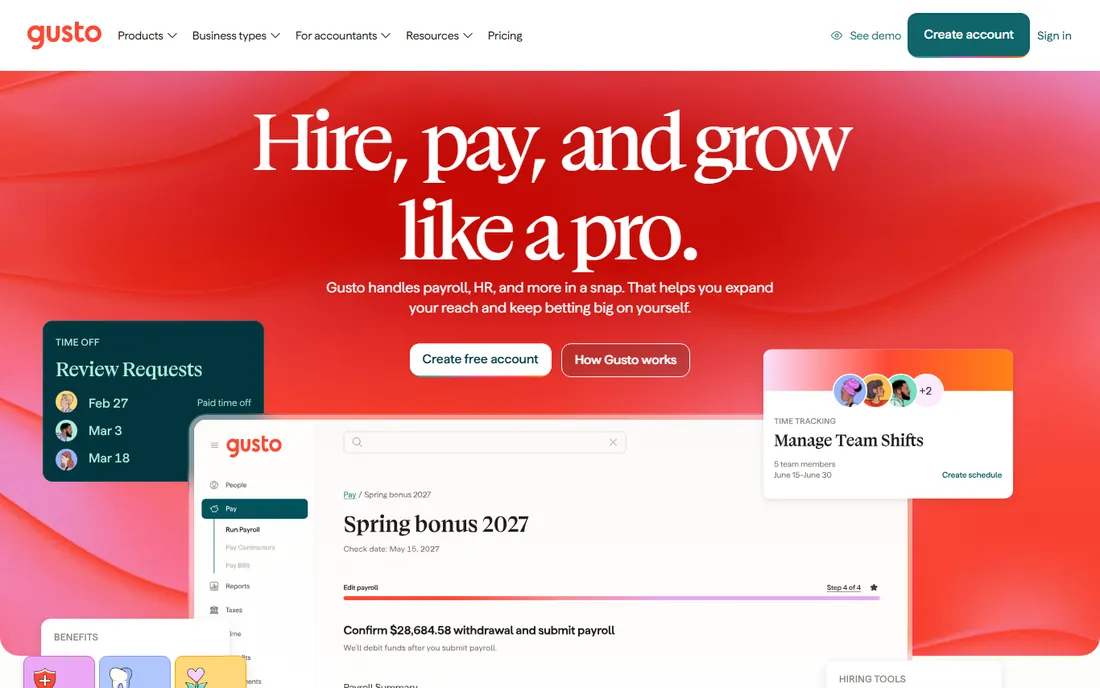
Gusto Pro is the accountant version of the small-business favorite, and the difference is the firm dashboard: one login, every client, payroll status at a glance. That alone saves firms that currently juggle twenty separate logins. Pricing stays transparent, $49 base plus $6 per employee on Simple, so quoting a fixed-fee engagement is arithmetic, not guesswork. Gusto courts accountants actively, with partner resources and migration assistance.
The catch for firms is scale math. Six dollars per employee per client is fine for ten-person clients and painful for fifty-person ones, so segment your book before standardizing. Clients that need multi-state payroll or next-day direct deposit need Plus at $80 plus $12 per employee. For firms whose clients cluster under 30 employees, Gusto Pro is the easiest platform to run.
What we like- Gusto Pro gives firms a single dashboard across all clients
- Published pricing makes client quotes easy
- Free setup and migration help for firms
Watch out for- Per-employee fees add up across a large client base
- Advanced features sit on higher tiers
- No phone support on the cheapest plan

#2
OnPay
Best for: Firms that want one simple price across every client
Visit onpay.com
Starting price$49/month + $6/worker/month (single plan)
Free planFirst month free (no permanent free plan)
OnPay's pitch to accountants is the absence of decisions. Every client goes on the same $49 plus $6 per worker plan, with unlimited runs and all filings included. No tier comparisons, no feature matrices to explain to clients, no surprise that the cheap plan lacks the filing the client needs. The accountant partner program adds the multi-client dashboard and dedicated support.
The tradeoff is ceiling. US-only payroll rules out international clients, and firms whose clients need deep HR will bolt on extras. But for bookkeeping firms and small CPA practices with domestic small-business clients, OnPay is the simplest thing to standardize on, and the simplest to explain on an invoice.
What we like- One plan means one price to quote every client
- Partner program with a firm dashboard
- All tax filings included with no tier games
Watch out for- US-only, so no help for clients with overseas staff
- HR features cost extra
- Smaller brand than Gusto or ADP
Starting price$29/month + $7/employee/month (Full Service plan)
Free planNo (promo: 6 months free during the first 12 months, alternating months)

SurePayroll fits the bottom of a firm's client roster: the solo consultant, the two-person shop, the clients too small for Gusto's economics. At $29 base, you can bundle payroll into a monthly bookkeeping package without the payroll line eating the margin. The accountant program gives firms centralized client management, and the Paychex ownership means the compliance plumbing is serious.
Watch the edges. Year-end W-2 and 1099 filing costs $50 plus $5 per form, which you must pass through or absorb. The $7 per-employee fee makes 20-person clients expensive, so graduate those to another platform. Used as the small-client tier in a two-platform practice, SurePayroll earns its keep.
What we like- Low base fee keeps tiny clients profitable to serve
- Flat $9.99/month multi-state add-on
- Paychex backing with an accountant channel
Watch out for- Year-end forms cost extra ($50 plus $5 per form)
- Per-employee fees punish larger clients
- Thin HR features
Starting price$37/month + $5/worker paid/month (Full Service plan)
Free planFree trial (30 days)
Patriot is the price leader for firms whose clients count every dollar. Full Service at $37 plus $5 per paid worker covers all filings, and the clever billing detail, you pay only for workers actually paid that month, helps seasonal clients. A 10-person client costs $87 a month, the lowest full-service number here. The partner program gives accountants a dashboard and revenue sharing.
The product is deliberately narrow: reporting is basic, integrations are fewer than Gusto's, and each extra state costs $12 a month. Make sure clients land on Full Service, not the $17 Basic tier that leaves filings to them. For firms competing on price for micro-business clients, Patriot is the margin-friendly choice.
What we like- Cheapest full-service per-client cost on this list
- Charged only for workers actually paid
- Free US-based support and partner resources
Watch out for- Basic reporting and integrations
- $12/month per additional state
- The $17 Basic tier is not full-service, so quote the right one
Starting priceSee website (all plans custom-quoted)
Free planNo (3-month-free promo reported by reviewers, unverified)
ADP Run sells accountants on credibility and the Accountant Connect portal, which centralizes client payrolls much like Gusto Pro does. The compliance machinery is the deepest here: penalty guarantees, garnishment handling, SUI management. Some clients simply feel safer with ADP on the letterhead, and for firms serving risk-averse owners, that matters.
The commercial reality is opacity. No published prices means every client quote starts with a sales call, which is poison for fixed-fee practices. Reviewers report setup fees and add-on charges. Use ADP Run where the client's brand preference or compliance complexity justifies it, not as the default.
What we like- Accountant Connect portal for managing client payrolls
- Compliance depth with penalty guarantees
- Clients recognize the brand
Watch out for- No published pricing, so quoting fixed-fee work is guesswork
- Implementation fees reported
- Clients may outgrow RUN into pricier ADP tiers

#6
Paychex Flex
Best for: Firms wanting a dedicated-service model for clients
Visit paychex.com
Starting priceSee website (custom quote only)
Free planNo (no free trial advertised)
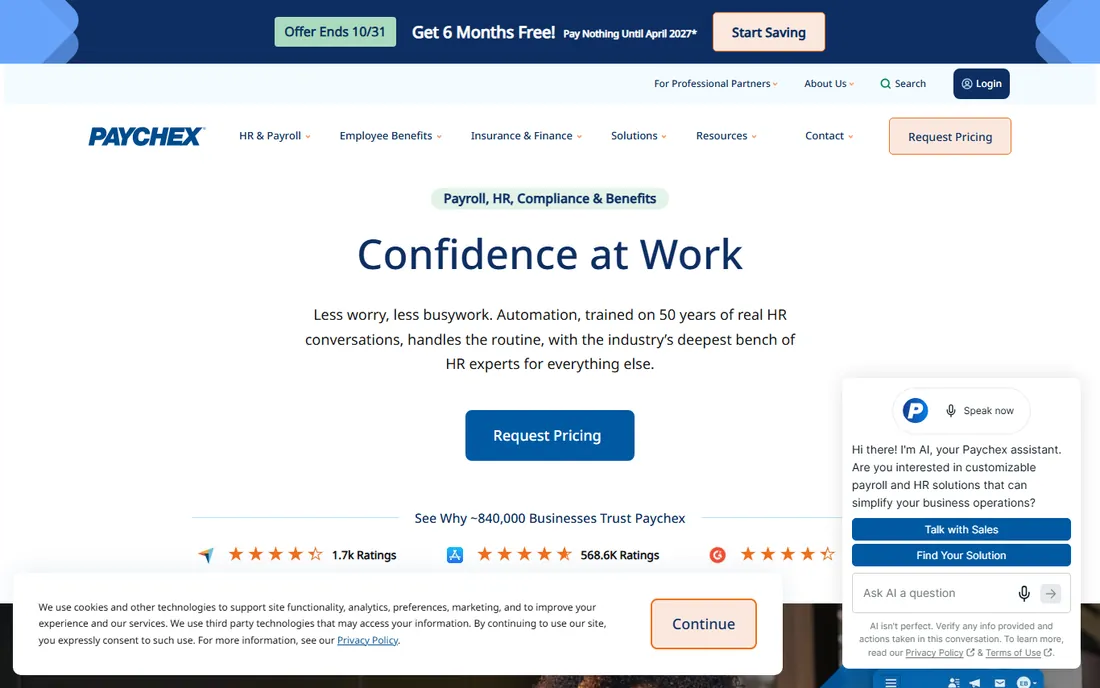
Paychex Flex courts accountants with Accountant HQ, a portal for managing every client's payroll, HR and benefits in one place, plus the dedicated-specialist model that reviewers cite as the differentiator. For firms whose clients are growing into real HR needs, benefits, retirement, workers' comp, Paychex covers the whole arc without switching vendors.
Price opacity is the recurring complaint: no published numbers, and reviewers report year-end fees and separately billed modules. Get the complete fee schedule, including termination terms, before moving clients over. It fits firms that sell high-touch service and can pass through premium pricing, not price-competitive practices.
What we like- Accountant HQ portal for firm-level client management
- Dedicated specialists available
- Full HR, benefits and PEO scope for growing clients
Watch out for- Zero price transparency
- Reviewers report year-end and add-on fees
- Annual contracts can carry termination fees
Starting price$50/month + $6.50/employee/month (Core plan)
Free planFree trial (30 days, per reviewers)
For firms already living in QuickBooks Online, QuickBooks Payroll is the path of least resistance: payroll entries flow straight into the books, no reconciliation gymnastics. Core at $50 plus $6.50 per employee covers next-day direct deposit and full-service filing, and the ProAdvisor program gives firms pricing and support advantages.
The stacking is the catch. The client pays for QuickBooks Online and payroll, and the combined bill exceeds every standalone option here. Never lead with QuickBooks Payroll for a client not already on QuickBooks. For the many firms whose book is 90 percent QBO, though, the integration saves more in staff time than the premium costs.
What we like- Payroll posts directly into the client's QuickBooks ledger
- ProAdvisor program perks
- Elite tier includes tax penalty protection up to $25,000 per year
Watch out for- The QuickBooks Online subscription stacks on top
- Core is the priciest starter base fee here
- Only sensible for existing QuickBooks clients

#8
Rippling
Best for: Firms with tech-forward clients wanting HR, IT and payroll unified
Visit rippling.com
Starting price$35/month + $12/employee/month (payroll starting point)
Free planNo (no free trial confirmed)
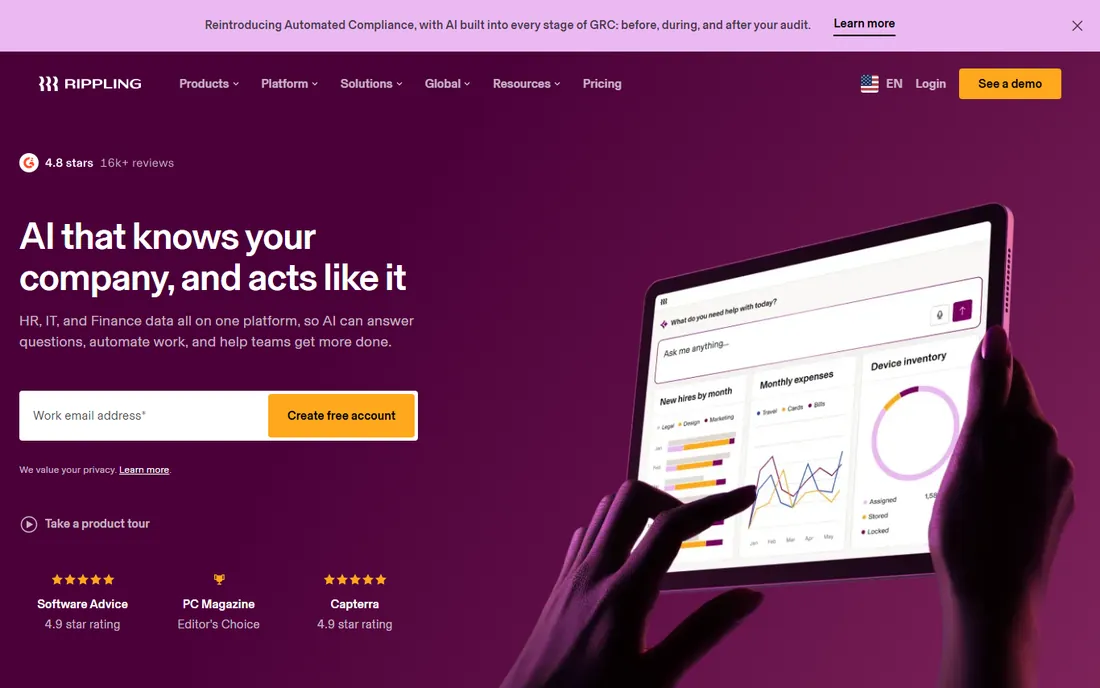
Rippling is the pick when the client is a startup that wants everything in one system: HR, payroll, benefits, device management and spend, all driven by a single employee record. For the accountant, that means fewer systems to reconcile and cleaner data. The partner program gives firms a way to manage these clients centrally.
The pricing stacks: payroll's $35 plus $12 per employee sits on platform fees and modules, so a 10-person client runs well above the specialists here. Reserve Rippling for clients who will actually use the unified platform. For straight payroll, the cheaper tools do the job with less overhead.
What we like- One employee record drives payroll, HR, benefits and IT
- Accountant partner program
- Unlimited pay runs with automatic tax filing
Watch out for- Modular pricing stacks on top of platform fees
- Most configurations need a sales quote
- Overkill for simple payroll clients
Quick comparison
| Tool | Best for | Starting price | Free plan |
|---|
| Gusto | Firms that want a modern partner program with a real dashboard | $49/month + $6/employee/month (Simple plan) | No (no free trial advertised) |
| OnPay | Firms that want one simple price across every client | $49/month + $6/worker/month (single plan) | First month free (no permanent free plan) |
 SurePayroll SurePayroll | Firms with micro-business clients (1 to 10 employees) | $29/month + $7/employee/month (Full Service plan) | No (promo: 6 months free during the first 12 months, alternating months) |
 Patriot Software Patriot Software | Budget-conscious firms serving very small clients | $37/month + $5/worker paid/month (Full Service plan) | Free trial (30 days) |
 ADP Run ADP Run | Firms whose clients expect a Big-Name provider | See website (all plans custom-quoted) | No (3-month-free promo reported by reviewers, unverified) |
| Paychex Flex | Firms wanting a dedicated-service model for clients | See website (custom quote only) | No (no free trial advertised) |
 QuickBooks Payroll QuickBooks Payroll | Firms standardized on QuickBooks Online | $50/month + $6.50/employee/month (Core plan) | Free trial (30 days, per reviewers) |
| Rippling | Firms with tech-forward clients wanting HR, IT and payroll unified | $35/month + $12/employee/month (payroll starting point) | No (no free trial confirmed) |
Is your product missing or out of date?
We review this list regularly. Vendors can request a listing, send updated pricing or ask about featured placement.
How to price payroll inside your client fees
The decision that matters most is not which platform but how you charge for it. Three models dominate. Pass-through: the client pays the vendor directly and you charge for administration. Bundled: you pay the vendor and wrap payroll into a monthly package, which works best with cheap, predictable platforms like Patriot or SurePayroll. Markup: you resell at a margin, which needs partner pricing that leaves room.
Whichever model you pick, standardize. Every additional platform in your practice multiplies training, support and year-end work. Most small firms land on two: one for micro-clients on price (Patriot, SurePayroll) and one for everyone else (Gusto, OnPay). Get partner pricing in writing before you quote a single client, and confirm who handles notices and amendments when a filing goes wrong.
Check the partner program terms, not just the product. The firm dashboard, revenue share, migration assistance and support SLAs differ more than the payroll features do. Confirm how client offboarding works: if a client leaves your firm, how cleanly does their payroll transfer, and who owns the data?
Check filing responsibility in writing. Full-service means the vendor files and pays taxes; some cheap tiers calculate but do not file, which leaves your firm holding the liability. Check multi-state pricing per client, year-end form fees, and whether the vendor supports the entity types in your book. Run one friendly client through the full cycle, including quarter-end, before migrating the rest.
How we chose
We started with the searches accountants use: payroll software for accountants, accountant payroll partner program and white-label payroll. For each candidate we checked the vendor's own site for partner or firm offerings, verified pricing against public sources, and compared multi-client workflows, pass-through economics and support. Where a price could not be confirmed on the vendor's page, we wrote "See website".
Frequently asked questions
Should accountants resell payroll or pass the cost to clients?
Both work. Pass-through keeps your liability low and suits premium platforms with unpredictable pricing. Bundled or marked-up works when the platform cost is low and predictable, like Patriot or SurePayroll, and it makes your monthly fee look simpler. Pick one model per platform and apply it consistently.
What is the difference between Gusto and Gusto Pro?
Gusto is the small-business product; Gusto Pro is the accountant version with a firm dashboard for managing all clients from one login, plus partner resources and support. Client pricing is the same, but the firm workflow is built for practices.
Can I manage all my clients' payrolls from one login?
Yes, on the platforms built for it: Gusto Pro, OnPay's partner program, Patriot's partner tier, SurePayroll's accountant offering, ADP's Accountant Connect, Paychex's Accountant HQ and Rippling's partner program all provide multi-client dashboards. Confirm the feature exists on the specific tier you buy.
How do I handle a client leaving my firm?
Ask before you sign. Good partner programs let the client take their payroll history and continue directly with the vendor. Confirm data ownership, export formats and whether historical filings transfer, ideally with one test client before you commit the book.
Is QuickBooks Payroll worth it for accountants?
Only if your clients already run QuickBooks Online. The integration saves real reconciliation time. For clients not on QuickBooks, the stacked subscription cost makes it the most expensive option here with no compensating advantage.
Sources we checked (8)
- https://gusto.com/product/pricing
- https://onpay.com/payroll/
- https://www.surepayroll.com/pricing
- https://www.patriotsoftware.com/pricing/
- https://run.adp.com
- https://www.paychex.com
- https://quickbooks.intuit.com/payroll/
- https://www.rippling.com/pricing
Is your product missing or out of date?
We review this list regularly. Vendors can request a listing, send updated pricing or ask about featured placement.

Shihab Mia · Founder, Rankite
Shihab has spent more than a decade helping SaaS and e-commerce brands grow through search. He writes Rankite's software buying guides from pricing pages, documentation and public user reviews. More about Shihab.