How we make this list: we compare pricing pages, product documentation and public user reviews. Rankite is independent; if a vendor ever pays for a featured spot, that listing is clearly labeled Partner.
Key takeaways
- Patriot Software and SurePayroll offer the most affordable DIY tiers for very small businesses.
- Gusto and OnPay combine self-service payroll with HR tools for growing teams.
- Square Payroll suits businesses already using Square for payments and scheduling.
- QuickBooks Payroll integrates tightly if you run QuickBooks accounting.
- Wave Payroll offers a free tier for basic needs, with paid upgrades for tax filing.
Quick comparison
| Tool | Best for | Starting price | Free plan |
|---|
 Patriot Software Patriot Software | Budget-conscious small businesses that want the lowest cost | $17/month + $4 per worker paid | 30-day free trial |
 SurePayroll SurePayroll | Small businesses that want full-service payroll at a small-business price | $29/month + $7 per employee (Full Service) | No |
 Gusto Gusto | Growing teams that need payroll plus HR in one system | See website | No |
 OnPay OnPay | Businesses that want transparent pricing with no surprises | $49/month base + $6 per worker | No |
 Square Payroll Square Payroll | Businesses already using Square for payments or scheduling | See website | No |
 QuickBooks Payroll QuickBooks Payroll | Businesses that run QuickBooks for accounting | See website | No |
 Wave Payroll Wave Payroll | Freelancers and micro-businesses that want a free start | Free tier available; paid plans vary by state | Yes |
Is your product missing or out of date?
We review this list regularly. Vendors can request a listing, send updated pricing or ask about featured placement.
The best do it yourself payroll software
Do it yourself payroll means you run payroll without hiring an accountant or bookkeeper. The software calculates wages, withholds taxes, files forms and pays employees, while you handle the few minutes of input each pay period. These seven options are built for owners who want control without complexity.
Starting price$17/month + $4 per worker paid
Free plan30-day free trial
Patriot Software positions itself as America's payroll for small businesses, and the pricing reflects it. At $17 per month plus $4 per worker, the Basic Payroll tier undercuts most competitors. The Full Service tier adds tax filing and deposits for businesses that want more automation. The interface is straightforward, and the company emphasizes that support is free and US-based.
The trade-off is scope. Patriot does payroll and accounting well but lacks the HR depth of Gusto or OnPay. Businesses that need benefits administration or advanced compliance tools will outgrow it. But for small employers who want affordable, no-frills payroll they can run themselves, Patriot is hard to beat on price.
What we like- Lowest starting price in the category
- USA-based support included free
- Simple interface designed for non-accountants
Watch out for- Basic plan requires you to file taxes yourself
- Fewer HR features than Gusto
- Add-ons increase cost
#2
SurePayroll
Best for: Small businesses that want full-service payroll at a small-business price
Visit surepayroll.com
Starting price$29/month + $7 per employee (Full Service)
Free planNo

SurePayroll, now part of Paychex, has served small businesses for over 25 years. The Full Service plan at $29 per month plus $7 per employee includes automatic tax calculations, filings and deposits, plus free direct deposit and unlimited payroll runs. The No Tax Filing tier at $20 per month suits owners comfortable handling taxes themselves.
SurePayroll is a known quantity in small business payroll. It lacks the sleek design of Gusto and the rock-bottom pricing of Patriot, but it delivers reliable full-service payroll with a long track record. Businesses that value stability over novelty will appreciate it.
What we like- 25 plus years serving small businesses
- Automatic tax filing and deposits
- Supports W-2 and 1099 workers
Watch out for- No free plan
- Interface less modern than newer competitors
- Higher per-employee cost than Patriot
#3
Gusto
Best for: Growing teams that need payroll plus HR in one system
Visit gusto.com
Starting priceSee website
Free planNo
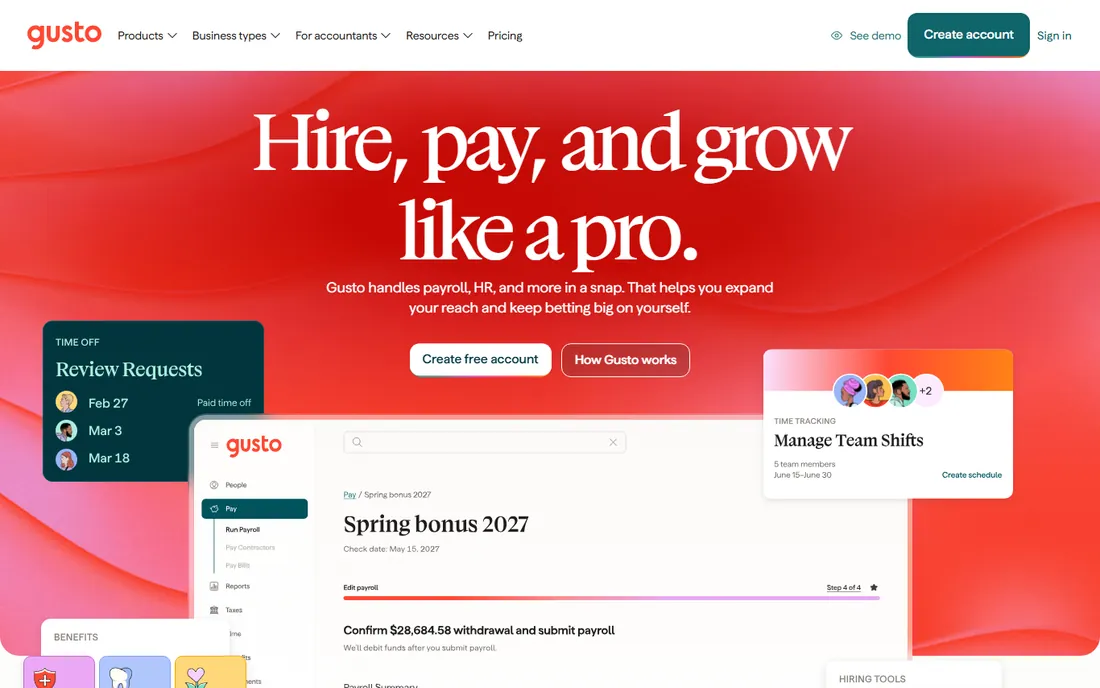
Gusto has become the default recommendation for small businesses that want more than payroll. The platform handles hiring, onboarding, benefits, time tracking and compliance alongside payroll, with AutoPilot that runs payroll without manual intervention. The interface is modern and the employee self-service is excellent.
Gusto costs more than Patriot or SurePayroll, and the HR features add complexity for businesses that just need to pay a few people. But for growing companies that want a single system for people operations, Gusto's breadth justifies the price. It is the best choice when payroll is part of a larger HR need.
What we like- 500,000 plus businesses use it
- AutoPilot runs payroll automatically
- Strong onboarding, benefits and compliance tools
Watch out for- More expensive than bare-bones payroll
- HR features may be overkill for micro-businesses
- Pricing requires quote
#4
OnPay
Best for: Businesses that want transparent pricing with no surprises
Visit onpay.com
Starting price$49/month base + $6 per worker
Free planNo
OnPay keeps pricing simple: $49 per month plus $6 per worker, with full-service payroll, tax filings and HR tools included. No tiers, no upsells, no haggling. The company emphasizes human support from a US-based team and offers free data migration for switchers.
The flat pricing is refreshing but the $49 base is higher than Patriot's $17. Very small businesses with one or two employees may find it expensive. But for businesses tired of deciphering tiered pricing, OnPay's transparency is a genuine advantage.
What we like- Single transparent price tier
- 100 percent US-based support
- Free setup and migration
Watch out for- Higher base price than Patriot
- Fewer integrations than Gusto
- No free plan
#5
Square Payroll
Best for: Businesses already using Square for payments or scheduling
Visit squareup.com
Starting priceSee website
Free planNo
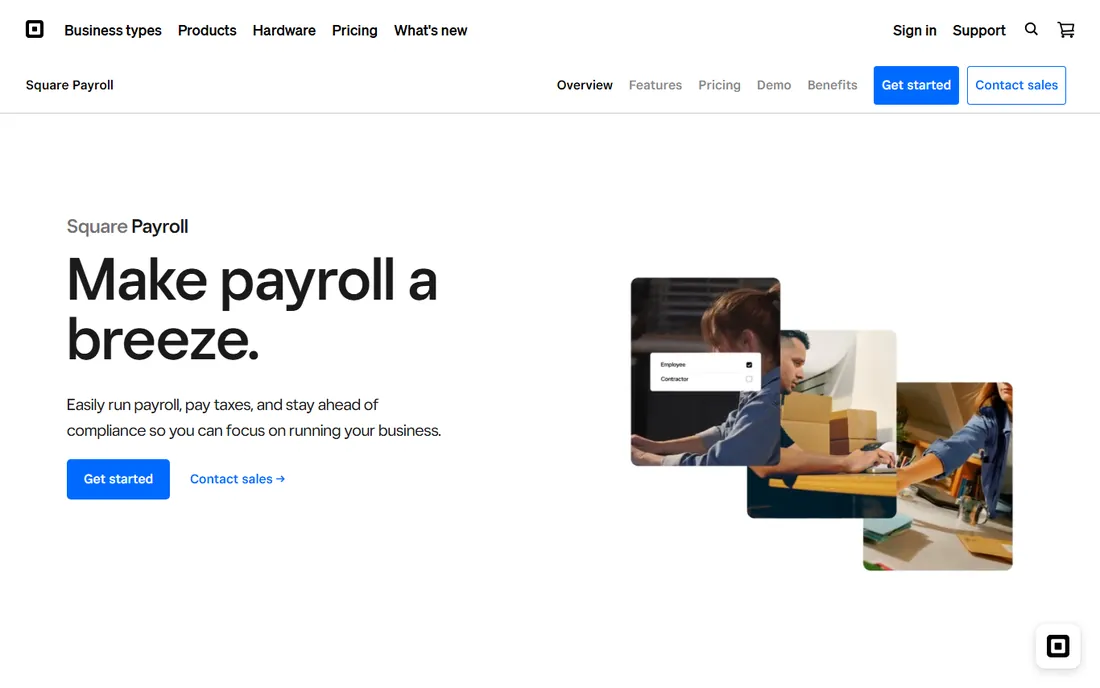
Square Payroll makes sense if you already run your business on Square. Time tracking, scheduling and payroll flow together, which is ideal for restaurants, retailers and services with hourly staff. Employees clock in with Square, hours sync to payroll, and you approve with a few clicks.
As a standalone payroll product, Square Payroll is less compelling than specialists. But for the millions of businesses using Square for payments, adding payroll keeps everything in one ecosystem. The integration eliminates double entry and reduces errors.
What we like- Integrates with Square POS, scheduling and time tracking
- Good for hourly workers
- Familiar interface for Square users
Watch out for- Best value only if you use other Square products
- Less HR depth than Gusto
- Pricing not published on homepage
Starting priceSee website
Free planNo
QuickBooks Payroll is the natural choice if you already use QuickBooks for accounting. Payroll data flows directly into your books, eliminating manual journal entries. Tax calculations, filings and payments are automated, and the integration with time tracking is solid.
The catch is the ecosystem lock-in. QuickBooks Payroll works best with QuickBooks Online, which means two subscriptions. Businesses not using QuickBooks should look elsewhere. But for the vast number of small businesses on QuickBooks, the integrated payroll is the path of least resistance.
What we like- Direct integration with QuickBooks Online
- Automatic tax calculations
- Trusted Intuit brand
Watch out for- Requires QuickBooks subscription for full value
- Can be pricey with add-ons
- Interface reflects Intuit complexity
#7
Wave Payroll
Best for: Freelancers and micro-businesses that want a free start
Visit waveapps.com
Starting priceFree tier available; paid plans vary by state
Free planYes
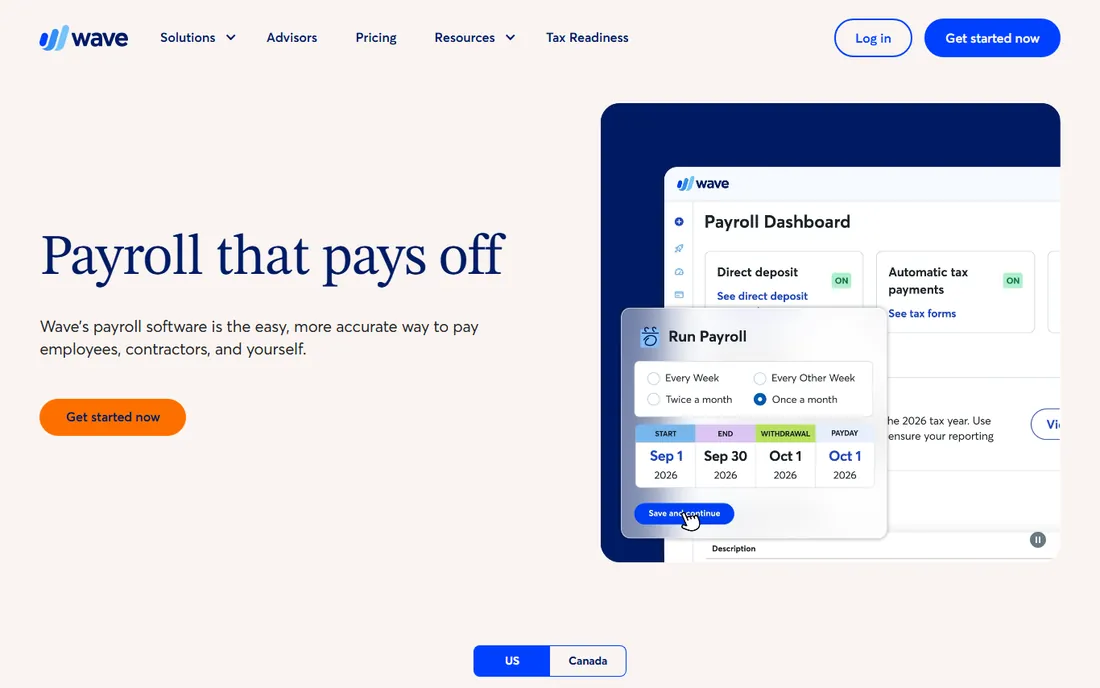
Wave offers a free payroll tier, which is rare in this category. Small businesses can run basic payroll without a monthly fee, paying only for tax filing services where available. The interface is clean and the learning curve is minimal.
The free tier has limits, and businesses with complex needs will outgrow it quickly. But for freelancers, solopreneurs and micro-businesses with simple payroll, Wave provides a legitimate no-cost starting point. It is the best option when budget is the primary constraint.
What we like- Free tier for basic payroll
- Simple interface for non-accountants
- Good for very small teams
Watch out for- Paid tax filing costs extra
- Limited features compared to full-service options
- Support is limited on free tier
How to choose DIY payroll software
Start with your employee count and pay frequency. A business with two salaried employees has different needs than a restaurant with 20 hourly workers. Count both W-2 employees and 1099 contractors, since some plans charge differently for each.
Next, decide how much tax help you need. Full-service plans calculate, file and deposit payroll taxes automatically. DIY tiers are cheaper but leave you responsible for filings. If tax compliance makes you nervous, pay for full service; the cost is less than a penalty.
Finally, consider your existing tools. If you use QuickBooks, QuickBooks Payroll connects directly. If you use Square, Square Payroll does too. Standalone businesses should prioritize ease of use and support quality, since you will be running payroll yourself.
DIY vs. full-service payroll: what is the difference
DIY payroll software provides the tools; you run payroll each period. You enter hours, review calculations and submit. Full-service payroll can mean the vendor handles everything, or it can mean a higher tier where taxes are filed automatically. The line blurs because most "DIY" tools offer full-service tiers.
The real distinction is control versus convenience. DIY tiers cost less but require your time each pay period. Full-service costs more but runs in the background. Many businesses start DIY and upgrade to full-service as they grow. Choose based on your comfort with payroll tasks and the value of your time.
Neither option requires an accountant for routine payroll. The software handles calculations and compliance. You need an accountant for tax planning and complex situations, not for running payroll. That is the point of DIY payroll software.
Many owners worry about making tax mistakes. Modern payroll software reduces this risk significantly by automating calculations and filing deadlines. The systems stay updated with federal, state and local tax law changes, so you do not have to track them yourself. If you choose a full-service tier, the vendor takes responsibility for accurate filings. This automation is why DIY payroll has become practical for businesses that once needed a bookkeeper.
How we chose
We searched for do it yourself payroll software, self-service payroll and small business payroll, then verified each vendor's homepage. We compared pricing transparency, tax filing options, ease of use for non-accountants and suitability for small teams based on vendor documentation. We prioritized tools marketed to owners running payroll themselves, not enterprise HCM suites. Where pricing was not published on the vendor's site we wrote "See website" rather than guessing.
Frequently asked questions
What is do it yourself payroll software?
It is payroll software designed for business owners to run payroll without an accountant. You enter hours and review calculations; the software handles tax withholdings, filings and payments. Most options offer both DIY tiers and full-service upgrades.
How much does DIY payroll cost?
Basic DIY tiers start around $17 to $29 per month plus a per-employee fee. Full-service plans with automatic tax filing cost more. Wave offers a free tier for very basic needs. The total depends on your employee count and whether you need tax filing.
Do I need an accountant if I use payroll software?
Not for routine payroll. The software calculates wages, withholds taxes and files forms. You may still want an accountant for tax planning, business structure advice or complex situations, but day-to-day payroll does not require one.
Can I switch from my current payroll provider?
Yes. Most vendors offer free setup and data migration. OnPay specifically advertises free prior-wage and employee data migration. The process typically takes a few days; start the switch between pay periods to avoid disruption.
What is the difference between W-2 and 1099 payroll?
W-2 employees are on your payroll with taxes withheld. 1099 contractors are paid gross and handle their own taxes. Most payroll tools support both, but some charge differently. SurePayroll and Gusto both handle W-2 and 1099 workers.
Is my payroll data secure?
Reputable vendors use bank-level encryption and comply with security standards. Look for SOC 2 certification and clear privacy policies. All seven tools listed are established vendors with security measures appropriate for financial data.
Sources we checked (7)
- https://patriotsoftware.com/
- https://surepayroll.com/
- https://gusto.com
- https://onpay.com
- https://squareup.com/us/en/payroll
- https://quickbooks.intuit.com/payroll/
- https://www.waveapps.com/payroll
Is your product missing or out of date?
We review this list regularly. Vendors can request a listing, send updated pricing or ask about featured placement.

Shihab Mia · Founder, Rankite
Shihab has spent more than a decade helping SaaS and e-commerce brands grow through search. He writes Rankite's software buying guides from pricing pages, documentation and public user reviews. More about Shihab.