How we make this list: we compare pricing pages, product documentation and public user reviews. Rankite is independent; if a vendor ever pays for a featured spot, that listing is clearly labeled Partner.
Key takeaways
- ezCheckPrinting and PrintBoss are the dedicated check-printing specialists: print MICR checks on blank stock with standard printers.
- CheckMark and Zil Money bridge check printing with payroll and payment workflows.
- QuickBooks Payroll, Patriot Software and Gusto print paychecks as part of full payroll service for teams going paperless gradually.
- The core decision: dedicated check printing versus payroll software with check output built in.
Quick comparison
| Tool | Best for | Starting price | Free plan |
|---|
 ezCheckPrinting ezCheckPrinting | Small businesses that want to print checks in-house cheaply | See website | See website |
 PrintBoss PrintBoss | Businesses that want polished, secure check documents | See website | No (trial available) |
 CheckMark CheckMark | Small businesses wanting payroll plus check printing on Mac or Windows | See website | See website |
 Zil Money Zil Money | Businesses that want to print or mail checks online | See website | See website |
 QuickBooks Payroll QuickBooks Payroll | Businesses already running QuickBooks for accounting | See website | No (trial available) |
 Patriot Software Patriot Software | Small businesses that want affordable payroll with check printing | See website | See website |
 Gusto Gusto | Modern small businesses wanting payroll with paper-check flexibility | See website | No (trial available) |
Is your product missing or out of date?
We review this list regularly. Vendors can request a listing, send updated pricing or ask about featured placement.
The best payroll check printing software
Direct deposit covers most employees most of the time. Then there is the new hire without bank details yet, the contractor who wants paper, the final paycheck that has to be a check by law in some states. Payroll check printing software handles the paper remainder: MICR-encoded checks printed on blank stock with an ordinary laser printer, or paychecks issued through full payroll services. These seven tools cover both approaches.
Starting priceSee website
Free planSee website
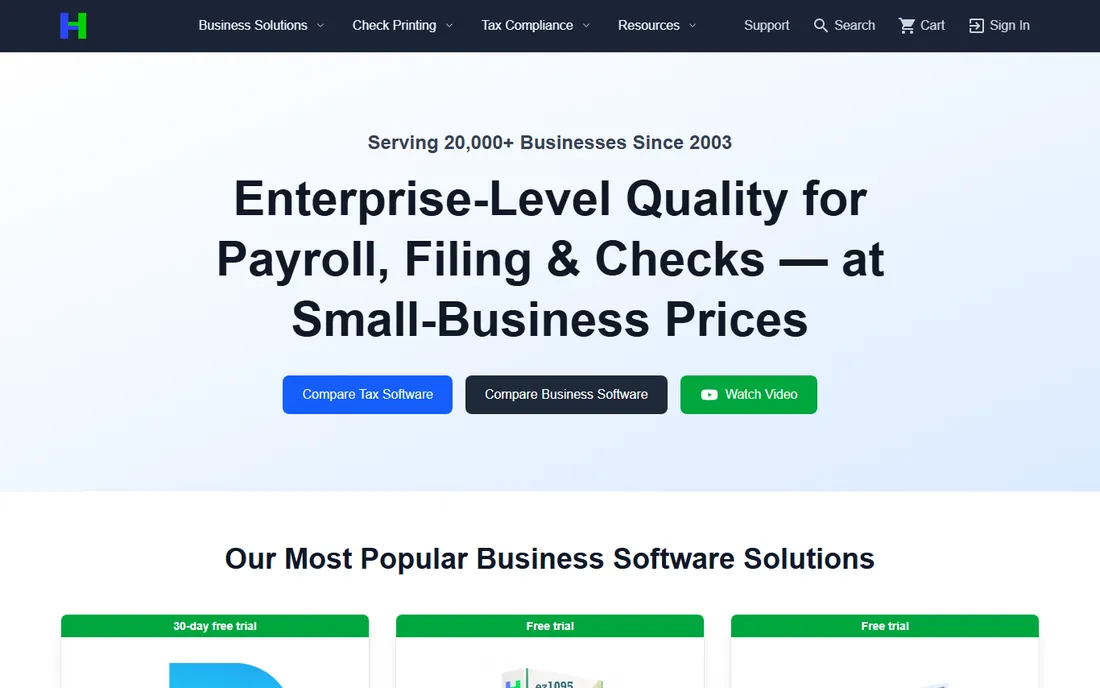
ezCheckPrinting (from Halfpricesoft) is the budget workhorse: design and print MICR-encoded checks on blank check stock using a standard laser printer, with no per-check charges. It handles payroll checks, vendor checks and bill payments, imports data from QuickBooks, and stays deliberately simple. Small businesses print professional checks for a fraction of pre-printed check costs.
The interface shows its age and Mac users get less love. But for the small business printing a few dozen checks per pay period, the economics are unbeatable: buy the software once, buy blank stock, print.
What we like- Very affordable with no per-check fees
- Prints MICR checks on blank stock
- Simple to learn
Watch out for- Dated interface
- Windows-focused with limited Mac support
#2
PrintBoss
Best for: Businesses that want polished, secure check documents
Visit printboss.com
Starting priceSee website
Free planNo (trial available)
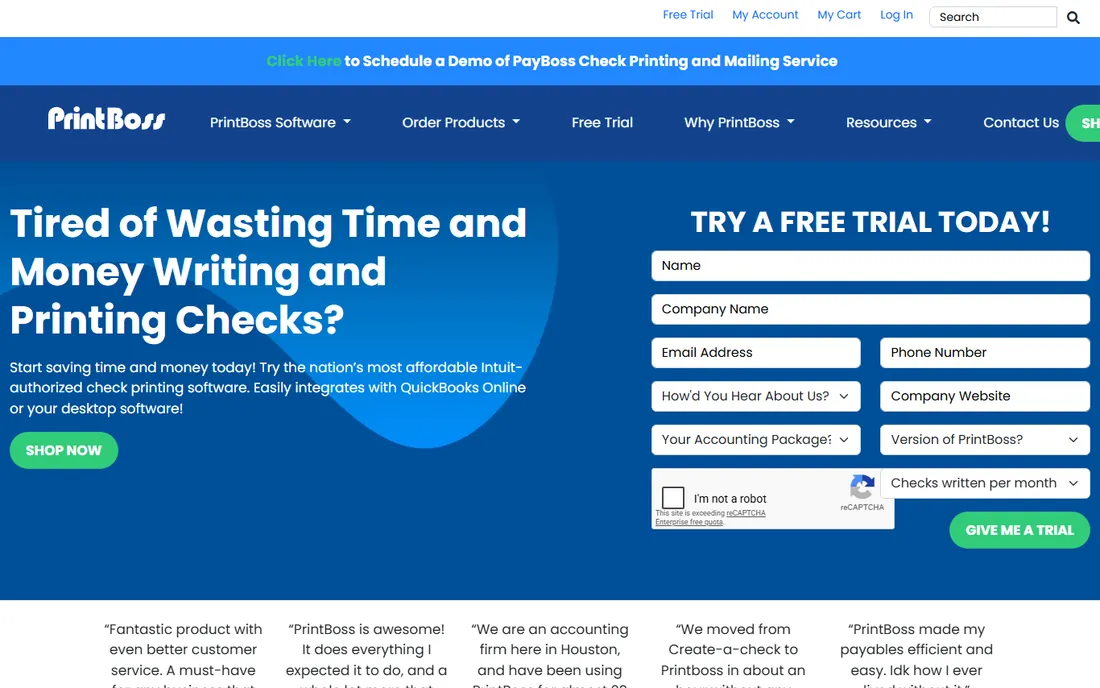
PrintBoss focuses on the document: print checks, invoices and other forms with professional formatting, MICR encoding and security features like watermarks and signature control. It integrates with QuickBooks, Sage and other accounting systems, pulling payee data automatically. Positive-pay file generation helps prevent check fraud.
Workstation licensing adds up for larger teams, and the initial setup rewards patience. But businesses that mail a meaningful volume of checks get documents that look bank-grade without outsourcing.
What we like- Professional check design with security features
- Works with many accounting systems
- Bank-positive-pay support
Watch out for- Priced per workstation
- Setup takes some care
#3
CheckMark
Best for: Small businesses wanting payroll plus check printing on Mac or Windows
Visit checkmark.com
Starting priceSee website
Free planSee website
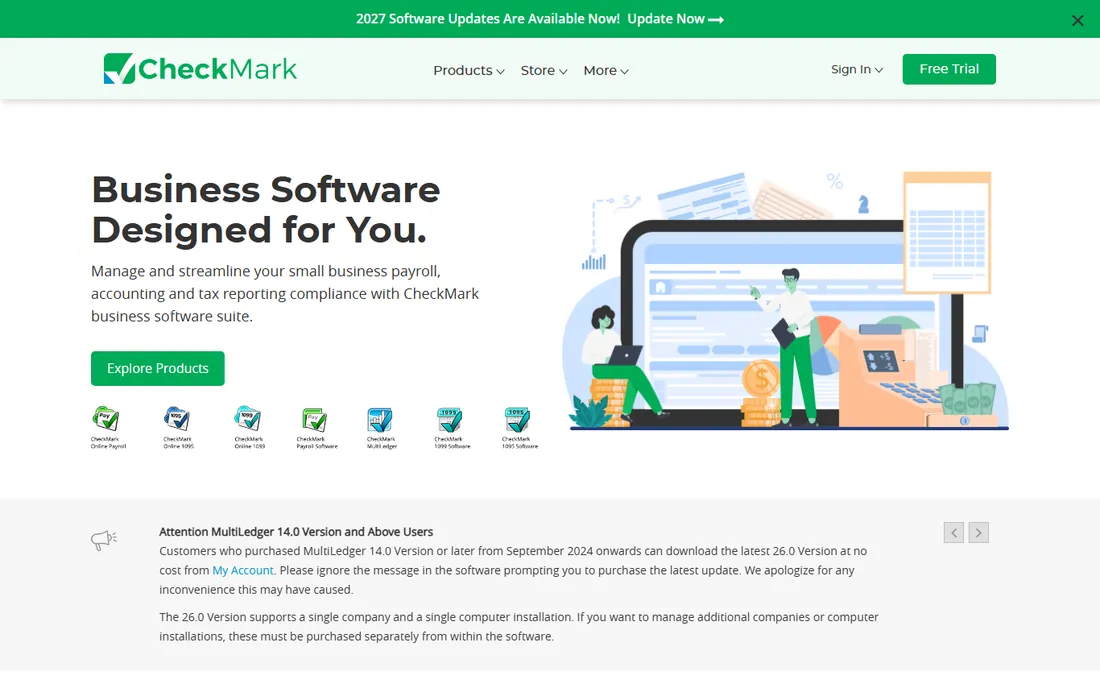
CheckMark bundles payroll processing with check printing: calculate payroll, print MICR paychecks, handle direct deposit for the rest, and manage multi-state taxes. The Mac-native version is a rarity in payroll software. It suits the small business that wants payroll software rather than just a check printer, with paper checks as a first-class output.
Cloud payroll services offer slicker experiences and automatic updates. But for the desktop-software buyer, especially on Mac, CheckMark's payroll-plus-printing combination is a solid niche pick.
What we like- Payroll and check printing together
- Mac-native option
- Multi-state payroll support
Watch out for- Smaller company
- Interface less modern than cloud rivals
#4
Zil Money
Best for: Businesses that want to print or mail checks online
Visit zilmoney.com
Starting priceSee website
Free planSee website
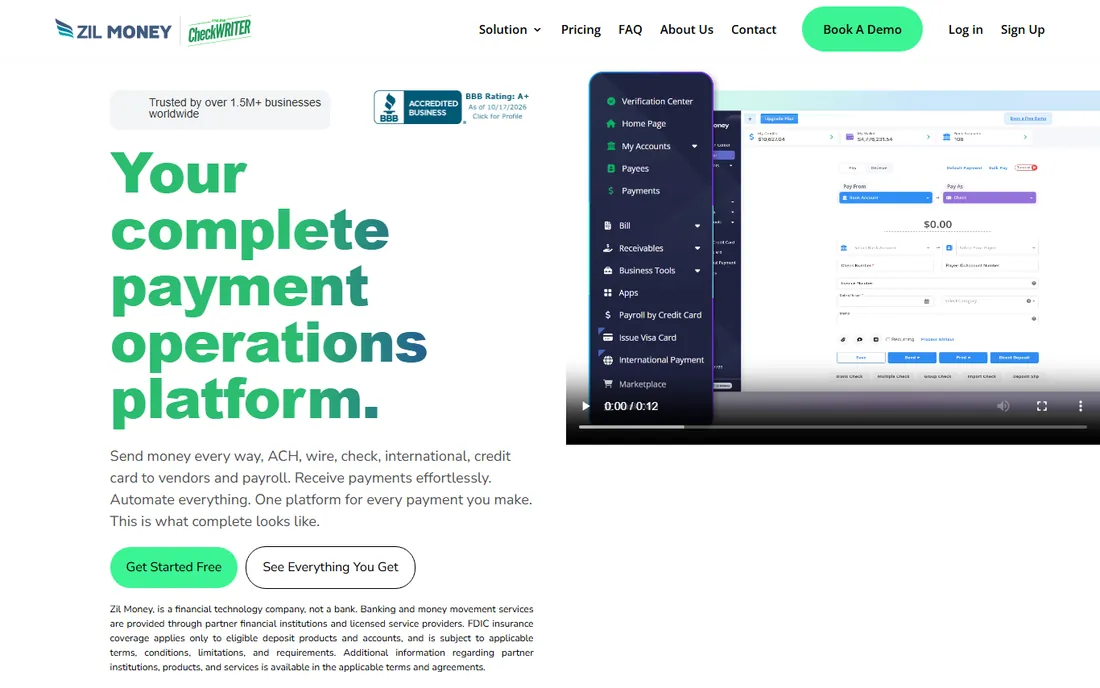
Zil Money moves check printing to the cloud: design checks online, print locally on blank stock, or have them printed and mailed for you. The platform also handles ACH, wire transfers and payroll by check, which suits businesses transitioning from paper to electronic at their own pace. No MICR printer investment required when using the mailing service.
Mailed checks cost per piece and take days, so high-volume payrolls still favor in-house printing. But for the occasional-check business that wants zero hardware, Zil Money's flexibility is appealing.
What we like- Cloud-based check printing and mailing
- No special printer needed for mailed checks
- ACH and wire options
Watch out for- Mailing adds per-check cost and delay
- Newer vendor in the space
Starting priceSee website
Free planNo (trial available)
QuickBooks Payroll prints paychecks as part of full-service payroll: run payroll, print MICR checks or pay by direct deposit, file taxes automatically. For the millions of businesses on QuickBooks, the integration is the argument: payroll data flows straight into the books with no exports. Check printing uses standard printers with QuickBooks-compatible check stock.
Standalone check printers cost less if payroll is handled elsewhere. But the QuickBooks shop printing paychecks should look here first: the workflow from hours to printed check to reconciled books is smooth and automatic.
What we like- Native paycheck printing inside QuickBooks
- Tax filing included
- Huge user base
Watch out for- Full value needs QuickBooks
- Pricing adds up with the accounting subscription
Starting priceSee website
Free planSee website
Patriot Software built its name on affordable small-business payroll: low monthly pricing, free direct deposit or printed paychecks, tax filing in the full-service tier. The interface is straightforward and US-based support gets praise. Businesses printing paper paychecks for part of the team get payroll and printing in one cheap package.
Feature depth trails the bigger platforms: HR, benefits and integrations are thinner. For the small business whose needs are "run payroll, print some checks, file taxes," Patriot's price-to-adequacy ratio is excellent.
What we like- Very affordable payroll tiers
- Free check printing capability
- US-based support
Watch out for- Fewer advanced features than Gusto or QuickBooks
- Basic reporting
#7
Gusto
Best for: Modern small businesses wanting payroll with paper-check flexibility
Visit gusto.com
Starting priceSee website
Free planNo (trial available)
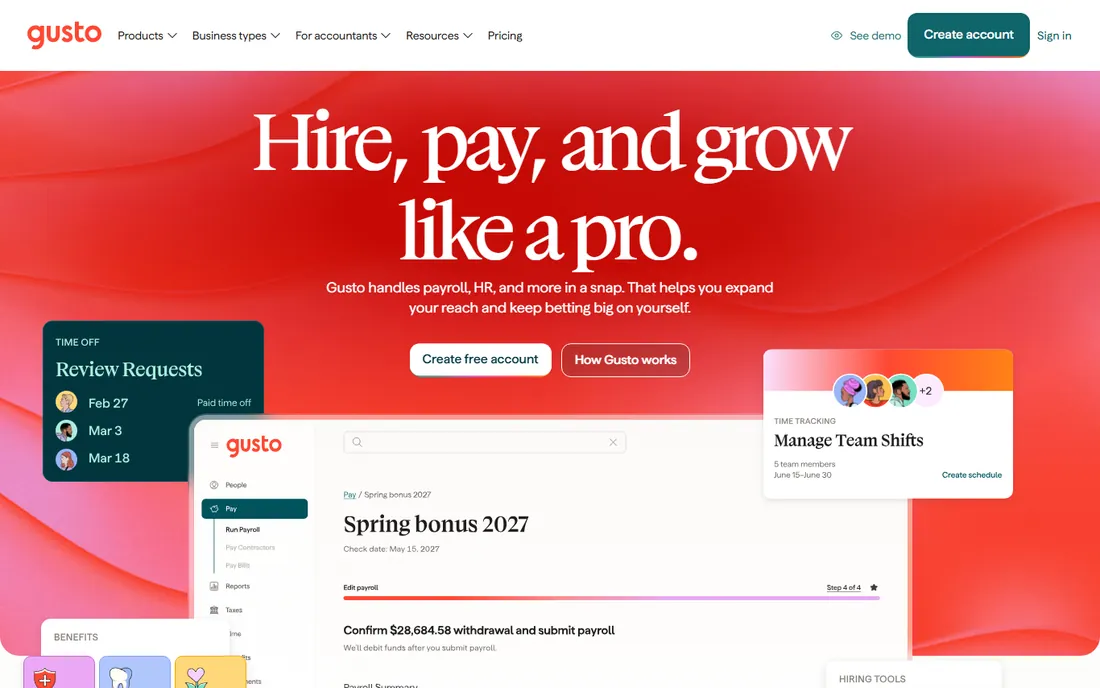
Gusto is the modern payroll standard for small businesses: beautiful interface, automatic tax filings, contractor payments, benefits administration and onboarding. Paper checks are supported for the employees and situations that need them, though the platform clearly nudges toward direct deposit.
It costs more than Patriot and less than enterprise payroll. For the business choosing a payroll home for the next five years, with occasional check printing as a requirement rather than the core job, Gusto is the safe modern pick.
What we like- Best-in-class payroll UX
- Handles contractor payments
- Good benefits administration
Watch out for- Check printing is secondary to direct deposit
- Pricing higher than Patriot
How we chose
We covered both meanings of the category: dedicated check-printing software (print MICR checks yourself) and payroll platforms with check output. For each we confirmed the product is current, checked MICR and blank-stock support where relevant, and weighed small-business reviewer sentiment. Only live products made the list.
MICR, blank stock, and what you actually need
A real check needs MICR: the magnetic-ink routing and account numbers at the bottom that banks read. Dedicated tools (ezCheckPrinting, PrintBoss, CheckMark) print MICR with a standard laser printer using MICR toner on blank check stock, which costs far less than pre-printed checks. That is the whole economic case for in-house printing.
What you need: a laser printer (inkjets do not work for MICR), MICR toner, blank check stock, and software that formats correctly. For mailing, services like Zil Money handle printing for you. For businesses mostly on direct deposit, the payroll platform's occasional-check feature is enough. Match the investment to the check volume: dozens per month justifies the printer setup; a handful does not.
Printer setup matters more than people expect. Use a dedicated tray for check stock so plain paper never mixes in, store MICR toner securely (it is literally money-printing capability), and print a test batch to verify alignment before the first payroll run. Most support calls for check software trace back to alignment or toner, not the software itself. Keep a small reserve of pre-printed emergency checks for printer failures on payday; the one time the printer jams at 4pm on Friday will justify the cost.
Check fraud is rising: protect the paper
Paper checks are the payment method most targeted by fraud, and small businesses are frequent victims. Three defenses matter: positive pay (your bank matches issued checks against presented ones; PrintBoss generates the files), secure check stock with watermarks and heat-sensitive ink, and reconciliation discipline (review cleared checks promptly).
Also consider whether each check is necessary: every paper check eliminated for direct deposit or ACH is one less fraud target. The software on this list supports the transition at your pace. But while paper remains, treat check security as seriously as password security.
Positive pay deserves emphasis because it is the single most effective check-fraud control available to small businesses. The bank compares every presented check against your issued-check file and rejects mismatches before money moves. Most business banks offer it, some free. The check software generates the issue file; your job is transmitting it before checks go out. If your bank offers payee-name positive pay, take it: amount-only matching misses altered payees.
Reconcile quickly and review images. Most fraud is discovered in reconciliation, so the business that reconciles weekly catches problems months before the one that reconciles quarterly. Review check images for alterations, not just amounts. And segregate duties where possible: the person printing checks should not be the person reconciling the account. In a tiny business that is hard, but even owner review of the cleared-check report adds a real control. Fraud prevention for paper checks is mostly unglamorous routine: issue files sent on time, reconciliations done weekly, and someone with authority looking at the exceptions. The businesses that get hurt are rarely the ones with sophisticated attackers; they are the ones where nobody was watching. A weekly glance at the cleared checks is the cheapest insurance a small business can buy.
Frequently asked questions
Is it legal to print our own payroll checks?
Yes, in the US, provided the checks carry valid MICR encoding and meet ANSI standards, which the dedicated tools here produce. Use MICR toner and proper check stock. Some states have final-paycheck timing rules; the software does not change those obligations.
What does check printing cost?
Dedicated software: roughly $40 to $150 one-time or annually, plus blank stock and MICR toner. Per-check cost lands well under pre-printed checks. Payroll platforms with check output: $30 to $80+ monthly for payroll, checks included. Cloud mailing: per-check fees plus postage.
Can we print checks on a regular printer?
Yes, with a laser printer and MICR toner. Inkjet printers cannot produce magnetic MICR characters banks require. Most small businesses already own a suitable laser printer.
Should we just switch everyone to direct deposit?
Usually yes for cost, speed and fraud reduction. Paper checks remain necessary for employees without bank accounts, certain final paychecks, and contractors who insist. The practical answer is direct deposit by default with check capability retained.
Do we need special software if we use QuickBooks?
QuickBooks prints checks natively, and QuickBooks Payroll handles paychecks. Dedicated tools add advanced formatting, security features and positive-pay files. Most QuickBooks shops do not need a separate check printer.
Sources we checked (7)
- https://halfpricesoft.com
- https://printboss.com
- https://checkmark.com
- https://zilmoney.com
- https://quickbooks.intuit.com
- https://patriotsoftware.com
- https://gusto.com
Is your product missing or out of date?
We review this list regularly. Vendors can request a listing, send updated pricing or ask about featured placement.

Shihab Mia · Founder, Rankite
Shihab has spent more than a decade helping SaaS and e-commerce brands grow through search. He writes Rankite's software buying guides from pricing pages, documentation and public user reviews. More about Shihab.