How we make this list: we compare pricing pages, product documentation and public user reviews. Rankite is independent; if a vendor ever pays for a featured spot, that listing is clearly labeled Partner.
Key takeaways
- iZotope RX is the professional standard for deep audio repair; Audacity is the free starting point.
- AI tools (Krisp, NVIDIA Broadcast, Adobe Podcast Enhance) now clean audio with one click or in real time, where a few years ago only manual tools could.
- Acon Digital Restoration Suite gives you four focused repair plugins for $99, a bargain against the big suites.
- Real-time call tools (Krisp, NVIDIA Broadcast) solve a different job than offline file repair (RX, Acon, Audacity), so decide which problem you have first.
Quick comparison
| Tool | Best for | Starting price | Free plan |
|---|
 iZotope RX iZotope RX | Professionals who need the deepest audio repair available | See website | No (free trial available) |
 Acon Digital Restoration Suite Acon Digital Restoration Suite | Affordable, focused repair plugins for any DAW | $99 (one-time) | No (free 30-day trial) |
 Waves Clarity Vx Waves Clarity Vx | Fast one-knob AI cleanup of voice recordings | See website | No |
 Krisp Krisp | Removing noise from live calls on any app | See website | No (free trial) |
 NVIDIA Broadcast NVIDIA Broadcast | Free real-time cleanup if you own an RTX GPU | Free | Yes (free; requires RTX GPU) |
 Adobe Podcast Enhance Speech Adobe Podcast Enhance Speech | One-click cleanup of recorded voice in a browser | See website | Yes (free tier) |
 Audacity Audacity | Free manual noise removal and audio editing | Free | Yes |
 Adobe Audition Adobe Audition | Manual repair inside an Adobe Creative Cloud workflow | See website | No (free trial) |
Is your product missing or out of date?
We review this list regularly. Vendors can request a listing, send updated pricing or ask about featured placement.
The best audio cleaning software
The best microphone in the world cannot save a recording made next to an air conditioner, and the best room cannot save a recording on a $20 headset. Audio cleaning software exists to bridge that gap. The tools below split into two families: offline repair tools that fix recorded files (RX, Acon, Waves, Audacity, Audition) and real-time tools that clean your mic on live calls (Krisp, NVIDIA Broadcast), plus Adobe's one-click browser enhancer.
#1
iZotope RX
Best for: Professionals who need the deepest audio repair available
Visit izotope.com
Starting priceSee website
Free planNo (free trial available)
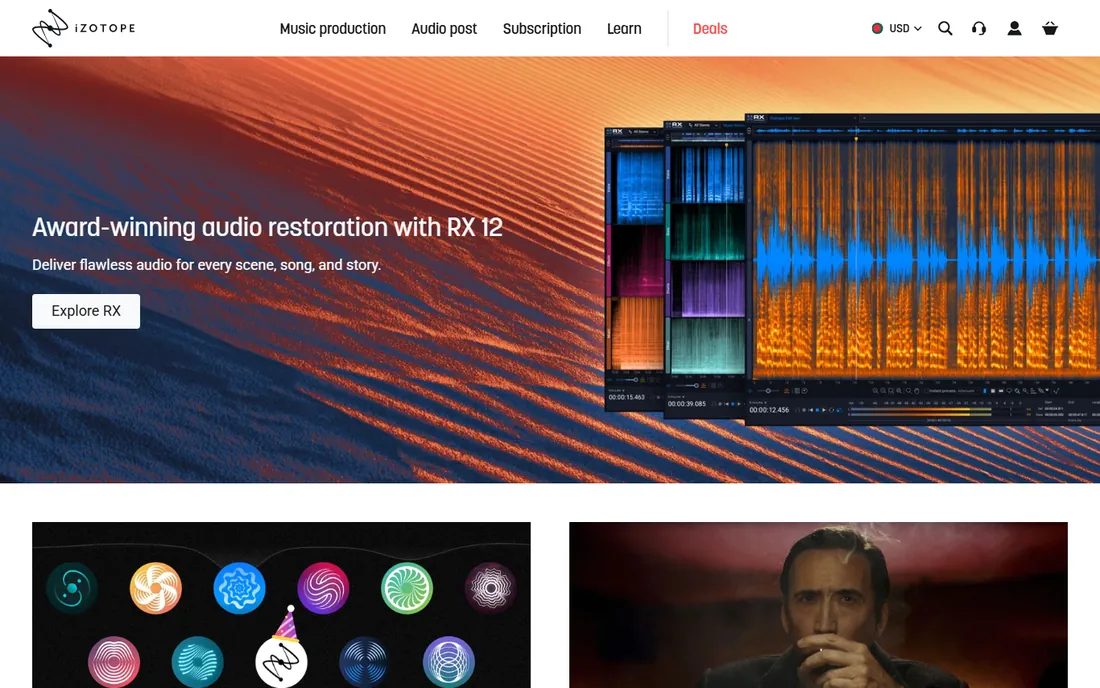
iZotope RX is the tool post-production engineers reach for when audio has to be saved: hiss, hum, clicks, clipping, reverb, sibilance, even individual noises visible in the spectral editor. The AI-powered Repair Assistant analyzes problems and suggests fixes, while Dialogue Isolate and Music Rebalance handle the hard cases of separating voice from everything else.
RX comes in Elements, Standard and Advanced editions, and it is priced like professional software, with occasional sales softening the blow. For podcasters and creators who just need hum removed, it is overkill; for anyone who repairs audio for a living, it is the standard.
What we like- Industry-standard repair quality
- Spectral editor for surgical fixes
- AI Repair Assistant
- De-reverb, de-clip, de-hum, dialogue isolate
Watch out for- Expensive
- Steep learning curve
- Overkill for simple jobs
#2
Acon Digital Restoration Suite
Best for: Affordable, focused repair plugins for any DAW
Visit acondigital.com
Starting price$99 (one-time)
Free planNo (free 30-day trial)
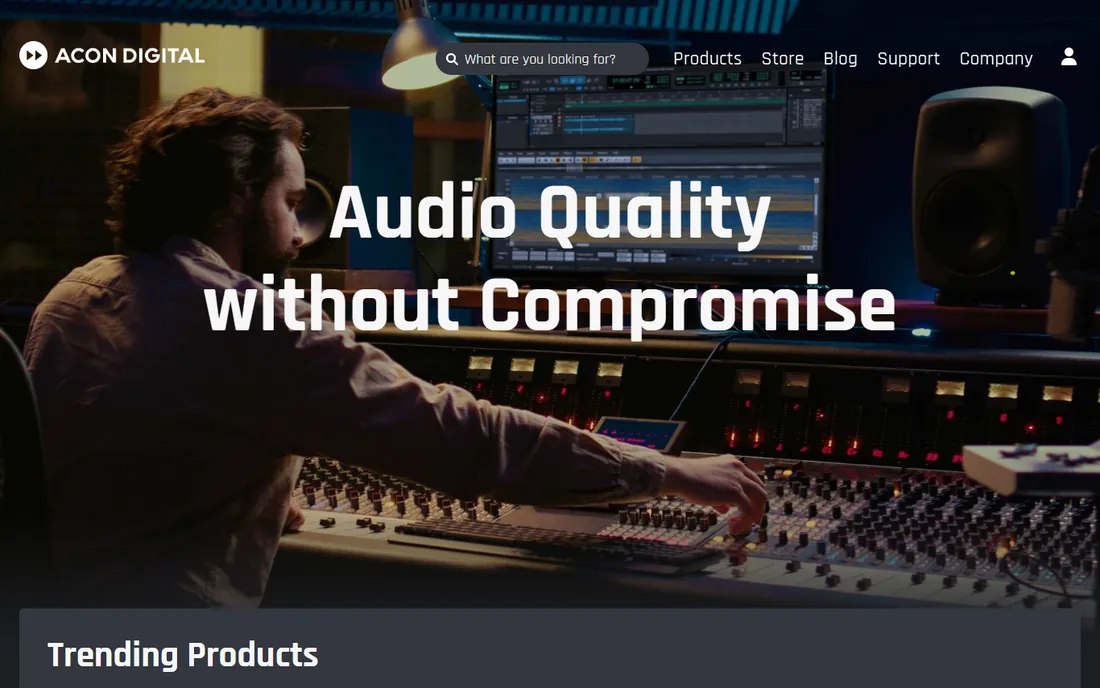
Acon Digital's Restoration Suite is four plugins that do four jobs very well: DeNoise for hiss and wind noise, DeHum for electrical hum, DeClick for clicks, crackle and thumps, and DeClip for restoring clipped recordings. Each has a resizable interface with visual feedback, and copy protection is a simple serial number, which working engineers appreciate. At $99 for a perpetual license, it is a fraction of what the big suites cost.
The free 30-day trial is fully functional, so you can test it on your worst recording before buying. If you work inside a DAW and want great noise reduction without a subscription, this is the value pick of the category.
What we like- Four excellent plugins (DeNoise, DeHum, DeClick, DeClip)
- One-time price
- Serial-number copy protection
- Resizable GUIs
Watch out for- Narrower than RX
- No standalone editor included
- Fewer AI features
#3
Waves Clarity Vx
Best for: Fast one-knob AI cleanup of voice recordings
Visit waves.com
Starting priceSee website
Free planNo
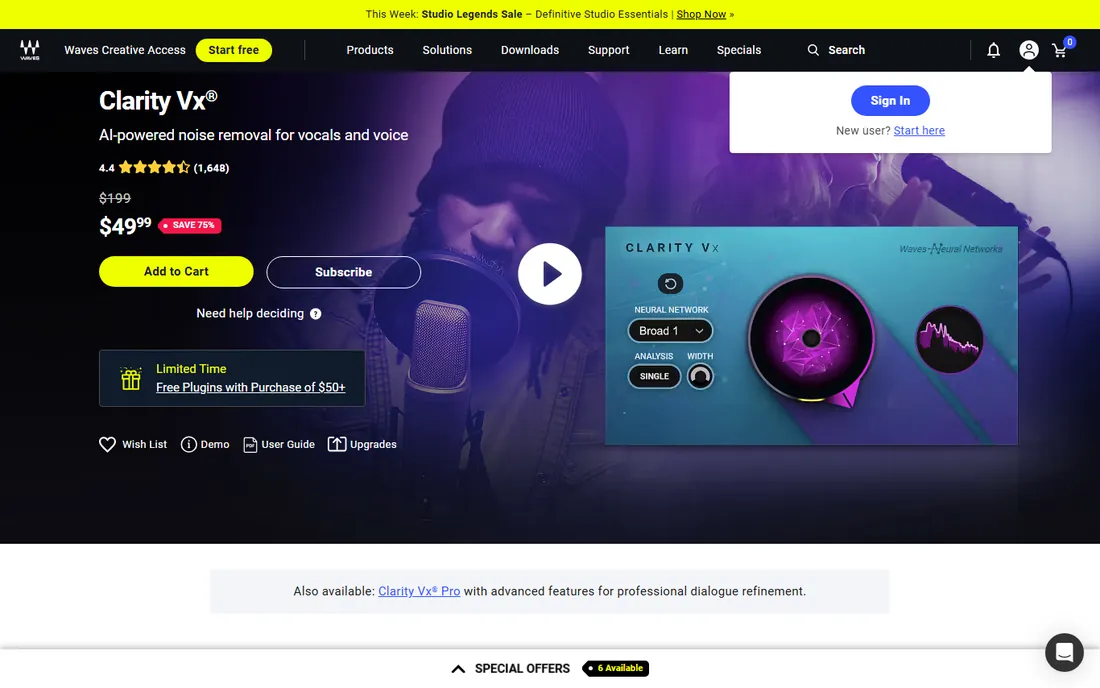
Clarity Vx uses Waves Neural Networks trained on hundreds of thousands of vocal recordings to separate voice from background noise in real time, with a single knob doing most of the work. Toggle between two neural networks depending on whether you need to preserve secondary voices or attack severe noise.
It is built for voice, so music producers and dialogue editors love it while music repair people will look elsewhere. Clarity Vx Pro adds multiband control for heavier post-production work, and the Clarity family also includes DeReverb variants for tackling room reflections.
What we like- Real-time AI voice separation
- One main knob
- Broad 1/Broad 2 neural networks
- Fully automatable in a DAW
Watch out for- Voice-focused, not a general repair tool
- Latency makes it a post tool
- Heavy CPU use
#4
Krisp
Best for: Removing noise from live calls on any app
Visit krisp.ai
Starting priceSee website
Free planNo (free trial)
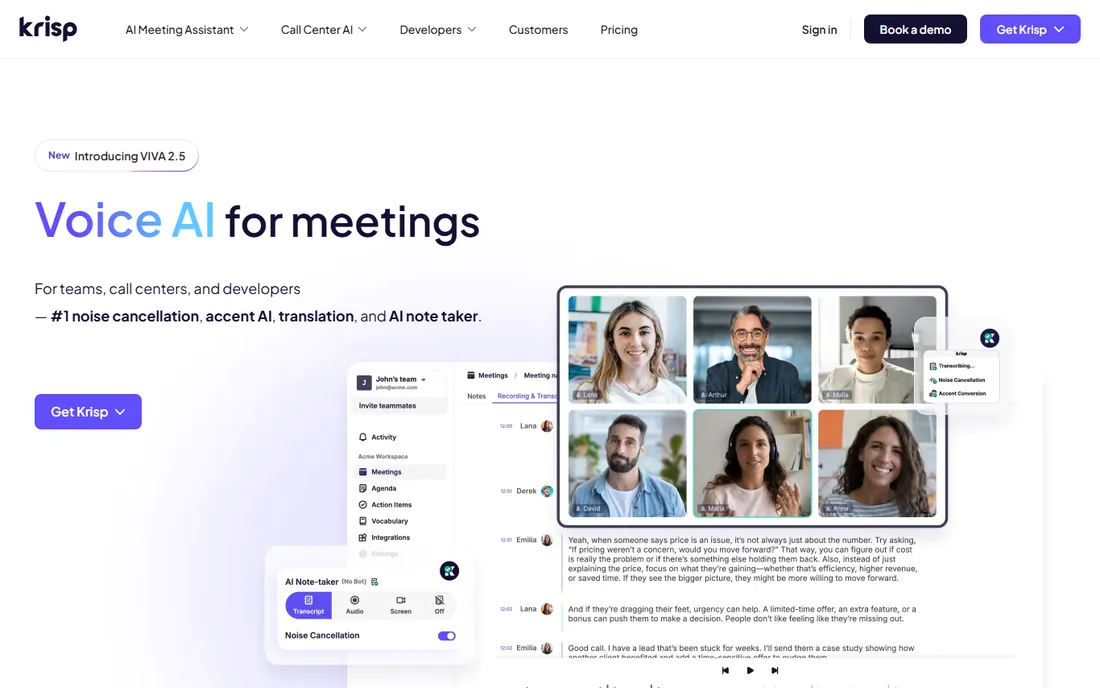
Krisp sits between your microphone and your apps as a virtual device, removing background noise, voices and echo from both sides of a call in real time. Processing happens on your device, and it works with Zoom, Teams, Slack, Discord and anything else that accepts an audio input, so one install covers every meeting app you use.
Krisp has grown into an AI meeting assistant with transcription and notes, which may be more than you want if you just need quiet calls. It is also strictly a live tool: it cannot fix a file you already recorded.
What we like- Works with any conferencing app
- Removes voices and noise from both sides
- On-device processing
- Adds AI notes and transcription
Watch out for- Subscription pricing
- A meeting product, not a file repair tool
- Needs a desktop app running
#5
NVIDIA Broadcast
Best for: Free real-time cleanup if you own an RTX GPU
Visit nvidia.com
Starting priceFree
Free planYes (free; requires RTX GPU)
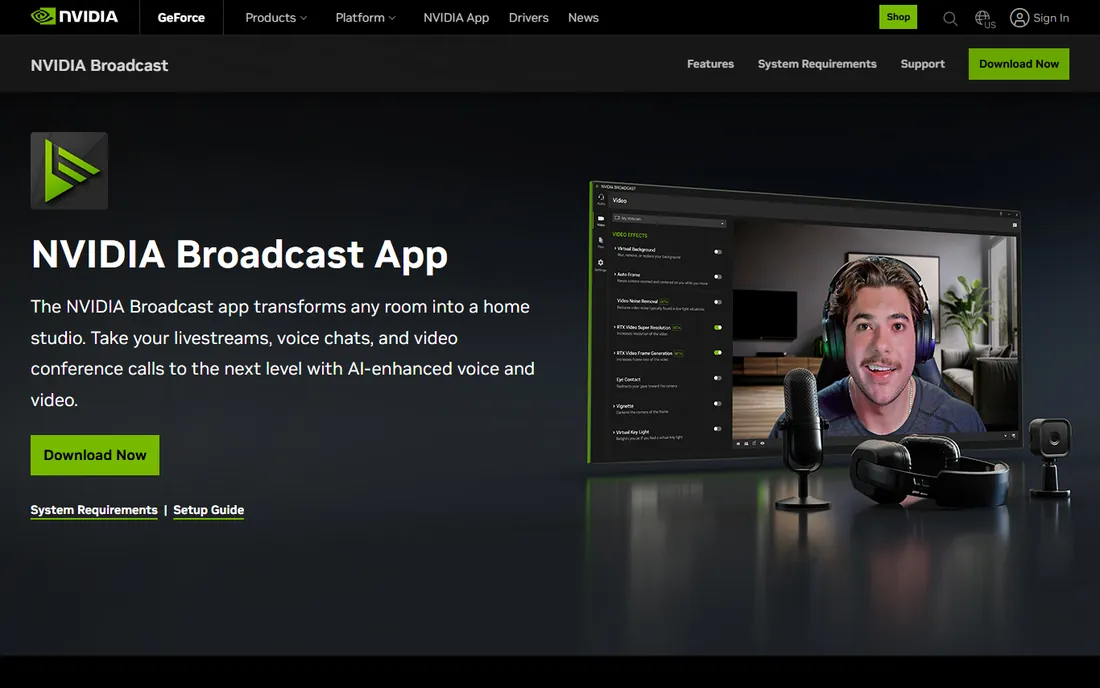
If your PC has an NVIDIA RTX graphics card, Broadcast gives you some of the best real-time noise removal available, free. Noise Removal kills keyboard typing and fan noise, Room Echo Removal tames bad acoustics, and Studio Voice uses AI to make a cheap mic sound like a studio chain.
The catch is hardware: no RTX GPU, no app. But for gamers, streamers and remote workers who already have one, it is an unbeatable free option, and it costs nothing to try on the machine you already own.
What we like- Free
- Excellent noise and echo removal
- Studio Voice enhancement
- Virtual background and eye contact included
Watch out for- Requires a GeForce RTX GPU
- Windows only
- Not for fixing recorded files
Starting priceSee website
Free planYes (free tier)
Upload a noisy recording to Adobe Podcast's Enhance Speech and AI re-synthesizes your voice into studio-quality audio. It is genuinely startling on laptop-mic recordings, echoey rooms and outdoor interviews, and it runs entirely in your browser with no install.
Push the strength slider too far and voices can sound robotic; around 80 to 85 percent is the sweet spot reviewers recommend. Premium adds longer files, video support and batch uploads. For quick fixes without installing anything, nothing is faster.
What we like- Miraculous results on bad recordings
- No software to install
- Free tier
- Source separation on Premium
Watch out for- Speech only, not music
- Can sound overprocessed at high strength
- Daily limits on the free tier
Starting priceFree
Free planYes
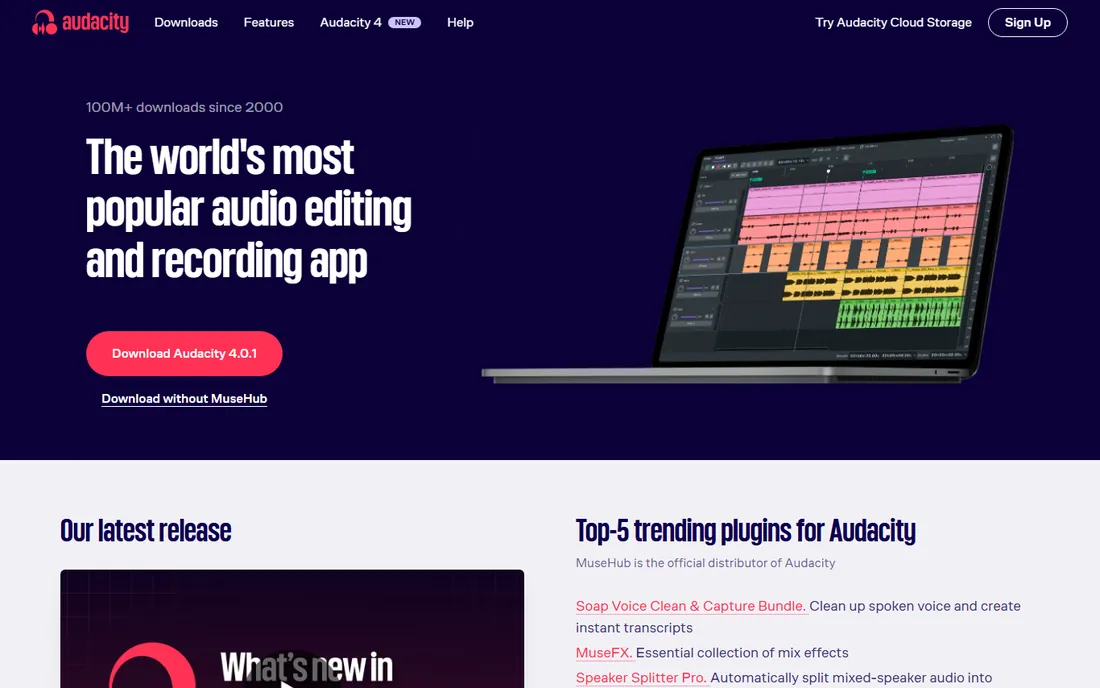
Audacity's Noise Reduction effect is the classic free workflow: capture a noise profile from a quiet section, then let Audacity subtract that noise signature from the whole track. Combined with the spectrogram view for surgical edits, it handles an impressive amount of cleanup for zero dollars.
It takes time and practice to get artifact-free results, and recent versions add AI plugins via MuseHub for extra help. For anyone learning audio repair, it is the right place to start, and the community tutorials for its noise workflow number in the thousands.
What we like- Completely free and open source
- Noise profile-based reduction
- Spectrogram view
- Huge plugin ecosystem
- All platforms
Watch out for- Manual and slow compared with AI tools
- Dated interface
- Easy to over-process and artifact
#8
Adobe Audition
Best for: Manual repair inside an Adobe Creative Cloud workflow
Visit adobe.com
Starting priceSee website
Free planNo (free trial)
Audition is Adobe's professional audio editor, with noise reduction, click removal, diagnostics and a spectral display for manual repair work. If you edit podcasts or video audio in Premiere Pro, Audition is the natural companion for deeper cleanup and multitrack mixing, with round-trip workflows between the two.
It is a manual tool in an AI era: powerful, but you do the work. Creative Cloud subscribers get it as part of their plan; everyone else pays a subscription for repair power that AI tools now offer for less effort.
What we like- Deep manual tools (noise reduction, diagnostics, spectral display)
- Multitrack editing
- Pairs with Premiere Pro
Watch out for- Subscription only
- Dated compared with AI-first tools
- Learning curve for beginners
Decide first whether you need live cleanup or file repair. Live calls, streaming and meetings want Krisp or NVIDIA Broadcast, which clean audio as it happens. Recorded podcasts, interviews and video want offline tools: Adobe Podcast for one-click fixes, Audacity or Acon for manual and budget repair, iZotope RX when nothing else will do.
A second distinction is skill: AI tools (Adobe Podcast, Clarity Vx, Krisp) do the work for you, while Audacity, Audition and RX reward learning with finer control. Buy skill when you have time; buy automation when you do not. And whatever you buy, record as cleanly as you can first: ten minutes of mic placement saves an hour of repair.
How we chose
We compared eight tools covering both live and offline audio cleaning, all currently available and widely used. NVIDIA Broadcast and Audacity are free; Acon Digital Restoration Suite is $99 one-time per the vendor's own page, making it the clear value option. Prices for iZotope RX, Waves Clarity Vx, Krisp, Adobe Podcast Premium and Adobe Audition were not verifiable from vendor pricing pages, so they are marked "See website." Krisp's current vendor page shows a free trial rather than a permanent free tier. No hands-on testing was involved.
Frequently asked questions
What is the best free audio cleaning software?
Audacity for fixing recorded files, NVIDIA Broadcast for live calls if you have an RTX GPU, and Adobe Podcast Enhance Speech for one-click browser cleanup. All three are genuinely free.
Can software fix a recording with heavy background noise?
AI tools like Adobe Podcast Enhance and Waves Clarity Vx can rescue surprisingly bad recordings, but nothing recovers audio where the voice is buried. Prevention (a decent mic, a quiet room) still beats repair.
Is Krisp or NVIDIA Broadcast better for calls?
NVIDIA Broadcast is free and excellent if you own an RTX GPU. Krisp works on any machine and adds meeting features, at a subscription price.
What is the difference between noise reduction and restoration?
Noise reduction targets one problem (background noise); restoration covers the full toolkit (hum, clicks, clipping, reverb, de-essing). iZotope RX and Acon's suite are restoration tools.
Do I need a DAW to use these tools?
No. Adobe Podcast runs in a browser, Krisp and NVIDIA Broadcast work system-wide, and Audacity is a standalone editor. Only the plugins (Acon, Waves Clarity Vx) need a DAW.
Can audio cleaning software remove reverb?
Somewhat. Acon DeVerberate, Waves Clarity DeReverb and iZotope RX's de-reverb can reduce room reflections, but heavy echo is hard to remove fully. Recording closer to the mic in a furnished room prevents most of it.
Sources we checked (5)
- https://www.izotope.com/en/products/rx/features.html
- https://acondigital.com/acon-digital-education-discount
- https://www.waves.com/plugins/clarity-vx#clarity-vx-vocal-noise-reduction
- https://www.nvidia.com/en-us/geforce/broadcasting/broadcast-app/
- https://podcast.adobe.com/en/guides/enhance-speech-for-video
Is your product missing or out of date?
We review this list regularly. Vendors can request a listing, send updated pricing or ask about featured placement.

Shihab Mia · Founder, Rankite
Shihab has spent more than a decade helping SaaS and e-commerce brands grow through search. He writes Rankite's software buying guides from pricing pages, documentation and public user reviews. More about Shihab.