How we make this list: we compare pricing pages, product documentation and public user reviews. Rankite is independent; if a vendor ever pays for a featured spot, that listing is clearly labeled Partner.
Key takeaways
- Two of the seven best stem separation tools are completely free and open source (Spleeter and Ultimate Vocal Remover); the cheapest paid option starts at $9.99/month (LALAL.AI Lite).
- Musicians who practice along with songs should start with Moises, which adds chord detection and tempo control on top of stem splitting.
- Producers who want to edit the notes inside a stem, not just mute them, should look at RipX ($99 and up), the only tool here with note-level audio editing.
- Labels and developers working at scale need Audioshake's API, while everyone else should weigh free desktop tools against pay-as-you-go web apps.
Quick comparison
| Tool | Best for | Starting price | Free plan |
|---|
 LALAL.AI LALAL.AI | Anyone who wants a fast, no-install stem split from a browser | $9.99/month or $90/year (Lite); $19.99/month or $180/year (Pro) | Starter (free, preview only, per LALAL.AI's own FAQ) |
 Moises Moises | Musicians and singers who practice with isolated parts | See website (subscription; paid pricing shown after login) | Yes (free tier with limited uploads per month) |
 RipX RipX | Producers who want to edit the notes inside a stem, not just isolate it | From $99 (per hitnmix.com "Buy Now") | Free trial (21 days of PRO, per the vendor's site) |
 Audioshake Audioshake | Record labels, publishers and developers who need stems at scale | See website (Indie plan and custom enterprise pricing) | No |
 Gaudio Studio Gaudio Studio | Occasional users who prefer paying per minute over a subscription | See website (pay-per-minute packs; reviewers report $7 for 50 minutes) | Free trial (20 minutes, per reviewers, unverified on the vendor's login-gated site) |
 Spleeter Spleeter | Developers and technical users who want free, scriptable separation | $0 (open source, MIT license) | Yes (the entire project is free) |
 Ultimate Vocal Remover Ultimate Vocal Remover | Anyone who wants top-tier vocal removal free on their own computer | $0 (totally free and open source, per the vendor's site) | Yes (the entire app is free) |
Is your product missing or out of date?
We review this list regularly. Vendors can request a listing, send updated pricing or ask about featured placement.
The best stem separation software
Two of the seven tools on this list cost nothing, and the cheapest paid plan starts at $9.99 a month, which tells you how far stem separation has come. What used to require a studio session with the original multitrack tapes now runs in a browser tab or a free desktop app: upload a finished song, get back isolated vocals, drums, bass and more. The seven tools below cover every way to buy it, from open-source code to a record-label API, with real prices where the vendors publish them.
#1
LALAL.AI
Best for: Anyone who wants a fast, no-install stem split from a browser
Visit lalal.ai
Starting price$9.99/month or $90/year (Lite); $19.99/month or $180/year (Pro)
Free planStarter (free, preview only, per LALAL.AI's own FAQ)
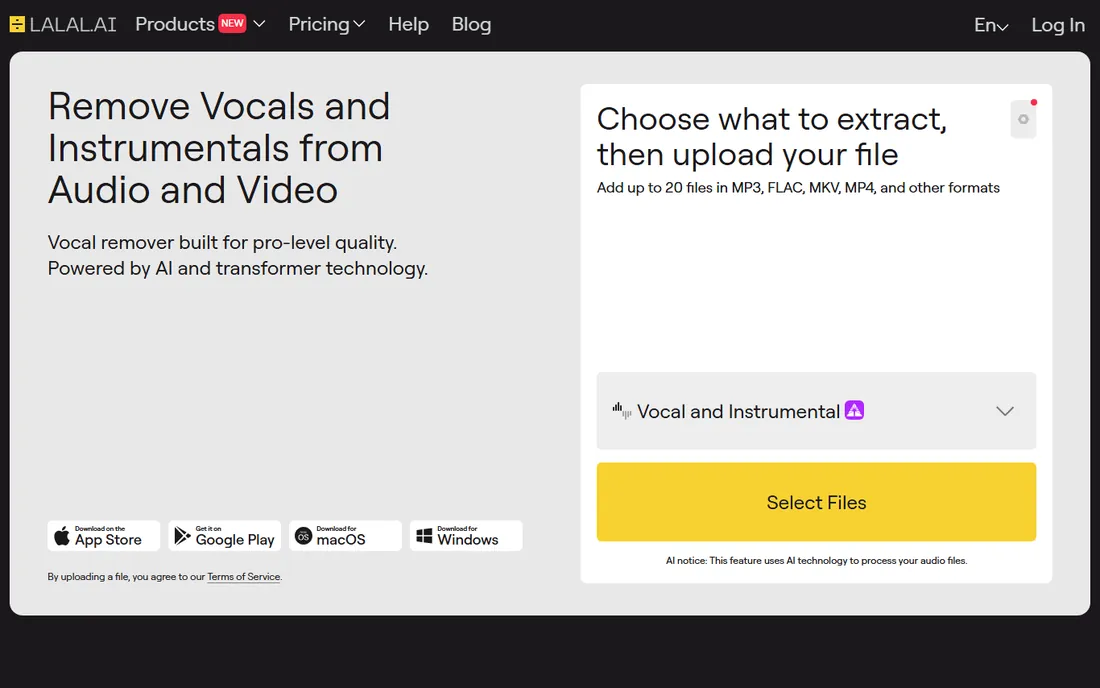
LALAL.AI is the simplest on-ramp to stem separation: open the site, upload a track, pick the stems you want, and download them. No software to install, no settings to learn. The pricing is refreshingly public, straight from LALAL.AI's own FAQ page: Lite at $9.99 per month or $90 per year, Pro at $19.99 per month or $180 per year, with a free Starter tier that only previews what the split would sound like.
The splits cover ten stem types, from vocals and drums to piano, acoustic and electric guitar, which is wider than most competitors. Quality is strong on clean pop and electronic mixes and shakier on dense rock or jazz, which is true of every AI separator. For DJs making quick edits, content creators pulling an instrumental, or anyone who needs stems today without learning software, LALAL.AI is the path of least resistance. Heavy users should do the per-minute math before committing to a plan.
What we like- Runs entirely in the browser with no install
- Splits into 10 stem types (vocals, drums, bass, piano, guitar and more)
- Published pricing with monthly or annual billing
- Fast processing on short tracks
Watch out for- Free Starter tier only previews results, not full downloads
- Minute limits mean long albums get expensive
- Quality varies by genre and mix density
#2
Moises
Best for: Musicians and singers who practice with isolated parts
Visit moises.ai
Starting priceSee website (subscription; paid pricing shown after login)
Free planYes (free tier with limited uploads per month)
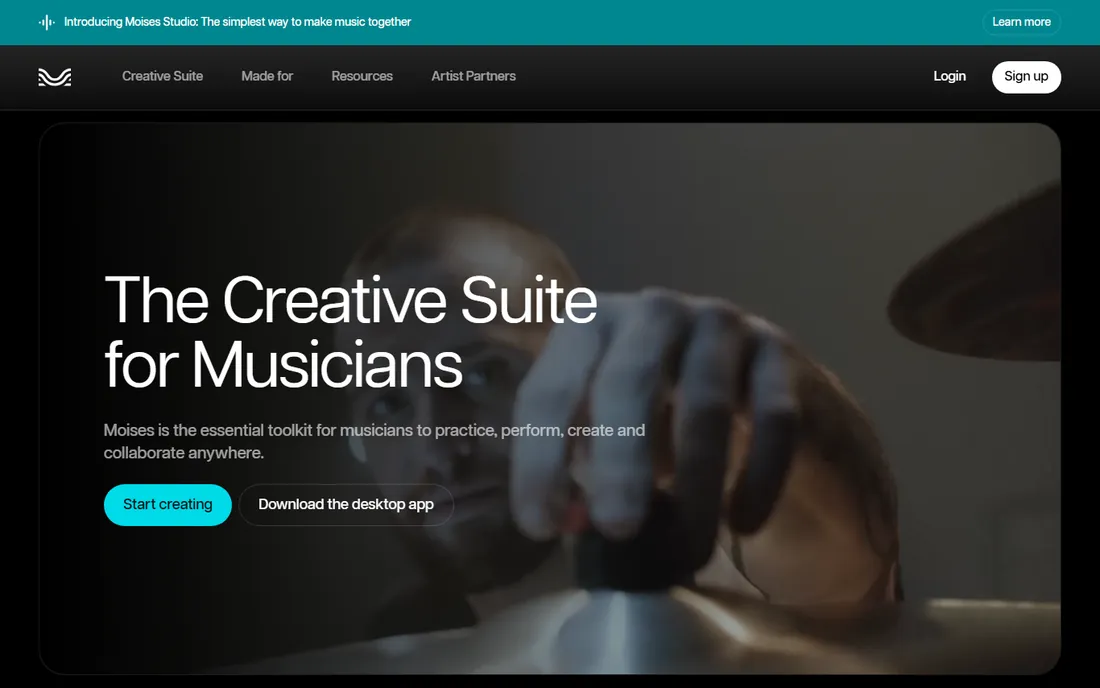
Moises is the musician's stem separator rather than the producer's. Yes, it splits vocals, drums, bass and instruments, but the features around the split are what matter: it detects the song's chords, lets you slow the tempo without changing pitch, and shifts key for singers. That makes it a practice tool first and an editing tool second, and the mobile apps mean the practice room is wherever your phone is.
The free tier covers limited uploads per month, enough to try it on a few songs. The catch is pricing transparency: paid plan prices are shown after login rather than on a public pricing page, so we list "See website" rather than a number we cannot verify. If your goal is learning a song, transcribing a part or building a practice mix, Moises is purpose-built for you. If your goal is production-grade stems for release, compare it against RipX or Audioshake below.
What we like- Built for musicians: chord detection, tempo and pitch shifting without changing key
- Mobile apps for practice anywhere
- Clean interface aimed at players, not engineers
Watch out for- Paid pricing is not public on the main site
- Free tier limits uploads per month
- Stem quality is good but not the absolute best here
#3
RipX
Best for: Producers who want to edit the notes inside a stem, not just isolate it
Visit hitnmix.com
Starting priceFrom $99 (per hitnmix.com "Buy Now")
Free planFree trial (21 days of PRO, per the vendor's site)
RipX is the only tool here that treats a separated stem as something you can edit, not just mute. Its pitch is that audio becomes like MIDI: after separation, you can see the individual notes in a vocal or instrument stem, then change their pitch, timing, vibrato or even the instrument sound. For remixers, mashup artists and producers fixing a performance, that is a different category of capability from everything else on this list.
Pricing starts at $99 on the vendor's own site, with higher tiers for the full feature set, and a 21-day free trial of PRO lets you test the note editing before paying. The tradeoff is complexity: this is desktop software with a real learning curve, not a browser uploader. If you just need an instrumental for karaoke night, LALAL.AI is faster and cheaper. If you want to rebuild a track from its separated parts, nothing else here does what RipX does.
What we like- Unique note-level editing: change pitches, timing and sounds inside separated audio
- Strong for remixes, mashups and fixing performances
- One-time purchase tiers from $99
- 21-day free trial of the top tier
Watch out for- Desktop only, no web or mobile version
- The learning curve is steeper than one-click splitters
- Overkill if you only need a quick vocal removal
#4
Audioshake
Best for: Record labels, publishers and developers who need stems at scale
Visit audioshake.ai
Starting priceSee website (Indie plan and custom enterprise pricing)
Free planNo
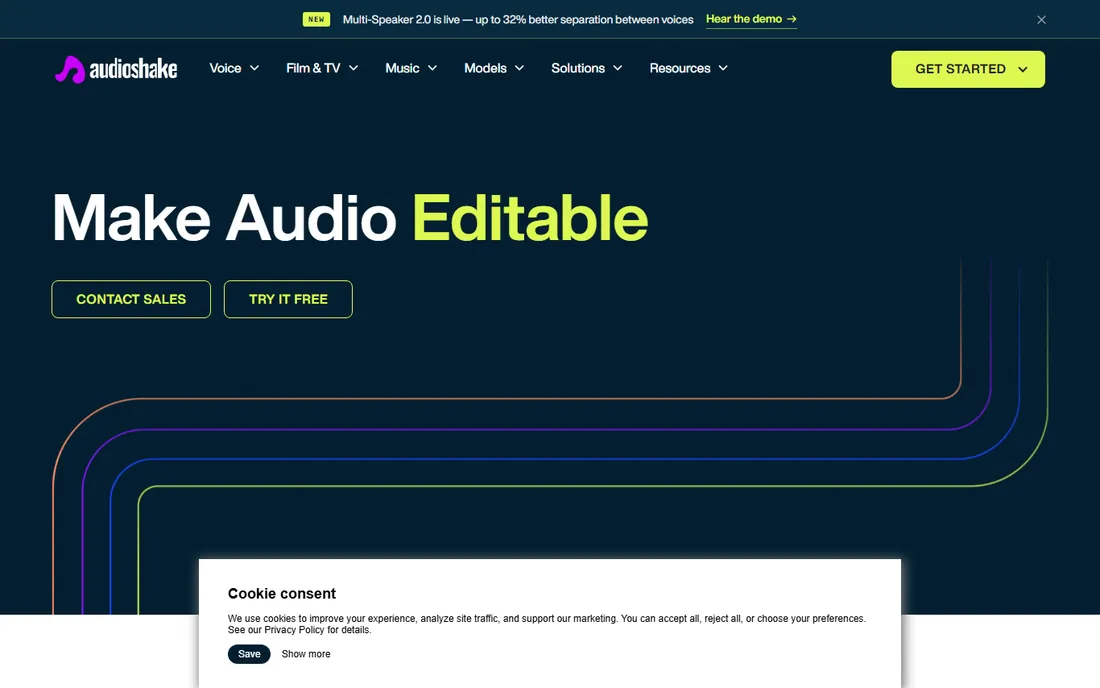
Audioshake plays in a different league from the consumer tools above: it sells stem separation to record labels, publishers and developers through an API, for catalogs of thousands of tracks rather than one song at a time. The quality bar is commercial, tuned for the messy reality of mastered recordings, and the workflow assumes you are integrating separation into a product or a release pipeline.
That positioning explains the pricing opacity: the main site lists an Indie plan and custom enterprise pricing without public numbers, so we write "See website" rather than guessing. There is no free tier. If you are a label preparing stems for sync licensing, a developer building a music app, or a publisher modernizing a catalog, Audioshake is the serious option. If you are one person with one track, the tools above will serve you better and cheaper.
What we like- Built for commercial use with an API and batch processing
- Stem quality tuned for real catalog work
- Handles licensing-friendly workflows labels actually need
- Indie plan exists for smaller creators
Watch out for- No public pricing on the main site
- Aimed at businesses, not casual users
- No free tier to test with
Starting priceSee website (pay-per-minute packs; reviewers report $7 for 50 minutes)
Free planFree trial (20 minutes, per reviewers, unverified on the vendor's login-gated site)
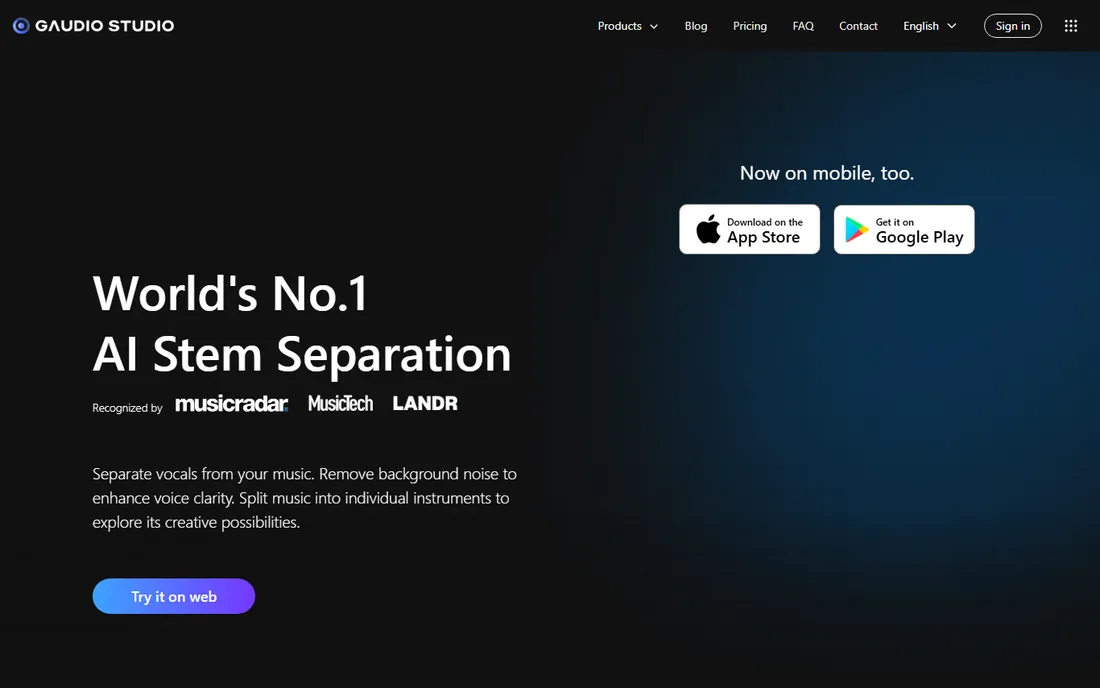
Gaudio Studio's appeal is the pricing model: instead of a monthly subscription, you buy packs of processing minutes and spend them when you need them. Reviewers report packs around $7 for 50 minutes, $16 for 200 minutes and $50 for 2,000 minutes, plus a 20-minute free trial, though we could not verify these numbers on the vendor's own site because it sits behind a login. We list "See website" for the price and flag the reviewer-reported figures as unverified.
For someone who separates a track a few times a year, pay-per-minute beats a subscription that bills whether you use it or not. The web interface is clean and the separation quality holds up against LALAL.AI on typical mixes. The caveats are real, though: a login-gated site with unverified pricing deserves caution, and the community around it is smaller than the alternatives. Try the free trial minutes first and confirm the current pack prices before buying.
What we like- Pay-as-you-go model with no subscription commitment
- Minute packs suit infrequent use
- Clean web interface
- Stem quality competitive with the big web tools
Watch out for- Site requires login, so pricing could not be verified on the vendor's own pages
- Free trial length comes from third-party reviews, not the vendor
- Smaller brand with less community support
#6
Spleeter
Best for: Developers and technical users who want free, scriptable separation
Visit github.com
Starting price$0 (open source, MIT license)
Free planYes (the entire project is free)
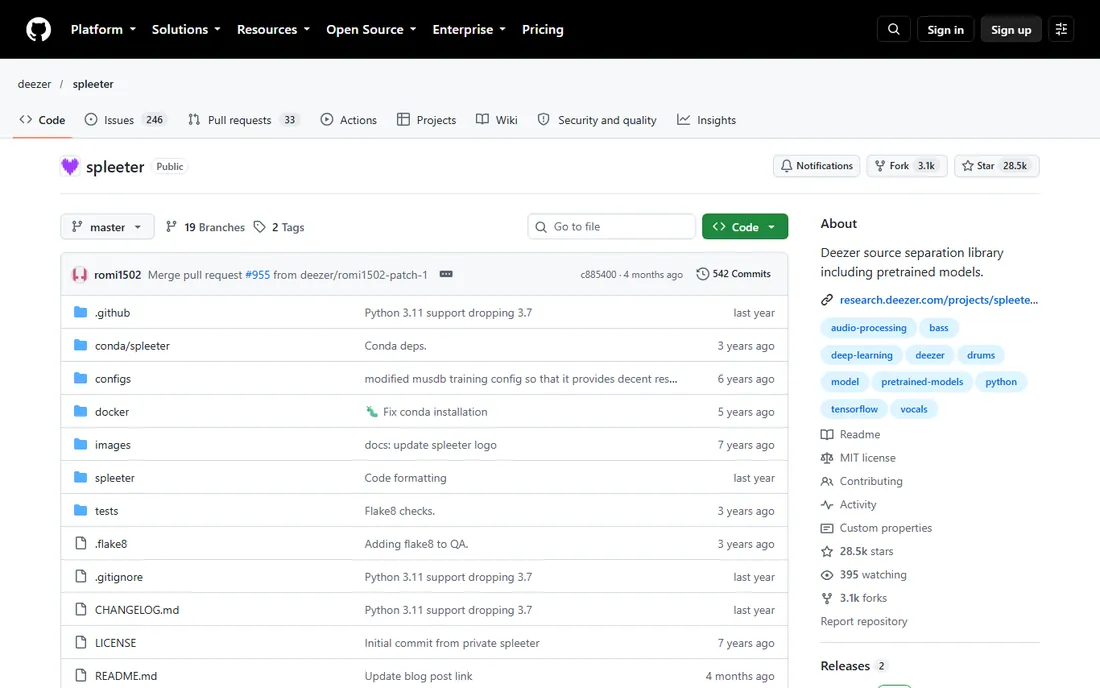
Spleeter is Deezer's open-source gift to the audio world: a Python library that splits tracks into 2, 4 or 5 stems, free under the MIT license, which even allows commercial use. Several commercial stem separation products were built on top of it. If you can run Python, you can separate unlimited tracks on your own hardware for exactly zero dollars, forever.
The audience is technical by definition. There is no app, no upload button, no support desk: you install it, you run commands, you wait for your CPU or GPU to finish. Quality is respectable but a generation behind the best current models, particularly on tricky mixes. For developers building separation into their own tools, researchers, and hobbyists comfortable with a terminal, Spleeter remains the unbeatable value. Everyone else should look at Ultimate Vocal Remover next, which wraps modern models in a friendlier package.
What we like- Completely free under the MIT license, including commercial use
- Scriptable from the command line for batch jobs
- The engine behind several commercial products
- Runs locally on your own machine
Watch out for- Command-line only, no friendly app
- Setup requires Python and some technical comfort
- Separation quality lags the newest commercial models
- Needs a decent GPU for fast processing
Starting price$0 (totally free and open source, per the vendor's site)
Free planYes (the entire app is free)
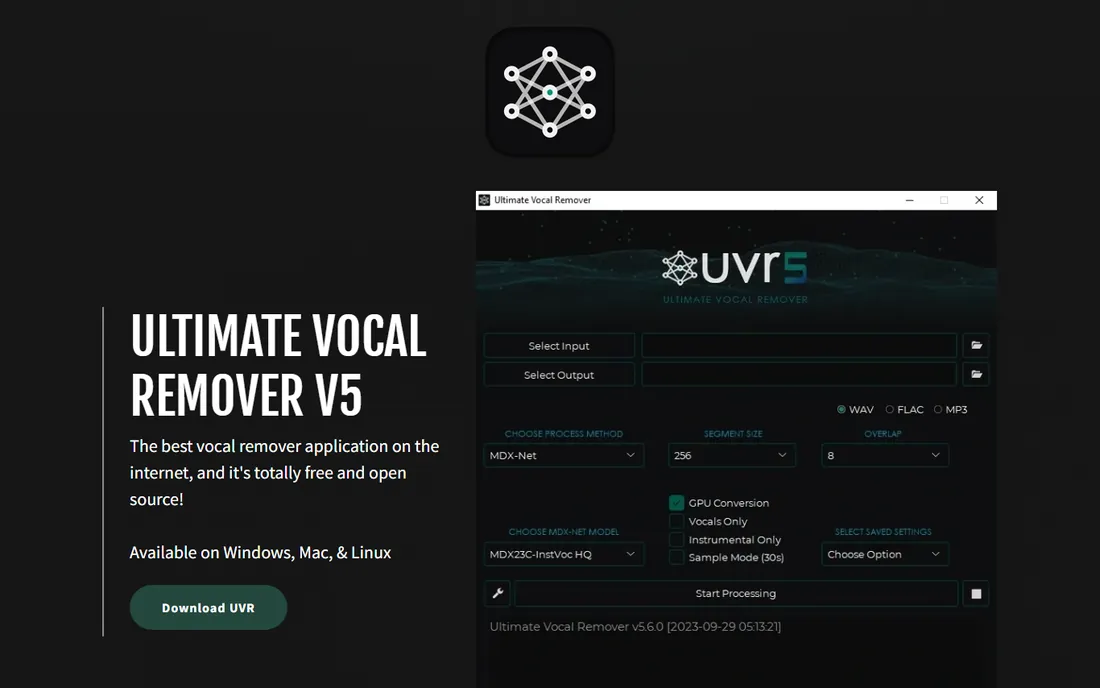
Ultimate Vocal Remover (UVR) is the best-kept secret in free audio software. It is a free, open-source desktop app that bundles several state-of-the-art separation models behind a graphical interface, so you get modern AI quality without touching a command line or paying a subscription. The vendor's site states plainly that it is totally free and open source, and it runs on Windows, Mac and Linux.
On vocal isolation specifically, UVR regularly matches or beats paid web tools in community comparisons, which makes it the first thing to try before spending money. The cost is setup friction: you download the app, download the model files, and learn an interface built by volunteers. There is no web version and no support desk. But for a musician, podcaster or DJ who wants the best free vocal remover available, the hour of setup pays for itself immediately and permanently.
What we like- Free and open source with multiple modern AI models to choose from
- Graphical interface, no command line needed
- Runs on Windows, Mac and Linux
- Quality rivals paid tools on vocal isolation
Watch out for- Desktop only, no web version
- Downloading models and setting it up takes some patience
- Interface is functional rather than polished
- No commercial support
Start with how you will use the stems, because these tools split into clear jobs. Practicing musicians need Moises and its chord and tempo tools. DJs and creators who need a quick instrumental should pick a web splitter like LALAL.AI or Gaudio Studio. Producers rebuilding tracks need RipX's note editing. Developers need Spleeter's code or Audioshake's API. Buying the wrong category wastes more money than buying the wrong tool in the right category.
Then check three practical things. First, the pricing model: subscriptions (LALAL.AI), pay-per-minute (Gaudio Studio), one-time purchases (RipX from $99) and free (Spleeter, UVR) all exist, and the cheapest option depends on how often you separate. Second, the stem types: most tools split 4 to 5 stems, while LALAL.AI offers 10, which matters if you need piano or guitar isolated. Third, where it runs: web tools work anywhere with no install, desktop tools (RipX, UVR) keep your audio private and work offline. Match the tool to the job and the price model to your volume.
Free vs paid stem separation: where the quality gap actually is
The honest answer is that the gap is smaller than the marketing suggests, and it sits in specific places. On clean, modern mixes, the free tools (UVR, Spleeter) produce stems that most listeners cannot distinguish from paid results. The paid tools pull ahead on difficult material: dense rock mixes, live recordings, old masters with bleed, and unusual instrumentation. If your source material is clean, start free and spend the money only if you hear a problem.
Where paid tools consistently win is convenience, not just quality. Web uploaders, batch processing, APIs, chord detection and note editing are workflow features that save hours, and hours are what you are really buying. A label processing a catalog cannot run Spleeter by hand on 10,000 tracks; that is what Audioshake's API is for. A bedroom producer separating one acapella a month gains nothing from a subscription. So the real question is not which tool sounds best in a shootout. It is how much your time is worth per separation, and whether the free tools' friction costs you more than the paid tools' price.
How we chose
We started with the searches buyers actually run: best stem separation software, vocal remover software, AI stem splitter and audio stem separation tool. For each candidate we opened the vendor's own site, checked the published pricing and plan structure, and compared it against public reviews on G2 and Capterra, practitioner discussion on Reddit and music production communities. Where a price could not be confirmed on the vendor's own page, we wrote "See website" or labeled the figure as reviewer-reported rather than stating it as fact. Gaudio Studio's site requires a login, so its pricing is flagged as unverified. Every website URL below was copied from the vendor's site after opening it.
Frequently asked questions
What is stem separation software?
It is software that uses AI to split a finished, mixed song back into its individual parts, called stems: typically vocals, drums, bass and other instruments. You upload a regular audio file and get back separate tracks you can mute, remix, practice with or sample.
What is the best free stem separation software?
Ultimate Vocal Remover for most people: it is free, open source, has a graphical interface and uses modern AI models that rival paid tools on vocal isolation. Spleeter is the free pick for developers who want scriptable, batch separation from the command line. Both run on your own computer with no upload limits.
How much does stem separation software cost?
From $0 to $249 per year on this list. LALAL.AI starts at $9.99 per month, RipX starts at $99 as a one-time purchase, Gaudio Studio sells pay-per-minute packs, and Audioshake prices custom plans for businesses. Spleeter and Ultimate Vocal Remover are completely free.
Can stem separation remove vocals completely?
Almost, on clean recordings. Modern AI separators isolate vocals remarkably well, but faint artifacts or bleed can remain on dense mixes, backing vocals and reverb-heavy tracks. For karaoke and practice it is more than good enough; for commercial release, expect to do some cleanup.
Is it legal to separate stems from a copyrighted song?
Separating stems for private practice or study is generally fine, but using separated stems in released music, remixes or commercial content without permission from the rights holders can infringe copyright. The tools are legal; what you do with the output determines the risk.
Which stem separator is best for DJs?
LALAL.AI for speed: browser-based, no install, with 10 stem types for making quick edits and mashups. DJs who want to rebuild tracks note by note should look at RipX instead, and budget-conscious DJs should try Ultimate Vocal Remover free first.
Sources we checked (7)
- https://www.lalal.ai/
- https://moises.ai/
- https://hitnmix.com/
- https://www.audioshake.ai/
- https://studio.gaudiolab.io/
- https://github.com/deezer/spleeter
- https://ultimatevocalremover.com/
Is your product missing or out of date?
We review this list regularly. Vendors can request a listing, send updated pricing or ask about featured placement.

Shihab Mia · Founder, Rankite
Shihab has spent more than a decade helping SaaS and e-commerce brands grow through search. He writes Rankite's software buying guides from pricing pages, documentation and public user reviews. More about Shihab.