How we make this list: we compare pricing pages, product documentation and public user reviews. Rankite is independent; if a vendor ever pays for a featured spot, that listing is clearly labeled Partner.
Key takeaways
- OBS Studio records your webcam, screen and audio for free with no watermark, and it is the pick for anyone comfortable with a settings menu.
- Bandicam ($33.26 per year for the personal annual license) is the lightest paid option for Windows users who record long sessions without taxing the CPU.
- Camtasia ($39 per year Starter) and Movavi Screen Recorder ($19.95 for a one-month plan) pair recording with editing, so training videos never need a second app.
- ManyCam (from $59 per year) is built for live use: layers, lower-thirds and virtual backgrounds while you stream or teach.
Quick comparison
| Tool | Best for | Starting price | Free plan |
|---|
 OBS Studio OBS Studio | Streamers, teachers and creators who want a free, fully featured recorder | Free (open source, no paid tiers) | Yes |
 Bandicam Bandicam | Windows users who want light, reliable recording for long sessions | $33.26/year (Personal annual license) | Yes (free version with recording limits and watermark) |
 Camtasia Camtasia | Trainers and teams who record their webcam and edit in the same app | $39/year (Starter plan) | Free trial |
 Movavi Screen Recorder Movavi Screen Recorder | Beginners who want scheduled recordings and one-click sharing | $19.95 (1-month plan) | Free trial |
 ManyCam ManyCam | Live streamers and teachers who want layers, effects and virtual backgrounds | From $59/year (billed annually) | Yes (free version with watermark) |
 Wondershare DemoCreator Wondershare DemoCreator | Course creators who want webcam recording plus a real editor | See website | Free trial |
 EaseUS RecExperts EaseUS RecExperts | Windows and Mac users who want scheduled, auto-stop recordings | See website | No (no free tier advertised) |
 Debut Video Capture Debut Video Capture | Home users who want a free recorder for non-commercial use | See website | Yes (free for non-commercial use) |
 ApowerREC ApowerREC | People who want one recorder across Windows, Mac, Android and iOS | From $19.95 (per vendor store) | Free trial |
 CyberLink YouCam CyberLink YouCam | Video call users who want beauty effects, avatars and virtual backgrounds | $49.99 (YouCam, per vendor page) | Free trial |
Is your product missing or out of date?
We review this list regularly. Vendors can request a listing, send updated pricing or ask about featured placement.
The best webcam recording software
A webcam recording looks simple until you try to make a good one. The built-in camera app on your laptop records, but it gives you no control over resolution, no way to add your screen beside your face, and no editing when you misspeak. The tools below fix exactly those gaps, and they split into two camps: recorders that capture well and hand the file to an editor, and all-in-one tools that record and edit in the same window.
#1
OBS Studio
Best for: Streamers, teachers and creators who want a free, fully featured recorder
Visit obsproject.com
Starting priceFree (open source, no paid tiers)
Free planYes
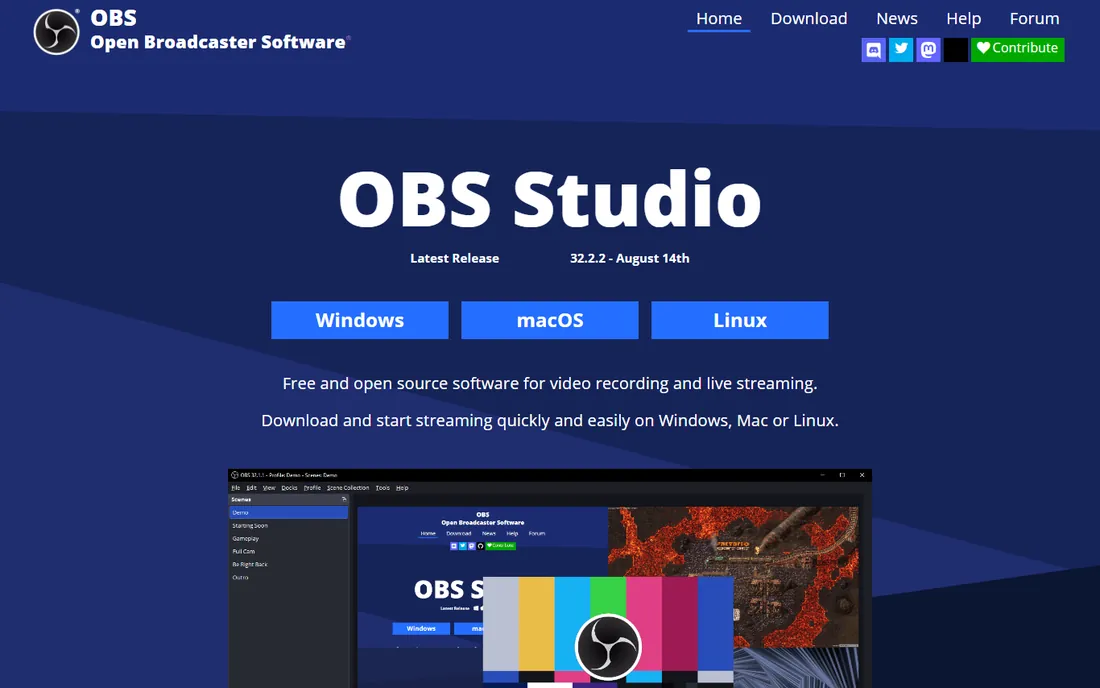
OBS Studio is the rare free tool with nothing held back. You can record your webcam in 4K, overlay it on a screen capture, add a lower-third with your name, and stream or save the file locally, all without paying or signing up. Noise suppression, chroma key for green screens and scene switching come standard. The trade is the learning curve: your first recording will take some menu diving, and the official documentation reads like it was written by engineers, because it was.
Once it clicks, there is no ceiling. The plugin library adds animated overlays, closed-captioning, replay buffers and multi-track audio. It runs on Windows, Mac and Linux. If you make videos regularly and can spare an afternoon to learn the layout, nothing paid under $100 beats it.
What we like- Completely free with no watermark, time limits or locked features
- Records webcam, screen, audio and multiple sources as separate, mixable layers
- Huge plugin and community ecosystem for overlays, noise suppression and virtual cameras
Watch out for- The settings-first interface intimidates first-time users
- No built-in video editor, so trimming happens in another app
#2
Bandicam
Best for: Windows users who want light, reliable recording for long sessions
Visit bandicam.com
Starting price$33.26/year (Personal annual license)
Free planYes (free version with recording limits and watermark)
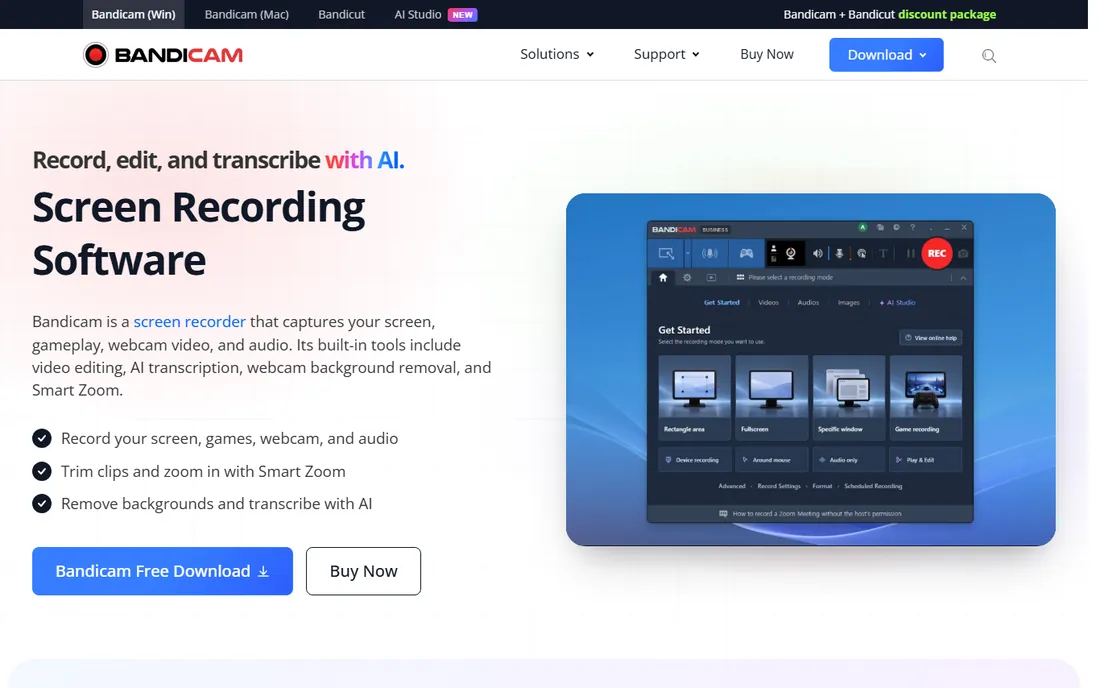
Bandicam has one job and does it with unusual efficiency. It records your webcam, screen or a game window while barely touching the processor, which matters when you record hour-long training sessions or webinars on a mid-range laptop. The interface is a small control bar, not a studio dashboard, so you start recording in two clicks. The annual personal license at $33.26 undercuts most subscription competitors, and a perpetual license is available if you dislike renewals.
The limits are platform and scope. There is no Mac version, and Bandicam is a recorder first: trimming and annotation exist but are thin next to Camtasia or DemoCreator. Buy it when recording reliability is the whole requirement, especially on Windows hardware that struggles with heavier apps.
What we like- Very low CPU usage, so long recordings stay smooth on modest hardware
- The personal annual license is one of the cheapest paid options here
- Hardware acceleration support for crisp 4K capture
Watch out for- Windows only, with no Mac version
- The editing features are basic, so plan on a separate editor
#3
Camtasia
Best for: Trainers and teams who record their webcam and edit in the same app
Visit techsmith.com
Starting price$39/year (Starter plan)
Free planFree trial
Camtasia is the standard answer in corporate training for a reason. You record your webcam and screen together, then cut mistakes, add callouts, zoom into details and generate captions without leaving the app. The separate-tracks recording means you can delete an awkward pause from the camera track without touching the screen capture. For teams, shared themes, quizzes and LMS export turn recordings into actual courseware.
The pricing needs a careful read. Starter at $39 per year watermarks every export, which makes it a trial in practice; Essentials at $179.88 per year is the honest entry price for clean videos. If your videos earn their keep through training or marketing, that price is easy to justify. If you only need raw recordings, OBS or Bandicam cost far less.
What we like- Recording and a full multi-track editor in one purchase, so no file handoffs
- Screen, camera, microphone and system audio record as separate tracks
- Strong captioning, quizzes and SCORM export for corporate training
Watch out for- The $39 Starter plan watermarks exports, so the real starting point is Essentials at $179.88 per year
- Heavier on system resources than pure recorders
#4
Movavi Screen Recorder
Best for: Beginners who want scheduled recordings and one-click sharing
Visit movavi.com
Starting price$19.95 (1-month plan)
Free planFree trial
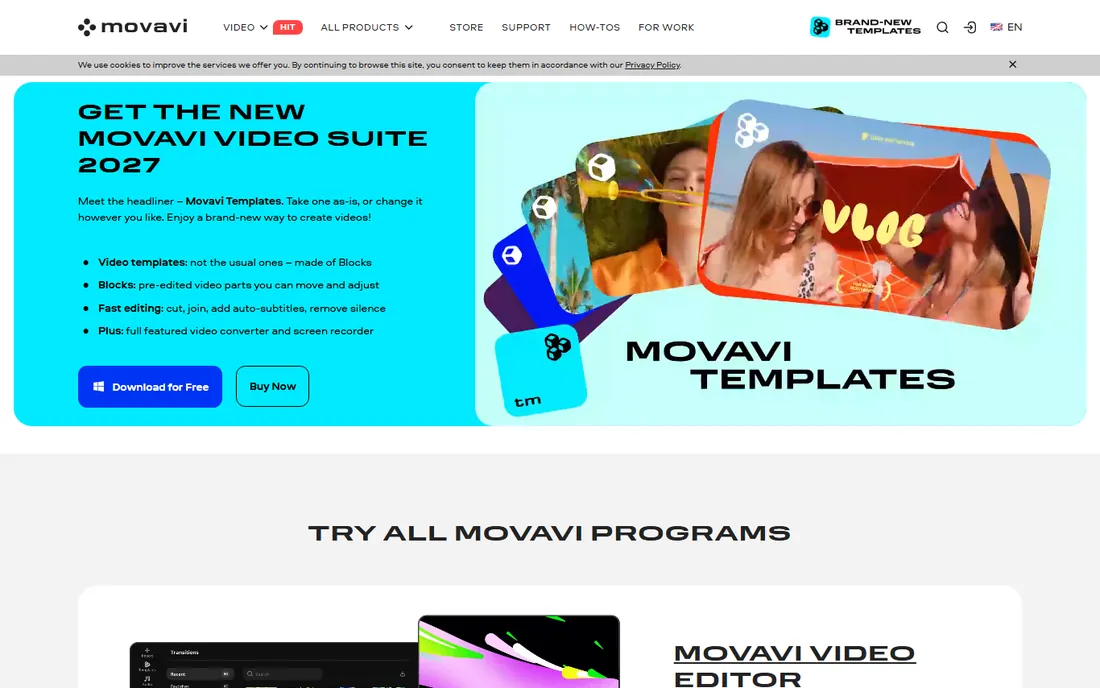
Movavi Screen Recorder targets people who find OBS intimidating. The sidebar puts screen recording one click away, the scheduler lets you set a start and stop time for a webinar you cannot attend live, and you can draw on the recording as it happens to highlight what matters. The webcam overlay drops your face into a corner with one toggle, and AI noise reduction cleans up room hum.
Pricing is the wrinkle. The $19.95 entry is a one-month subscription, which is handy for a single project but expensive if you renew all year. Buy the year when it is discounted, or step up to Movavi Video Suite if you also need editing. For a quick, guided recording experience with no learning curve, it does exactly what it promises.
What we like- The recording scheduler captures webinars and calls while you are away
- Webcam overlay, live drawing and keystroke display work out of the box
- A short monthly plan exists for one-off projects
Watch out for- The cheapest plan is monthly, so a full year costs more than most annual competitors
- Editing is minimal compared with Movavi Video Editor
#5
ManyCam
Best for: Live streamers and teachers who want layers, effects and virtual backgrounds
Visit manycam.com
Starting priceFrom $59/year (billed annually)
Free planYes (free version with watermark)
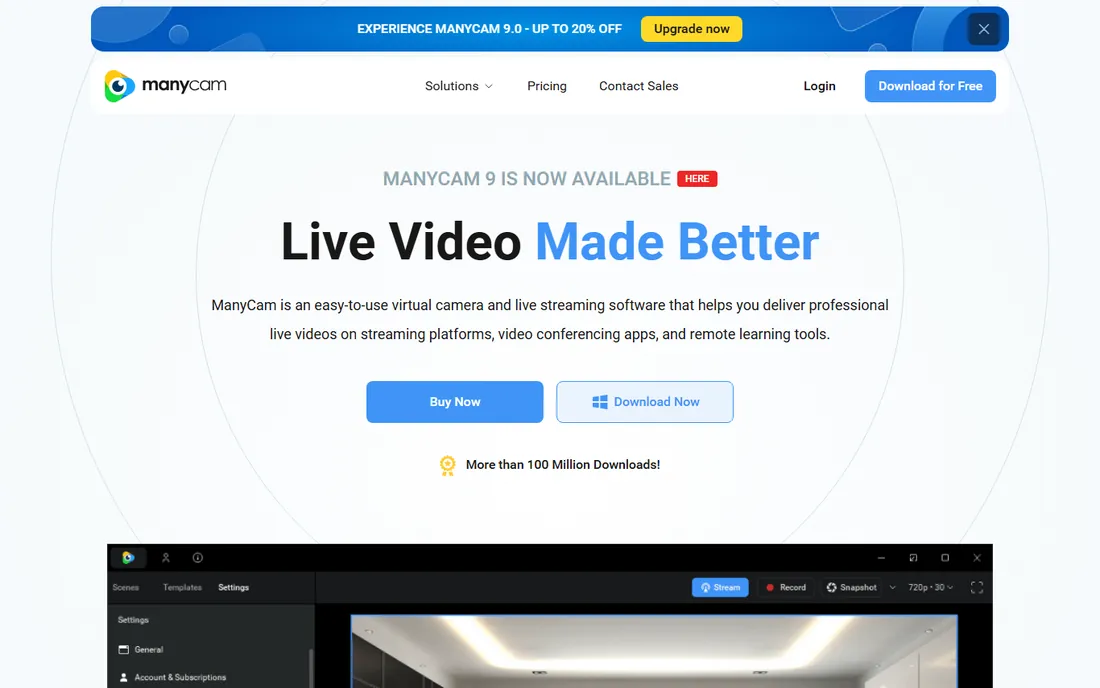
ManyCam turns a basic webcam into a small broadcast studio. You can sit in front of a blurred or replaced background, pull in a second camera or a phone as a source, drop your slides into a picture-in-picture layer, and push the whole scene into Zoom as a virtual camera or out to YouTube and Facebook simultaneously. Teachers use it to look polished on calls; streamers use it for the layers and hotkey scene switching.
As a straight recorder it is fine but not special: you would buy ManyCam for the live effects, not the file it saves. Plans start at $59 per year on the vendor's buy page, with higher tiers adding sources and resolution. If your use is recording tutorials offline, a cheaper dedicated recorder wins.
What we like- Virtual backgrounds, lower-thirds, picture-in-picture and multiple video sources without a green screen
- Works as a virtual camera inside Zoom, Teams and Meet
- Multi-stream to several platforms at once
Watch out for- It is a live-production tool first, so pure offline recording feels secondary
- The free version watermarks everything
Starting priceSee website
Free planFree trial
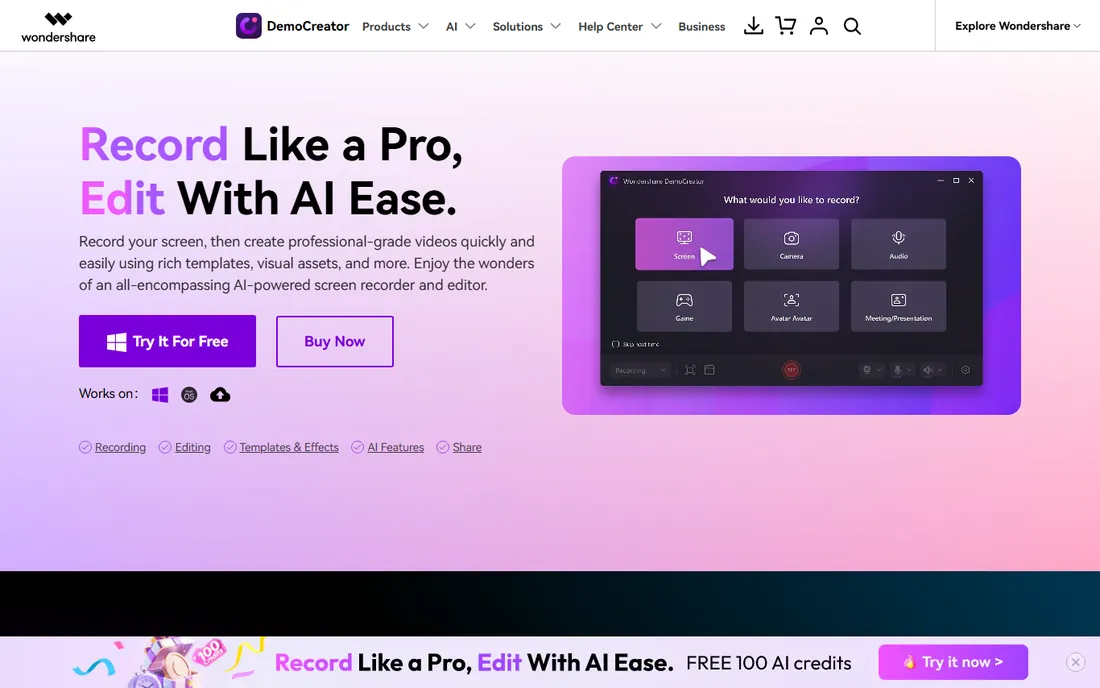
DemoCreator sits between Bandicam and Camtasia. The recorder is genuinely capable: AI framing keeps you centered, the virtual avatar mode lets you present without showing your face, and auto-captioning speeds up course production. Then the editor opens in the same app with transitions, annotations and a stock-style effects library, so a tutorial can go from recording to finished in one sitting.
The honest complaint is pricing clarity. Wondershare sells annual, quarterly, perpetual, business and student licenses, and the numbers move with promotions, so check the current page before budgeting. When discounted it is one of the better values for creators who publish courses weekly and want recording and editing unified.
What we like- Records screen, webcam, system audio and mic with AI face recognition that frames you automatically
- The built-in editor handles cuts, captions, effects and virtual avatars
- Presentation mode turns slides into video directly
Watch out for- The vendor's pricing page is hard to pin down, with annual, quarterly and perpetual options that change
- Heavier install than single-purpose recorders
#7
EaseUS RecExperts
Best for: Windows and Mac users who want scheduled, auto-stop recordings
Visit easeus.com
Starting priceSee website
Free planNo (no free tier advertised)
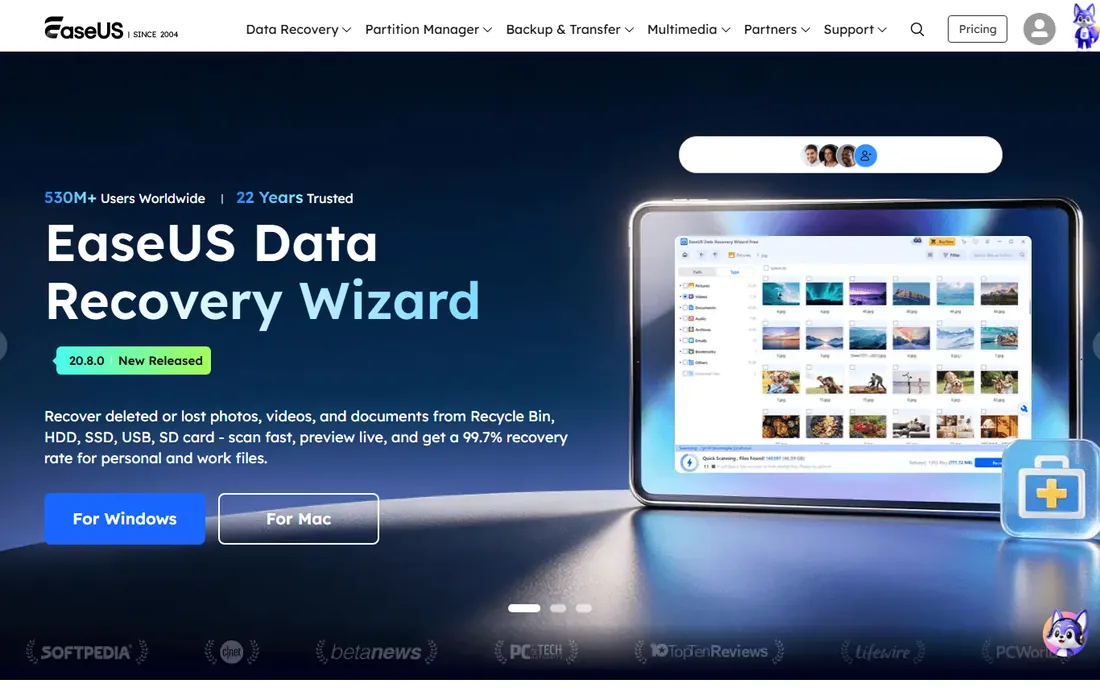
RecExperts is built for set-and-forget capture. You schedule a recording, set it to stop automatically at a time or file size, and let it split long sessions into manageable files on its own. That makes it a quiet workhorse for recording webinars, lectures and meetings you cannot attend. The interface stays out of the way: pick the region, place the webcam overlay, hit record.
The catch is the buying experience. There is no free tier, only a limited trial, and the vendor's pricing sits behind its store pages, so confirm the current price before committing. It is a solid pick when automation matters more than live effects, but try the trial hard before paying.
What we like- Auto-split and auto-stop handle long recordings without babysitting
- Records webcam, screen and audio together with a simple overlay layout
- Runs on both Windows and Mac
Watch out for- No free tier, so you buy before you can properly evaluate
- Fewer live-production features than ManyCam or OBS
#8
Debut Video Capture
Best for: Home users who want a free recorder for non-commercial use
Visit nchsoftware.com
Starting priceSee website
Free planYes (free for non-commercial use)
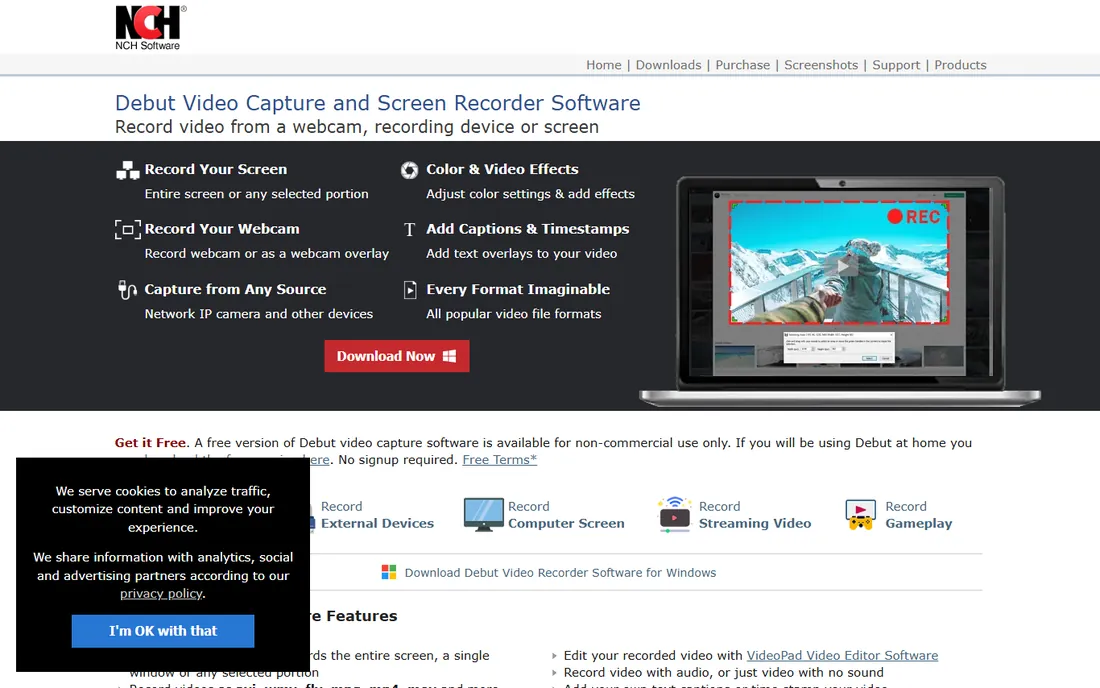
Debut is the old reliable of this list. NCH has sold it for years, and the free-for-home-use license makes it one of the few genuinely free webcam recorders that is not open source. It captures from webcams, capture cards and IP cameras, stamps time and text onto recordings, and stays light enough for older PCs. If your need is simple, record the camera, save the file, it delivers.
Expect a utilitarian experience. The design has not chased trends, and the feature set stops at capture: effects, virtual backgrounds and editing live elsewhere. Commercial users must buy a license, and since the price is not on the product page, get a quote. For free home recording, it is honest and dependable.
What we like- Free for home, non-commercial recording with no trial clock
- Captures webcam, screen and external devices with timestamp and caption overlays
- Small download that runs on older hardware
Watch out for- The interface looks dated next to modern competitors
- Commercial use requires a paid license, and pricing is not published on the product page
#9
ApowerREC
Best for: People who want one recorder across Windows, Mac, Android and iOS
Visit apowersoft.com
Starting priceFrom $19.95 (per vendor store)
Free planFree trial
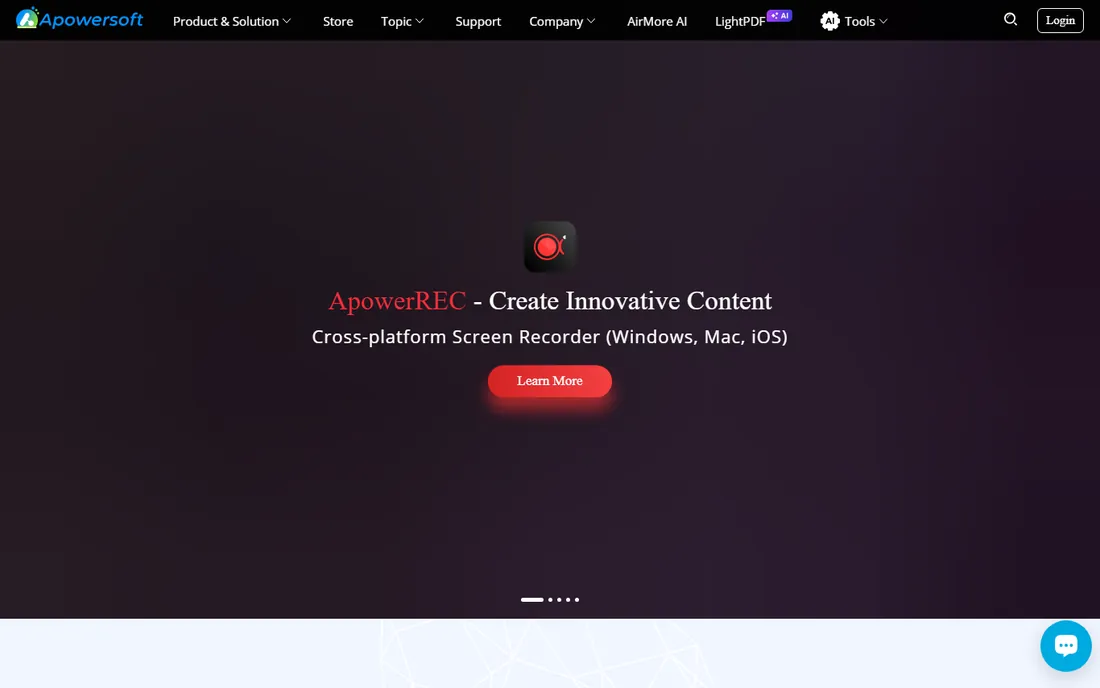
ApowerREC's argument is coverage. Most recorders pick a platform; ApowerREC ships Windows, Mac, Android and iOS versions plus phone mirroring to the desktop, so a team that records on whatever device is handy stays in one ecosystem. Scheduled recording, follow-the-mouse capture and basic annotation cover the common cases, and the vendor store prices it from $19.95 with a free trial on every product.
It will not replace OBS for production or Camtasia for course editing. Think of it as the practical household recorder: easy to install on any device, cheap to start, and consistent everywhere. Check the store carefully at checkout, because Apowersoft sells a dozen similar-sounding products.
What we like- One license family covers desktop and mobile recording, including phone screen mirroring
- Task scheduler and auto-stop mirror the automation crowd
- Simple enough for non-technical users
Watch out for- Advanced editing and live effects lag behind the specialists
- The store lists several related recorders, so buy the right one (ApowerREC, not the API or bundle)
#10
CyberLink YouCam
Best for: Video call users who want beauty effects, avatars and virtual backgrounds
Visit cyberlink.com
Starting price$49.99 (YouCam, per vendor page)
Free planFree trial
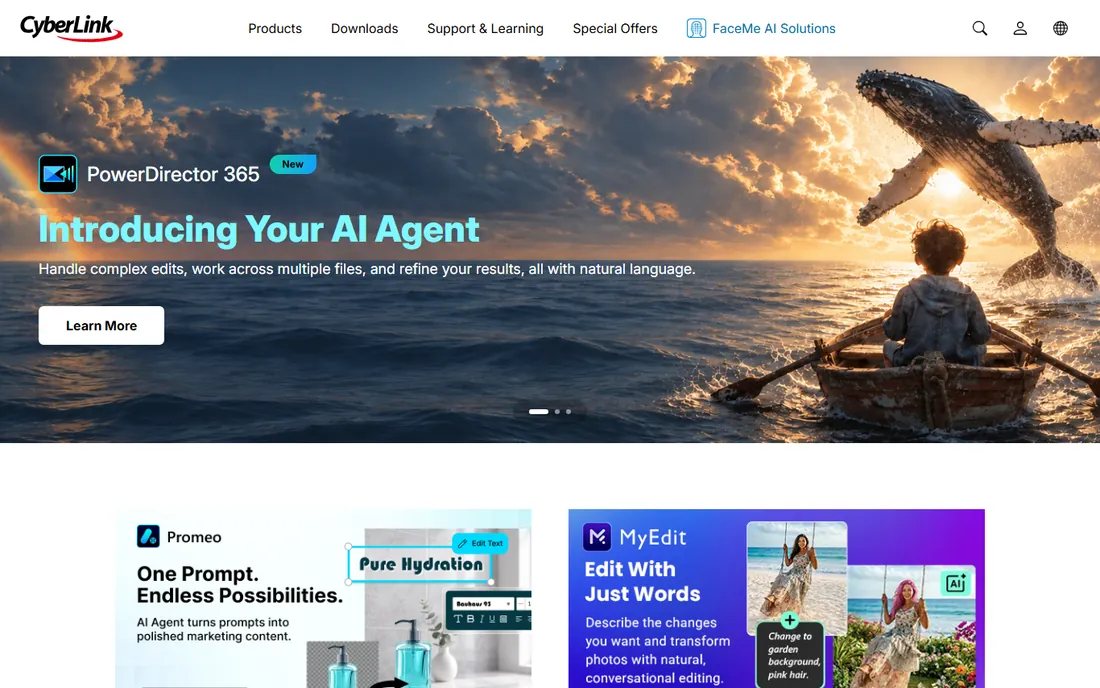
YouCam is the odd one out, and deliberately so. Instead of focusing on the recording file, it upgrades what your webcam shows everywhere: live makeup-style filters, background blur and replacement, fun AR effects, and lighting correction that rescues dim home offices. Because it installs as a virtual camera, every app that uses your webcam gets the upgrade at once, and the recorder captures the enhanced feed.
The vendor page lists YouCam at $49.99 with a free trial download. Buy it when your work is live calls and streams where appearance matters: sales calls, teaching, streaming. If you record tutorials offline and never go live, the other tools on this list give you more for the money.
What we like- Real-time beautify filters, AR avatars and studio lighting flatter you on every call
- Works as a virtual camera inside Zoom, Teams, Meet and Skype
- Auto face-tracking zoom keeps you framed when you move
Watch out for- It enhances the live camera feed rather than being a deep recorder
- The value fades if you only record offline and never join calls
What to check before you pay
Price is the least informative number on a webcam recorder's pricing page. Check the export first: free versions and starter plans often watermark recordings or cap resolution at 720p, which can make a "free" tool useless for client work. OBS is the exception that proves the rule, with no watermark at any tier.
Next, match the tool to the job. Live call enhancement (YouCam, ManyCam) and offline recording (Bandicam, RecExperts) are different products that happen to use the same camera. Buying a live-production tool for offline tutorials, or a bare recorder for daily Zoom calls, wastes the subscription. List your top three uses, then pick the column they fall in.
Finally, check the platform and the renewal. Bandicam and Debut are Windows-only, which ends the discussion for Mac households. Annual licenses like Bandicam's $33.26 personal plan renew automatically; set a calendar reminder for eleven months out so the renewal is a decision, not a surprise.
Free vs paid: where the line really is
The free tier of this category is unusually strong. OBS Studio gives away the full professional feature set, Debut covers basic home recording, and ManyCam's free version lets you test the whole live-production workflow. If your videos are a hobby, a side project or an internal team update, you may never need to pay.
Payment starts making sense at three points. First, when watermarks touch anything a client or student sees. Second, when recording and editing in one app saves you an hour per video, which is Camtasia's and DemoCreator's entire pitch. Third, when reliability has a dollar value: scheduled, auto-stopping capture of a paid webinar is worth a license the first time it saves a recording. Below those lines, stay free and put the money toward a better microphone, which improves perceived quality more than any software.
How we chose
We started with the searches buyers actually run: webcam recording software, record webcam on Windows/Mac, webcam recorder with effects. For each candidate we opened the vendor's homepage, read the current pricing or store page, and checked the free tier's real limits (watermarks, time caps, resolution). We compared feature lists against public reviews on G2, Capterra and Reddit, and dropped products that were discontinued, acquired or no longer sold as standalone recorders. Where a price could not be verified on the vendor's own page, we wrote "See website" instead of guessing.
Frequently asked questions
What is the best free webcam recording software?
OBS Studio. It records webcam, screen and audio with no watermark, no time limit and no cost, on Windows, Mac and Linux. The interface takes an afternoon to learn, but nothing free comes close on features.
Can I record my webcam and my screen at the same time?
Yes. OBS Studio, Bandicam, Camtasia, DemoCreator, RecExperts and ApowerREC all record the webcam as an overlay on a screen capture. ManyCam and YouCam go further by letting you arrange both as live scenes with backgrounds and effects.
Do free webcam recorders add a watermark?
Most do. Bandicam's free version, ManyCam's free version and Camtasia's Starter plan all watermark exports. OBS Studio and Debut's free non-commercial license do not. Always check the watermark policy before recording anything for clients.
What is the cheapest paid webcam recorder?
Bandicam's personal annual license at $33.26 per year is the cheapest verified paid option on this list. ApowerREC starts at $19.95 on the vendor's store, though the license term for that entry price should be confirmed at checkout.
Do I need a separate video editor?
It depends on the tool. Camtasia and DemoCreator include full editors, so recording and finishing happen in one app. OBS, Bandicam, RecExperts, Debut and ApowerREC are recorders first; pair them with a free editor like DaVinci Resolve or Shotcut when you need cuts and captions.
Sources we checked (12)
- https://obsproject.com
- https://www.bandicam.com/buy/
- https://www.techsmith.com/store/camtasia
- https://www.movavi.com/store.html
- https://manycam.com/buy/
- https://democreator.wondershare.com/
- https://www.easeus.com/
- https://www.nchsoftware.com/capture/
- https://www.apowersoft.com/store
- https://www.cyberlink.com/products/youcam/buy_en_US.html
- https://www.g2.com/categories/video-editing
- https://www.capterra.com/screen-recording-software/
Is your product missing or out of date?
We review this list regularly. Vendors can request a listing, send updated pricing or ask about featured placement.

Shihab Mia · Founder, Rankite
Shihab has spent more than a decade helping SaaS and e-commerce brands grow through search. He writes Rankite's software buying guides from pricing pages, documentation and public user reviews. More about Shihab.