How we make this list: we compare pricing pages, product documentation and public user reviews. Rankite is independent; if a vendor ever pays for a featured spot, that listing is clearly labeled Partner.
Key takeaways
- Driver Booster is our top pick for most users: a huge driver database, a capable free version, and backup features that limit the damage when updates go wrong.
- Driver Easy stands out for non-technical users, with a clear interface and vendor-published pricing of $29.95 per year.
- Snappy Driver Installer Origin and DriverPack Solution are the best free options; the former is open source and portable, the latter fully automated.
- Avast and AVG sell nearly identical updaters at $43.99 per year with generous trials; buy on the trial results, not the brand.
- Paid updaters are worth it only for difficult machines; for modern, healthy PCs, Windows Update is still the safest route.
Quick comparison
Is your product missing or out of date?
We review this list regularly. Vendors can request a listing, send updated pricing or ask about featured placement.
How we chose
We started with the long list of Windows driver updaters and kept only products that are actively maintained in 2026 with a current version. For each one, we opened the vendor's own site to confirm it is still sold and to pull pricing and free-tier details straight from the source. Where the vendor's page did not show a price, we list "See website" rather than guessing.
We scored tools on driver source quality, backup and rollback safety, offline capability, pricing transparency, and whether the free tier is actually useful. We gave extra credit to open-source and portable tools because they are the safest choice for technicians working on other people's machines. No vendor paid for placement, and none reviewed this list before publication.
The best driver updater software

#1
Driver Booster
Best for: Most users, especially machines with hard-to-find drivers
Visit iobit.com
Starting priceSee website
Free planYes
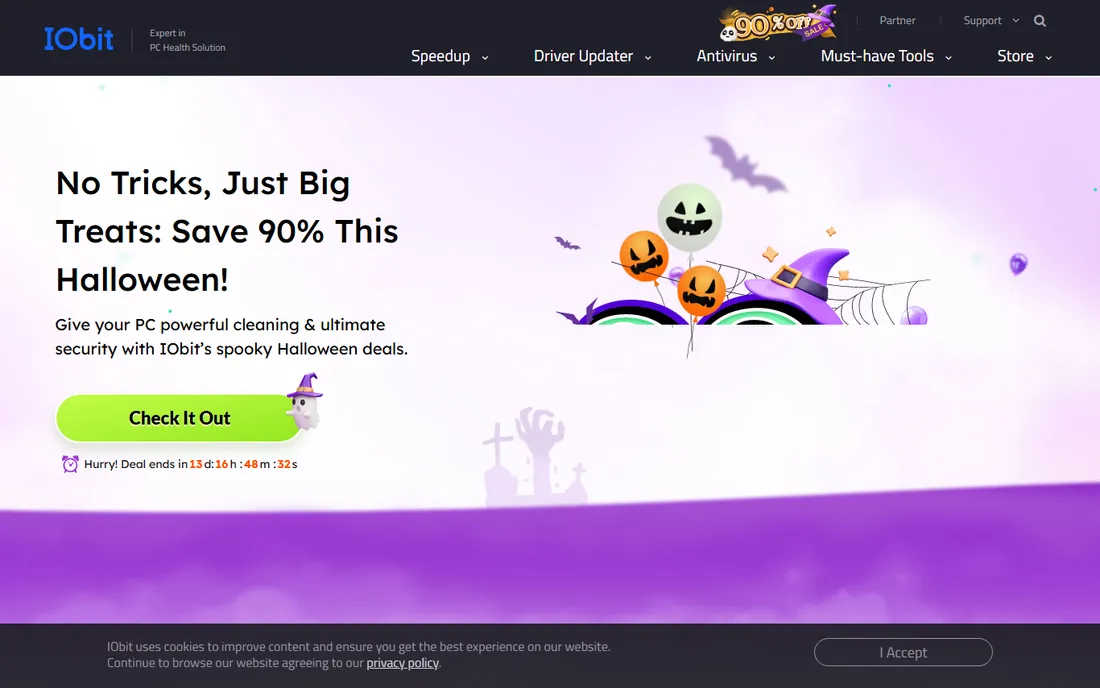
Driver Booster earns the top spot by being the most complete package for the machines that need help most. IObit's database covers an enormous range of hardware, including the obscure devices that Windows Update misses, and the free version handles scanning and updating well enough for casual use. The Pro tier adds faster downloads, wider device support, and full backups.
Two honest caveats. The installer tries to bundle extra IObit software, so read each screen and decline what you do not want. And the Pro price fluctuates with constant promotions, so check the official store rather than trusting a number from a review. Used carefully, with backups enabled, it is the safest commercial choice on this list.
What we like- Very large driver database
- Free version covers the basics
- Automatic backups and restore points before updates
Watch out for- Installer offers bundled software you must decline
- Pro pricing changes often with promotions

#2
Driver Easy
Best for: Non-technical users who want a clear, guided experience
Visit drivereasy.com
Starting price$29.95/year
Free planYes
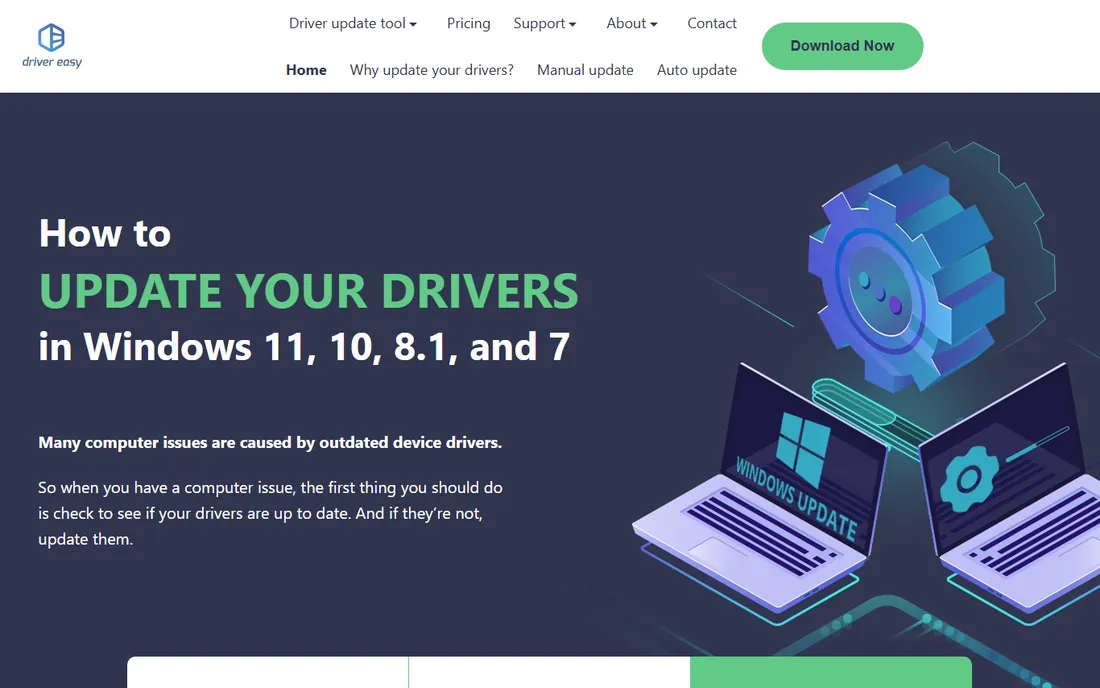
Driver Easy is the tool we would hand to a relative. The workflow is deliberately simple: scan, review the list, update. The vendor publishes its pricing on the homepage, which is refreshingly rare in this category: a 7-day trial that costs nothing then bills $39.95 per year, or a straight annual plan at $29.95 per year.
The standout feature is offline scanning. You can scan a PC with no network connection, take the results to another machine, and download the right drivers there. That alone makes it valuable for refurbishers and anyone supporting older hardware. The free version works but throttles you to manual installs, so treat it as a diagnostic tool unless you pay.
What we like- Simple interface anyone can follow
- Clearly published pricing
- Offline scan feature for PCs without internet
Watch out for- Free version requires manual one-by-one installs
- Trial converts to a $39.95/year plan if you do not switch
Starting priceFree
Free planYes
Snappy Driver Installer Origin, usually called SDIO, is the technician's choice and the only open-source tool on this list. It is portable, so you can carry it on a USB stick and run it on any Windows PC without installing anything. Download the driver packs once, and you can update machines with no internet connection at all, which makes it ideal for fresh Windows installs where even the network driver is missing.
The tradeoff is that SDIO trusts you. It shows you exactly which drivers it plans to install and lets you pick, which is powerful in expert hands and risky in careless ones. Always create a restore point first, install drivers selectively rather than in bulk, and never download it from anywhere except the official site. Used correctly, it replaces paid software entirely.
What we like- Open source and completely free
- Fully portable, runs from a USB drive
- Works offline with downloaded driver packs
Watch out for- Technical interface that intimidates beginners
- You choose which drivers to install, so mistakes are possible

#4
AVG Driver Updater
Best for: Users who want guided scanning with automatic backups
Visit avg.com
Starting priceSee website
Free planFree trial
AVG Driver Updater keeps things simple: scan, review a single list of outdated drivers, update individually or all at once. The official page offers a 15-day full-access trial without requiring a credit card, which is the right way to evaluate any driver tool. Paid features include automatic backups before updates and a rollback option when a new driver misbehaves.
Note the fine print on the vendor's page: the license is for personal and family use only, not business or commercial use. If you are buying for an office, look elsewhere. For a single home PC with a confusing hardware mix, the trial will tell you within a week whether it earns its keep.
What we like- Clean, beginner-friendly interface
- 15-day full-access trial with no credit card
- Automatic driver backup and rollback
Watch out for- License covers a single PC
- Not licensed for business use

#5
Avast Driver Updater
Best for: Buyers who trust the Avast brand and want a long trial
Visit avast.com
Starting price$43.99/year
Free planFree trial
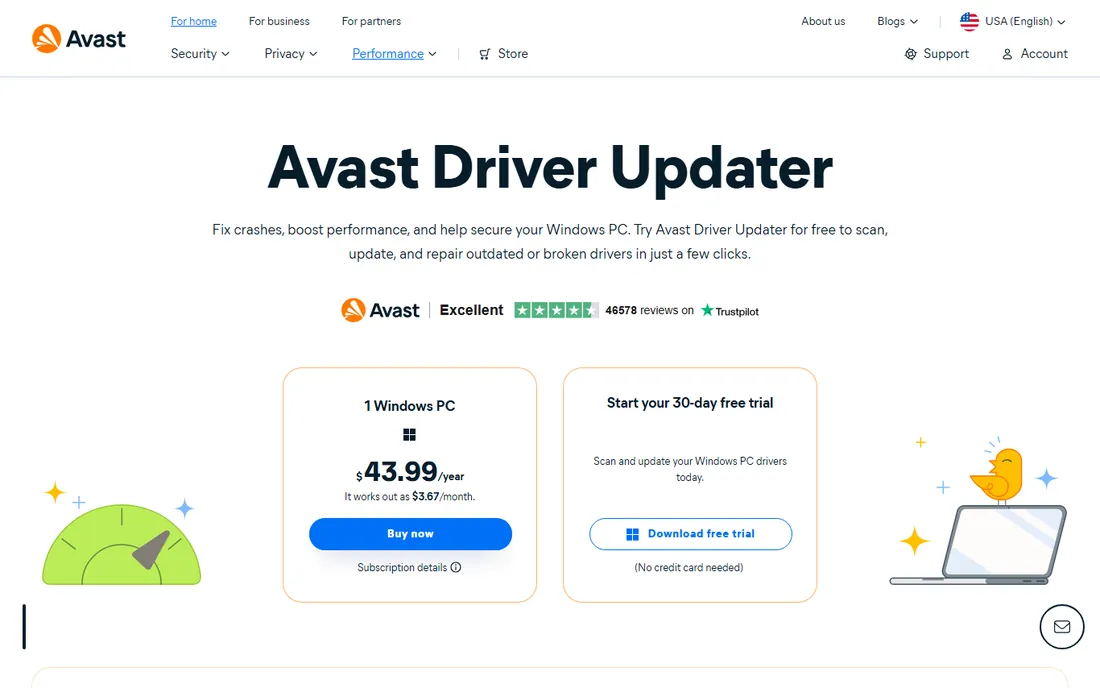
Avast Driver Updater is straightforward about its price: $43.99 per year for one Windows PC, published right on the product page. It scans against a large database, checks drivers for malware before installing, and lets you schedule automatic scans. The 30-day trial needs no credit card, which gives you a full month to judge it on your own hardware.
Here is the open secret: Avast and AVG are the same company, and their driver updaters are near-twins. If you are choosing between them, pick whichever trial experience you prefer, since the underlying engine is essentially the same. Either way, review each proposed update rather than clicking update-all blindly.
What we like- 30-day free trial with no credit card required
- Checks drivers for malware before installing
- Scheduled automatic scans
Watch out for- Covers only one PC
- Nearly identical to AVG Driver Updater under the hood

#6
DriverPack Solution
Best for: Setting up fresh Windows installs in one click
Visit driverpack.io
Starting priceFree
Free planYes
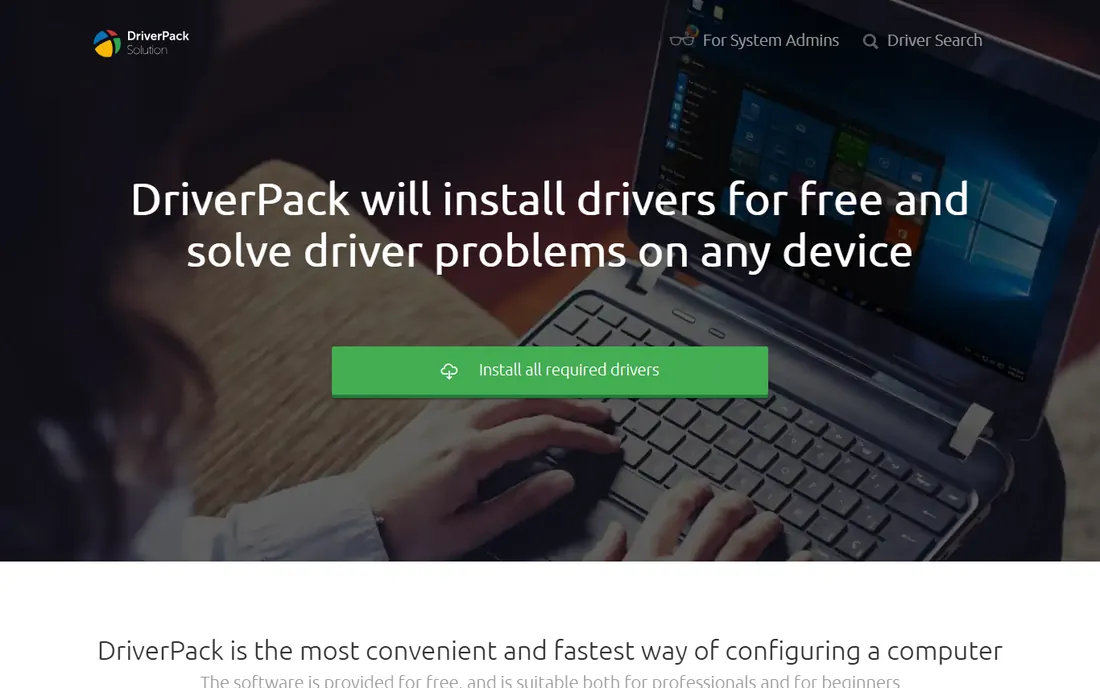
DriverPack Solution is built for one scenario and nails it: a fresh Windows install that needs every driver at once. Download it, run it, and it detects your hardware and installs the drivers in a single automated pass. The vendor's site states plainly that the software is free, with no subscription and no feature limits.
The cost of that convenience is the installer experience. Expect optional bundled software offers during setup and some in-app promotion. Decline the extras, and you get a genuinely free, genuinely capable driver installer. It is less precise than SDIO for tricky hardware, but for a standard fresh install, nothing is faster.
What we like- Completely free with no subscription
- Extremely simple one-click operation
- Huge driver database
Watch out for- Installer includes optional bundled offers you must decline
- Interface shows ads
- Less control than technician tools

#7
Ashampoo Driver Updater
Best for: Budget buyers who want scheduled automatic updates
Visit ashampoo.com
Starting priceSee website
Free planFree trial
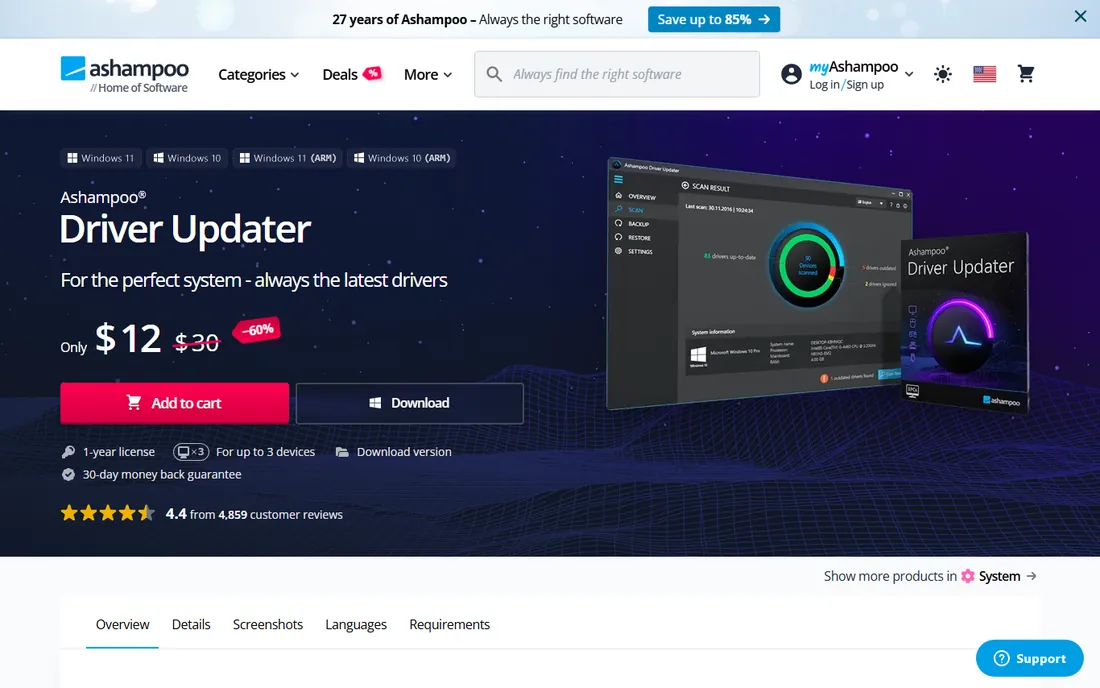
Ashampoo Driver Updater takes the set-and-forget approach. Its built-in scheduler runs scans and updates automatically, and the 2026 update added tracked system modifications with a detailed installation history and rollback. The vendor emphasizes automatic backups before the first scan, which is exactly the safety behavior this category needs.
Pricing is the weak point: the product page does not show a price, and third-party sources report figures anywhere from $18 to $33 per year depending on promotions. The free trial lets you scan, but updating requires a license. Try the trial, check the current price in the official store, and compare it against Driver Easy's published $29.95 before committing.
What we like- Built-in scheduler for fully automatic updates
- Automatic backups and restore points
- Clean, lightweight interface
Watch out for- Pricing varies by promotion and is not shown on the product page
- Premium email support costs extra
Starting priceSee website
Free planFree trial
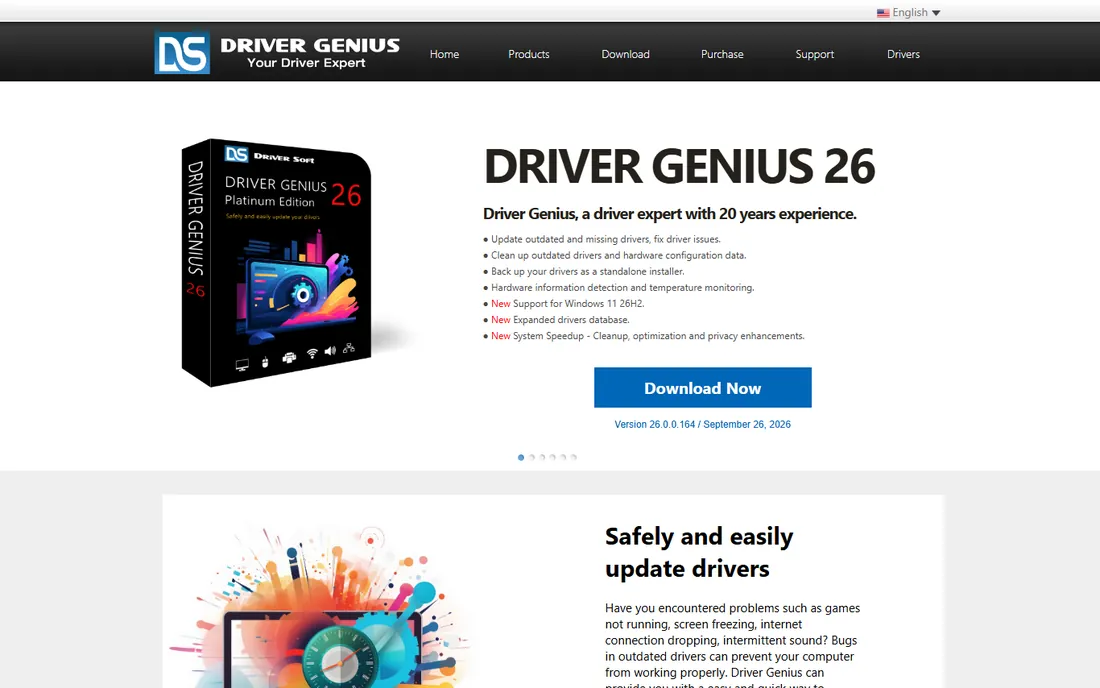
Driver Genius has been around for two decades, and its age shows in the best way in one feature: driver backup. It can package your current drivers into a standalone installer, so after reinstalling Windows you can restore everything with one click, even offline. It also cleans out stale driver files left behind by old hardware, which genuinely helps aging systems.
The current version adds hardware temperature monitoring and Windows 11 support, keeping it relevant. The interface will not win design awards, and you will need to visit the store to see current pricing. But if your priority is surviving a system rebuild rather than chasing the newest driver, its backup tools are the best here.
What we like- Excellent backup that creates standalone driver installers
- Cleans up leftover driver files
- Hardware temperature monitoring
Watch out for- Interface feels dated
- Pricing not published on the main site
Starting priceSee website
Free planYes
Driver Reviver from ReviverSoft is a straightforward option for older home PCs. The free version scans and identifies outdated drivers, while the paid tier adds one-click updating of everything it finds. Scheduled scans keep it running in the background without nagging you.
It does not try to be a full system suite, and that restraint is a plus: fewer features means fewer ways for it to go wrong. The company also sells it bundled with its other PC tools if you want a broader cleanup package. For a single aging laptop that just needs its drivers checked monthly, it is a reasonable, low-drama choice.
What we like- Free version available for basic scanning
- Simple interface with scheduled scans
- 30-day money-back guarantee
Watch out for- Free version limits bulk updates
- Paid pricing varies by source
When you actually need a driver updater
Buy for the problem, not the promise. A driver updater earns its place in three situations. First, a fresh Windows install on hardware Windows does not fully recognize, especially network adapters that leave you with no internet. Second, older or mixed-vendor machines where manufacturer support pages no longer list current drivers. Third, a specific misbehaving device, like a printer or audio interface, where you need to test driver versions quickly.
Skip the purchase if your PC is modern, healthy, and already covered by Windows Update and your manufacturer's utility. Updating working drivers on a stable machine adds risk with no visible benefit. And whatever tool you choose, follow the same safety routine: create a restore point, back up current drivers, update one device at a time, and test before moving to the next.
Free driver updaters vs paid: the honest math
The free options on this list are strong enough that many users never need to pay. SDIO gives technicians everything for nothing. DriverPack Solution handles fresh installs free. The free tiers of Driver Booster and Driver Easy diagnose problems at no cost.
Paid versions buy you three things: convenience (one-click bulk updates), speed (faster downloads), and support (someone to contact when it breaks). For a single home PC, that convenience is worth roughly $30 per year, which is why Driver Easy's published pricing is a useful benchmark. For anyone managing multiple machines, multiply carefully: per-PC licenses from Avast and AVG get expensive fast, while SDIO remains free no matter how many PCs you touch. Run the trials, count your machines, and let the math decide.
Frequently asked questions
Do I really need driver updater software?
Usually not. Windows Update and your PC manufacturer's support tools handle most drivers safely. A third-party updater is worth it for fresh Windows installs, older hardware the manufacturer no longer supports, or specific devices that are misbehaving.
Is driver updater software safe?
It can be, with precautions. Stick to the well-known tools on this list, download only from the vendor's official site, and always let the tool create a restore point or driver backup before updating. Never install every suggested update blindly; update one device at a time and test.
What is the best free driver updater?
Snappy Driver Installer Origin is the best free option for technicians and confident users: open source, portable, and fully featured. DriverPack Solution is the simplest free choice for fresh installs. Both are genuinely free with no subscription.
Why do driver updaters find updates that Windows Update misses?
Windows Update prioritizes stability and only distributes drivers Microsoft has validated for your exact configuration. Third-party updaters pull from broader manufacturer databases, so they find newer or more specific drivers, but those drivers carry a higher risk of incompatibility. That tradeoff is why backups matter.
Can a driver updater fix a blue screen?
Sometimes. If the blue screen is caused by a faulty or outdated driver, updating that driver can resolve it. But blue screens have many causes, including failing hardware and corrupt system files, so a driver updater is a troubleshooting step, not a guaranteed fix. Always back up your data first.
Should I update all my drivers at once?
No. Update one driver at a time, restart, and confirm everything still works before moving on. Bulk updates make it nearly impossible to identify which change caused a problem if something breaks.
Sources we checked (0)
Is your product missing or out of date?
We review this list regularly. Vendors can request a listing, send updated pricing or ask about featured placement.

Shihab Mia · Founder, Rankite
Shihab has spent more than a decade helping SaaS and e-commerce brands grow through search. He writes Rankite's software buying guides from pricing pages, documentation and public user reviews. More about Shihab.
 Snappy Driver Installer Origin
 Driver Genius
 Driver Reviver