How we make this list: we compare pricing pages, product documentation and public user reviews. Rankite is independent; if a vendor ever pays for a featured spot, that listing is clearly labeled Partner.
Key takeaways
- If your team already uses Microsoft 365 or Google Workspace, you may not need a separate document management platform: SharePoint and Google Drive cover the essentials for many small businesses.
- Box and Laserfiche are the strongest picks when compliance, retention, and audit trails matter more than simplicity.
- Zoho WorkDrive is the most affordable entry point at $2.50 per user per month, and Alfresco offers a free open-source Community Edition for teams with IT resources.
- Purpose-built document managers like M-Files and DocuWare earn their price through metadata, workflows, and paperless-office features that basic cloud storage does not provide.
- Expect quote-based pricing from M-Files, DocuWare, Laserfiche, and Alfresco, which means a sales conversation before you see a number.
Quick comparison
| Tool | Best for | Starting price | Free plan |
|---|
 SharePoint SharePoint | Microsoft 365 teams that need document storage and collaboration built into their workspace | $5/user/month (SharePoint Plan 1, standalone) | No (free trial available) |
 Dropbox Business Dropbox Business | Teams that want simple file sync with light document management controls | $15/user/month billed annually (Standard plan, 3+ users) | No (30-day free trial) |
 Box Box | Security-conscious businesses that need governance, compliance, and content workflows | $15/user/month billed annually (Business plan, $20 month-to-month, 3-user minimum) | No (free trial available) |
 Google Workspace Google Workspace | Teams that live in Google Docs, Sheets, and Gmail and want document storage with real-time collaboration | $7/user/month billed annually (Business Starter, $8.40 month-to-month) | No (14-day free trial) |
 M-Files M-Files | Organizations that want metadata-driven document management with automated workflows | See website (quote-based) | No (free trial available) |
 DocuWare DocuWare | Offices going paperless that need document scanning, indexing, and approval workflows | See website (quote-based) | No |
 Zoho WorkDrive Zoho WorkDrive | Budget-conscious small teams that need team file management without enterprise pricing | $2.50/user/month billed annually (Starter plan, $3 monthly) | Yes (free plan for individuals with 5GB) |
 Laserfiche Laserfiche | Organizations with heavy compliance, records management, and process automation needs | See website (quote-based) | No |
 Alfresco Alfresco | IT teams that want an open-source document management platform they can customize and host | See website (quote-based for enterprise; Community Edition is free) | Yes (Community Edition, free open source) |
Is your product missing or out of date?
We review this list regularly. Vendors can request a listing, send updated pricing or ask about featured placement.
#1
SharePoint
Best for: Microsoft 365 teams that need document storage and collaboration built into their workspace
Visit microsoft.com
Starting price$5/user/month (SharePoint Plan 1, standalone)
Free planNo (free trial available)
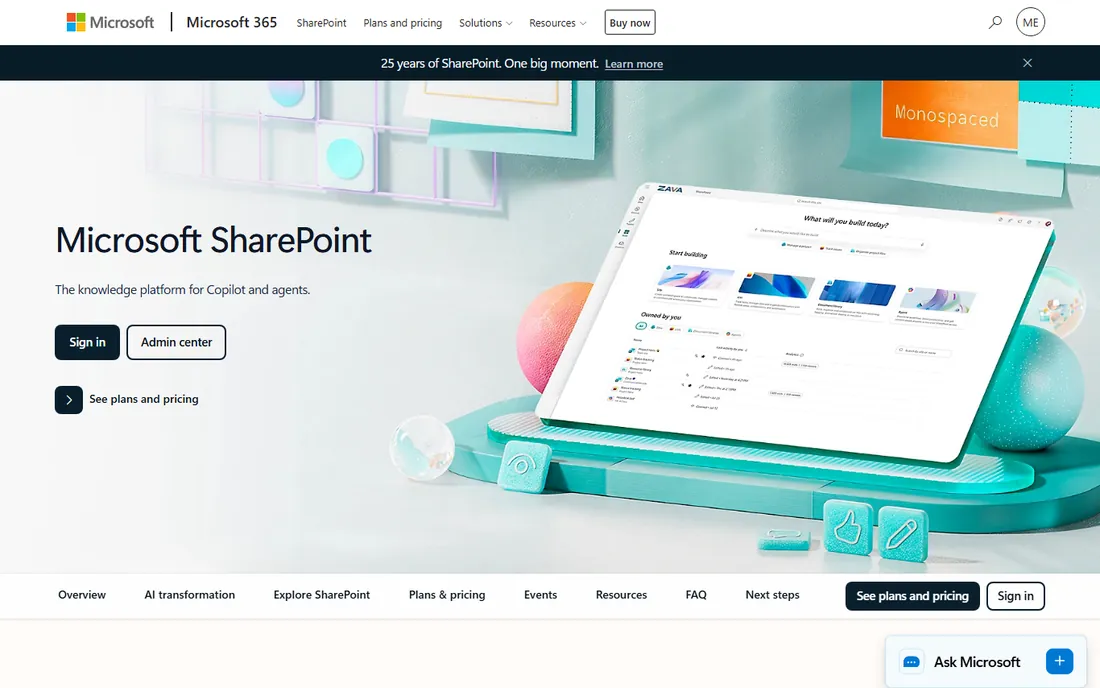
Most Microsoft 365 subscribers already own SharePoint without realizing it. Every Teams channel file tab and shared OneDrive folder runs on SharePoint libraries, so for many businesses the cheapest document management system is the one already installed. The standalone Plan 1 starts at $5 per user per month and covers version history, check-in and check-out, retention policies, and metadata columns. When you need the core functions of a document management system, records control, audit trails, and structured libraries, without buying a separate platform, SharePoint handles them.
The trade-off is that SharePoint rewards planning and punishes neglect. A library structure designed in an afternoon can grow messy within a year if nobody owns permissions and content types. Smaller teams sometimes find the admin side heavier than a purpose-built document manager, and search quality depends on how well metadata was set up from the start. Still, if your team already works in Word, Excel, and Teams every day, SharePoint is the most cost-effective route to organized documents. Everything sits under one login, one admin console, and one compliance boundary.
What we like- Deep integration with Microsoft 365 apps
- Version history and audit trails
- Granular permissions and sharing controls
Watch out for- Setup and structure take planning
- Admin overhead for small teams
- Best value only inside the Microsoft ecosystem
#2
Dropbox Business
Best for: Teams that want simple file sync with light document management controls
Visit dropbox.com
Starting price$15/user/month billed annually (Standard plan, 3+ users)
Free planNo (30-day free trial)
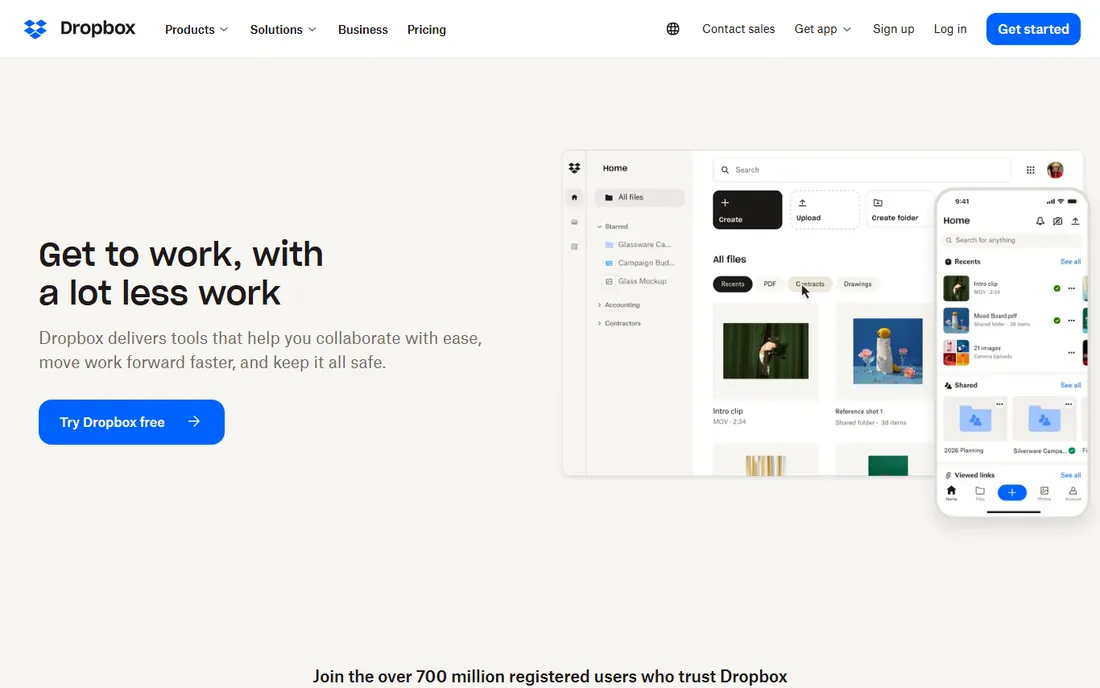
Dropbox earned its reputation by making file sync invisible, and that simplicity is why many small teams choose it as their first document home. The Standard business plan starts at $15 per user per month billed annually with a three-user minimum, and it adds admin controls, shared team folders, and file recovery on top of the familiar consumer experience. For a small office moving documents out of email attachments and personal desktops, Dropbox Business is often the fastest path to order.
It is honest to call this a storage-first product rather than a full document management system. Features like long-term retention, advanced audit logs, and document lifecycle workflows are thinner here than in Box or Laserfiche, and certain advanced controls are only available on higher-priced tiers. But not every business needs that weight. If your priority is getting files shared, synced, and reasonably controlled with almost no training, Dropbox Business delivers the essentials without the learning curve of an enterprise platform.
What we like- Extremely easy to learn
- Reliable sync across devices
- Simple sharing and link controls
Watch out for- Version history and retention limits vary by plan
- Not a full compliance platform
- Per-user pricing adds up fast
#3
Box
Best for: Security-conscious businesses that need governance, compliance, and content workflows
Visit box.com
Starting price$15/user/month billed annually (Business plan, $20 month-to-month, 3-user minimum)
Free planNo (free trial available)
Box positions itself as an intelligent content management platform rather than a file dump, and the difference shows in the details. The Business plan starts at $15 per user per month billed annually with a three-user minimum, and it brings granular access controls, workflow automation, and compliance support for standards like HIPAA and FINRA. Unlimited e-signatures are built in, which matters when contracts and approvals are part of your daily document flow.
Where Box pulls ahead of Dropbox-style tools is governance. Data classification, retention schedules, and detailed audit trails make it a comfortable fit for legal, finance, and healthcare teams that must prove how documents were handled. The cost reflects that ambition, and smaller teams may find the Business plan more than they need. For organizations where a lost or mishandled document is a liability event rather than an inconvenience, Box is one of the most complete options on this list.
What we like- Strong security and compliance certifications
- Content workflows and e-signature built in
- Unlimited storage on higher plans
Watch out for- Pricier than basic file sync
- Advanced features sit on higher tiers
- Interface can feel busy for casual users
#4
Google Workspace
Best for: Teams that live in Google Docs, Sheets, and Gmail and want document storage with real-time collaboration
Visit workspace.google.com
Starting price$7/user/month billed annually (Business Starter, $8.40 month-to-month)
Free planNo (14-day free trial)
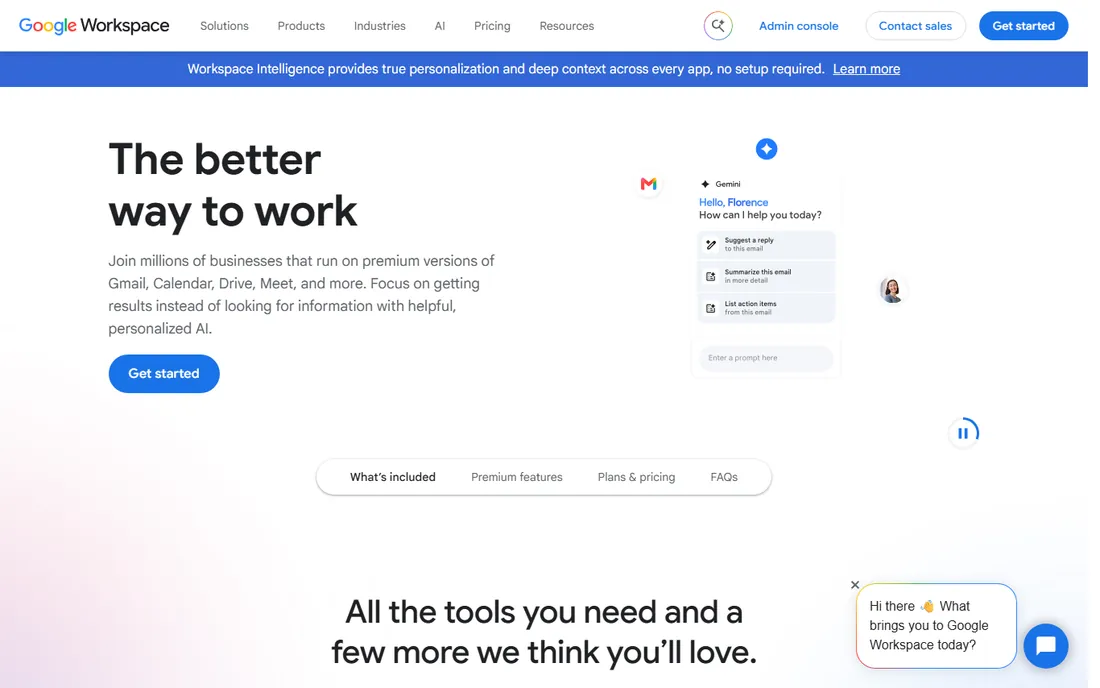
If your team already writes proposals in Google Docs and tracks budgets in Google Sheets, Google Drive is your document management system in practice, and Workspace formalizes it. Business Starter begins at $7 per user per month billed annually and adds custom email, pooled storage, and admin controls on top of the free Google apps. Collaboration is the headline feature: multiple people editing one document at the same time, with comments, suggestions, and a full revision history that makes version confusion almost impossible.
The limits appear when you need formal document control. Retention policies, legal holds, and granular records management exist mainly through Google Vault on higher-tier plans, and they are not as deep as what Box or Laserfiche provide. Drive also organizes around folders rather than metadata, which can get messy at scale. For marketing teams, agencies, and small businesses where speed of collaboration matters more than compliance paperwork, Google Workspace remains one of the most practical and affordable choices.
What we like- Real-time co-editing is unmatched
- Simple sharing and permissions
- Generous storage on higher tiers
Watch out for- Limited records-management and retention controls
- Works best inside the Google ecosystem
- Offline access needs setup
#5
M-Files
Best for: Organizations that want metadata-driven document management with automated workflows
Visit m-files.com
Starting priceSee website (quote-based)
Free planNo (free trial available)
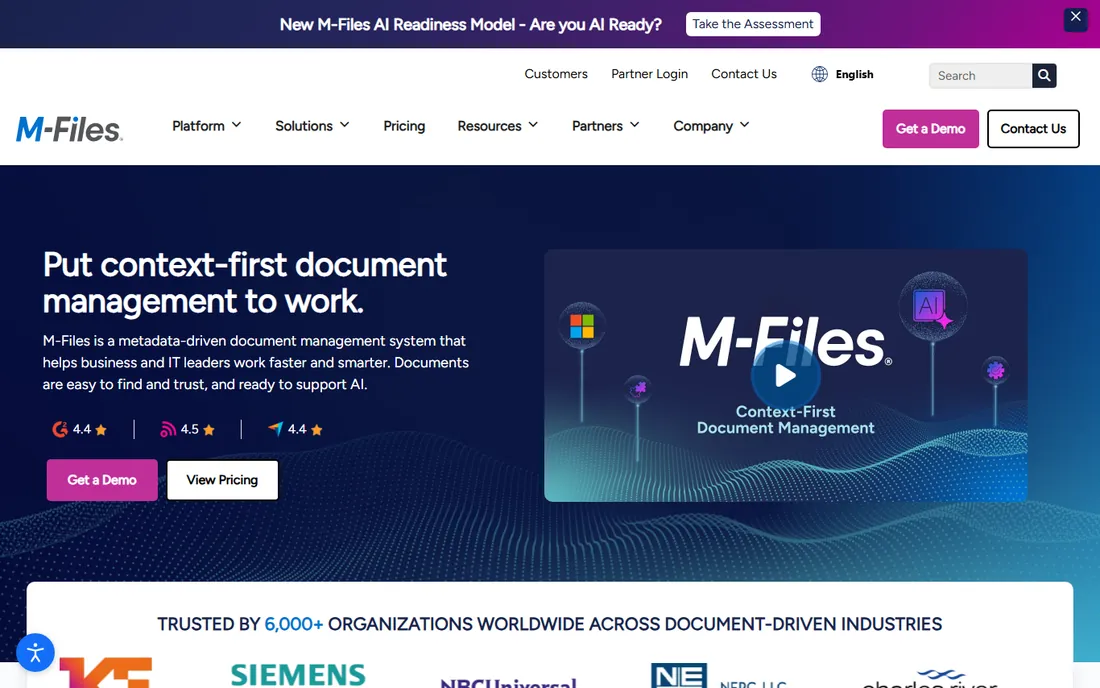
M-Files takes a different approach from folder-based systems. Instead of asking where a document lives, it asks what the document is: a contract, an invoice, a policy tied to a client, a project, or a date. That metadata model means the same file can appear in every relevant view without being duplicated, and workflows can route it for approval automatically based on its attributes. It also connects to existing repositories, so you do not always have to migrate everything on day one.
Pricing is quote-based, so budgeting requires a sales conversation, and implementation works best when someone maps your document types and workflows first. This is a platform for businesses with real process complexity: engineering firms, professional services, and regulated teams that lose time to manual document routing. If your document problem is "we cannot find anything," a simpler tool may do. If your problem is "our approval process lives in email and spreadsheets," M-Files is built for exactly that.
What we like- Find documents by what they are, not where they are stored
- Strong workflow automation
- Works across existing repositories
Watch out for- Quote-based pricing with no public numbers
- Implementation needs planning
- Smaller teams may not need its depth
#6
DocuWare
Best for: Offices going paperless that need document scanning, indexing, and approval workflows
Visit docuware.com
Starting priceSee website (quote-based)
Free planNo
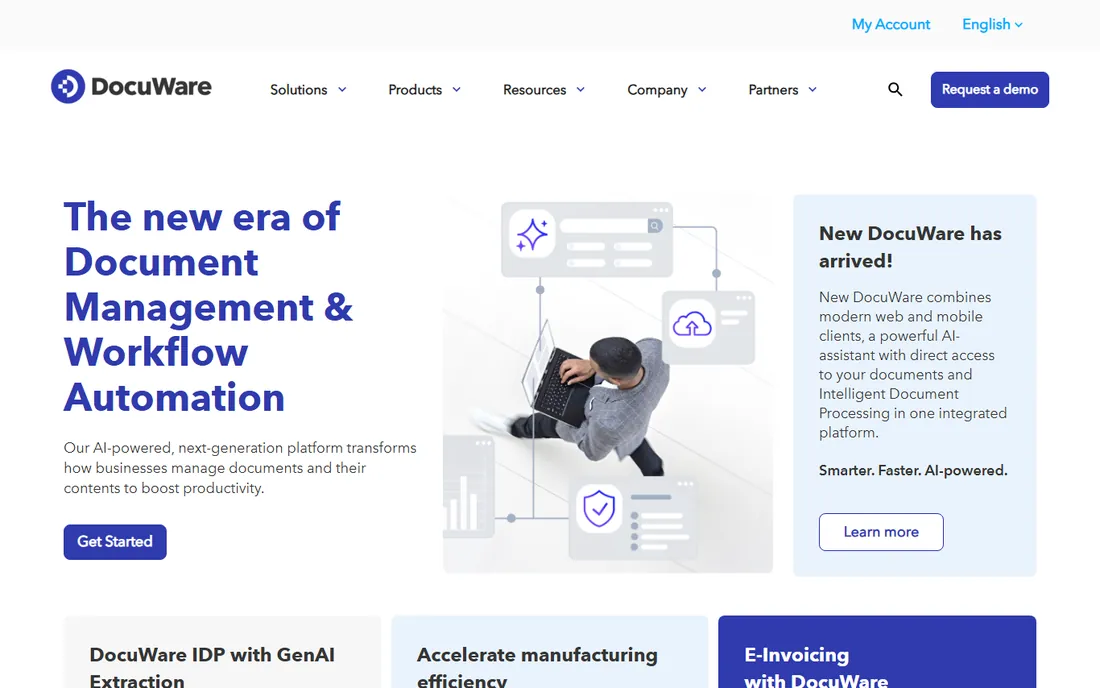
DocuWare built its name on the paperless office, and it still shows. Intelligent indexing reads scanned documents, extracts key fields like invoice numbers and dates, and files them automatically. That makes it a favorite in accounts payable, HR onboarding, and any department still receiving paper or PDFs that need to become searchable records. Approval workflows then move those documents through review chains with a full audit trail.
Pricing is quote-based, which is common in this category but means you cannot budget from the website alone. Implementation tends to go smoother with some upfront planning of your document types and approval paths. DocuWare is less about casual collaboration and more about controlled, repeatable document processes. If your team scans, approves, and archives in volume, that specialization is exactly what you want. If you mostly co-edit marketing copy, look at the collaboration-first tools instead.
What we like- Excellent document capture and OCR
- Structured approval workflows
- Strong fit for finance and HR departments
Watch out for- Quote-based pricing
- Setup benefits from professional guidance
- Less flexible for ad-hoc collaboration
#7
Zoho WorkDrive
Best for: Budget-conscious small teams that need team file management without enterprise pricing
Visit zoho.com
Starting price$2.50/user/month billed annually (Starter plan, $3 monthly)
Free planYes (free plan for individuals with 5GB)
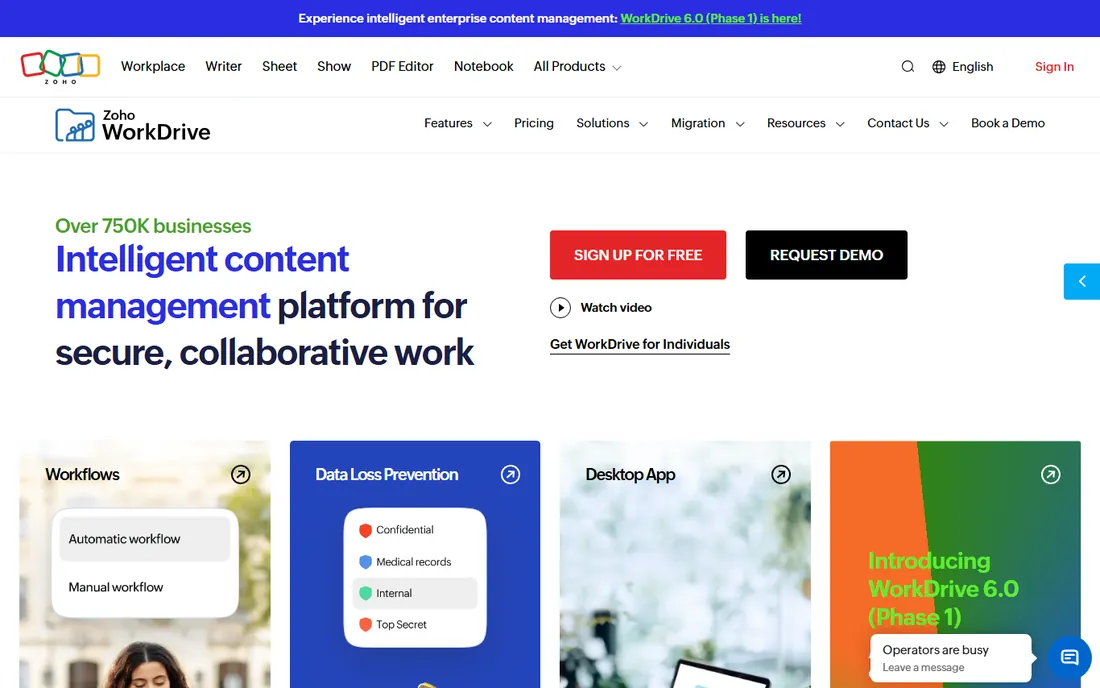
Zoho WorkDrive is the price leader here, and the gap is significant. The Starter plan costs $2.50 per user per month billed annually, a fraction of what Dropbox or Box charge, and it still delivers team folders, file versioning, and admin controls. There is even a free individual plan with 5GB for very small setups. For a startup or small agency that needs shared, organized file storage on day one, the math is hard to argue with.
Naturally, the lower price means fewer enterprise extras. Compliance tooling, advanced retention, and the breadth of third-party integrations are thinner than in the bigger platforms. But Zoho WorkDrive integrates well with the rest of the Zoho suite, so teams already running Zoho CRM or Zoho Projects get a coherent workspace at minimal cost. It is the most sensible pick when the budget is tight and the requirements are practical rather than regulatory.
What we like- Lowest starting price on this list
- Clean team folder structure
- Solid fit inside the Zoho ecosystem
Watch out for- Fewer advanced compliance features
- Smaller integration marketplace
- Storage limits on lower tiers
#8
Laserfiche
Best for: Organizations with heavy compliance, records management, and process automation needs
Visit laserfiche.com
Starting priceSee website (quote-based)
Free planNo

Laserfiche has served government agencies, universities, and financial institutions for decades, and its feature set reflects that heritage. Records management is a first-class citizen here: retention schedules, legal holds, disposition workflows, and audit trails that stand up to regulatory scrutiny. On top of that sits a process automation layer that can digitize everything from permit applications to student enrollment without custom code.
All of that capability comes with a quote-based price tag and an implementation that deserves real planning. This is not a tool you roll out in an afternoon. But for organizations where document handling is governed by law or policy, Laserfiche is one of the few platforms built from the ground up for that reality. Smaller businesses without compliance pressure will get better value from simpler tools, which is exactly why this list includes both.
What we like- Deep records management and retention controls
- Powerful process automation
- Strong in government, education, and finance
Watch out for- Quote-based pricing
- Implementation is a project, not an afternoon
- Overkill for basic file sharing
#9
Alfresco
Best for: IT teams that want an open-source document management platform they can customize and host
Visit alfresco.com
Starting priceSee website (quote-based for enterprise; Community Edition is free)
Free planYes (Community Edition, free open source)
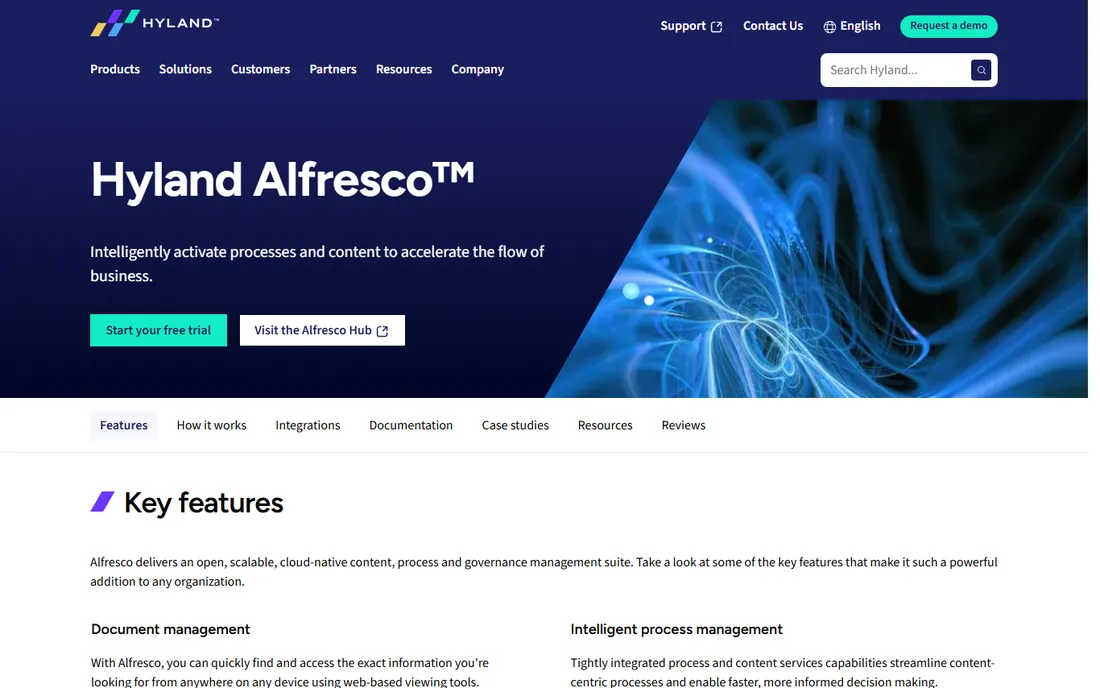
Alfresco, now part of Hyland, is the open-source option in this lineup, and that changes the economics completely. The Community Edition is free, which makes Alfresco the only tool here you can download and run without spending a dollar on licensing. It provides document libraries, versioning, workflows, and a content services API that developers can build on. For teams with technical resources and specific customization needs, that combination is unique.
The catch is that free software still costs time. Running Alfresco well means owning the infrastructure, upgrades, and troubleshooting, and the Community Edition does not include vendor support. The enterprise edition with support is quote-based. Alfresco suits organizations that want full control over their document platform and have the IT staff to exercise it. If you would rather pay a vendor to handle all of that, the commercial tools above are the better fit.
What we like- Free Community Edition with real capability
- Full control over hosting and customization
- Strong content services API
Watch out for- Community Edition lacks enterprise support
- Needs technical staff to run well
- Enterprise pricing is quote-based
How to choose the best document manager software
Start with how your team actually works today. If everyone already lives in Microsoft 365 or Google Workspace, the built-in options deserve first consideration because adoption is nearly automatic and the price is already in your budget. Only add a separate platform when you have requirements the built-ins cannot meet, such as formal records management, industry compliance, or complex approval workflows.
Next, map your must-have controls. Version history and basic permissions are table stakes everywhere now, so look deeper: Do you need retention schedules that automatically archive or delete files? Legal holds for litigation? OCR that makes scanned PDFs searchable? Metadata and workflow automation that route documents without manual effort? The answers separate the storage-first tools from the compliance-first platforms and will quickly narrow your shortlist.
Finally, weigh total cost against implementation effort. A $2.50-per-user tool that takes a weekend to set up often beats a quote-based platform that needs a consultant, unless regulation demands the heavier option. Take the free trials, migrate a single department's documents first, and check how search, sharing, and permissions behave with real files before committing the whole company.
Document management software vs. cloud file storage: what is the difference?
The terms get used interchangeably, but they describe different jobs. Cloud file storage keeps files synced, shared, and backed up. Dropbox, OneDrive, and Google Drive do this well. Document management software adds control over the document lifecycle: structured metadata, approval workflows, retention and disposition policies, legal holds, and audit trails that prove who did what.
For many small businesses, cloud storage with some discipline is enough. You feel the difference when compliance enters the picture or when document volume outgrows folder browsing. If finding a file takes more than a minute, if approvals happen over email with attachments named "final_v7," or if an auditor asks how long you keep records and you cannot answer, you have crossed from storage into document management territory. Choose the category that matches your actual problem, not the one with the longer feature list.
How we chose
We started from the document management tools that US small and mid-size businesses actually evaluate, then checked each vendor's own website for current product details and pricing. Only tools with clear, current product pages made the list, and every starting price shown comes from the vendor's published plans, not third-party estimates. Where vendors keep pricing behind a quote form, we say so instead of guessing.
We weighted practical fit for SMB owners and managers: ease of adoption, the document controls that matter most (versioning, permissions, search, retention), and honest pricing. We excluded tools that have been shut down or folded into other products, and we did not invent ratings, user counts, or customer stories. The result is a list you can use to build a shortlist, not a trophy case.
Frequently asked questions
What is the best document manager software for small business?
There is no single winner, but the best starting points are the tools you may already pay for. SharePoint covers document management inside Microsoft 365, Google Drive does the same inside Google Workspace, and Zoho WorkDrive is the cheapest standalone option at $2.50 per user per month. Choose a purpose-built platform like Box or M-Files only when you need compliance controls or workflow automation the built-ins lack.
What is the difference between a document management system and Google Drive?
Google Drive stores and syncs files with basic sharing and version history. A full document management system adds metadata-based organization, approval workflows, retention schedules, legal holds, and detailed audit trails. Drive works well for collaboration; dedicated document management works better for regulated or process-heavy document handling.
How much does document management software cost?
Published starting prices range from $2.50 per user per month for Zoho WorkDrive to $15 per user per month for Dropbox Business and Box, with SharePoint Plan 1 at $5 and Google Workspace at $7. Enterprise platforms like M-Files, DocuWare, Laserfiche, and Alfresco use quote-based pricing, so expect a sales conversation. Alfresco's Community Edition is free if you can self-host.
Can document management software help with compliance?
Yes, and this is where purpose-built platforms earn their keep. Box, Laserfiche, M-Files, and DocuWare provide audit trails, retention policies, access controls, and compliance certifications that basic file storage does not. If your industry requires HIPAA, FINRA, or similar controls, shortlist these tools first.
What is the best free document management software?
Alfresco Community Edition is the most capable free option, though it needs technical staff to run. Zoho WorkDrive offers a free individual plan with 5GB. SharePoint and Google Drive are effectively free if your business already subscribes to Microsoft 365 or Google Workspace. Most commercial platforms offer free trials instead of free plans.
Is SharePoint a document management system?
Yes. SharePoint provides document libraries with version history, check-in and check-out, metadata, retention policies, and granular permissions, which are the core functions of a document management system. It works best for teams already invested in Microsoft 365, where it integrates with Teams, OneDrive, and the Office apps.
Sources we checked (9)
- https://www.microsoft.com/en-us/microsoft-365/sharepoint/collaboration
- https://www.dropbox.com
- https://www.box.com/
- https://workspace.google.com
- https://m-files.com/
- https://docuware.com
- https://www.zoho.com/workdrive/
- https://laserfiche.com/
- https://alfresco.com/
Is your product missing or out of date?
We review this list regularly. Vendors can request a listing, send updated pricing or ask about featured placement.

Shihab Mia · Founder, Rankite
Shihab has spent more than a decade helping SaaS and e-commerce brands grow through search. He writes Rankite's software buying guides from pricing pages, documentation and public user reviews. More about Shihab.