How we make this list: we compare pricing pages, product documentation and public user reviews. Rankite is independent; if a vendor ever pays for a featured spot, that listing is clearly labeled Partner.
Quick comparison
| Tool | Best for | Starting price | Free plan |
|---|
 Clockify Clockify | Nonprofits that want a capable free tracker for a small team | $0 (Free plan, up to 5 users); Basic $3.99/user/month billed annually | Yes |
 Toggl Track Toggl Track | Nonprofits that want simple, privacy-friendly time tracking staff will actually use | $0 (Free plan, up to 5 users); Starter $9/user/month billed annually | Yes |
 Harvest Harvest | Nonprofits that bill grants or clients by the hour and need invoicing | $0 (Free plan, 1 seat and 2 projects); Pro $11/seat/month billed annually | Yes |
 QuickBooks Time QuickBooks Time | Nonprofits already running QuickBooks for payroll and accounting | $20/month plus $10/user/month (Premium plan) | No (free trial available) |
 TimeCamp TimeCamp | Nonprofits that want a generous free plan with automatic time tracking | $0 (Free plan, unlimited users and projects); Starter $3.99/user/month billed annually | Yes |
 actiTIME actiTIME | Nonprofits that need project cost tracking to support grant reporting | $0 (Free plan, up to 3 users); $6/user/month for 1 to 40 users | Yes |
 Hubstaff Hubstaff | Nonprofits managing remote staff, field teams, or contractors who need accountability | $4.99/seat/month billed annually (Starter plan, $7 month-to-month) | No (14-day free trial) |
 Paymo Paymo | Nonprofits that want time tracking, project management, and invoicing in one tool | $0 (Free plan, unlimited users); Starter $5.90/user/month billed annually | Yes |
 Timely Timely | Nonprofits that want automatic time capture without manual timers | $9/user/month (Starter plan) | No (14-day free trial, no credit card required) |
Is your product missing or out of date?
We review this list regularly. Vendors can request a listing, send updated pricing or ask about featured placement.
The 9 best time tracking software options for nonprofits in 2026
#1
Clockify
Best for: Nonprofits that want a capable free tracker for a small team
Visit clockify.me
Starting price$0 (Free plan, up to 5 users); Basic $3.99/user/month billed annually
Free planYes
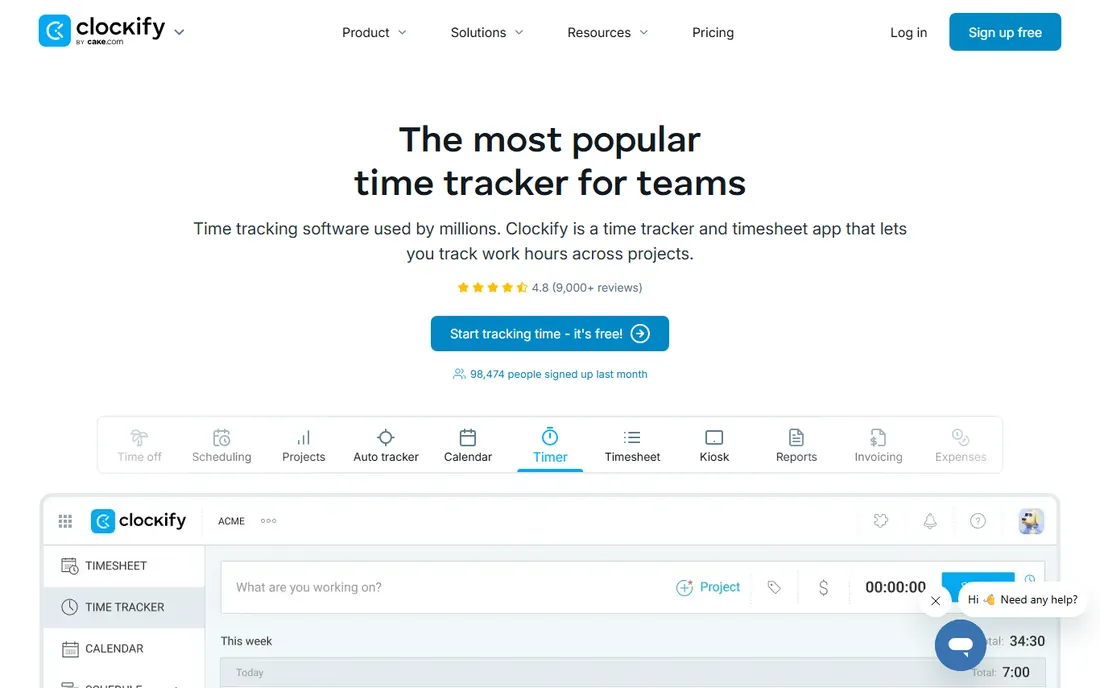
Clockify is the first tool most budget-conscious nonprofits should try, because the free plan is genuinely useful rather than a teaser. It covers up to 5 users with unlimited projects, clients, time entries, timesheets, and reports, plus a kiosk mode that lets volunteers clock in from a shared tablet. For a small nonprofit tracking staff hours by program and grant, that may be all you ever need. Paid plans start at $3.99 per user per month billed annually for Basic, with higher tiers adding invoicing, approvals, and time-off management.
The 5-user cap on the free plan is the main constraint, and it is newer than many people expect. A nonprofit with a dozen staff will need a paid plan, though at these prices it remains one of the cheapest options. Clockify's strength is doing the basics well: timers, timesheets, and reports organized by project, which maps neatly onto grant-funded programs. If your needs are straightforward and your team is small, start here.
What we like- Free plan covers the core tracking most nonprofits need
- Unlimited projects and clients
- Timesheets, reports, and a kiosk mode for shared devices
Watch out for- Free plan now capped at 5 users
- Invoicing and approvals need paid tiers
- Per-user costs add up for larger teams
#2
Toggl Track
Best for: Nonprofits that want simple, privacy-friendly time tracking staff will actually use
Visit toggl.com
Starting price$0 (Free plan, up to 5 users); Starter $9/user/month billed annually
Free planYes
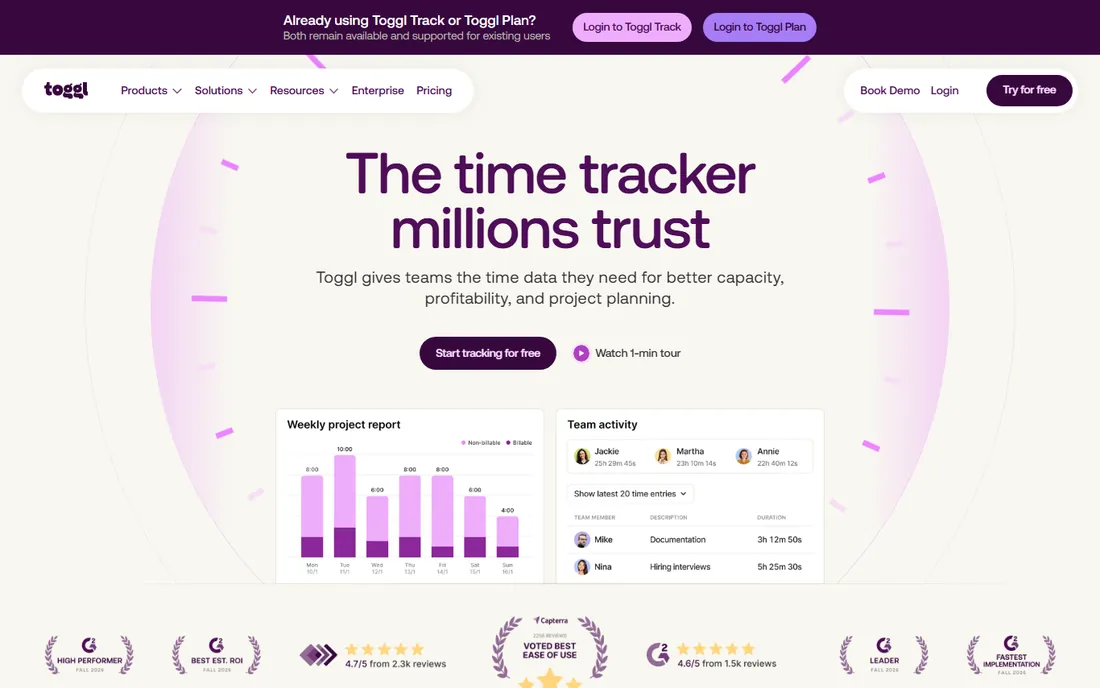
Toggl Track wins on adoption, which matters more than most feature lists admit. The one-click timer, browser extension, and calendar integrations make logging time nearly frictionless, and the free plan covers up to 5 users with unlimited tracking. Paid plans start with Starter at $9 per user per month billed annually, and Toggl offers discounts for nonprofits, which is worth asking about before you pay full price.
The privacy stance is a real differentiator for mission-driven organizations. Toggl publicly rules out screenshots, keystroke logging, and location monitoring, positioning itself as a trust-based tool. That matters when your team includes volunteers and part-time staff who may bristle at surveillance-style tracking. The trade-off is lighter reporting than platforms like Harvest or actiTIME. If your priority is getting everyone to log hours consistently, Toggl Track's simplicity is the point.
What we like- Extremely easy to learn
- Explicit no-surveillance policy (no screenshots or keystroke logging)
- Nonprofit discounts available on paid plans
Watch out for- Free plan capped at 5 users
- Timesheet approvals require Premium
- Reporting depth is lighter than enterprise tools
#3
Harvest
Best for: Nonprofits that bill grants or clients by the hour and need invoicing
Visit getharvest.com
Starting price$0 (Free plan, 1 seat and 2 projects); Pro $11/seat/month billed annually
Free planYes
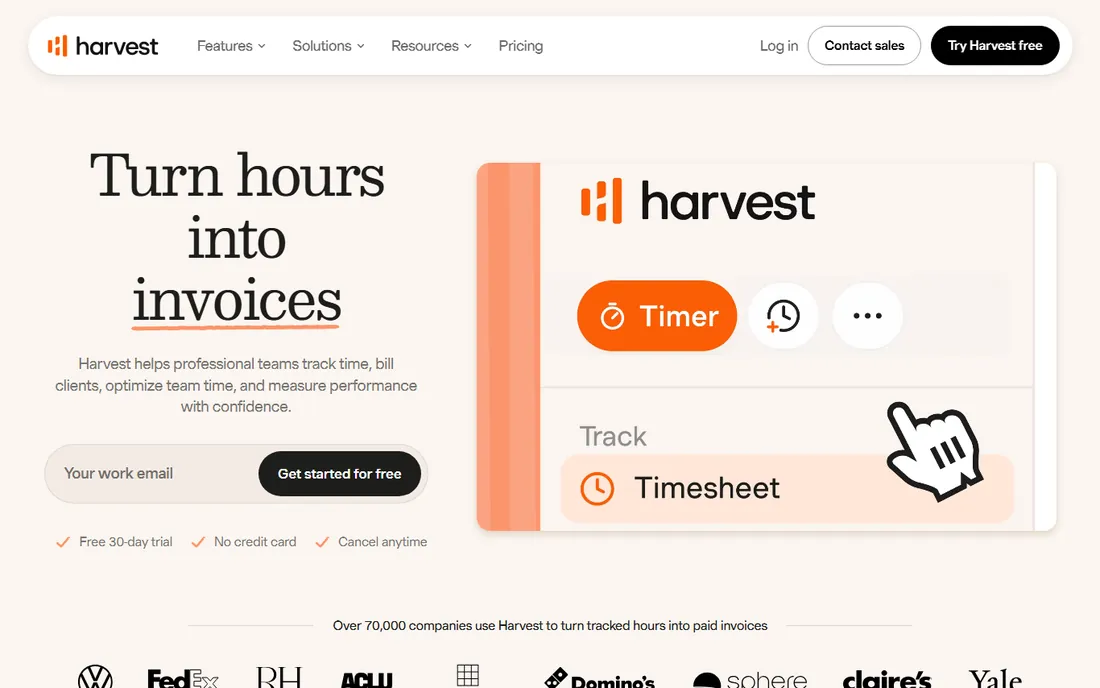
Harvest is the pick when time turns into money, or in nonprofit terms, when time turns into grant billings and funder reports. Hours logged against projects convert directly into professional invoices, and the reporting shows exactly where time went by project, task, and person. The free plan covers one seat and two projects, which suits a solo consultant but not a team. Pro costs $11 per seat per month billed annually, and Harvest offers nonprofit discounts on request.
For nonprofits with cost-reimbursable grants or fee-for-service programs, Harvest's project accounting is excellent: you can demonstrate to a funder exactly how many hours each program consumed. The per-seat model means costs scale with headcount, so larger teams should compare against flat-rate alternatives. But when clean invoicing and defensible time records are the goal, Harvest remains one of the most polished options available.
What we like- Time tracking flows directly into invoices
- Clean project and task reporting
- Nonprofit discounts available
Watch out for- Free plan limited to one seat, so teams must pay
- Per-seat pricing adds up
- No built-in volunteer management
Starting price$20/month plus $10/user/month (Premium plan)
Free planNo (free trial available)
QuickBooks Time, formerly TSheets, makes the most sense for nonprofits already in the Intuit ecosystem. When time data flows directly into QuickBooks payroll, you eliminate the manual re-entry that eats hours every pay period. The Premium plan costs $20 per month plus $10 per user per month, and it includes scheduling, GPS tracking for field staff, and time-off management. An Elite tier at $40 plus $12 per user adds project tracking and geofencing.
The catch is the total cost of ownership. The base fee plus per-user charges plus the required QuickBooks Online subscription adds up, making this one of the pricier options for a small nonprofit. There is no free plan, only a trial. But if your finance team already runs payroll through QuickBooks, the integration value is real: accurate timesheets, fewer payroll errors, and clean labor-cost data by program for grant reporting.
What we like- Time flows straight into QuickBooks payroll
- GPS and scheduling for field staff
- Includes time-off tracking
Watch out for- No free plan
- Requires a QuickBooks Online account
- Base fee plus per-user pricing is costly for small teams
#5
TimeCamp
Best for: Nonprofits that want a generous free plan with automatic time tracking
Visit timecamp.com
Starting price$0 (Free plan, unlimited users and projects); Starter $3.99/user/month billed annually
Free planYes
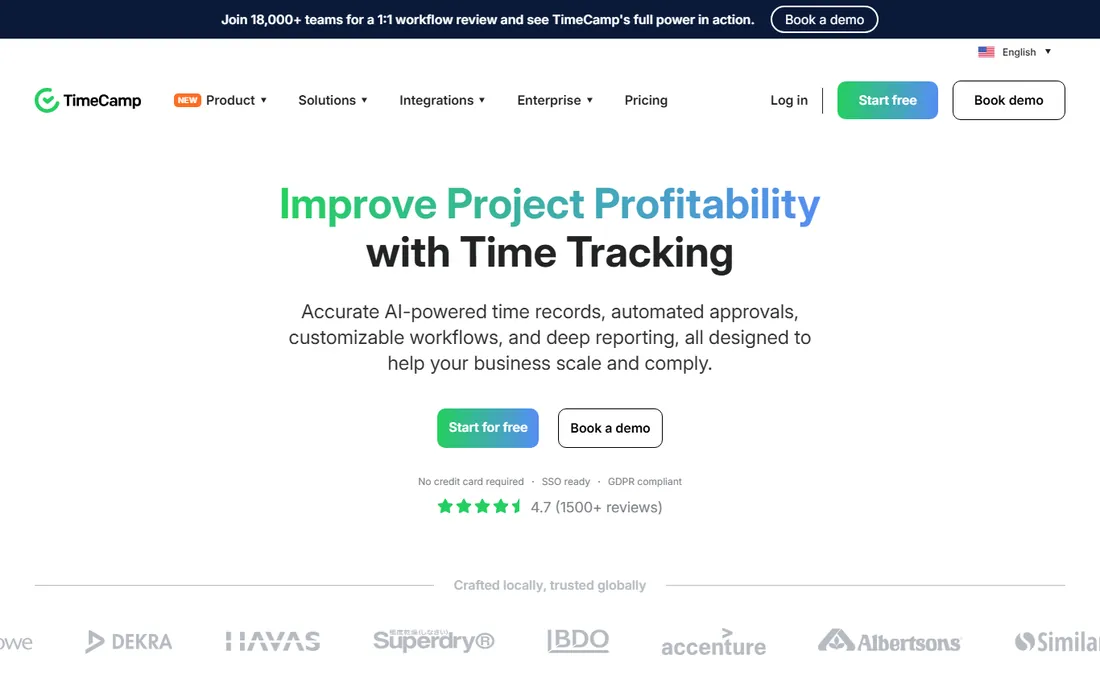
TimeCamp's free plan is the most generous on this list: unlimited users and unlimited projects at $0, including automatic time tracking. For a nonprofit with many volunteers and part-time staff, that unlimited-user ceiling is a decisive advantage over the 5-user caps elsewhere. Paid plans start at $3.99 per user per month billed annually for Starter, adding invoicing, attendance, and time-off tracking, with Premium at $6.99 and Ultimate at $9.99.
Automatic tracking is the other headline. The desktop app can record application and website activity and suggest time entries, reducing the end-of-day scramble to reconstruct hours. Screenshots and activity monitoring are optional and admin-controlled, which matters for volunteer trust. The free plan does not include invoicing, so grant-billing nonprofits will need a paid tier. But for pure hour tracking across a large, mixed team at zero cost, TimeCamp is unmatched.
What we like- Free plan allows unlimited users, rare in this category
- Automatic tracking reduces manual entry
- Invoicing and attendance on paid tiers
Watch out for- Advanced features like billable rates need higher plans
- Interface can feel busy
- Free plan lacks invoicing
#6
actiTIME
Best for: Nonprofits that need project cost tracking to support grant reporting
Visit actitime.com
Starting price$0 (Free plan, up to 3 users); $6/user/month for 1 to 40 users
Free planYes
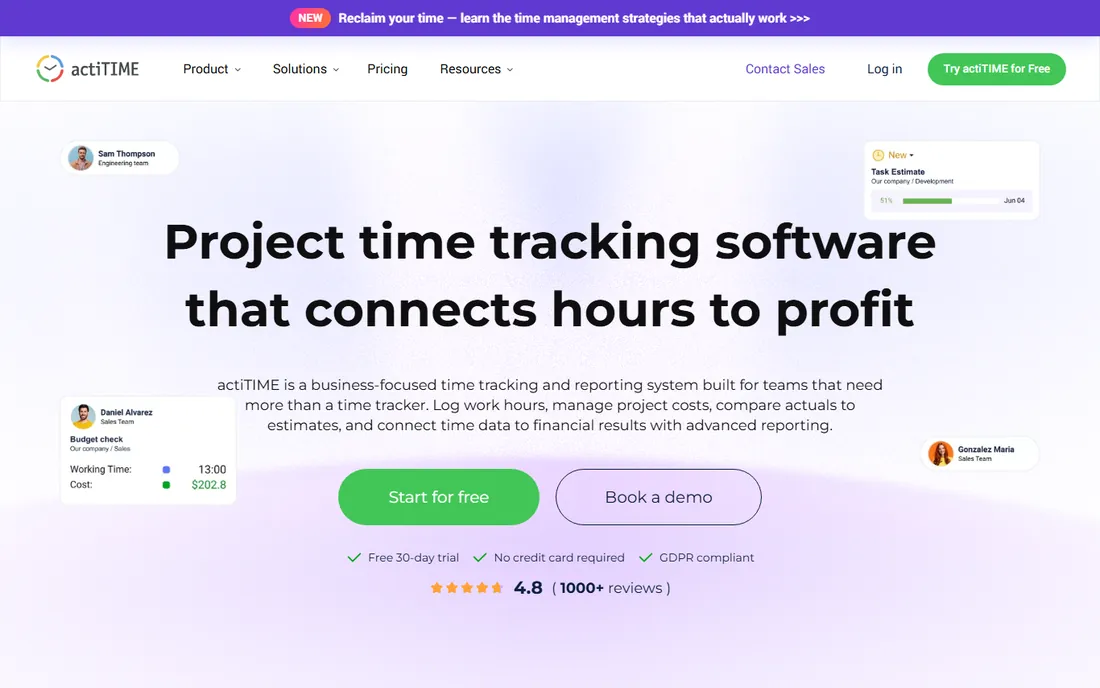
actiTIME approaches time tracking as a cost-management problem, which aligns well with grant-funded work. You assign cost rates to staff, log hours against programs and tasks, and the reporting shows what each program actually cost versus what was budgeted. The free plan covers up to 3 users permanently, paid plans run $6 per user per month for teams of 1 to 40, and a 30-day trial opens up every feature with no credit card required.
The vendor even calls out nonprofit use directly: tracking staff and volunteer hours to support grant reporting and show how time supports the mission. Estimated-versus-actual reports are particularly useful for grant managers who must explain variances to funders. The interface will not win design awards, and the 3-user free cap limits its no-cost use to very small teams. But for nonprofits that need to connect hours to program costs, actiTIME's reporting is purpose-built for the job.
What we like- Cost and billing rates turn hours into program cost data
- Estimated-vs-actual reporting
- Free for up to 3 users with a 30-day full-feature trial
Watch out for- Free plan covers only 3 users
- Interface is utilitarian
- No built-in volunteer scheduling
#7
Hubstaff
Best for: Nonprofits managing remote staff, field teams, or contractors who need accountability
Visit hubstaff.com
Starting price$4.99/seat/month billed annually (Starter plan, $7 month-to-month)
Free planNo (14-day free trial)
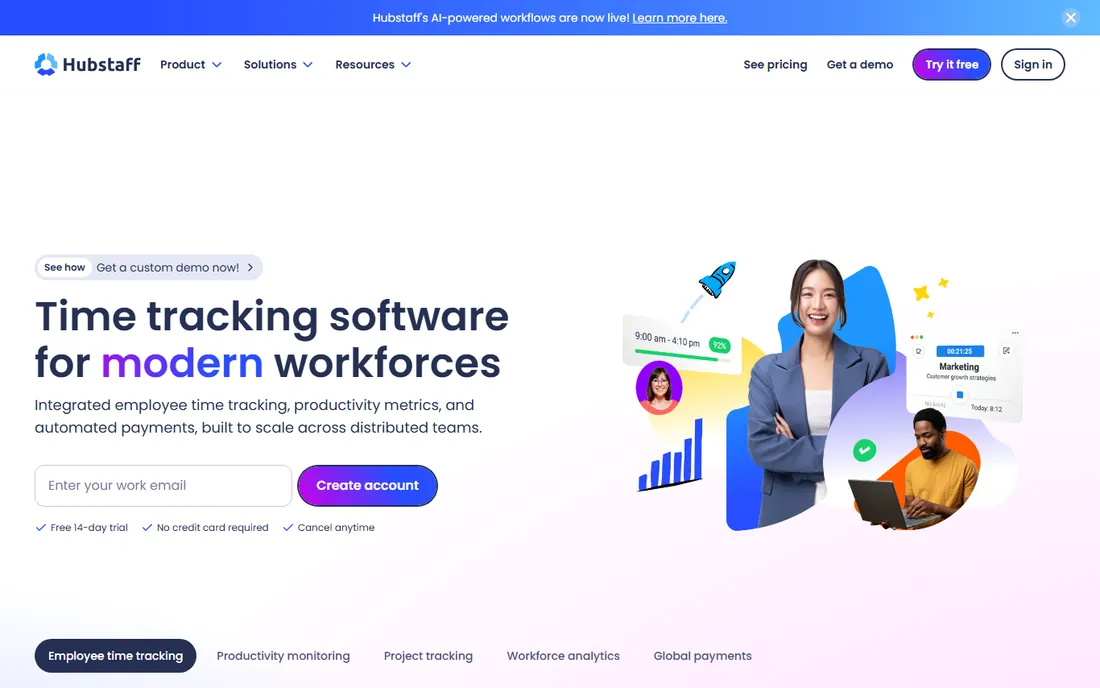
Hubstaff is the most oversight-oriented tool on this list, built for distributed teams where managers cannot see who is working. The Starter plan costs $4.99 per seat per month billed annually and includes time tracking, activity levels, limited screenshots, and timesheets. Higher tiers add scheduling, payroll automation, and unlimited integrations. A 14-day free trial lets you evaluate, but there is no permanent free plan.
Whether that monitoring fits a nonprofit depends on the team. For paid field staff, canvassers, or remote contractors, GPS verification and activity tracking provide genuine accountability. For volunteers, screenshots and activity monitoring can feel like surveillance and may hurt retention, so consider carefully before enabling those features. Hubstaff suits nonprofits with distributed paid teams and clear accountability needs; trust-based cultures will prefer Toggl Track or Clockify.
What we like- Activity levels, screenshots, and GPS for distributed teams
- Automated payroll and payments
- Scheduling and attendance tracking
Watch out for- No free plan
- Monitoring features can feel intrusive for volunteers
- Two-seat minimum on paid plans
#8
Paymo
Best for: Nonprofits that want time tracking, project management, and invoicing in one tool
Visit paymoapp.com
Starting price$0 (Free plan, unlimited users); Starter $5.90/user/month billed annually
Free planYes
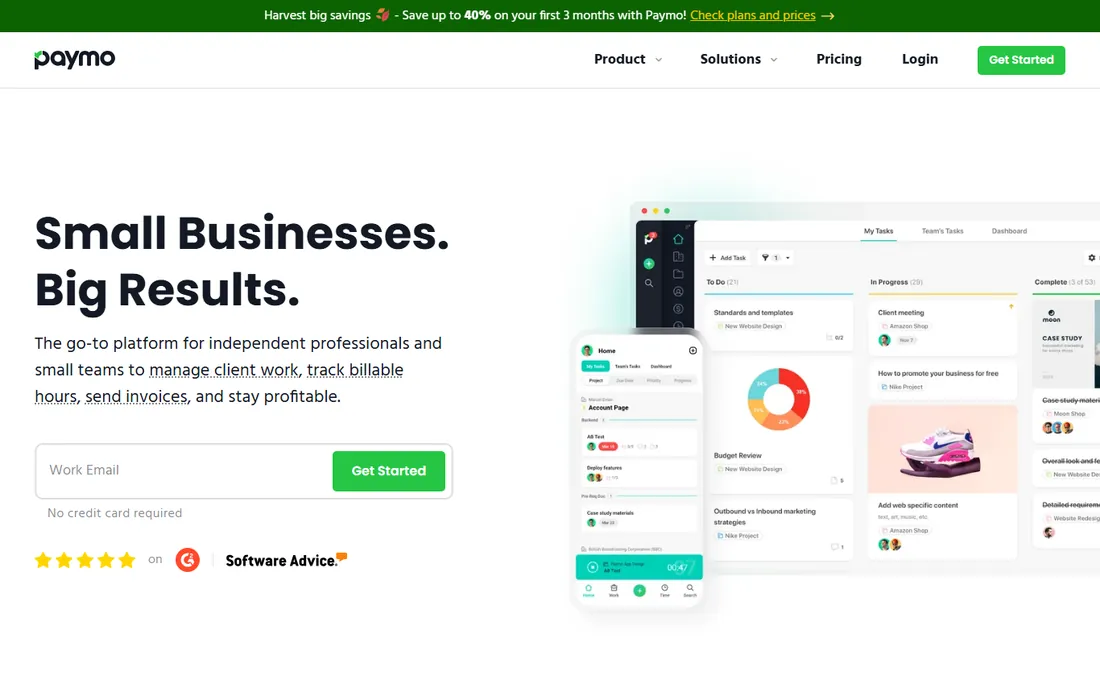
Paymo bundles project management with time tracking, which appeals to nonprofits running programs as projects. The free plan allows unlimited users with time tracking and invoicing, limited to a set number of clients and projects. Starter costs $5.90 per user per month billed annually and removes those limits while adding task views, guest access, and more storage. A 15-day free trial covers all premium features.
The all-in-one nature is the selling point: tasks, timesheets, and invoices live in one system instead of three. For a small nonprofit that also needs light project management, that consolidation saves both money and training time. The free plan's project limits mean growing organizations will hit the paid tier eventually, but at $5.90 per user it remains affordable. Paymo is a smart pick when you want one tool for programs, hours, and billing.
What we like- Free plan with unlimited users
- Combines tasks, time tracking, and invoicing
- Clean interface for small teams
Watch out for- Free plan limits clients and projects
- Advanced project features need higher tiers
- Smaller brand than competitors
#9
Timely
Best for: Nonprofits that want automatic time capture without manual timers
Visit timelyapp.com
Starting price$9/user/month (Starter plan)
Free planNo (14-day free trial, no credit card required)
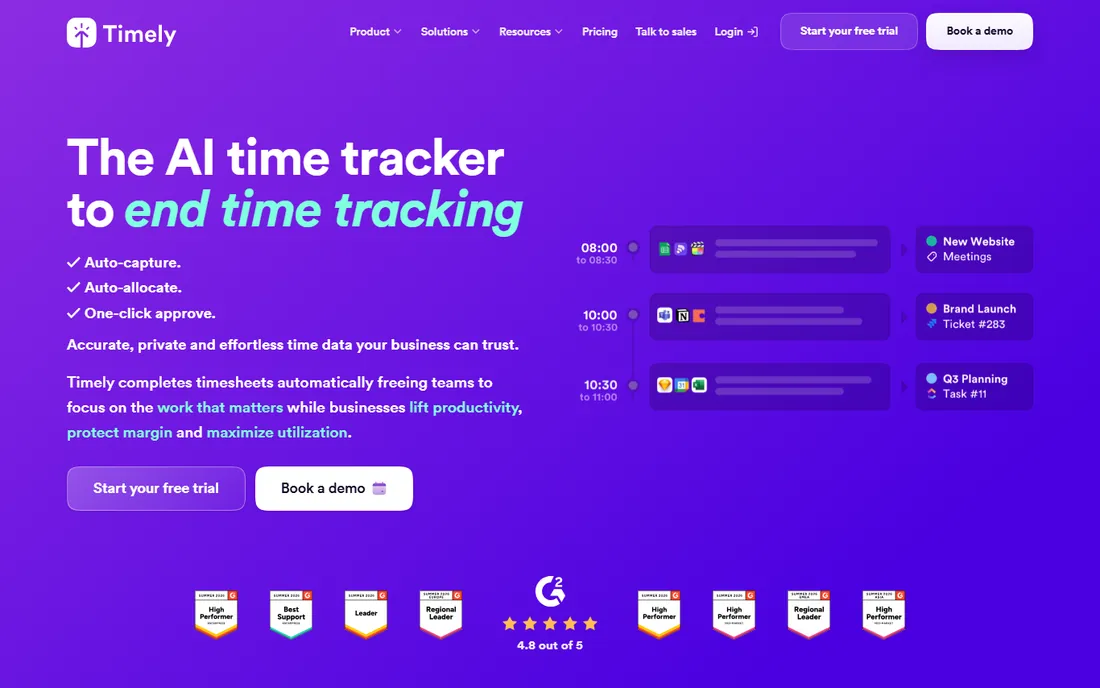
Timely takes a different approach: instead of timers, its Memory feature automatically records what you worked on and drafts your timesheet for one-click approval. For nonprofit staff who forget to start timers, which is nearly everyone, this produces more complete and accurate records with less effort. Plans start at $9 per user per month for Starter, with Premium at $16 and Unlimited at $22. A 14-day trial requires no credit card.
Like Toggl, Timely is explicit about privacy: no screenshots, no keystroke logging, no surveillance. That trust-first design suits mission-driven teams. The downsides are the absence of a free plan and per-user pricing that scales linearly with headcount, so larger nonprofits should budget carefully. But if timesheet compliance is your chronic problem, automatic capture may be worth more than any feature list.
What we like- AI-powered automatic tracking eliminates forgotten timesheets
- Privacy-first design with no screenshots or keystroke logging
- Clean, modern interface
Watch out for- No free plan
- Per-user pricing with no team discounts
- Reporting templates are less flexible than some rivals
How to choose time tracking software for a nonprofit
Start with your team composition. Count paid staff, part-time employees, and regular volunteers separately, because free-plan user caps are the first filter. A 5-user free plan works for a tiny staff but fails the moment you add volunteers. Tools with unlimited-user free plans, like TimeCamp and Paymo, change the economics completely for volunteer-heavy organizations.
Next, define what the hours are for. Payroll accuracy points toward QuickBooks Time or Hubstaff. Grant reporting and program costing point toward actiTIME or Harvest, where hours connect to costs and invoices. Simple accountability and timesheet compliance point toward Clockify, Toggl Track, or Timely. Write down the two or three reports you must produce, for the board, for funders, for payroll, and check that the tool generates them before you commit.
Finally, ask about nonprofit pricing explicitly. Several vendors on this list offer nonprofit discounts that are not advertised on their pricing pages, including Toggl Track and Harvest. A short email to sales can cut a meaningful percentage off the listed price. Combine that with a genuinely useful free tier, and many nonprofits can run professional time tracking for very little money.
Using time tracking data for grant reporting
Funders increasingly ask not just what you spent, but what staff time went where. Clean time tracking turns that question from a crisis into a report. The practice is simple: set up one project per grant or program, have staff log hours against those projects with brief task descriptions, and run a monthly summary by project. When a grant report is due, the numbers are already there.
A few habits make the data defensible. Require same-day or same-week time entry so memories stay fresh. Use consistent task categories across programs so reports compare cleanly. Separate direct program hours from fundraising and administrative time, since funders and charity watchdogs both care about that split. And keep the raw data: if a funder ever questions a number, being able to show the underlying entries, with dates and descriptions, ends the conversation.
The tools in this guide support this workflow to varying degrees. Harvest and actiTIME connect hours to costs most directly, which is ideal for cost-reimbursable grants. Clockify, TimeCamp, and Paymo handle the project-based reporting well at low or zero cost. Whatever you choose, the discipline matters more than the software: a simple tool used consistently beats a powerful tool used sporadically.
How we chose
We started with the time tracking tools that nonprofits actually evaluate, then verified each vendor's current website and published pricing. Every price in this guide comes from the vendor's own pricing page, and every free plan described was confirmed on the vendor's site. Where vendors do not publish a free plan, we say so instead of implying one exists.
We weighted nonprofit-specific fit: genuinely useful free tiers, affordable paid plans, nonprofit discounts where offered, ease of use for volunteers and non-technical staff, and reporting that supports grant applications and funder reports. We excluded tools that had been discontinued and did not invent ratings, user counts, or customer stories. The result is a shortlist built for mission budgets and mixed teams.
Frequently asked questions
What is the best free time tracking software for nonprofits?
TimeCamp offers the most generous free plan with unlimited users and projects. Clockify and Toggl Track both offer solid free plans for up to 5 users. Paymo's free plan also allows unlimited users with some limits on clients and projects. For volunteer-heavy organizations, TimeCamp or Paymo usually win on cost alone.
Do time tracking tools offer nonprofit discounts?
Yes, several do. Toggl Track and Harvest both offer nonprofit discounts, handled through their sales or support teams rather than published pricing pages. Always ask before paying full price. Combined with free tiers, discounts can bring professional time tracking within almost any nonprofit budget.
How should nonprofits track volunteer hours?
Use a tool with a kiosk mode or simple timer that volunteers can operate without training, such as Clockify's kiosk or TimeCamp's free plan. Keep volunteer tracking separate from paid staff hours in your reporting, since funders and auditors treat them differently. Record volunteer hours consistently even though they are unpaid: the data supports grant applications and demonstrates community support.
Can time tracking software help with grant reporting?
Yes. When staff log hours against grant-funded programs, the software generates the program-level time summaries that funders request. Tools like Harvest and actiTIME go further by connecting hours to labor costs, which supports cost-reimbursable grants. Consistent daily entry and program-based project structures are what make the reports reliable.
Is it okay to use monitoring features like screenshots on nonprofit staff?
It depends on your team and your policies. Features like screenshots and activity tracking can feel like surveillance, particularly for volunteers, and may damage trust. Privacy-first tools like Toggl Track and Timely avoid these features entirely. If you use monitoring features, disclose them clearly, limit them to paid staff with a documented business reason, and check your state's employment laws first.
Sources we checked (9)
- https://clockify.me
- https://toggl.com/track
- https://getharvest.com/
- https://quickbooks.intuit.com/time-tracking/
- https://www.timecamp.com
- https://actitime.com/
- https://hubstaff.com
- https://www.paymoapp.com
- https://timelyapp.com
Is your product missing or out of date?
We review this list regularly. Vendors can request a listing, send updated pricing or ask about featured placement.

Shihab Mia · Founder, Rankite
Shihab has spent more than a decade helping SaaS and e-commerce brands grow through search. He writes Rankite's software buying guides from pricing pages, documentation and public user reviews. More about Shihab.