How we make this list: we compare pricing pages, product documentation and public user reviews. Rankite is independent; if a vendor ever pays for a featured spot, that listing is clearly labeled Partner.
Key takeaways
- Trados Freelance and memoQ remain the two desktop CAT tools most agencies expect translators to know.
- Phrase, Crowdin and Lokalise lead for software and app localization with developer-friendly workflows.
- Smartcat combines a CAT editor with a built-in marketplace and payment automation for freelancers.
- MateCat and OmegaT are free and handle real professional projects without a subscription.
- Cloud TMS pricing varies widely, so match the tool to your content type before committing.
Quick comparison
| Tool | Best for | Starting price | Free plan |
|---|
 Trados Freelance Trados Freelance | agency supply-chain work and desktop CAT | From £34/month (billed annually) | Free trial (14 days) |
 memoQ memoQ | translation teams and complex projects | From $3,025/year (TMS Starter) | Free trial |
 Phrase Phrase | enterprise localization and software teams | From $27/month (Freelancer plan) | Free trial |
 Smartcat Smartcat | freelancers and agencies wanting one platform | From $99/month (Starter) | Free trial |
 Crowdin Crowdin | continuous localization for apps and games | From $50/month (Pro) | Yes |
 Lokalise Lokalise | fast software localization with simple workflows | From $144/month (Explorer) | Free trial |
 MateCat MateCat | free browser-based CAT with machine translation | Free | Yes |
 OmegaT OmegaT | free open-source translation memory | Free | Yes |
Is your product missing or out of date?
We review this list regularly. Vendors can request a listing, send updated pricing or ask about featured placement.
The best software for translators
#1
Trados Freelance
Best for: agency supply-chain work and desktop CAT
Visit trados.com
Starting priceFrom £34/month (billed annually)
Free planFree trial (14 days)
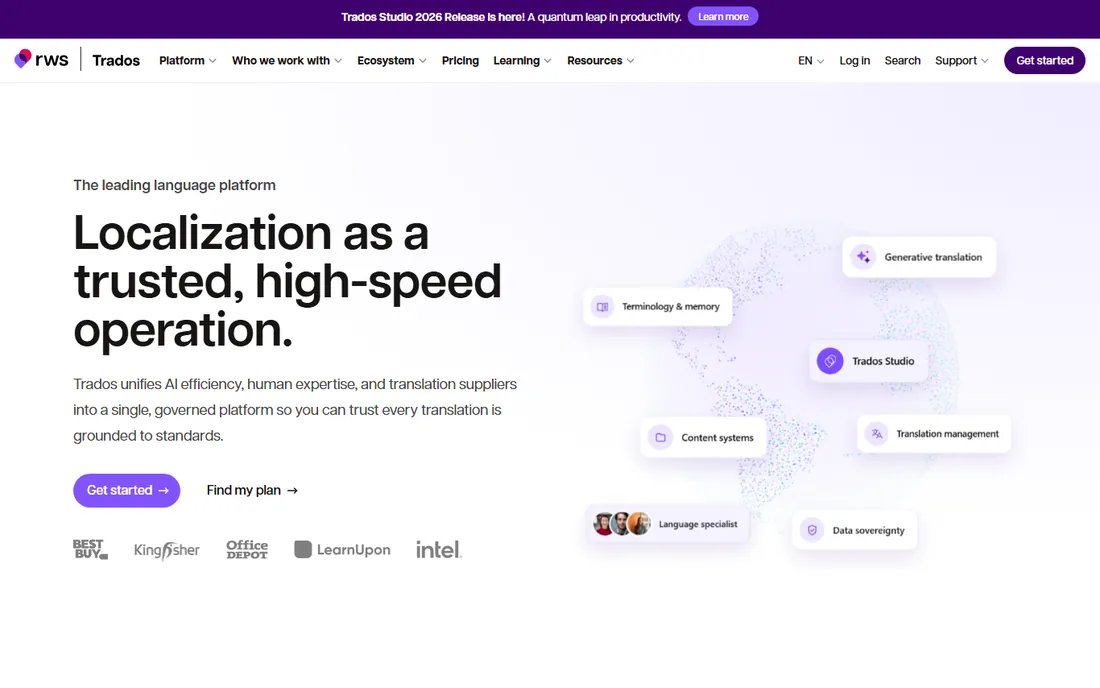
Trados is the name most translation agencies still ask for by default. If you work with language service providers, knowing Trados Studio means you can open their project packages, share their translation memories and plug straight into their workflows. The Freelance subscription bundles the desktop editor with browser-based working, MultiTerm terminology management and a 14-day risk-free trial.
The price reflects its position: from £34 a month on the annual plan, which is real money for a freelancer who translates part-time. The desktop application also remains Windows-focused, with macOS users needing workarounds. But for translators who live in the agency supply chain, the compatibility alone justifies it. Jobs simply arrive in Trados format, and being fluent in the tool removes a layer of friction from every project.
What we like- The industry-standard CAT tool most agencies expect
- Translation memory, terminology and QA checks in one environment
- 6 million annual Language Weaver machine translation characters included
Watch out for- Windows desktop app is not officially supported on macOS
- Subscription pricing is steep for occasional translators
Starting priceFrom $3,025/year (TMS Starter)
Free planFree trial
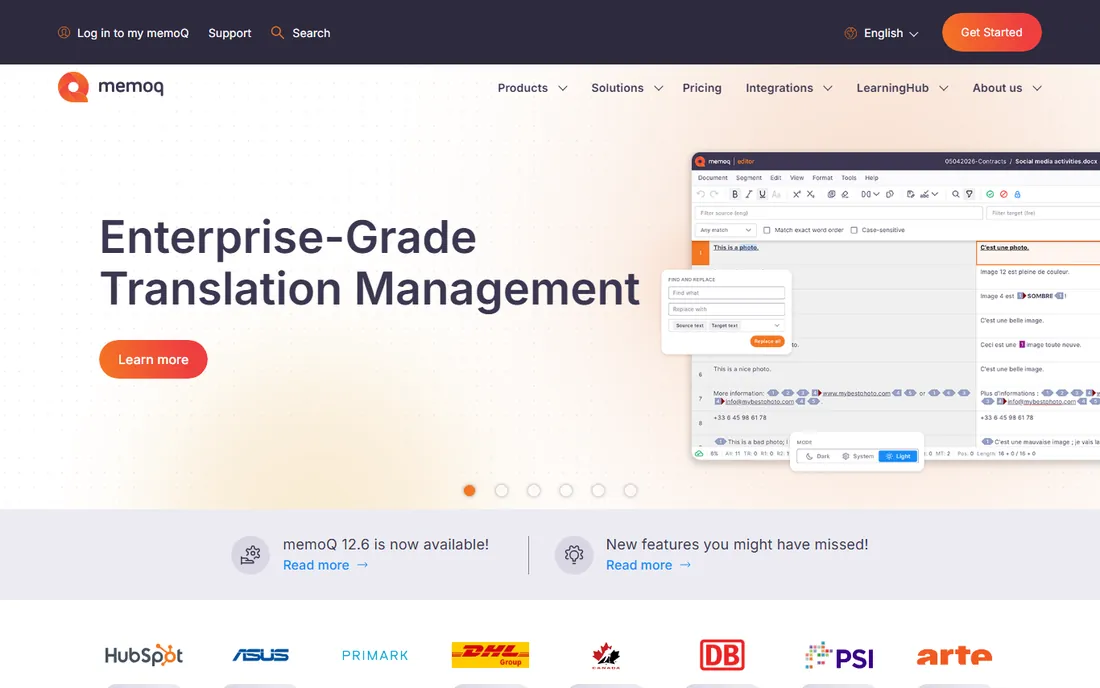
memoQ is the strongest challenger to Trados, and many translators who try both end up preferring its interface. It combines translation memory, terminology, machine translation and workflow automation in desktop, server and web environments. The translator-focused edition is designed around day-to-day translation work, while the TMS side handles project management, vendor assignment and reporting for agencies and enterprises.
The catch for freelancers is positioning. memoQ's pricing and packaging lean toward translation companies and enterprises, and the classic desktop tool is Windows-based. That said, memoQ translator editions exist for individuals, and its compatibility with Trados project formats means you are not locked out of agency work. Translators who value collaboration features and a more modern interface than Trados should try it first.
What we like- Strong collaborative environment with server and web options
- Flexible workflow automation and quality checks
- Good interoperability with other CAT formats
Watch out for- Pricing targets teams rather than solo translators
- The desktop experience is Windows-based
Starting priceFrom $27/month (Freelancer plan)
Free planFree trial
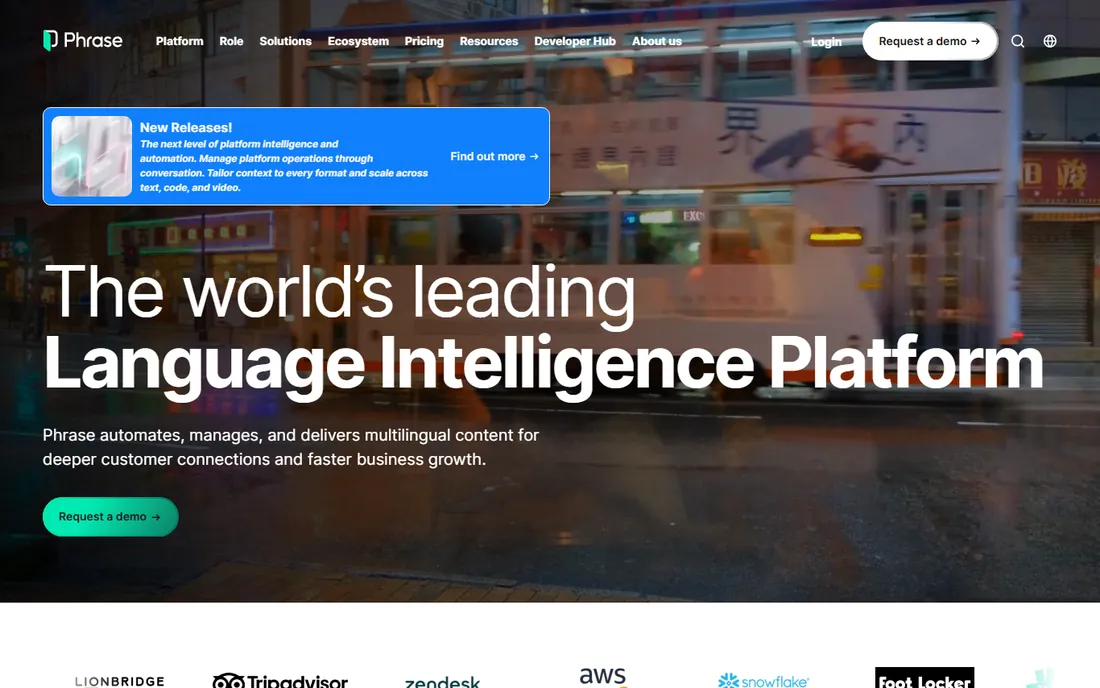
Phrase is the current name for the combined Memsource and Phrase platforms, and it has become one of the most complete localization systems on the market. It covers the full range: document translation through the TMS, software strings through the developer-facing side, and automation that routes content between machine translation, human translators and quality checks. Support for dozens of file formats and engines makes it flexible for mixed content.
For individual translators, the Freelancer plan is the entry point, and it is competitively priced. The full platform is clearly built with enterprises in mind, so solo users may find parts of it overkill. Its strength is scale: when a project involves many languages, many file types and continuous updates, Phrase keeps everything in one system instead of scattered across email and spreadsheets.
What we like- Unified platform for documents, software and websites
- Strong automation and AI-assisted workflows
- Over 50 file formats and 30 integrations
Watch out for- Enterprise pricing climbs quickly
- Interface can feel complex for simple document work
Starting priceFrom $99/month (Starter)
Free planFree trial
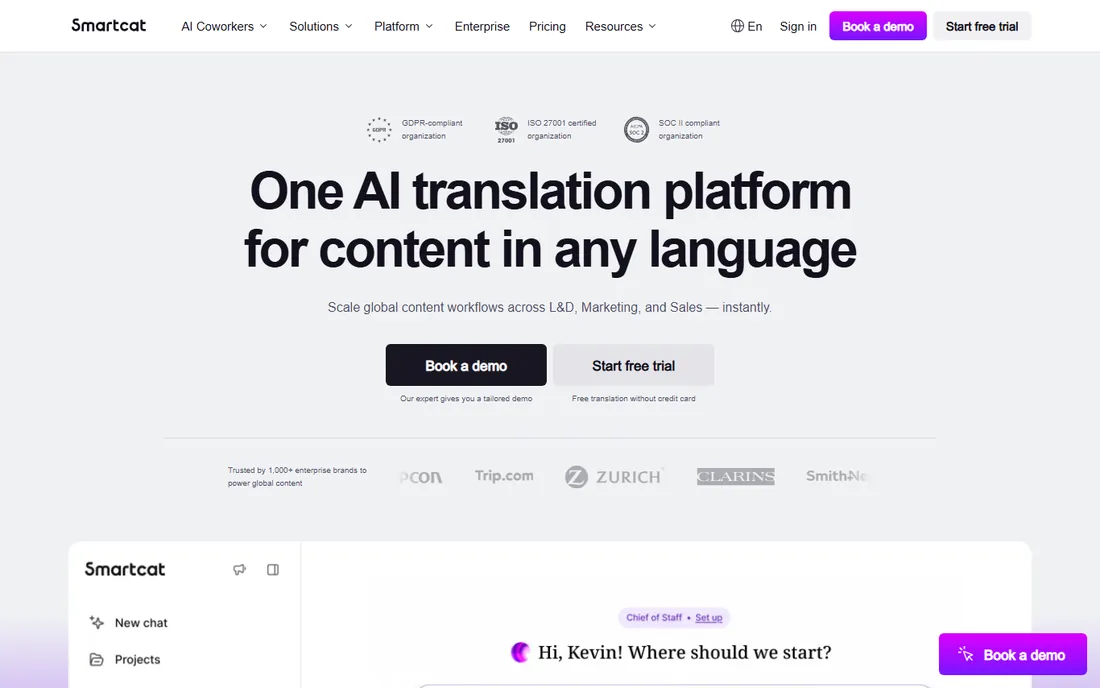
Smartcat takes a different approach from the classic CAT tools: it combines translation work with the business around it. The platform includes a CAT editor, AI translation in over 280 languages, a marketplace of translators and agencies, and payment automation that lets you hire and pay linguists from one place. For freelance translators, the marketplace is a genuine source of work, and the unlimited-seat model makes collaboration cheap.
Pricing is based on Smartwords, an annual word allowance, which means your costs depend on volume rather than seats. That model favors teams with many collaborators but can surprise a solo translator with heavy throughput. The marketplace also needs care: vetting clients and rates is still your job. As an all-in-one business platform for independent translators, though, Smartcat has no direct equivalent.
What we like- CAT editor plus marketplace of translators with payment automation
- Unlimited user seats for collaboration
- AI translation with learning from your edits
Watch out for- Pricing is word-volume based, which can surprise heavy users
- Marketplace quality varies and needs vetting
Starting priceFrom $50/month (Pro)
Free planYes
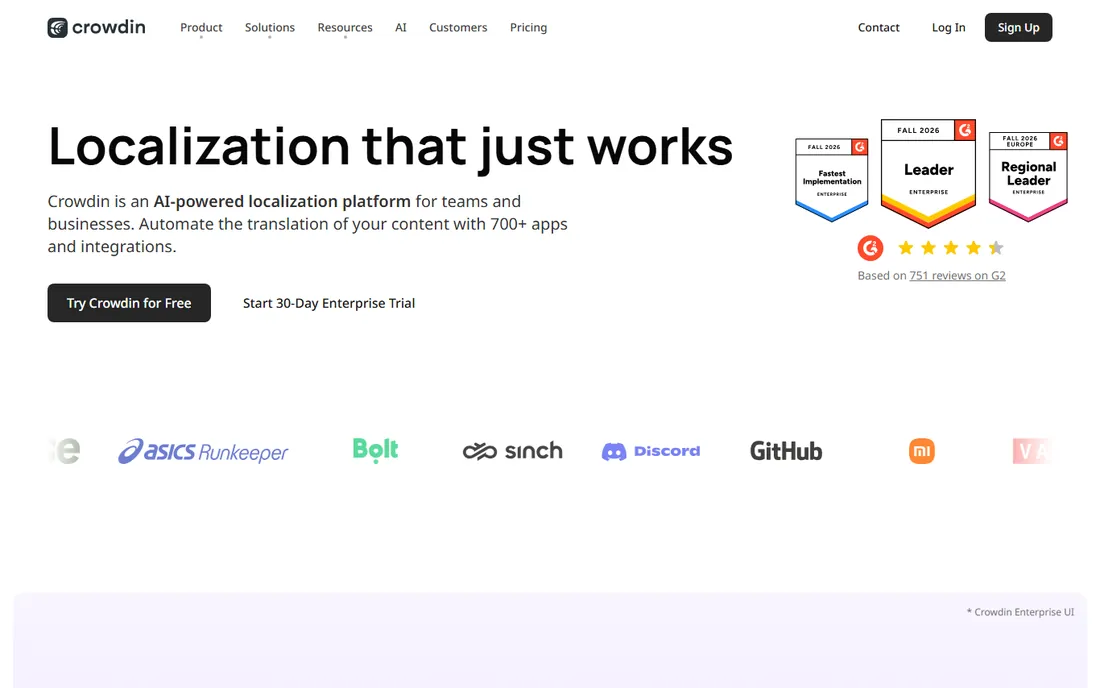
Crowdin is where software and game localization lives. It connects to Git repositories, Figma and content management systems, pulls new strings automatically, and pushes finished translations back through the deployment pipeline. That continuous workflow is why development teams choose it over general CAT tools. It also supports open-source projects for free, which has built it a loyal community.
For traditional document translators, Crowdin is less of a fit: it thinks in strings and keys, not in Word documents. Pricing starts at $50 a month for the Pro plan, with limits on words and collaborators that scale with tiers. If you translate apps, websites or games, or you work with developers, Crowdin is the platform to learn. For pure document work, the classic CAT tools serve you better.
What we like- Built for continuous localization with Git and CI/CD integrations
- Free plan for open-source projects
- Large app store with 700 plus integrations
Watch out for- Document translation is not its strength
- Per-word and seat limits can push costs up
Starting priceFrom $144/month (Explorer)
Free planFree trial
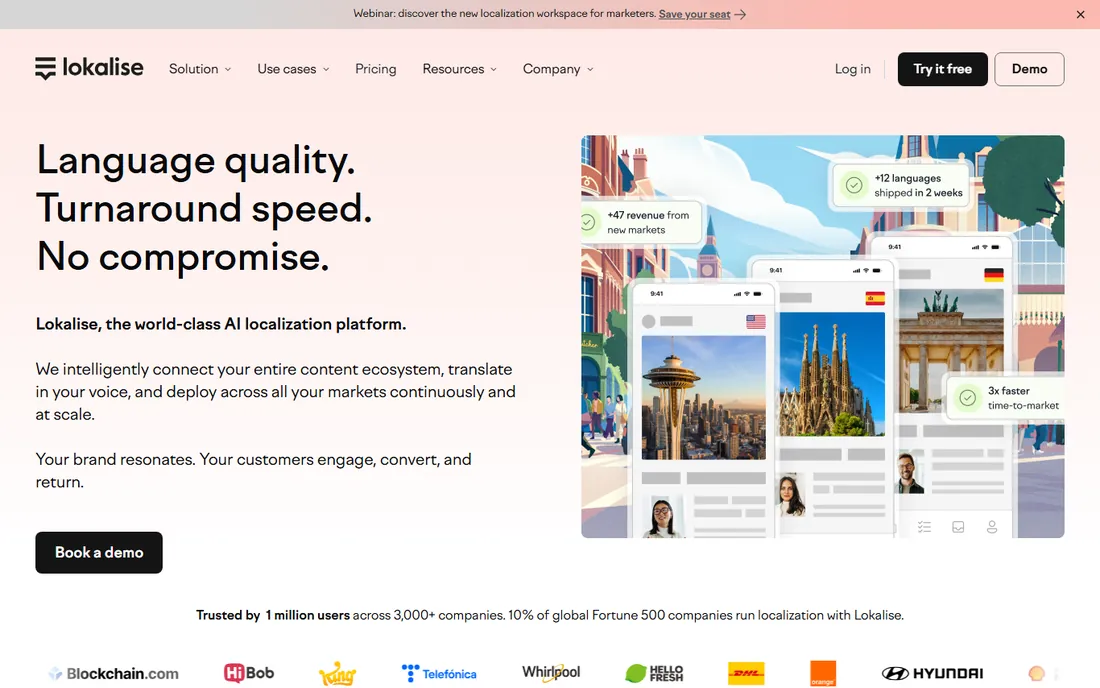
Lokalise competes directly with Crowdin and Phrase for software localization, and its pitch is simplicity. Reviewers consistently rate it easier to use than its rivals, and its API-first design, SDKs and over-the-air updates for mobile apps fit modern development workflows. Unlimited translator seats mean you can invite as many linguists as a project needs without paying per head.
The pricing model counts hosted words, starting at $144 a month for the Explorer plan, so costs grow with your content rather than your team. Like Crowdin, it is built around keys and strings rather than documents, so long-form translators will feel the mismatch. For product teams shipping in many languages, its speed and ease of use are the main selling points.
What we like- Clean, fast interface that teams learn quickly
- Developer tooling with API, CLI and over-the-air updates
- Unlimited translator seats
Watch out for- Pricing is word-based and scales with content volume
- Less suited to long-form document translation
#7
MateCat
Best for: free browser-based CAT with machine translation
Visit matecat.com
Starting priceFree
Free planYes
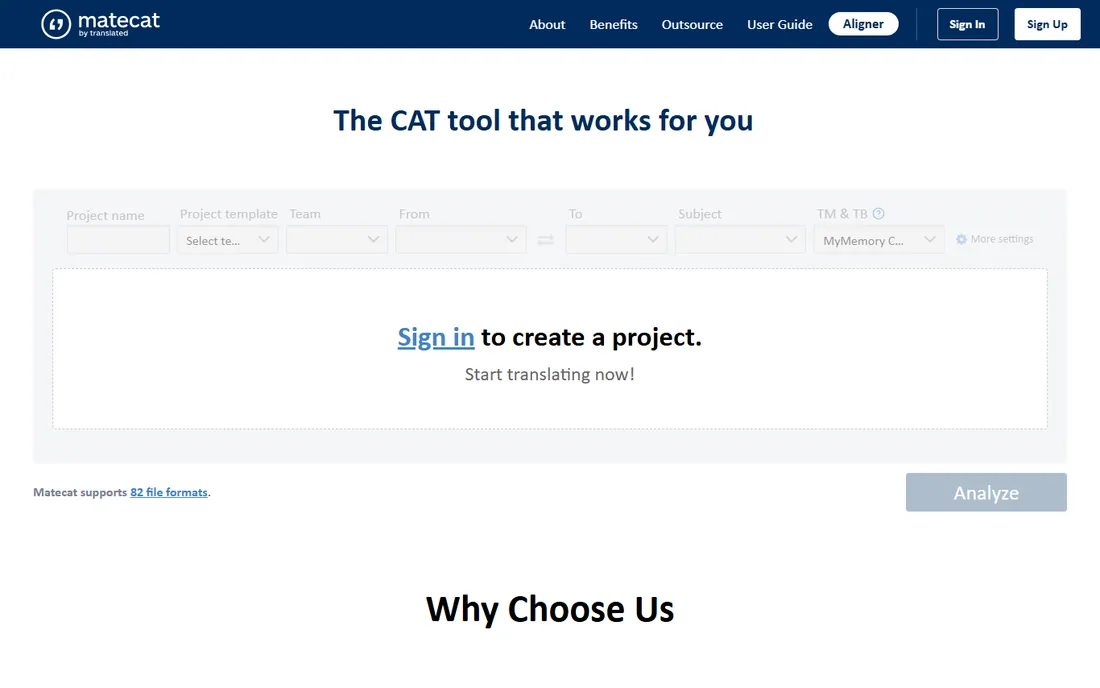
MateCat is the pleasant surprise of the free CAT world. It is a full web-based translation environment with translation memory, terminology checks and adaptive machine translation, and it costs nothing: no user limits, no project limits, no feature gates. You open a browser, upload a file and start translating, which makes it ideal for students, occasional translators and anyone who needs a capable tool without a subscription.
It does not match Trados or memoQ feature for feature, and working entirely in the cloud means no offline mode and some trust placed in their servers. But for document translation with machine-translation post-editing, it handles real professional jobs. Translators on a tight budget should treat MateCat as a serious option, not a compromise.
What we like- Completely free with no user or project limits
- Adaptive machine translation in over 200 languages
- Runs in the browser with nothing to install
Watch out for- Fewer advanced features than desktop CAT tools
- Cloud-based, so offline work is not possible
Starting priceFree
Free planYes
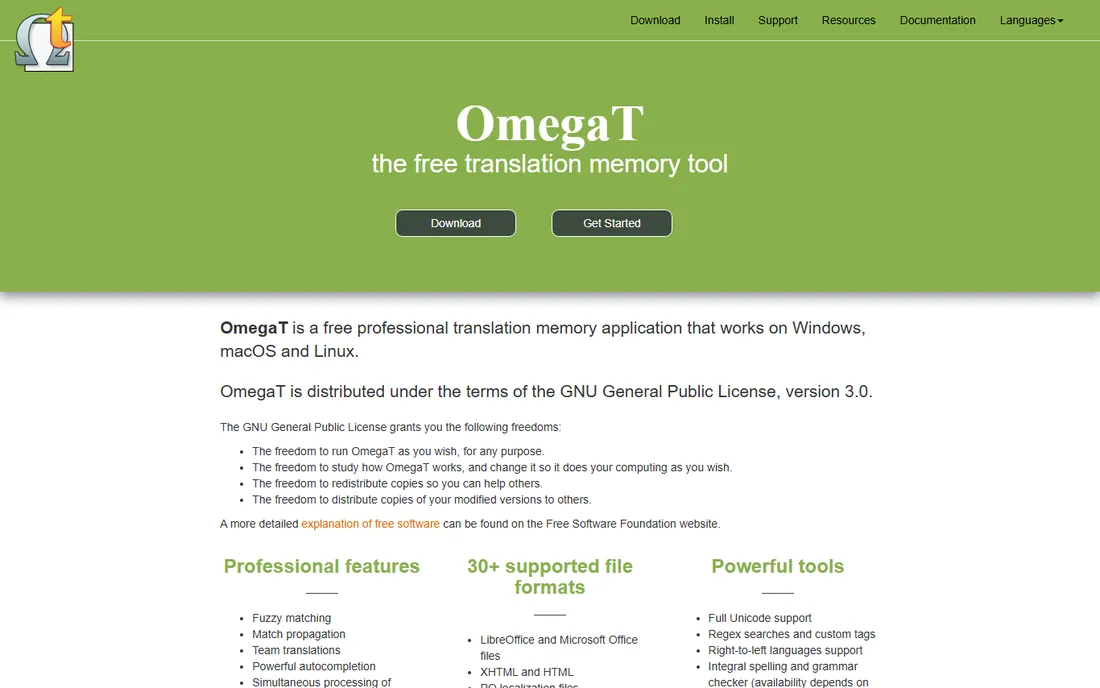
OmegaT is the veteran free CAT tool, in development since 2000 and still maintained by an active community. It offers the core professional features: fuzzy matching, match propagation, glossaries, multiple translation memories and support for over 30 file formats. Being Java-based, it runs on every major operating system, and its files work with other CAT tools through standard formats like TMX and XLIFF.
The trade is polish. The interface is functional rather than friendly, and getting projects configured takes more patience than a modern cloud tool. There is no built-in machine translation engine, though plugins connect external services. For translators who want a free desktop tool they fully control, and for training environments and students, OmegaT remains a solid, honest choice.
What we like- Free and open source under the GPL
- Professional features like fuzzy matching, glossaries and team projects
- Runs on Windows, macOS and Linux
Watch out for- Dated interface that feels utilitarian
- Setup and configuration take more effort than cloud tools
Start with your clients, not the feature list. If agencies send you Trados packages, learn Trados. If you translate software strings, learn Crowdin or Lokalise. The tool that matches your incoming work pays for itself; the tool with the longest feature list does not.
Desktop CAT vs cloud TMS
Desktop tools like Trados and memoQ excel at document projects and offline work, with deep QA and terminology features. Cloud platforms like Phrase, Smartcat and Crowdin excel at collaboration, continuous updates and integrations. Many professional translators end up using one of each.
Count the real cost, not just the subscription
Word-based pricing, seat limits and machine-translation allowances all change the math. A cheap subscription with tight word limits can cost more than a pricier flat plan. Estimate your annual word volume before choosing, and check what happens when you exceed it.
Translation memory is your real asset
Whatever tool you pick, your translation memory and termbases are the valuable part. Choose tools that export to open formats like TMX so your years of work are never trapped. This matters most with free tools: confirm you can take your data with you.
Try the trial on real work
Every paid tool here offers a trial. Run one actual client project through it before buying. Pay attention to file-format handling, the quality of the QA checks and how the tool behaves on a 50-page document, not just a demo file.
How we chose
We reviewed vendor pricing pages, product documentation and public reviews from G2, Capterra, Slashdot and translator communities on Reddit. We favored tools with a proven record among professional translators, transparent current pricing, and features that matter daily: translation memory, terminology management, QA checks and file-format support. We included both desktop CAT tools and cloud localization platforms because modern translation work spans both. We did not do hands-on testing; our assessments are based on vendor documentation and reviewer experience.
Machine translation has not replaced the translator
A common question is whether AI translation makes CAT tools pointless. It is the opposite: machine translation made them more important. The modern workflow is machine translation plus human post-editing inside a CAT environment, where translation memory, terminology and QA checks keep quality consistent. Tools that integrate machine translation well, like MateCat with adaptive MT or Smartcat with its AI workflows, let translators work faster while staying in control. The skill that matters now is editing and quality assurance, not typing translations from scratch.
Frequently asked questions
What is the difference between a CAT tool and a translation management system?
A CAT tool helps an individual translator work: translation memory, terminology and QA in an editing environment. A TMS manages the whole process: assigning work, tracking progress and handling many languages and vendors. Trados and OmegaT are CAT tools; Phrase, Crowdin and Smartcat are TMS platforms with CAT editors built in.
Which CAT tool do most translation agencies use?
Trados Studio remains the most widely requested, and most agency workflows assume it. memoQ is the main alternative and handles Trados project formats. Knowing at least one of the two covers the large majority of agency work.
Can I really do professional translation work with free software?
Yes. MateCat and OmegaT both handle real client projects, and many translators earn a living with them. The limits are convenience, not capability: fewer integrations, simpler QA and less hand-holding. If your clients do not require a specific tool, free options are entirely viable.
How much should a freelance translator budget for CAT software?
Anywhere from zero to about £400 a year. Free tools cover the basics; Trados Freelance runs about £340 a year on the annual plan; cloud platforms charge by words or seats. Budget based on your client requirements and word volume, not on feature lists.
What is translation memory and why does it matter?
Translation memory stores your past translations segment by segment and suggests them when similar text appears. It keeps terminology consistent, speeds up repetitive work and is the main reason CAT tools pay for themselves. Your memory grows more valuable every year, so choose tools that let you export it.
Do I need different tools for software and document translation?
Usually, yes. Document tools like Trados and memoQ handle Word, InDesign and PDF workflows. Software localization tools like Crowdin, Lokalise and Phrase handle strings, keys and continuous delivery. Translators who do both typically keep one tool from each category.
Sources we checked (9)
- https://www.trados.com/pricing/freelance-translators/
- https://trados.com/
- https://www.memoq.com/
- https://phrase.com
- https://smartcat.com/
- https://crowdin.com
- https://lokalise.com/
- https://www.matecat.com
- https://omegat.org
Is your product missing or out of date?
We review this list regularly. Vendors can request a listing, send updated pricing or ask about featured placement.

Shihab Mia · Founder, Rankite
Shihab has spent more than a decade helping SaaS and e-commerce brands grow through search. He writes Rankite's software buying guides from pricing pages, documentation and public user reviews. More about Shihab.