How we make this list: we compare pricing pages, product documentation and public user reviews. Rankite is independent; if a vendor ever pays for a featured spot, that listing is clearly labeled Partner.
Key takeaways
- VueScan is our top pick for most scanner owners: it works with over 8,000 scanners, including models manufacturers abandoned years ago.
- SilverFast is the quality-first choice for film and slide scanning, with professional color tools and per-scanner licensing.
- Google PhotoScan is the best free way to digitize prints with your phone, using multi-shot capture to remove glare.
- Photomyne is the strongest phone app for large family photo projects, with albums, restoration, and colorization.
- NAPS2 is the best free desktop scanner software: open source, no ads, and good enough for documents and photos alike.
Quick comparison
| Tool | Best for | Starting price | Free plan |
|---|
 VueScan VueScan | Anyone with a scanner the manufacturer no longer supports | See website | Free trial |
 SilverFast SilverFast | Photographers digitizing film, slides, and negatives at the highest quality | See website | Free trial |
 PhotoScan by Google PhotoScan by Google | Digitizing prints quickly with nothing but a phone | Free | Yes |
 Photomyne Photomyne | Large family photo digitizing projects with albums and restoration | See website | Limited free tier |
 Epson ScanSmart Epson ScanSmart | Anyone who already owns an Epson scanner or all-in-one | Free | Yes |
 NAPS2 NAPS2 | Free, no-nonsense desktop scanning on Windows, Mac, or Linux | Free | Yes |
 Canon IJ Scan Utility Canon IJ Scan Utility | Canon scanner and all-in-one owners who want the official tool | Free | Yes |
 HP Smart HP Smart | HP printer owners who scan from phones and tablets | Free | Yes |
 Negative Lab Pro Negative Lab Pro | Film photographers converting color negatives inside Lightroom | See website | Free trial |
Is your product missing or out of date?
We review this list regularly. Vendors can request a listing, send updated pricing or ask about featured placement.
The best photo scanning software
#1
VueScan
Best for: Anyone with a scanner the manufacturer no longer supports
Visit hamrick.com
Starting priceSee website
Free planFree trial
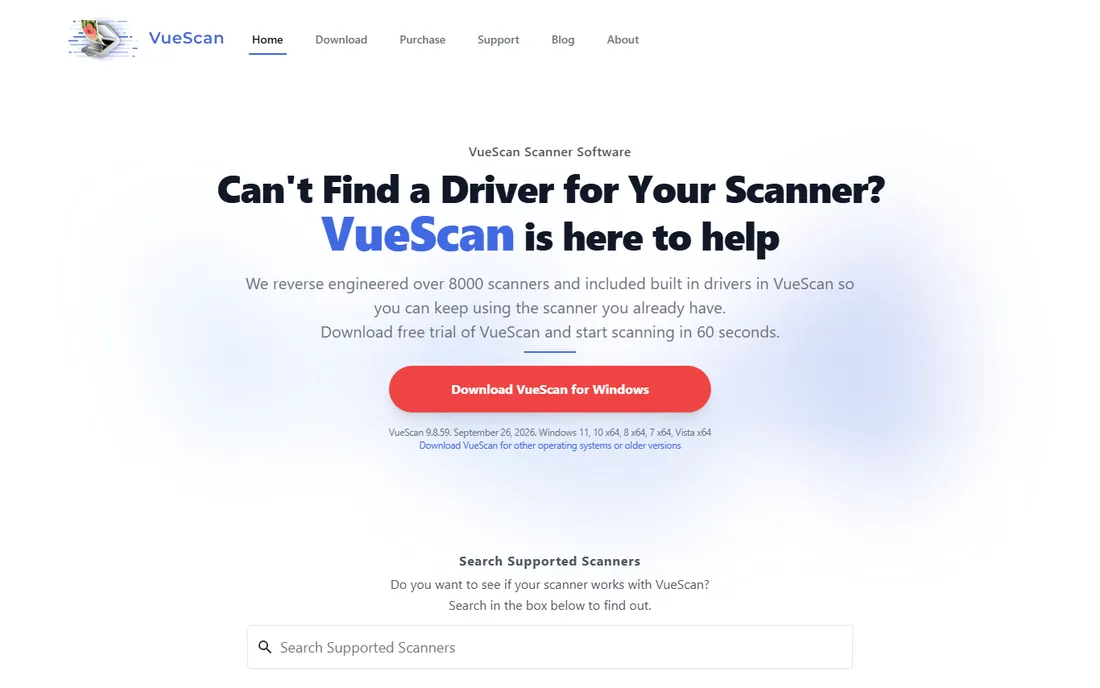
VueScan is the closest thing this category has to a universal answer. Hamrick Software has spent decades reverse-engineering scanner drivers, so a flatbed from 2008 that Canon or Epson stopped supporting will often work perfectly under VueScan. For small businesses sitting on a perfectly good older scanner, that alone can be worth the price.
Beyond rescue work, it is a genuinely powerful scanning platform: batch scanning, automatic cropping of multiple photos on the flatbed, infrared dust removal, faded-color restoration, and raw scan output for maximum editing flexibility. The current version adds AI-assisted tools like super-resolution and dust touch-up. Download the trial, search your scanner model on the site, and you will know within an hour whether it is your answer.
What we like- Supports over 8,000 scanners from 42 manufacturers
- Revives scanners abandoned by their makers
- Works on Windows, Mac, and Linux
Watch out for- Interface takes learning
- Advanced color features sit in the higher-priced edition
#2
SilverFast
Best for: Photographers digitizing film, slides, and negatives at the highest quality
Visit silverfast.com
Starting priceSee website
Free planFree trial
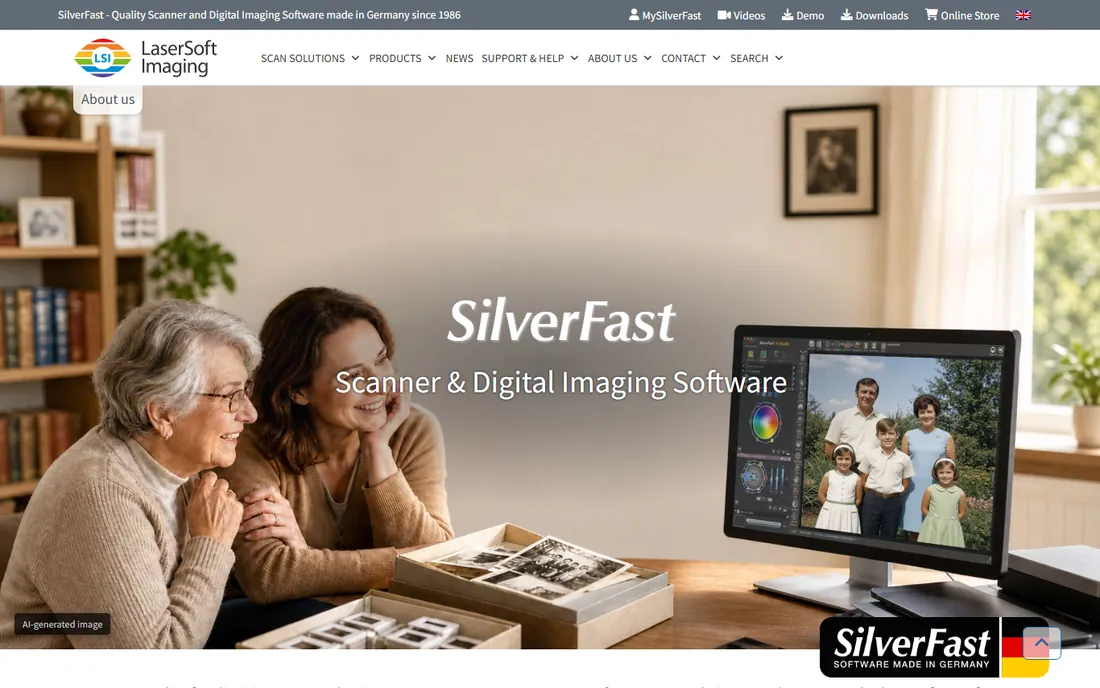
SilverFast is the specialist's tool. LaserSoft Imaging has built it for one purpose: getting the best possible image out of your scanner when digitizing analog material. Its color management is the most serious in the business, with IT8 calibration targets that profile your specific scanner for accurate color. If you are archiving slides or negatives that matter, this is where professionals land.
The software comes in editions (SE, SE Plus, Ai Studio) matched to your scanner model, plus HDR versions for processing existing scans. A free trial lets you test it on your hardware. It costs more and demands more learning than VueScan, but for film work the quality difference is real.
What we like- Professional-grade color management and IT8 calibration
- Patented high-speed scanning modes
- Versions tuned per scanner model
Watch out for- Licensed per scanner model, which complicates switching hardware
- Premium pricing for the top editions
#3
PhotoScan by Google
Best for: Digitizing prints quickly with nothing but a phone
Visit google.com
Starting priceFree
Free planYes
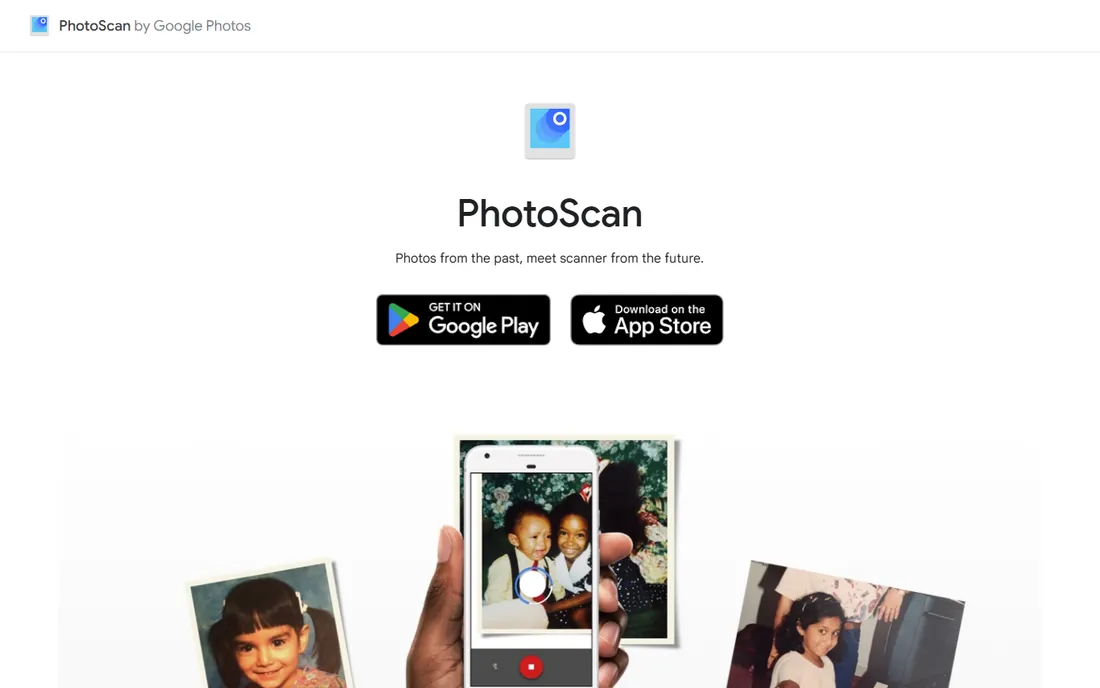
PhotoScan solves the most common scanning problem in the world: you have a print, no scanner, and ten minutes. Instead of taking a single photo of the photo, it guides you through capturing multiple angles, then stitches them into one glare-free scan with automatic edge detection, perspective correction, and rotation.
The results will not match a flatbed scanner, but they are dramatically better than a casual snapshot, and the price is zero. Scans save straight into Google Photos, where face grouping and search make a growing archive manageable. For digitizing a few dozen family prints, start here before spending a dollar.
What we like- Completely free with no limits
- Clever multi-shot capture removes glare
- Integrates with Google Photos for backup and search
Watch out for- Phone-camera quality, not scanner quality
- No batch or album management features
#4
Photomyne
Best for: Large family photo digitizing projects with albums and restoration
Visit photomyne.com
Starting priceSee website
Free planLimited free tier
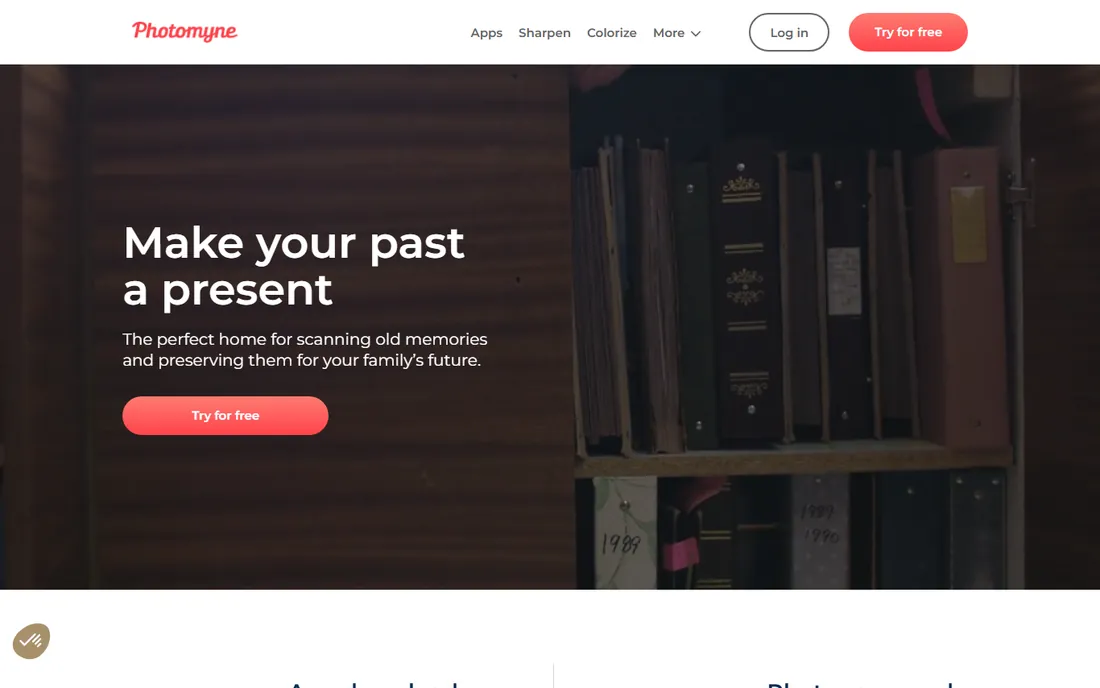
Photomyne is built for the shoebox-to-archive project: hundreds of prints, organized into albums, restored, and shared with family. The phone app auto-detects and crops multiple photos at once, corrects perspective and color, and lets you record audio stories, tag people and dates, and attach scans of the backs of photos where the handwritten notes live.
Colorization of black-and-white photos and AI restoration are the headline extras, with heavier restoration available as add-on credits. The limited free tier lets you test the workflow; the subscription pays for itself if you are working through a serious family archive. It is the most complete mobile solution on this list.
What we like- Fast batch scanning of multiple photos
- Albums, tagging, and audio notes keep projects organized
- Colorization and AI restoration features
Watch out for- Subscription pricing
- Advanced restoration costs extra credits
#5
Epson ScanSmart
Best for: Anyone who already owns an Epson scanner or all-in-one
Visit epson.com
Starting priceFree
Free planYes
If you own an Epson scanner, you already own capable scanning software. ScanSmart comes free through Epson's support downloads for your model, and it handles the everyday jobs well: one-click scans to PDF, email, or cloud services, multi-page scanning through the document feeder, and OCR that makes documents searchable.
For photos, it covers the basics but lacks the restoration and color tools of the paid platforms. The practical advice is simple: use ScanSmart for documents and quick photo scans, and only look at VueScan or SilverFast if your photo work outgrows it. Check that you have also installed Epson Scan 2, which ScanSmart requires to talk to your scanner.
What we like- Free with your Epson hardware
- Simple one-click scanning to PDF, email, or cloud
- Built-in OCR for searchable PDFs
Watch out for- Only works with Epson devices
- Photo restoration features are basic
#6
NAPS2
Best for: Free, no-nonsense desktop scanning on Windows, Mac, or Linux
Visit naps2.com
Starting priceFree
Free planYes
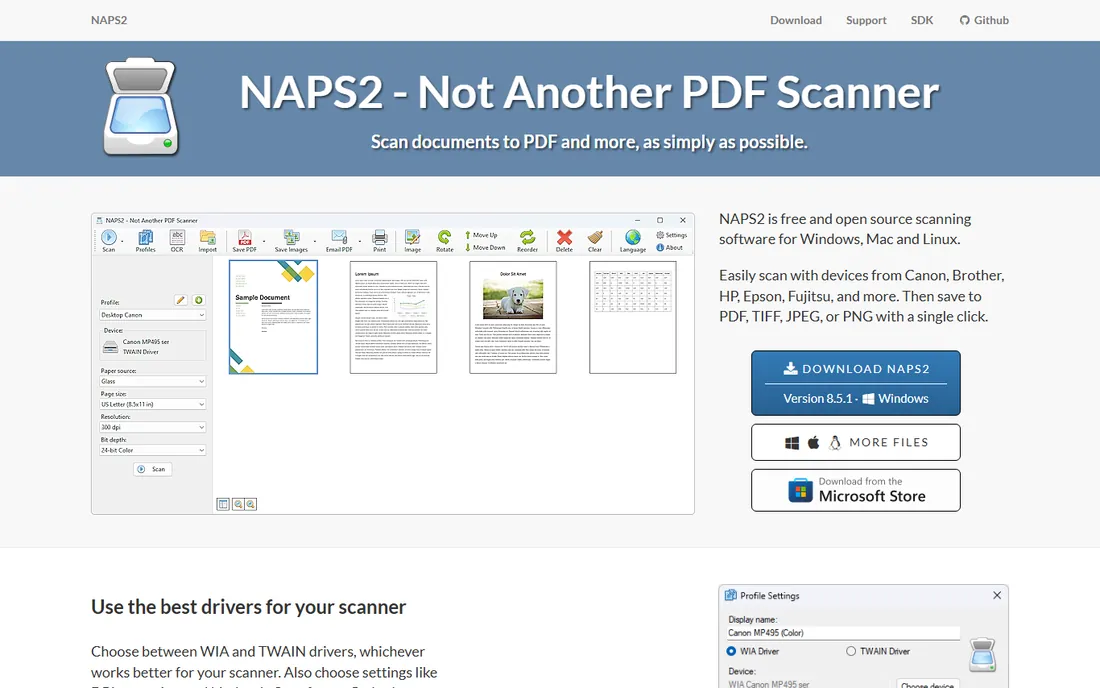
NAPS2 (Not Another PDF Scanner 2) is the free desktop scanner app that respects you. It is open source, carries no ads or bundled software, and works with scanners from Canon, Brother, HP, Epson, Fujitsu, and more. Scan from a flatbed or document feeder, save to PDF, TIFF, JPEG, or PNG, and run OCR in over 100 languages to make everything searchable.
It is document-first in spirit, but it handles photo scanning perfectly well for straightforward digitizing. For a small office that needs reliable scanning on every desktop without license fees or IT headaches, it is the obvious install. Donations keep the project going, and it deserves them.
What we like- Free and open source with no ads
- Works with any brand of scanner
- OCR in over 100 languages
- Simple and fast
Watch out for- Photo-specific features are limited
- Interface is plain
#7
Canon IJ Scan Utility
Best for: Canon scanner and all-in-one owners who want the official tool
Visit canon.com
Starting priceFree
Free planYes
Like Epson's ScanSmart, the Canon IJ Scan Utility is the official free companion to your hardware, and for most Canon owners it is all they need. It offers straightforward photo and document scanning modes, works with Canon's flatbeds and all-in-ones, and stays out of your way.
Its strength is reliability with Canon devices rather than features. If your needs grow toward film scanning or batch archival work, VueScan supports most Canon scanners and picks up where the bundled utility stops. But do not pay for software before trying the free tool that came with your scanner.
What we like- Free with Canon hardware
- Tuned for Canon scanners
- Simple photo and document modes
Watch out for- Canon hardware only
- Fewer advanced options than third-party software
#8
HP Smart
Best for: HP printer owners who scan from phones and tablets
Visit hp.com
Starting priceFree
Free planYes
HP Smart is the free app HP printer owners probably already have installed, and its scanning is better than most people expect. The mobile app scans documents and photos with automatic cropping and perspective correction, saves to PDF or image formats, and shares straight to email or cloud storage.
It is printer-centric rather than photo-archival in ambition, but for a home office that scans receipts, contracts, and the occasional photo through an HP all-in-one, it covers the job with zero cost and zero learning curve. If your HP hardware is already on your network, this is the path of least resistance.
What we like- Free
- Excellent mobile scanning with auto-crop
- Manages printing and scanning in one app
Watch out for- Built around HP printers
- Desktop scanning features are thinner than dedicated apps
Starting priceSee website
Free planFree trial
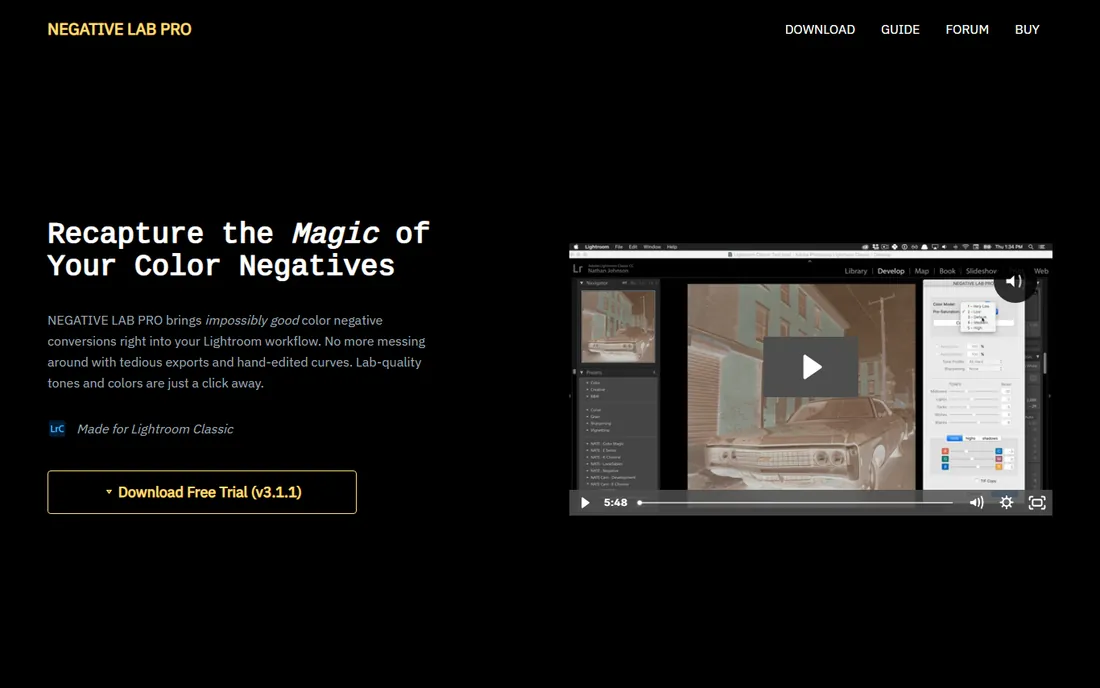
Negative Lab Pro occupies a niche and owns it. It is a plugin for Lightroom Classic that converts scanned color negatives into positives with remarkably accurate color, skipping the tedious manual curve adjustments that negative conversion usually requires. Version 3.1 added slide film support alongside the refined color processing.
The workflow advantage is the point: scan your negatives as raw files with VueScan or SilverFast, then convert and edit entirely inside Lightroom. For photographers shooting film in 2026, it removes the most painful step of the hybrid process. A free trial lets you test it on your own negatives before buying.
What we like- Excellent color negative conversions without leaving Lightroom
- Current version adds slide film support
- Fast batch workflow
Watch out for- Requires Lightroom Classic
- Aimed at film shooters, not print scanning
Phone scanning vs flatbed scanning: pick your lane
Decide which lane you are in before choosing software. Phone scanning wins on speed and convenience: Google PhotoScan or Photomyne can digitize a stack of prints in an afternoon with no hardware to buy. Quality is good enough for sharing, archiving family memories, and anything viewed on screens. If your goal is preserving memories rather than producing exhibition prints, the phone lane is probably where you belong.
Flatbed scanning wins on quality and control. A real scanner captures more detail, better color, and higher resolution than any phone camera, and software like VueScan or SilverFast extracts everything the hardware can give. Negatives and slides demand this lane; phone apps cannot do them justice. The honest middle path many families take: phone apps for the bulk of prints, a flatbed with VueScan for the hundred photos that matter most.
What to look for in photo scanning software
Match the software to your source material first. Prints need good cropping, perspective correction, and color restoration. Film and slides need infrared dust removal, high bit-depth output, and serious color management. Documents need OCR and multi-page PDF support. No single product leads in all three, which is why this list has nine entries instead of one winner.
Second, consider your hardware. If you own a scanner from a major brand, try its free bundled software before buying anything. If your scanner is old enough that the manufacturer abandoned it, VueScan is the rescue option. Third, think about volume. A dozen photos is a phone-app afternoon; a thousand photos is a project that deserves batch features, albums, and organization tools like Photomyne's. Finally, check the trial. Every paid product here offers a free trial or limited free tier, and scanning quality is personal enough that your eyes should make the final call.
How we chose
We mapped the category into its real jobs: phone digitizing of prints, desktop scanning with a flatbed, professional film and slide work, and manufacturer-bundled utilities. For each job we picked the strongest current options, then verified every product is actively sold or maintained in 2026 by opening the vendor's own site.
Pricing and free-tier details come from vendor pages only; where the vendor did not publish a price, we list "See website" instead of guessing. We favored tools with genuinely useful free tiers, since much of this category's best software costs nothing, and we kept manufacturer utilities on the list because for many owners they are the right answer. No vendor paid for placement, and none reviewed this list before publication.
Frequently asked questions
What is the best free photo scanning software?
For phone scanning, Google PhotoScan is the best free option. For desktop scanning with a real scanner, NAPS2 is free, open source, and excellent. If you own a scanner from Epson, Canon, or HP, the free bundled software from the manufacturer is also a strong choice.
Can I scan photos with just my phone?
Yes, and for prints the results are surprisingly good. Google PhotoScan removes glare through multi-shot capture, and Photomyne adds batch scanning and organization for larger projects. A phone cannot match a flatbed scanner for detail, but for sharing and archiving family photos it is more than enough.
What is the best software for scanning film negatives and slides?
SilverFast is the professional choice for film and slide scanning, with the best color management in the category. VueScan is the versatile alternative that handles film well alongside documents and prints. For converting scanned negatives inside Lightroom, Negative Lab Pro is the specialist tool.
My old scanner has no Windows 11 or Mac drivers. What can I do?
Try VueScan. It includes its own reverse-engineered drivers for over 8,000 scanner models, including many that manufacturers no longer support. Download the trial, search your model on the VueScan site, and test it before buying.
Do I need OCR in photo scanning software?
OCR matters when you scan documents and want searchable PDFs. For pure photo scanning it is less important, though some apps can detect text within photos for captions and dates. NAPS2 offers OCR in over 100 languages for free, which makes it a strong pick for mixed photo-and-document scanning.
How should I organize thousands of scanned photos?
Scan in batches by event or year, and use software with album and tagging features. Photomyne is built for this, with albums, people tagging, dates, and locations. If you use Google PhotoScan, Google Photos handles organization through search and face grouping. Whatever you choose, back up the archive in at least two places.
Sources we checked (0)
Is your product missing or out of date?
We review this list regularly. Vendors can request a listing, send updated pricing or ask about featured placement.

Shihab Mia · Founder, Rankite
Shihab has spent more than a decade helping SaaS and e-commerce brands grow through search. He writes Rankite's software buying guides from pricing pages, documentation and public user reviews. More about Shihab.