How we make this list: we compare pricing pages, product documentation and public user reviews. Rankite is independent; if a vendor ever pays for a featured spot, that listing is clearly labeled Partner.
Key takeaways
- Figma remains the collaborative standard with an AI-native canvas where teammates and agents work together.
- Sketch is the Mac-native independent alternative with AI via MCP and free developer handoff tools.
- Framer and Webflow are design agents that publish real websites, not just mockups.
- Penpot is the open-source option with SVG standards and AI workflow integration, free to use.
- ProtoPie and Axure RP handle high-fidelity interactive prototypes; Balsamiq owns fast low-fi wireframing with AI.
Quick comparison
| Tool | Best for | Starting price | Free plan |
|---|
 Figma Figma | Collaborative product design | See website | No |
 Sketch Sketch | Mac-native UI design | See website | Free trial |
 Framer Framer | AI-designed websites | See website | No |
 Penpot Penpot | Open-source design | See website | Yes |
 Axure RP Axure RP | Complex UX prototypes | See website | Free trial |
 Balsamiq Balsamiq | Fast low-fi wireframes | See website | No |
 ProtoPie ProtoPie | High-fidelity interactions | See website | Yes |
 Webflow Webflow | Visual web building | See website | No |
Is your product missing or out of date?
We review this list regularly. Vendors can request a listing, send updated pricing or ask about featured placement.
The best software interface design
Starting priceSee website
Free planNo
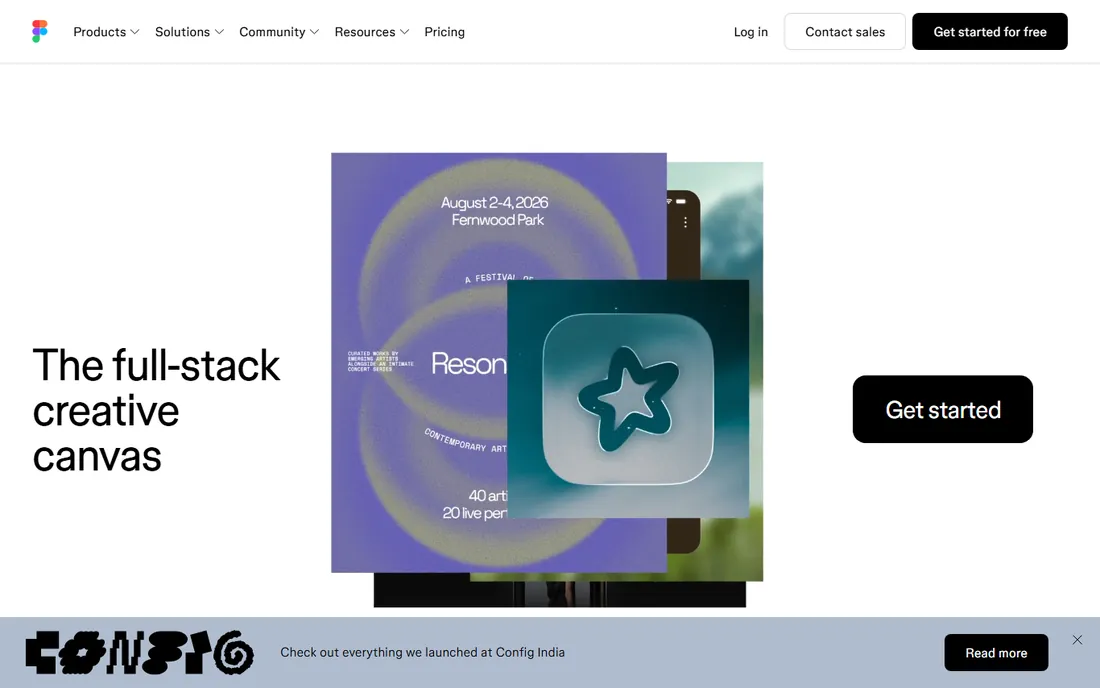
Figma is where the industry designs. The whole product team can work in one canvas now: design, code, and AI agents share context so what you design is what gets shipped. Ask the built-in agent to add motion, document design systems, or implement feedback, and everything stays visible and editable.
Dev tools carry projects to production, and the community marketplace adds templates and UI kits. The honest catch is pricing opacity and the demands of a browser canvas. For teams that need the standard everyone knows, Figma is still the answer.
What we like- The industry standard, with 95% of the Fortune 500 using it
- AI-native canvas with built-in agent and shared context
- Moves teams from idea to production in one workspace
Watch out for- Pricing behind a pricing page
- Browser-based, so heavy files need a strong machine
Starting priceSee website
Free planFree trial
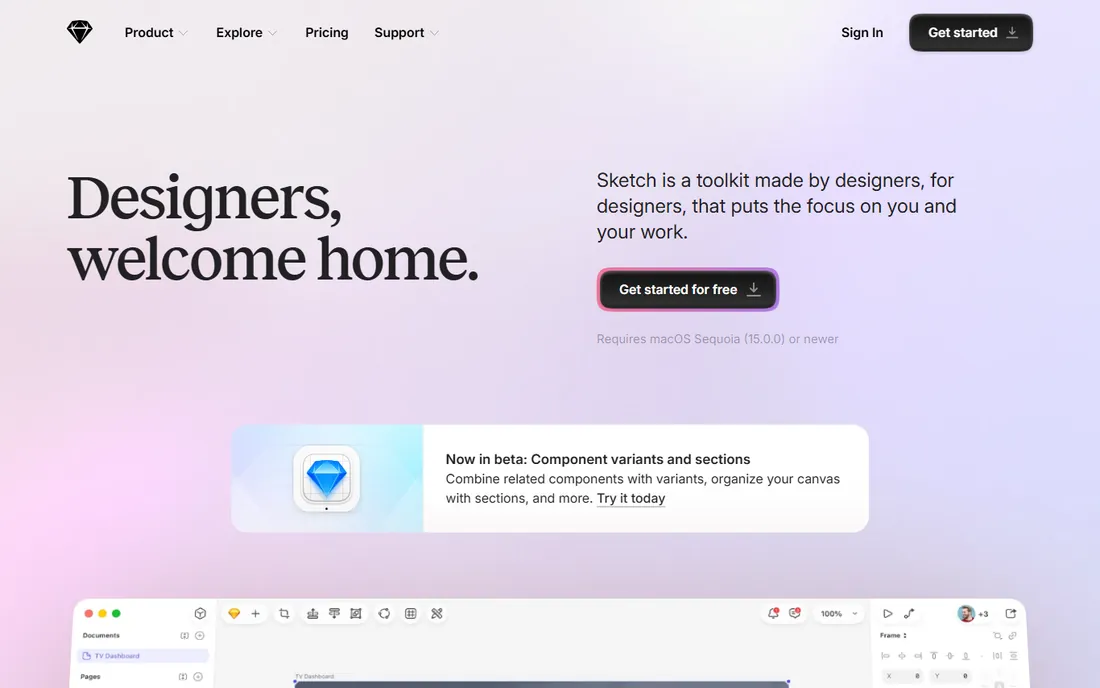
Sketch went back to its roots and doubled down on the Mac. The native app runs locally with no internet needed, and real-time co-editing or private solo design is your choice. AI comes through MCP: connect Claude, Cursor, or any MCP client to your designs, and point an AI client at a frame to build it out in code.
Smart Animate, Overlays, and a prototype in under ten clicks keep motion work fast. Free handoff tools let developers inspect files and export tokens without a paid seat. The honest catch is the Mac-only boundary. For Mac-based design teams that value craft and independence, Sketch is home.
What we like- Native Mac app that works fully offline
- AI connects through MCP to Claude and Cursor
- Free handoff tools for developers
Watch out for- Mac only, which limits mixed teams
- Requires macOS Sequoia or newer
Starting priceSee website
Free planNo
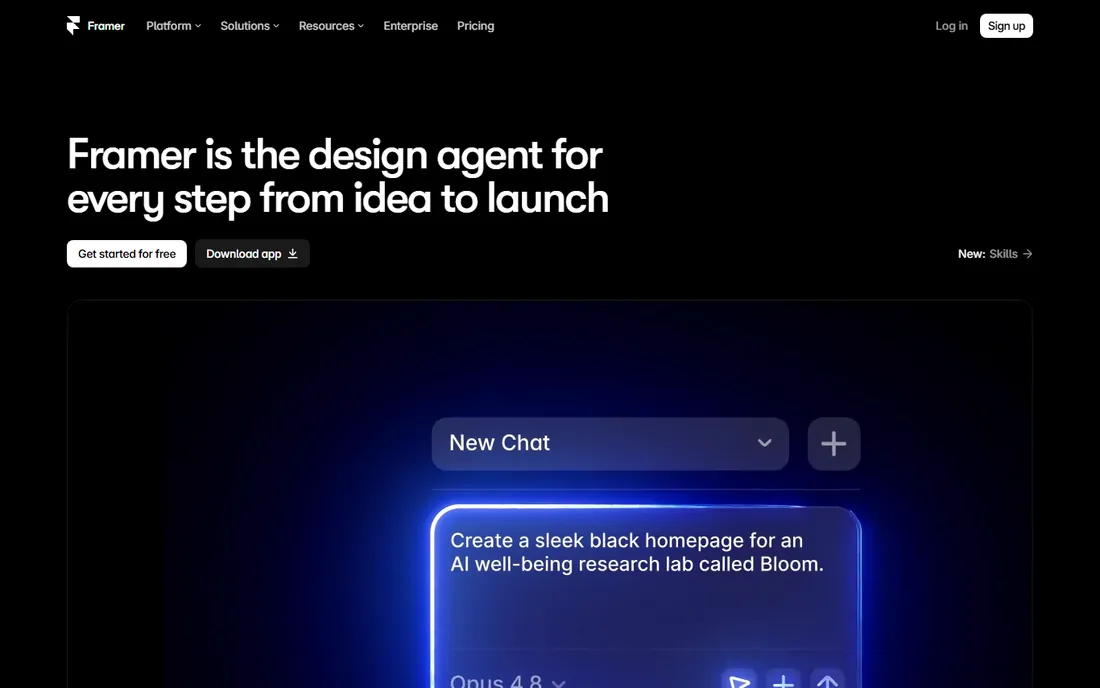
Framer stopped pretending to be a prototyping tool and became an AI design agent for the whole journey from idea to launch. Agents work alongside you on the canvas: design, CMS management, and code generation all happen in place with every change visible and editable. You can even connect external agents like Claude Code or Cursor to update copy from Slack or ship from a GitHub PR.
The result is a real website with hosting, analytics, A/B testing, and localization, not a mockup. The honest catch is scope: Framer is for websites, not mobile apps or systems. If your output is the web, the design-to-launch distance here is the shortest anywhere.
What we like- Design agent works directly on the canvas to generate and refine sites
- Designs publish as live websites with CMS, hosting, and analytics
- External agents can drive it from Slack, terminal, or GitHub
Watch out for- Web-only output, not a general app design tool
- No free tier shown
Starting priceSee website
Free planYes
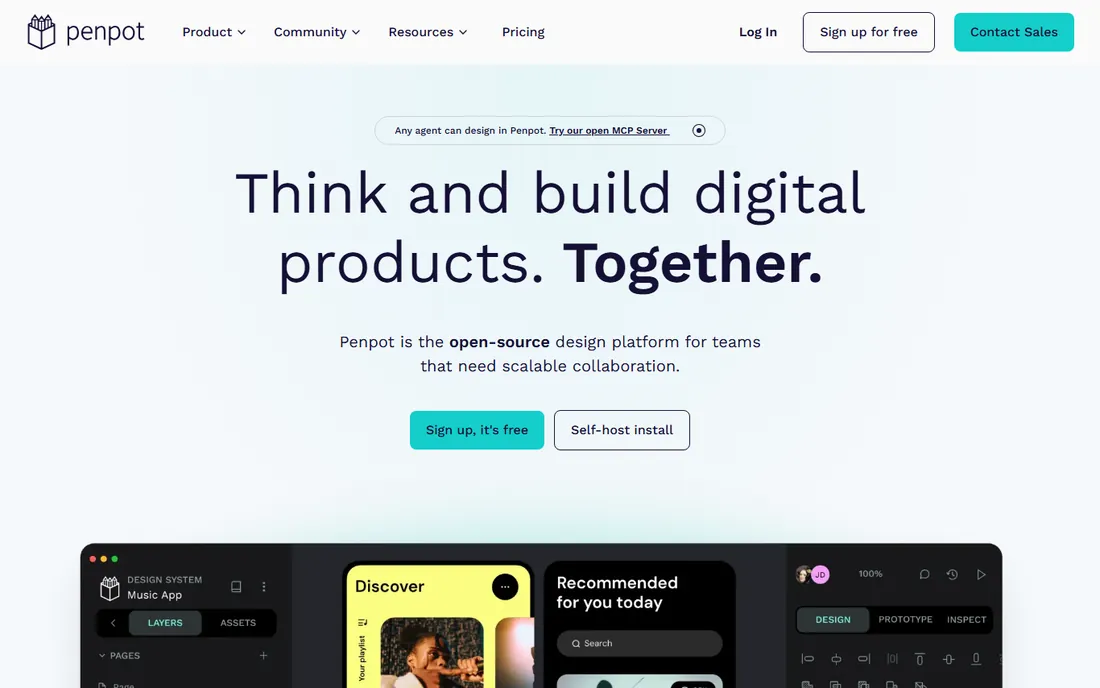
Penpot is the open-source answer to Figma. Design, prototype, and hand off in one place with full SVG support and design tokens, and because it speaks open standards like CSS, HTML, and JSON, developers get code that actually matches the design. This year it added AI workflows that integrate any agent or LLM across code-to-design, design-to-code, and design-to-design flows.
Being open-source, your files are yours and self-hosting is possible. The honest catch is the ecosystem: fewer plugins and templates than Figma. For teams that want open standards and zero license cost, Penpot is the strongest option.
What we like- Fully open-source with an open file format
- Built on real web standards like CSS, HTML, and SVG
- AI workflows integrate any agent or LLM into the core
Watch out for- Smaller community and plugin ecosystem
- AI workflows need setup
Starting priceSee website
Free planFree trial
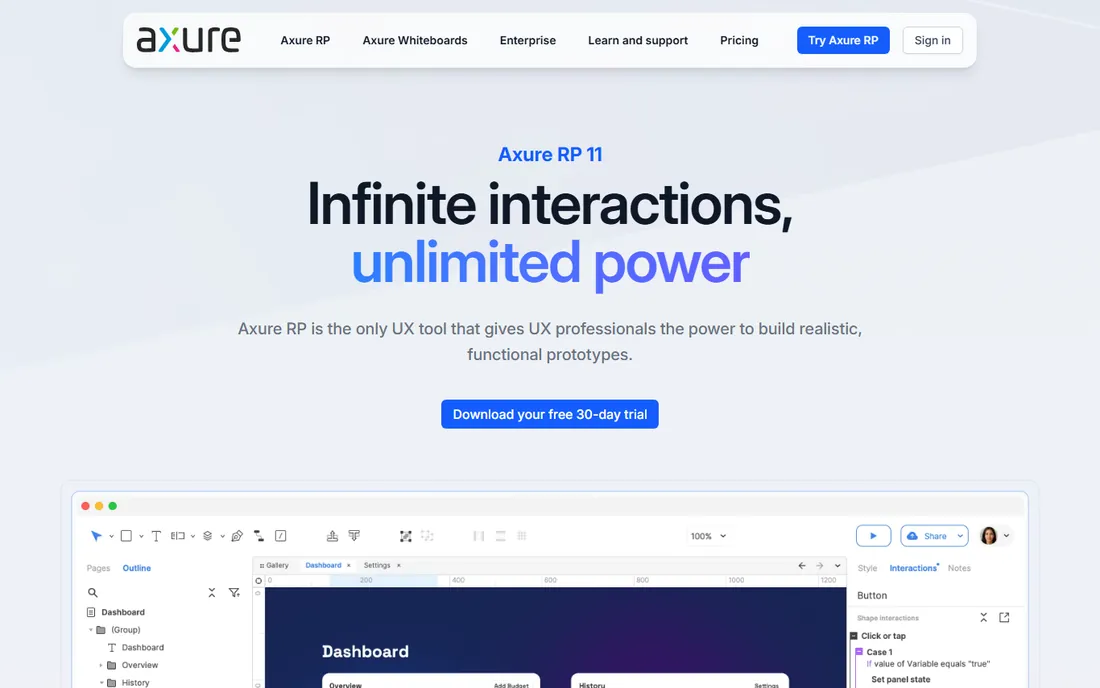
Axure RP is for prototypes that behave like real software. Unlimited combinations of event triggers, conditions, and actions let you build working forms, sortable grids, and data-driven interfaces with no code. Flow diagrams, customer journeys, and specifications live next to the prototypes, so documentation and interaction stay in one place.
Publish to Axure Cloud to share, gather on-screen feedback, and hand off with automated redlines and CSS inspection. The honest catch is that it is a downloaded desktop app and the advanced power takes learning. For enterprise UX teams testing complex flows, nothing else goes this deep.
What we like- The most powerful interaction logic of any UX tool, with conditions and variables
- Diagrams, wireframes, and specs in the same tool
- Free 30-day fully functional trial
Watch out for- Desktop download required
- Learning curve for advanced interactions
Starting priceSee website
Free planNo
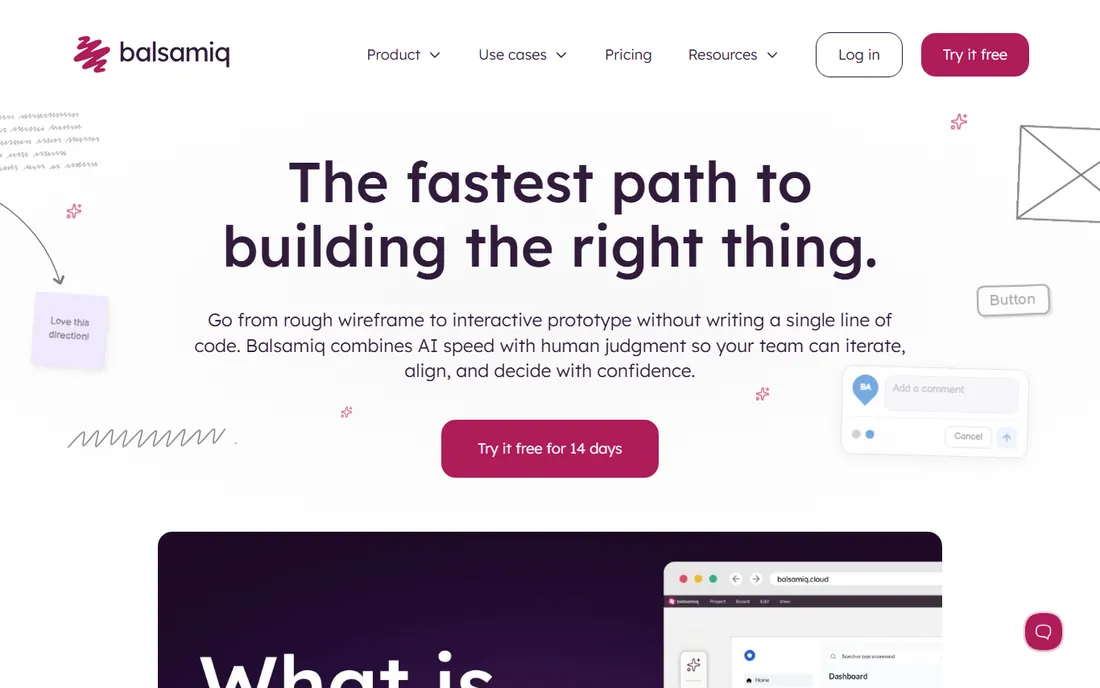
Balsamiq keeps teams focused on structure instead of debating colors. Go from rough wireframe to interactive prototype without code, and this year Balsamiq AI joined in: prompt it with a rough idea or drop in a screenshot and get something playable instantly, then make it interactive. A tech-stack-friendly MCP server lets Claude and Cursor read, edit, and build on your projects.
SOC 2 Type II, GDPR, and CCPA compliance make it enterprise-safe, and your data never trains AI models. The honest catch is deliberate: this is wireframing, not visual design. For early thinking and alignment, the low-fi constraint is a feature.
What we like- The fastest path from idea to testable wireframe
- Balsamiq AI generates interactive prototypes from prompts or screenshots
- MCP server connects Claude and Cursor to your projects
Watch out for- Intentionally low-fidelity, not for visual design
- No free plan
Starting priceSee website
Free planYes
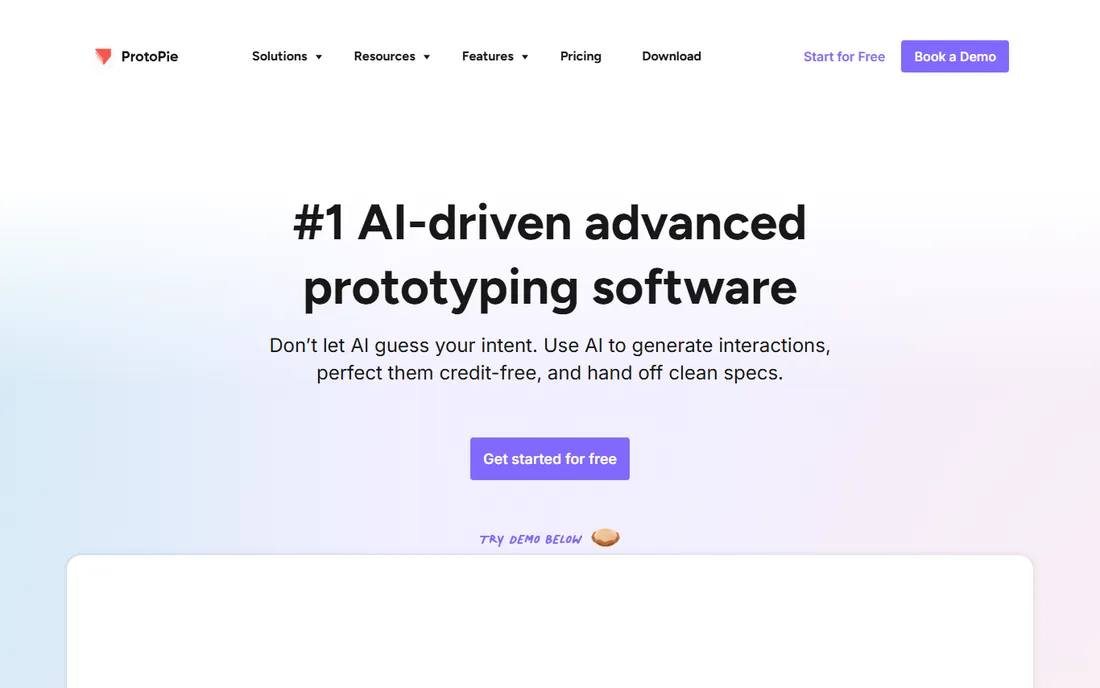
ProtoPie is the advanced prototyping platform where high-fidelity lives. Create dynamic interactions with logic, variables, and formulas, test on mobile, tablets, watches, TV, and even in real cars through ProtoPie Connect. This year AI joined the workflow: generate interactions with AI, perfect them credit-free, and hand off clean specs.
Import from Figma and other design tools, use native device sensors and voice interactions, and share links freely. The honest catch is that it is a prototyping layer, not where you design from scratch. When your team needs prototypes that feel like the real product, ProtoPie is the specialist.
What we like- 100% free to start with shareable links
- AI generates interactions with clean handoff specs
- Handles automotive HMI, voice, and device sensors
Watch out for- Prototyping only, not a full design tool
- Most powerful features need paid plans
Starting priceSee website
Free planNo
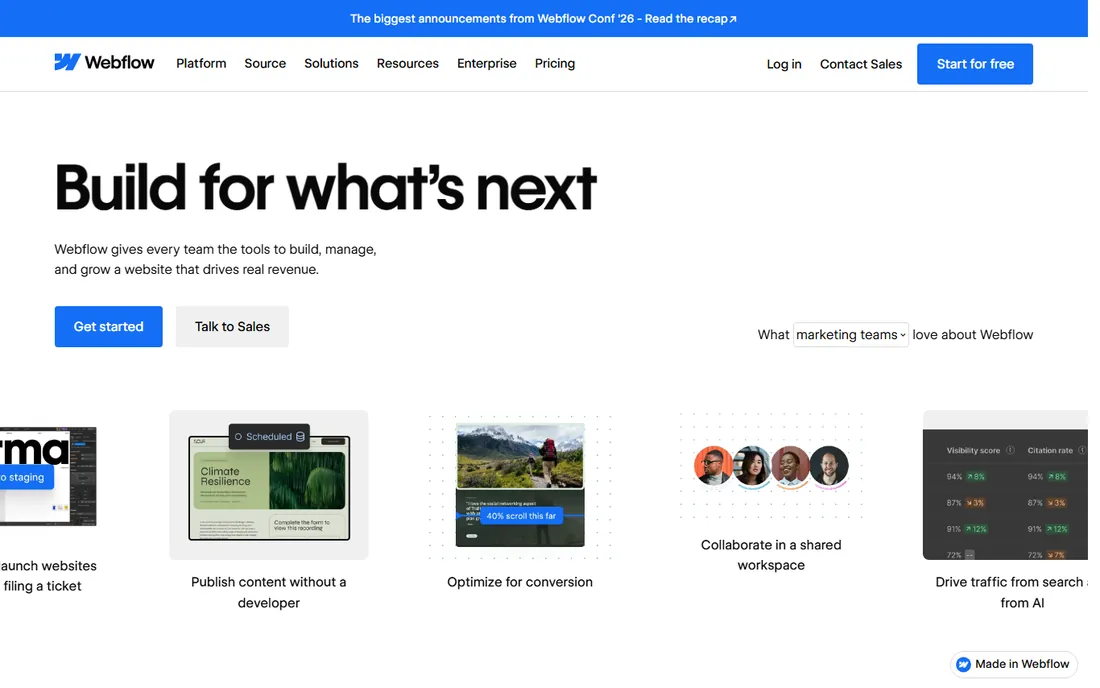
Webflow is the agentic web platform where design becomes a website. The visual canvas gives pixel-perfect control while publishing to hosted, SEO-optimized sites with a CMS, analytics, and A/B testing built in. This year Webflow leaned into agents: build and manage sites with AI tools like Claude and Cursor, generate content and components, and run AI-powered personalization.
Shared Libraries keep teams on brand across sites, and enterprise-grade hosting with DDoS protection removes infrastructure work. The honest catch is the web-only scope and the learning curve for advanced work. For design teams that ship websites, Webflow closes the gap between design and production.
What we like- Pixel-perfect visual web design that publishes to real websites
- Agentic platform with AI for SEO, content, and personalization
- 300,000+ brands with enterprise-grade hosting
Watch out for- Web-only, steep learning curve for complex interactions
- No free tier shown on homepage
How we chose
We compared leading interface design tools using each vendor's own site and documentation in October 2026, plus G2, Capterra, and designer reviews. We required verifiable live products and covered this year's AI-agent shift across the category. We never claim hands-on testing.
Match the tool to the output
Websites: Framer or Webflow publish directly. Mobile apps: Figma, Sketch, or Penpot design best. Complex flows: Axure RP or ProtoPie prototype best. Early thinking: Balsamiq wireframes best. Buying a design tool for outputs it does not ship wastes money.
Factor in the AI agent workflow
Figma's agent, Framer's design agent, Balsamiq AI, and Sketch's MCP connections all change the workflow differently. If your team uses Claude Code or Cursor, Sketch and Balsamiq's MCP support matters. If you want agents inside the canvas, Figma and Framer lead.
Check the collaboration reality
Some teams are all-Mac, some are mixed, some work with outside developers. Sketch's Mac-only stance, Penpot's open format, and Figma's browser ubiquity each suit different team shapes. Trial with your actual collaborators before committing.
The agent shift in design
The 2026 move from tools to agents changes what designers do. Agents now draft layouts, document systems, and generate interactions, which pushes human work toward judgment, taste, and direction. Teams that learn to direct agents well ship faster; teams that fight the shift spend time on work the machine does acceptably. The tools above differ in how much control they hand over, so pick the agent relationship your team wants.
Frequently asked questions
What is the best software for interface design?
Figma is the industry standard for collaborative product design. Sketch suits Mac-native teams, Penpot offers open-source freedom, and Framer and Webflow publish real websites. ProtoPie and Axure RP specialize in high-fidelity prototypes, Balsamiq in wireframes.
Is there a free interface design tool?
Yes. Penpot is open-source and free, and ProtoPie offers a free tier with shareable links. Figma, Sketch, and Framer offer trials but no permanent free tier on their current pages.
Figma vs Sketch: which should I choose?
Figma wins for cross-platform teams and collaboration. Sketch wins for Mac-only teams that want a native app, offline work, and AI through MCP. Penpot is the open-source middle ground. Try each with your real workflow.
Can AI design interfaces now?
AI now drafts layouts, generates wireframes, documents design systems, and builds interactions across Figma, Framer, Balsamiq, and Penpot. It handles first drafts well, but judgment, brand taste, and final quality control still need human designers.
What tool is best for website design specifically?
Framer and Webflow are built to publish real websites, with Framer's AI design agent and Webflow's agentic platform. Figma, Sketch, and Penpot design interfaces that developers then build. Choose based on whether design and launch should be one step.
What is best for prototyping complex interactions?
Axure RP offers the deepest interaction logic with conditions and variables, ideal for enterprise UX. ProtoPie excels at high-fidelity multi-device and automotive prototypes. Framer and Figma handle standard interactive prototypes for most teams.
Sources we checked (8)
- https://www.figma.com/
- https://www.sketch.com/
- https://www.framer.com/
- https://penpot.app/
- https://www.axure.com/
- https://balsamiq.com/
- https://www.protopie.io/
- https://webflow.com/
Is your product missing or out of date?
We review this list regularly. Vendors can request a listing, send updated pricing or ask about featured placement.

Shihab Mia · Founder, Rankite
Shihab has spent more than a decade helping SaaS and e-commerce brands grow through search. He writes Rankite's software buying guides from pricing pages, documentation and public user reviews. More about Shihab.