How we make this list: we compare pricing pages, product documentation and public user reviews. Rankite is independent; if a vendor ever pays for a featured spot, that listing is clearly labeled Partner.
Key takeaways
- Quicken is the most complete choice for households that want budgeting, investments, and bill tracking in one place.
- YNAB and EveryDollar are the two strongest zero-based budgeting systems for people who want every dollar assigned a job.
- GnuCash is genuinely free and open source, but it expects you to think like a bookkeeper.
- Enable's dashboard is the best free option for watching net worth and investments across all your accounts.
Quick comparison
| Tool | Best for | Starting price | Free plan |
|---|
 Quicken Quicken | the most complete household finance picture | From $3.99/month (billed annually) | Free trial (30 days) |
 YNAB YNAB | zero-based budgeting that changes habits | See website | Free trial (34 days) |
 Enable Enable | free net worth and investment tracking | Free | Yes |
 CountAbout CountAbout | private, ad-free budgeting with deep history | $19.99 per year | Free trial (45 days) |
 Moneydance Moneydance | desktop software without the cloud | See website | See website |
 GnuCash GnuCash | free double-entry accounting | Free | Yes |
 PocketSmith PocketSmith | cash flow forecasting decades ahead | See website | See website |
 EveryDollar EveryDollar | simple zero-based budgeting from Ramsey | Free; $6.67/month billed annually for Premium | Yes |
Is your product missing or out of date?
We review this list regularly. Vendors can request a listing, send updated pricing or ask about featured placement.
The best accounting software for home use
Starting priceFrom $3.99/month (billed annually)
Free planFree trial (30 days)
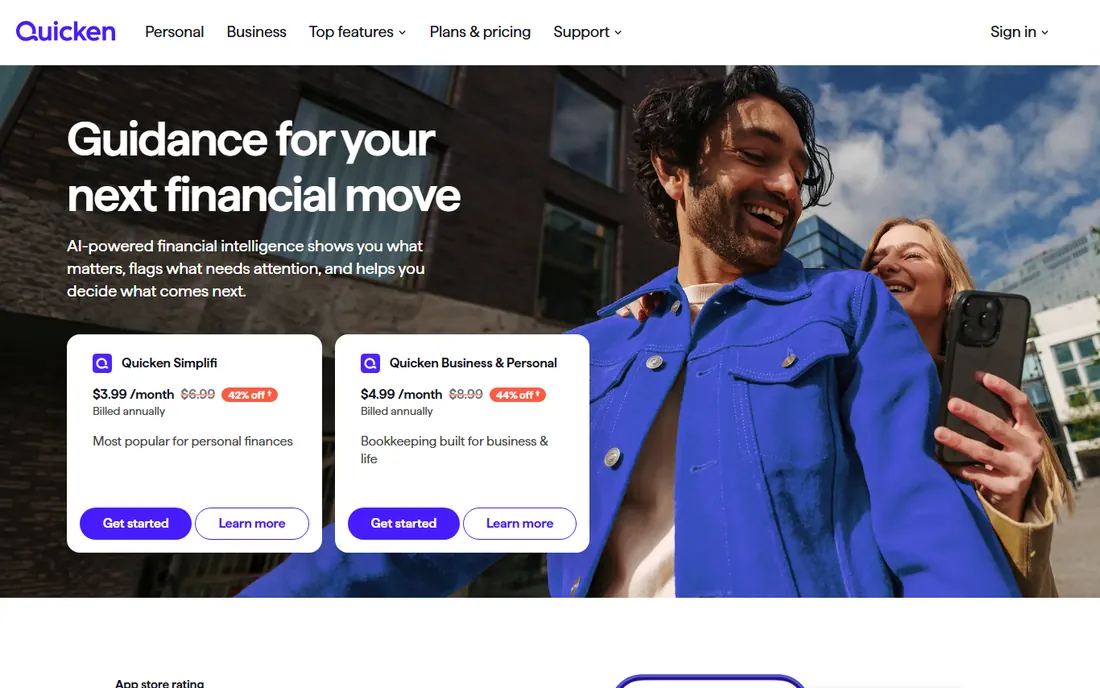
Quicken is the original home accounting software and still the deepest option for households. Simplifi, its modern cloud app, covers budgeting, savings, and investments at $3.99 per month billed annually, while the Classic desktop line adds bill pay, investment tracking, and rental property features. All products include a 30-day risk-free period, and the company pledges not to sell personal data.
The honest catch is that Quicken became subscription-only years ago, which long-time owners still resent. It is also more complex than most households need. If your finances are simple, a simpler app saves money and mental effort. For complex households with investments and rentals, Quicken earns its price.
What we like- Budgeting, investing, bills, and rental property in one app
- 40-year track record
- Never sells personal data
Watch out for- Subscription only now, no perpetual license
- Desktop versions have more features than web
#2
YNAB
Best for: zero-based budgeting that changes habits
Visit ynab.com
Starting priceSee website
Free planFree trial (34 days)
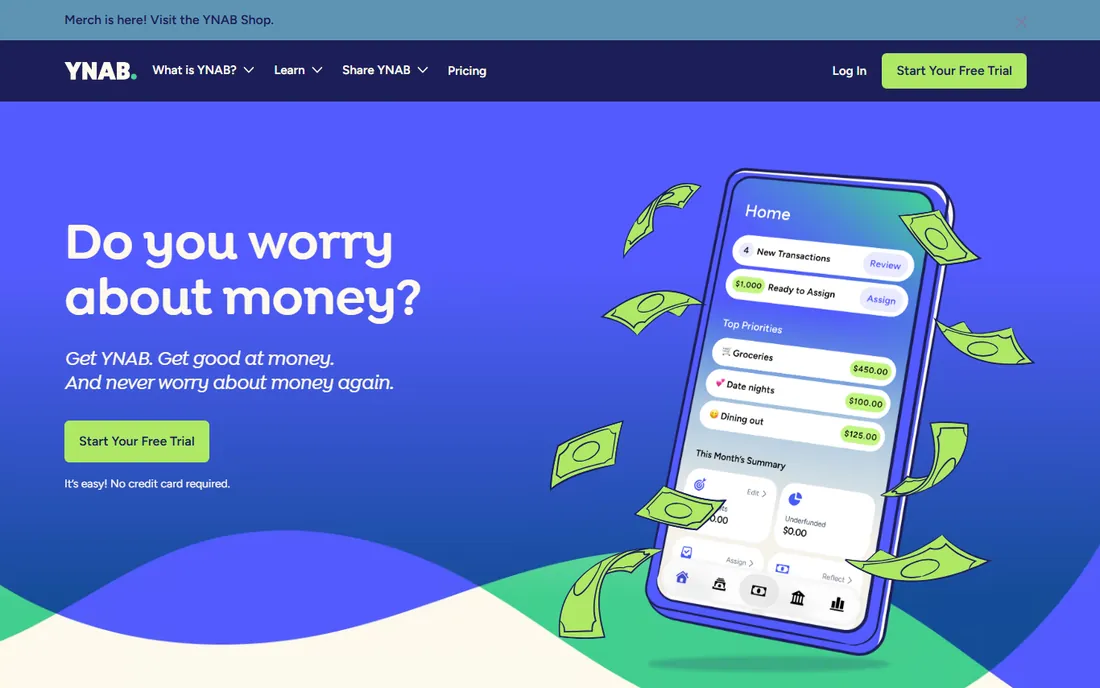
You Need A Budget is less an app than a method with software attached. Its four rules center on giving every dollar a job before the month begins, which is the zero-based budgeting approach that has helped thousands of users climb out of debt. The 34-day free trial is unusually generous, and the company reports that 92 percent of users feel less money stress after starting.
The honest catch is that YNAB demands participation. This is not a set-and-forget dashboard; you categorize, adjust, and check in regularly. People who want automation-first finance will bounce off it. People who need a behavior change will find nothing better.
What we like- The envelope method that actually sticks
- Generous 34-day free trial
- Strong debt-payoff community
Watch out for- No permanent free tier
- Bank sync can be finicky
Starting priceFree
Free planYes
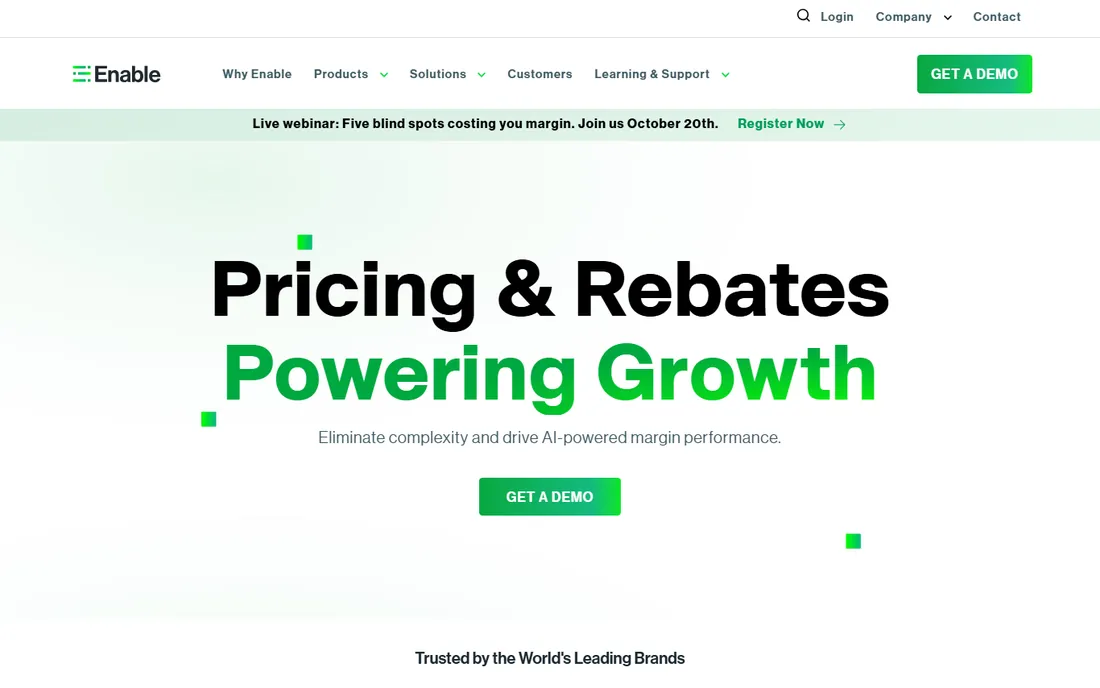
Enable, formerly Personal Capital, offers the best free financial dashboard in the business. Net worth tracking, investment analysis with a fee analyzer, and a genuinely good retirement planner cost nothing. The free app connects bank, investment, and retirement accounts into one picture with strong security including multifactor authentication.
The honest catch is the business model. Enable is free because it wants to sell you advisory services, starting at 0.89 percent per year for balances over $100,000. Sign up expecting marketing calls. The budgeting tools are also weaker than dedicated budget apps. Use Enable for the investment view and pair it with a real budget tool.
What we like- Completely free dashboard
- Excellent retirement planner and fee analyzer
- Connects all accounts in one view
Watch out for- Budgeting features are basic
- Expect marketing for its paid advisory service
Starting price$19.99 per year
Free planFree trial (45 days)
CountAbout is the independent alternative for people who distrust ad-supported finance apps. It imports data directly from Quicken and Simplifi, offers unlimited categories, and runs without ads because the subscription is its only revenue. The Basic plan costs $19.99 per year and the Premium plan with automatic sync costs $54.99 per year. The 45-day free trial covers every feature with no credit card required.
The honest catch is scale. A small independent team cannot match the integration polish of bigger competitors, and automatic transaction sync requires the Premium tier. For privacy-minded households coming from Quicken or Mint, though, it is the natural landing spot.
What we like- Imports from Quicken and Simplifi
- No ads and no data selling
- 45-day free trial with no credit card
Watch out for- Smaller team and slower feature development
- Automatic sync needs the Premium plan
Starting priceSee website
Free planSee website
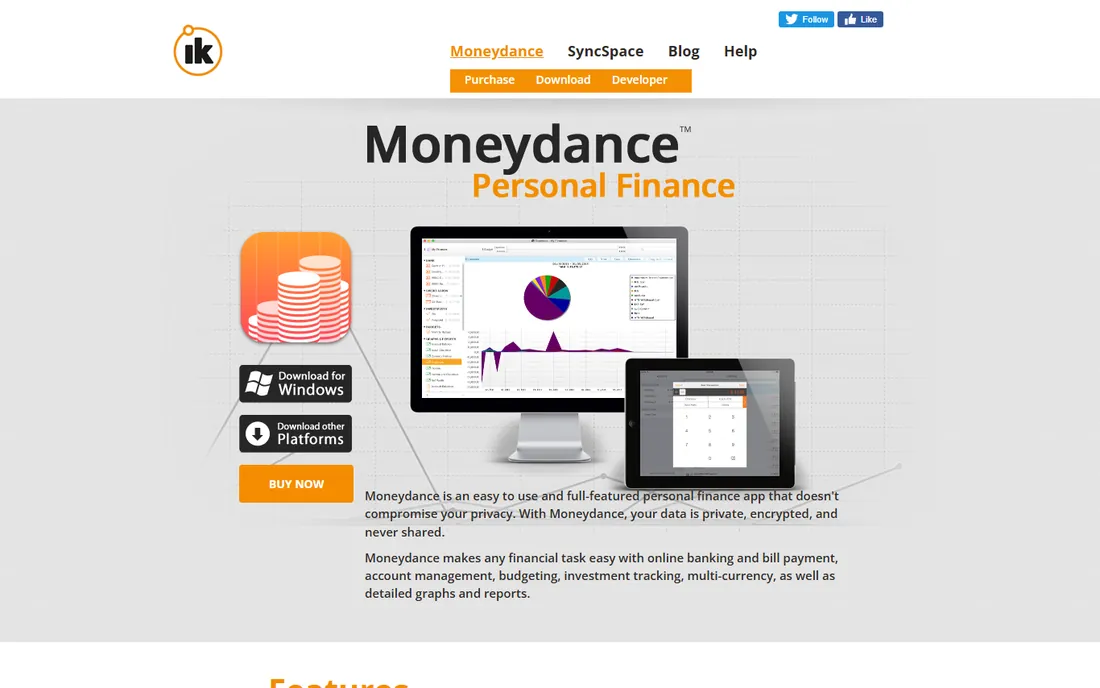
Moneydance is for people who want their financial data nowhere but their own hard drive. It is a traditional desktop application for Mac, Windows, and Linux with online banking, bill pay, investment tracking, and a one-time purchase model instead of a subscription. Reviewers have praised its privacy architecture for years.
The honest catch is that desktop-first software in 2026 means trade-offs. The interface shows its age, and syncing with mobile devices is less graceful than cloud-native apps. If you value privacy over polish, it is a principled choice. Everyone else will find the cloud apps more convenient.
What we like- Data stays on your own computer
- One-time purchase model
- Strong privacy focus
Watch out for- Interface feels dated
- Mobile sync is clunky
Starting priceFree
Free planYes
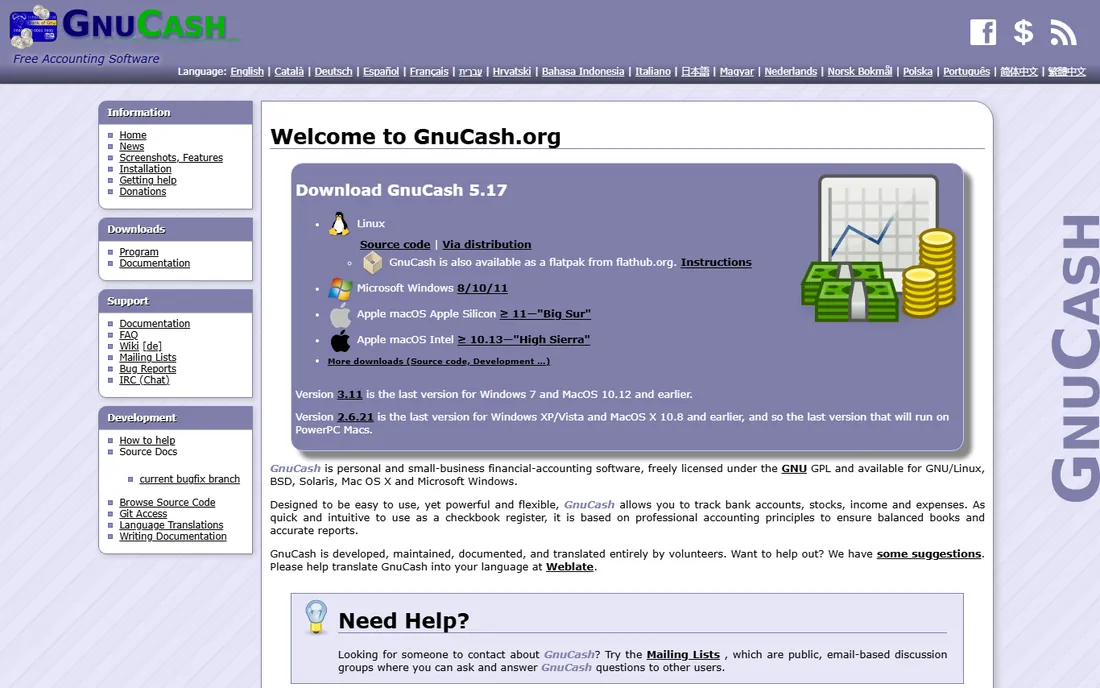
GnuCash is the free, open-source answer to personal finance, built on real double-entry accounting principles. It tracks bank accounts, investments, budgets, and even small-business invoicing, and it runs on Linux, Mac, and Windows. There is no company behind it, no ads, and no upsell: volunteers maintain it.
The honest catch is usability. GnuCash expects you to understand debits and credits, and you enter transactions yourself rather than enjoying automatic bank sync. For someone comfortable with bookkeeping concepts, it is remarkably capable for free. For everyone else, a simpler paid app is worth the price.
What we like- Completely free and open source
- Real double-entry bookkeeping
- Runs on Linux, Mac, and Windows
Watch out for- Steep learning curve
- Manual data entry with no bank sync magic
Starting priceSee website
Free planSee website
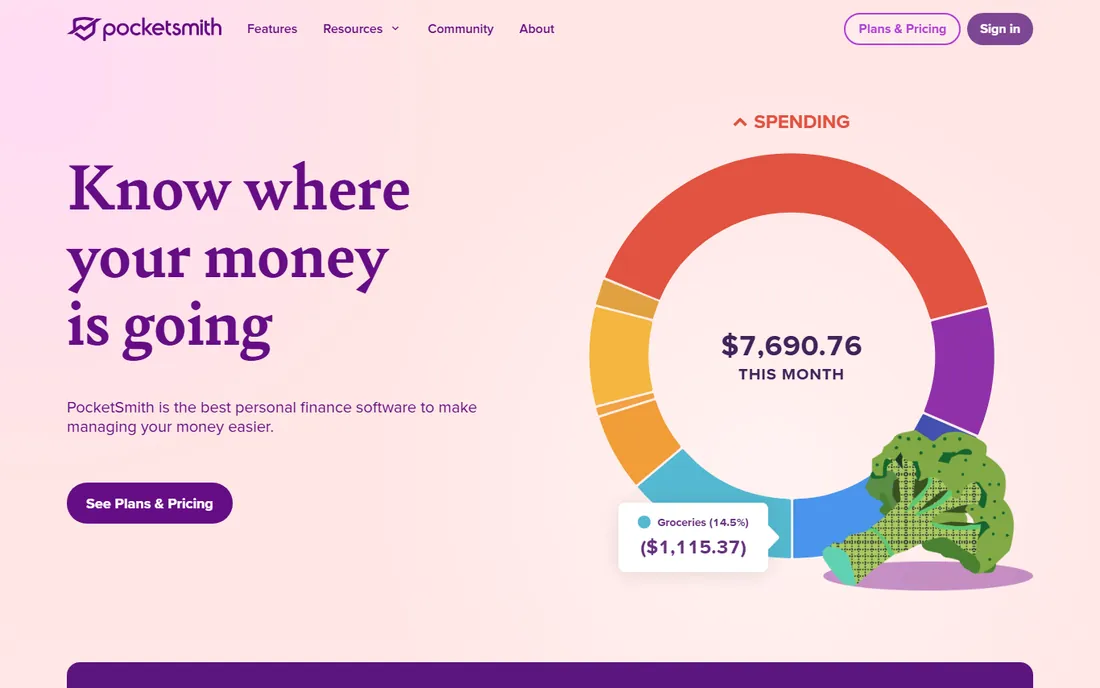
PocketSmith's superpower is looking forward instead of backward. Its cash flow calendar projects daily account balances up to 60 years into the future, so you can model retirement timelines, major purchases, and lifestyle changes as scenarios. It connects to over 12,000 financial institutions worldwide, supports multiple currencies, and auto-categorizes with custom rules.
The honest catch is transparency. Pricing was not listed on the public site when researched, so you need to visit pocketsmith.com for current plans. The mobile app also lags the web experience. For long-range planners, the forecasting depth is unmatched in this category.
What we like- Projects balances up to 60 years ahead
- Scenario modeling for big decisions
- Connects to 12,000+ institutions
Watch out for- Pricing is not listed publicly
- Mobile app lags the web version
Starting priceFree; $6.67/month billed annually for Premium
Free planYes
EveryDollar is Dave Ramsey's zero-based budgeting app, and it keeps things simple on purpose. The free version covers creating a monthly budget, custom categories, transaction tracking, and sinking funds. Premium, at $6.67 per month billed annually, adds automatic bank transactions, personalized recommendations, coaching, and goal tracking, with a 14-day free trial.
The honest catch is the free tier's friction. Without bank sync, you enter everything manually, which works for the disciplined and frustrates everyone else. EveryDollar is the right pick for Ramsey-method followers and budget beginners who want the simplest possible start.
What we like- Free version covers core zero-based budgeting
- Dead simple to use
- Coaching and debt payoff tools on Premium
Watch out for- Bank sync requires Premium
- Manual entry on the free tier gets tedious
How we chose
We reviewed each vendor's own site for current plans and features, read public reviews on Reddit, G2, and personal finance communities, and checked for a verifiable current homepage for every entry. We weighted home-use fit: household budgeting, bill tracking, and personal investing mattered more than business features. Free and low-cost options got extra consideration because this is the home category.
Budgeting app or full finance dashboard?
Two different tools solve two different problems. Budgeting apps like YNAB, EveryDollar, and CountAbout answer "where should my money go?" They plan the month ahead and keep spending inside the plan. Dashboards like Enable and Quicken answer "where did my money go, and where do I stand?" They aggregate accounts and show the whole picture.
Most households benefit from one of each: a dashboard for the overview and a budget for the discipline. If you can only pick one, choose based on your weakness. If you overspend, you need a budget. If you lose track of accounts, you need a dashboard.
A practical combo that works well: run Enable or Quicken as your always-on overview, and do your actual monthly planning in YNAB or EveryDollar. The two take different jobs, so they rarely conflict. The combo that fails is two budgeting apps fighting over the same dollars.
The Mint lesson
Intuit shut down Mint, the free budgeting app millions of households used, and the fallout taught everyone one thing: free apps can disappear. If you pick a free tool, confirm your data exports cleanly so a shutdown does not take your financial history with it. Paid tools are not immune to shutdowns either, but a subscription business has a reason to keep you. Wherever you land, export your transactions once a quarter. Your financial history belongs to you.
The other Mint lesson is about portability. CountAbout exists largely because it imports Quicken and Mint data, and that feature tells you what to look for in any tool: open export formats like CSV or QIF. An app that locks your data inside it is renting you your own finances. Choose tools that let you leave, and you will never be trapped when the next shutdown comes.
Frequently asked questions
What is the best free accounting software for home use?
GnuCash is the best completely free option with real double-entry accounting. Enable offers the best free dashboard for investments and net worth. EveryDollar's free tier covers basic zero-based budgeting.
Is Quicken still the best home accounting software?
For households with complex finances, yes. Nothing else combines budgeting, bill management, investing, and rental property tracking as deeply. Simpler households can save money with lighter tools.
YNAB or EveryDollar: which is better?
YNAB has the stronger method, better reports, and a more active community, but costs more. EveryDollar is simpler and has a free tier. Try YNAB's 34-day trial first, then compare against EveryDollar's free version.
Can I use these tools if I am outside the US?
GnuCash, PocketSmith, and Moneydance all work internationally. Quicken is US and Canada only. YNAB and EveryDollar work anywhere but bank sync is US-focused. Check bank connection support for your country before paying.
Is my financial data safe with these apps?
Reputable apps use bank-grade encryption and never store your bank passwords directly, connecting through services like Plaid or Yodlee. Desktop tools like Moneydance and GnuCash keep data on your own computer, which removes the cloud question entirely.
Sources we checked (8)
- https://www.quicken.com/
- https://www.ynab.com/
- https://www.enable.com/
- https://countabout.com/
- https://moneydance.com/
- https://gnucash.org/
- https://www.pocketsmith.com/
- https://www.everydollar.com/
Is your product missing or out of date?
We review this list regularly. Vendors can request a listing, send updated pricing or ask about featured placement.

Shihab Mia · Founder, Rankite
Shihab has spent more than a decade helping SaaS and e-commerce brands grow through search. He writes Rankite's software buying guides from pricing pages, documentation and public user reviews. More about Shihab.