How we make this list: we compare pricing pages, product documentation and public user reviews. Rankite is independent; if a vendor ever pays for a featured spot, that listing is clearly labeled Partner.
Key takeaways
- Notion and Taskade win for people who want notes and tasks in one true workspace; Todoist and TickTick win for pure to-do speed.
- Every tool here has a free plan or free trial, so testing two finalists costs nothing but a week of use.
- Evernote still does capture-and-find better than most, but its task features trail the dedicated hybrids.
- If your team lives in Microsoft 365, OneNote is already included and good enough for most shared notes-plus-tasks needs.
Quick comparison
| Tool | Best for | Starting price | Free plan |
|---|
 Notion Notion | building a personal or team knowledge workspace | See website | Yes |
 Evernote Evernote | capturing and searching everything | See website | Yes |
 Todoist Todoist | fast, dependable task management | See website | Yes |
 TickTick TickTick | tasks plus calendar, habits, and focus timer | See website | Yes |
 Any.do Any.do | simple family and team to-do lists | See website | Yes |
 Amplenote Amplenote | notes that turn into planned days | See website | Free trial (15 days) |
 OneNote OneNote | Microsoft 365 users and students | See website | Yes |
 Taskade Taskade | AI-assisted team tasks and notes | $10 per user/month (billed annually) | Yes |
Is your product missing or out of date?
We review this list regularly. Vendors can request a listing, send updated pricing or ask about featured placement.
The best note-taking and task management app
#1
Notion
Best for: building a personal or team knowledge workspace
Visit notion.so
Starting priceSee website
Free planYes
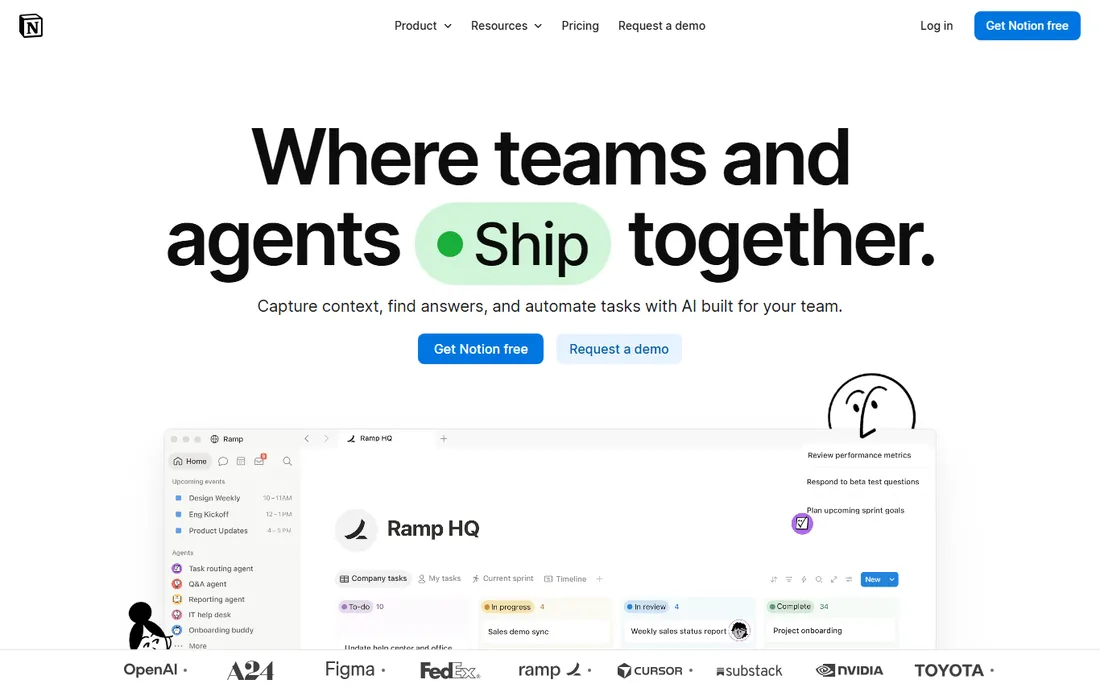
Notion is the everything-workspace: pages, databases, tasks, and docs all live in one place and link to each other. For someone who takes meeting notes, turns them into tasks, and tracks projects in the same app, it removes the copy-paste tax between tools. The AI features now search your workspace and answer questions with citations, which makes a large Notion workspace genuinely useful as a knowledge base.
The honest catch is that Notion is a notes app that does tasks, not a task app that does notes. Reminders, recurring tasks, and quick capture are serviceable but not best in class. If your day is driven by due dates and reminders, pair Notion with something like Todoist or TickTick instead of forcing it.
What we like- One workspace for notes, tasks, wikis, and databases
- AI that answers questions with citations
- Generous free plan
Watch out for- Task reminders are weaker than dedicated to-do apps
- Can get slow in very large workspaces
Starting priceSee website
Free planYes
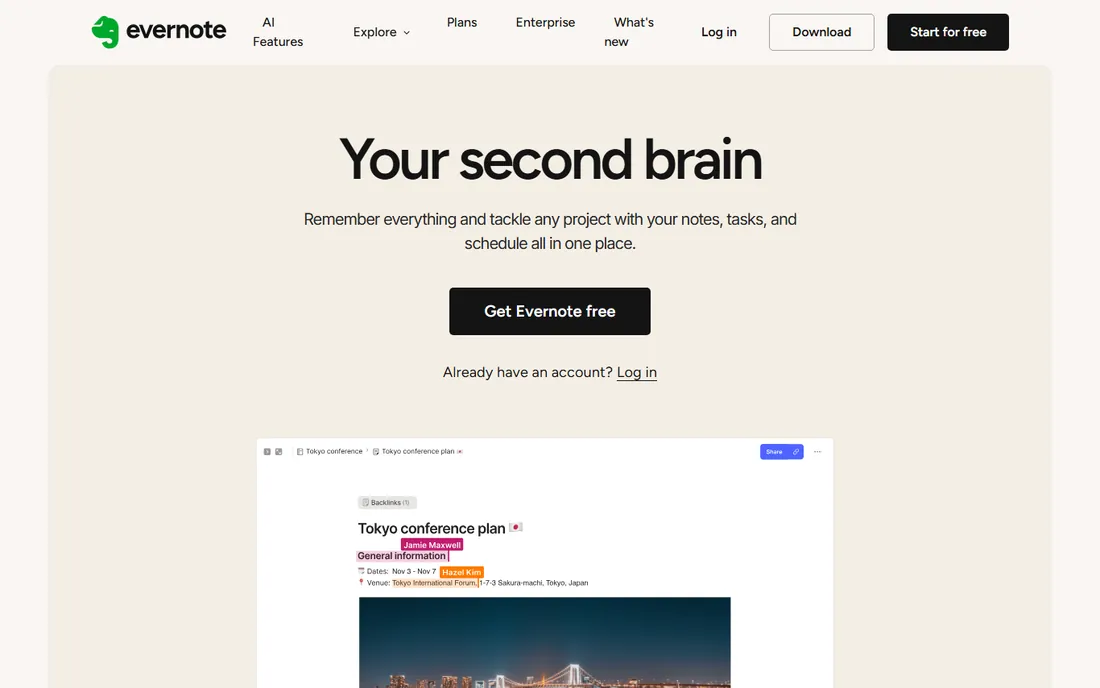
Evernote remains the king of capture. The web clipper, document scanning, and search that digs into attachments are still genuinely excellent, and its new AI features sharpen that second-brain feel. If your workflow is collect first and organize later, few apps handle the chaos as well.
The honest catch is that task management in Evernote is a bolt-on, not a core strength. Long-time users have also watched prices rise and plans shrink, which is why so many alternatives exist. Evernote fits note-heavy people who need light tasks, not task-driven people who need light notes.
What we like- Excellent capture tools including web clipper and scanning
- Powerful search even inside PDFs
- Long track record
Watch out for- Task management features lag behind
- Pricing history has pushed many users away
Starting priceSee website
Free planYes
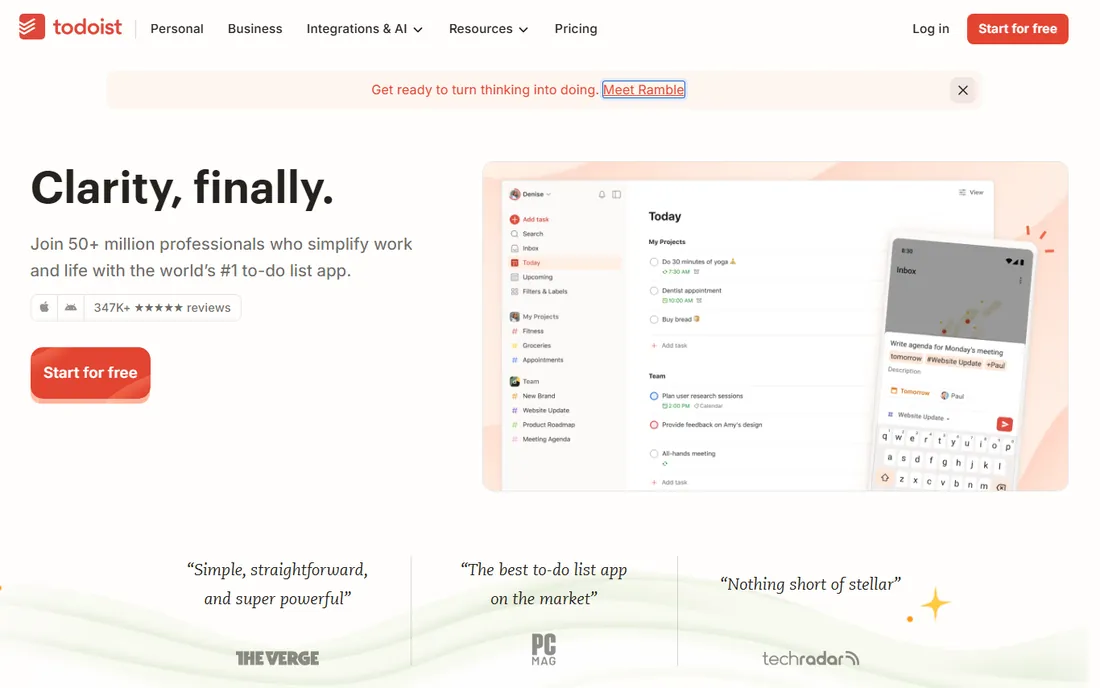
Todoist is the task app everything else gets compared to. Type "Submit report every Friday at 4pm" and it parses the schedule correctly; the apps are fast, clean, and available on essentially every platform including watches. Doist has stayed independent and bootstrapped, which makes long-term trust easier.
The honest catch is that Todoist is a task tool first. You can add comments and file uploads, but it will never be your knowledge base. For the note-taking half of this listicle, treat it as the tasks half and pair it with a real notes app.
What we like- Best-in-class natural language input
- Available on every platform
- Independent and privacy-respecting
Watch out for- Note-taking is minimal
- Advanced filters need a paid plan
Starting priceSee website
Free planYes
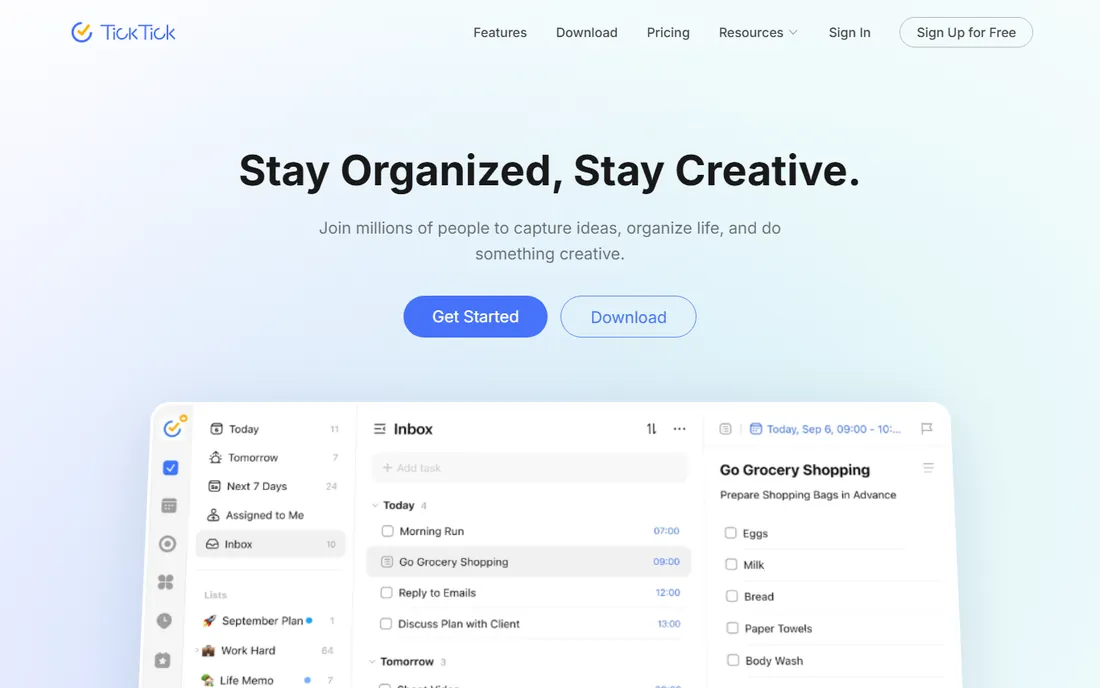
TickTick is what you get when a to-do list absorbs a calendar, a Pomodoro timer, and a habit tracker. The built-in focus timer and habit statistics mean fewer separate apps, and the paid plan is cheap for what it bundles. Voice capture and AI task creation are genuinely useful for getting things into the system.
The honest catch is depth of notes. You can add descriptions and attachments to tasks, but TickTick is not where you write long-form notes. Turn off the features you do not use or the app feels crowded.
What we like- Calendar views, Pomodoro timer, and habit tracking built in
- Strong value on paid plans
- Excellent mobile widgets
Watch out for- Note-taking is basic
- Interface can feel busy with everything enabled
#5
Any.do
Best for: simple family and team to-do lists
Visit any.do
Starting priceSee website
Free planYes
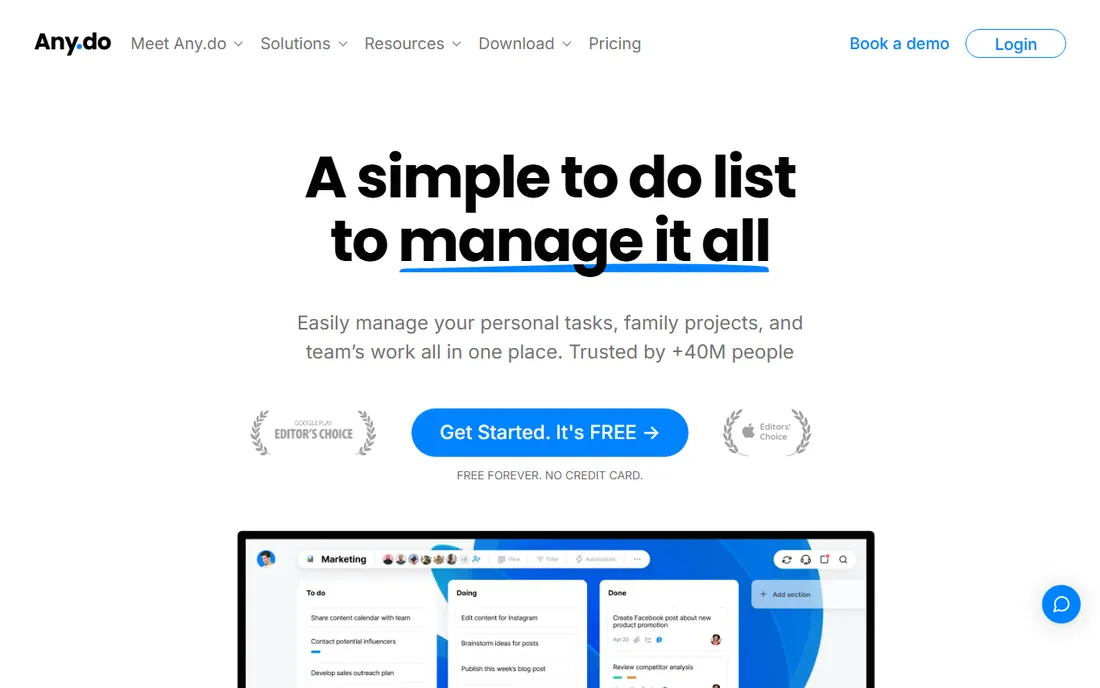
Any.do targets households and small teams who want shared lists without learning a productivity system. Family boards, a shared grocery list that groups items by aisle, and task creation through WhatsApp are practical features for real families. The 40 million user claim reflects a decade of mobile-first growth.
The honest catch is ceiling. Power users will outgrow Any.do quickly, and the paid plan costs more than TickTick's for less functionality. It is the right pick when simplicity is the whole point, not when you want a system to grow into.
What we like- Very easy to learn
- Family boards and shared grocery lists
- WhatsApp integration for tasks
Watch out for- Limited note depth
- Premium pricing is steep relative to features
Starting priceSee website
Free planFree trial (15 days)
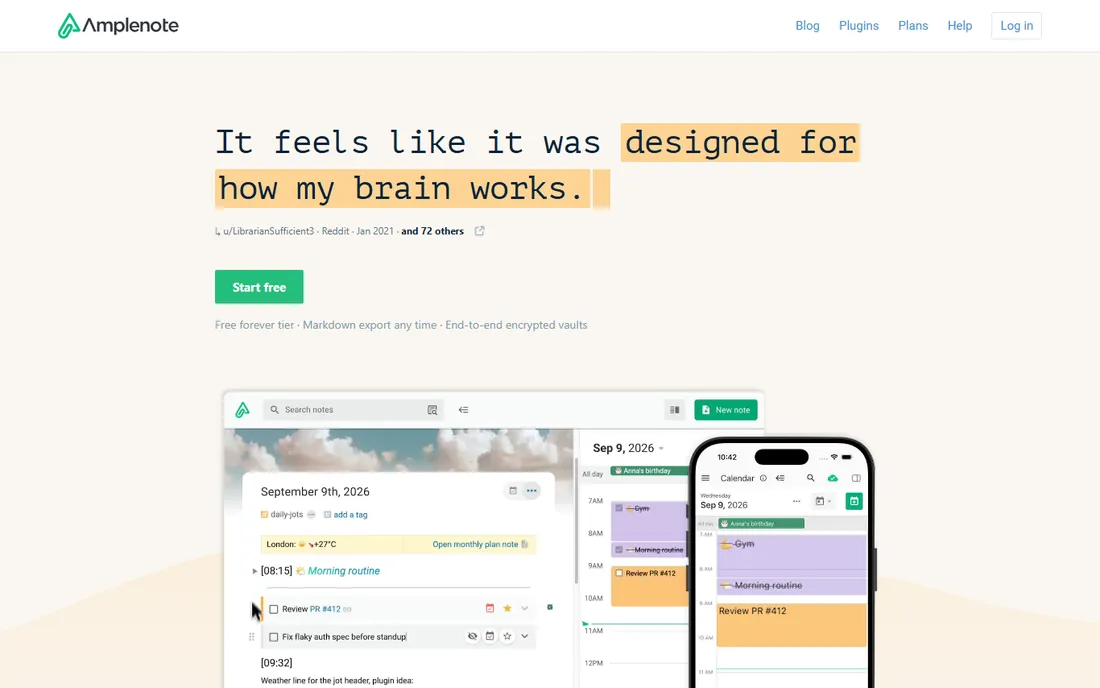
Amplenote is built around the loop from idea to finished day: capture fast, sort automatically, plan the quarter, and track what you actually completed. The completed-task stats are unusually detailed, and the mood tracker alongside productivity is a genuinely distinctive feature for people who want to understand their energy patterns.
The honest catch is maturity. Amplenote is a smaller product than Notion or Evernote, and its free tier is only a trial. Importers from Evernote, Obsidian, Notion, and Markdown make switching in painless, which lowers the risk of trying it.
What we like- Thought-to-plan workflow with quarterly goals
- Detailed completion stats
- Imports from Evernote, Obsidian, Notion, and Markdown
Watch out for- Smaller team and community than the giants
- No permanent free plan
Starting priceSee website
Free planYes
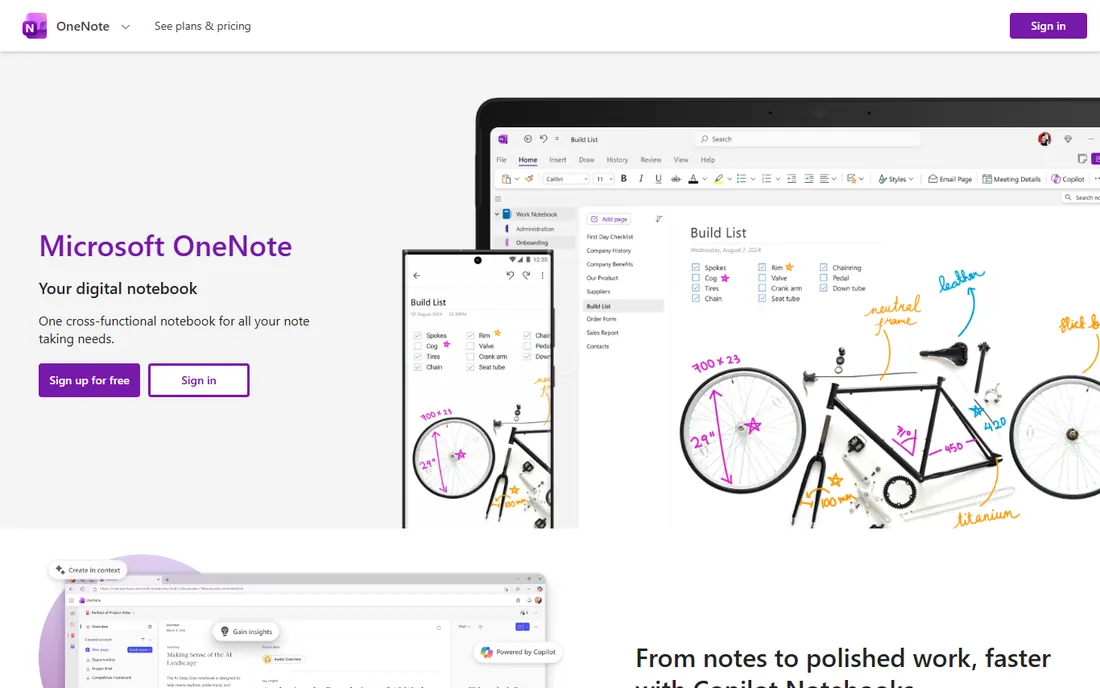
OneNote is the free-form digital notebook that Microsoft bundles with Office, and it is already sitting on the computers of most office workers. Free-form pages with handwriting, drawing, audio, and embeds make it great for meeting notes and classes. Copilot Notebooks now bring AI summaries into the mix.
The honest catch is that task features are thin: tags and Outlook-linked tasks exist but cannot match a dedicated app. For teams already paying for Microsoft 365, OneNote plus To Do covers most shared note-and-task needs without another subscription.
What we like- Free with no real catch
- Excellent handwriting and drawing
- Deeply integrated with Microsoft 365
Watch out for- Task management is basic
- Sync quirks persist for some users
Starting price$10 per user/month (billed annually)
Free planYes
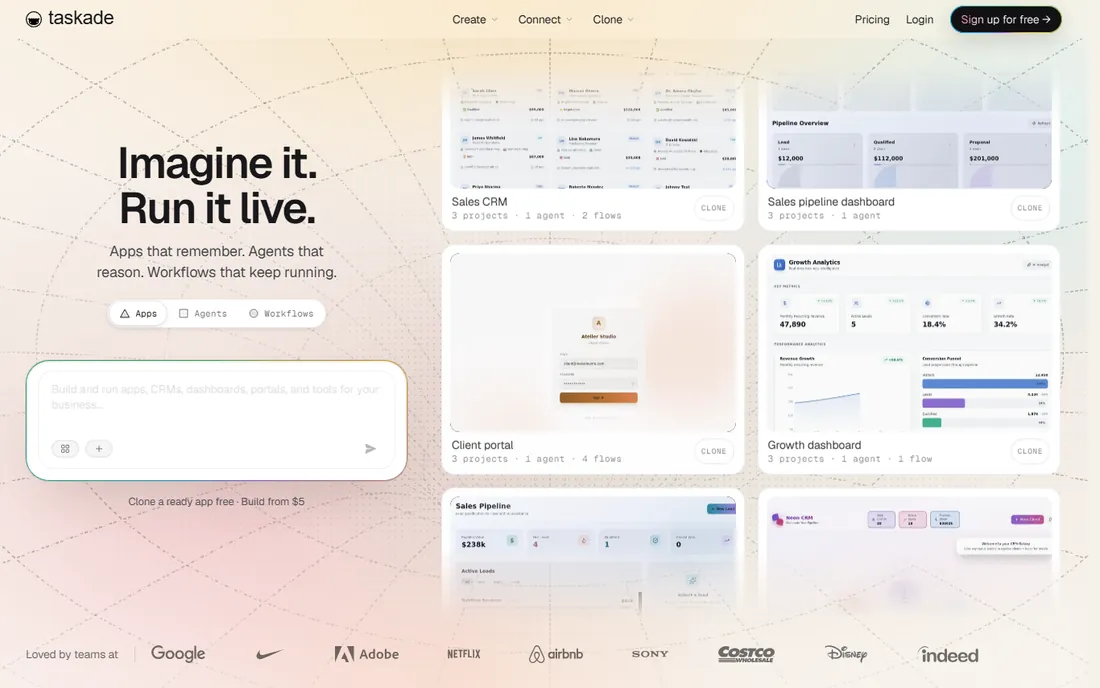
Taskade has grown from a simple task-and-notes app into an AI workspace with agents, automations, and an app builder. Underneath the AI marketing, the core is still solid: structured documents that work as notes, task lists, kanban boards, and mind maps, with real-time collaboration. The free plan is usable, and Pro costs $10 per user per month when billed annually.
The honest catch is that Taskade now pitches itself as an AI platform first, which can feel like overkill if you just want notes and to-dos. If your team wants AI assistance woven through tasks and docs, it is the most forward-looking pick on this list.
What we like- Notes, tasks, mind maps, and chat in one workspace
- AI agents and automations built in
- Free plan is genuinely usable
Watch out for- The AI-builder pivot may feel unfocused for simple note-taking
- Learning curve for advanced features
How we chose
We checked each vendor's own site for current plans and features, read public reviews on G2, Capterra, and Reddit, and weighted the two-in-one criterion: tools had to handle both notes and tasks credibly, not just one. We excluded pure task apps with no notes and pure notes apps with no tasks, and required a verifiable current homepage for every entry.
How to pick the right one for your workflow
Start with your center of gravity. If your day is driven by tasks, deadlines, and reminders, pick a task-first tool (Todoist, TickTick, Any.do) and accept simpler notes. If your day is driven by ideas, meetings, and writing, pick a notes-first tool (Notion, Evernote, Amplenote, Taskade) and accept simpler tasks.
Then test the capture flow. The best system is the one you will actually use, and that is decided in the first five seconds: how fast can you add a task from your phone's lock screen, how easily can you clip a meeting note. Run your two finalists side by side for a week with real work before committing.
Finally, check the exit ramp. Note apps hold years of your thinking, so confirm you can export your notes in a usable format like Markdown or PDF before you invest. Lock-in is fine when the tool earns it, but you should always be able to leave with your data intact.
The two-system trap
One thing worth saying plainly: combining notes and tasks in one app only helps if you actually work there. Many people pay for an all-in-one, then keep their real to-do list in a different app out of habit, and end up maintaining two systems. If that is you, stop and consolidate. Pick one tool, migrate fully, and give it a month. The best note-taking and task management app is the one system you maintain, not the two systems you half use.
There is a second trap worth naming. Some people reorganize their notes system every few months, chasing the perfect setup instead of doing the work. The tools on this list are all good enough. Pick one, accept its rough edges, and spend your energy on the work itself rather than on the workflow.
Frequently asked questions
Should I use one app for notes and tasks?
It depends on your workflow. One app reduces friction and keeps context together, which suits most people. But if you are a power user of both, two specialized tools can outperform one compromise.
Is there a free note-taking and task app?
Yes. Notion, Todoist, TickTick, Any.do, OneNote, and Taskade all offer free plans. Amplenote offers a 15-day free trial instead of a permanent free tier.
Which app is best for combining Notion with a task manager?
Todoist is the most common pairing because its capture speed and reminder system cover Notion's weak spots, and it integrates with Notion. Many people keep notes in Notion and tasks in Todoist.
What is the difference between Notion and Evernote?
Notion is a flexible workspace where notes, tasks, and databases link together; it is built for structuring information. Evernote is a capture-first app optimized for collecting and searching content. Pick Notion to organize, Evernote to collect.
Can these apps replace a project management tool?
For personal and small-team work, yes. Notion, Taskade, and Any.do all handle light team workflows. Larger teams with dependencies, sprints, and reporting still need tools like Asana or Monday.
Sources we checked (8)
- https://notion.so/
- https://evernote.com/
- https://todoist.com/
- https://ticktick.com/
- https://any.do/
- https://www.amplenote.com/
- https://www.onenote.com/
- https://www.taskade.com/
Is your product missing or out of date?
We review this list regularly. Vendors can request a listing, send updated pricing or ask about featured placement.

Shihab Mia · Founder, Rankite
Shihab has spent more than a decade helping SaaS and e-commerce brands grow through search. He writes Rankite's software buying guides from pricing pages, documentation and public user reviews. More about Shihab.