How we make this list: we compare pricing pages, product documentation and public user reviews. Rankite is independent; if a vendor ever pays for a featured spot, that listing is clearly labeled Partner.
Key takeaways
- Fathom has the strongest free tier: unlimited recordings, transcripts, and summaries at no cost.
- Fellow is the pick for regulated companies that need retention policies, audit logs, and HIPAA readiness.
- Fireflies, MeetGeek, and Grain all offer genuinely useful free plans for smaller teams.
- Avoma bundles scheduling and coaching with notes, which makes it the best value for sales teams replacing multiple tools.
Quick comparison
| Tool | Best for | Starting price | Free plan |
|---|
 Fathom Fathom | the best free AI note taker | See website | Yes |
 Fireflies Fireflies | teams that live in meetings | $10 per seat/month | Yes |
 Fellow Fellow | regulated teams needing governance | See website | See website |
 tl;dv tl;dv | free forever meeting insights | See website | Yes |
 Grain Grain | growing teams wanting CRM sync | $15 per user/month | Yes |
 MeetGeek MeetGeek | automation beyond note-taking | Free; Pro $15.99/user/month | Yes |
 Avoma Avoma | sales teams consolidating tools | From $19/user/month (billed annually) | Free trial (14 days) |
 Notta Notta | multilingual transcription | See website | Yes |
Is your product missing or out of date?
We review this list regularly. Vendors can request a listing, send updated pricing or ask about featured placement.
The best meeting minutes software
Starting priceSee website
Free planYes
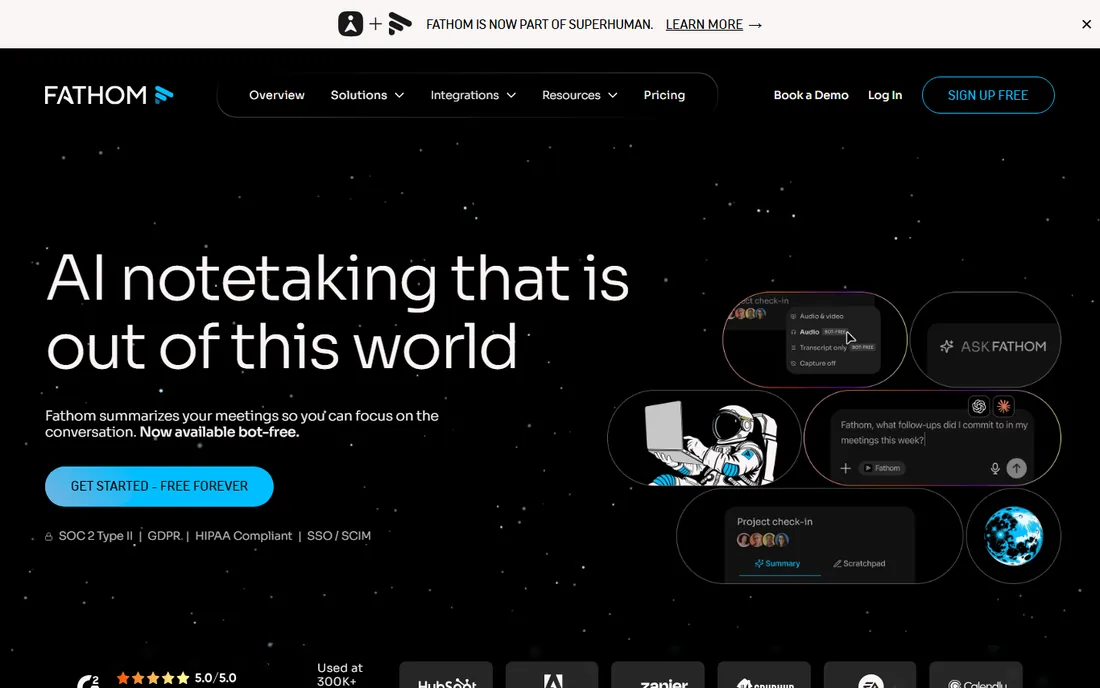
Fathom wins the free-tier war outright. Unlimited recordings, transcripts, and AI summaries cost nothing, and summaries land roughly 30 seconds after the call ends. The Ask Fathom search lets you query your entire meeting history for answers, and syncs push notes to Slack, Salesforce, HubSpot, Notion, and Asana automatically.
The honest catch is the bot. Fathom joins your call as a visible participant, which annoys some teams and every client who did not expect it. There are also no mobile apps, so everything happens on a laptop. For most teams, the price of free is worth one awkward "Fathom joined the meeting" announcement.
What we like- Free tier with unlimited recordings, transcripts, and summaries
- Summaries ready in about 30 seconds
- "Ask Fathom" searches every past meeting
Watch out for- Joins calls as a visible bot participant
- No mobile apps for recording
Starting price$10 per seat/month
Free planYes
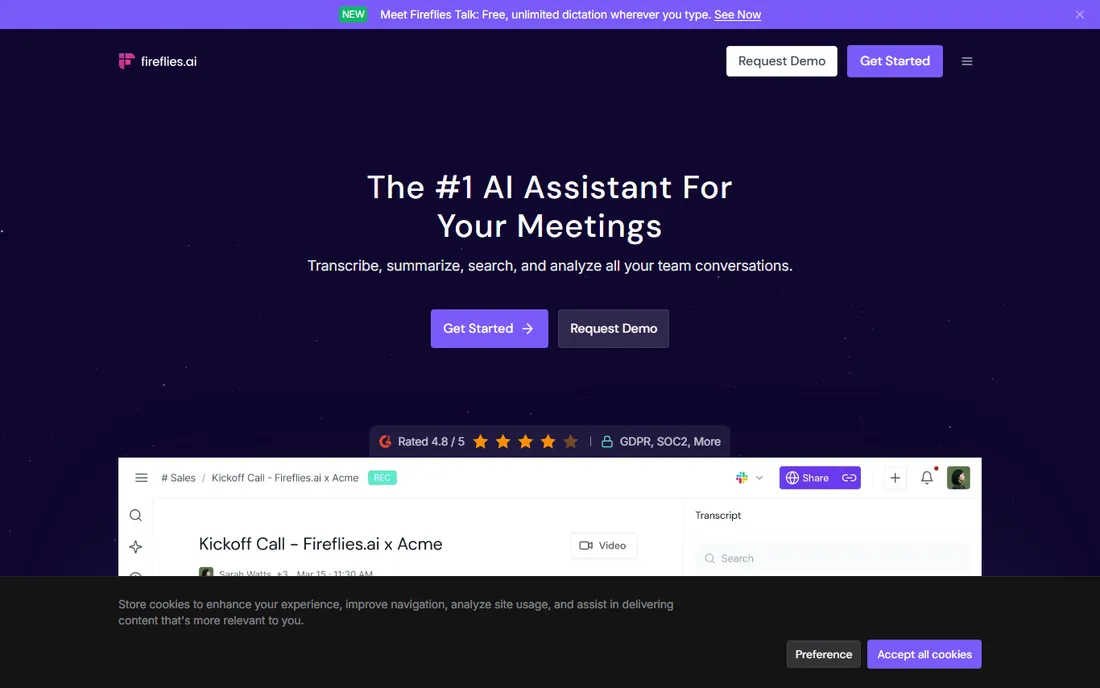
Fireflies has been the workhorse of this category for years, and its integration list is the deepest: Zoom, Google Meet, Teams, Webex, plus Slack, Notion, Salesforce, HubSpot, and dozens more. Every meeting becomes searchable, with smart chapters, topic tracking, and conversation intelligence on paid tiers. The free plan is genuinely usable for small teams.
The honest catch is accuracy variance. Clean audio gives excellent transcripts; accented or noisy audio produces more errors than competitors. Storage limits on the free plan also nudge heavy users toward paid tiers quickly. If your team meets constantly, budget for a paid seat.
What we like- Integrates with every major meeting platform and CRM
- Searchable meeting knowledge base
- Generous free plan
Watch out for- Transcription accuracy dips with heavy accents
- Storage limits push teams to paid plans
Starting priceSee website
Free planSee website
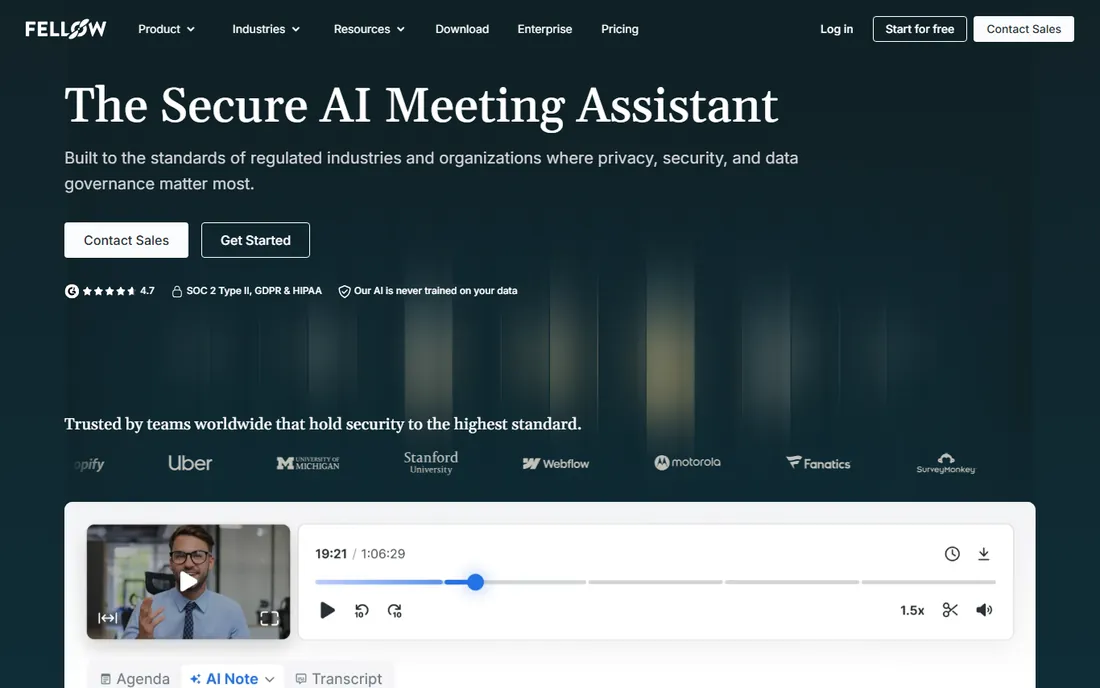
Fellow is the meeting notetaker for companies that cannot get security wrong. It pairs capture, transcription, and summaries with centralized controls: who can record, configurable retention including zero-day, password-protected recaps, and audit logs. The homepage states clearly that meeting data is never used to train AI models, and the compliance portal is built for regulated industries.
The honest catch is positioning. Fellow sells to enterprises with security teams, and its pricing reflects that. A five-person startup will find it heavy compared to Fathom. But if your company operates under HIPAA, FINRA, or similar rules, Fellow is the serious answer while competitors are toys.
What we like- SOC 2 Type II, HIPAA, and GDPR compliance
- Org-wide recording and retention policies
- Data never used for AI training
Watch out for- Pricing is enterprise-oriented and opaque
- Overkill for small casual teams
Starting priceSee website
Free planYes
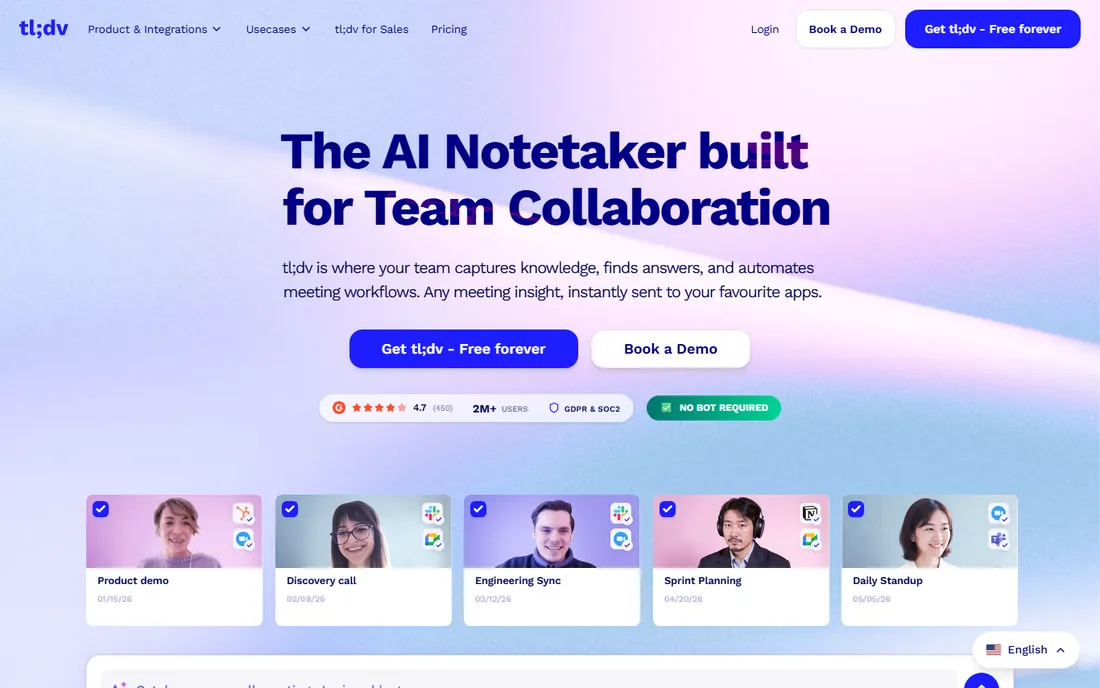
tl;dv, pronounced "too long, didn't view," keeps its promise with a Free Forever plan offering unlimited recordings and transcriptions in over 30 languages. Beyond notes, it doubles as a sales coaching platform with AI-driven call analysis and playbook tracking, and its security page lists SOC 2, GDPR, and EU data hosting.
The honest catch is that everything runs through a bot participant, and there is no native mobile app for recording. The paid pricing was not listed on the homepage at research time. For teams wanting a free tool with sales features baked in, tl;dv is the obvious first try.
What we like- Free forever plan with unlimited meetings
- 30+ transcription languages
- AI sales coaching and aggregated insights
Watch out for- Works by joining as a meeting bot
- No native mobile recording app
Starting price$15 per user/month
Free planYes
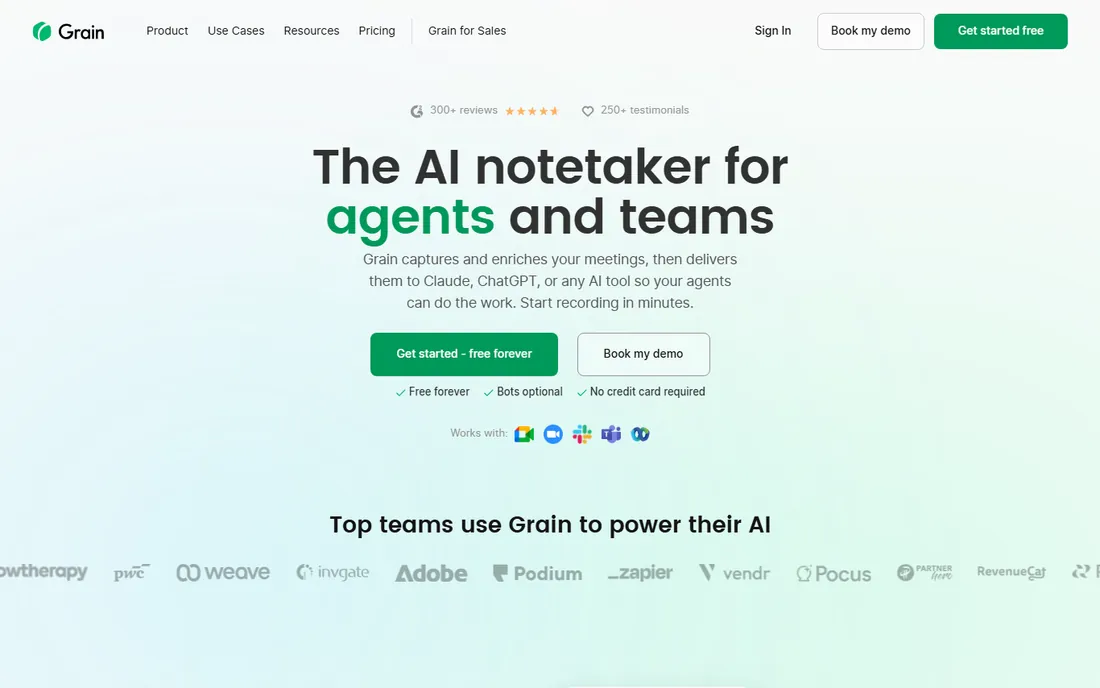
Grain rebuilt itself around a simple idea: meetings should feed your AI tools, not just your calendar. It records with or without a bot, generates enriched transcripts with participant context, and exports everything to Claude or ChatGPT in one click, with an MCP server for agents. Paid plans start at $15 per user per month for unlimited meetings with advanced AI.
The honest catch is that the free plan covers basic AI notes only; the conversation intelligence and deeper features sit behind the paid tier. Still, for teams building AI workflows on top of meeting data, Grain's agent-friendly design is a real differentiator.
What we like- Botless transcription or bot video recording
- Free plan with unlimited meetings
- One-click exports to Claude and ChatGPT
Watch out for- Advanced conversation intelligence needs the paid plan
- In-person recording is a newer feature
Starting priceFree; Pro $15.99/user/month
Free planYes
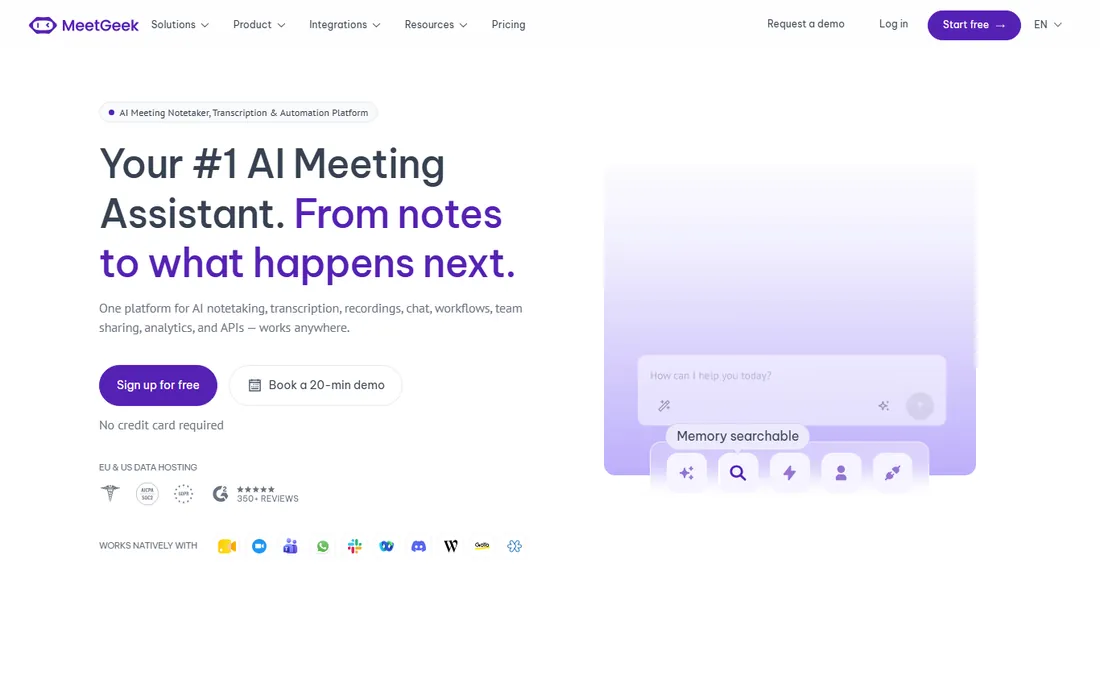
MeetGeek goes further than note-taking. Its event-driven AI agents watch your meeting stream and act: updating CRMs, creating Jira tickets, flagging churn signals, scoring candidates against interview rubrics. The free Basic plan covers 3 hours of recording per month, Pro is $15.99, and Business at $27 opens up the full automation layer with 10,000+ app integrations.
The honest catch is complexity. Setting up skills and agents takes real configuration work, and the value only appears once they are running. If you just want notes, Fathom is simpler. If you want meetings to trigger work automatically, MeetGeek is ahead of the pack.
What we like- Free Basic plan with 3 hours per month
- 30+ summary templates and 100+ languages
- AI agents that update CRMs and create tickets
Watch out for- The agentic features are complex to configure
- Business plan at $27 per user for full automation
Starting priceFrom $19/user/month (billed annually)
Free planFree trial (14 days)
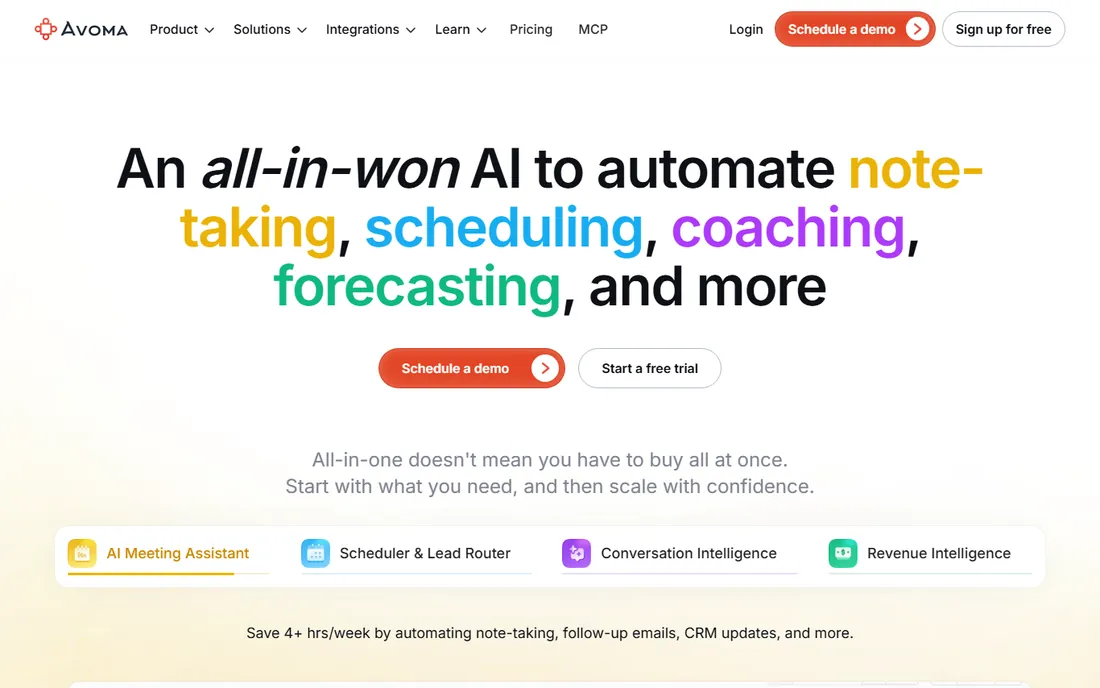
Avoma is the all-in-one play: AI note-taking, meeting scheduling with lead routing, conversation intelligence, and revenue forecasting in one platform. The meeting assistant starts at $19 per user per month billed annually, with conversation intelligence at $29, and a 14-day trial with no credit card. Free view-only seats mean the whole company can read notes without paying.
The honest catch is scope. Avoma assumes you are a revenue team; internal meetings get second-class treatment. There is no free forever tier. But for sales teams currently paying for a scheduler, a notetaker, and a coaching tool separately, Avoma can replace all three at a lower total price.
What we like- Notes, scheduling, coaching, and forecasting in one platform
- Free view-only seats for collaborators
- 14-day full-feature trial
Watch out for- No permanent free tier
- Sales-centric features add noise for non-sales teams
Starting priceSee website
Free planYes
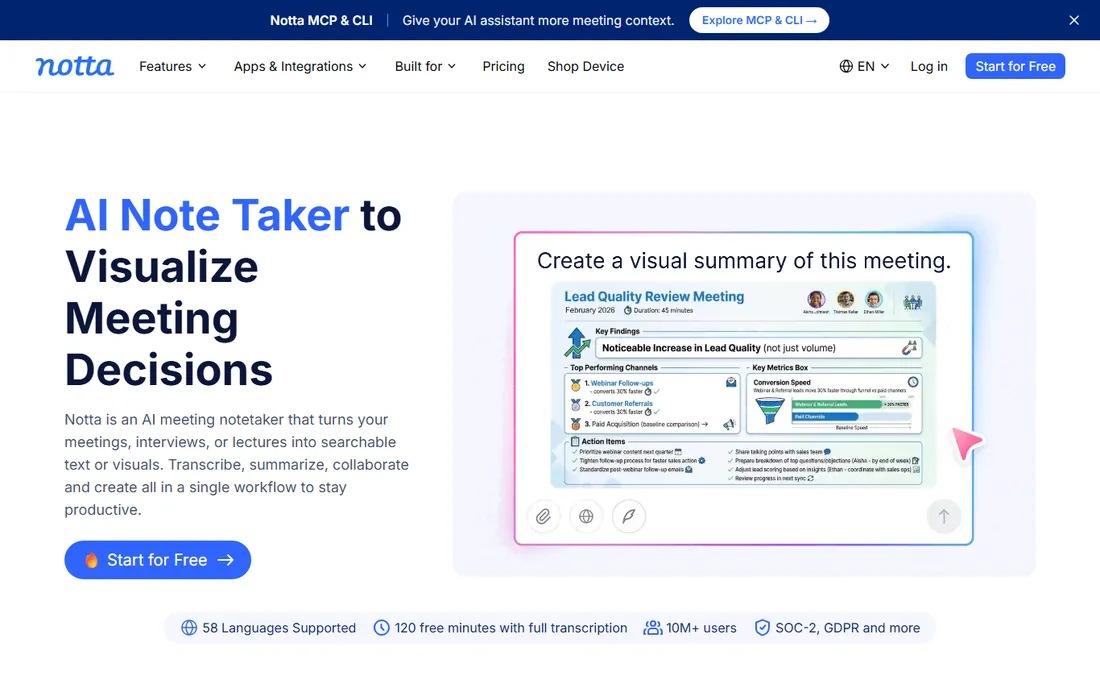
Notta earns its spot through language coverage. Its transcription handles dozens of languages well, and the meeting summaries arrive in clean templates that need little editing. Screen recording plus transcription makes it useful beyond meetings, for webinars and interviews too. The free plan covers light usage comfortably.
The honest catch is transparency and depth. Pricing was not shown on the homepage when researched, so check the site for current plans. Its integration library is also thinner than Fireflies or MeetGeek. For multilingual teams, it is still worth the evaluation.
What we like- Strong multilingual support
- Clean summaries and meeting templates
- Free plan for light use
Watch out for- Pricing was not displayed on the homepage
- Deeper integrations lag Fireflies
How we chose
We opened each vendor's homepage to verify the product is live and current, pulled pricing only from vendor pages, and read public reviews on G2, Reddit, and comparison sites. We weighted factors that matter to US small and mid-size businesses: free plan quality, transcription accuracy, integration depth, security posture, and fit for non-sales teams as well as sales teams. We never claim hands-on testing; all judgments come from public sources and vendor documentation.
What to check before you commit
Three things decide whether a meeting notetaker sticks. First, consent. Recording laws vary by state, and most tools join as a visible bot, which handles the "is anyone recording?" question but can bother clients. Confirm your legal obligations before you record external calls. Second, bot tolerance. If your clients hate meeting bots, shortlist the botless options like Grain's desktop capture or Fellow's bot-free recording. Third, where the data goes. Summaries synced to Slack and your CRM are powerful, and also a data footprint your security team should know about. Check the vendor's retention controls before rolling out company-wide.
Run the rollout as a pilot, not a mandate. Give three or four heavy meeting users a tool for a month and watch what happens. Some teams produce beautiful notes nobody reads; others build a searchable knowledge base they rely on daily. The pilot tells you which kind of team you are before you pay for seats everyone ignores.
Traditional meeting minutes record decisions, action items, and votes in a formal structure that boards and auditors accept. AI summaries capture everything said and pull out action items automatically, but they are conversational records, not legal documents. For board meetings and anything requiring approval, have a human review and sign off on AI output before it becomes the record. For standups, sales calls, and project syncs, the AI summary usually is the record. Match the tool to the formality of the meeting, not the other way around.
Frequently asked questions
Is there a genuinely free meeting minutes app?
Yes. Fathom's free tier includes unlimited recordings, transcripts, and AI summaries, which is the strongest free offer in the category. tl;dv also has a Free Forever plan with unlimited meetings. Fireflies and MeetGeek offer free plans with monthly limits.
Do meeting notetakers work without a bot joining the call?
Some do. Grain offers botless transcription through a desktop app, and Fellow supports botless recording as well. Most tools, including Fathom, Fireflies, and tl;dv, join as a visible participant by default.
Are AI meeting notes accurate enough to trust?
For clean audio, accuracy runs high across the top tools. Summaries and action items are generally reliable for internal use. Always have a human review notes from client meetings, negotiations, or anything that becomes a formal record.
Which meeting minutes software is best for sales teams?
Avoma bundles notes, coaching, and forecasting in one platform. Grain and MeetGeek sync call data to CRMs automatically. Fathom's free tier with CRM sync is the best starting point before paying.
Can these tools handle languages other than English?
Yes. Notta and tl;dv both support 30 or more languages, and most tools handle the major European languages well. Accuracy varies by language, so test with your actual meeting recordings during the free trial.
Sources we checked (8)
- https://fathom.video
- https://fireflies.ai/
- https://fellow.ai/
- https://tldv.io
- https://grain.com/
- https://meetgeek.ai/
- https://www.avoma.com/
- https://www.notta.ai/
Is your product missing or out of date?
We review this list regularly. Vendors can request a listing, send updated pricing or ask about featured placement.

Shihab Mia · Founder, Rankite
Shihab has spent more than a decade helping SaaS and e-commerce brands grow through search. He writes Rankite's software buying guides from pricing pages, documentation and public user reviews. More about Shihab.