How we make this list: we compare pricing pages, product documentation and public user reviews. Rankite is independent; if a vendor ever pays for a featured spot, that listing is clearly labeled Partner.
Key takeaways
- AI transcription now handles most recordings well enough that human services are only needed for critical accuracy.
- Fireflies and Notta offer genuinely useful free tiers for meeting transcription; Transkriptor gives 30 free minutes per day.
- Podcasters and video creators should look at Descript and Trint, which combine transcription with editing and subtitling workflows.
- Rev remains the pick when a transcript must be right, with optional human verification at 99 percent accuracy.
Quick comparison
| Tool | Best for | Starting price | Free plan |
|---|
 Otter.ai Otter.ai | live recording and AI meeting summaries | From $19.99 per user/month | Yes (free Basic plan) |
 Rev Rev | human-verified transcripts when accuracy matters | From $0.25 per minute (AI), $1.99 per minute (human) | Yes (free plan with monthly AI minutes) |
 Descript Descript | podcasters who edit audio from a transcript | See website | Yes (free plan) |
 Notta Notta | multilingual transcription and meeting summaries | See website | Yes |
 Fireflies Fireflies | teams that live in meetings | $10 per seat/month | Yes |
 Transkriptor Transkriptor | high-volume transcription across 100+ languages | See website | Yes (30 minutes per day) |
 Trint Trint | journalists and media teams editing transcripts | See website | Free trial |
 Happy Scribe Happy Scribe | non-English audio and optional human review | See website | Free trial |
Is your product missing or out of date?
We review this list regularly. Vendors can request a listing, send updated pricing or ask about featured placement.
The best software to transcribe audio to text
#1
Otter.ai
Best for: live recording and AI meeting summaries
Visit otter.ai
Starting priceFrom $19.99 per user/month
Free planYes (free Basic plan)
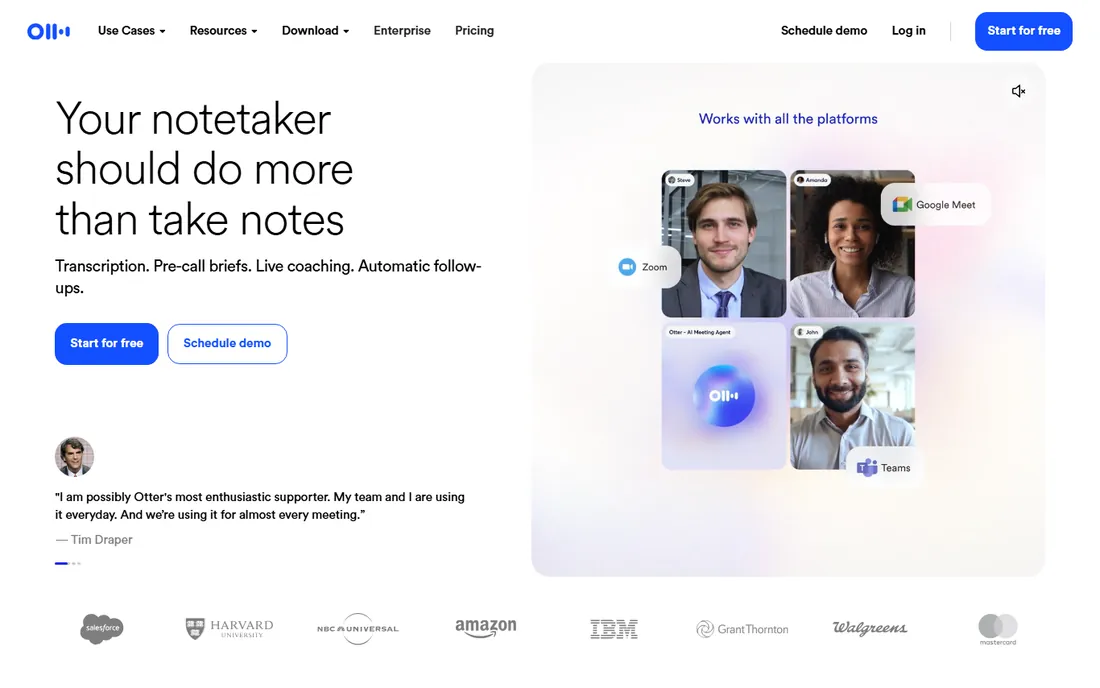
Otter.ai is the transcription tool most people have actually heard of, and for good reason. It records conversations live, transcribes in real time, and generates summaries with action items when the meeting ends. The free Basic plan covers personal use, which makes it the default recommendation for individuals.
The honest catch is orientation. Otter is built for live meetings and conversations, not for uploading a pile of recorded files. If your work is transcribing existing recordings in bulk, tools like Transkriptor or Rev handle that flow better. Otter's accuracy is strong in clear single-speaker audio and noticeably weaker when people talk over each other.
What we like- Records live from desktop or mobile with no meeting bot
- Auto summaries and action items
- Free Basic plan for individuals
Watch out for- Meeting-first design, less oriented to batch file upload
- Accuracy dips with heavy crosstalk
#2
Rev
Best for: human-verified transcripts when accuracy matters
Visit rev.com
Starting priceFrom $0.25 per minute (AI), $1.99 per minute (human)
Free planYes (free plan with monthly AI minutes)
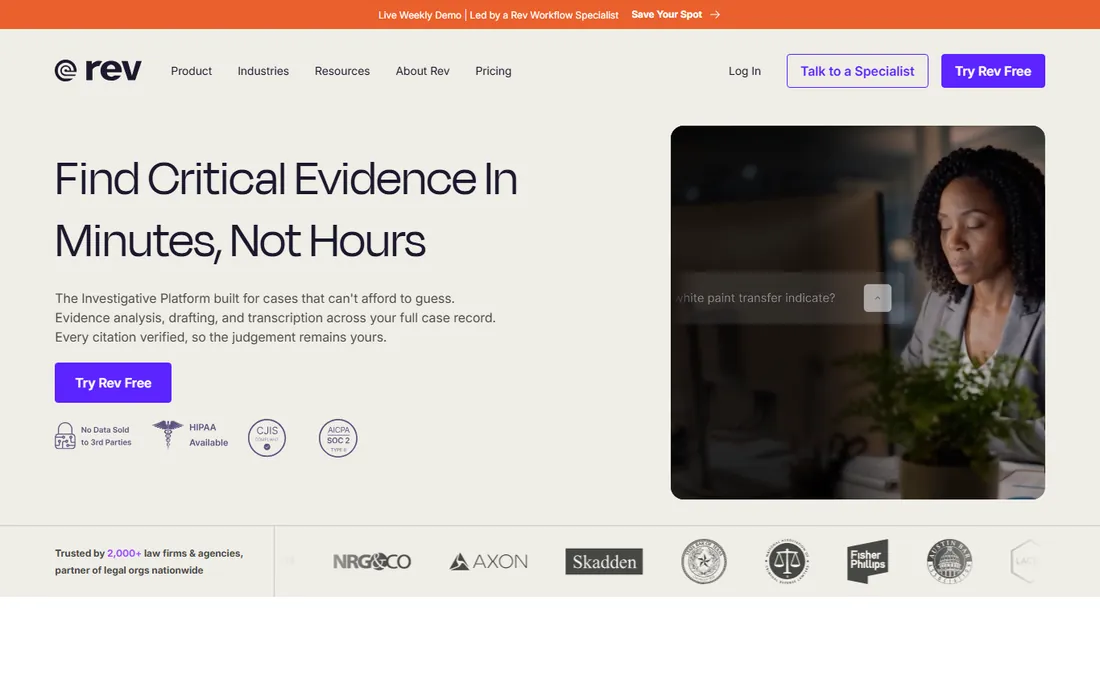
Rev is the veteran of this list, and it covers both ends of the market. AI transcription at $0.25 per minute handles everyday needs, while the human service at $1.99 per minute delivers 99 percent accuracy for work where a mistake costs more than the fee: legal proceedings, medical records, published interviews. The company has focused increasingly on legal and investigative customers, but the core services remain open to everyone.
The honest catch is price psychology. AI transcription from every tool on this list is so good that paying for humans feels extravagant, until the one time you need it. Keep Rev in your back pocket for high-stakes audio even if your daily driver is something cheaper.
What we like- Optional 99 percent human-verified service
- SOC 2 Type II and HIPAA options
- No AI training on your data
Watch out for- Human transcription costs far more than AI
- Platform has pivoted toward legal and investigative work
Starting priceSee website
Free planYes (free plan)
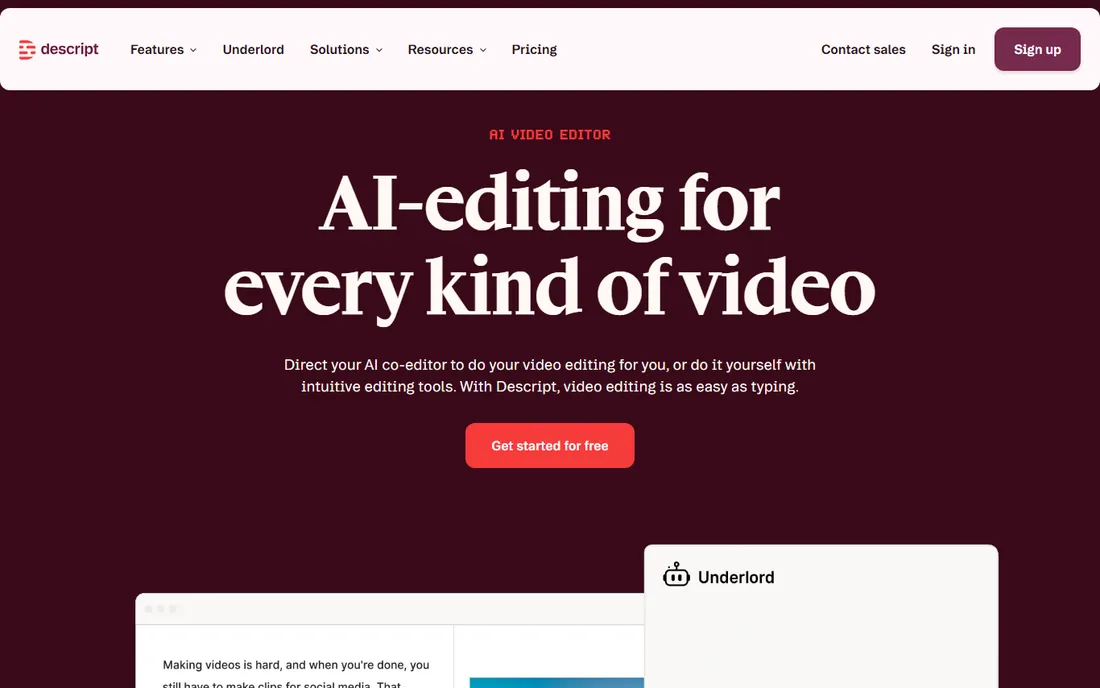
Descript earns its place because it answers a different question: what do you do with the transcript afterward? Its editor lets you cut words from the text and have the audio follow, which is transformative for podcast editing. Studio Sound can salvage poor recordings, and the free plan lets you try the full workflow before paying.
The honest catch is weight. Descript is a multimedia editor that happens to transcribe, not a transcription tool you open for a quick job. If you never touch audio or video, the extra power is wasted. For podcasters, video creators, and anyone publishing spoken content, it is the most productive option here.
What we like- Edit audio and video by editing the transcript
- Studio Sound cleanup for poor recordings
- Free plan with no credit card
Watch out for- A full editor, so heavier than a pure transcription tool
- Transcription minute limits vary by plan
#4
Notta
Best for: multilingual transcription and meeting summaries
Visit notta.ai
Starting priceSee website
Free planYes
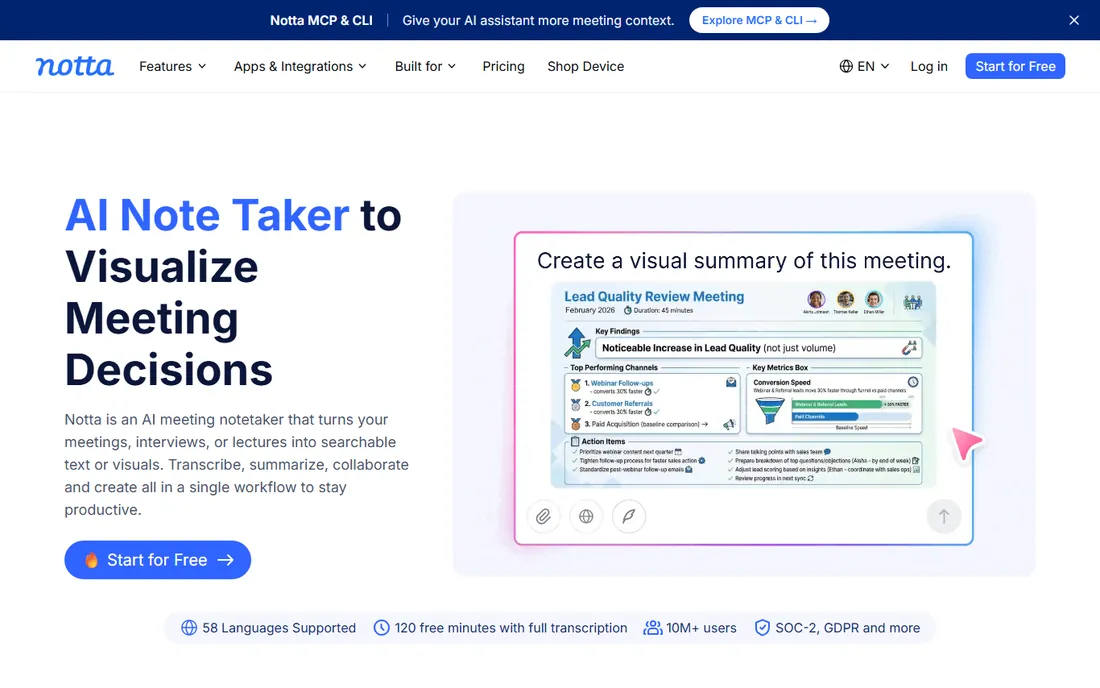
Notta is a strong all-rounder built for international users. It transcribes live meetings from Zoom, Meet, and Teams, accepts uploaded files, and handles 58 languages with translation between them. The AI summaries pull out decisions and action items automatically. Its free plan covers 120 transcription minutes per month, though each session is capped at 3 minutes.
The honest catch is the fine print on the free tier and some reported friction around billing and support. For teams working across languages, the multilingual depth justifies a closer look. English-only teams may get similar results more cheaply elsewhere.
What we like- 58 transcription languages
- AI summaries, action items, and translation
- Free plan with 120 minutes per month
Watch out for- Free tier limits sessions to 3 minutes each
- Some users report billing and support friction
Starting price$10 per seat/month
Free planYes
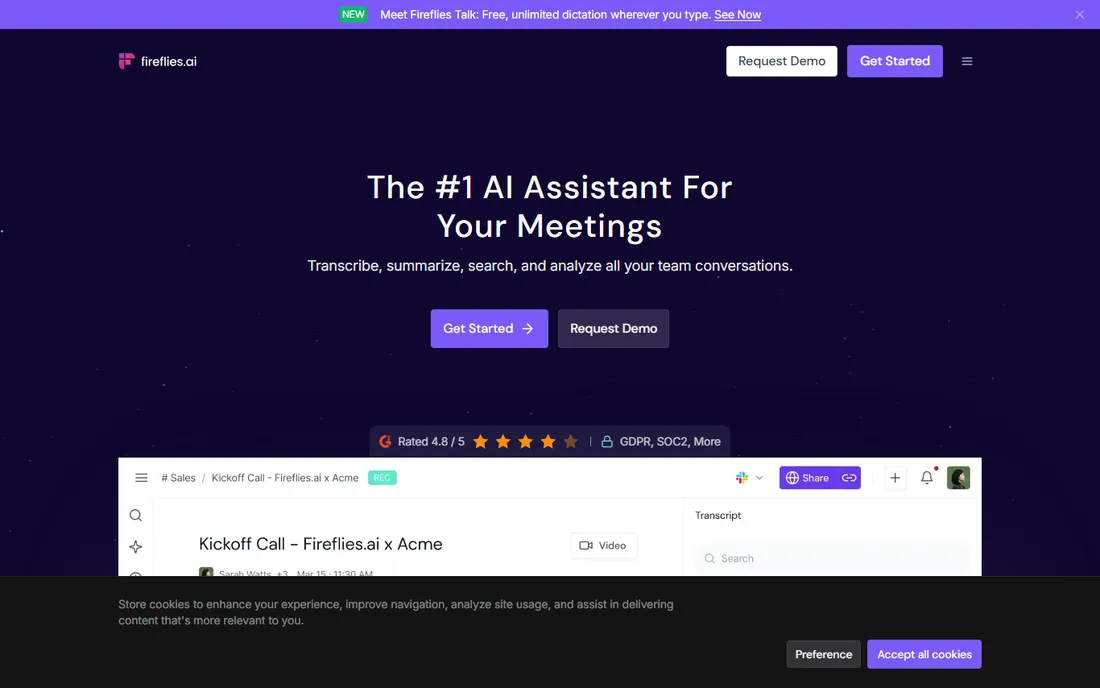
Fireflies sends an AI assistant to your Zoom, Meet, and Teams calls, then returns transcripts, summaries, and action items without you touching anything. The standout detail is the free tier: unlimited transcription with 800 minutes of storage per seat, plus AI summaries each month. Pro starts at $10 per seat per month and adds more summaries and storage.
The honest catch is that Fireflies wants to be where your meetings are, which means a bot joining calls and calendar integrations to manage. Teams doing five-plus meetings a week get enormous value; everyone else should use a simpler tool. The AskFred feature, which lets you ask questions across all past meetings, is genuinely useful once the archive builds up.
What we like- Unlimited transcription on the free tier
- 100+ languages
- AskFred lets you chat with your meeting history
Watch out for- Storage limits apply on the free plan
- Meeting-heavy pricing model adds up for large teams
Starting priceSee website
Free planYes (30 minutes per day)
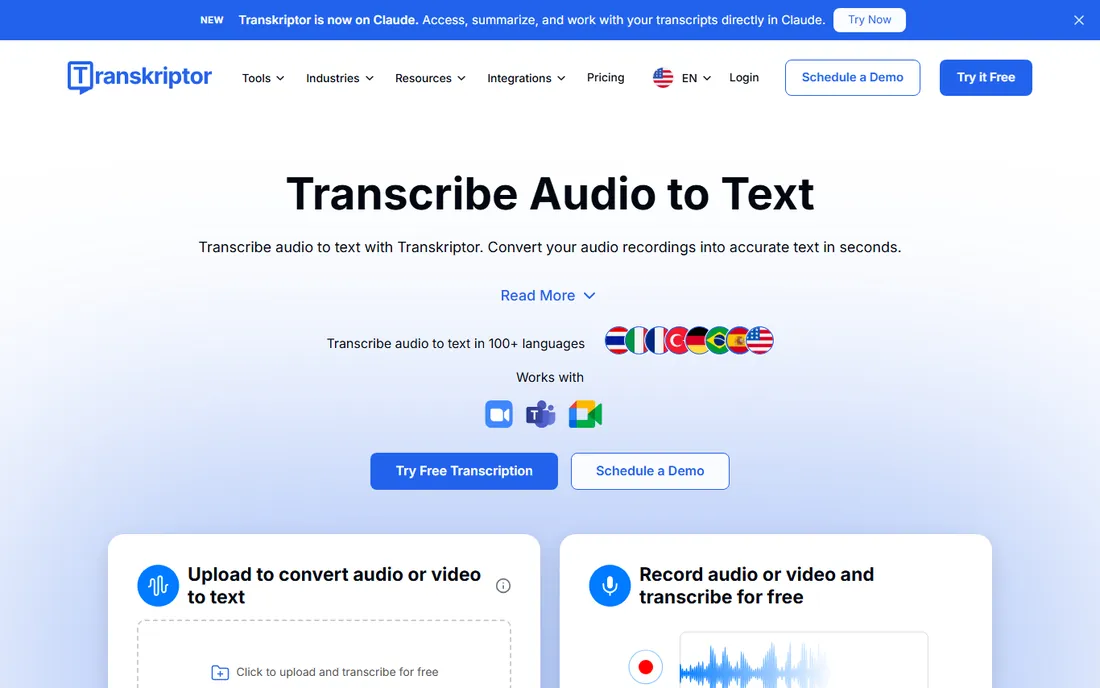
Transkriptor is the volume pick. It claims up to 99 percent accuracy, supports over 100 languages, and its free plan offers 30 transcription minutes per day, which is generous for occasional use. The editor handles speaker identification, timestamps, and exports to TXT, DOCX, PDF, and subtitle formats. Enterprise-grade security certifications including SOC 2 and GDPR compliance cover regulated industries.
The honest catch is focus. Transkriptor handles uploaded files brilliantly but its live-meeting bot experience is less developed than Otter or Fireflies. If your workflow is record now, transcribe later, it is one of the best values on this list.
What we like- 100+ languages
- Free daily transcription minutes
- Solid speaker identification and editing tools
Watch out for- Meeting integrations lag the meeting-first tools
- Interface prioritizes volume over polish
#7
Trint
Best for: journalists and media teams editing transcripts
Visit trint.com
Starting priceSee website
Free planFree trial
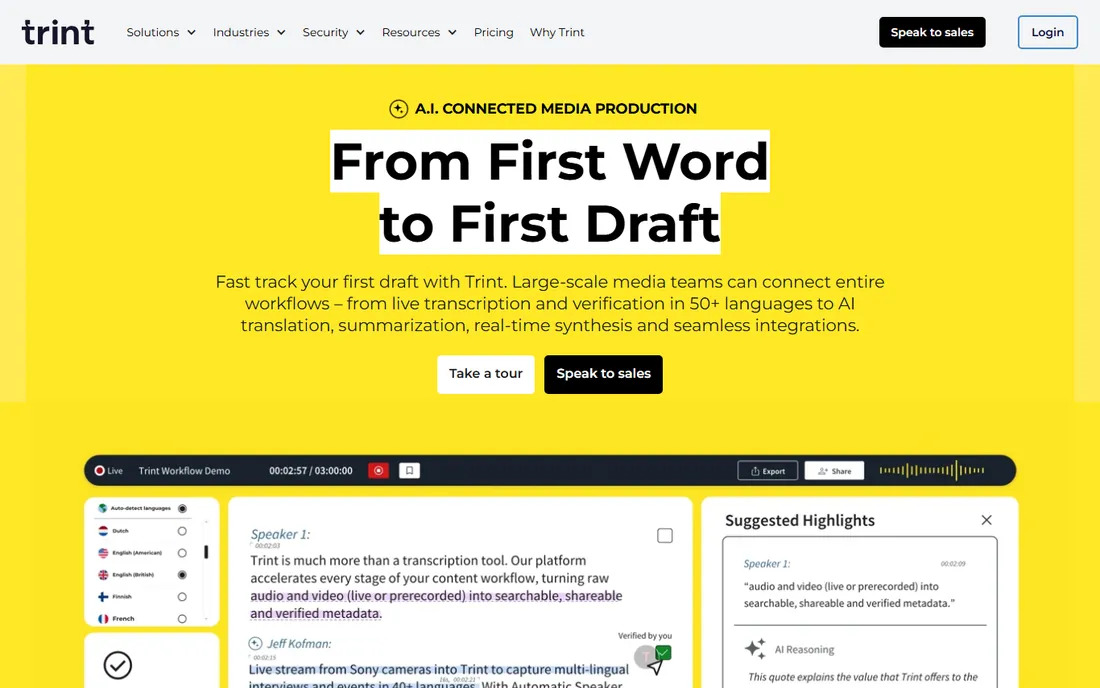
Trint was built for newsrooms, and it shows. Multiple editors can work on the same transcript in real time, which matters when a story is on deadline. The translation coverage is deep, and integrations with media tools fit publishing workflows. Journalists and documentary teams will feel at home.
The honest catch is cost. Trint prices like professional media software, not a casual utility, so occasional users should pick a cheaper tool. And everything happens in the cloud, so fieldwork without connectivity is out of scope.
What we like- Real-time collaboration on transcripts
- 50+ capture languages and 70+ translation languages
- Strong media-workflow integrations
Watch out for- Pricing sits above budget options
- Internet connection required, no offline mode
Starting priceSee website
Free planFree trial
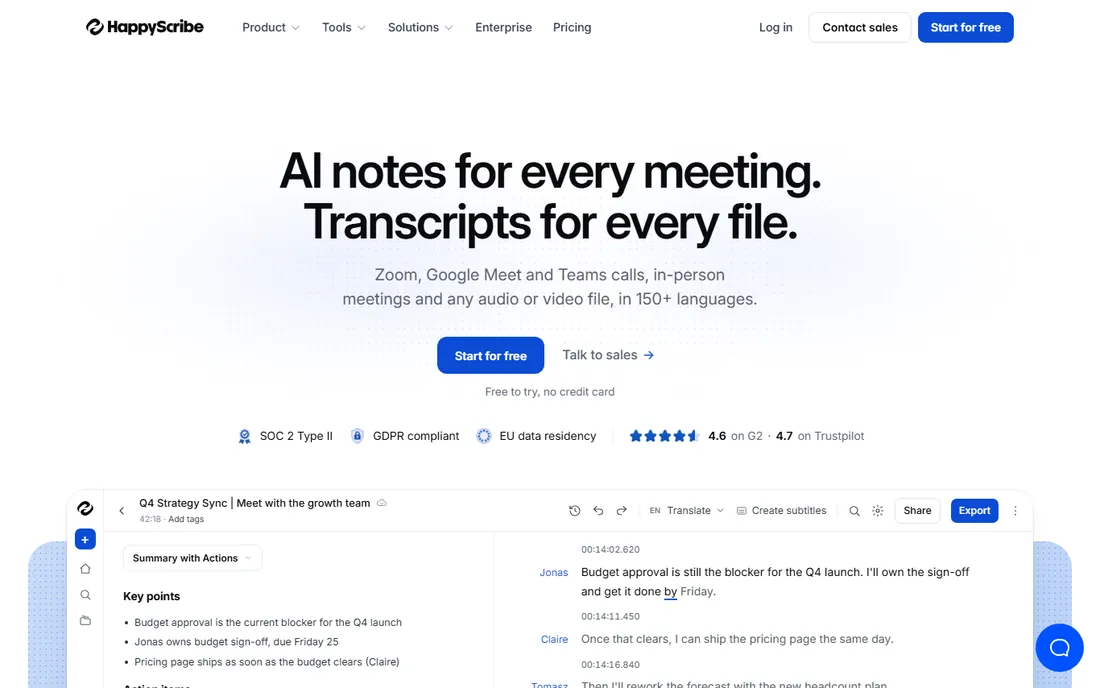
Happy Scribe shines where English-centric tools stumble: non-English audio. With 150+ languages and an optional human service for 99 percent accuracy, it is a strong pick for multilingual projects. EU data residency and GDPR compliance make it comfortable for European buyers.
The honest catch is the pricing model. Per-minute pricing is fine for occasional work but punishes high volume, where a subscription tool costs less per minute. For one-off projects in languages other than English, though, the quality is worth it.
What we like- 150+ languages, strong on non-English accuracy
- Optional human-made 99 percent service
- EU data residency and GDPR compliance
Watch out for- Per-minute pricing adds up at scale
- Newer notetaker features trail the meeting-first tools
How we chose
We reviewed each vendor's own site for current plans and features, read public reviews on G2, Capterra, and Reddit, and tested claims where third-party reviews made direct accuracy comparisons. We weighted the two buyer needs equally: transcribing recorded files and capturing live audio. Every tool required a verifiable current homepage, and we replaced any product that had been sunset or folded into another brand.
AI or human transcription: which do you need?
The honest answer is that AI handles most jobs now. For meeting notes, content repurposing, research interviews, and subtitles, AI transcription at a few dollars or even free per month is accurate enough that nobody reviews every word. Human transcription still wins in exactly three situations: legal or medical work where errors carry liability, publishing where the transcript is the final product, and poor audio where AI stumbles. Buy AI for the routine work and keep a human option like Rev for the moments that matter.
No transcription tool fixes bad audio. A decent microphone close to the speaker matters more than the difference between any two apps on this list. Record in a quiet room, ask speakers to identify themselves once at the start, and avoid crosstalk. Do those three things and even a free tier delivers publishable drafts. Skip them and even the best engine produces garbage. The tool you pick is secondary; the recording conditions are primary.
One more practical tip: for interviews and panel discussions, record a backup on your phone as well as your main setup. Transcription tools only work with what they are given, and a failed recording cannot be transcribed at any price. Redundancy is cheap insurance.
Frequently asked questions
What is the best free software to transcribe audio to text?
Fireflies offers unlimited free transcription for meetings, and Transkriptor gives 30 free minutes per day. Otter.ai's free Basic plan and Notta's free tier also cover light personal use without a credit card.
How accurate is AI transcription?
On clear single-speaker audio, leading tools claim 95 to 99 percent accuracy, which matches independent testing on clean recordings. Accuracy drops with background noise, heavy accents, crosstalk, and poor microphones. Always spot-check before publishing.
Can transcription software handle multiple speakers?
Yes. Most tools on this list use speaker diarization to identify and label different speakers automatically. It works best when speakers take turns; overlapping speech still trips up every engine.
What happened to Temi?
Temi, the budget AI transcription service from Rev, has been folded into Rev's main platform. Its old homepage now points visitors to Rev instead, so we list Rev directly as the current option.
AI transcription or human transcription?
Use AI for meetings, research, content repurposing, and drafts. Pay for human transcription when errors carry real consequences, such as legal proceedings, medical documentation, or published interviews. The cost difference is roughly tenfold per minute.
Sources we checked (8)
- https://otter.ai
- https://www.rev.com
- https://www.descript.com
- https://www.notta.ai/
- https://fireflies.ai/
- https://transkriptor.com/
- https://trint.com
- https://www.happyscribe.com
Is your product missing or out of date?
We review this list regularly. Vendors can request a listing, send updated pricing or ask about featured placement.

Shihab Mia · Founder, Rankite
Shihab has spent more than a decade helping SaaS and e-commerce brands grow through search. He writes Rankite's software buying guides from pricing pages, documentation and public user reviews. More about Shihab.