How we make this list: we compare pricing pages, product documentation and public user reviews. Rankite is independent; if a vendor ever pays for a featured spot, that listing is clearly labeled Partner.
Key takeaways
- Canva and Adobe Express lead on templates and ease of use, with strong AI image and writing features built in.
- Microsoft Designer is free with a Microsoft account and generates designs from plain-language prompts.
- Kittl, Recraft, and Napkin AI push AI further: typography effects, vector generation, and text-to-diagram visuals.
- VistaCreate and Snappa are strong budget options for fast social graphics with generous free tiers.
A small ecommerce brand in Florida needed product graphics, Instagram posts, and a sale flyer every week, but hiring a designer for each asset was too slow and expensive. The owner started describing what she wanted in plain words in an AI design tool: a sale banner, a product mockup, a quote graphic. Within minutes she had usable designs, and the weekly content cycle stopped being a bottleneck. That is the promise of the best AI graphic design software: production-quality visuals without design training.
Quick comparison
| Tool | Best for | Starting price | Free plan |
|---|
 Canva Canva | teams that need design for everything | See website | Yes (free plan) |
 Adobe Express Adobe Express | marketers who want Adobe-quality AI in a simple app | See website | Yes (free plan) |
 Microsoft Designer Microsoft Designer | free AI design inside the Microsoft ecosystem | Free | Yes (free plan) |
 VistaCreate VistaCreate | social graphics with a strong free tier | See website | Yes (free plan) |
 Snappa Snappa | non-designers who want speed above all | $10 per month (billed annually) | Yes (free version) |
 Kittl Kittl | typography-heavy designs and product visuals | See website | Yes (free plan) |
 Recraft Recraft | AI-generated vectors, icons and brand-consistent imagery | See website | Yes (free plan) |
 Napkin AI Napkin AI | turning text into diagrams and infographics | See website | Yes (free plan) |
Is your product missing or out of date?
We review this list regularly. Vendors can request a listing, send updated pricing or ask about featured placement.
The best AI graphic design software
Starting priceSee website
Free planYes (free plan)
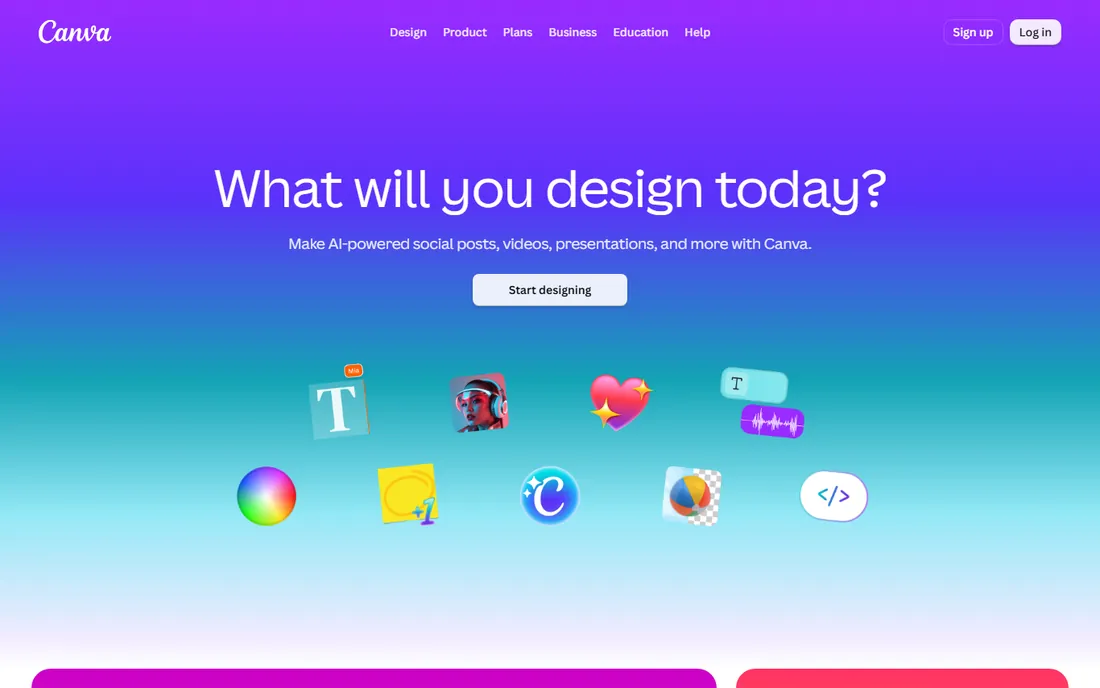
Canva remains the default choice for non-designers. The template library covers nearly every format, and the AI tools, branded as Magic Studio, generate images, write copy, expand photos, and turn text into presentations. The free plan is genuinely useful; paid plans add the full AI toolset, background remover, and brand kits.
For small businesses, Canva handles the bulk of weekly design work. The main criticism is sameness: popular templates get recognizable. But for speed, collaboration, and a library that covers social, print, video, and documents, Canva is hard to beat.
What we like- Enormous template and stock library
- Magic Studio AI tools
- Real-time team collaboration
Watch out for- AI features limited on free plan
- Template-heavy designs can look generic
#2
Adobe Express
Best for: marketers who want Adobe-quality AI in a simple app
Visit adobe.com
Starting priceSee website
Free planYes (free plan)
Adobe Express is Adobe's answer to Canva, and its Firefly AI integration is the differentiator. Generative fill, text-to-image, and text effects run inside a simple drag-and-drop editor. Brand kits keep fonts, colors, and logos consistent across a team, and one-click resize turns one design into a full social campaign.
The free plan covers a lot; the premium tier adds the full Firefly credits and advanced features. For teams already in the Adobe ecosystem, or anyone who cares about commercially safer AI-generated imagery, Express deserves a close look.
What we like- Firefly generative AI built in
- Brand kits and asset syncing
- One-click resize for social campaigns
Watch out for- Fewer templates than Canva
- Best features need a paid plan
Starting priceFree
Free planYes (free plan)
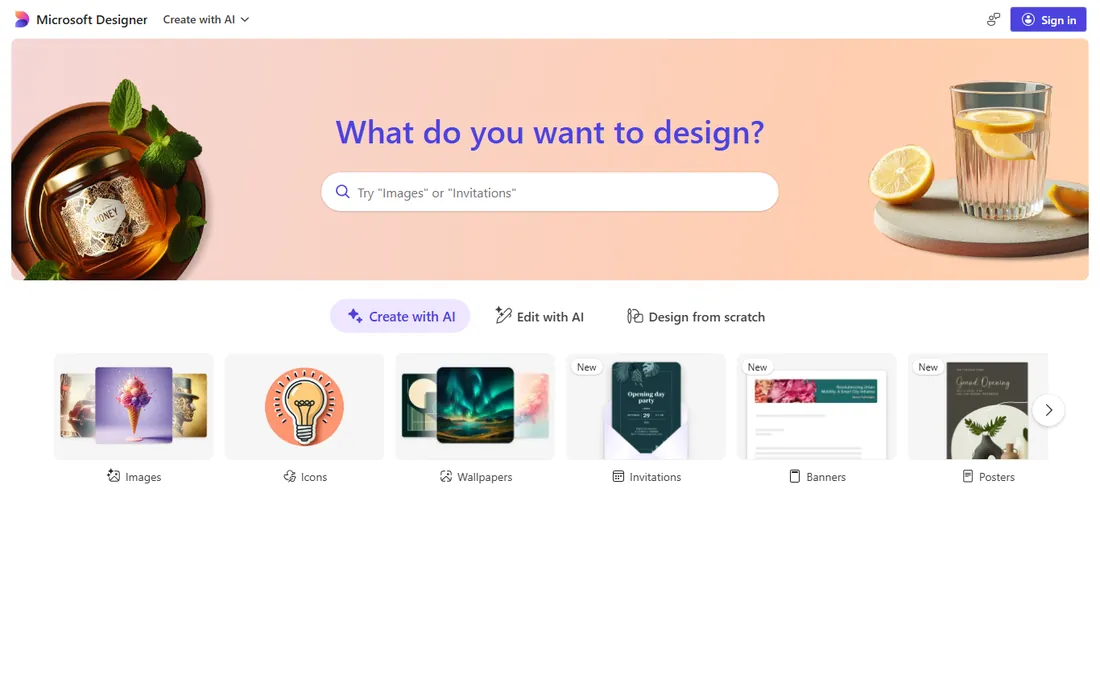
Microsoft Designer generates designs from plain-language descriptions. Type what you want, and it produces images and layout suggestions you can refine. It integrates with Microsoft 365 apps, so designs flow into documents and presentations. Access is free with a Microsoft account.
The trade-off is depth: the template library and stock assets are thinner than Canva's, and brand management features are basic. For quick social graphics and presentations at zero cost, especially for teams already paying for Microsoft 365, Designer is a smart pick.
What we like- Free with a Microsoft account
- DALL-E powered image generation
- Natural-language design instructions
Watch out for- Fewer templates and assets than Canva
- Limited team and brand features
Starting priceSee website
Free planYes (free plan)
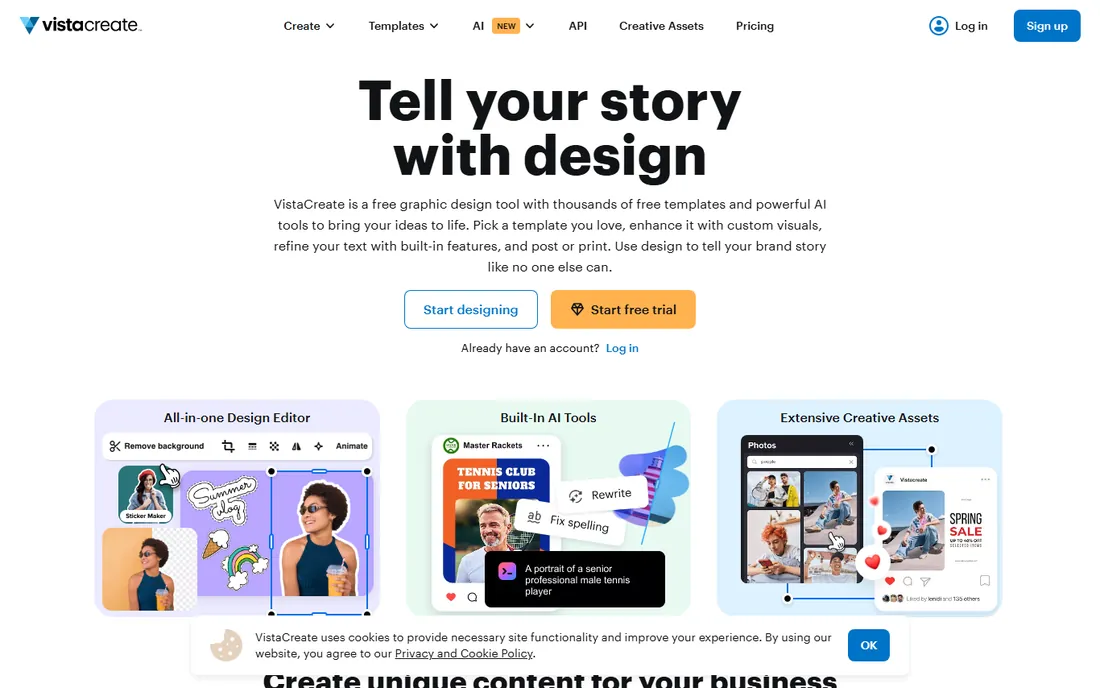
VistaCreate, formerly Crello and now part of Vista, offers a generous free tier with hundreds of thousands of templates, built-in AI tools for generating visuals and refining copy, and over 170 million creative assets. Brand kit features keep designs consistent, and select print formats can go straight to Vistaprint with delivery included.
Pro adds the full asset library, one-click resize, and scheduling. VistaCreate is a strong alternative for teams that find Canva's premium pricing steep, with a print integration that Canva cannot match.
What we like- 200,000+ free templates
- Built-in AI tools
- Direct print through Vistaprint
Watch out for- Smaller brand footprint than Canva
- Pro needed for full asset library
Starting price$10 per month (billed annually)
Free planYes (free version)
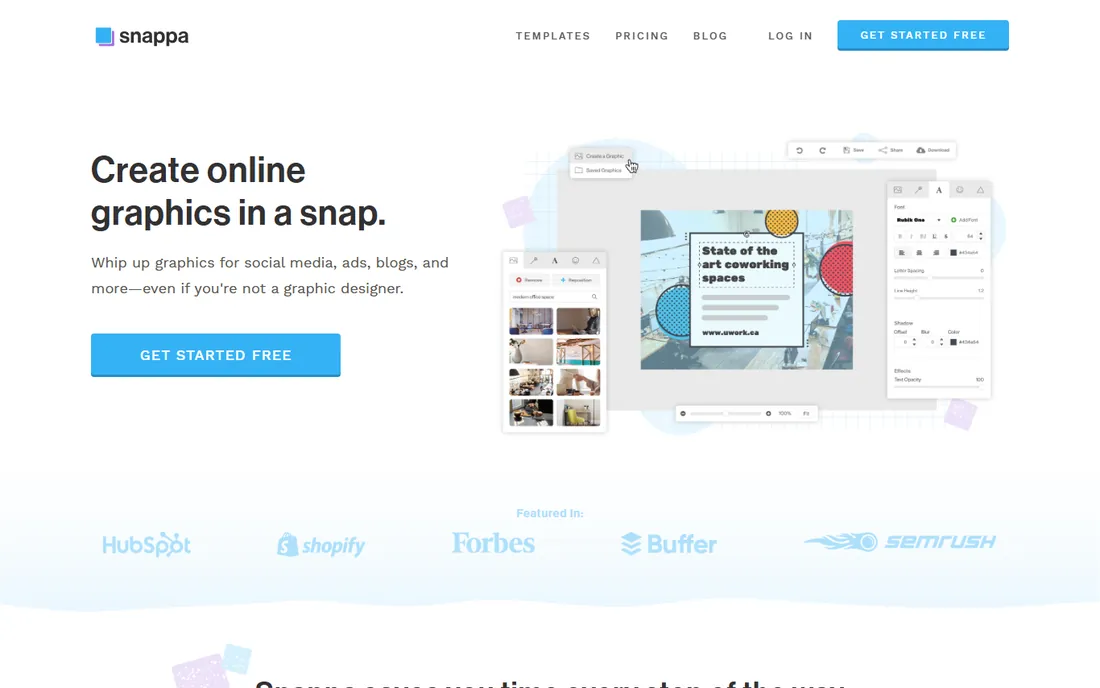
Snappa strips design down to the essentials. Pick a preset size for any social platform, choose from thousands of templates, add text and graphics, and publish. The interface is deliberately simple, with no long tutorials needed. All photos and graphics are royalty-free for commercial use.
The free version covers casual use; the paid plan removes limits. Snappa suits bloggers, social media managers, and small teams who make a handful of graphics a week and want the fastest possible tool, not the deepest one.
What we like- Zero learning curve
- 5M+ free stock photos included
- One-click background remover and resizing
Watch out for- Template library smaller than Canva
- Limited advanced editing
#6
Kittl
Best for: typography-heavy designs and product visuals
Visit kittl.com
Starting priceSee website
Free planYes (free plan)
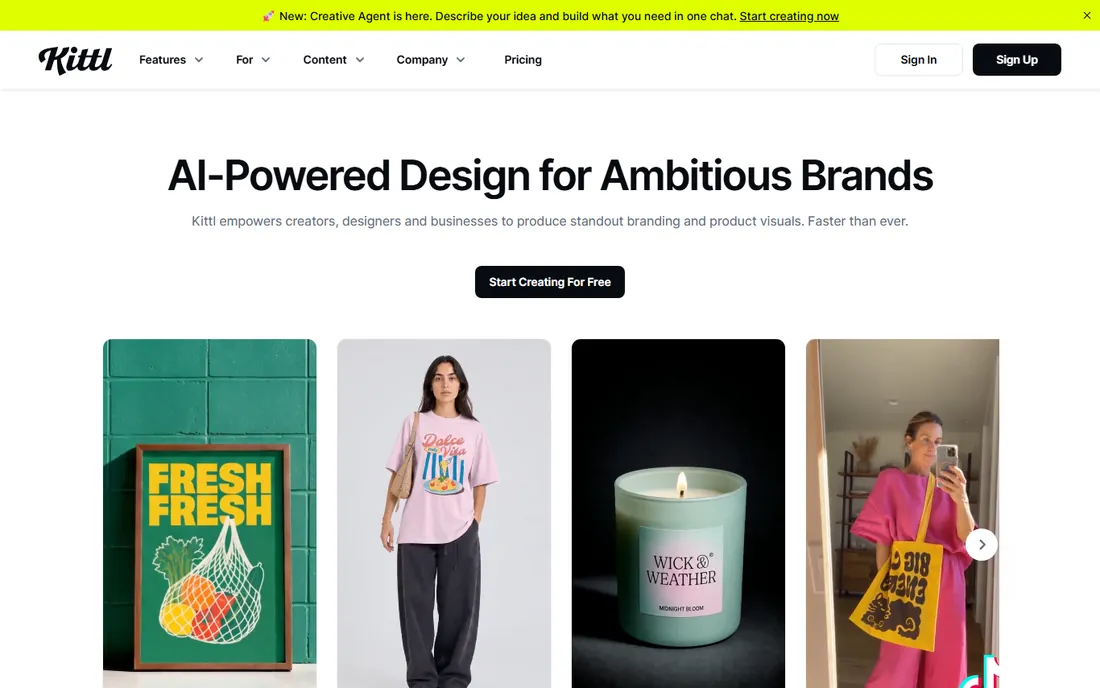
Kittl takes an AI-first approach, integrating leading image and video models, including Recraft V4 and Flux, alongside its own design tools. Its strength is typography: one-click text effects, commercial-use fonts, and mockups that turn designs into product previews. It is popular with print-on-demand sellers, small brands, and agencies scaling content.
The free plan is usable; paid plans add more AI credits and features. If your designs lean on bold lettering, apparel, or product visuals, Kittl's focus will feel more productive than a general template library.
What we like- AI-first design platform with many integrated models
- Standout text effects and mockups
- Strong for POD sellers
Watch out for- Less of a general template library than Canva
- Newer platform
#7
Recraft
Best for: AI-generated vectors, icons and brand-consistent imagery
Visit recraft.ai
Starting priceSee website
Free planYes (free plan)
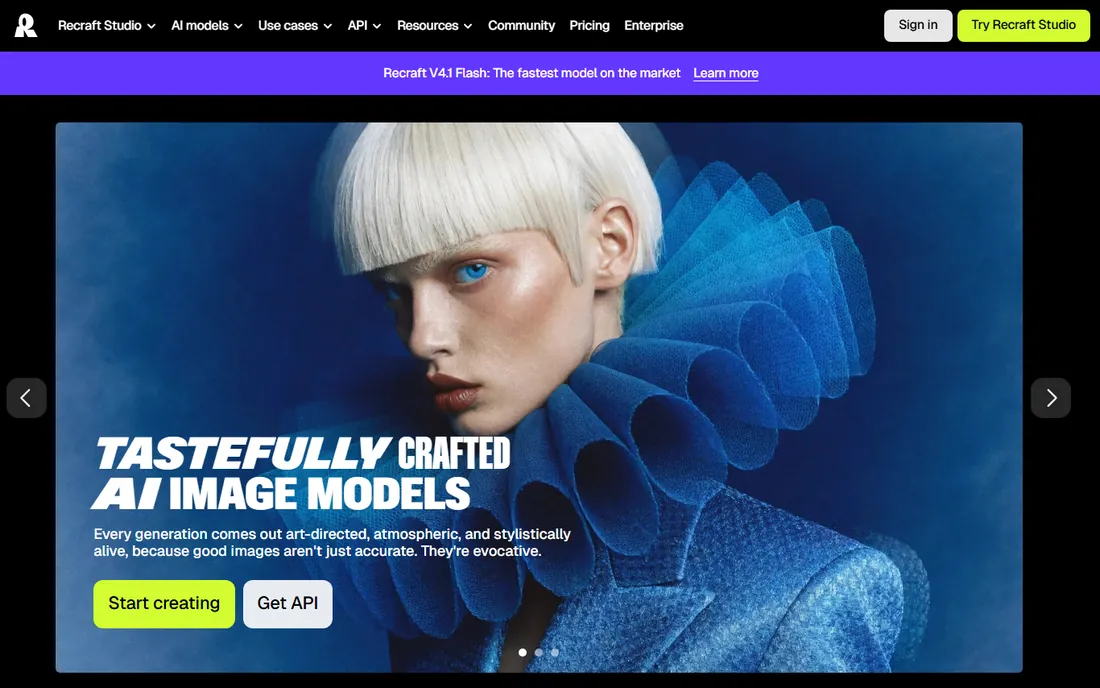
Recraft is built for designers who need AI that speaks their language. It generates illustrations, icons, and even vector graphics from text prompts, with strong control over style and composition. Brand styles keep outputs consistent across a campaign, which matters for marketing teams.
The free plan includes generous credits; paid plans add more. Recraft is less of an all-in-one design tool and more of an AI image studio that complements tools like Canva or Adobe Express. For original visuals rather than templates, it is one of the best options here.
What we like- Native vector generation from prompts
- Consistent brand styles
- Upscaler and background remover
Watch out for- Image-focused, not a full design suite
- Steeper learning curve
#8
Napkin AI
Best for: turning text into diagrams and infographics
Visit napkin.ai
Starting priceSee website
Free planYes (free plan)
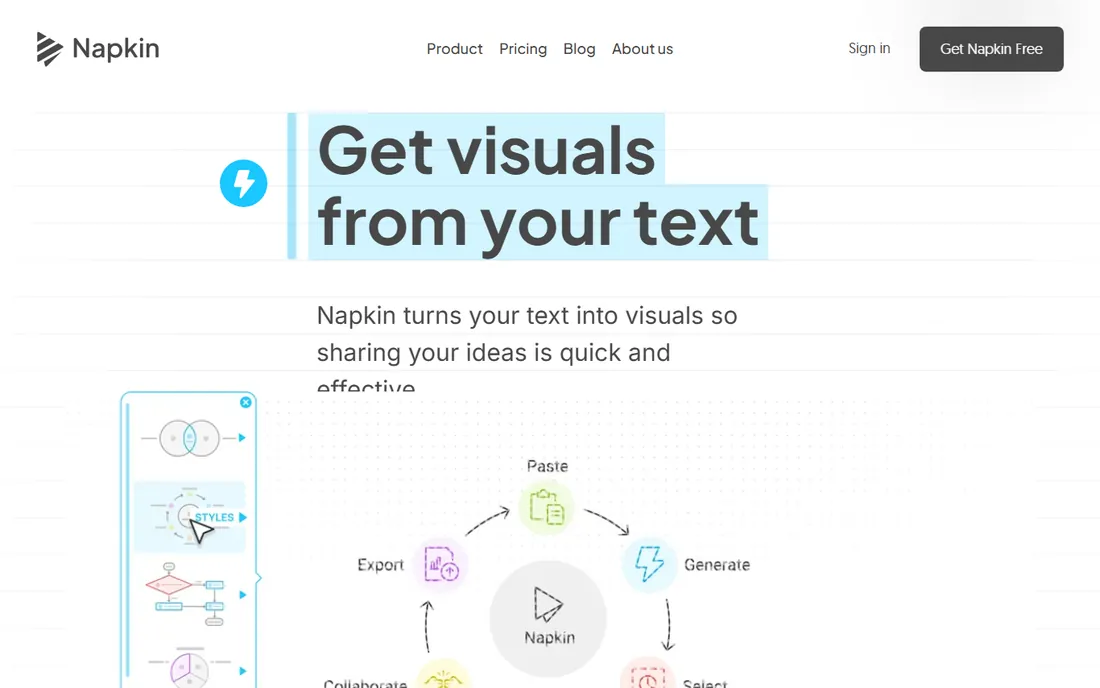
Napkin AI solves a specific problem beautifully: paste text, and it generates infographics, flowcharts, mind maps, and diagrams. Everything is editable, and exports work directly in PowerPoint and Google Slides. The free plan includes weekly AI credits with unlimited editing and exports.
It is not a general design tool, but for blog posts, presentations, reports, and educational content, it saves hours of manual diagramming. Marketers and educators who publish explanatory content will get the most from it.
What we like- Auto-generated diagrams from pasted text
- Exports to PPT, SVG, PNG, PDF
- Generous free plan
Watch out for- Niche use case
- Visual styles are limited compared to design suites
We reviewed each vendor's homepage and documentation, checked pricing and free tiers, and read feedback from creators and marketing teams on G2, Capterra, Reddit, and review sites. We compared AI capabilities, template quality, ease of use, free-tier generosity, and fit for small and mid-size companies. Pricing reflects current published information. We did not test these tools hands-on; findings come from published sources and user reviews.
Templates vs. AI generation: which matters more
Template libraries like Canva's and VistaCreate's are unbeatable for speed on standard formats: social posts, flyers, ads. AI generation like Recraft's, Kittl's, and Microsoft Designer's is better for original visuals and brand-specific imagery. Most teams end up using both: templates for weekly content, AI generation for hero visuals and campaigns. Pick the tool that covers the larger share of your actual workload.
Watch the AI credit limits
AI features run on credits or usage limits even on paid plans. Check how many generations your plan includes before you build a workflow around a tool. Free tiers are generous enough to evaluate quality, but heavy weekly use usually needs a paid plan.
Brand consistency
If multiple people create designs, brand kits matter. Canva, Adobe Express, and VistaCreate all offer them on paid plans. Recraft's brand styles serve a similar purpose for AI-generated imagery.
Collaboration and approvals
Design is rarely solo work. Canva and Kittl offer real-time collaboration and commenting, which shortens the review loop. If your process involves a manager approving every graphic, pick a tool where comments and version history are built in rather than handled over email. That single feature can save more time each week than any AI image generator.
The fine print on AI-generated commercial use
Most of these tools grant commercial rights to AI-generated content on paid plans, but terms vary. Adobe's Firefly is trained to be commercially safe, which some teams prefer for client work. Check each tool's terms before using AI-generated images in ads or client deliverables, especially on free tiers where rights may be limited.
Frequently asked questions
What is the best free AI graphic design software?
Microsoft Designer, Canva's free plan, VistaCreate's free plan, and Napkin AI all offer real value without paying. Microsoft Designer is the only fully free AI option here; the others pair free tiers with paid upgrades.
Can AI design tools replace a graphic designer?
For routine graphics like social posts and ads, often yes. For brand identity, complex layouts, and original illustration, a designer still adds judgment AI cannot. Most small teams use these tools to handle volume and keep designers for high-value work. Free tiers are generous enough that there is no reason to pay before you have tried at least two options on real projects.
Which tool is best for social media graphics?
Canva leads on templates and scheduling features. VistaCreate and Snappa are strong budget alternatives. Microsoft Designer works for quick free graphics. Pick based on how many graphics you make per week.
Do these tools own my designs?
Generally no; you retain rights to what you create. AI-generated elements follow each tool's terms, so check commercial-use rights for your plan, especially on free tiers.
Which is better, Canva or Adobe Express?
Canva has the bigger template library and simpler collaboration. Adobe Express has stronger AI image generation through Firefly and deeper Adobe integration. Teams already using Adobe products tend to prefer Express; everyone else usually starts with Canva.
Can I print designs made in these tools?
Yes. VistaCreate integrates directly with Vistaprint. Canva offers Canva Print. All tools export high-resolution PDFs suitable for professional printing.
Sources we checked (8)
- https://canva.com/
- https://www.adobe.com/express
- https://designer.microsoft.com
- https://create.vista.com
- https://snappa.com/
- https://kittl.com/
- https://recraft.ai/
- https://napkin.ai/
Is your product missing or out of date?
We review this list regularly. Vendors can request a listing, send updated pricing or ask about featured placement.

Shihab Mia · Founder, Rankite
Shihab has spent more than a decade helping SaaS and e-commerce brands grow through search. He writes Rankite's software buying guides from pricing pages, documentation and public user reviews. More about Shihab.