How we make this list: we compare pricing pages, product documentation and public user reviews. Rankite is independent; if a vendor ever pays for a featured spot, that listing is clearly labeled Partner.
Key takeaways
- Recuva remains the best truly free option: the free version recovers unlimited data for personal use, with a $24.95-per-year Professional tier for support and virtual drive access.
- Disk Drill ($89 per year or $149 lifetime) and EaseUS ($99.95 per year) are the friendliest picks for non-technical users facing a straightforward deletion or format.
- DMDE delivers near-professional results at the lowest price in the category, starting at $20 per year, though its interface assumes technical confidence.
- For physically failing drives, R-Studio and GetDataBack offer imaging-first workflows that prioritize getting data off dying hardware safely.
- Every tool here lets you scan and preview before paying, so run the free scan first and only buy when the software shows your files.
Quick comparison
| Tool | Best for | Starting price | Free plan |
|---|
 Disk Drill Disk Drill | Beginners who want the simplest recovery experience | $89 per year (subscription) or $149 lifetime license | Yes (free version with limited recovery) |
 EaseUS Data Recovery Wizard EaseUS Data Recovery Wizard | Users who want a generous free tier before committing | $99.95 per year (Pro) | Yes (free version recovers up to 2GB) |
 Stellar Data Recovery Stellar Data Recovery | General users who want a polished, guided tool | $59.99 per year (Standard) | Yes (free edition recovers up to 1GB) |
 Recuva Recuva | Free unlimited recovery on Windows | $24.95 per year (Professional) | Yes (free version recovers unlimited data for personal use) |
 DMDE DMDE | Technical users who want pro results on a budget | $20 per year (Express) or $48 perpetual (Standard) | Yes (recovers up to 4,000 files from one folder, unlimited repetitions) |
 R-Studio R-Studio | Damaged drives and complex recovery scenarios | $79.99 one-time (Standard) | Free demo (recovers files smaller than 1MB) |
 GetDataBack Pro GetDataBack Pro | A dependable one-time purchase for Windows users | $79 one-time (lifetime license) | Free demo (shows recoverable files; license required to save) |
 Wondershare Recoverit Wondershare Recoverit | A full-featured suite including repair and NAS recovery | $105.99 per month (Windows, list price; promotions vary) | Yes (free version recovers up to 100MB) |
Is your product missing or out of date?
We review this list regularly. Vendors can request a listing, send updated pricing or ask about featured placement.
The best recovery software
A family-run dental billing office lost a shared folder of patient records when an external drive was accidentally reformatted during a workstation swap. No backup existed. The office manager downloaded a free recovery tool, scanned the drive, saw the files listed with their original folder names, and bought the license on the spot. An hour later the records were back on a new drive. That sequence, panic, scan, preview, pay only when it works, is the standard buying pattern for data recovery software, and every tool below supports it.
Starting price$89 per year (subscription) or $149 lifetime license
Free planYes (free version with limited recovery)
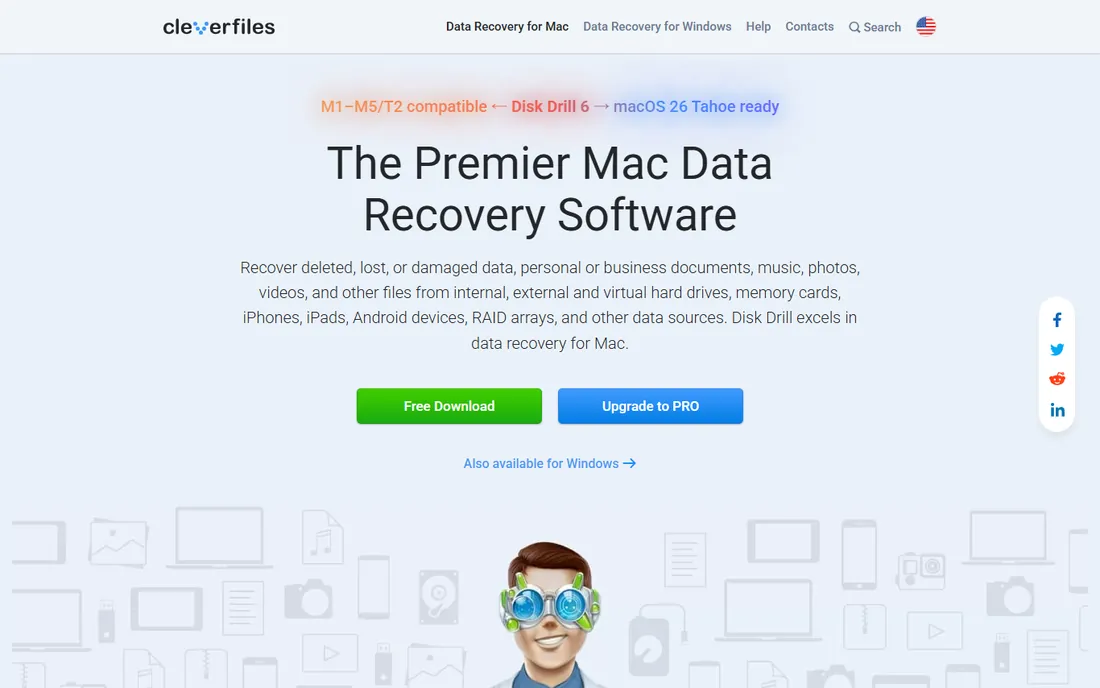
Disk Drill is the tool to hand to someone who has never done a recovery before. The free version scans your drive, shows a preview of recoverable files and restores a limited amount before asking for payment, so there is no guesswork about whether it works. The interface stays out of the way: pick a drive, scan, preview, recover.
Pricing is $89 per year on subscription or $149 for a lifetime license covering one user on up to three devices, with Windows and Mac on the same license. For a household or small office with mixed devices, that cross-platform coverage is genuinely useful.
The catch is cost structure for single emergencies. If you will only ever recover one drive once, a one-time license elsewhere may be cheaper. But for anyone who wants the lowest-stress path from lost files to found files, Disk Drill is the easiest recommendation in this list.
What we like- Extremely approachable interface
- One license covers Windows and Mac on up to three devices
- Strong scanning with 400+ file signatures
Watch out for- Annual plan is pricey for a one-off emergency
- Lifetime license costs more up front
#2
EaseUS Data Recovery Wizard
Best for: Users who want a generous free tier before committing
Visit easeus.com
Starting price$99.95 per year (Pro)
Free planYes (free version recovers up to 2GB)
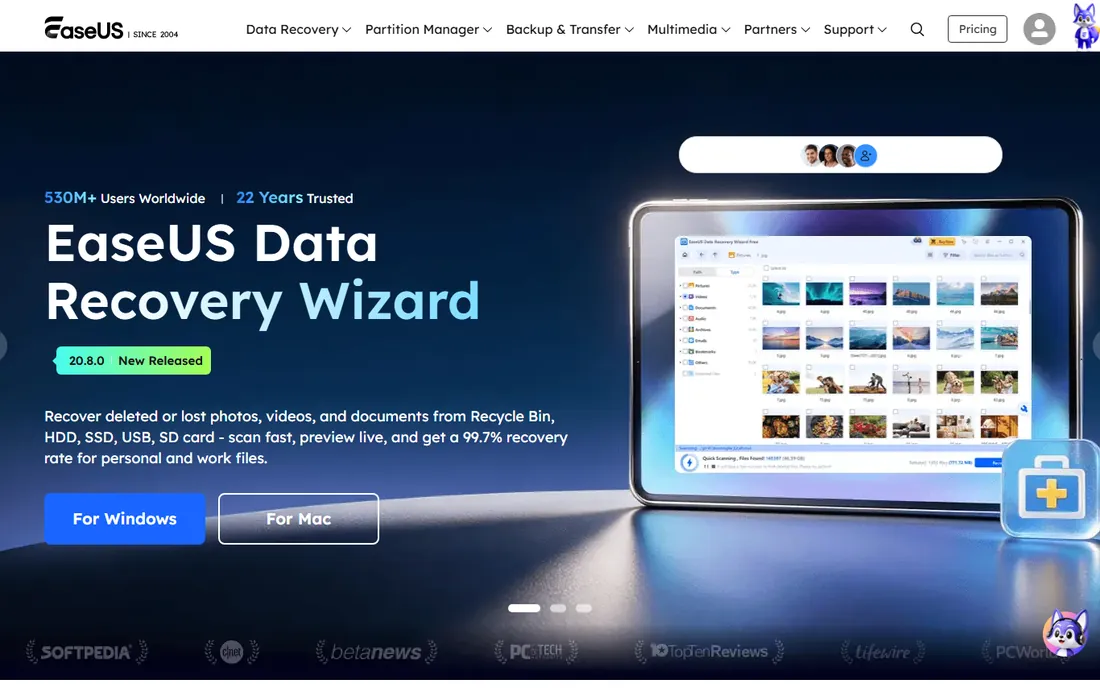
EaseUS wins on its free tier. The free version recovers up to 2GB of data, which is enough to fully resolve many accidental deletions without paying anything. For larger jobs, the same free version scans and previews, so you can verify your files are visible before buying Pro at $99.95 per year, $69.95 per month or $149.95 for lifetime upgrades.
The experience is deliberately non-technical. A simple wizard walks through selecting a drive, scanning and previewing results, and the bootable WinPE media option helps when Windows itself will not start. It is the tool most often recommended in community forums for exactly these reasons.
Limitations are worth noting: each license covers a single computer, and the monthly plan is poor value unless you finish within days. But the combination of a genuinely useful free tier and a simple interface makes EaseUS the best first download for most people.
What we like- Free version restores up to 2GB, covering many real cases
- Wizard-style flow anyone can follow
- Bootable media for crashed PCs
Watch out for- Monthly plan at $69.95 is expensive
- License covers only one computer
Starting price$59.99 per year (Standard)
Free planYes (free edition recovers up to 1GB)
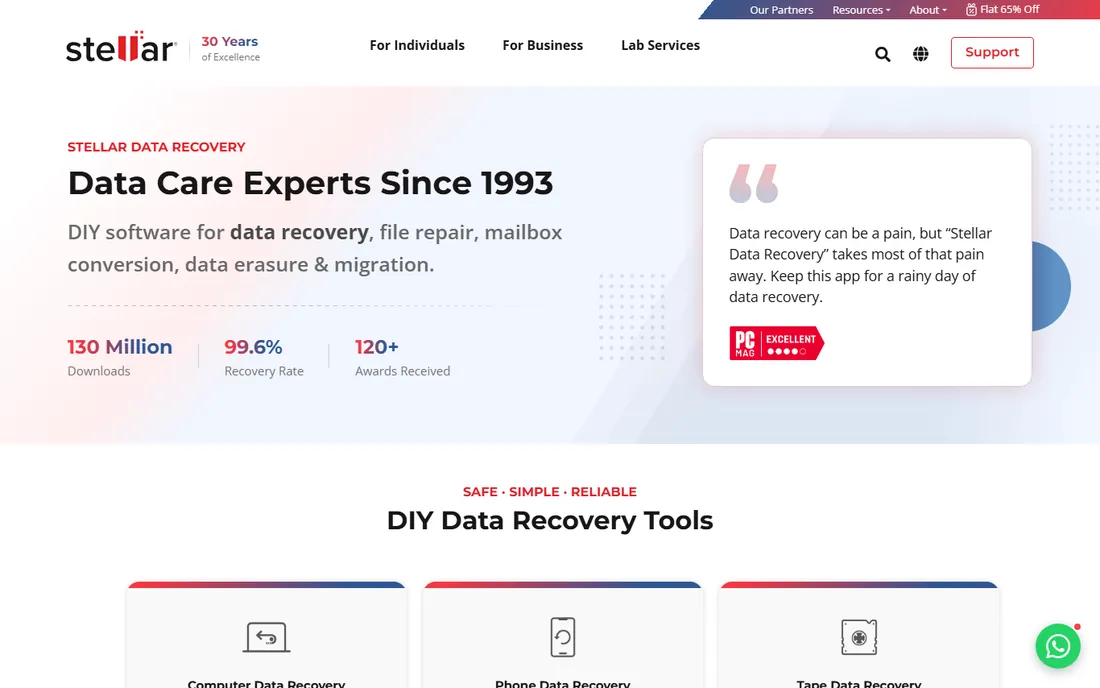
Stellar has been in the data recovery business since the 1990s, and the product reflects that maturity. The free edition recovers up to 1GB of data, which handles small losses outright and lets you evaluate scan quality on bigger ones. The workflow is guided throughout: select, scan, preview, recover, with a modern interface that does not intimidate.
Paid tiers run Standard at $59.99 per year, Professional at $89.99 per year (adding lost partition and unbootable system recovery) and Premium at $99.99 per year (adding photo and video repair). Lifetime licenses are also available at higher prices. A 30-day money-back guarantee applies across plans.
The honest trade-off is that everything is a subscription, and the headline price covers the base edition only. For everyday recovery scenarios, deleted files, formatted drives, lost photos, Stellar is a reliable, well-supported choice.
What we like- Free edition recovers up to 1GB
- Clean guided workflow with file preview
- Long-established vendor with broad format support
Watch out for- Subscription pricing on every tier
- Advanced features like partition recovery need higher editions
Starting price$24.95 per year (Professional)
Free planYes (free version recovers unlimited data for personal use)
Recuva is the rare free tool with no catch on recovery volume. The free version recovers unlimited data for personal use, including deep scan mode for hard-to-find files and a secure overwrite feature for permanently deleting sensitive data. For a simple deleted-file or formatted-drive case on Windows, it often resolves the problem at zero cost.
Professional costs $24.95 per year and adds virtual hard drive support, automatic updates and priority support. The recovery engine is identical between editions, so you are paying for convenience and support, not better results.
The downsides are real: Recuva is Windows-only, the interface is dated, and independent tests show it trailing newer tools on tricky cases like heavily fragmented files. But as a free first attempt, it is unbeatable, and many recoveries end right there.
What we like- Free version has no recovery limits
- Tiny, fast and light on system resources
- Deep scan mode plus secure overwrite tools
Watch out for- Windows only
- Interface and recovery engine show their age against newer tools
#5
DMDE
Best for: Technical users who want pro results on a budget
Visit dmde.com
Starting price$20 per year (Express) or $48 perpetual (Standard)
Free planYes (recovers up to 4,000 files from one folder, unlimited repetitions)
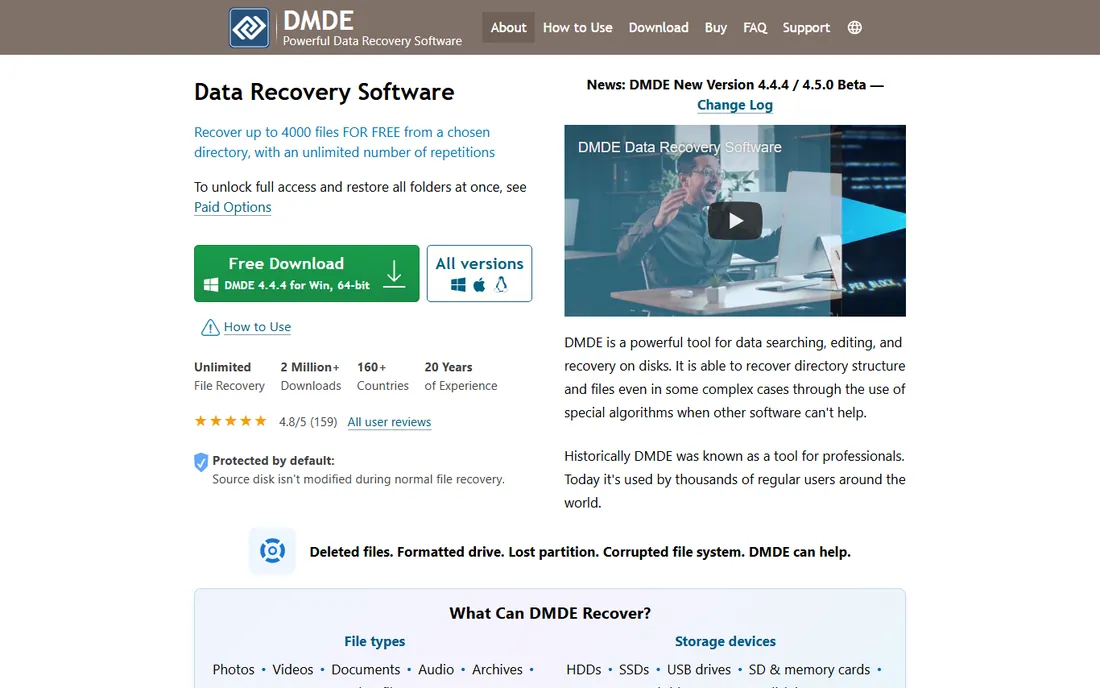
DMDE is the insider's pick for getting professional-grade recovery at the lowest price anywhere. The free version recovers up to 4,000 files from a chosen directory with unlimited repetitions, which is enough to genuinely rescue data without paying. Paid options start at $20 per year for Express or $48 for a perpetual Standard license.
Under the plain interface sits serious capability: thorough scan algorithms that reconstruct directory structures after formatting and partition damage, a RAID constructor, disk cloning with bad-sector handling, and a full disk editor. Reviewers consistently find DMDE recovering files where pricier tools fail.
The price of all that power is usability. DMDE looks and feels like an engineering utility, and it will not explain concepts to you. For a technical person, it is the best value in data recovery. For everyone else, start with Disk Drill or EaseUS.
What we like- Extraordinarily generous free tier
- Perpetual licenses from $48
- Includes disk editor, cloning and RAID constructor
Watch out for- Minimalist interface that intimidates non-experts
- Assumes you understand file systems
Starting price$79.99 one-time (Standard)
Free planFree demo (recovers files smaller than 1MB)
R-Studio is what technicians use when the drive itself is in trouble. Its multi-pass imaging engine creates sector-by-sector copies of failing drives, and its recovery engine handles damaged file systems, lost partitions and RAID arrays with automatic parameter detection. File-system support spans Windows, Mac, Linux and Unix variants, including ReFS and APFS with encryption.
The $79.99 Standard license is a one-time purchase, which stands out in a category drifting toward subscriptions. The free demo scans and previews but only recovers files smaller than 1MB, so treat it as a diagnostic: if your files appear in the preview, the license will get them back.
The interface is dense and menu-driven, and this is not the tool for a first-timer. But when a drive is degrading and you get one good read at the data, R-Studio is the tool you want in experienced hands.
What we like- One-time license, no subscription
- Excellent disk imaging for failing hardware
- Widest file-system support including ReFS, APFS and Linux variants
Watch out for- Technical interface assumes experience
- Demo only restores files under 1MB
#7
GetDataBack Pro
Best for: A dependable one-time purchase for Windows users
Visit runtime.org
Starting price$79 one-time (lifetime license)
Free planFree demo (shows recoverable files; license required to save)
Runtime Software has sold GetDataBack for over two decades on a simple promise: pay $79 once, get free updates forever. The current Pro version combines NTFS, FAT, exFAT, EXT, HFS+ and APFS recovery, so you do not need to know your file system in advance, and its recovery engine escalates through four sophistication levels automatically.
The design is deliberately read-only: nothing is written to the drive being recovered, which is exactly the safety behavior you want with damaged media. The free demo scans and shows what it can recover, so you buy only when the preview looks right.
For Windows shops that want a reliable, no-subscription tool for deleted files, formatted drives and damaged partitions, GetDataBack Pro is excellent value. Note that dedicated RAID reconstruction is a separate Runtime product, bundleable for $249.
What we like- One-time license with free lifetime updates
- Read-only design never writes to the damaged drive
- Guided wizard suits non-experts
Watch out for- Windows-focused
- RAID reconstruction needs separate bundled tools
Starting price$105.99 per month (Windows, list price; promotions vary)
Free planYes (free version recovers up to 100MB)
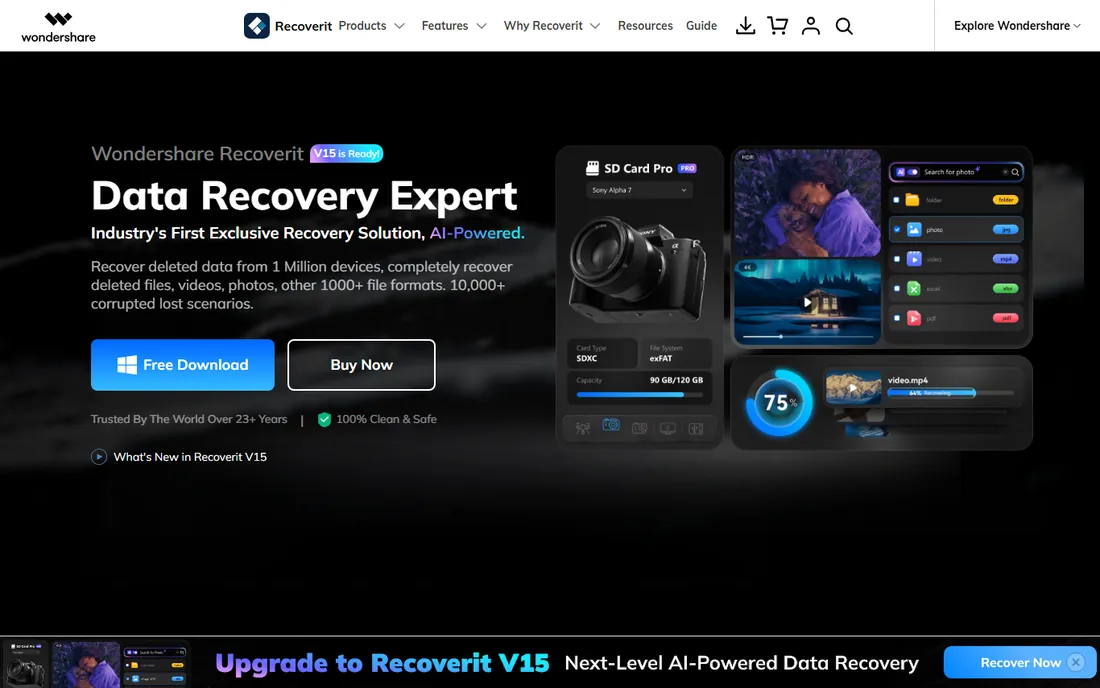
Recoverit is the everything-included option. Beyond standard file recovery, it covers NAS devices, Linux file systems, crashed computers via bootable media, and corrupted video and photo repair, all in a polished interface. For a small business with varied storage (a NAS, some workstations, a stack of SD cards), one tool covering all of it has real appeal.
Pricing is the sticking point. List prices run $105.99 per month for Windows (promotions frequently lower this), with annual and perpetual plans available. The free version recovers only up to 100MB, which is more of a trial than a usable tier.
If your needs are simple, cheaper tools do the same job. But if you want one purchase covering NAS recovery, system crashes and media repair, Recoverit justifies its premium with breadth.
What we like- Broad scenario coverage including NAS, Linux and crashed-system recovery
- Built-in photo and video repair
- Polished guided interface
Watch out for- Highest list pricing in this roundup
- Free tier limited to 100MB
How we chose
We verified each tool on its vendor's own site, checking current pricing, free-plan limits and feature lists, and opened every homepage to confirm the product is live under its current name. We then compared those claims against 2026 reviews from TechRadar, Digital Trends, PCWorld and TopConsumerReviews, plus community discussion on Reddit and recovery forums, looking for consistent real-world results rather than marketing claims. We weighted free-tier usefulness heavily, since most buyers in this category start free, excluded tools that had been discontinued or folded into other products, and made sure the list covers different users: non-technical beginners, budget tinkerers and professional technicians.
What to do in the first hour after data loss
The actions you take immediately matter more than which tool you buy.
Stop using the drive
Every write to a drive with deleted files risks overwriting them. Do not install software on it, save files to it or keep working on it. Install the recovery tool on a different drive or computer.
Image failing hardware first
If the drive is clicking, dropping off the system or throwing errors, create a sector-by-sector image before scanning. R-Studio and DMDE include imaging tools. Recover from the image, not the dying drive.
Scan before you pay
Every tool here previews recoverable files before purchase. Run the free scan, check that your actual files appear with their names and folder structure, and only then buy the license. A tool that cannot see your files will not recover them.
Recover to a different disk
Always save recovered files to a separate healthy drive, never back onto the drive you are recovering from. Overwriting the source during recovery is the most common way to turn a partial recovery into a total loss.
When to stop and call a professional lab
Software has hard limits. If the drive makes clicking or grinding noises, is not detected by the computer at all, or imaging fails partway through, stop and send it to a professional recovery lab. The same goes for RAID arrays with multiple failed disks and for SSDs with controller failures. Continued power-cycling of failing hardware can turn a recoverable case into a permanent one, and no software on this list can fix mechanical damage. A lab's clean-room work costs hundreds to thousands of dollars, but for irreplaceable business data it is the right call.
Frequently asked questions
Can I recover files from a formatted drive?
Usually yes, if the format was quick and little has been written to the drive since. Recovery software scans for file signatures and directory structures that formatting does not erase. Stop using the drive immediately and run a deep scan; the sooner you act, the better the odds.
Is free data recovery software safe to use?
Reputable free tools like Recuva, DMDE and the free tiers of Disk Drill and EaseUS are safe. Download only from the vendor's official site, never from download aggregators, and avoid any tool that demands payment before showing you what it found.
How long does a recovery scan take?
A quick scan of a healthy drive takes minutes. A deep scan of a large or damaged drive can take several hours. Plan for the scan plus the time to copy recovered files to a new destination, and avoid interrupting the process.
Will recovery software work on SSDs?
Sometimes, but SSDs are harder than hard drives because of TRIM, which tells the drive to erase deleted data blocks promptly. If TRIM has run, deleted files may be unrecoverable. Act fast, disable the drive if possible, and keep expectations realistic.
Can I recover files from a USB stick or SD card?
Yes. All the tools here support removable media including USB drives, SD cards and external hard drives. The same rules apply: stop using the media, scan it from a computer, and recover to a different disk.
What is the difference between quick scan and deep scan?
A quick scan reads the file system's index of deleted entries, which is fast but misses files when the index is damaged. A deep scan reads every sector for file signatures, which is slow but finds files even when the file system is badly damaged. Start with quick; use deep when quick finds nothing.
Sources we checked (15)
- https://cleverfiles.com/
- https://www.cleverfiles.com/pro.html
- https://www.easeus.com/
- https://stellarinfo.com/
- https://www.ccleaner.com/recuva
- https://dmde.com/
- https://dmde.com/buy.html
- https://r-studio.com/
- http://runtime.org/
- http://runtime.org/data-recovery-software.htm
- https://recoverit.wondershare.com
- https://www.cleverfiles.com/howto/wondershare-recoverit-review.html
- https://www.topconsumerreviews.com/best-data-recovery-products/detailed-reviews.php
- https://www.techradar.com/reviews/pc-mac/software/piriform-recuva-review-1323657/review
- https://www.digitaltrends.com/computing/recuva-professional-review/
Is your product missing or out of date?
We review this list regularly. Vendors can request a listing, send updated pricing or ask about featured placement.

Shihab Mia · Founder, Rankite
Shihab has spent more than a decade helping SaaS and e-commerce brands grow through search. He writes Rankite's software buying guides from pricing pages, documentation and public user reviews. More about Shihab.