How we make this list: we compare pricing pages, product documentation and public user reviews. Rankite is independent; if a vendor ever pays for a featured spot, that listing is clearly labeled Partner.
Key takeaways
- The best drag and drop app builder for your team depends on where your data lives and where your users are: web, app stores, or inside Microsoft 365.
- Bubble, FlutterFlow, and Adalo cover public-facing apps, while Glide, Softr, AppSheet, and Power Apps shine for internal tools and portals.
- Free plans exist on every platform in this list, but publishing to app stores or custom domains always requires a paid plan.
- Watch pricing models closely: per-user billing, usage charges, and annual discounts change the real cost fast as your app grows.
- If you ever want to leave your builder, FlutterFlow is the only option here that exports clean code you can keep.
Quick comparison
| Tool | Best for | Starting price | Free plan |
|---|
 Bubble Bubble | full-stack web apps without code | $32 per month (billed annually, web) | Yes |
 Glide Glide | internal business apps from spreadsheets | $49 per month (billed annually, Maker) | Yes (drafts only, no publishing) |
 Adalo Adalo | publishing true native iOS and Android apps | $36 per month (billed annually) | Yes (500 database records) |
 FlutterFlow FlutterFlow | teams that want to own their code | $29.25 per month (billed annually, Basic) | Yes |
 Microsoft Power Apps Microsoft Power Apps | companies already running on Microsoft 365 | $20 per user/month (Premium) | Yes (Developer plan for building and testing; limited Basic included in some Microsoft 365 licenses) |
 AppSheet AppSheet | field and operational apps for Google Workspace teams | $5 per user/month (Starter) | Yes (free prototyping tier) |
 Thunkable Thunkable | beginners shipping native mobile apps | From $37 per month (billed annually, Builder) | Yes |
 Softr Softr | client portals and internal tools on Airtable or Google Sheets | $19 per month (billed annually, Basic) | Yes (10 app users, unlimited apps and collaborators) |
Is your product missing or out of date?
We review this list regularly. Vendors can request a listing, send updated pricing or ask about featured placement.
The best drag and drop app builder
A regional HVAC company in Ohio had a problem most service businesses share: dispatch schedules lived in a whiteboard, job photos scattered across texts, and the owner rewrote the same customer emails every night. Hiring a development agency quoted them more than the year's marketing budget, so the office manager built a working app herself in a few weekends using a drag and drop platform. The lesson was not that no-code replaces developers. It was that the right builder lets the person who understands the process build the tool around it.
Starting price$32 per month (billed annually, web)
Free planYes
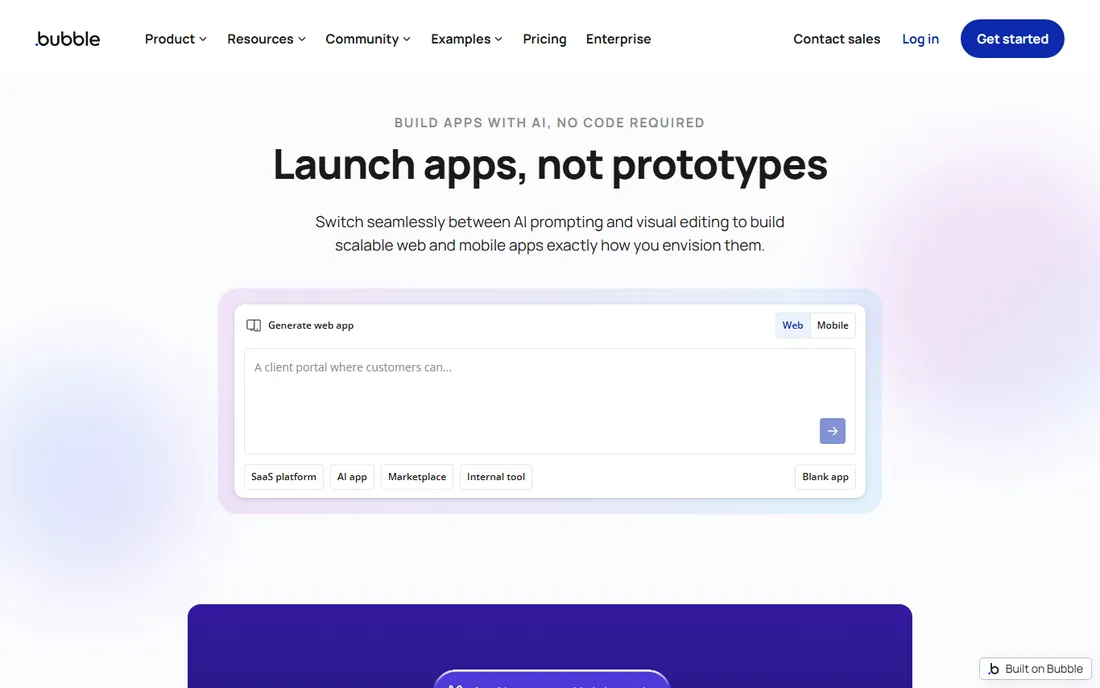
Bubble is the closest thing this category has to a full development stack without code. You design pages with drag and drop, then build logic with workflows and conditionals that go far beyond what most app builders allow. Marketplaces, dashboards, social apps, and multi-user SaaS products have all been shipped on it by founders without technical teams.
That power comes with a genuine learning curve. Simple apps take days to learn; serious ones take weeks of real effort. Pricing is reasonable at the start, but the workload-unit model means a popular app can get expensive, so check the current plan limits against your traffic before committing.
What we like- Visual programming handles front end, workflows, and database in one place
- Large plugin library and API connector for integrations
- Strong community and template ecosystem
Watch out for- Learning curve is steeper than simpler builders
- Usage-based workload charges raise costs as apps scale
- Native mobile is newer and less mature than its web side
Starting price$49 per month (billed annually, Maker)
Free planYes (drafts only, no publishing)
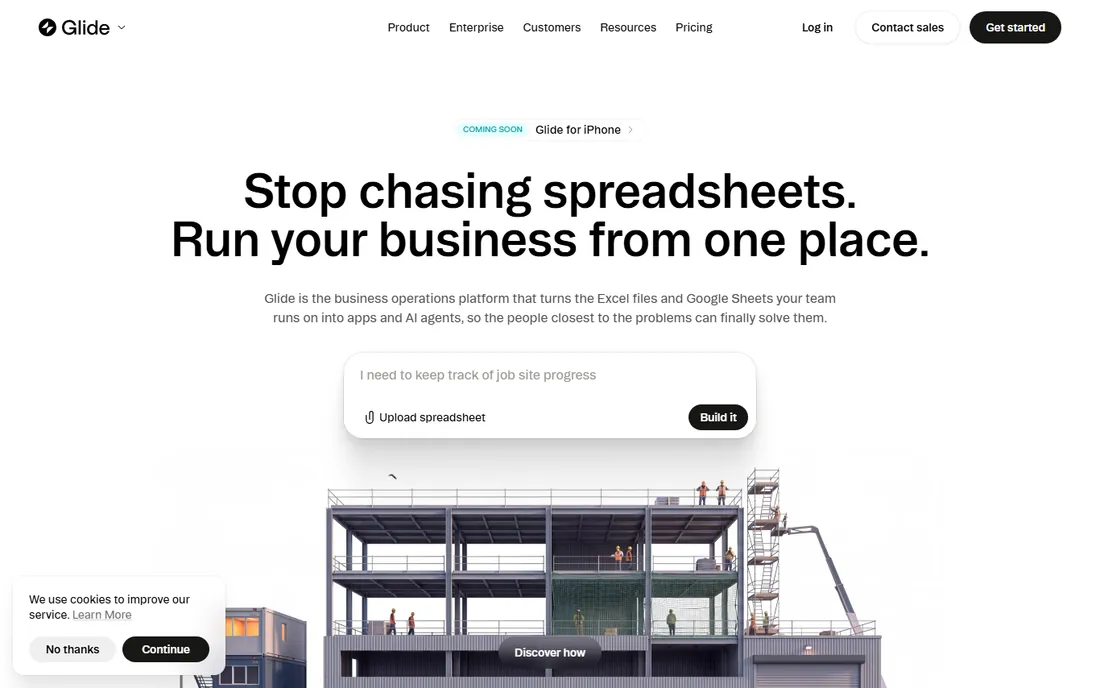
Glide is the fastest path from a spreadsheet to software your team actually uses. Inventory trackers, field inspection apps, customer portals, and team dashboards are its bread and butter. Connect your data, describe the app you want, and Glide generates layouts that look professional out of the box.
The trade-off is scope. Glide apps are web and mobile-friendly but published through Glide, not the Apple App Store or Google Play. If your goal is internal efficiency rather than a public product, that limitation rarely matters, and the security posture makes it a comfortable choice for companies with real data.
What we like- Turns Google Sheets, Excel, and databases into polished apps in hours
- AI app building plus agents for business workflows
- Enterprise-grade security with SOC 2 and GDPR compliance
Watch out for- Built for internal tools, not app store publishing
- Per-user costs add up for larger teams
- Design freedom is limited compared with full builders
#3
Adalo
Best for: publishing true native iOS and Android apps
Visit adalo.com
Starting price$36 per month (billed annually)
Free planYes (500 database records)
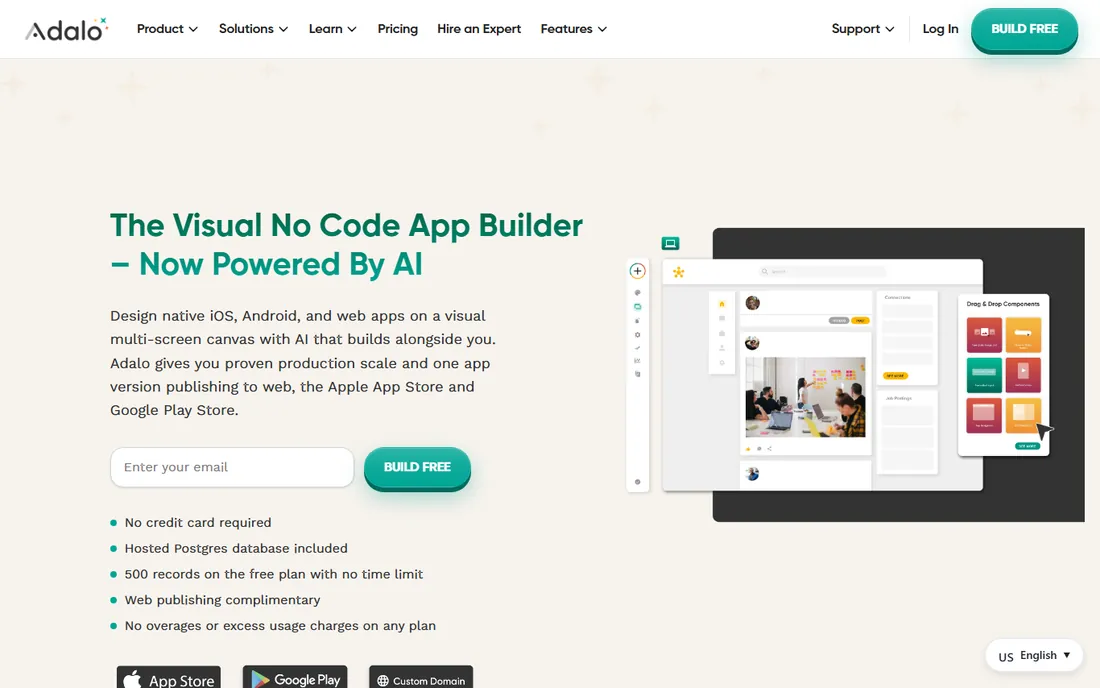
Adalo pairs AI app generation with a visual multi-screen canvas, which is a combination that matters for non-technical builders. You describe the app and get screens, database, and navigation, then refine everything visually. When you are ready, you publish directly to the App Store and Google Play from inside the platform.
The flat $36 monthly pricing with no per-user or usage charges is unusually honest in this space. The free plan includes 500 database records with no time limit, so you can build and test a real app before paying anything. Where Adalo feels less strong is pixel-level design control, where purpose-built tools like FlutterFlow give you more freedom.
What we like- Generates true native iOS (IPA) and Android (AAB) builds, not web wrappers
- Hosted Postgres database included with no setup
- Flat pricing with no usage or overage charges
Watch out for- Component library can feel constrained for unusual designs
- Web apps are secondary to its mobile focus
- Very large apps can hit performance limits
Starting price$29.25 per month (billed annually, Basic)
Free planYes
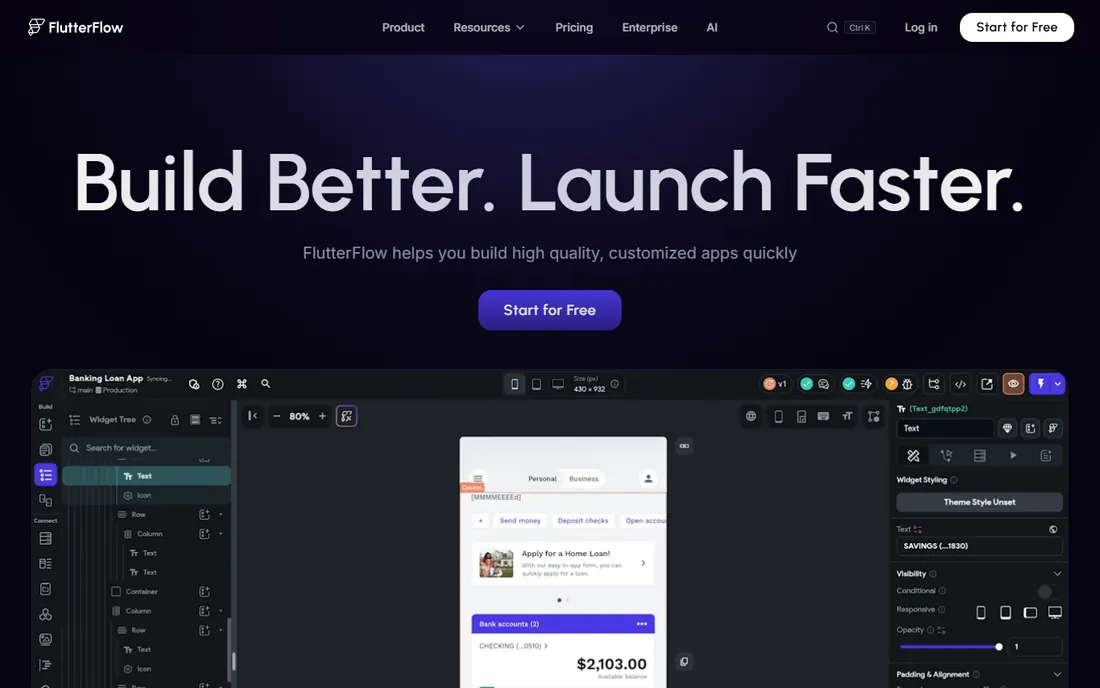
FlutterFlow sits one notch up from pure no-code: it is visual development that generates real, high-quality Flutter code you can download and keep. That makes it the safest long-term bet for startups that might eventually hire developers. Nothing is held hostage on someone else's servers.
The catch is that this power expects more of you. Designing is drag and drop, but connecting Firebase, handling authentication, and wiring logic has a developer flavor. Agencies and product teams love it. A small business owner who just wants a booking app may find simpler tools faster.
What we like- Exports clean Flutter code, so there is no vendor lock-in
- One build deploys to App Store, Play Store, and web
- Strong custom UI and backend integration with Firebase
Watch out for- Non-developers face a real learning curve
- You set up and manage your own backend
- Per-seat pricing increases with team size
Starting price$20 per user/month (Premium)
Free planYes (Developer plan for building and testing; limited Basic included in some Microsoft 365 licenses)
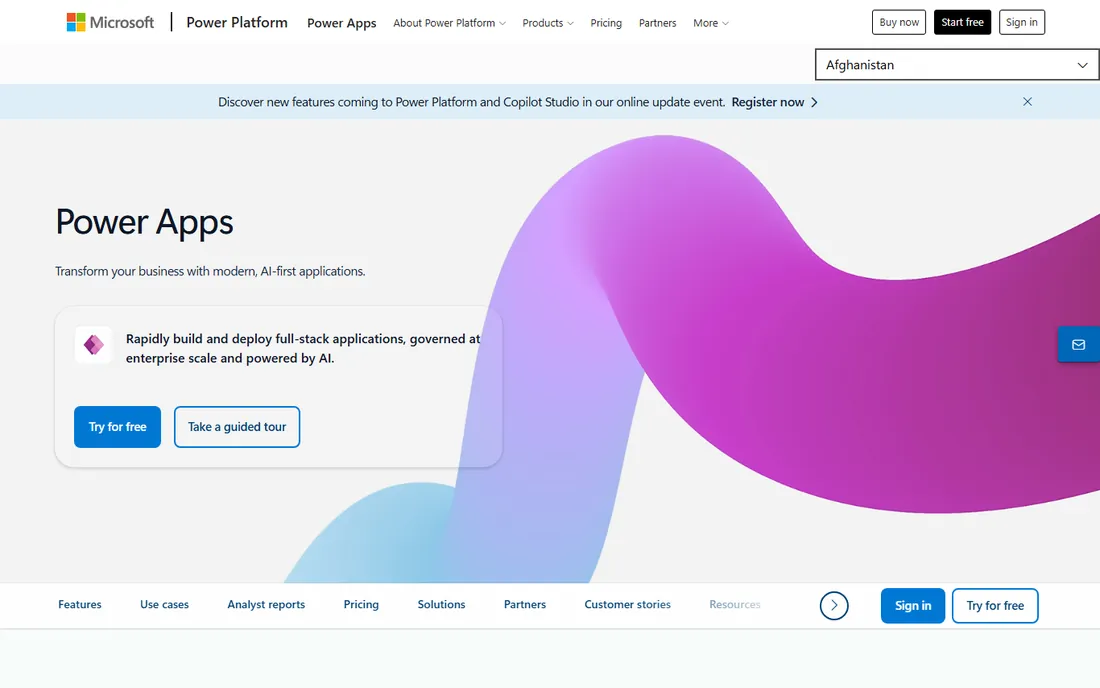
Power Apps is the obvious pick when your company already pays for Microsoft 365. Apps live where your people work, pull data from SharePoint, Excel, SQL Server, or Dataverse, and inherit the security policies IT already manages. For internal process apps, approval workflows, and field data collection, it is hard to beat on fit.
The pricing math deserves attention. Twenty dollars per user per month is fine for a team of fifteen; for two hundred employees it becomes a budget conversation. Microsoft also sells cheaper paths bundled into certain 365 licenses, so check what your current plan already includes before buying Premium seats.
What we like- Deep integration with Microsoft 365, Teams, and Dataverse
- Enterprise governance, security, and compliance built in
- Supports both canvas apps and model-driven apps
Watch out for- Per-user licensing gets expensive across a large workforce
- Dataverse storage can add costs
- Delivers little value outside the Microsoft ecosystem
#6
AppSheet
Best for: field and operational apps for Google Workspace teams
Visit appsheet.com
Starting price$5 per user/month (Starter)
Free planYes (free prototyping tier)
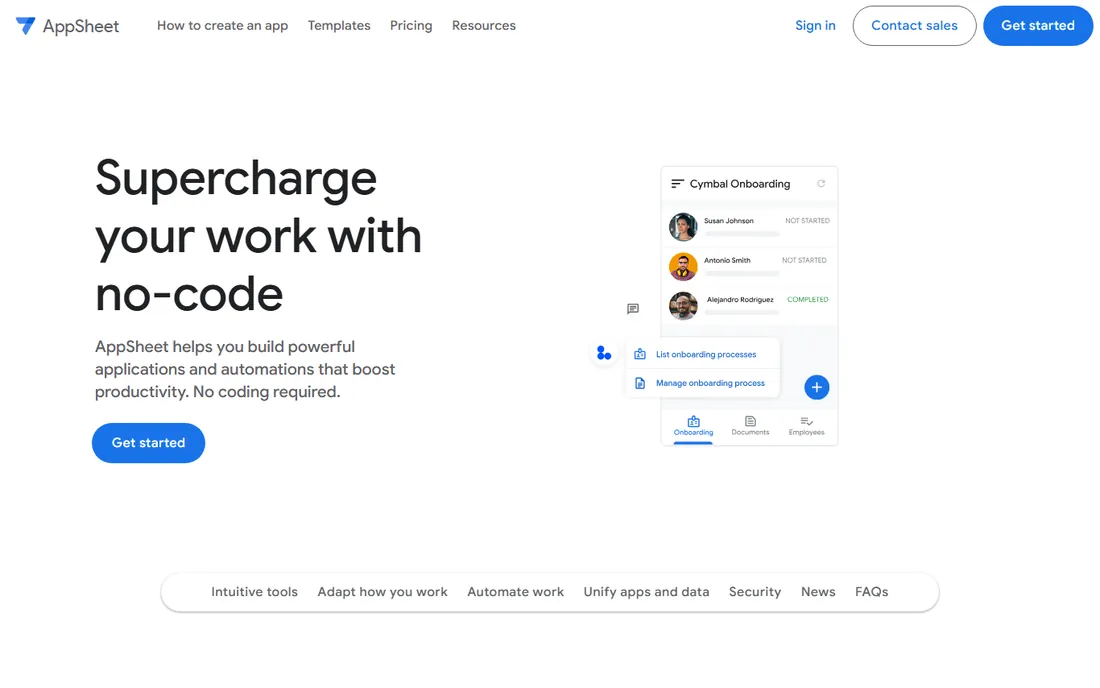
Google's AppSheet is the quiet workhorse of this list. If your operation already runs on Google Sheets, you can generate a working mobile app from that sheet, add forms, barcode scanning, maps, and offline sync, and hand it to a field team. No code at any step.
It is not a design tool, and nobody will mistake an AppSheet app for a consumer product. But for inspections, inventory counts, service reports, and team task tracking, it solves the actual problem at a price almost any small business can accept. The free tier lets you prototype before spending anything.
What we like- Builds apps directly from Google Sheets and other cloud spreadsheets
- Strong offline support for field work
- Simple, affordable per-user pricing
Watch out for- Visual design options are limited
- Complex logic uses spreadsheet-style expressions that get intricate
- Paid deployment is managed through Google account billing
Starting priceFrom $37 per month (billed annually, Builder)
Free planYes
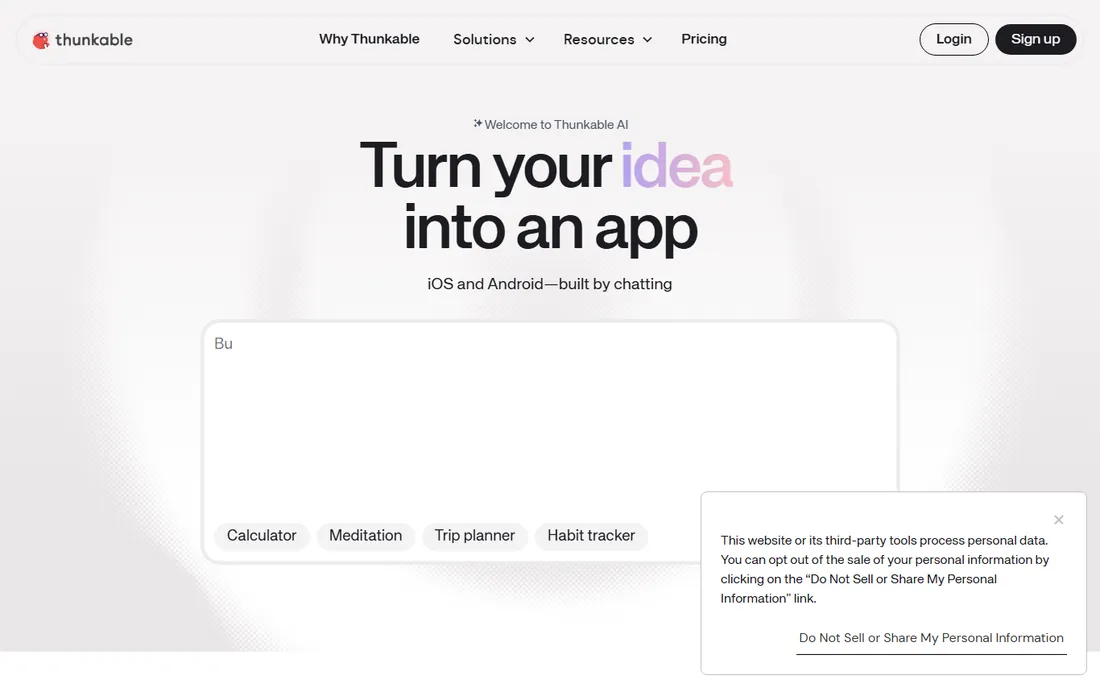
Thunkable has rebuilt itself around the idea that anyone should be able to publish a native mobile app. Its AI builder generates a working app from a description, then you shape it with drag and drop, test live on your phone, and publish to both stores. For hobbyists, educators, and first-time founders, that path is genuinely welcoming.
Power users should know the ceiling. Complex logic, custom integrations, and pixel-exact design are areas where FlutterFlow or Bubble give you more room. Thunkable also reworked its plans in recent years, so confirm the current tier limits against what you plan to build.
What we like- AI-assisted building from plain-language prompts
- Publishes native apps to the App Store and Google Play
- Live testing on real phones during development
Watch out for- Design and logic depth trail the more technical tools
- The platform's AI pivot is still maturing
- Past pricing changes have caught some users off guard
#8
Softr
Best for: client portals and internal tools on Airtable or Google Sheets
Visit softr.io
Starting price$19 per month (billed annually, Basic)
Free planYes (10 app users, unlimited apps and collaborators)
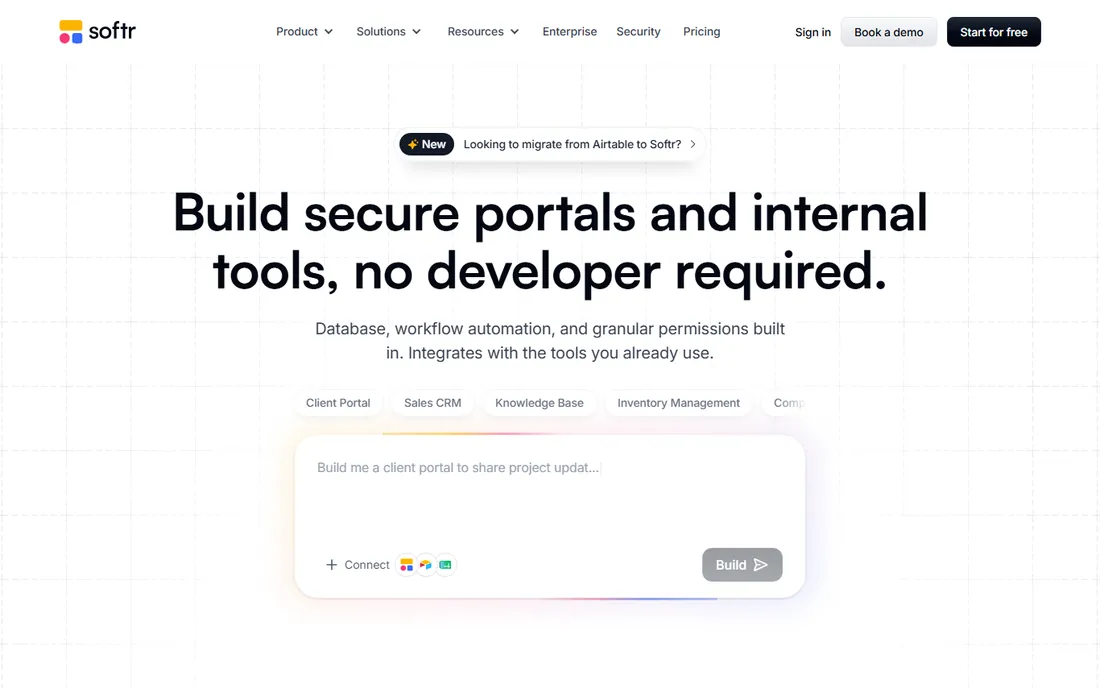
Softr found its niche in the business app corner of no-code: client portals, vendor dashboards, internal CRMs, and membership sites built on data you already keep. The AI Co-Builder assembles the database, pages, user roles, and workflows from a description, and everything stays editable through visual controls afterward.
The pricing model is the standout feature. Charging per app user instead of per seat means a portal for hundreds of clients does not get punishingly expensive the way per-seat tools can. The honest limit is that Softr builds web apps. If your users need a native mobile app, look at Adalo or FlutterFlow instead.
What we like- Turns Airtable, Google Sheets, and 21-plus data sources into polished portals
- User groups and permissions control who sees what
- Priced per app user, not per seat, which scales predictably
Watch out for- Web-only apps, no native mobile publishing
- Design customization works inside guardrails
- Some connectors require the higher tiers
How we chose these app builders
We started from each vendor's own pricing page and product documentation, then cross-checked capabilities against public reviews on G2 and Capterra and real-world discussions on Reddit. We weighed the factors that matter to small and mid-size businesses: how quickly a non-technical person can ship something real, where the app runs and who can use it, what the true monthly cost is at realistic scale, and how the platform handles data, integrations, and security. We did not claim hands-on testing of any product; every fact comes from the vendor's published pages and public user feedback.
What to decide before you pick a builder
Start with three questions: who uses the app, where do they use it, and where does your data already live. A client portal for paying customers points to Softr or Bubble. A native mobile app for the app stores points to Adalo, Thunkable, or FlutterFlow. Internal tools for employees point to Glide, Power Apps, or AppSheet, usually the one matching the software your team already pays for.
Watch the pricing model, not just the price
Entry prices in this list range from $5 to $49 per month, but the models differ wildly. Per-user billing (Power Apps, AppSheet) is predictable but expensive at scale. Usage-based pricing (Bubble's workload units) stays cheap until your app gets busy. Flat-rate plans (Adalo, Softr) are the easiest to budget for. Always model the cost with your actual user count before committing.
Free plans are for building, not shipping
Every platform here lets you start free, and that is the right way to evaluate them. Build a real screen, connect your real data, and test on a phone before paying. Just know that publishing to a custom domain or an app store always requires a paid plan, and free tiers usually cap records, users, or publishing rights.
Think about leaving before you enter
No-code platforms are sticky by design. If your app might grow into something serious, favor tools with an exit path. FlutterFlow exports real code. Bubble and Adalo have large ecosystems and export options that soften the risk. Proprietary builders with no export deserve extra scrutiny of their terms and your long-term cost.
When drag and drop is not enough
No-code builders cover an enormous range of business apps, but they have honest limits. Apps with heavy custom algorithms, real-time multiplayer features, or deep hardware integration still belong with developers. A common pattern that works well is starting on a builder to prove the concept with real users, then rebuilding with a development team once revenue justifies it. Nothing about that path is wasted; the builder phase teaches you exactly what to specify.
Frequently asked questions
What is the best free drag and drop app builder?
Every tool on this list offers a free plan, but they differ in what you can do with it. Adalo's free plan includes 500 database records for building and previewing, Softr allows 10 app users with unlimited apps, and Glide lets you build drafts without publishing. For evaluating a builder, pick the one whose paid plan you would actually buy and test the free tier against your real use case.
Can I publish a no-code app to the App Store?
Yes, with the right platform. Adalo, Thunkable, and FlutterFlow all publish true native apps to the Apple App Store and Google Play. Bubble and Softr build web apps that run in browsers, and Glide apps are distributed through Glide. Check each platform's current store requirements, since Apple occasionally changes its review rules for template-built apps.
How much does it cost to build an app with a drag and drop builder?
Expect $20 to $60 per month for a typical small business app on a paid plan, plus app store developer fees if you publish natively. The real cost depends on the pricing model: per-user plans multiply with your team, usage-based plans rise with traffic, and flat-rate plans stay predictable. Most builders let you validate the idea on a free plan first.
Do I need coding skills to use these platforms?
No for tools like Adalo, Glide, Softr, AppSheet, and Thunkable, which are built for non-technical users. Bubble and FlutterFlow reward some technical thinking even though they do not require code. If you want maximum ease, start with the platform whose examples look most like the app you want to build.
Can I move my app off a no-code platform later?
It depends on the platform. FlutterFlow exports clean Flutter code you can hand to developers. Bubble allows data exports and has a large ecosystem, though the app logic stays on Bubble. Most other builders keep your app inside their platform, so treat the choice as a long-term relationship and read the terms on data export before you commit.
Which builder is best for internal company tools?
If your company runs on Microsoft 365, Power Apps is the natural fit. Google Workspace teams get the most from AppSheet. For spreadsheet-based internal apps without a strong platform allegiance, Glide and Softr are strong choices, with Glide better for mobile-friendly field apps and Softr better for client-facing portals.
Sources we checked (10)
- https://bubble.io/
- https://www.glideapps.com/
- https://www.adalo.com/
- https://www.adalo.com/products/ai-app-builder/
- https://flutterflow.io/
- https://powerapps.microsoft.com/
- https://appsheet.com/
- https://thunkable.com/
- https://www.softr.io/
- https://softr.io/ai-app-generator
Is your product missing or out of date?
We review this list regularly. Vendors can request a listing, send updated pricing or ask about featured placement.

Shihab Mia · Founder, Rankite
Shihab has spent more than a decade helping SaaS and e-commerce brands grow through search. He writes Rankite's software buying guides from pricing pages, documentation and public user reviews. More about Shihab.